MakeLineArt
Artificial Intelligence, Design Tools, Photography, Web App
About MakeLineArt
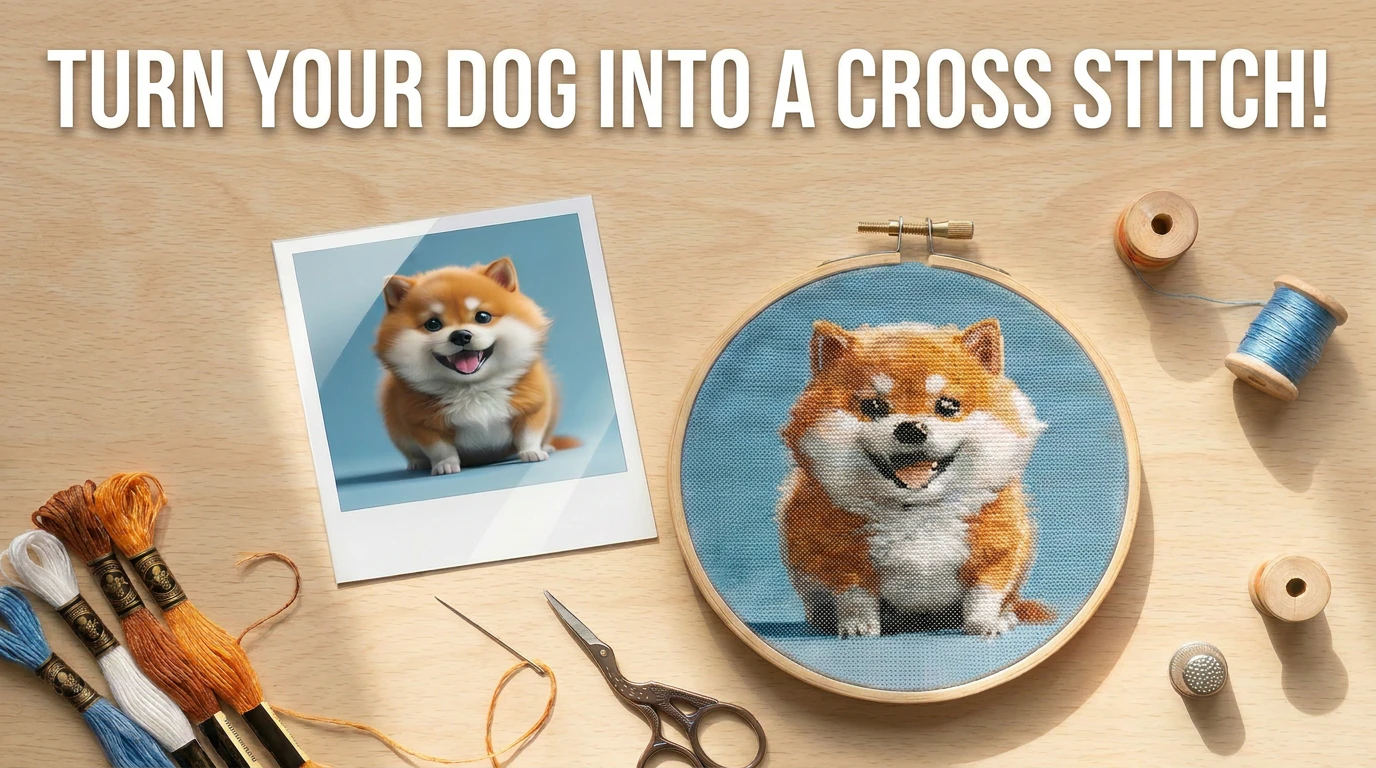
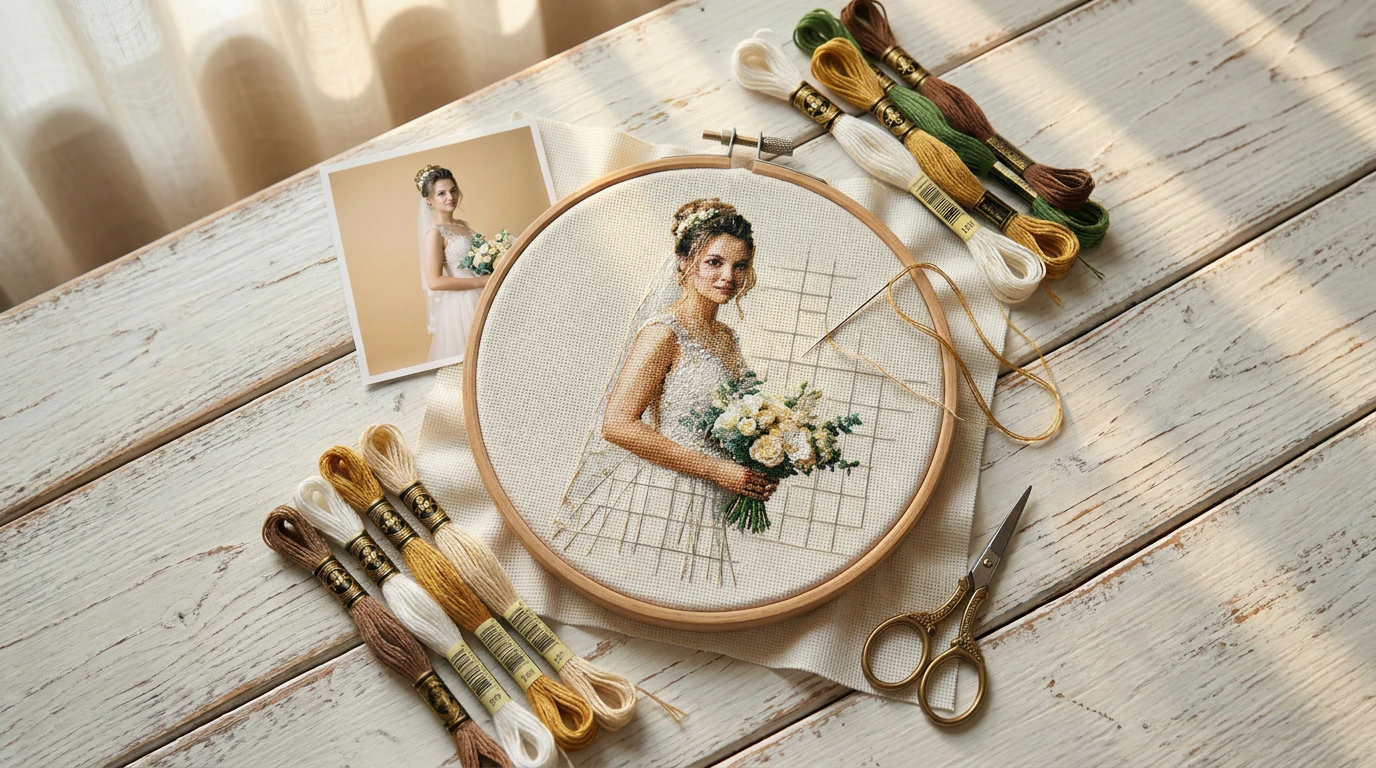
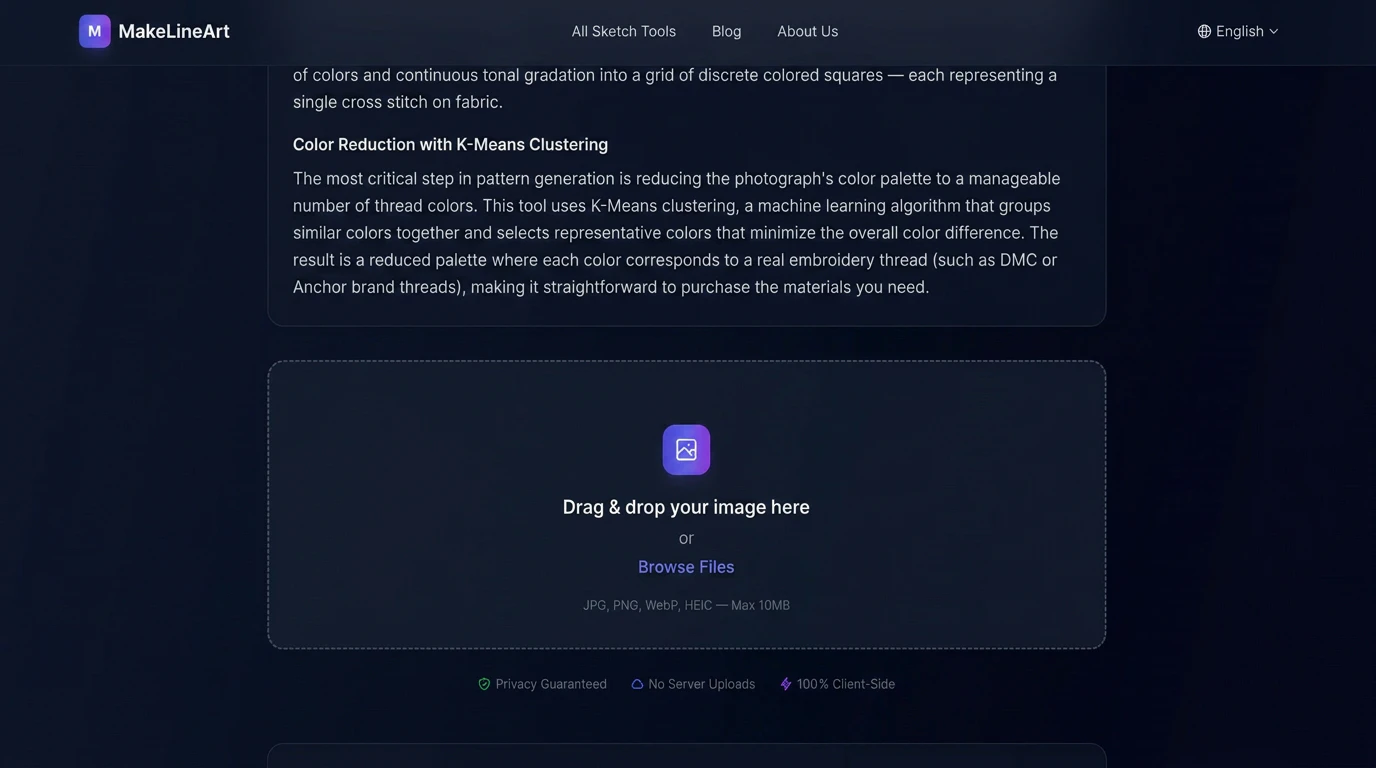
MakeLineArt is a versatile web-based tool that transforms any photo into a variety of artistic styles, including line art, pencil sketches, tattoo stencils, cross-stitch patterns, and more. Powered by WebAssembly, it delivers fast, browser-based processing without requiring any installation or sign-up, ensuring user privacy by keeping images on the local device. Designed for artists, photographers, designers, and hobbyists, MakeLineArt makes it easy to create unique, handcrafted-looking art from digital images in seconds. Its broad range of output styles makes it suitable for creative projects, personalized gifts, or professional design work. The platform's no-cost accessibility and seamless interface make it particularly appealing for users seeking quick, high-quality results without financial commitment.
Screenshots
Pros
- ✓No sign-up required, ensuring quick and private use
- ✓Wide variety of artistic transformation options
- ✓Instant processing with WebAssembly for fast results
- ✓Browser-based, compatible across devices
- ✓Free to use, accessible to anyone
Cons
- ✗Limited advanced editing features beyond style transformations
- ✗Lack of customization options for output styles
- ✗No batch processing for multiple images at once
Use Cases
Pricing
MakeLineArt appears to be free to use, with no subscription or payment required, making it accessible for casual and hobbyist users. Its browser-based nature and emphasis on privacy suggest it operates without hidden costs, though premium features or additional tools may be limited or unavailable.
Quick Info
Topics
Makers

shaojie gong
Similar Tools in AI Image & Design




Embed Badge
Add this badge to your website to show that MakeLineArt is featured on Visalytica.
<a href="https://www.visalytica.com/tool/makelineart" target="_blank" rel="noopener noreferrer" style="display:inline-flex;align-items:center;gap:6px;padding:6px 14px;background:#7c3aed;color:#fff;border-radius:8px;font-family:-apple-system,system-ui,sans-serif;font-size:13px;font-weight:600;text-decoration:none;transition:background .2s" onmouseover="this.style.background='#6d28d9'" onmouseout="this.style.background='#7c3aed'"><svg width="14" height="14" viewBox="0 0 24 24" fill="none" stroke="currentColor" stroke-width="2.5" stroke-linecap="round" stroke-linejoin="round"><path d="M12 20V10"/><path d="M18 20V4"/><path d="M6 20v-4"/></svg>Featured on Visalytica</a>