
Maildun for Mac
Design on-brand emails by hand, with AI, or over MCP
About Maildun for Mac
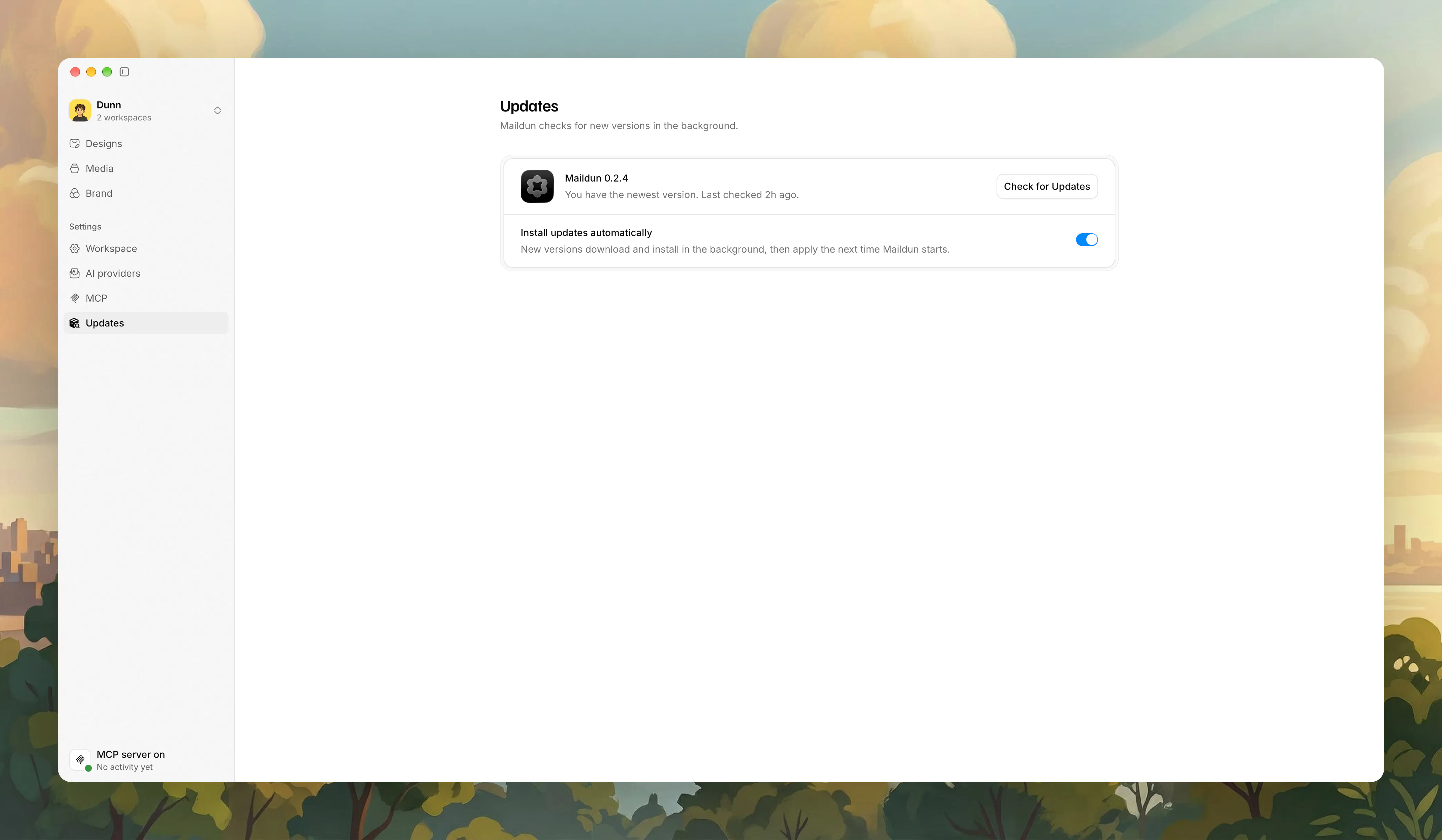
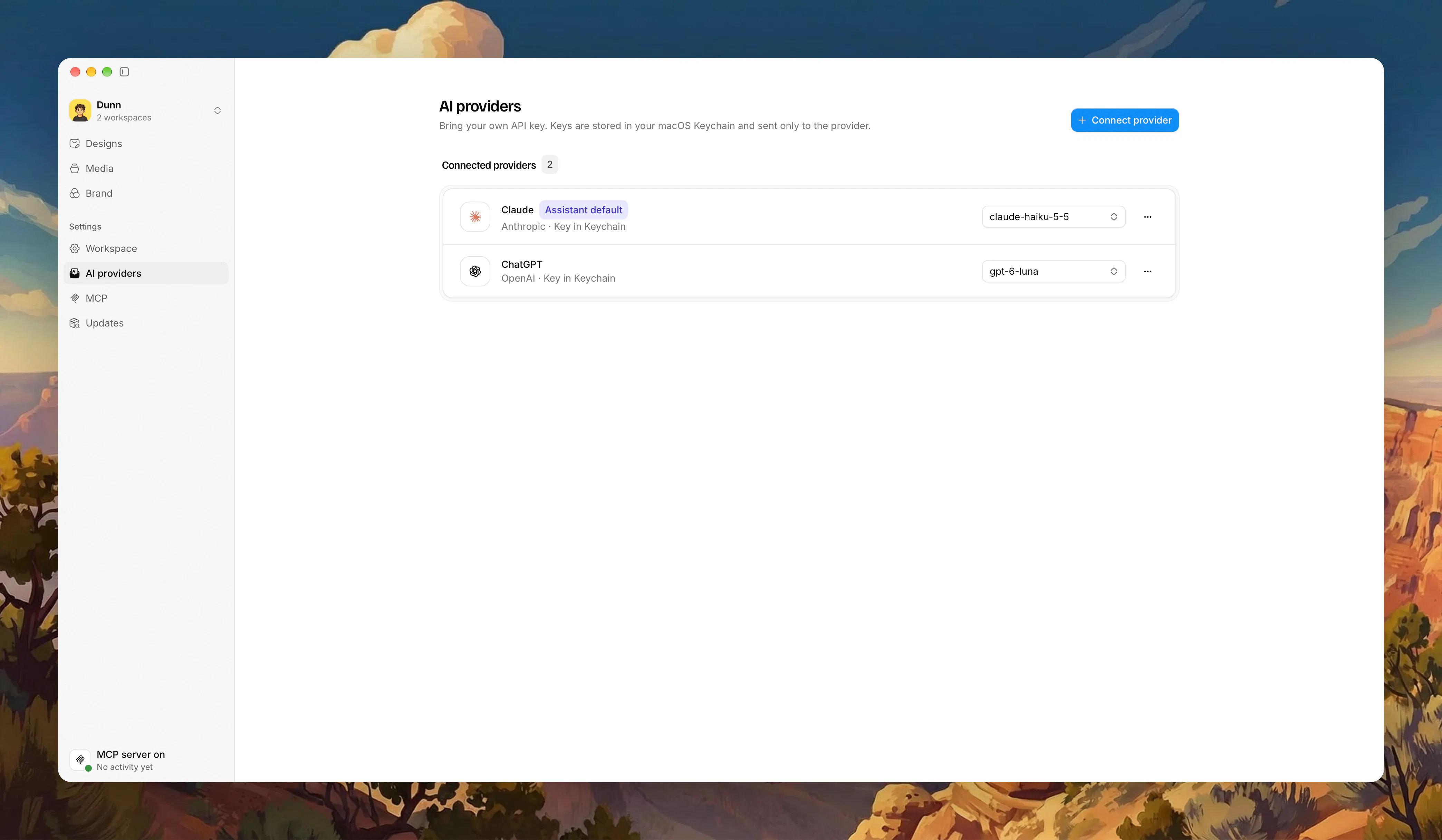
Maildun for Mac is an innovative email design tool tailored for macOS users seeking to create on-brand, professional emails with ease. It combines a user-friendly drag-and-drop editor with advanced AI integrations, allowing users to either design manually or leverage AI assistants like Claude, ChatGPT, Gemini, or Grok to generate or refine email content and layouts in real-time. The platform also offers a built-in MCP server, enabling sophisticated editing with additional AI models such as Claude Code, Codex, or Cursor, making it ideal for developers and marketers alike. With features like workspace management per client, brand kits with shadcn-style components, saved sections, media hosting on personal S3 or R2 buckets, and seamless publishing to maildun.com, it provides a comprehensive email creation ecosystem. Whether you are a designer, marketer, or developer, Maildun streamlines the entire email design process while maintaining brand consistency and leveraging AI’s creative power.
Screenshots
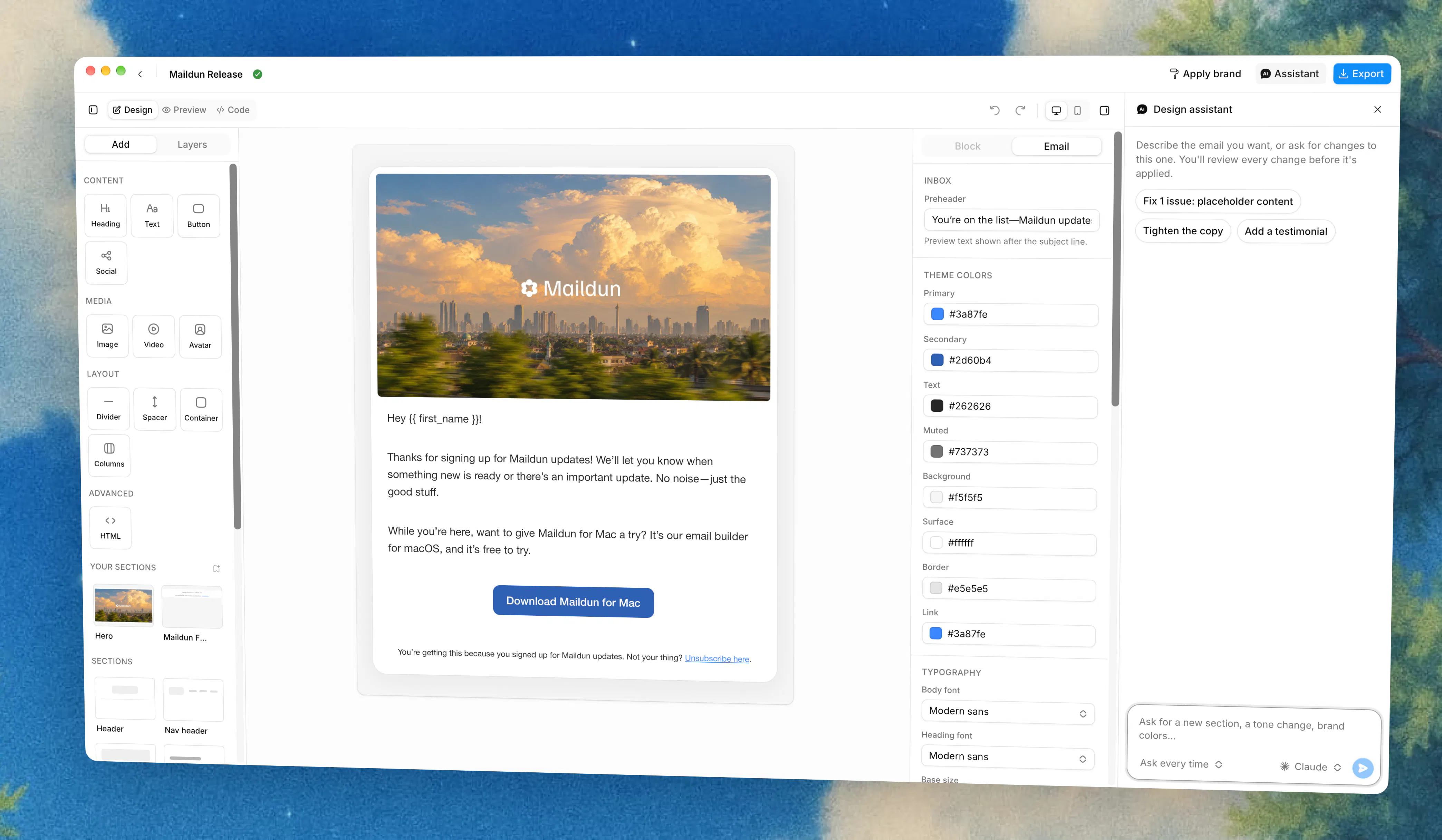
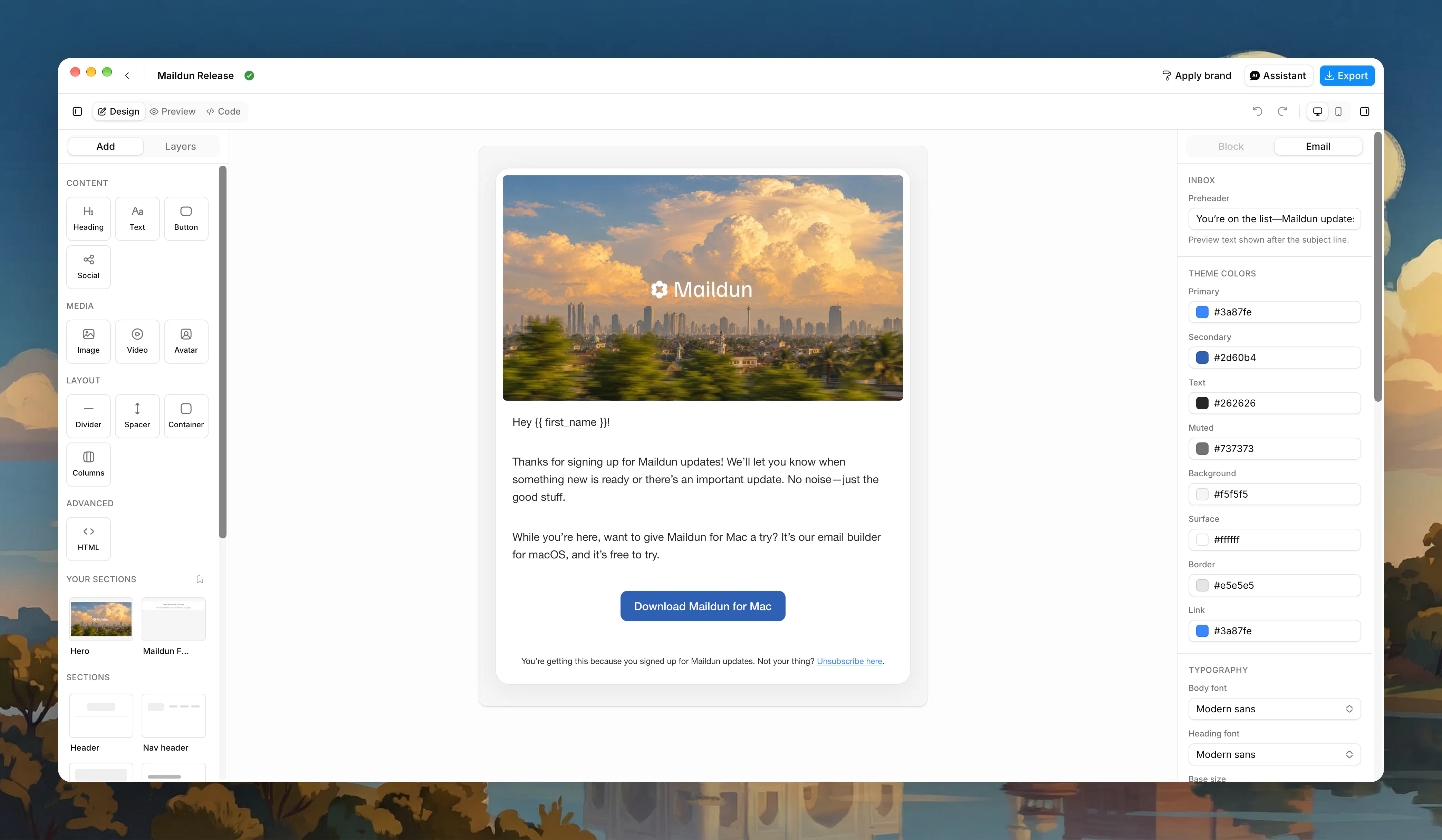
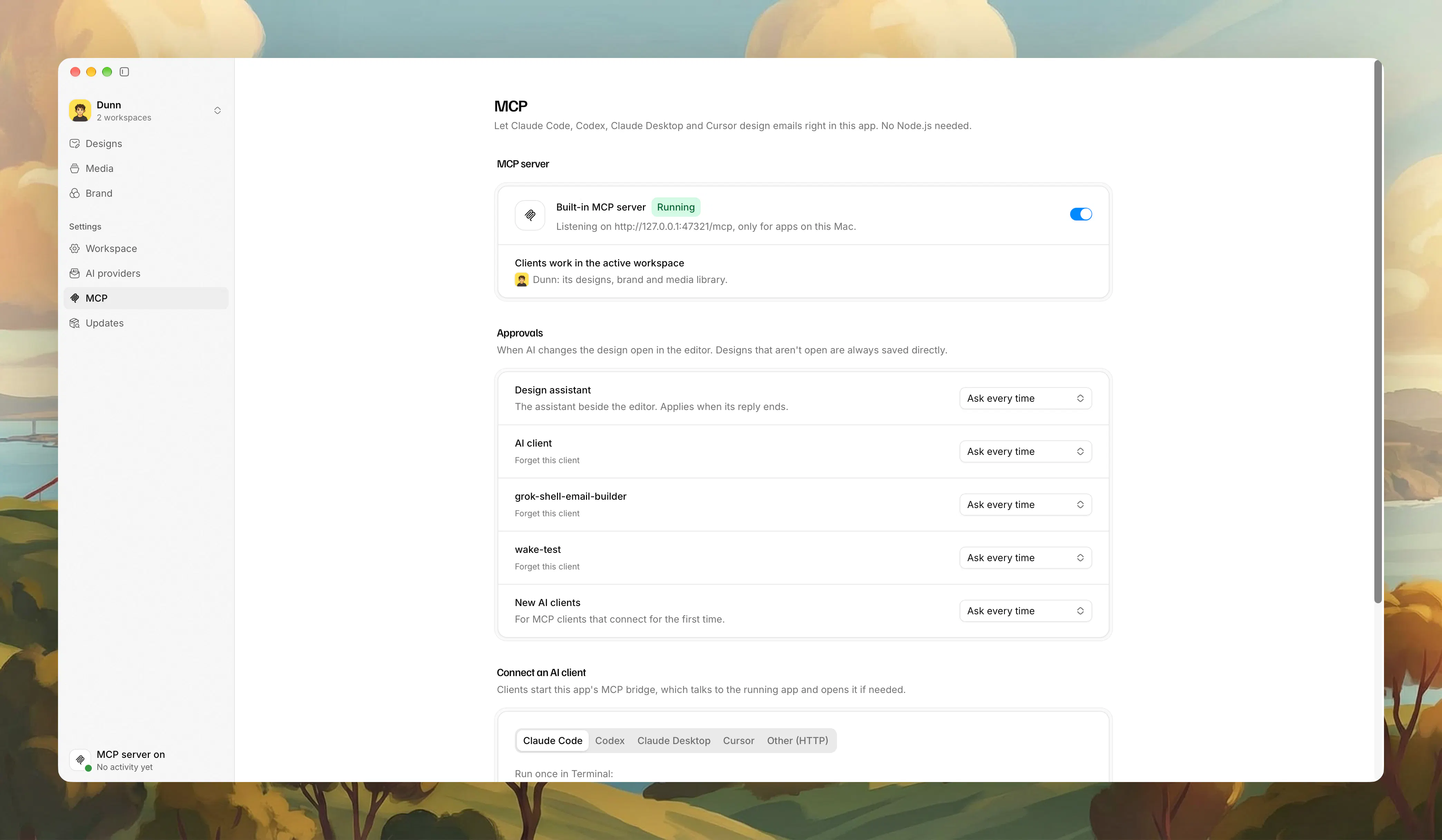
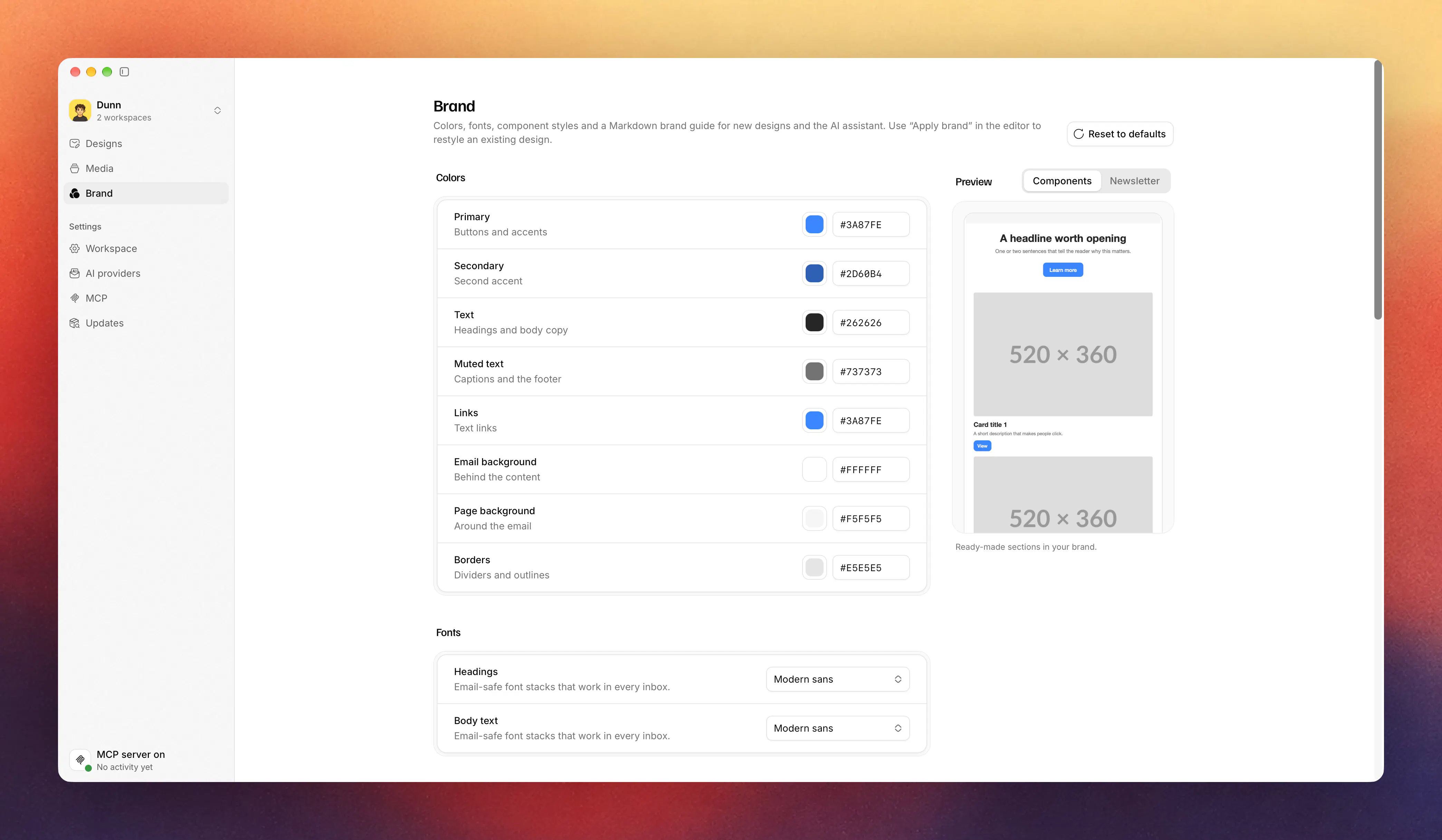
+3 more screenshots
Pros
- ✓Integrates multiple AI assistants for dynamic email content and design proposals
- ✓Customizable brand kits and reusable sections enhance workflow efficiency
- ✓Supports media hosting on personal cloud storage for full control
- ✓Workspace management per client improves organization and collaboration
- ✓Options for manual design or AI-assisted editing cater to different user preferences
Cons
- ✗Complexity may require a learning curve for new users
- ✗Limited information on pricing and subscription plans
- ✗Votes on ProductHunt indicate limited community feedback or adoption at this stage
Use Cases
Pricing
Pricing not verified
Quick Info
Topics
Makers

Dunn
Alternatives
Similar Tools in AI Assistants




Embed Badge
Add this badge to your website to show that Maildun for Mac is featured on Visalytica.
<a href="https://www.visalytica.com/tool/maildun-for-mac" target="_blank" rel="noopener noreferrer" style="display:inline-flex;align-items:center;gap:6px;padding:6px 14px;background:#7c3aed;color:#fff;border-radius:8px;font-family:-apple-system,system-ui,sans-serif;font-size:13px;font-weight:600;text-decoration:none;transition:background .2s" onmouseover="this.style.background='#6d28d9'" onmouseout="this.style.background='#7c3aed'"><svg width="14" height="14" viewBox="0 0 24 24" fill="none" stroke="currentColor" stroke-width="2.5" stroke-linecap="round" stroke-linejoin="round"><path d="M12 20V10"/><path d="M18 20V4"/><path d="M6 20v-4"/></svg>Featured on Visalytica</a>