
mactooloud
The per-app volume mixer macOS forgot to ship
About mactooloud
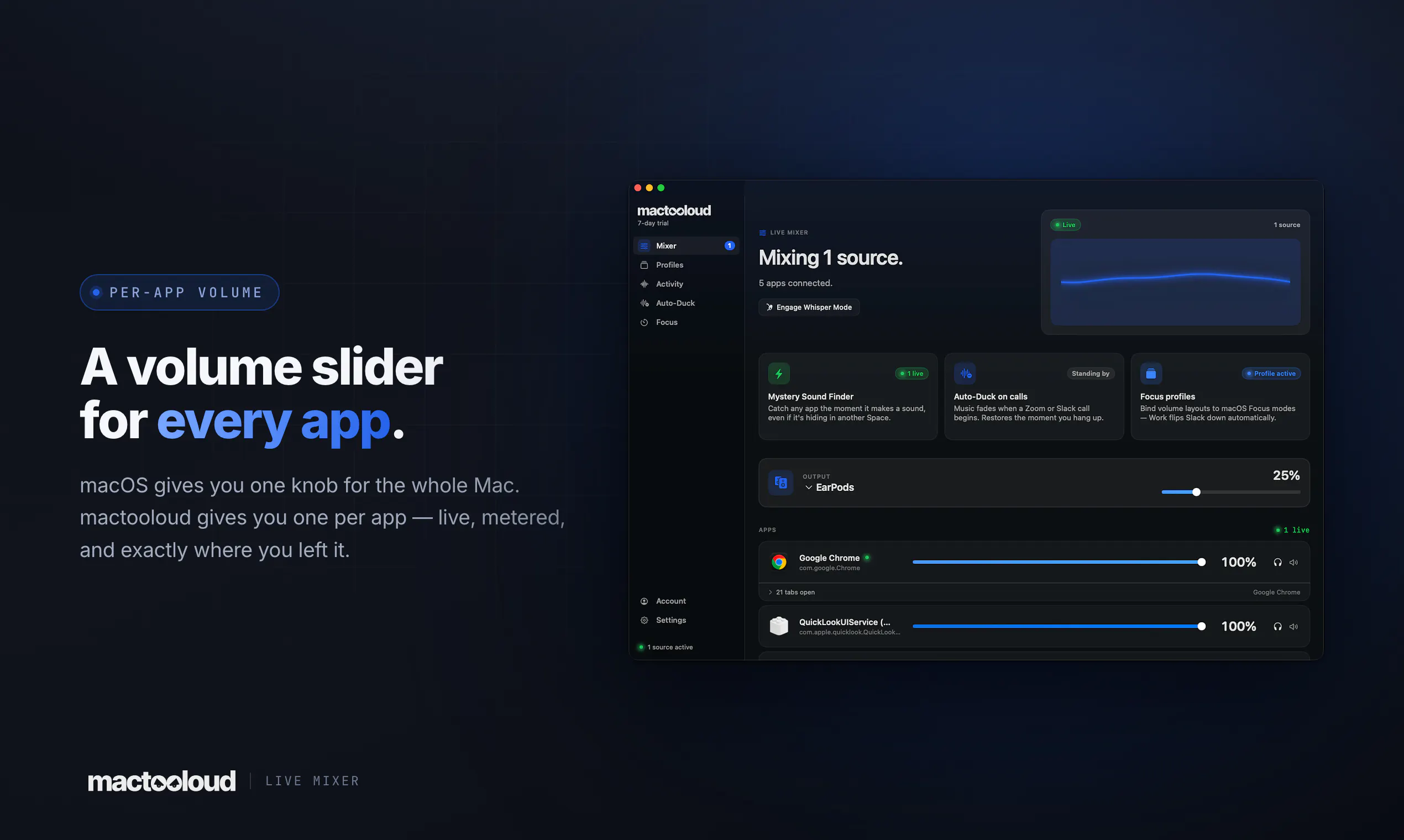
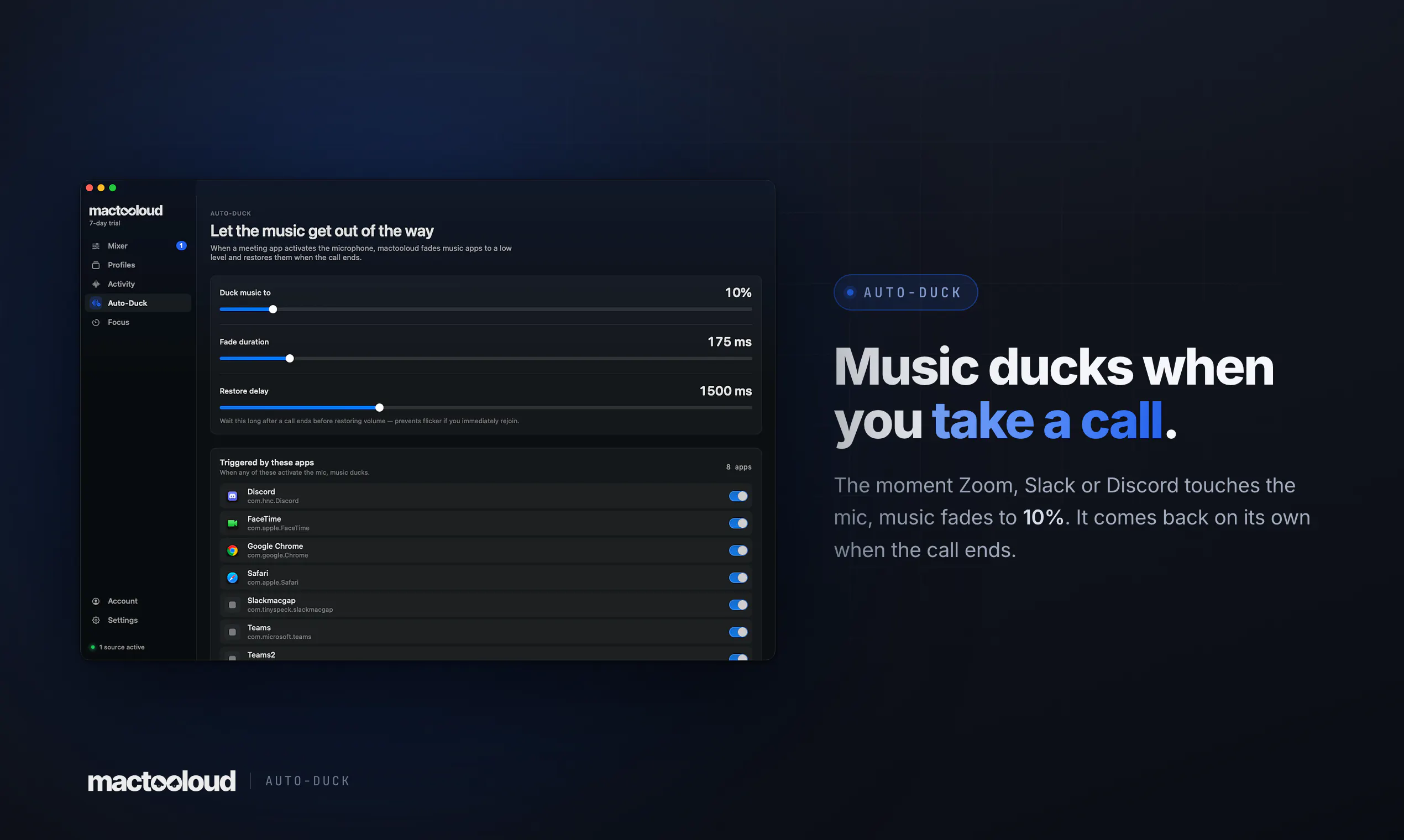
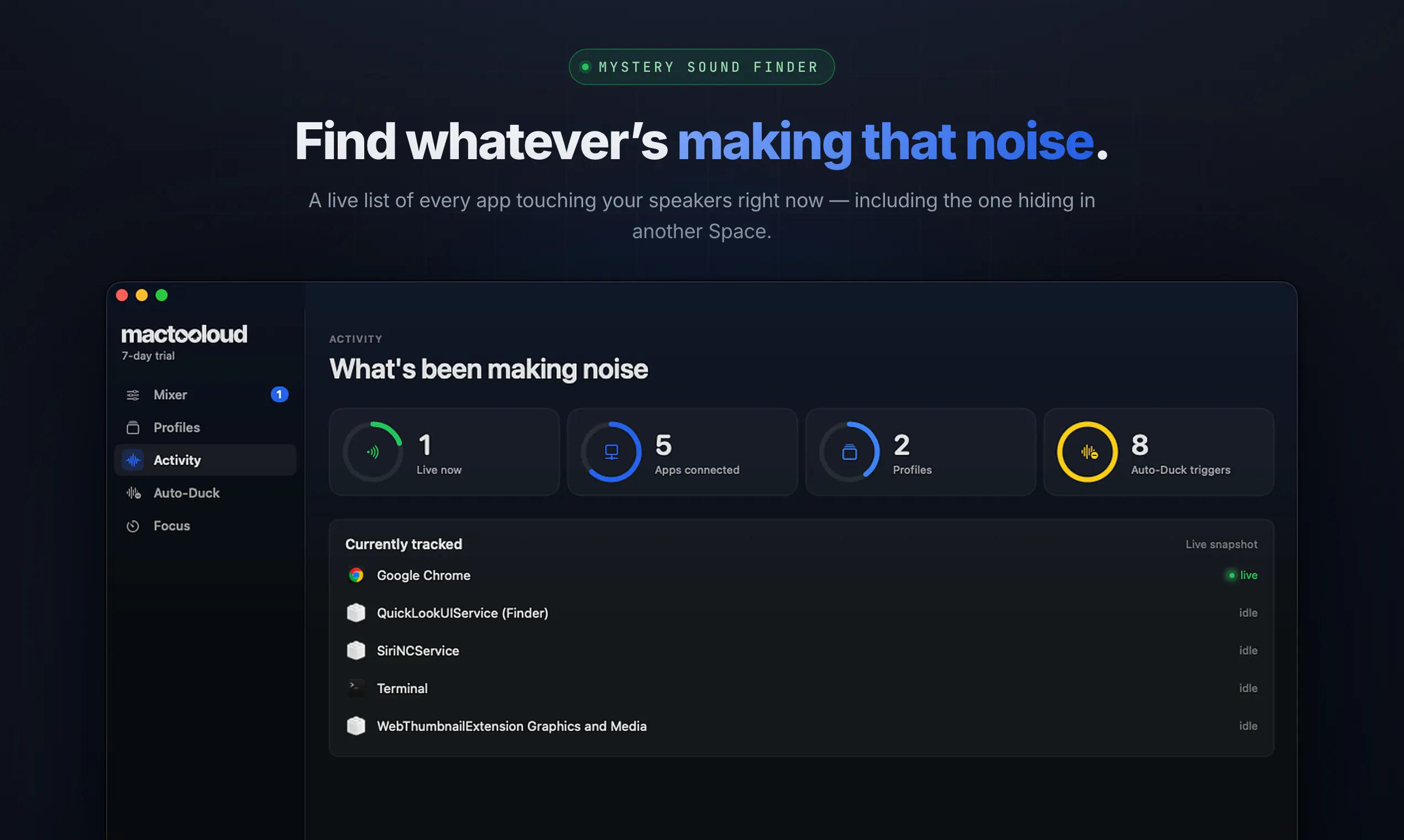
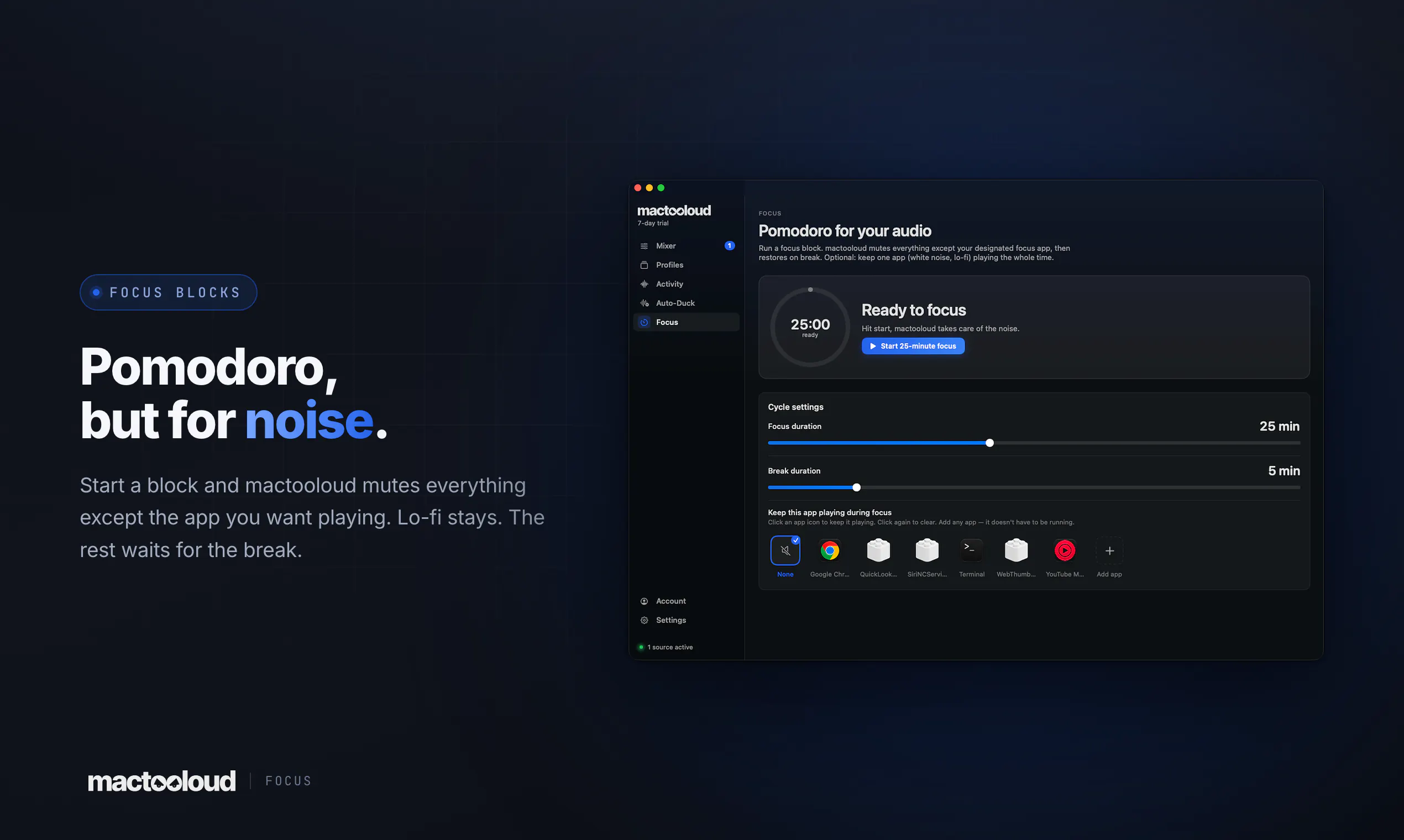
mactooloud is an innovative macOS utility that transforms the way users manage audio across different applications. Unlike the built-in system volume control, which adjusts the overall sound level, mactooloud offers per-app volume mixing, giving users precise control over individual app volumes. This is especially useful for professionals and casual users who want to fine-tune their audio environment—whether reducing Chrome's noise without affecting Spotify or balancing multiple communication tools during a busy workday. Its seamless, native menu-bar integration ensures a smooth experience without the need for audio drivers, kernel extensions, or virtual devices, making it lightweight and easy to use. Additionally, features like Auto-Duck for automatically lowering music during calls, the Mystery Sound Finder for locating elusive noises, and Focus mode for isolating one app enhance productivity and usability. Compatible with macOS 14.4+ and available with a 7-day free trial, mactooloud is an essential tool for anyone looking to elevate their audio management on Mac.
Screenshots
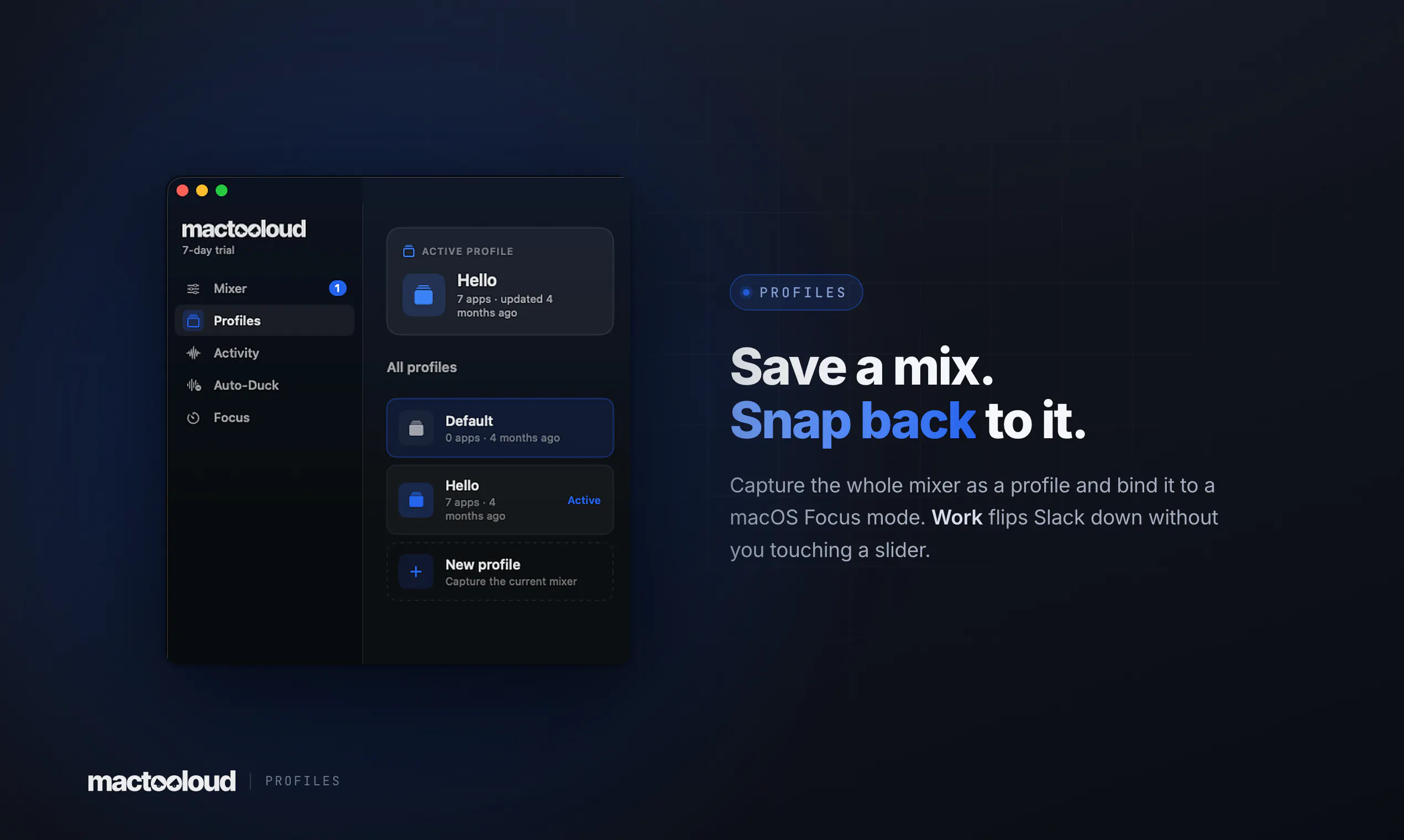
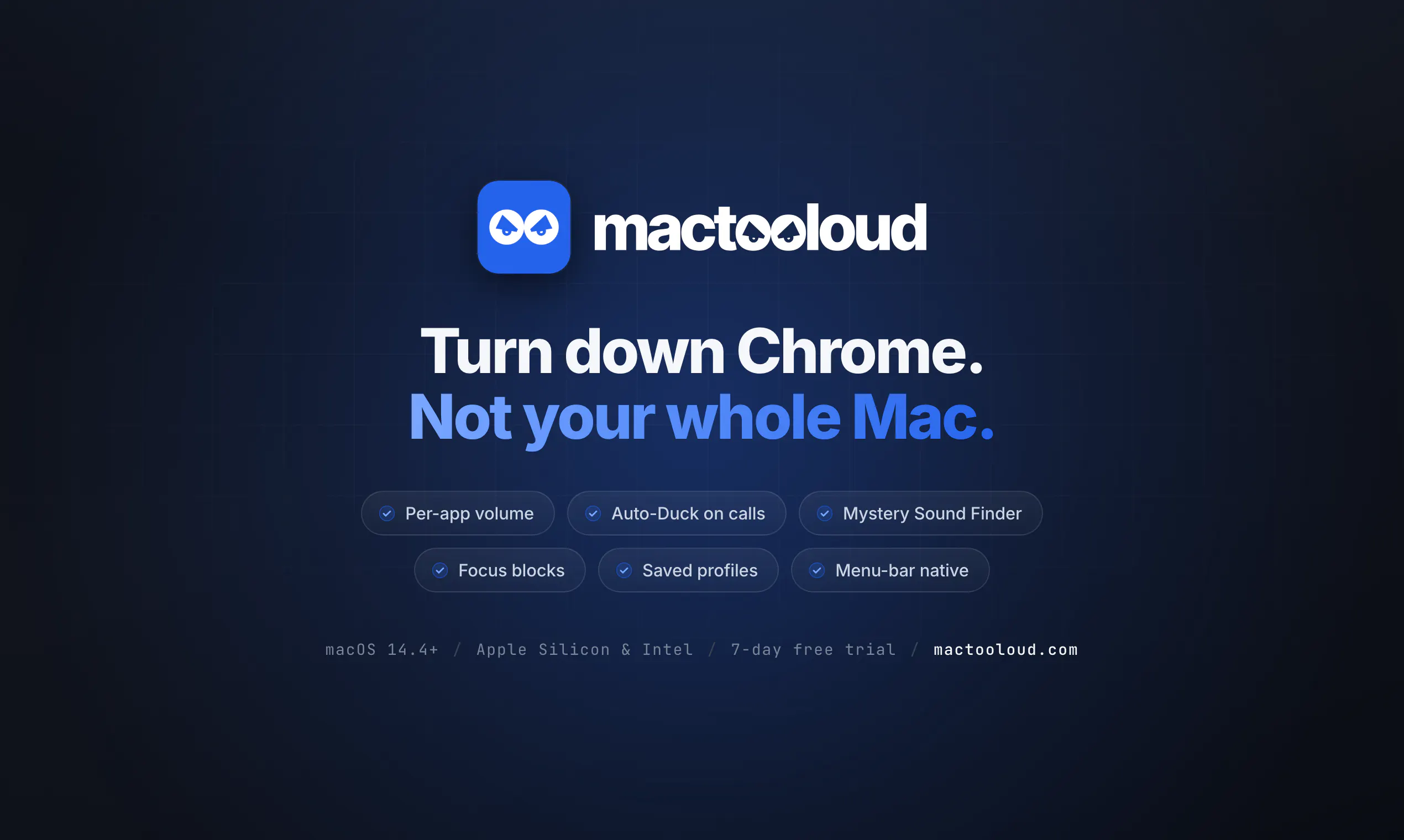
Pros
- ✓Per-app volume control for precise audio management
- ✓No need for drivers, kernel extensions, or virtual devices
- ✓Features like Auto-Duck, Mystery Sound Finder, and Focus mode enhance productivity
- ✓Native menu-bar app with a lightweight footprint
- ✓Compatible with macOS 14.4+ and offers a free trial
Cons
- ✗Currently no votes on Product Hunt, indicating limited user feedback
- ✗Potential learning curve for new users unfamiliar with advanced audio controls
- ✗Features may be limited for users needing complex audio routing
Use Cases
Pricing
Pricing not verified
Quick Info
Topics
Makers

Krishna Kant Singh
@kkxinghAlternatives
Similar Tools in AI Audio & Voice




Embed Badge
Add this badge to your website to show that mactooloud is featured on Visalytica.
<a href="https://www.visalytica.com/tool/mactooloud" target="_blank" rel="noopener noreferrer" style="display:inline-flex;align-items:center;gap:6px;padding:6px 14px;background:#7c3aed;color:#fff;border-radius:8px;font-family:-apple-system,system-ui,sans-serif;font-size:13px;font-weight:600;text-decoration:none;transition:background .2s" onmouseover="this.style.background='#6d28d9'" onmouseout="this.style.background='#7c3aed'"><svg width="14" height="14" viewBox="0 0 24 24" fill="none" stroke="currentColor" stroke-width="2.5" stroke-linecap="round" stroke-linejoin="round"><path d="M12 20V10"/><path d="M18 20V4"/><path d="M6 20v-4"/></svg>Featured on Visalytica</a>