
Maccess
Your Mac, in your pocket — trackpad, screen, and AI
About Maccess
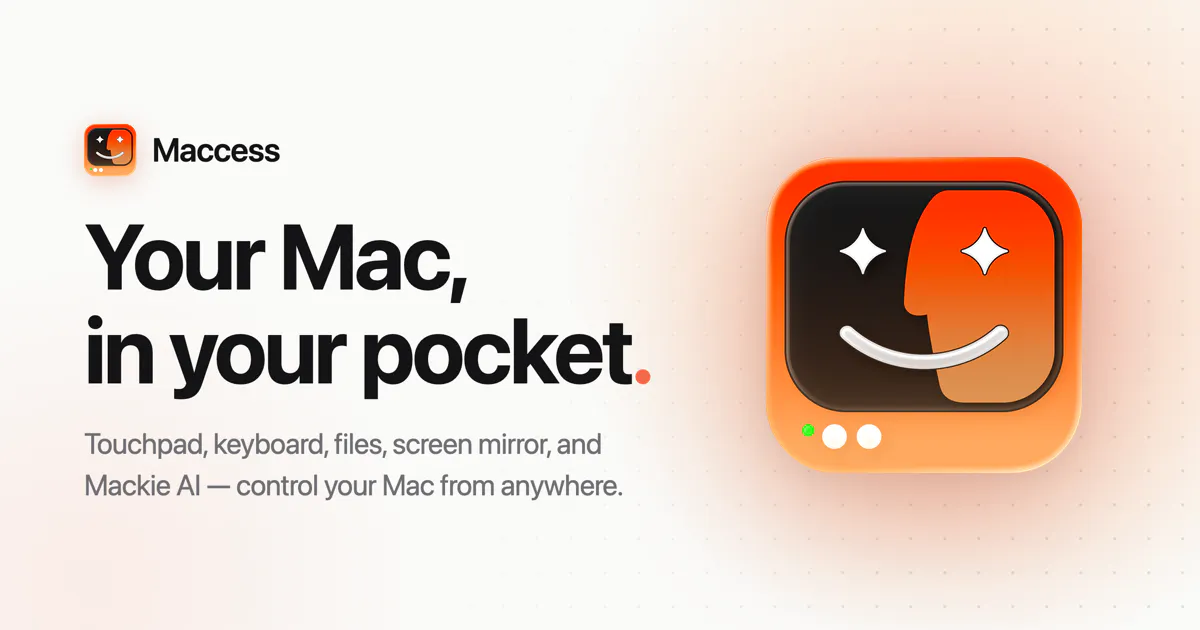
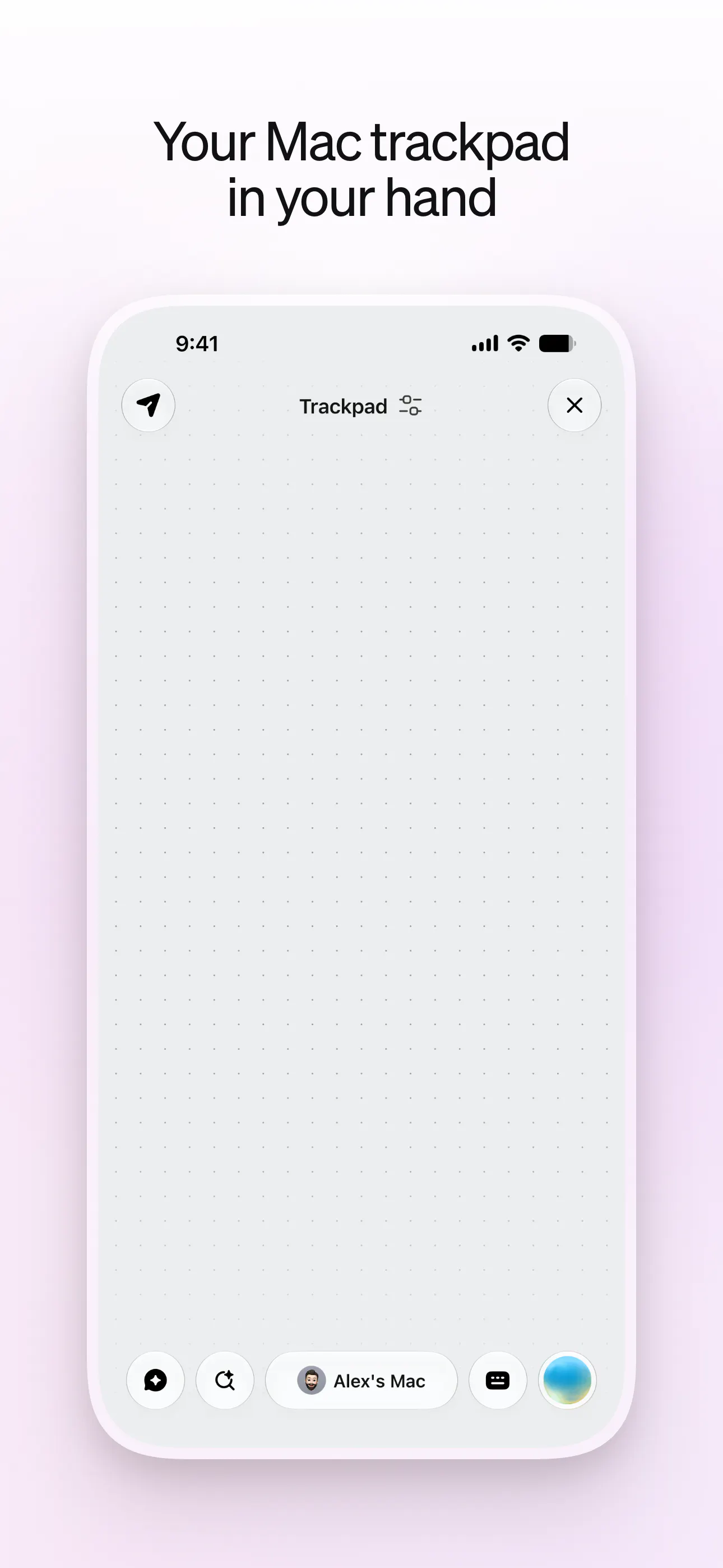
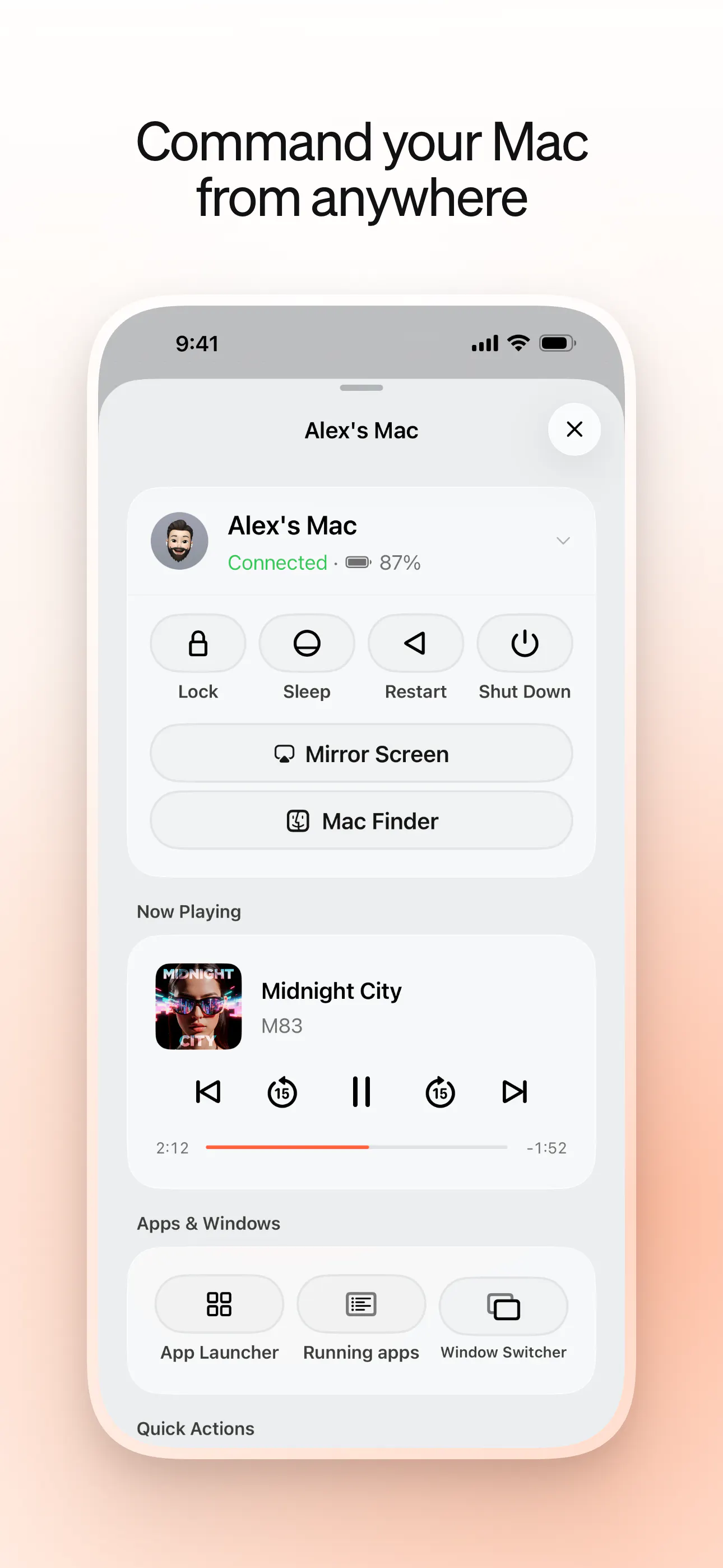
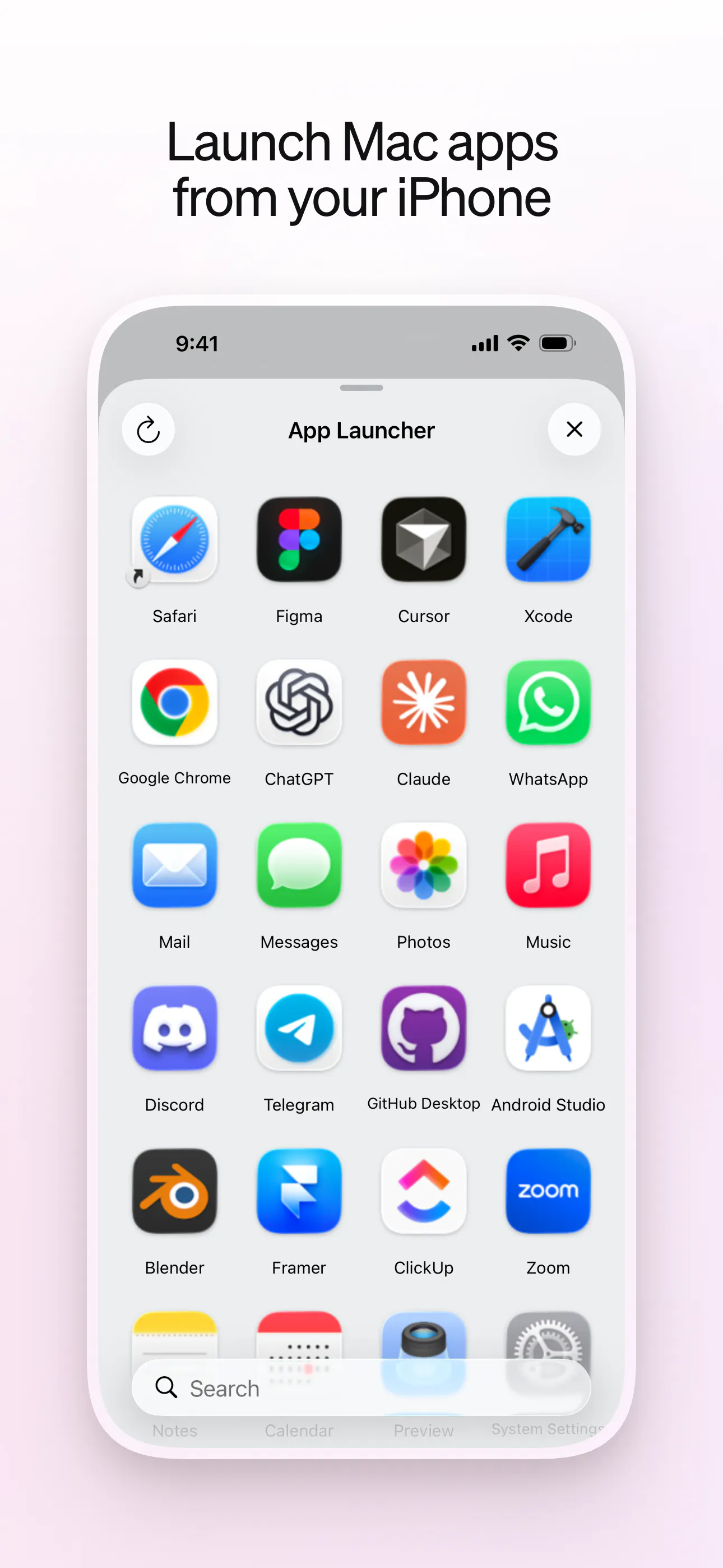
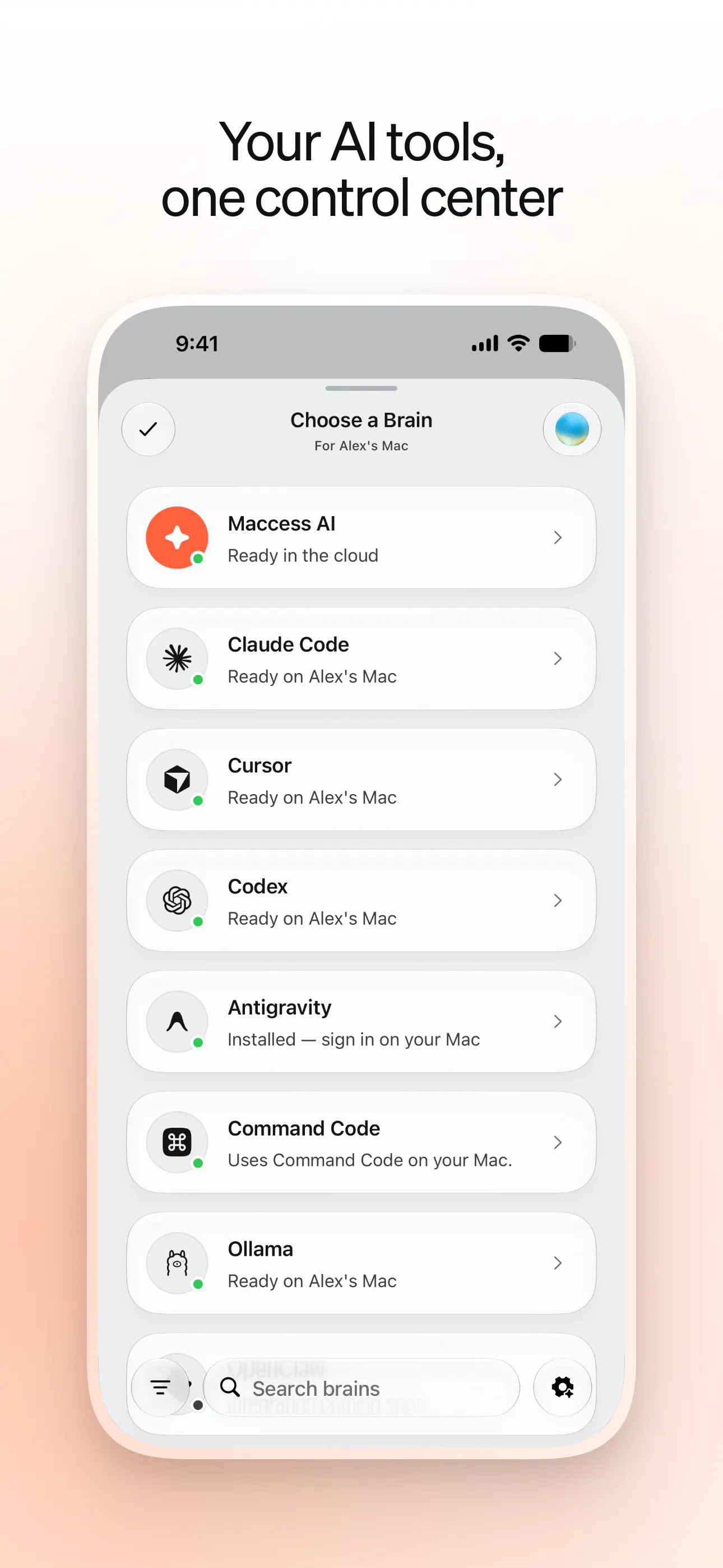
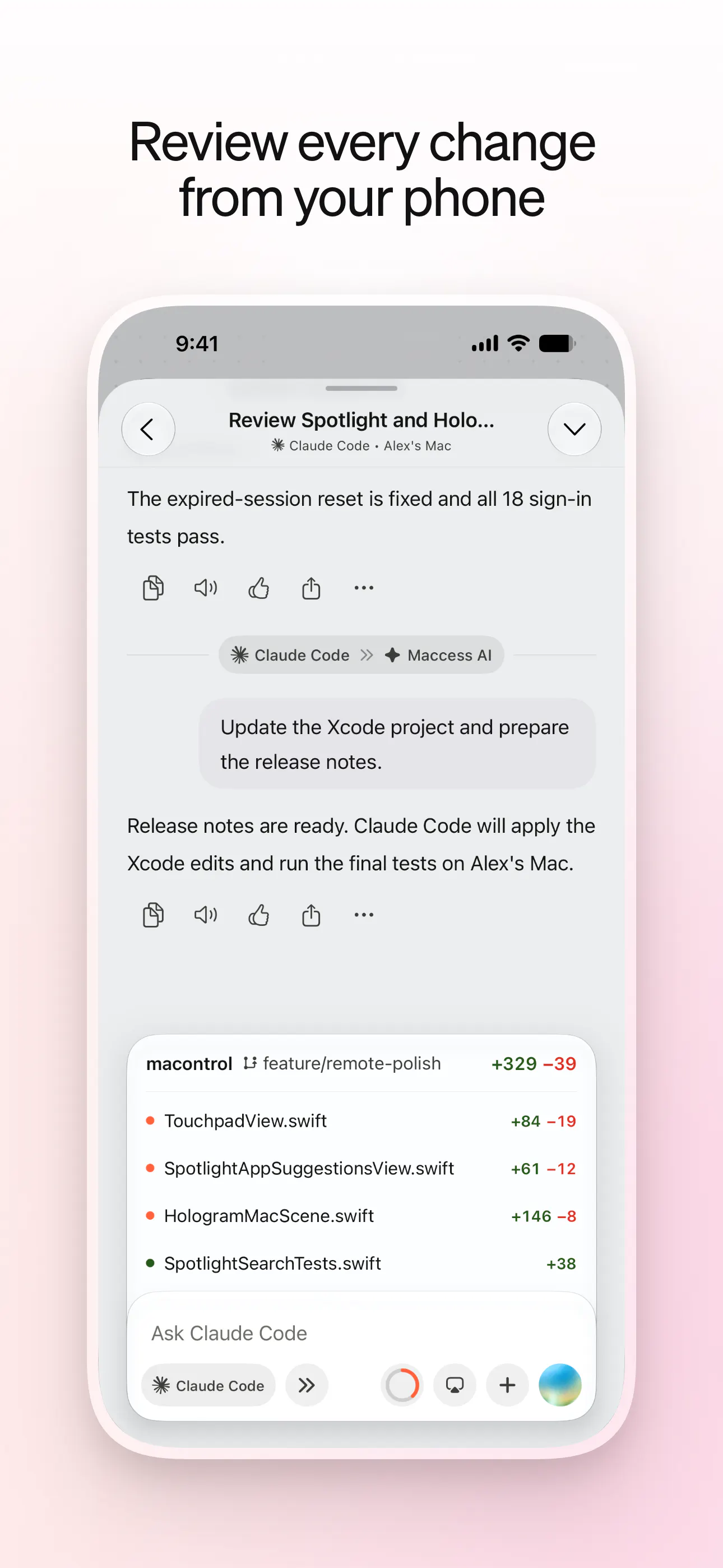
Maccess is an innovative app that transforms your iPhone into a powerful remote control for your Mac. Designed for developers, remote workers, and Mac enthusiasts, it offers a seamless way to manage your Mac via touchpad, keyboard, screen mirroring, and file transfer — all from your iPhone. Its standout feature is Mackie AI, which enhances control and provides intelligent assistance, making remote interactions more efficient and intuitive. Whether you're giving presentations, troubleshooting, or simply want to access your Mac on the go, Maccess enables users to pair devices over Wi-Fi or access their Mac remotely from anywhere with Online Access. Its integration of AI and versatile connectivity options make it a unique tool for enhancing productivity and convenience in the Apple ecosystem.
Screenshots
+5 more screenshots
Pros
- ✓Enables remote control of Mac via iPhone with touchpad, keyboard, and screen sharing
- ✓Supports Wi-Fi pairing and remote access from anywhere with Online Access
- ✓Includes Mackie AI for intelligent assistance and enhanced control
- ✓Easy setup and user-friendly interface tailored for Apple users
- ✓Offers file transfer and screen mirroring functionalities
Cons
- ✗Limited votes on ProductHunt suggest it may still be gaining popularity
- ✗Potential latency issues depending on network quality
- ✗Features may require some initial configuration for optimal use
Use Cases
Pricing
Likely follows a freemium model with basic features available for free and premium features or unlimited access offered through paid plans, typically starting around $10-$20 per month.
Quick Info
Topics
Makers

Muhammad Ahmad
Alternatives
Similar Tools in AI Assistants




Embed Badge
Add this badge to your website to show that Maccess is featured on Visalytica.
<a href="https://www.visalytica.com/tool/maccess" target="_blank" rel="noopener noreferrer" style="display:inline-flex;align-items:center;gap:6px;padding:6px 14px;background:#7c3aed;color:#fff;border-radius:8px;font-family:-apple-system,system-ui,sans-serif;font-size:13px;font-weight:600;text-decoration:none;transition:background .2s" onmouseover="this.style.background='#6d28d9'" onmouseout="this.style.background='#7c3aed'"><svg width="14" height="14" viewBox="0 0 24 24" fill="none" stroke="currentColor" stroke-width="2.5" stroke-linecap="round" stroke-linejoin="round"><path d="M12 20V10"/><path d="M18 20V4"/><path d="M6 20v-4"/></svg>Featured on Visalytica</a>