
MacCam
The camera app Apple never shipped for the Mac
About MacCam
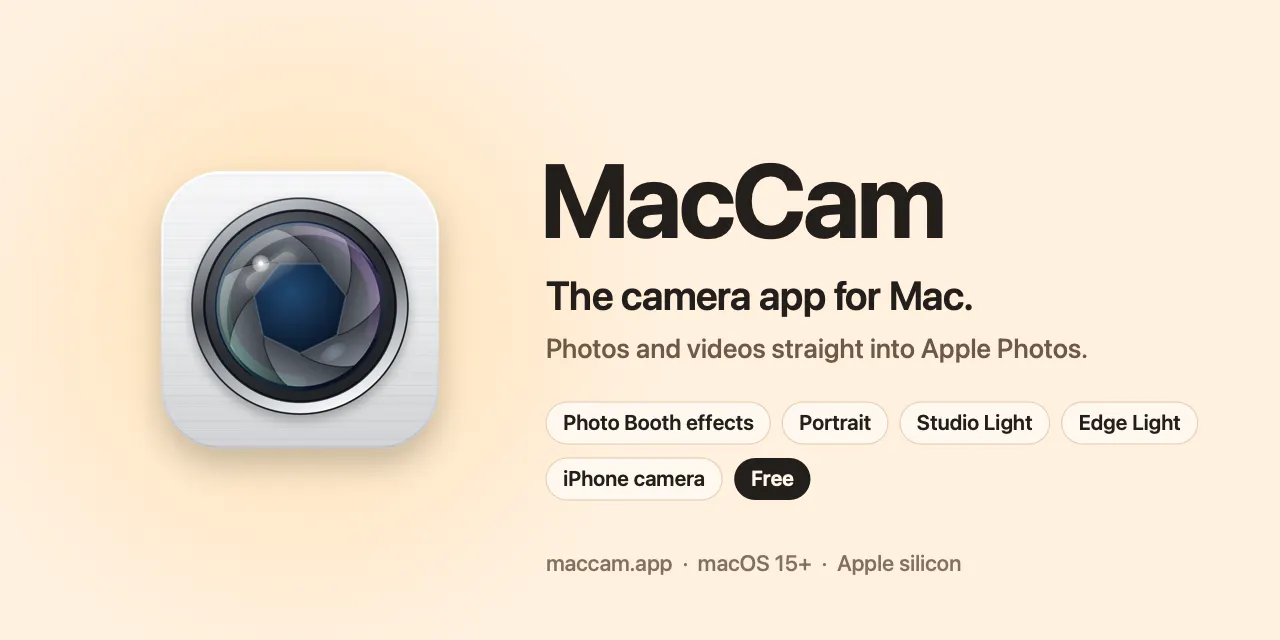
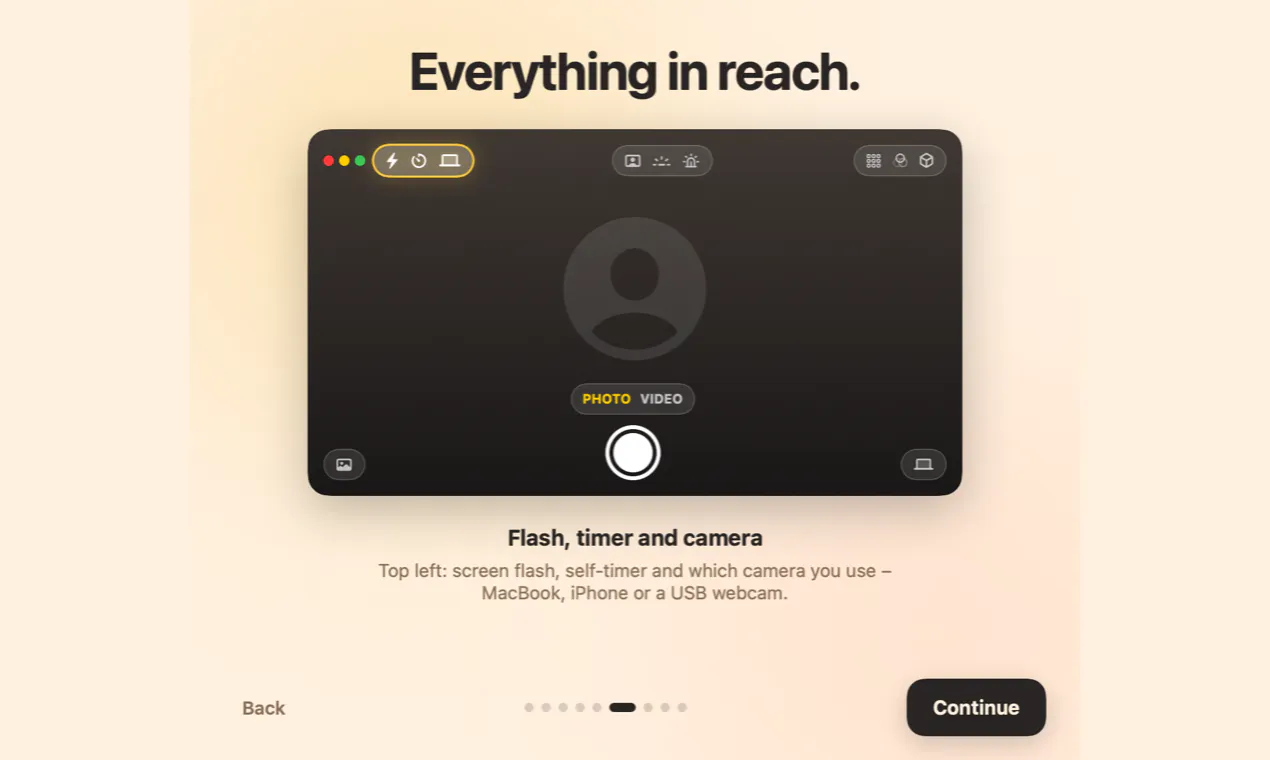
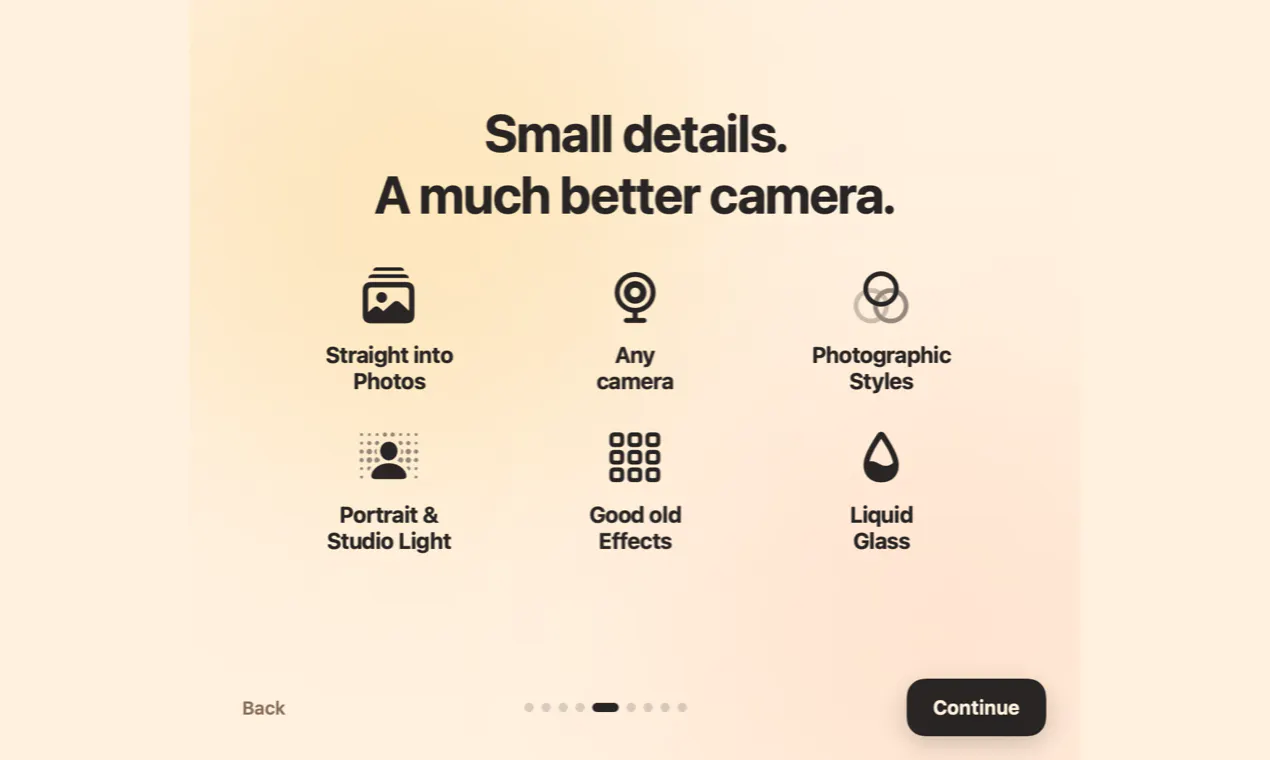
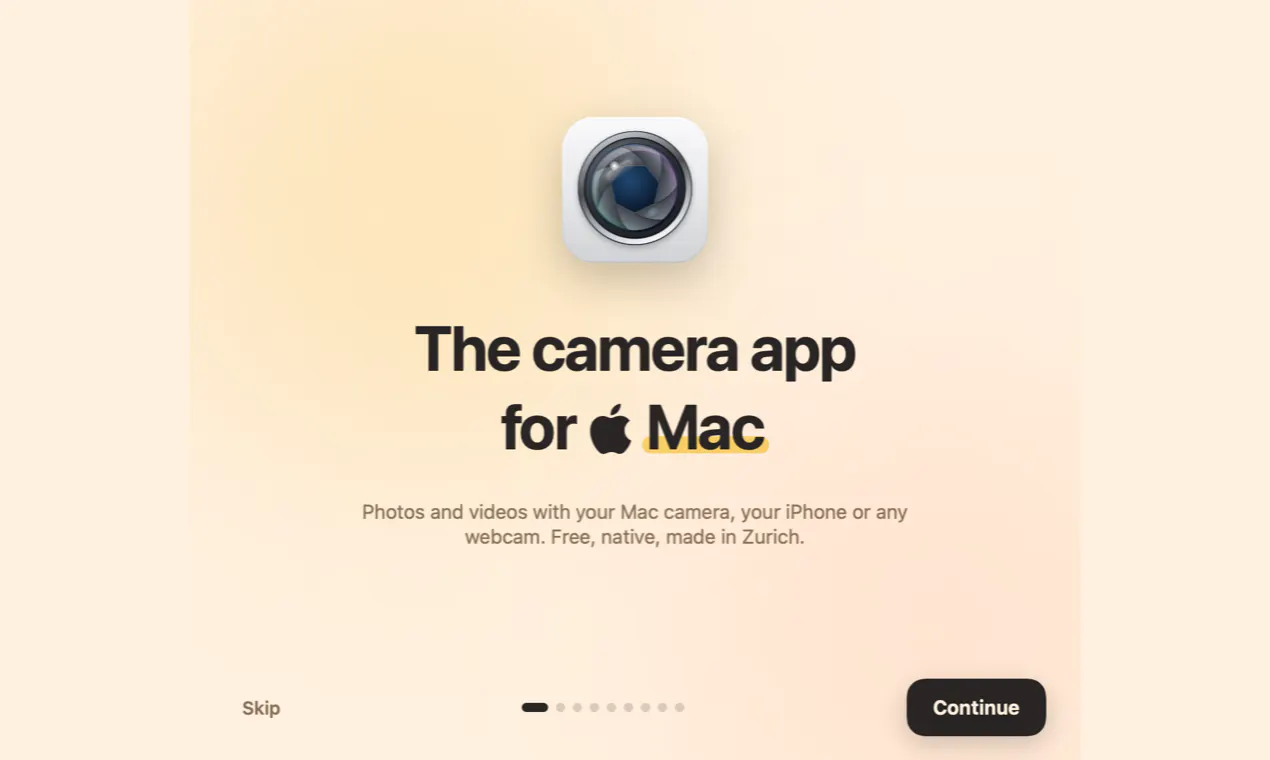
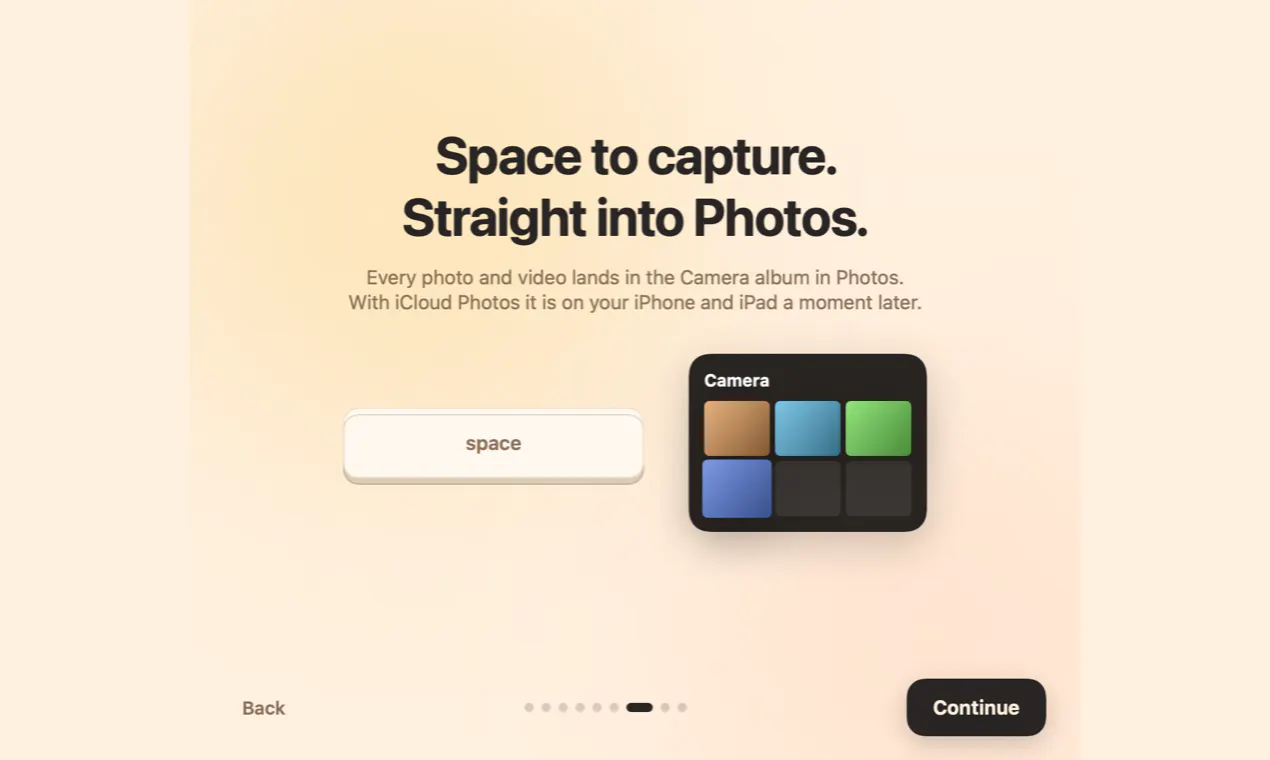
MacCam is a free, native camera application designed specifically for macOS, offering users a versatile and seamless way to utilize their Mac's built-in camera, iPhone, or any webcam. It simplifies capturing high-quality photos and videos directly into Apple Photos, making it ideal for content creators, professionals, and casual users alike. With features reminiscent of classic Photo Booth effects, MacCam elevates the user experience by including Portrait, Studio Light, and Edge Light effects, allowing for creative and professional-looking captures. Looking ahead, the app plans to introduce advanced features such as a teleprompter, eye contact correction, and a 'knock to shoot' function, which will be free for the first 100,000 users. Its integration with Apple Photos and support for multiple camera sources make it a standout tool for those seeking a robust, easy-to-use camera app on Mac.
Screenshots
Pros
- ✓Free, native macOS application with seamless integration into Apple Photos
- ✓Supports multiple camera sources including iPhone and webcams
- ✓Includes fun and professional effects like Portrait, Studio Light, and Edge Light
- ✓Upcoming advanced features like teleprompter and eye contact correction
- ✓User-friendly interface suitable for both casual and professional use
Cons
- ✗Currently lacks advanced editing or live streaming capabilities
- ✗Some features are still in development and may require future updates
- ✗No information on subscription or premium tiers; currently free
Use Cases
Pricing
Pricing not verified
Quick Info
Topics
Makers

Milan
Alternatives
Similar Tools in AI Image & Design




Embed Badge
Add this badge to your website to show that MacCam is featured on Visalytica.
<a href="https://www.visalytica.com/tool/maccam" target="_blank" rel="noopener noreferrer" style="display:inline-flex;align-items:center;gap:6px;padding:6px 14px;background:#7c3aed;color:#fff;border-radius:8px;font-family:-apple-system,system-ui,sans-serif;font-size:13px;font-weight:600;text-decoration:none;transition:background .2s" onmouseover="this.style.background='#6d28d9'" onmouseout="this.style.background='#7c3aed'"><svg width="14" height="14" viewBox="0 0 24 24" fill="none" stroke="currentColor" stroke-width="2.5" stroke-linecap="round" stroke-linejoin="round"><path d="M12 20V10"/><path d="M18 20V4"/><path d="M6 20v-4"/></svg>Featured on Visalytica</a>