
Mac Pet
A pixel pet for your menu bar or MacBook notch w/ Pomodoro
About Mac Pet
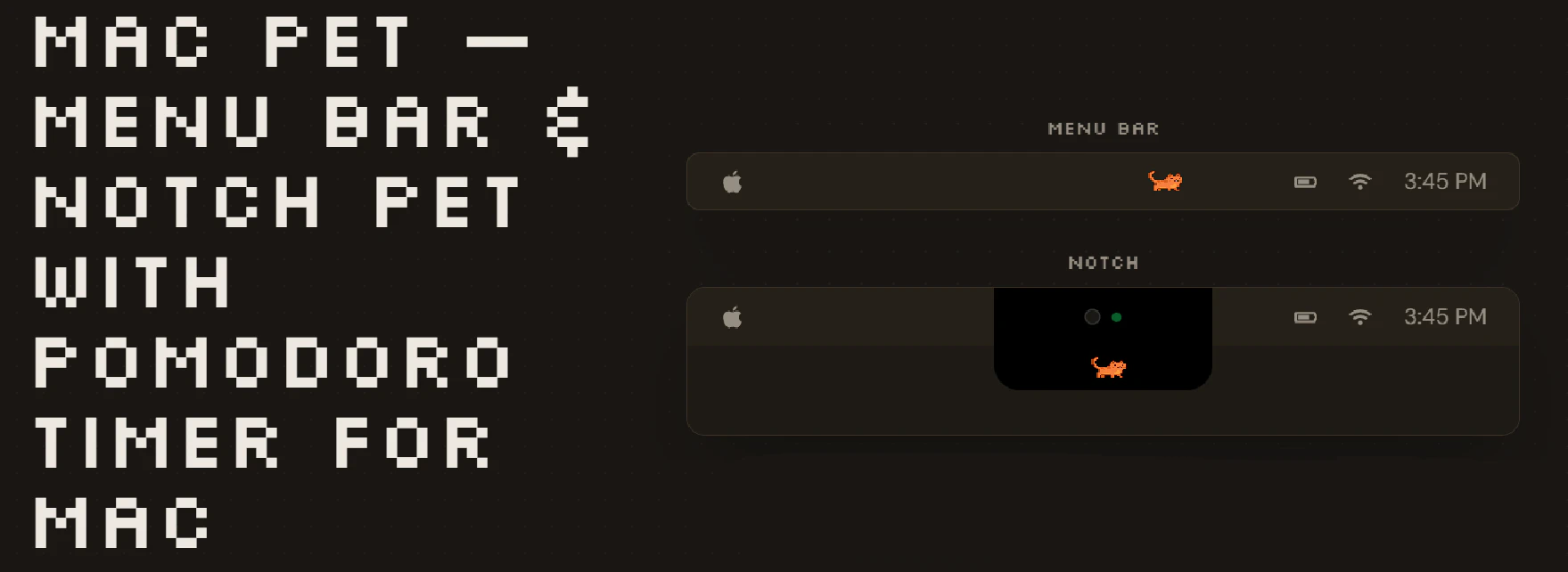
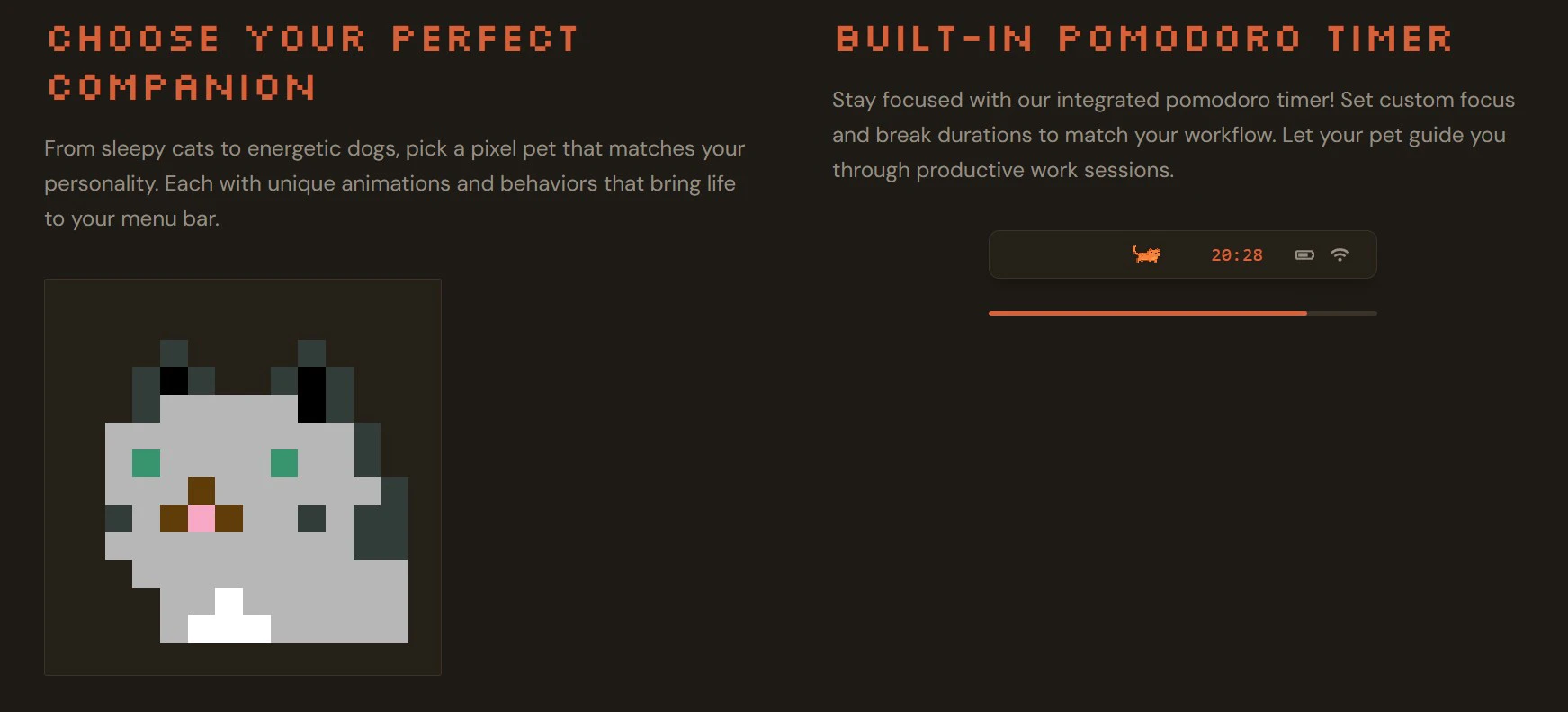
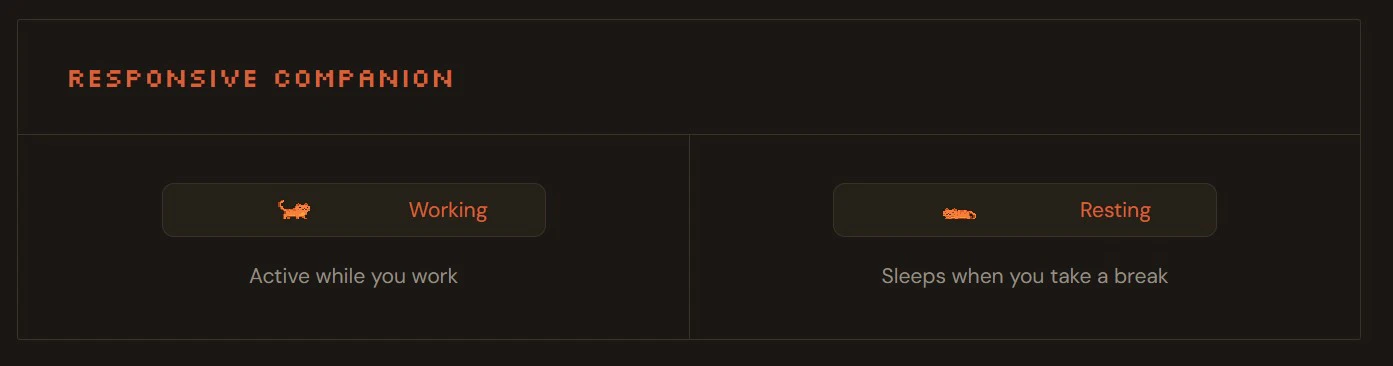
Mac Pet is a charming and innovative macOS utility that transforms your menu bar or MacBook notch into a lively, Tamagotchi-style virtual pet. Designed for productivity enthusiasts and pet lovers alike, it combines a cute virtual companion with practical features such as a built-in Pomodoro timer, activity streak tracking, and focus sessions. Its seamless integration with the MacBook notch ensures a clutter-free experience, making it ideal for users who want a fun yet functional way to stay motivated during work or study sessions. Unlike traditional productivity tools, Mac Pet adds a playful element to your daily routine, encouraging consistent focus while providing a delightful visual presence on your screen.
Screenshots

Pros
- ✓Unique and adorable virtual pet that enhances user engagement
- ✓Seamless integration with MacBook notch and menu bar for a clutter-free experience
- ✓Built-in Pomodoro timer and activity streaks to boost productivity
- ✓Lightweight and easy to use without slowing down system performance
- ✓Appealing design that adds personality to macOS workspace
Cons
- ✗Limited customization options for the pet or timers
- ✗May not appeal to users seeking highly advanced productivity tools
- ✗Features could be considered basic compared to dedicated focus apps
Use Cases
Pricing
Based on its description and typical SaaS models, Mac Pet likely offers a freemium pricing structure with core features available for free and optional premium upgrades for additional customization or features. Exact pricing details are not specified but are expected to start at a modest monthly or one-time fee.
Quick Info
Topics
Alternatives
Similar Tools in Productivity




Embed Badge
Add this badge to your website to show that Mac Pet is featured on Visalytica.
<a href="https://www.visalytica.com/tool/mac-pet" target="_blank" rel="noopener noreferrer" style="display:inline-flex;align-items:center;gap:6px;padding:6px 14px;background:#7c3aed;color:#fff;border-radius:8px;font-family:-apple-system,system-ui,sans-serif;font-size:13px;font-weight:600;text-decoration:none;transition:background .2s" onmouseover="this.style.background='#6d28d9'" onmouseout="this.style.background='#7c3aed'"><svg width="14" height="14" viewBox="0 0 24 24" fill="none" stroke="currentColor" stroke-width="2.5" stroke-linecap="round" stroke-linejoin="round"><path d="M12 20V10"/><path d="M18 20V4"/><path d="M6 20v-4"/></svg>Featured on Visalytica</a>