
Lumen Tool
A 3D portrait lighting simulator
About Lumen Tool
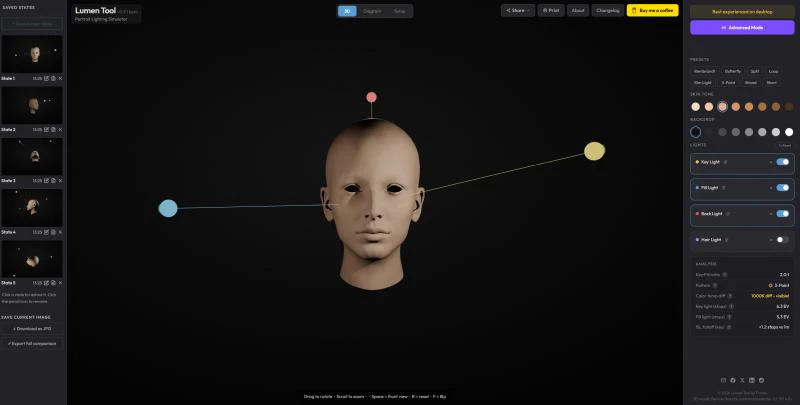
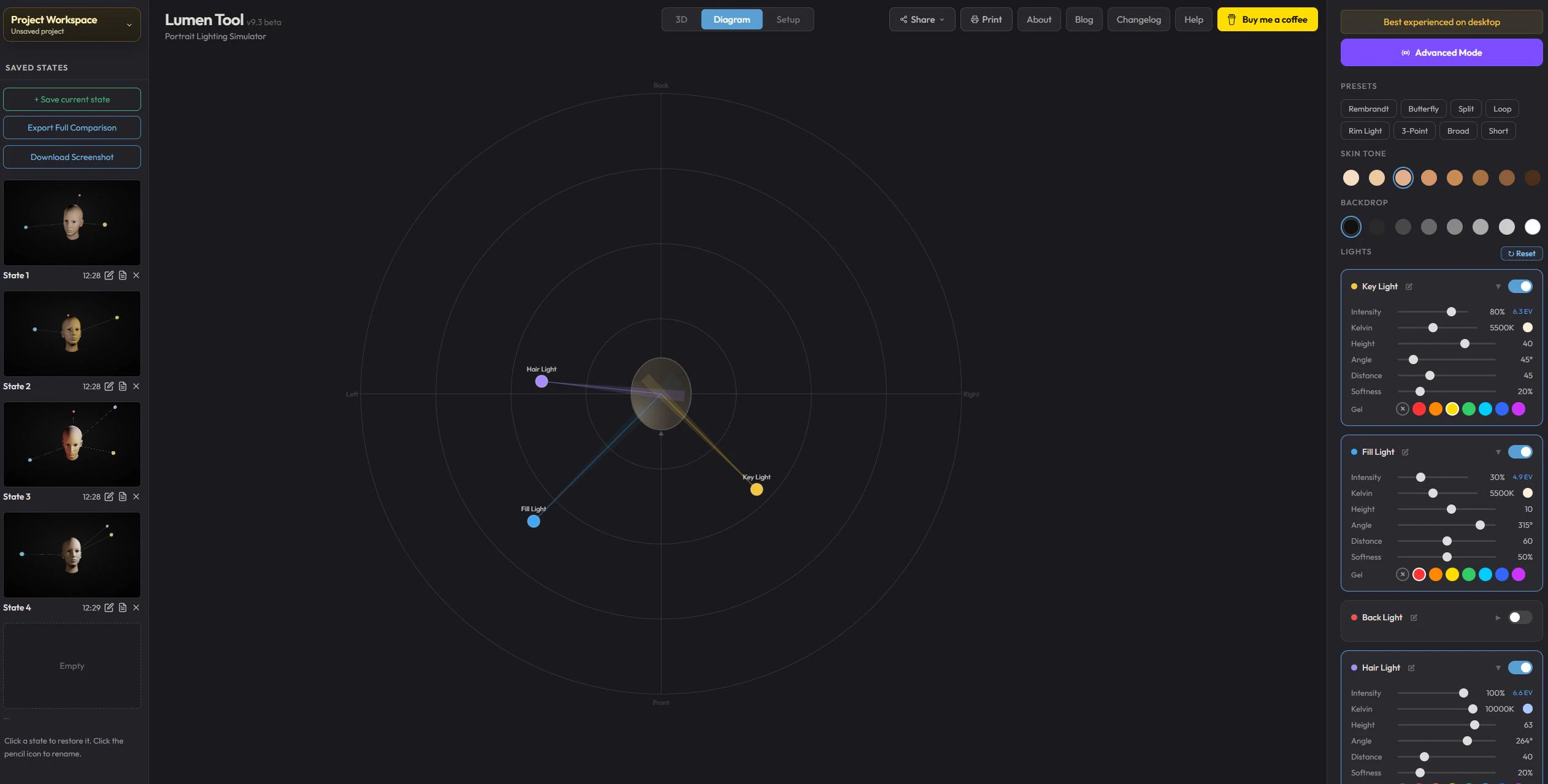
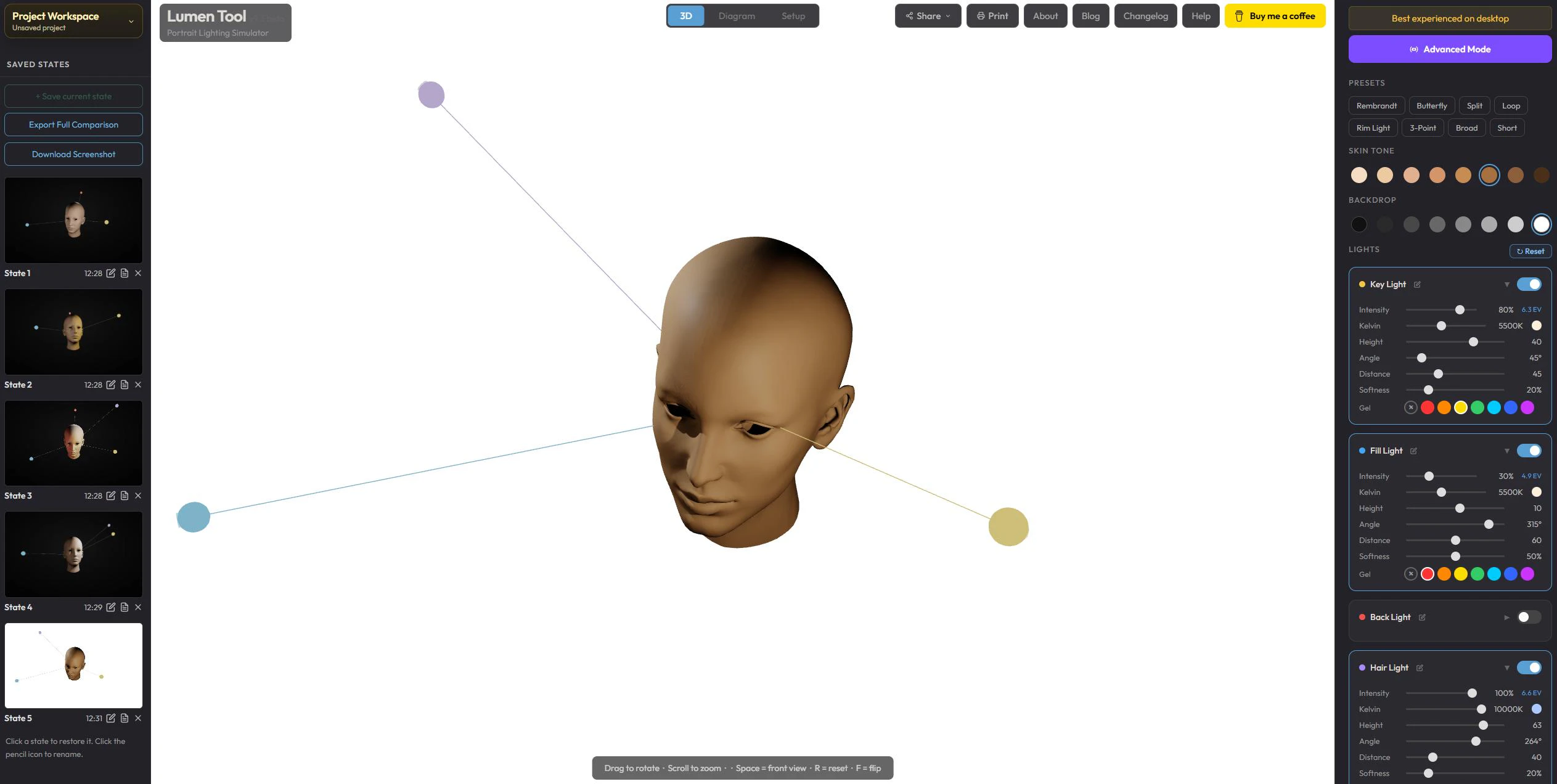
Lumen Tool is a browser-based 3D portrait lighting simulator that offers an accessible and realistic way for artists, photographers, and designers to experiment with lighting setups. Unlike traditional desktop software or outdated browser tools, Lumen runs entirely in your browser, requiring no installation or account creation. Its lightweight design—under 1MB HTML file—loads in under a second and uses Three.js to render shadows and lighting effects in real time, providing a smooth, interactive experience. Users can quickly move a virtual light source and instantly see how shadows and highlights shift, making it ideal for exploring different lighting scenarios without costly equipment or complex software. Its simplicity and speed make it a unique tool for creative experimentation and learning about portrait lighting fundamentals.
Screenshots
Pros
- ✓Real-time, interactive 3D shadow and light simulation
- ✓No installation, free to use, and runs directly in the browser
- ✓Lightweight with a quick load time (under 1MB HTML file)
- ✓User-friendly interface suitable for beginners and professionals
- ✓Ideal for quick prototyping and educational purposes
Cons
- ✗Limited to portrait lighting, lacking advanced features of professional software
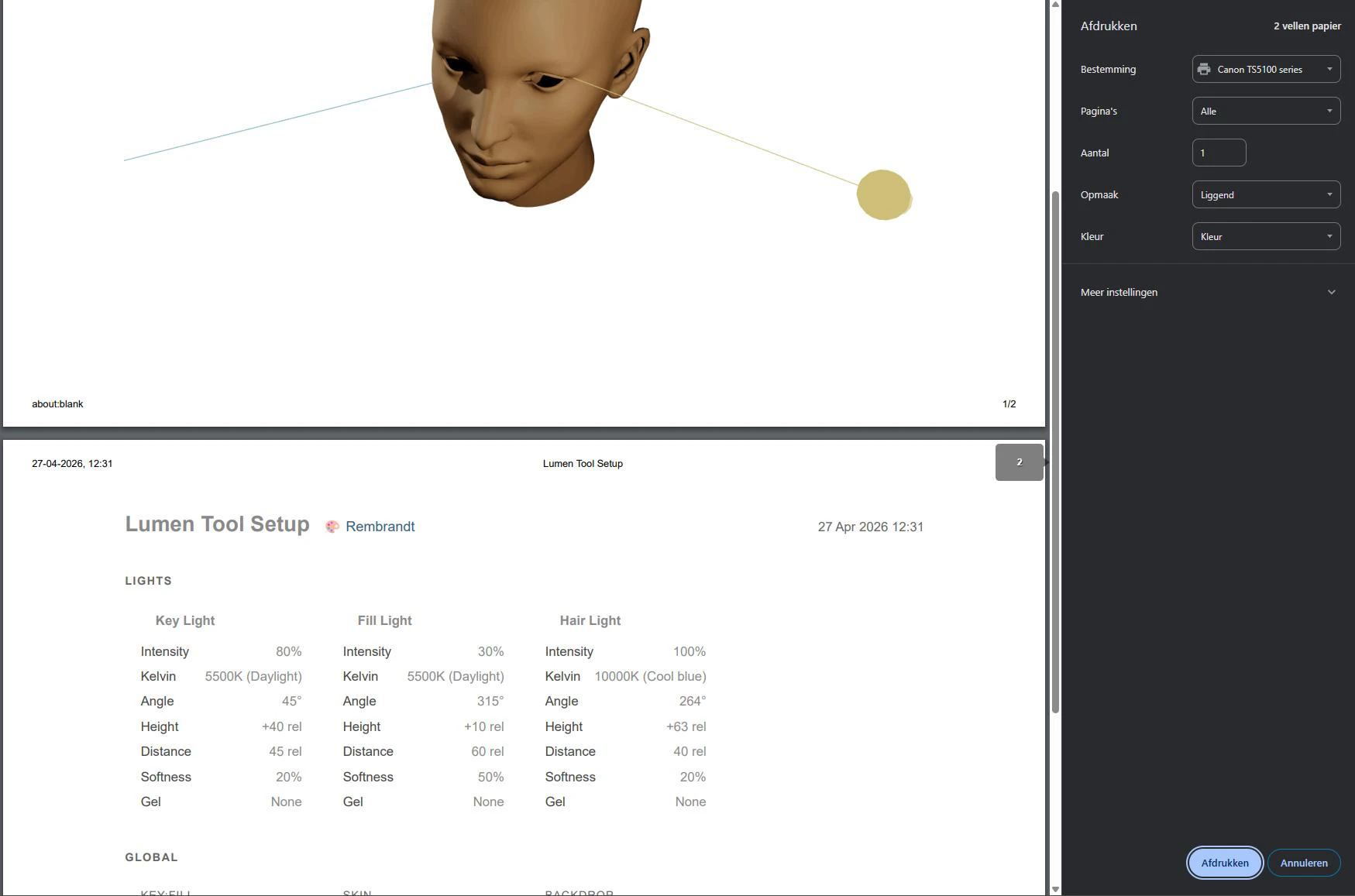
- ✗No support for exporting or saving projects
- ✗Basic interface may lack customization options for advanced users
Use Cases
Pricing
Free to use, with no paid plans or subscriptions; entirely browser-based and open access.
Quick Info
Topics
Alternatives
Similar Tools in AI Assistants




Embed Badge
Add this badge to your website to show that Lumen Tool is featured on Visalytica.
<a href="https://www.visalytica.com/tool/lumen-tool" target="_blank" rel="noopener noreferrer" style="display:inline-flex;align-items:center;gap:6px;padding:6px 14px;background:#7c3aed;color:#fff;border-radius:8px;font-family:-apple-system,system-ui,sans-serif;font-size:13px;font-weight:600;text-decoration:none;transition:background .2s" onmouseover="this.style.background='#6d28d9'" onmouseout="this.style.background='#7c3aed'"><svg width="14" height="14" viewBox="0 0 24 24" fill="none" stroke="currentColor" stroke-width="2.5" stroke-linecap="round" stroke-linejoin="round"><path d="M12 20V10"/><path d="M18 20V4"/><path d="M6 20v-4"/></svg>Featured on Visalytica</a>