
LUCI Desktop
Let your AI agents remember what you've seen
About LUCI Desktop
LUCI Desktop is an innovative productivity tool designed to enhance how users interact with their digital content by leveraging AI. It automatically saves your screen history and meeting transcripts locally, enabling AI agents like Claude Code, Cursor, and Codex to assist in recalling forgotten pages or extracting decisions from calls. This eliminates the need for manual bookmarking or complex setup, providing seamless context capture across various applications. Its on-device transcription and daily summaries, powered by Microsoft Foundry Local, ensure data privacy while maintaining quick access to important information. Ideal for professionals who manage multiple apps and need a reliable way to retrieve information quickly, LUCI Desktop streamlines workflows and boosts productivity with minimal setup and maximum convenience.
Screenshots

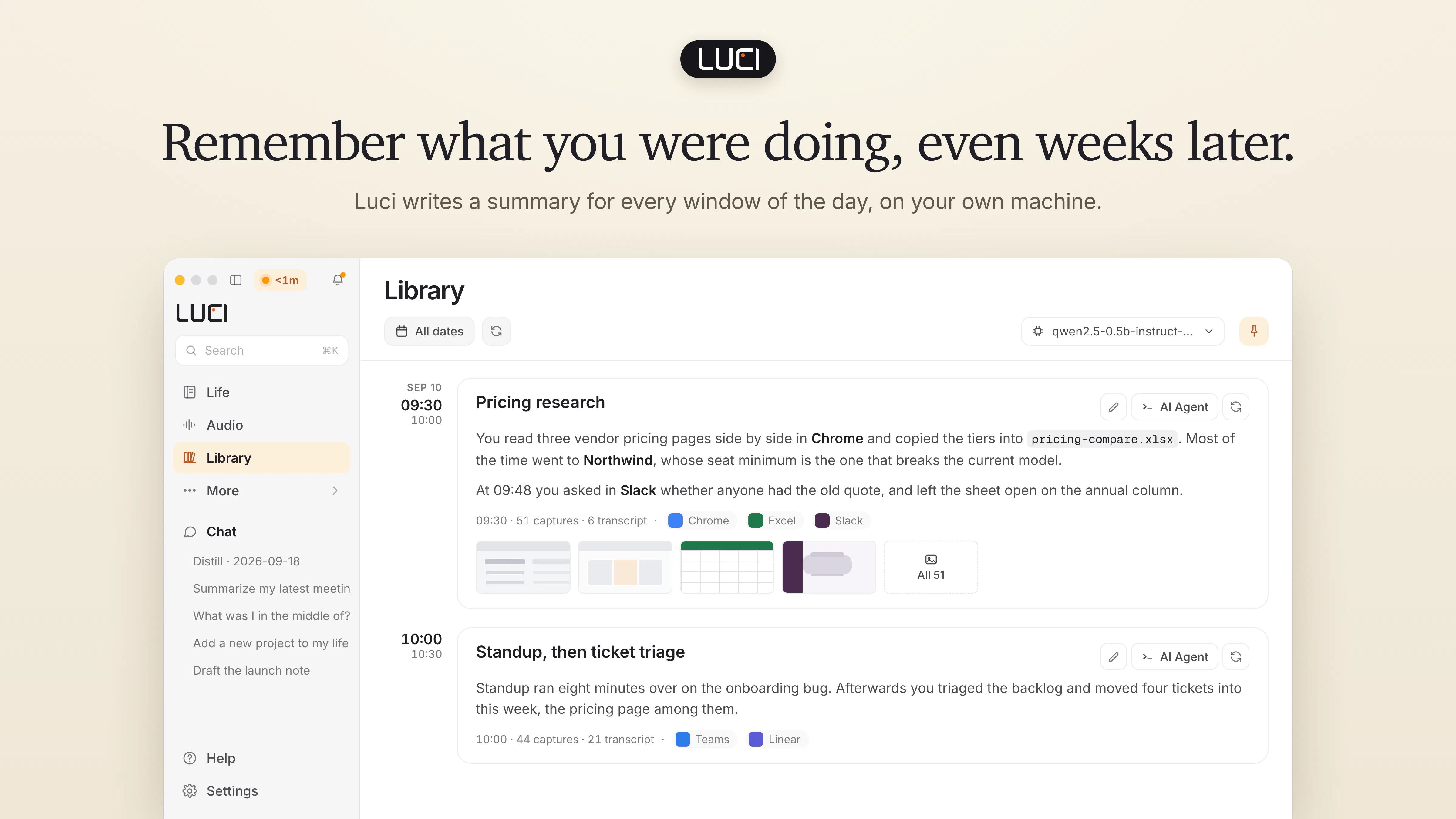
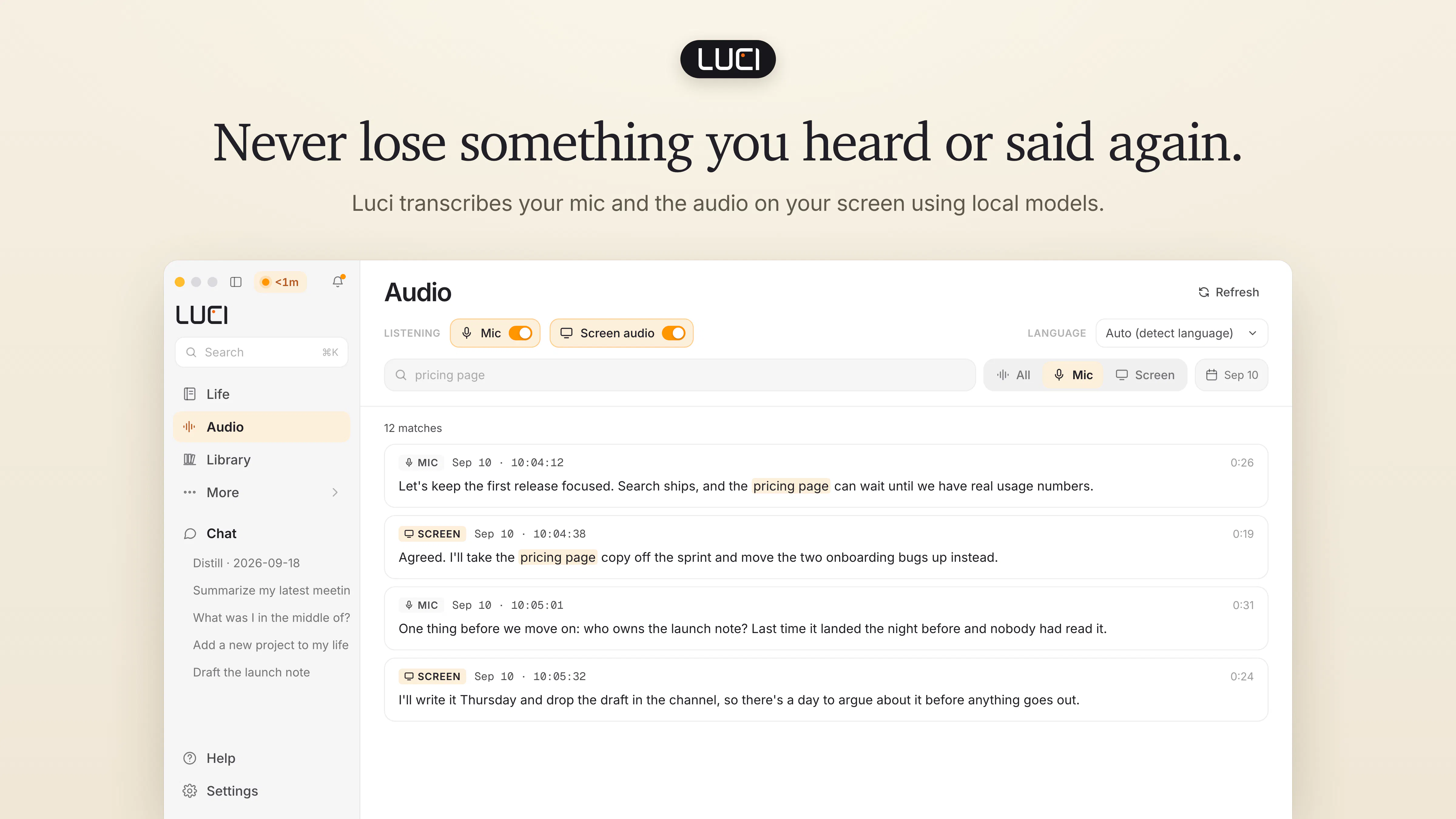
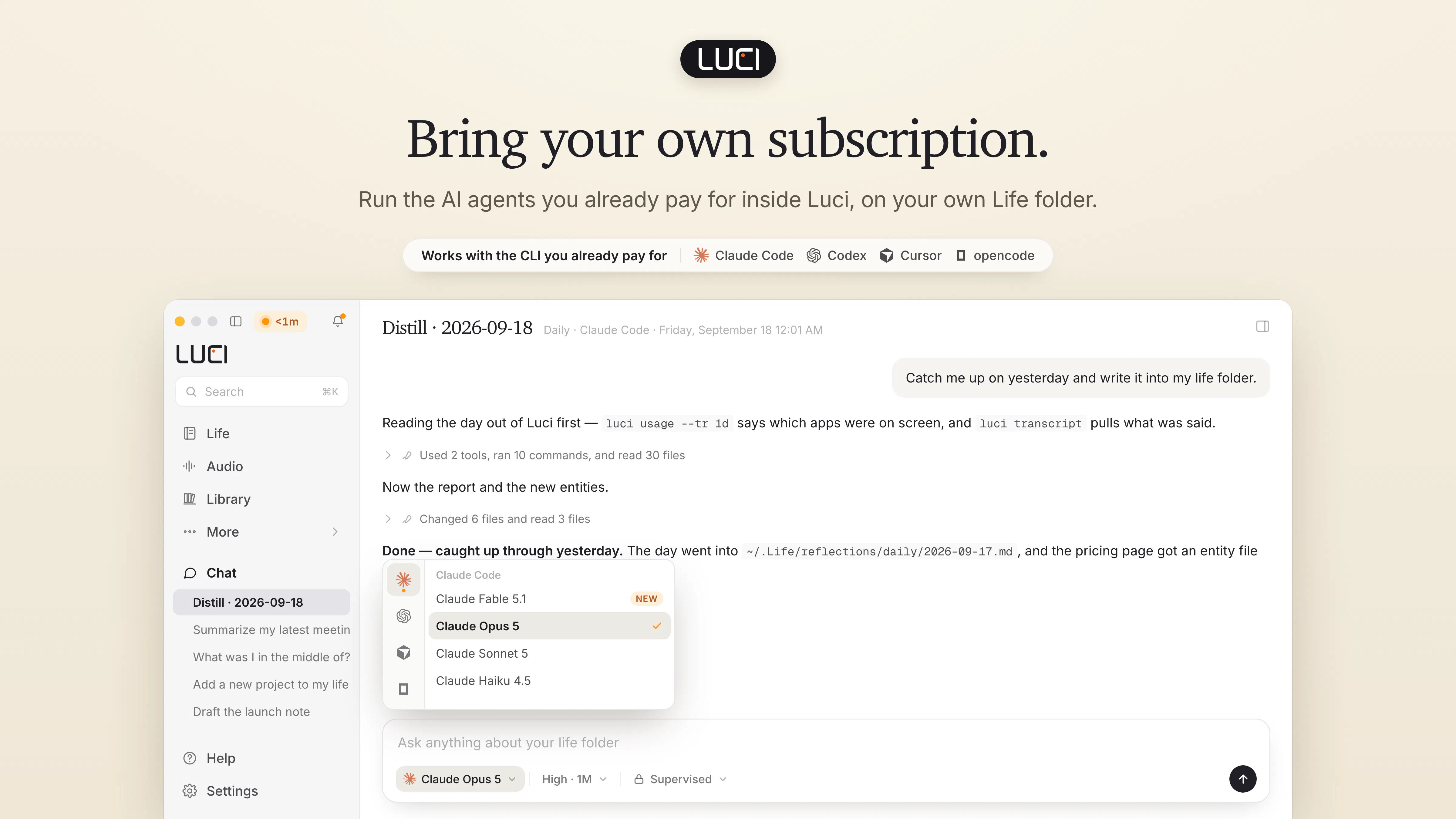
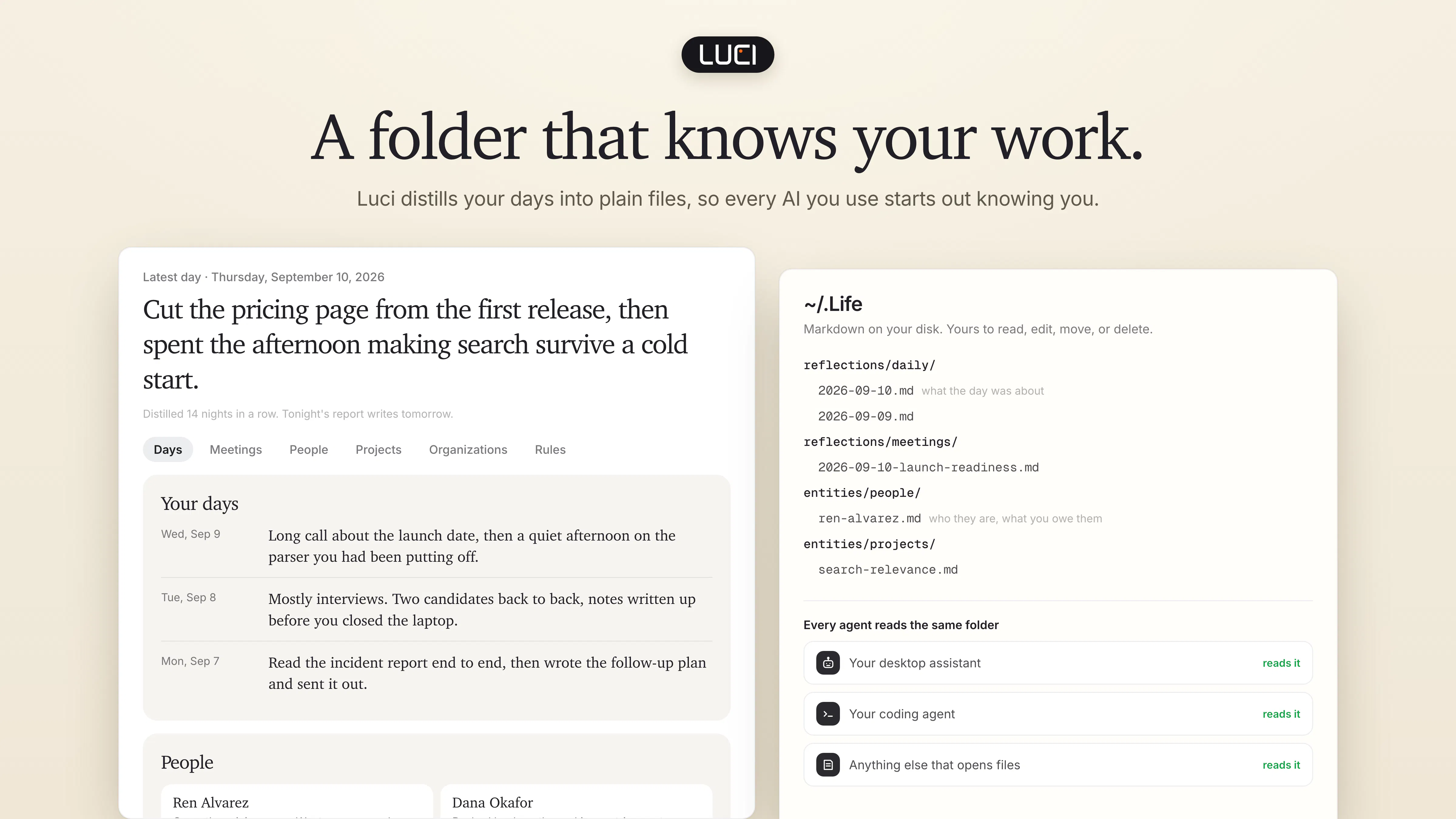
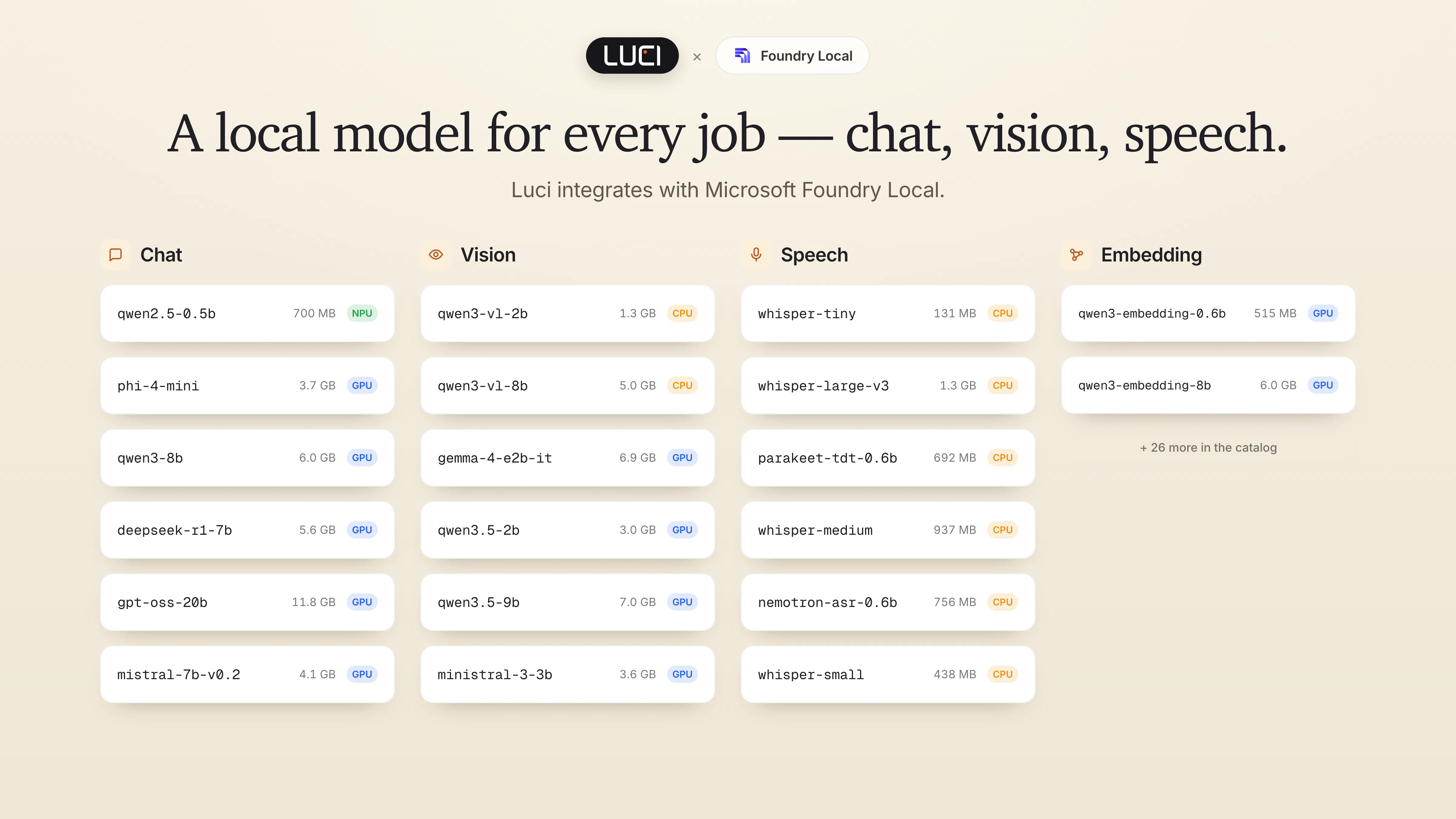
+2 more screenshots
Pros
- ✓Automatic local storage of screen history and transcripts for privacy and security
- ✓Seamless context capturing across multiple applications without additional connectors
- ✓On-device transcription and summaries enhance efficiency and data control
- ✓Supports AI agents like Claude Code, Cursor, and Codex for intelligent assistance
- ✓Free for Mac and Windows users
Cons
- ✗Limited information on advanced customization or integrations
- ✗Currently lacks detailed user feedback or reviews to validate performance
- ✗Potential learning curve for users unfamiliar with AI agents
Use Cases
Pricing
Pricing not verified
Quick Info
Topics
Makers

Shawn Shen
Alternatives
Similar Tools in AI Assistants




Embed Badge
Add this badge to your website to show that LUCI Desktop is featured on Visalytica.
<a href="https://www.visalytica.com/tool/luci-desktop" target="_blank" rel="noopener noreferrer" style="display:inline-flex;align-items:center;gap:6px;padding:6px 14px;background:#7c3aed;color:#fff;border-radius:8px;font-family:-apple-system,system-ui,sans-serif;font-size:13px;font-weight:600;text-decoration:none;transition:background .2s" onmouseover="this.style.background='#6d28d9'" onmouseout="this.style.background='#7c3aed'"><svg width="14" height="14" viewBox="0 0 24 24" fill="none" stroke="currentColor" stroke-width="2.5" stroke-linecap="round" stroke-linejoin="round"><path d="M12 20V10"/><path d="M18 20V4"/><path d="M6 20v-4"/></svg>Featured on Visalytica</a>