
Liso
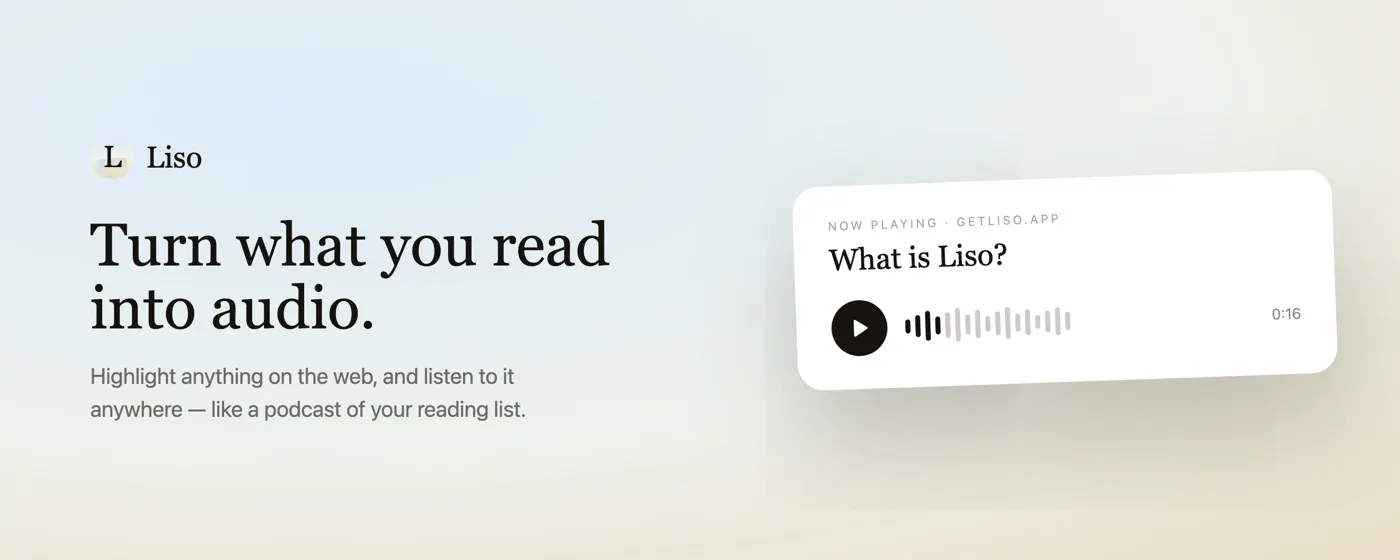
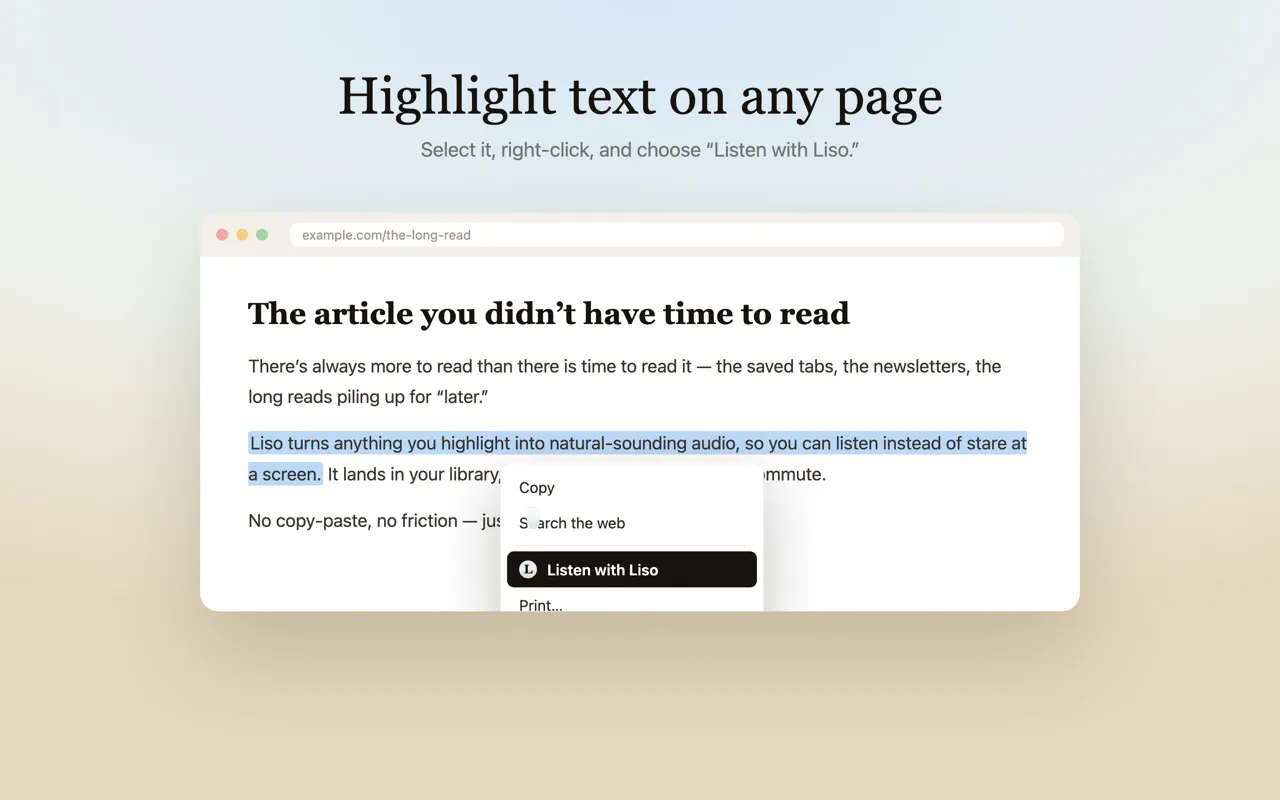
Highlight text on any page and turn it into audio.
About Liso
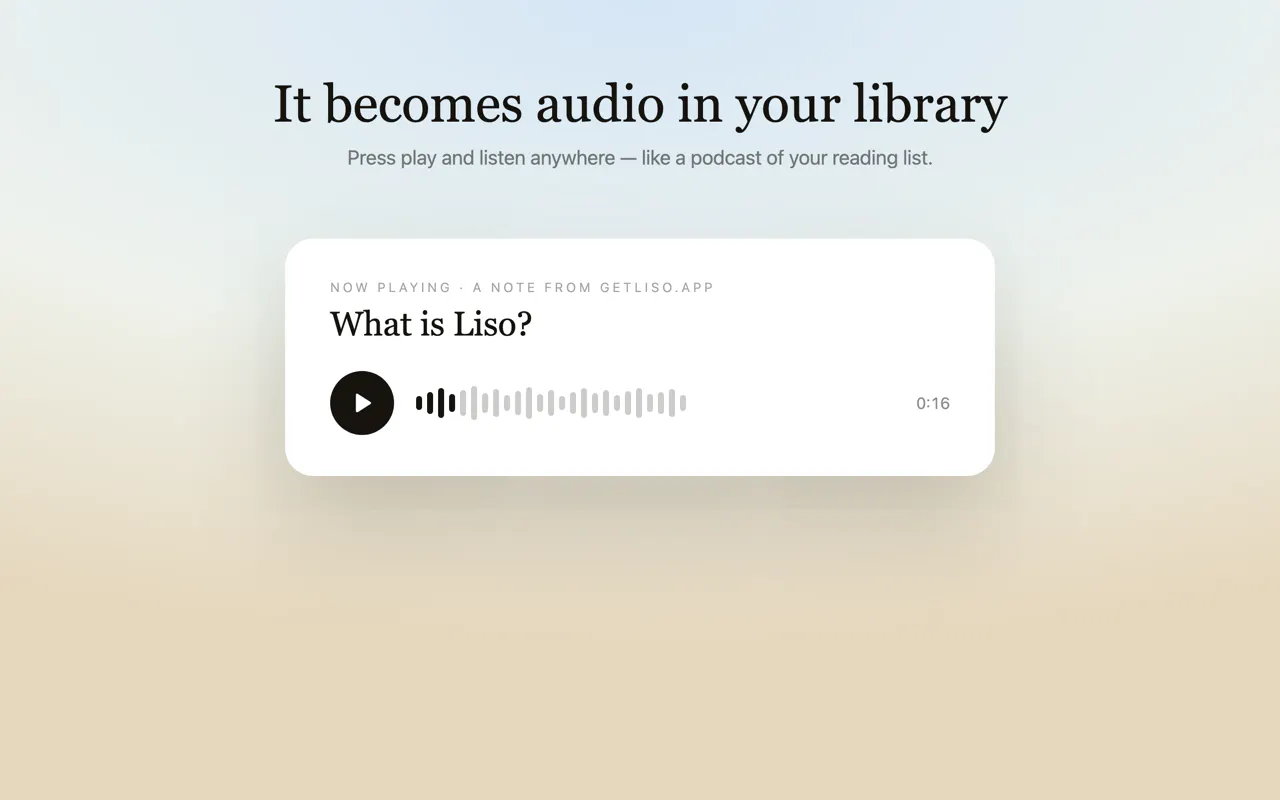
Liso is a innovative browser extension designed for avid readers, students, professionals, and content consumers who want to transform written content into high-quality audio. By simply highlighting text on any webpage—be it articles, newsletters, blogs, or other online content—Liso instantly generates a clear, engaging audio narration. This makes it ideal for those who prefer listening over reading, need to multitask, or want to absorb information on the go. Its seamless conversion process and emphasis on natural-sounding narration set it apart, creating a personalized audiobook experience from content users already find valuable. Perfect for busy individuals, language learners, and anyone looking to diversify their information consumption methods, Liso combines convenience with ease of use in a sleek, accessible interface.
Screenshots
Pros
- ✓Instant text-to-audio conversion from any webpage
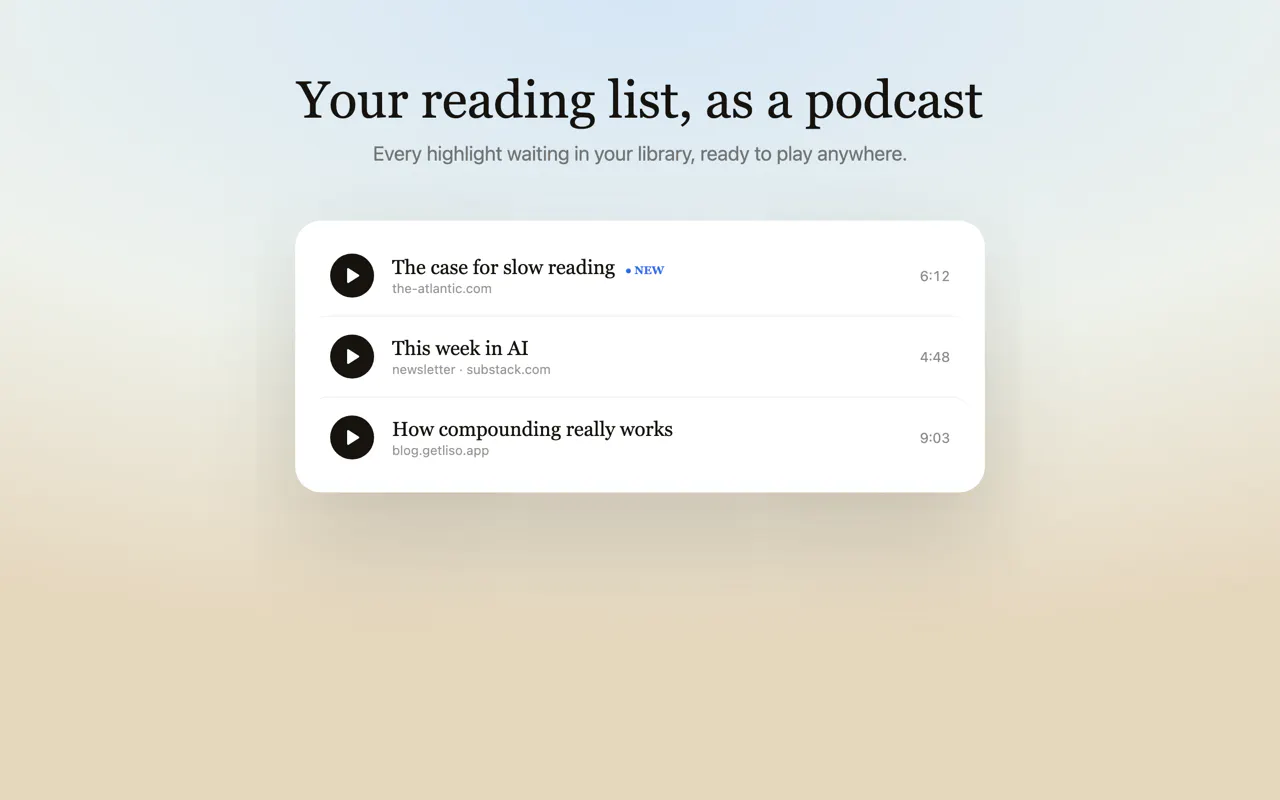
- ✓Creates personalized audiobooks from user-selected content
- ✓User-friendly, quick highlighting and narration process
- ✓Enhances multitasking and on-the-go learning
- ✓Natural-sounding, high-quality audio output
Cons
- ✗Limited information on free vs. paid plans or pricing structure
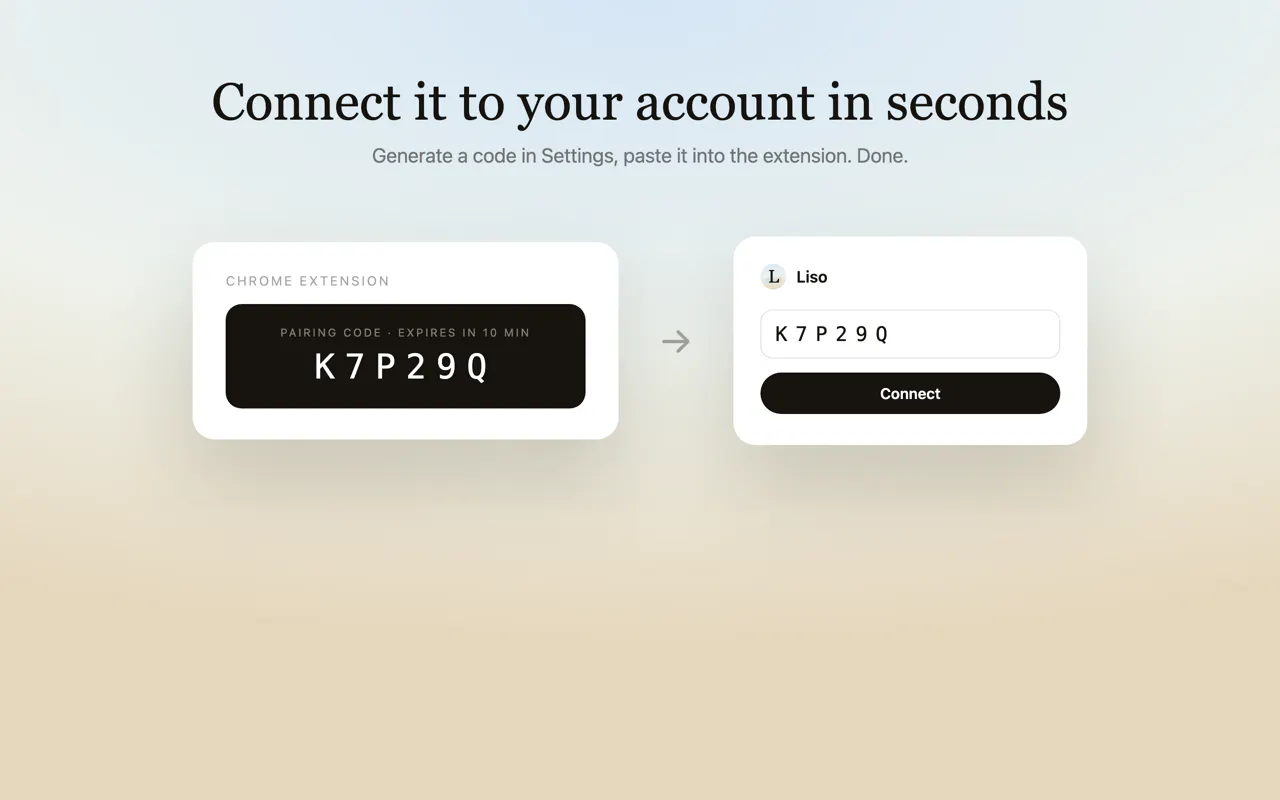
- ✗Dependent on browser extension, which may have compatibility issues
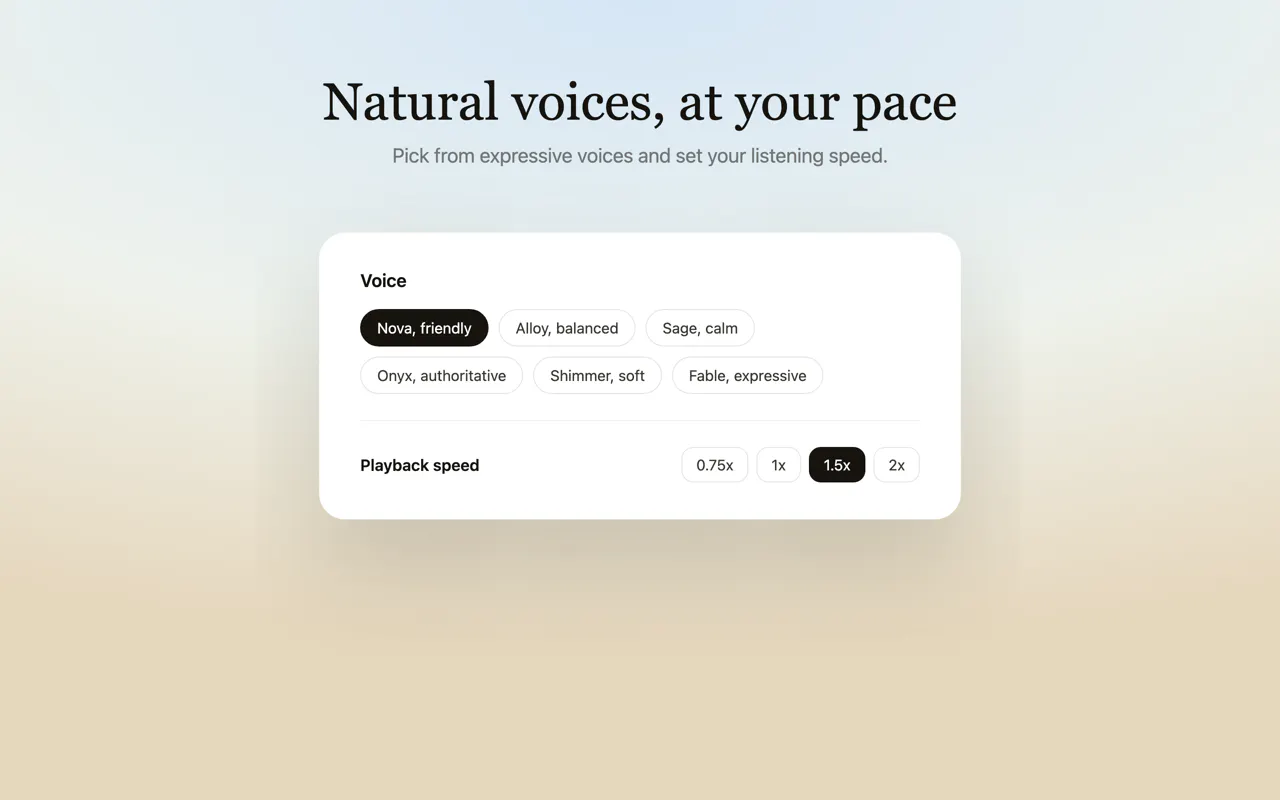
- ✗Potential limitations in voice variety or customization options
Use Cases
Pricing
Likely operates on a freemium model, offering basic features for free with premium plans that unlock additional narration options, higher audio quality, or advanced customization, typically starting around $5 to $15 per month.
Quick Info
Topics
Makers

Evgeny Timofeev
Alternatives
Similar Tools in AI Writing




Embed Badge
Add this badge to your website to show that Liso is featured on Visalytica.
<a href="https://www.visalytica.com/tool/liso" target="_blank" rel="noopener noreferrer" style="display:inline-flex;align-items:center;gap:6px;padding:6px 14px;background:#7c3aed;color:#fff;border-radius:8px;font-family:-apple-system,system-ui,sans-serif;font-size:13px;font-weight:600;text-decoration:none;transition:background .2s" onmouseover="this.style.background='#6d28d9'" onmouseout="this.style.background='#7c3aed'"><svg width="14" height="14" viewBox="0 0 24 24" fill="none" stroke="currentColor" stroke-width="2.5" stroke-linecap="round" stroke-linejoin="round"><path d="M12 20V10"/><path d="M18 20V4"/><path d="M6 20v-4"/></svg>Featured on Visalytica</a>