
Lisen
Free Read Aloud with Cartesia Voices
About Lisen
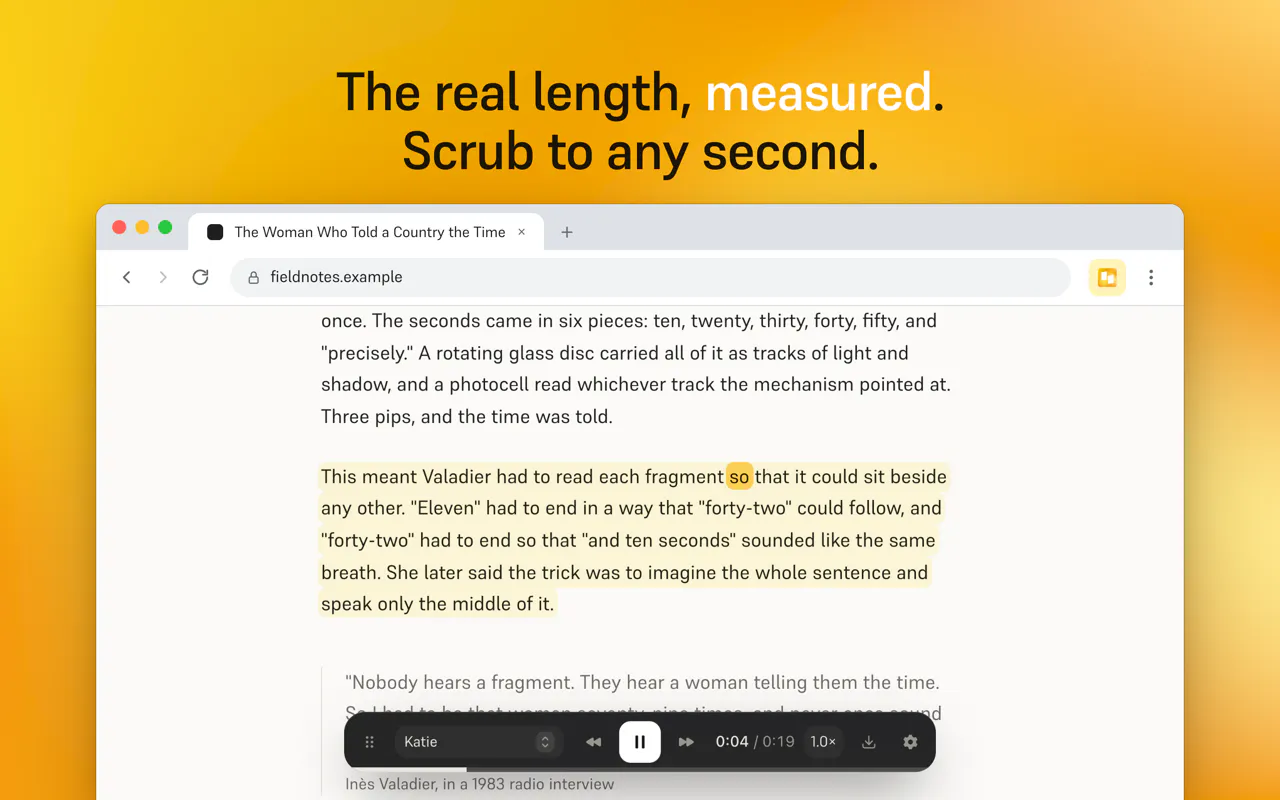
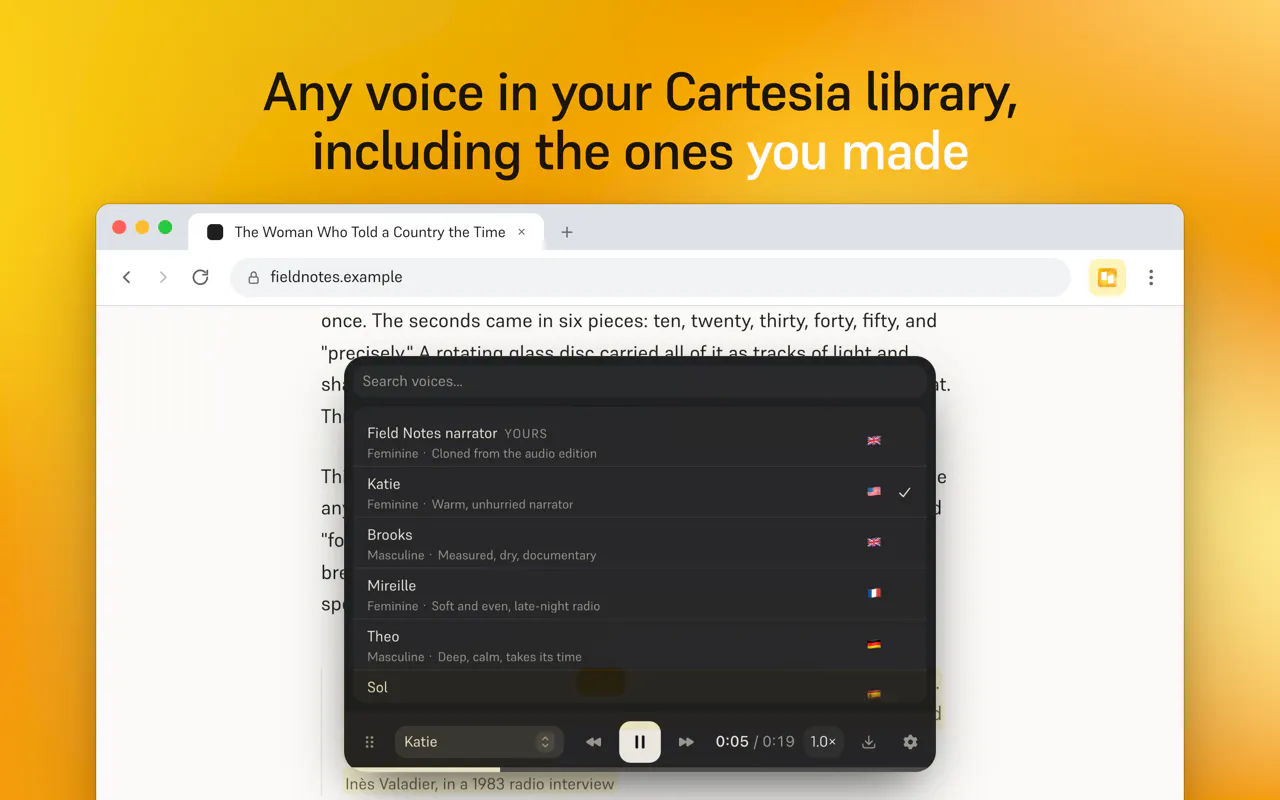
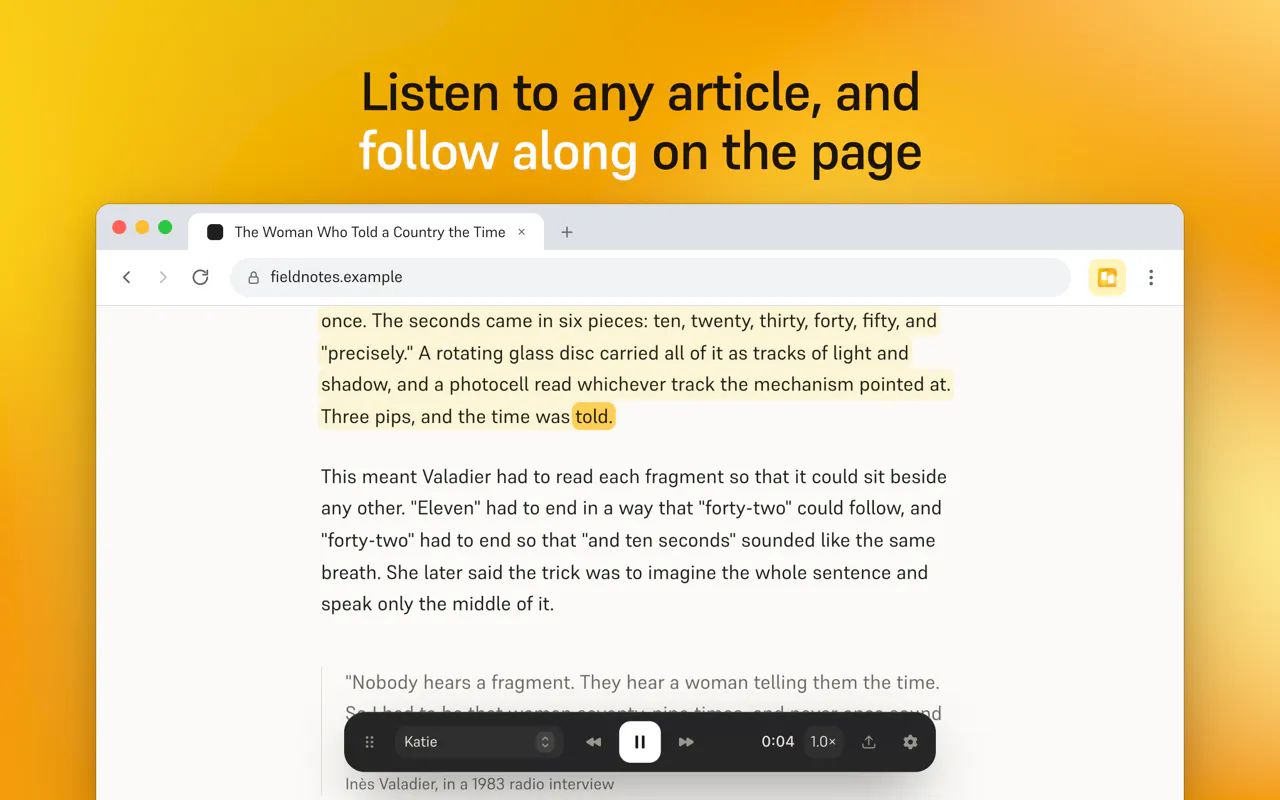
Lisen is a free read-aloud Chrome extension designed to enhance the way users consume online articles and content. By leveraging Cartesia voices, it transforms written text into natural-sounding audio, making it ideal for those who prefer listening over reading or need to multitask. What sets Lisen apart is its seamless integration with existing Cartesia plans, allowing users to access high-quality voice synthesis without additional costs or subscriptions. This makes it an appealing tool for students, professionals, and avid readers seeking a convenient way to digest lengthy articles and documents effortlessly. Its user-friendly interface and compatibility with a wide range of content types make it a versatile solution for anyone looking to improve their content consumption experience.
Screenshots
Pros
- ✓Free to use with existing Cartesia plans, no extra subscription needed
- ✓Supports high-quality, natural-sounding Cartesia voices
- ✓Easy to install and operate as a Chrome extension
- ✓Enhances multitasking by allowing listening to articles on the go
- ✓Suitable for a variety of content types, including articles and books
Cons
- ✗Limited to users with a Cartesia plan, which may restrict some users
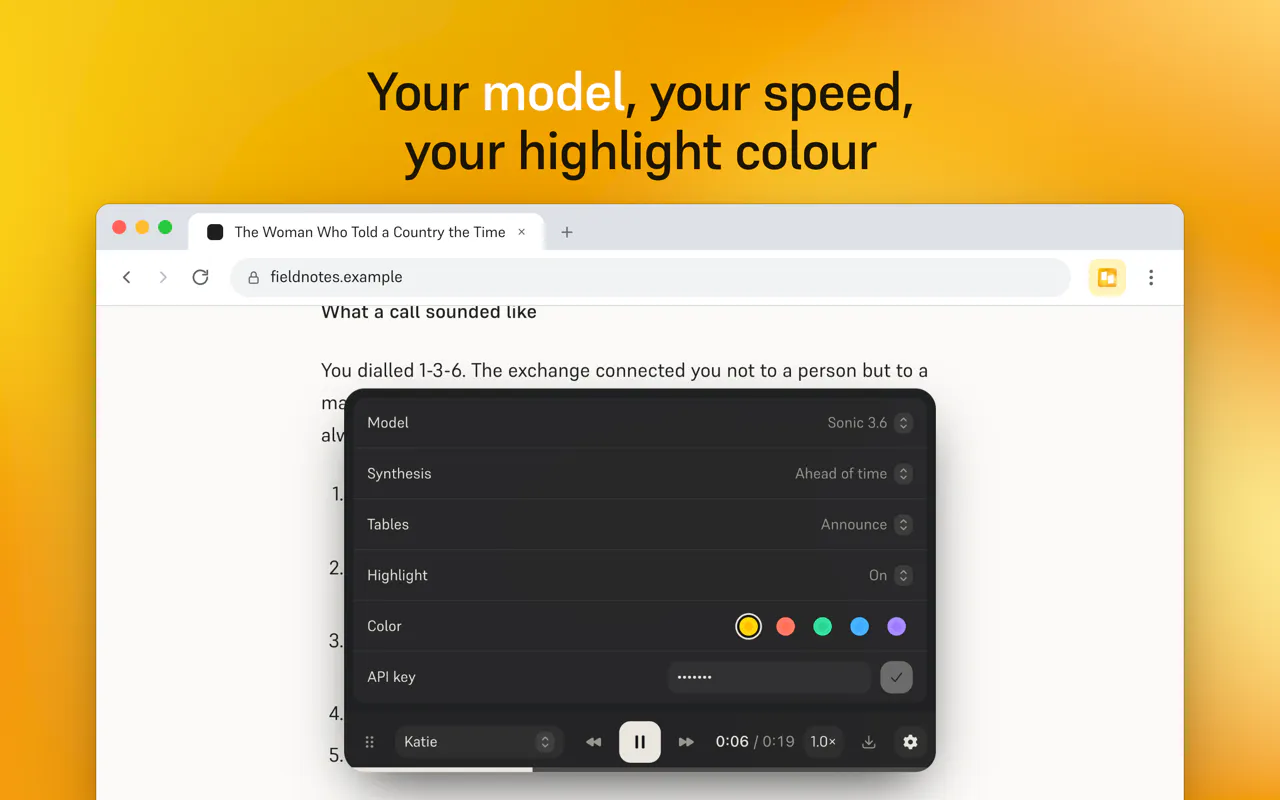
- ✗Currently lacks advanced customization options for voice settings
- ✗No built-in features for highlighting or note-taking during playback
Use Cases
Pricing
Pricing not verified
Quick Info
Topics
Makers

Augustin
@sudoaugustinAlternatives
Similar Tools in AI Audio & Voice




Embed Badge
Add this badge to your website to show that Lisen is featured on Visalytica.
<a href="https://www.visalytica.com/tool/lisen" target="_blank" rel="noopener noreferrer" style="display:inline-flex;align-items:center;gap:6px;padding:6px 14px;background:#7c3aed;color:#fff;border-radius:8px;font-family:-apple-system,system-ui,sans-serif;font-size:13px;font-weight:600;text-decoration:none;transition:background .2s" onmouseover="this.style.background='#6d28d9'" onmouseout="this.style.background='#7c3aed'"><svg width="14" height="14" viewBox="0 0 24 24" fill="none" stroke="currentColor" stroke-width="2.5" stroke-linecap="round" stroke-linejoin="round"><path d="M12 20V10"/><path d="M18 20V4"/><path d="M6 20v-4"/></svg>Featured on Visalytica</a>