
LiquidPad
Your web apps and native tools, one swipe from the edge
About LiquidPad
LiquidPad offers a sleek and innovative way to manage multiple web apps and native tools directly from the screen edge on macOS. By utilizing a Liquid-Glass style sliding panel, users can access essential apps like Gmail, WhatsApp, terminals, and SSH sessions in separate, isolated windows, all within a unified interface. The tool emphasizes native performance with AppKit and WebKit, avoiding Electron bloat, which results in a smooth, resource-efficient experience. Its features such as Picture-in-Picture, ad-blocking for YouTube, and persistent notifications make it particularly appealing for power users, developers, and productivity enthusiasts who need quick access to multiple tools without cluttering their workspace. The integration of native macOS components ensures a seamless and responsive user experience, setting LiquidPad apart from many competitors that rely on web-based or Electron frameworks.
Screenshots
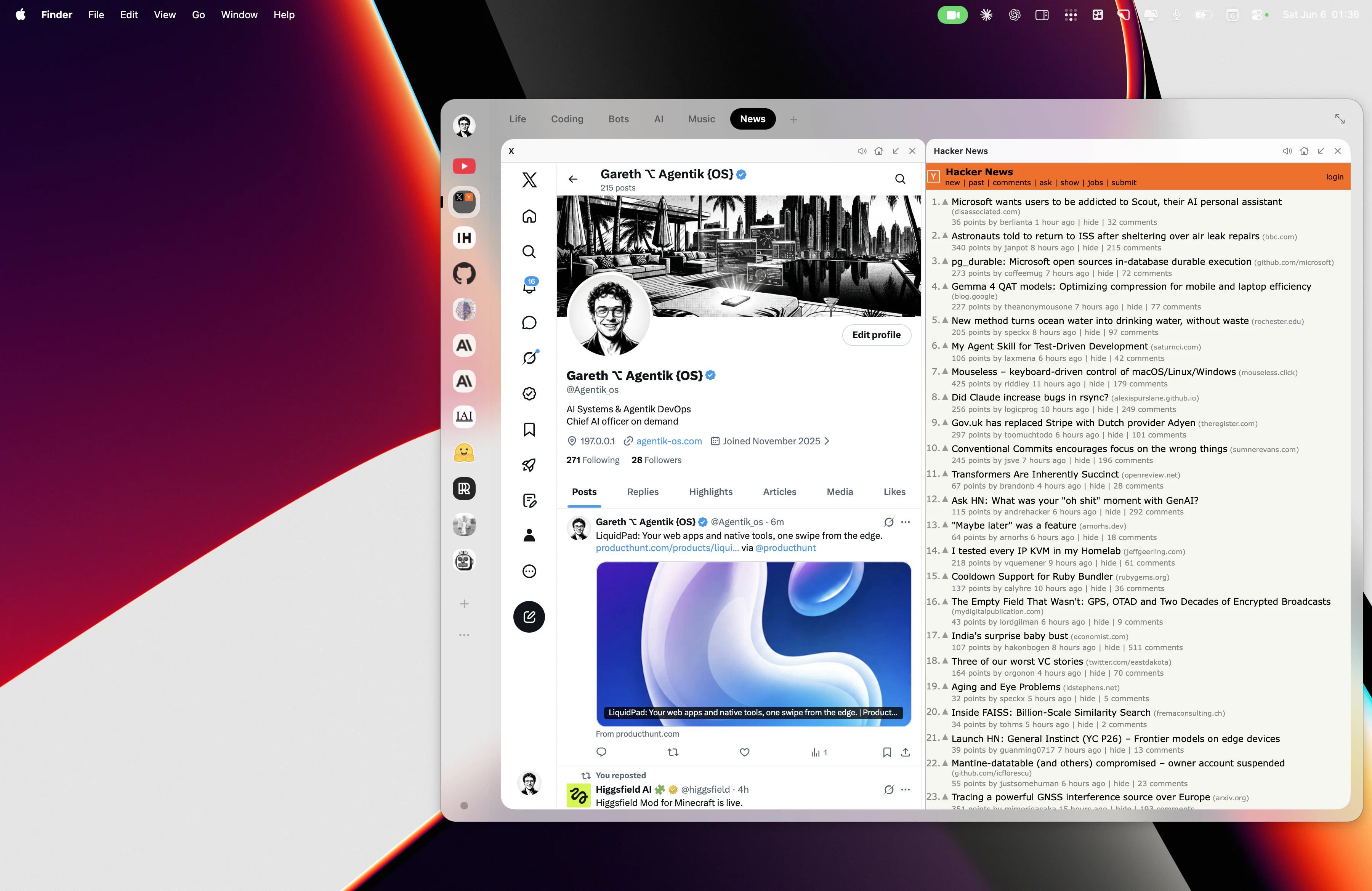
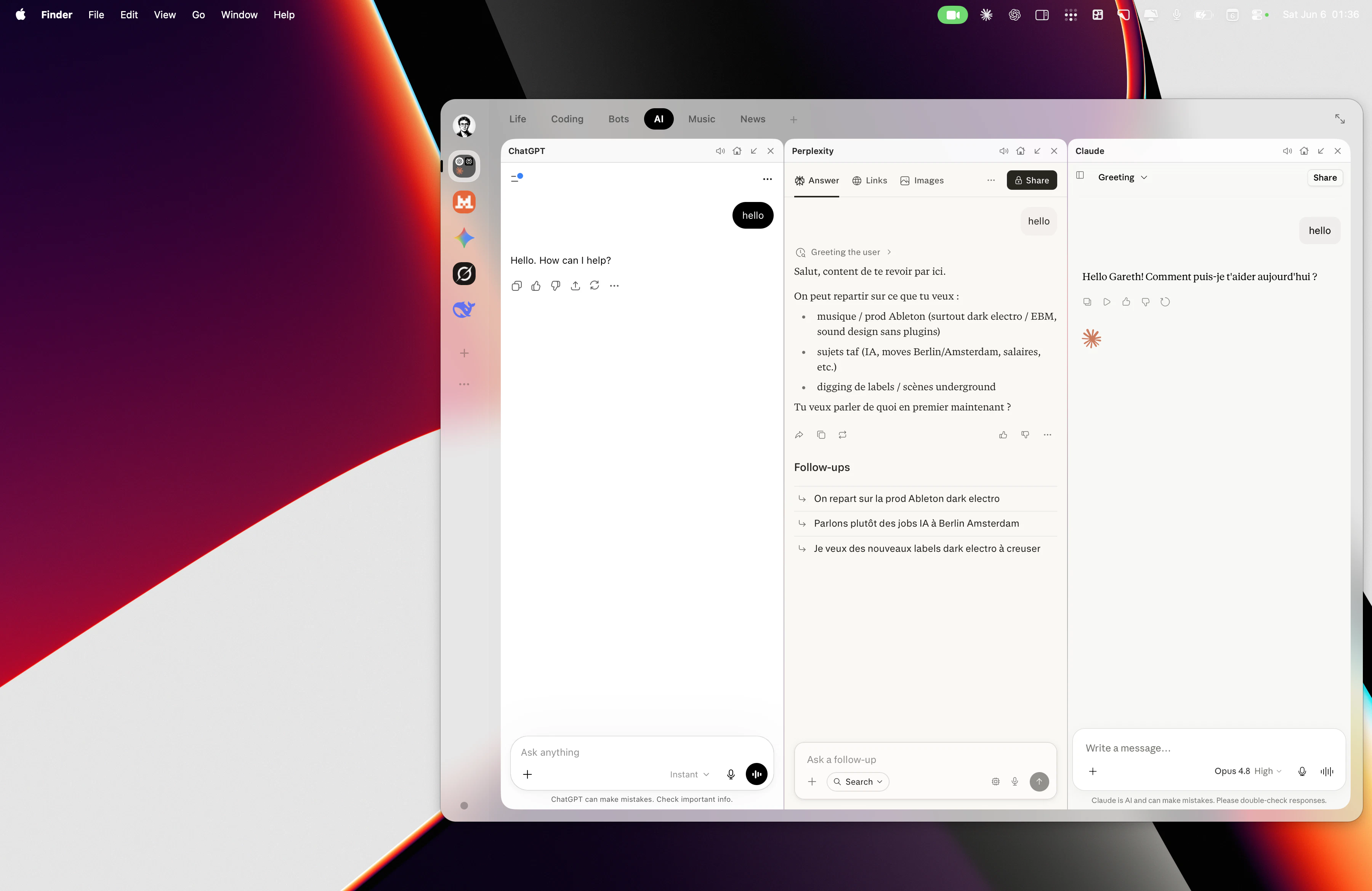
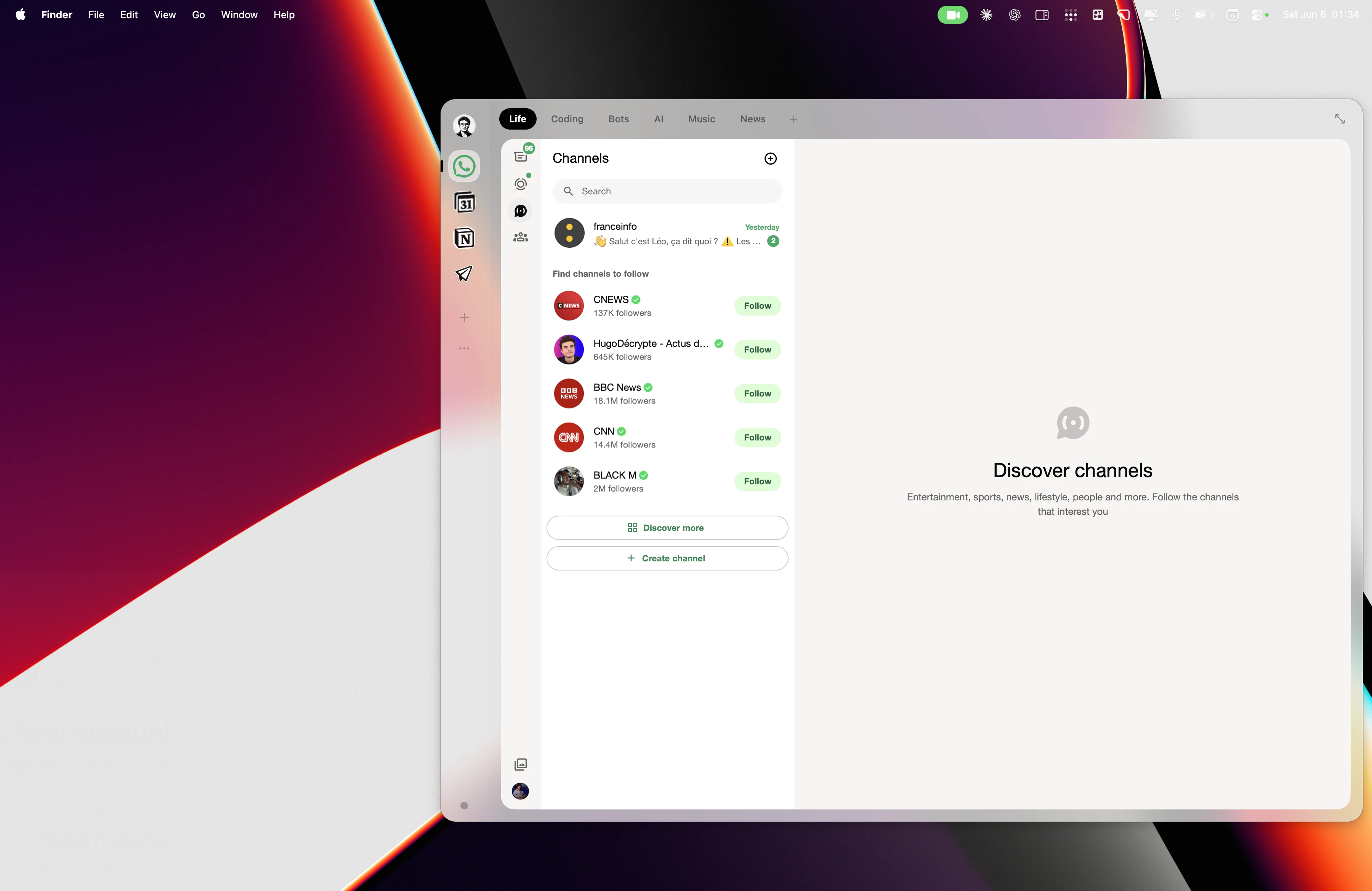
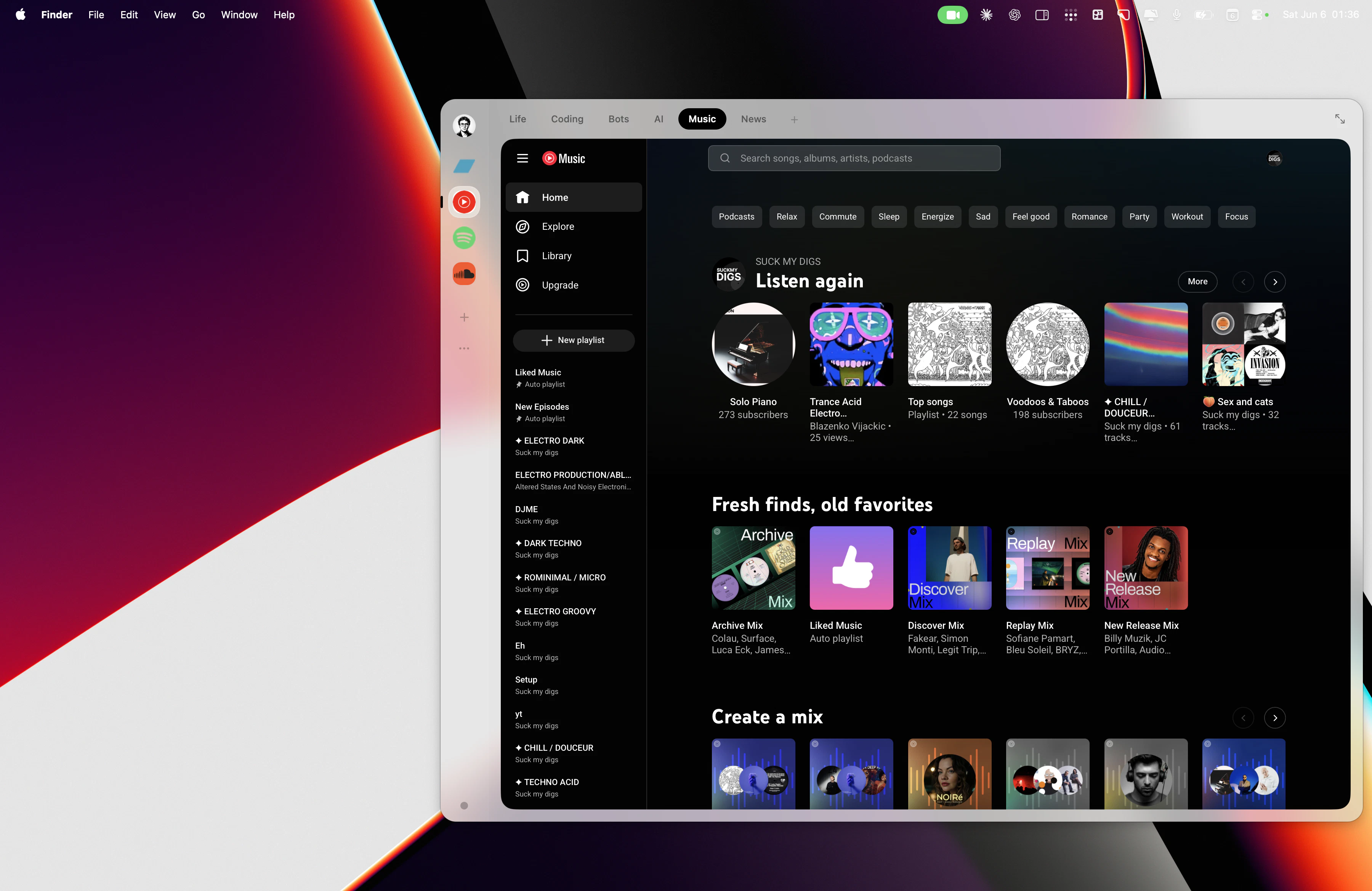
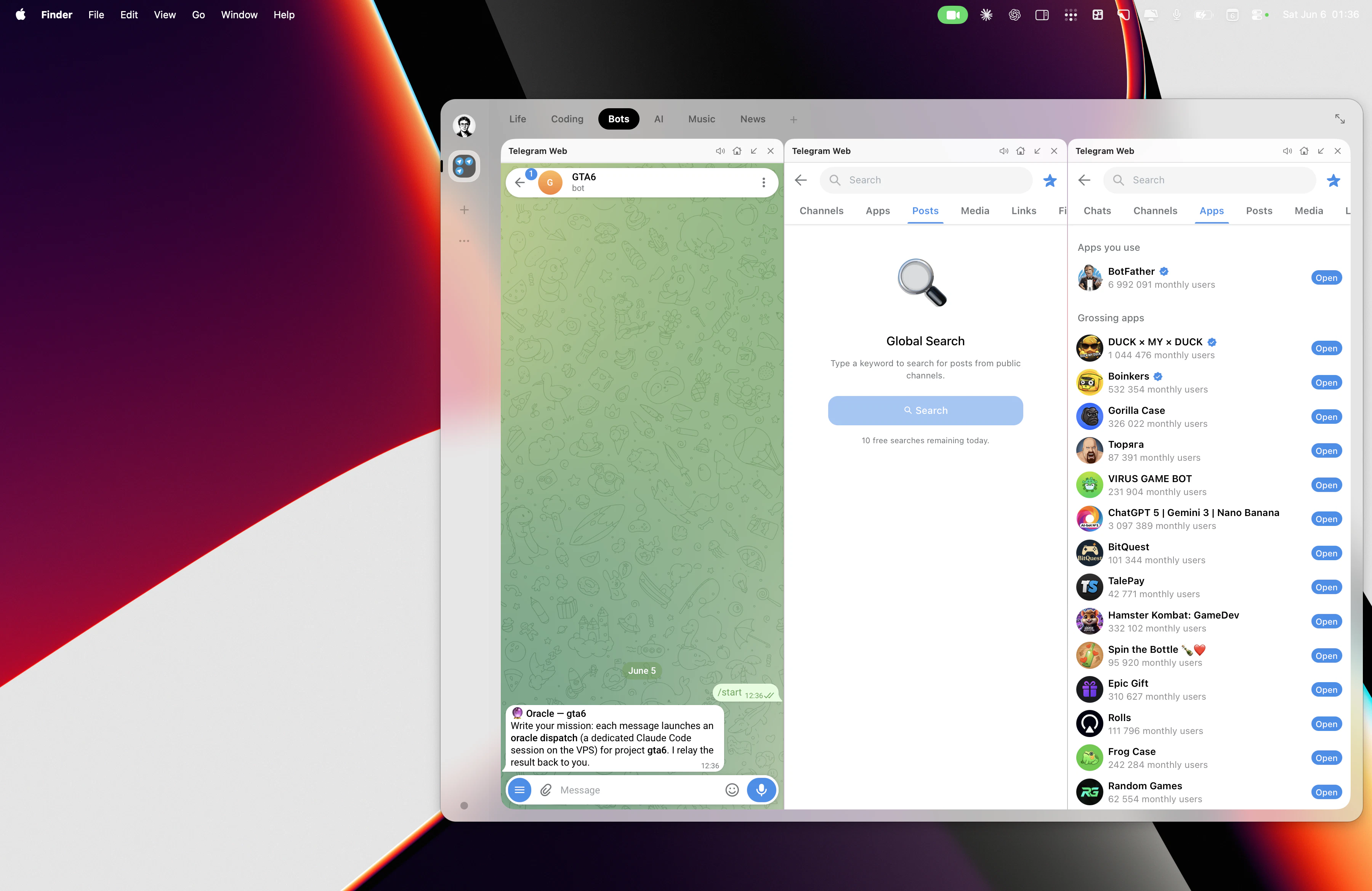
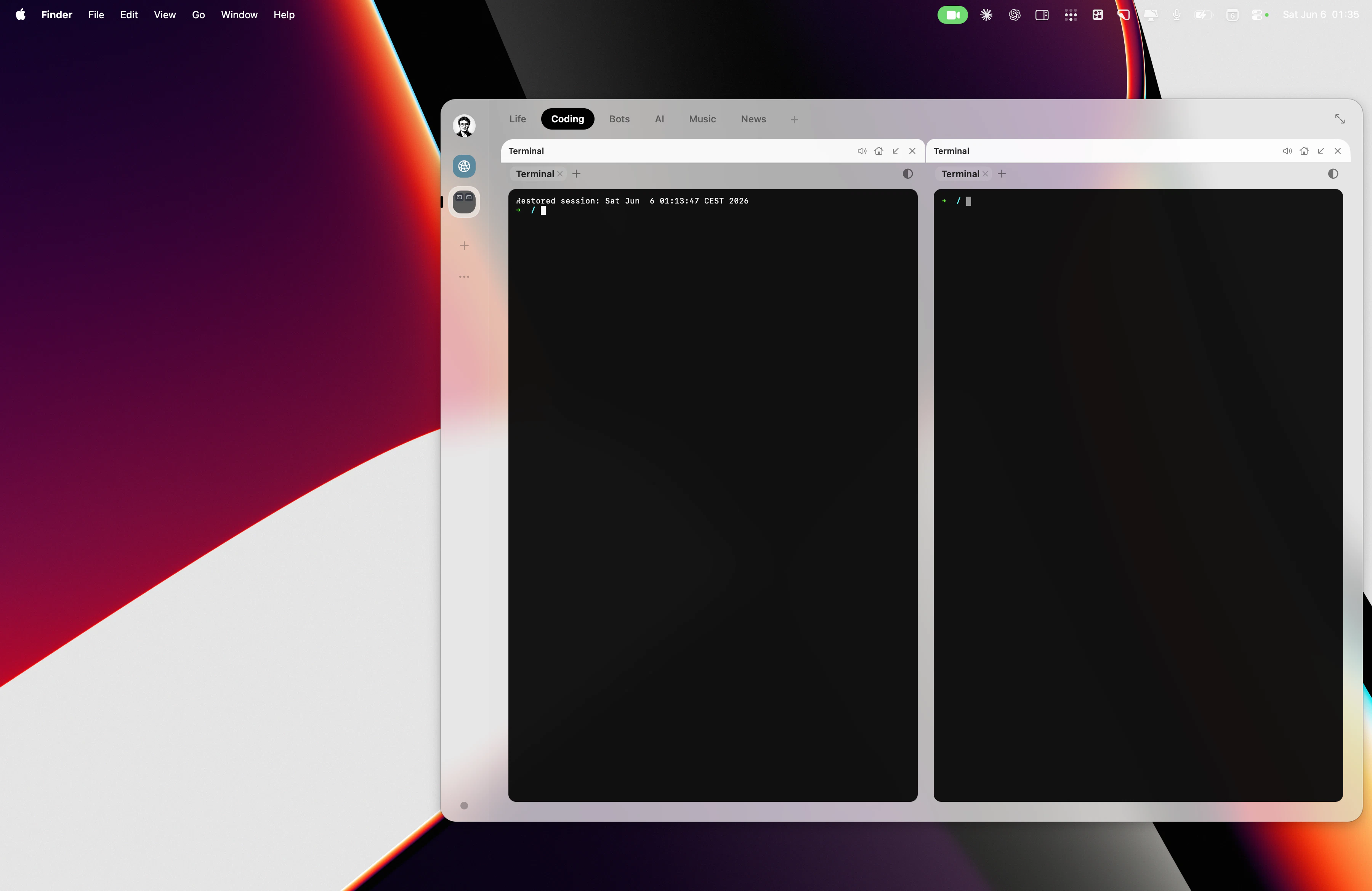
+2 more screenshots
Pros
- ✓Native performance with AppKit and WebKit, ensuring smooth operation
- ✓Centralized access to multiple web and native apps via a quick swipe
- ✓Supports powerful features like Picture-in-Picture and notifications
- ✓Resource-efficient compared to Electron-based alternatives
- ✓Customizable and easy to invoke with ⌥Space
Cons
- ✗Limited information on flexible customization options
- ✗May have a learning curve for new users unfamiliar with quick edge access
- ✗Currently lacks extensive user reviews or broad adoption data
Use Cases
Pricing
Likely adopts a freemium model, offering core features for free with optional paid plans for advanced customization or additional sessions, though specific details are not publicly confirmed.
Quick Info
Topics
Makers

Agentik {OS}
Similar Tools in Developer Tools




Embed Badge
Add this badge to your website to show that LiquidPad is featured on Visalytica.
<a href="https://www.visalytica.com/tool/liquidpad" target="_blank" rel="noopener noreferrer" style="display:inline-flex;align-items:center;gap:6px;padding:6px 14px;background:#7c3aed;color:#fff;border-radius:8px;font-family:-apple-system,system-ui,sans-serif;font-size:13px;font-weight:600;text-decoration:none;transition:background .2s" onmouseover="this.style.background='#6d28d9'" onmouseout="this.style.background='#7c3aed'"><svg width="14" height="14" viewBox="0 0 24 24" fill="none" stroke="currentColor" stroke-width="2.5" stroke-linecap="round" stroke-linejoin="round"><path d="M12 20V10"/><path d="M18 20V4"/><path d="M6 20v-4"/></svg>Featured on Visalytica</a>