linuxcommand
a lightweight, terminal-based educational utility engineered
About linuxcommand
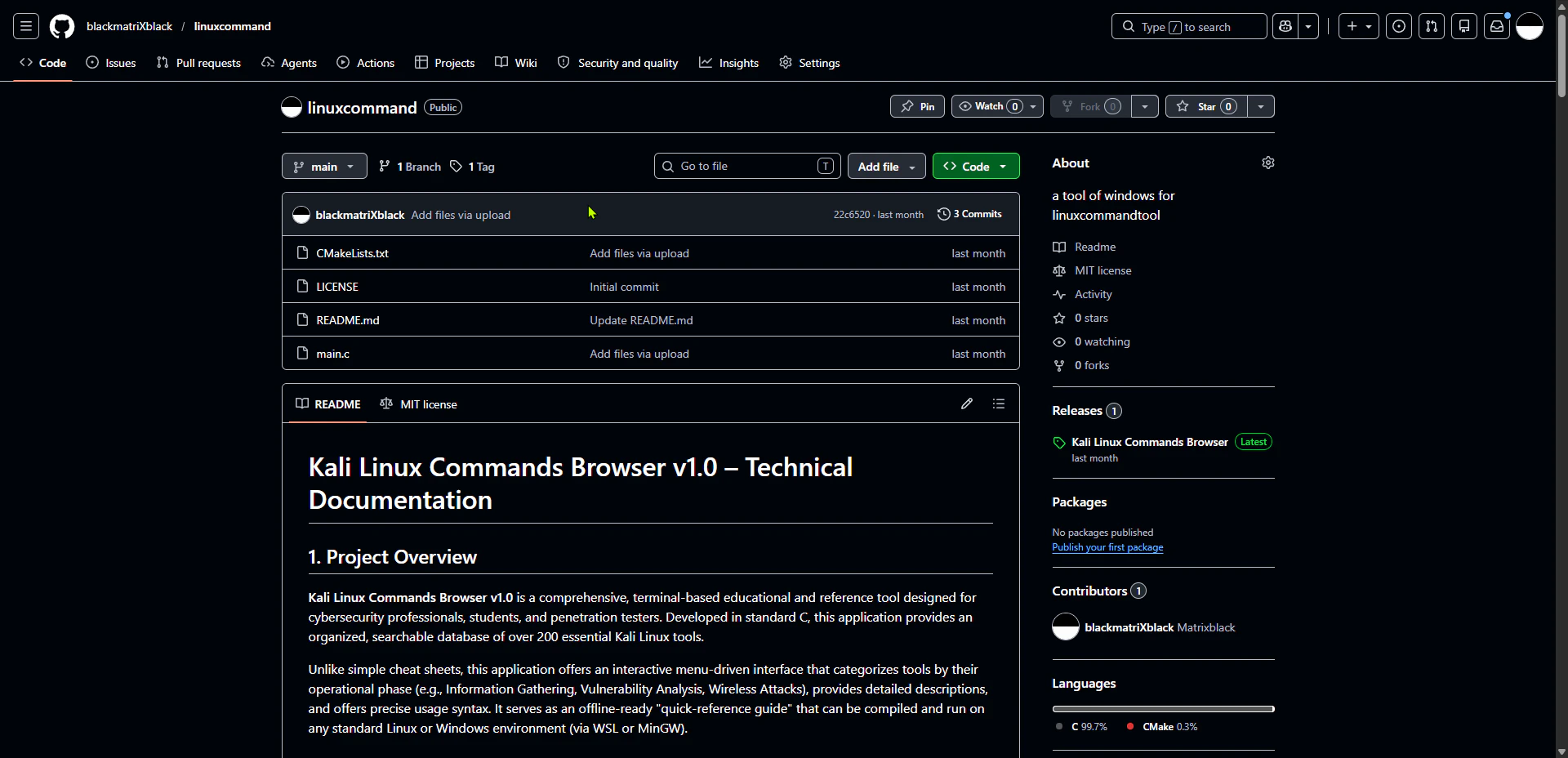
Linuxcommand is a lightweight, terminal-based educational utility designed to facilitate learning and practicing Linux commands within a Windows environment. Its purpose is to bridge the gap for users who want to familiarize themselves with Linux command-line operations without installing a full Linux distribution. By mimicking a Linux terminal experience on Windows, it offers a practical and accessible way for students, developers, and IT professionals to enhance their command-line skills. What sets Linuxcommand apart is its focus on simplicity and educational value, making it an ideal tool for beginners and those seeking to deepen their understanding of Linux commands in a controlled, safe environment. Its open-source nature encourages community contributions, ensuring continuous improvement and customization.
Screenshots
Pros
- ✓Lightweight and easy to install, requiring minimal system resources
- ✓Terminal-based interface that closely mimics Linux environments
- ✓Open source with active community support on GitHub
- ✓Ideal for educational purposes and self-paced learning
- ✓Cross-platform potential with Windows focus
Cons
- ✗Limited advanced features compared to full Linux environments
- ✗Requires familiarity with command-line interfaces for maximum benefit
- ✗Development activity appears minimal based on current data
Use Cases
Pricing
As an open-source project hosted on GitHub, Linuxcommand is free to use and modify. There are no known paid tiers or subscription costs associated with the tool.
Quick Info
Topics
Makers

Zero.projects
Alternatives
Similar Tools in Education & Learning




Embed Badge
Add this badge to your website to show that linuxcommand is featured on Visalytica.
<a href="https://www.visalytica.com/tool/linuxcommand" target="_blank" rel="noopener noreferrer" style="display:inline-flex;align-items:center;gap:6px;padding:6px 14px;background:#7c3aed;color:#fff;border-radius:8px;font-family:-apple-system,system-ui,sans-serif;font-size:13px;font-weight:600;text-decoration:none;transition:background .2s" onmouseover="this.style.background='#6d28d9'" onmouseout="this.style.background='#7c3aed'"><svg width="14" height="14" viewBox="0 0 24 24" fill="none" stroke="currentColor" stroke-width="2.5" stroke-linecap="round" stroke-linejoin="round"><path d="M12 20V10"/><path d="M18 20V4"/><path d="M6 20v-4"/></svg>Featured on Visalytica</a>