
LikePulse
See exactly where YouTube audiences react — instantly
About LikePulse
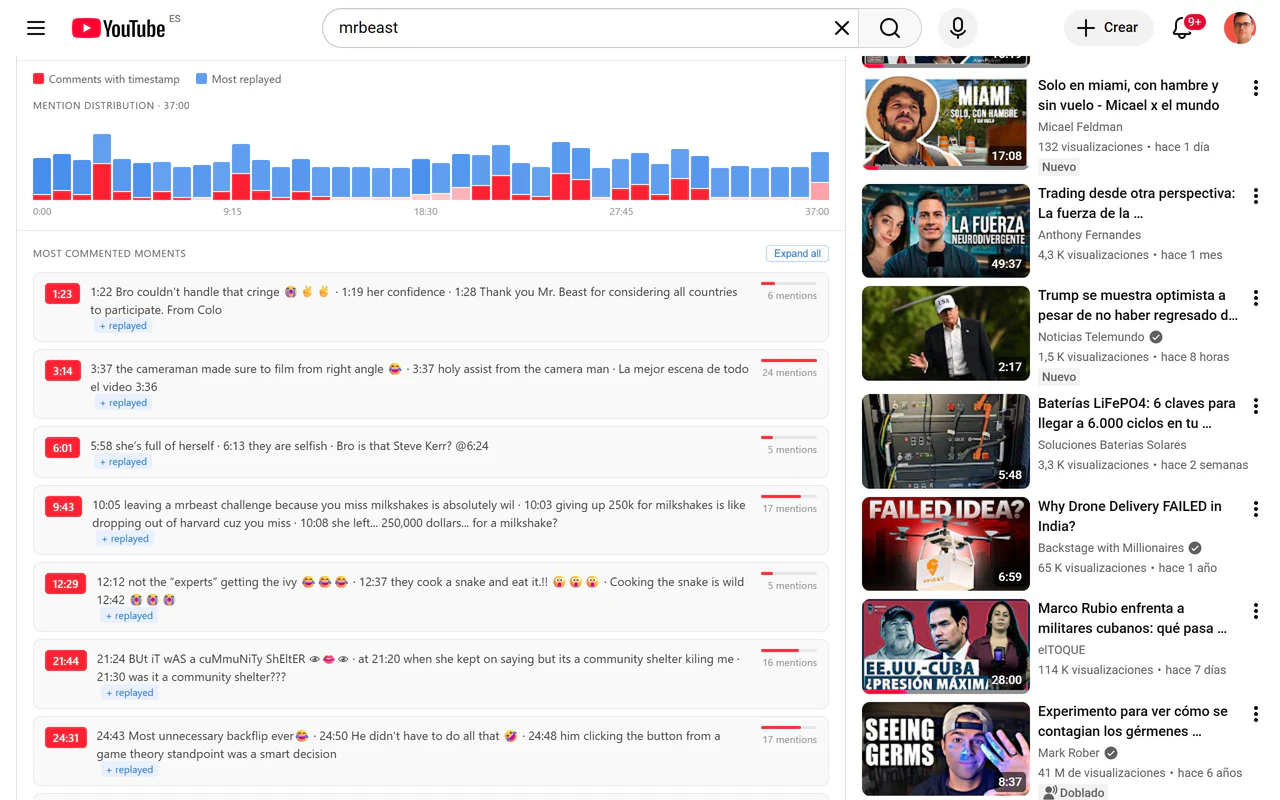
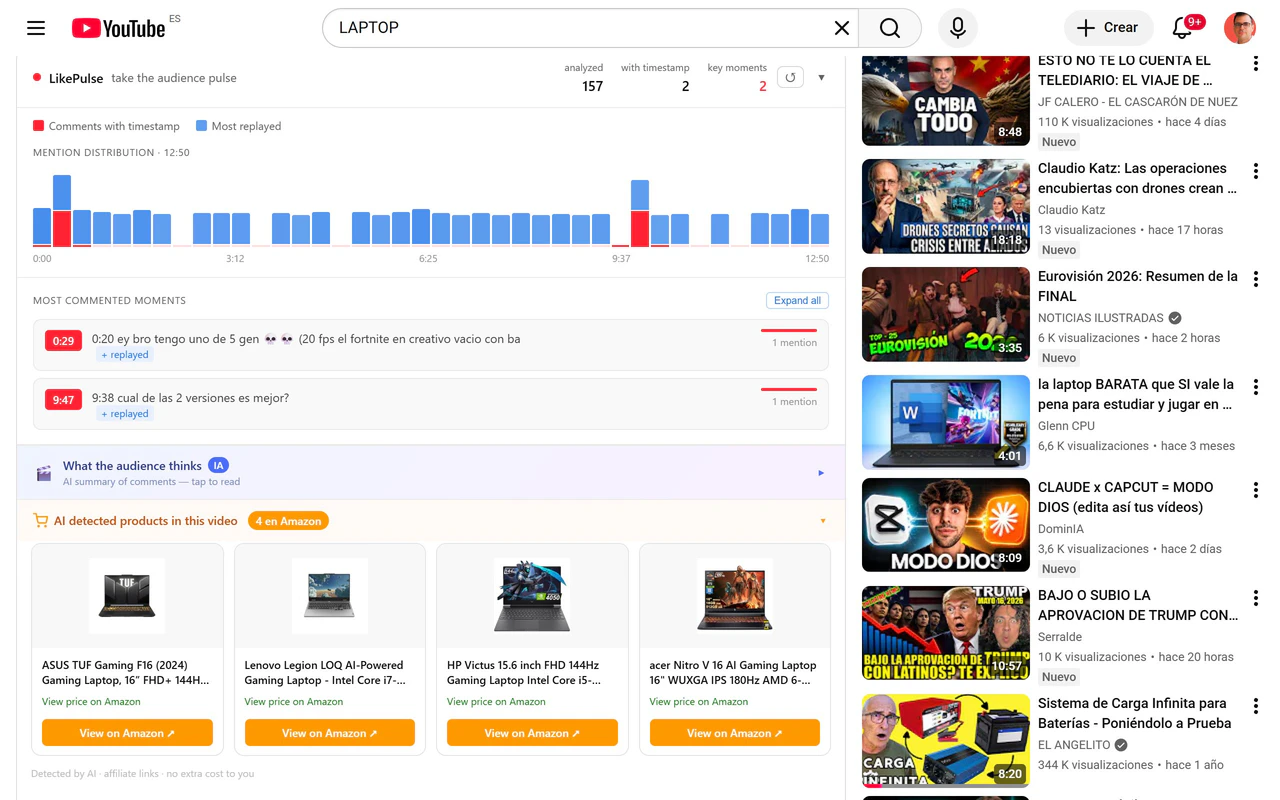
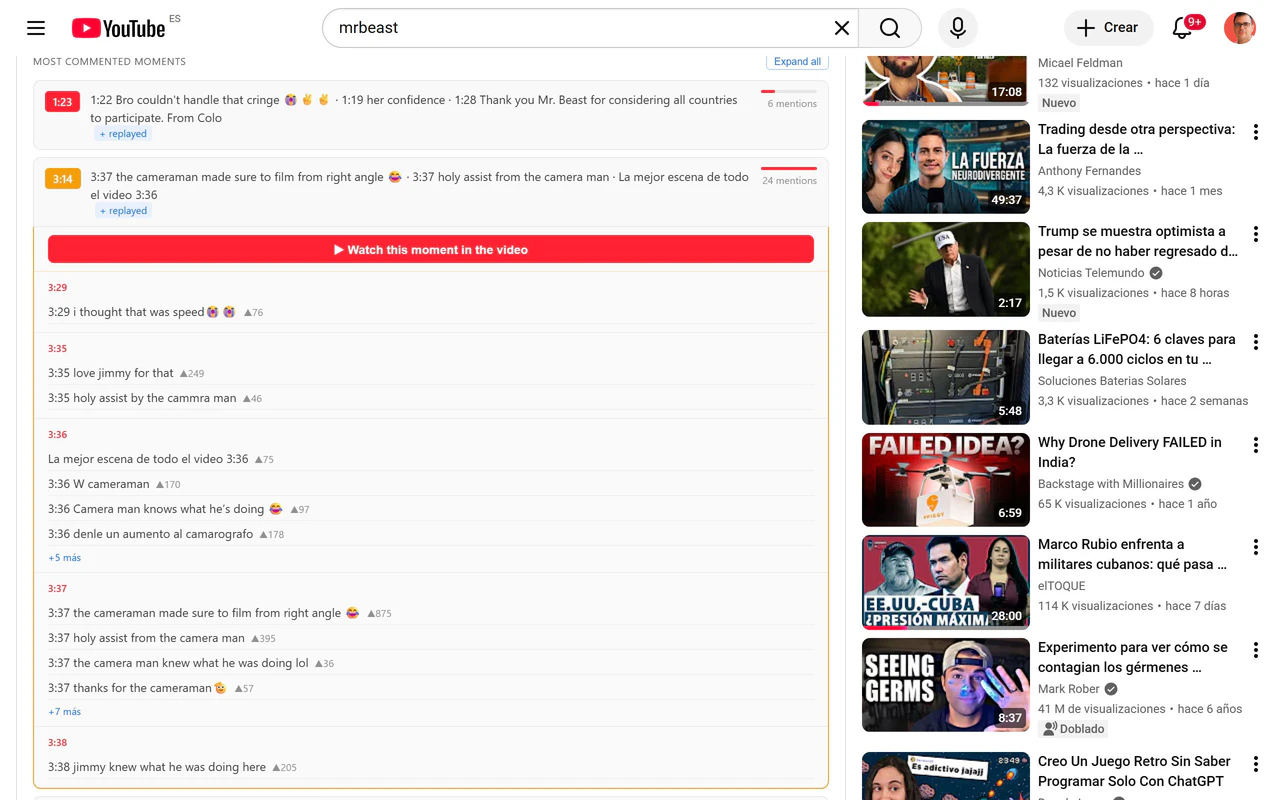
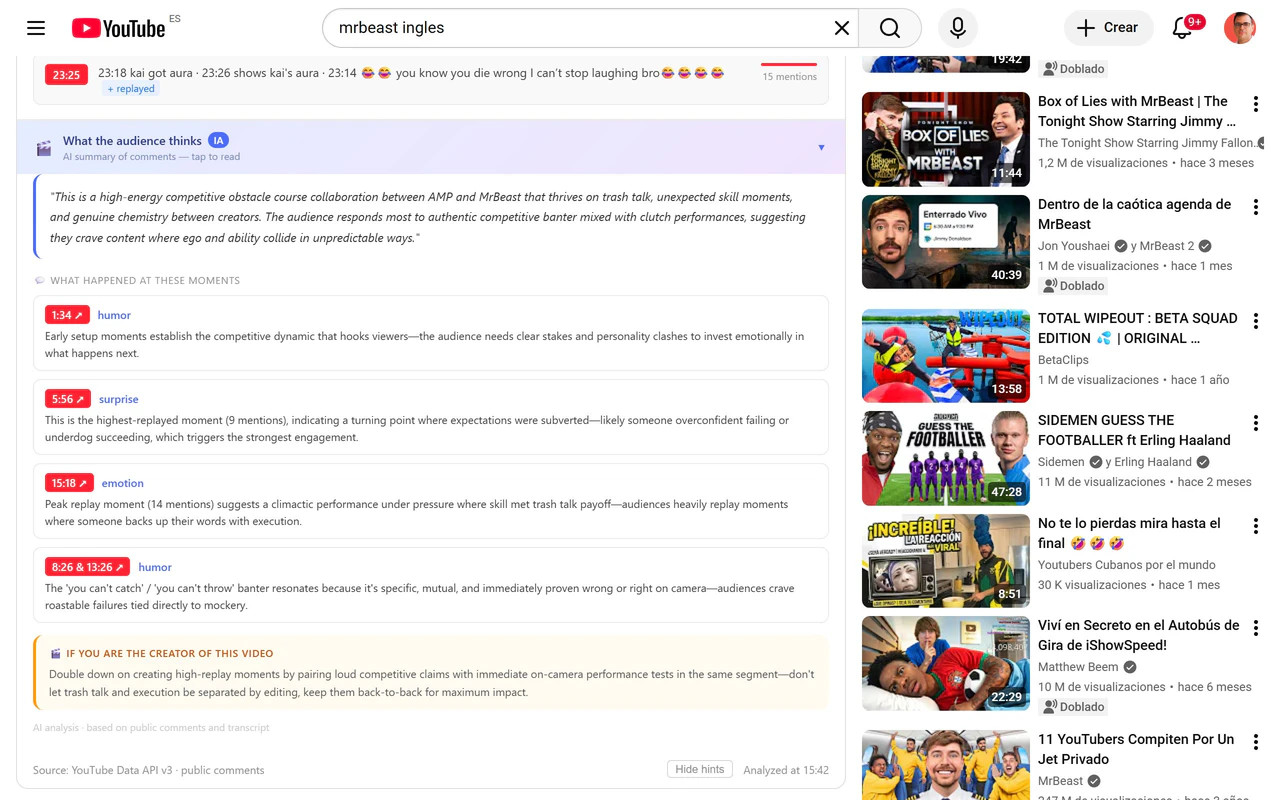
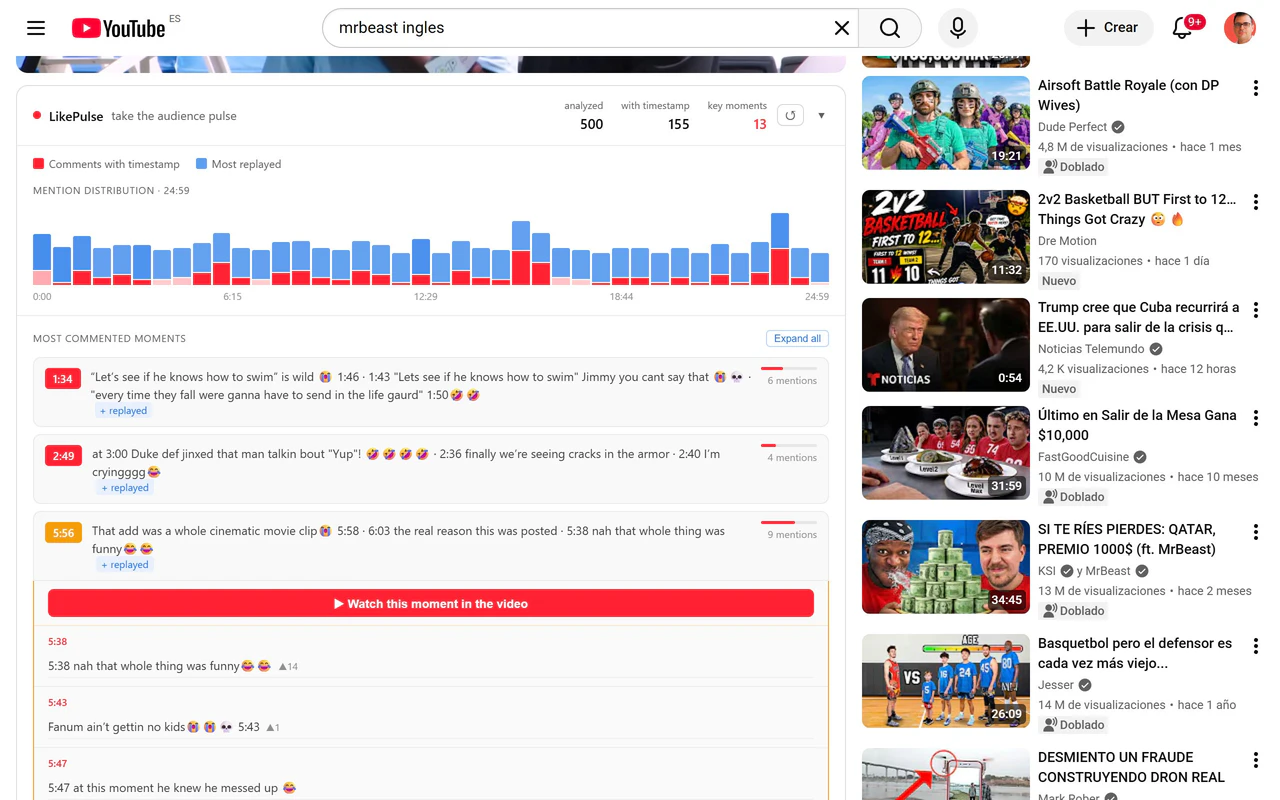
LikePulse is an innovative Chrome extension designed for content creators, marketers, and YouTube enthusiasts who want to understand audience engagement in real time. By analyzing YouTube comments as videos play, it provides a dynamic heatmap highlighting comment spikes and the most rewatched moments, giving users instant insights into viewer reactions. The tool also features AI-powered explanations from Claude Haiku, which interpret why certain segments resonated, and product detection that identifies Amazon products mentioned within videos. Its no-setup, instant usability makes it accessible to anyone without requiring an account, making it ideal for quick analysis and content optimization. What sets LikePulse apart is its ability to combine audience feedback with video analytics seamlessly, empowering creators to refine their content, marketers to identify trending moments, and brands to gauge audience sentiment efficiently.
Screenshots
Pros
- ✓Real-time analysis of YouTube comments and audience reactions
- ✓Visual engagement heatmaps combined with rewatch data
- ✓AI explanations for why specific moments resonate
- ✓Automatic detection of Amazon products mentioned in videos
- ✓No account required, easy to use instantly
Cons
- ✗Limited to YouTube videos only
- ✗Free version may have restricted features or usage limits
- ✗Relies on comment activity, which may be sparse for less-engaged videos
Use Cases
Pricing
LikPulse is offered as a free tool with no account required, making it accessible for quick, casual use. However, advanced features or higher usage volumes may be available through paid plans, which are likely to follow a freemium model with tiered options starting around a few dollars per month.
Quick Info
Topics
Alternatives
Similar Tools in AI Image & Design




Embed Badge
Add this badge to your website to show that LikePulse is featured on Visalytica.
<a href="https://www.visalytica.com/tool/likepulse" target="_blank" rel="noopener noreferrer" style="display:inline-flex;align-items:center;gap:6px;padding:6px 14px;background:#7c3aed;color:#fff;border-radius:8px;font-family:-apple-system,system-ui,sans-serif;font-size:13px;font-weight:600;text-decoration:none;transition:background .2s" onmouseover="this.style.background='#6d28d9'" onmouseout="this.style.background='#7c3aed'"><svg width="14" height="14" viewBox="0 0 24 24" fill="none" stroke="currentColor" stroke-width="2.5" stroke-linecap="round" stroke-linejoin="round"><path d="M12 20V10"/><path d="M18 20V4"/><path d="M6 20v-4"/></svg>Featured on Visalytica</a>