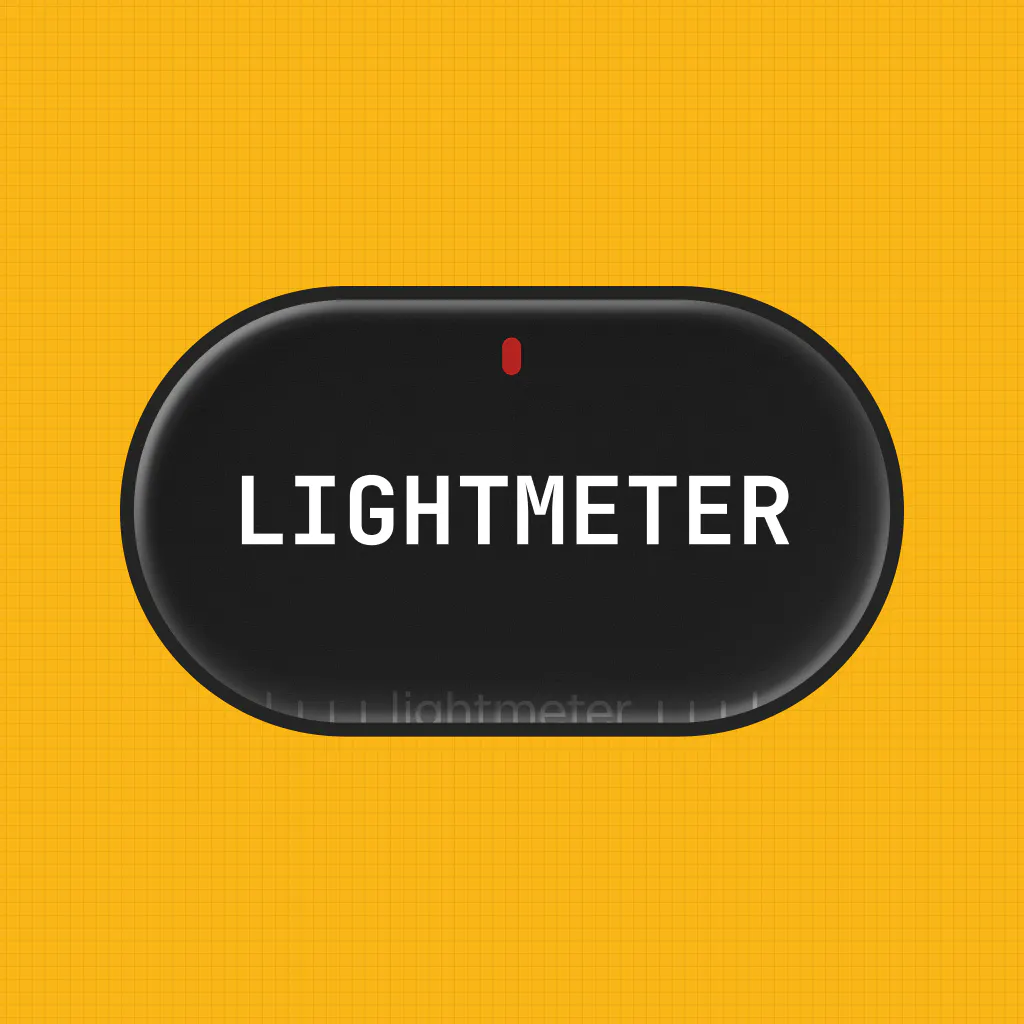
Lightmeter v1.1.0 Update
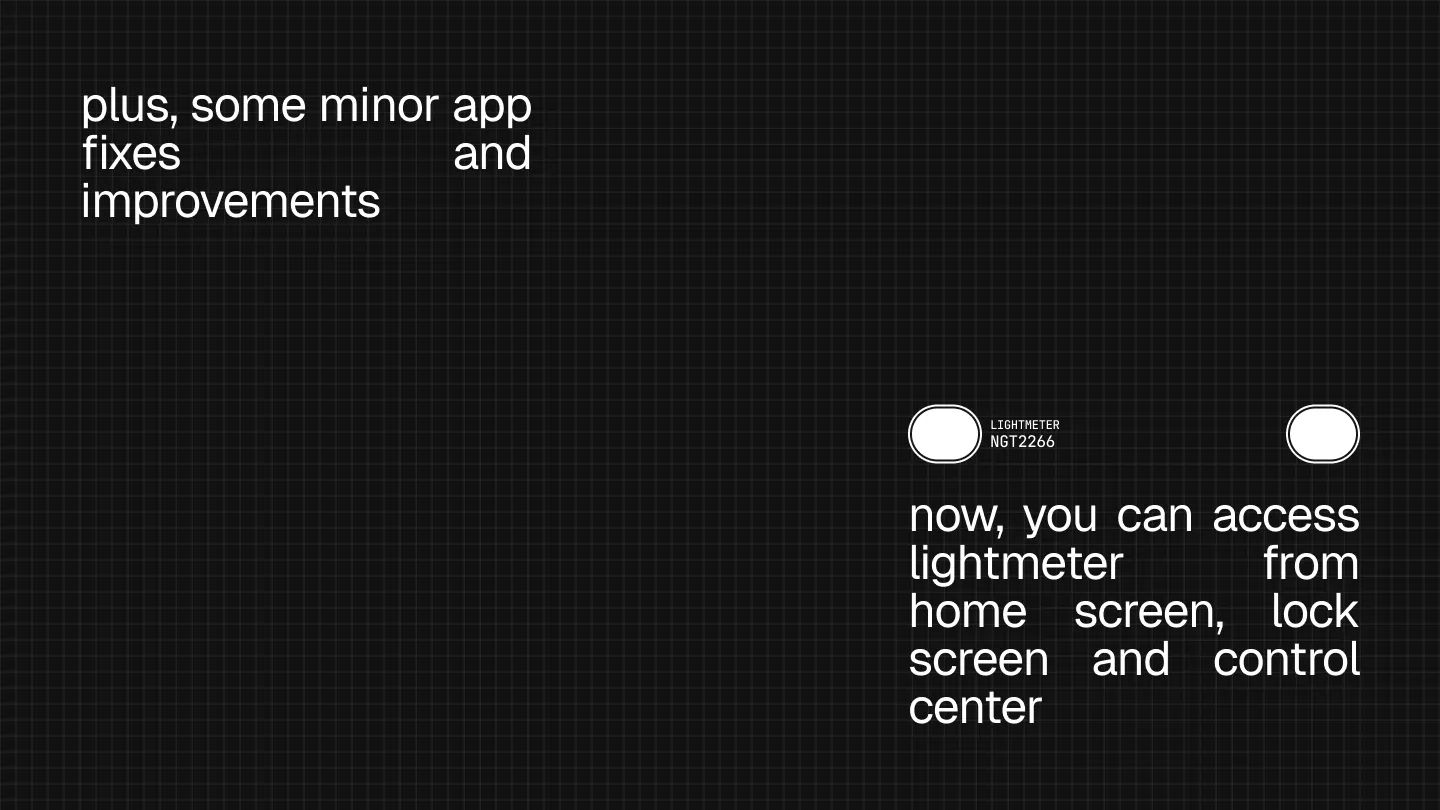
Now it lives on Home Screen, Lock Screen & Control Center
About Lightmeter v1.1.0 Update
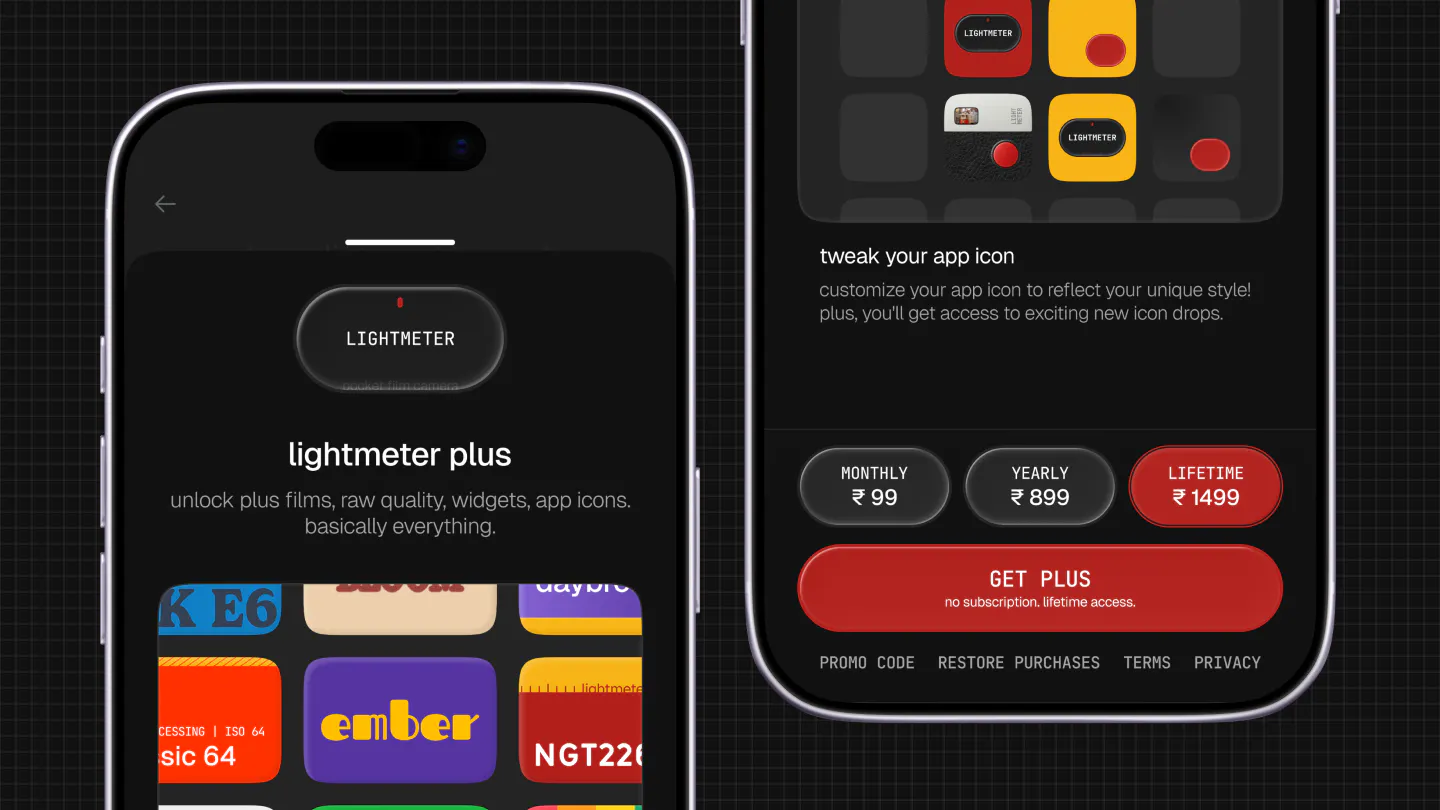
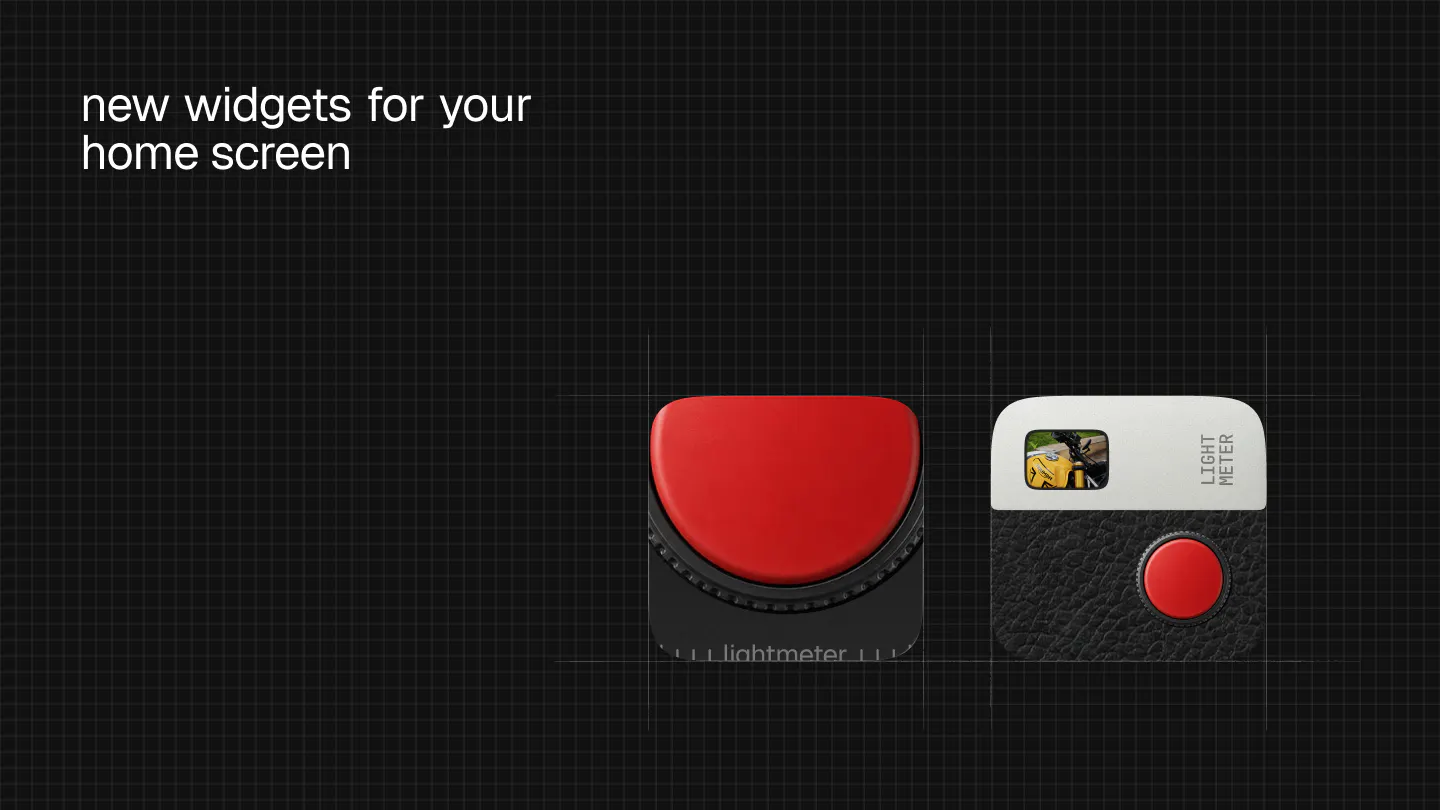
Lightmeter v1.1.0 introduces a fresh, personalized experience for iOS photography enthusiasts. This update seamlessly integrates the Lightmeter camera and light meter functionalities into the Home Screen, Lock Screen, and Control Center, making quick access effortless. The new app icons and widgets not only enhance aesthetic appeal but also improve usability, allowing users to open the camera directly from these quick-access areas. The redesigned Plus sheet offers clearer insights into premium features, giving both members and non-members transparent information about what’s included. A standout feature is the instant photo-like shot that develops in the corner, adding a nostalgic touch to modern photography. Additionally, the live preview icon picker responds dynamically to phone movements, offering a more interactive customization experience. Overall, Lightmeter continues to serve photographers and Apple device users looking for intuitive, stylish tools to enhance their photography workflow, now with even more convenience and personalization.
Screenshots
Pros
- ✓Quick access via Home Screen, Lock Screen, and Control Center
- ✓Customizable app icons and widgets for a personalized look
- ✓Live preview icon picker with tilt response for better customization
- ✓Free camera and meter features, with transparent Plus sheet info
Cons
- ✗No information on pricing plans or subscription details
- ✗Limited details on compatibility or device-specific features
- ✗User interface improvements may require adaptation for some users
Use Cases
Pricing
Pricing not verified
Quick Info
Topics
Makers

Aakash Goel
@goelaakash79Alternatives
Similar Tools in AI Image & Design




Embed Badge
Add this badge to your website to show that Lightmeter v1.1.0 Update is featured on Visalytica.
<a href="https://www.visalytica.com/tool/lightmeter-v1-1-0-update" target="_blank" rel="noopener noreferrer" style="display:inline-flex;align-items:center;gap:6px;padding:6px 14px;background:#7c3aed;color:#fff;border-radius:8px;font-family:-apple-system,system-ui,sans-serif;font-size:13px;font-weight:600;text-decoration:none;transition:background .2s" onmouseover="this.style.background='#6d28d9'" onmouseout="this.style.background='#7c3aed'"><svg width="14" height="14" viewBox="0 0 24 24" fill="none" stroke="currentColor" stroke-width="2.5" stroke-linecap="round" stroke-linejoin="round"><path d="M12 20V10"/><path d="M18 20V4"/><path d="M6 20v-4"/></svg>Featured on Visalytica</a>