Lexie
Snap your notes and get tested before the exam
About Lexie
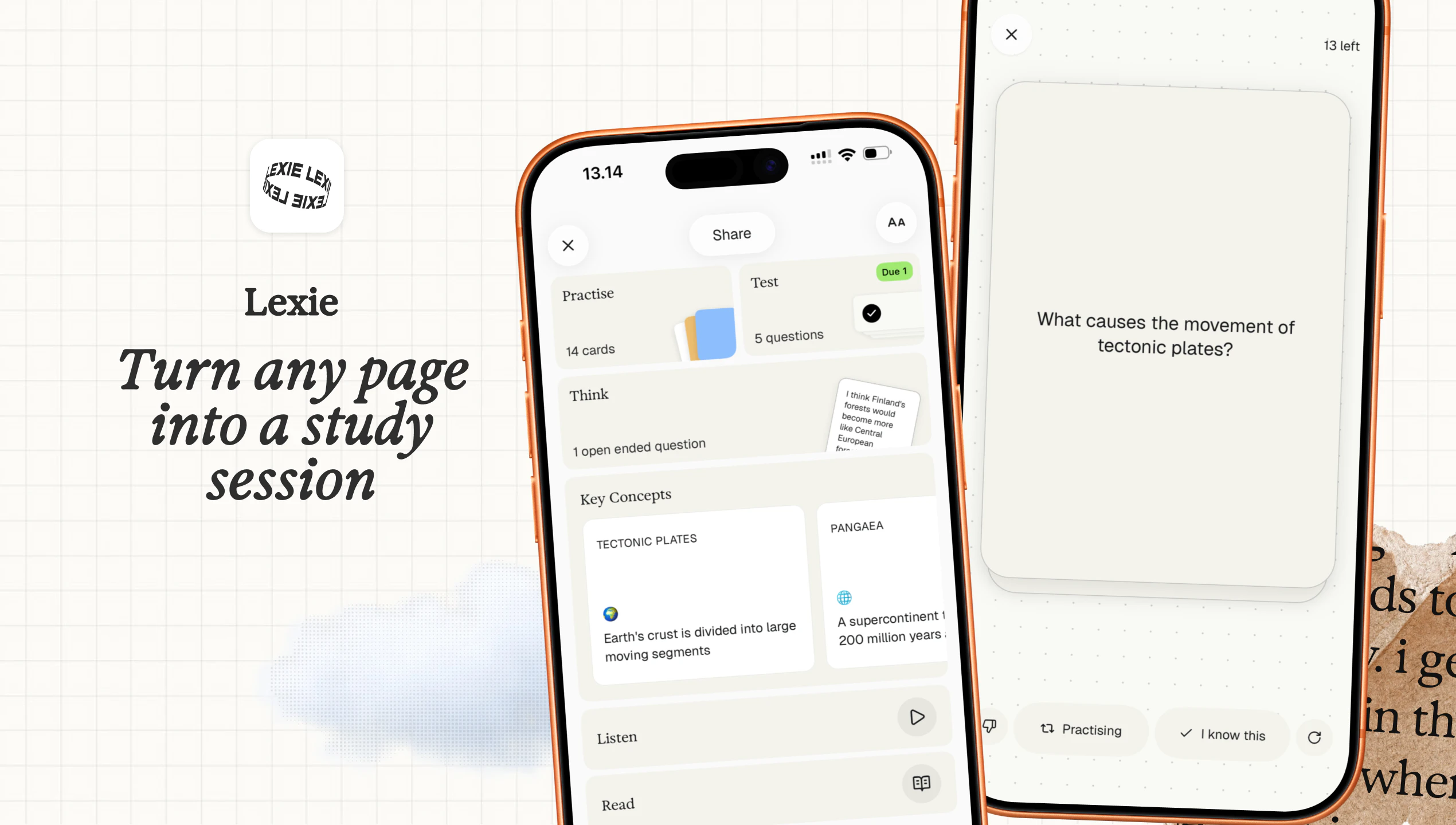
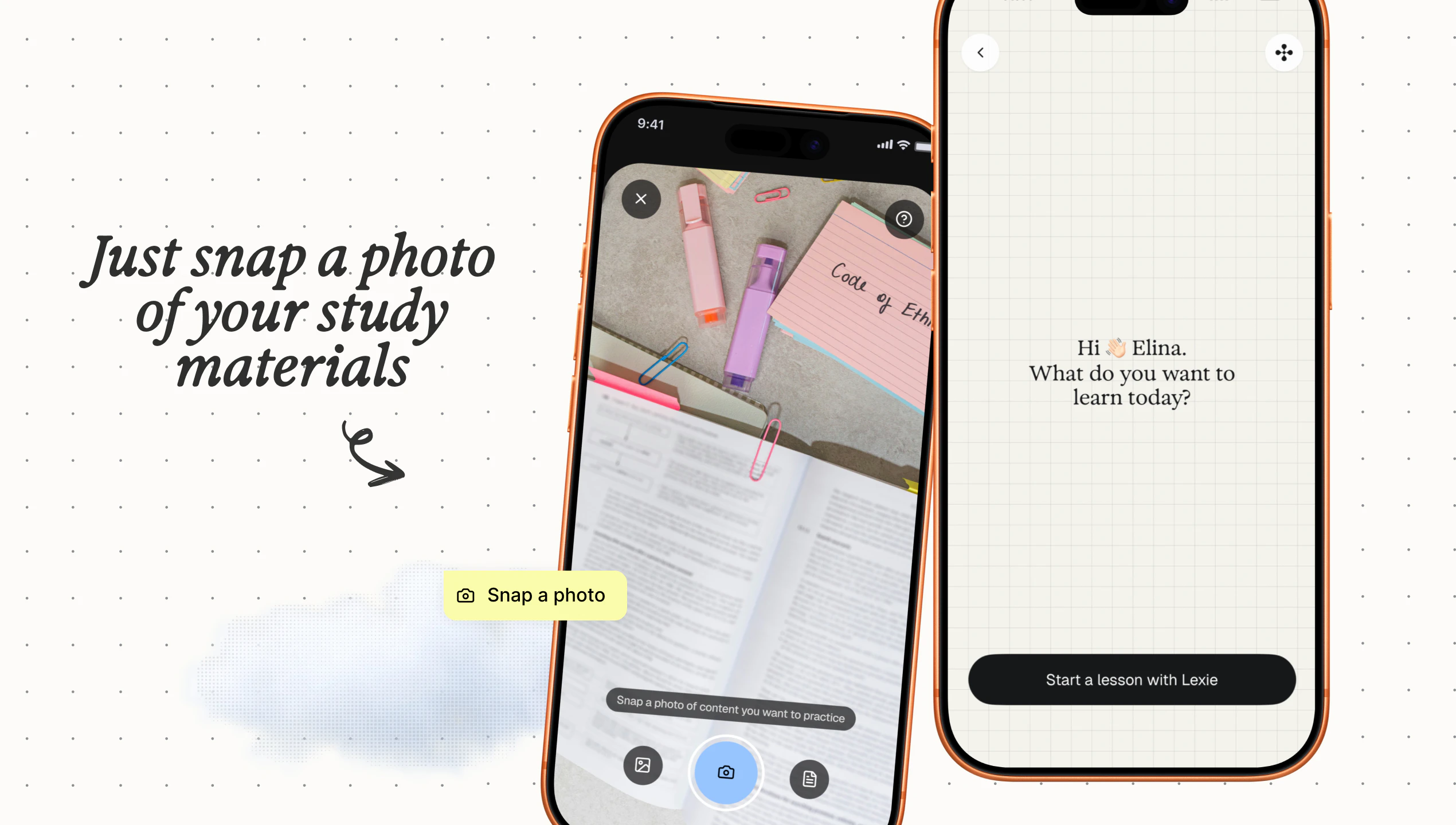
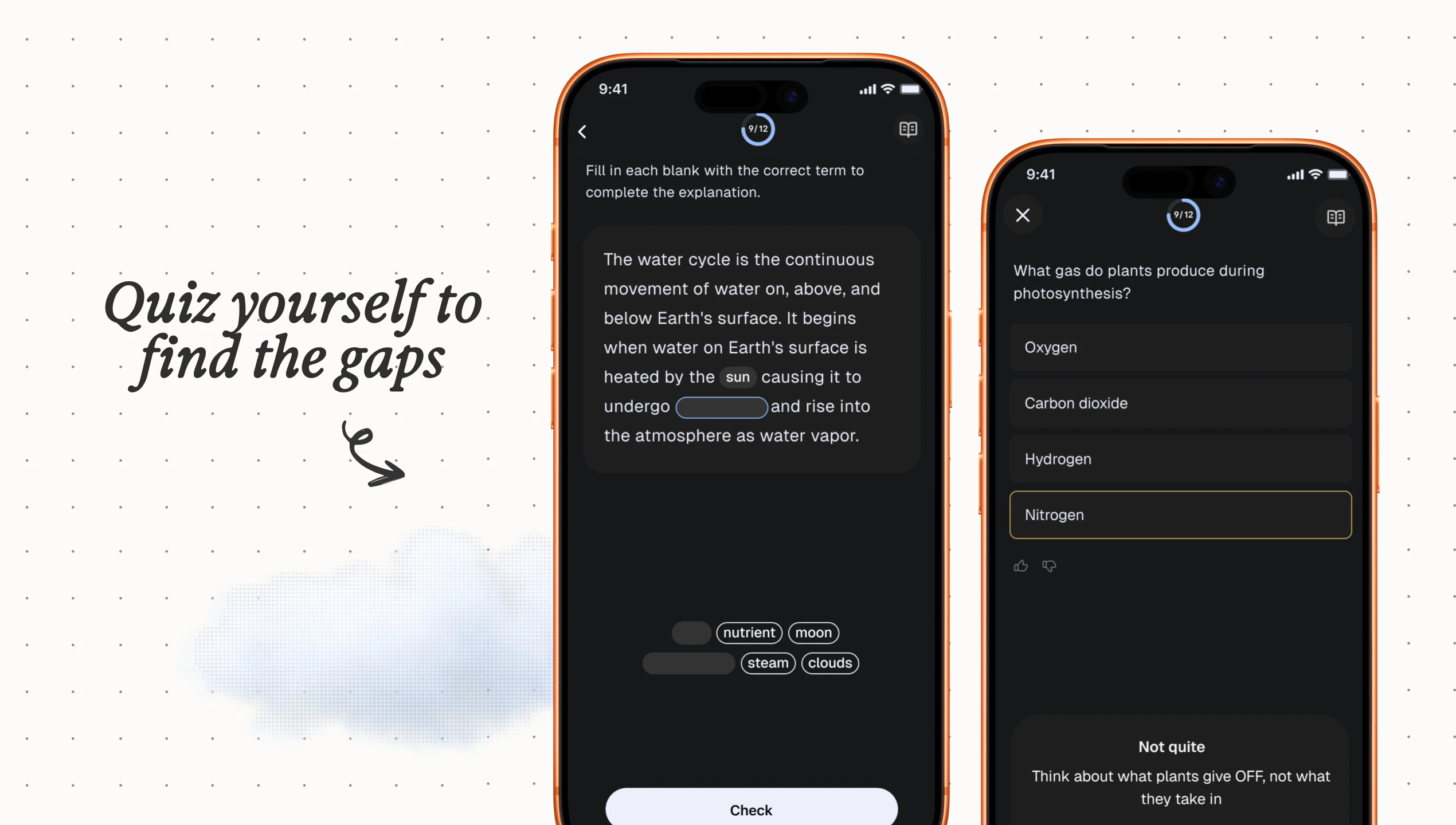
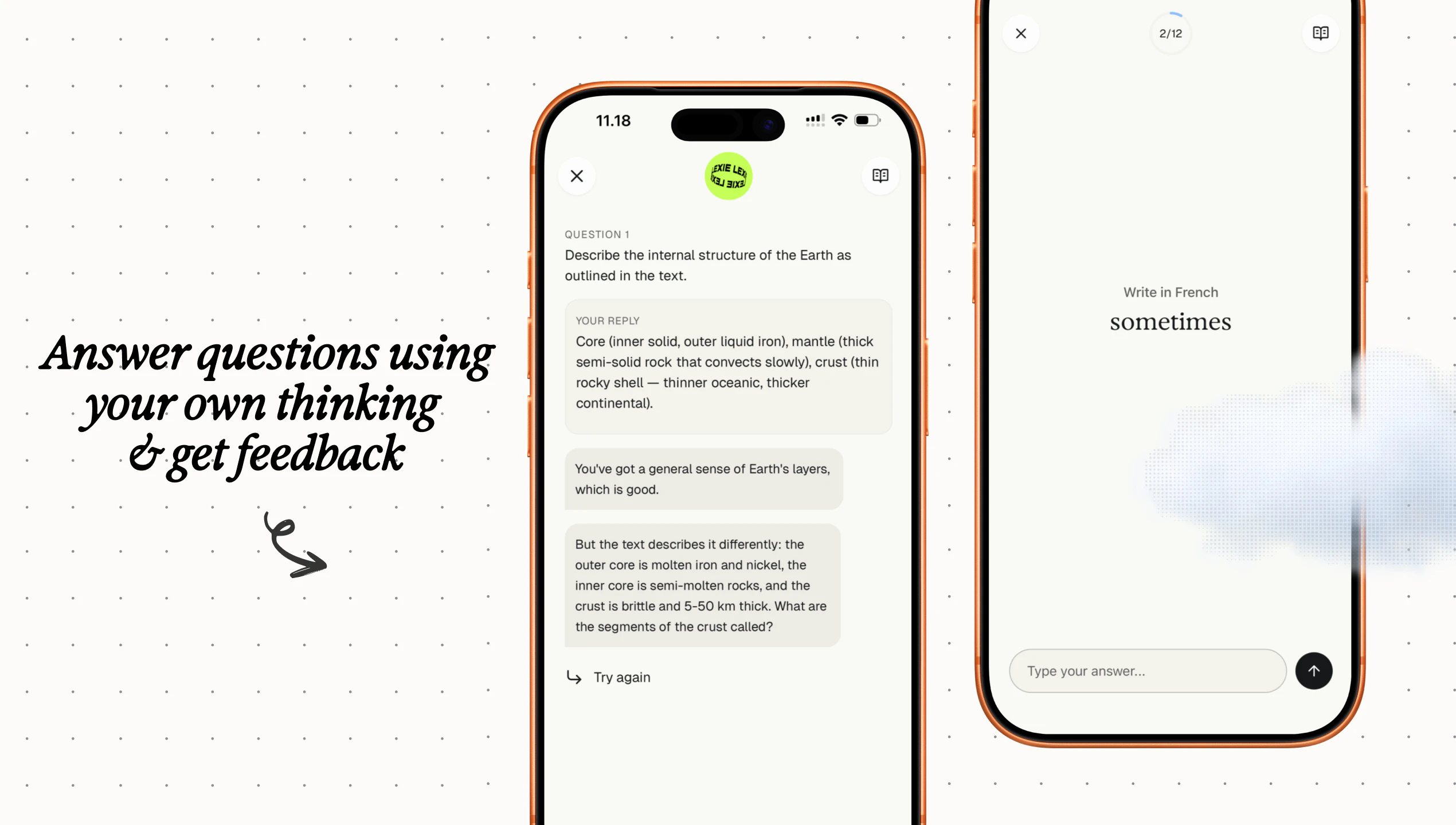
Lexie is an innovative AI-powered study tool designed to transform your handwritten or printed notes into a personalized exam simulation. By simply snapping a photo of your notes, Lexie reads and analyzes the content to generate a tailored set of practice questions, including multiple choice, fill-in-the-blank, and open-ended formats. What sets Lexie apart is its ability to create questions that mimic real exam conditions, with AI evaluating your answers and highlighting areas for improvement. Additionally, the platform incorporates spaced repetition scheduling to optimize your review sessions, making it a comprehensive exam prep solution. Suitable for students, language learners, or anyone looking to test their knowledge, Lexie emphasizes privacy by keeping your data on your device and requiring no account sign-up. Its versatility across subjects and emphasis on active testing make it a unique tool for effective learning.
Screenshots
Pros
- ✓Transforms handwritten notes into personalized exam questions
- ✓Supports multiple question types, including AI-evaluated open-ended answers
- ✓Works offline with no account needed, ensuring privacy
- ✓Incorporates spaced repetition for effective review
- ✓Versatile across various subjects and languages
Cons
- ✗Dependent on photo quality for accurate note recognition
- ✗May have limited features without ongoing updates or support
- ✗Lack of integration with other study tools or platforms
Use Cases
Pricing
Likely operates on a freemium model, offering core features for free with potential premium options for advanced functionalities or additional question sets. Exact pricing details are not publicly specified.
Quick Info
Topics
Similar Tools in AI Image & Design




Embed Badge
Add this badge to your website to show that Lexie is featured on Visalytica.
<a href="https://www.visalytica.com/tool/lexie-1101800" target="_blank" rel="noopener noreferrer" style="display:inline-flex;align-items:center;gap:6px;padding:6px 14px;background:#7c3aed;color:#fff;border-radius:8px;font-family:-apple-system,system-ui,sans-serif;font-size:13px;font-weight:600;text-decoration:none;transition:background .2s" onmouseover="this.style.background='#6d28d9'" onmouseout="this.style.background='#7c3aed'"><svg width="14" height="14" viewBox="0 0 24 24" fill="none" stroke="currentColor" stroke-width="2.5" stroke-linecap="round" stroke-linejoin="round"><path d="M12 20V10"/><path d="M18 20V4"/><path d="M6 20v-4"/></svg>Featured on Visalytica</a>