
Leafovers
Add sticky notes to any page on the web
About Leafovers
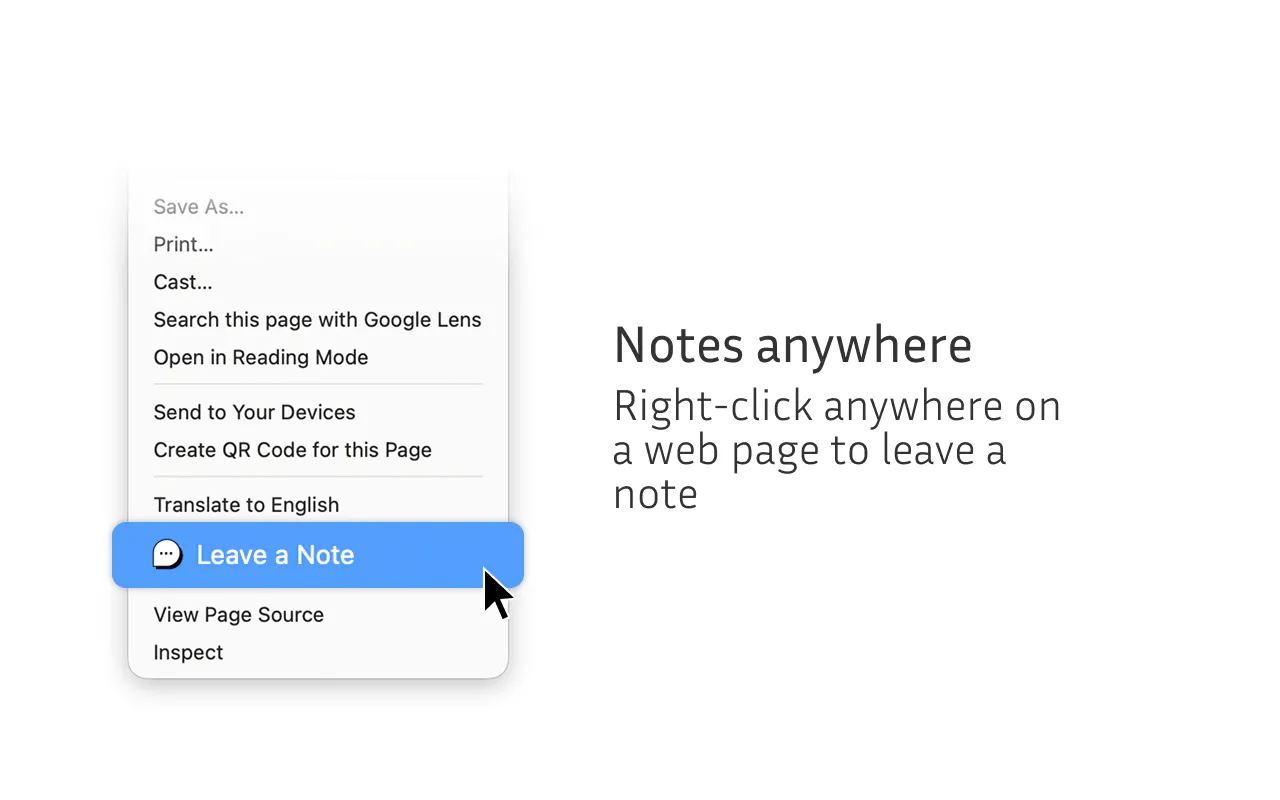
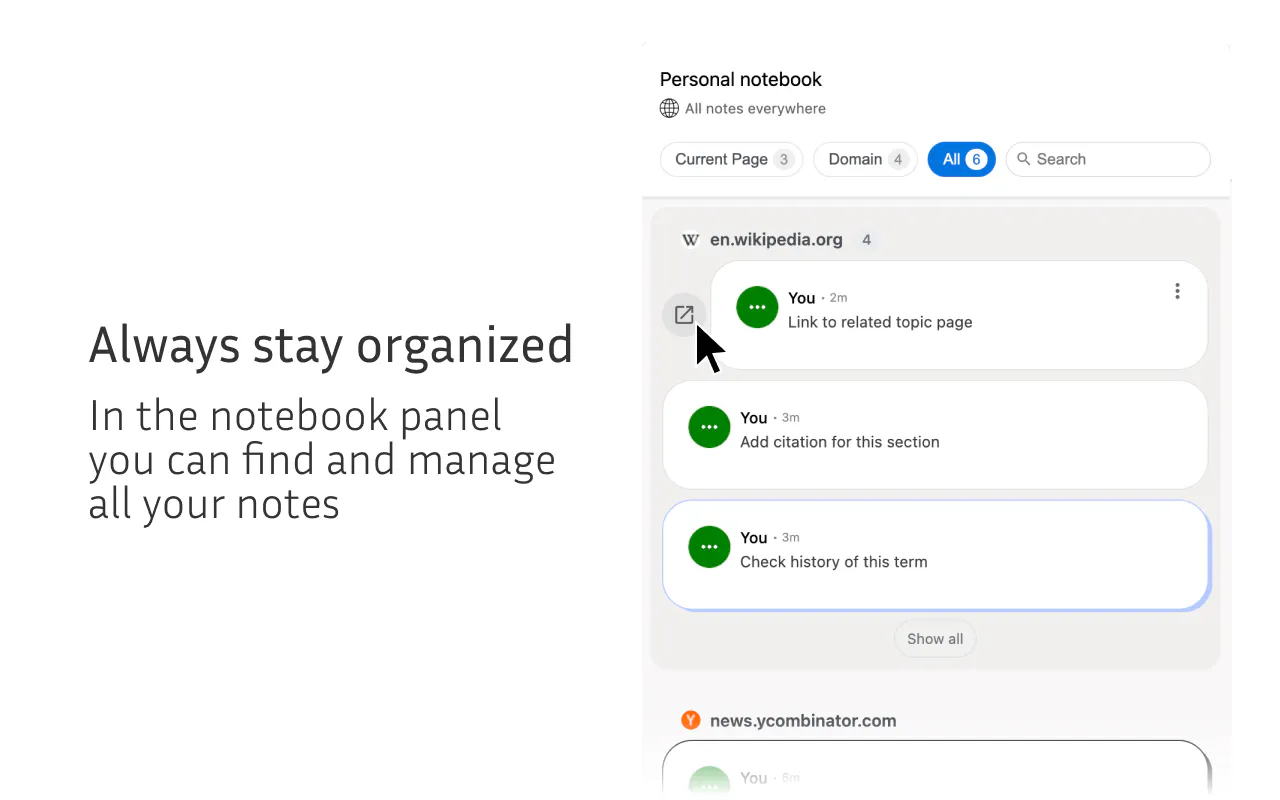
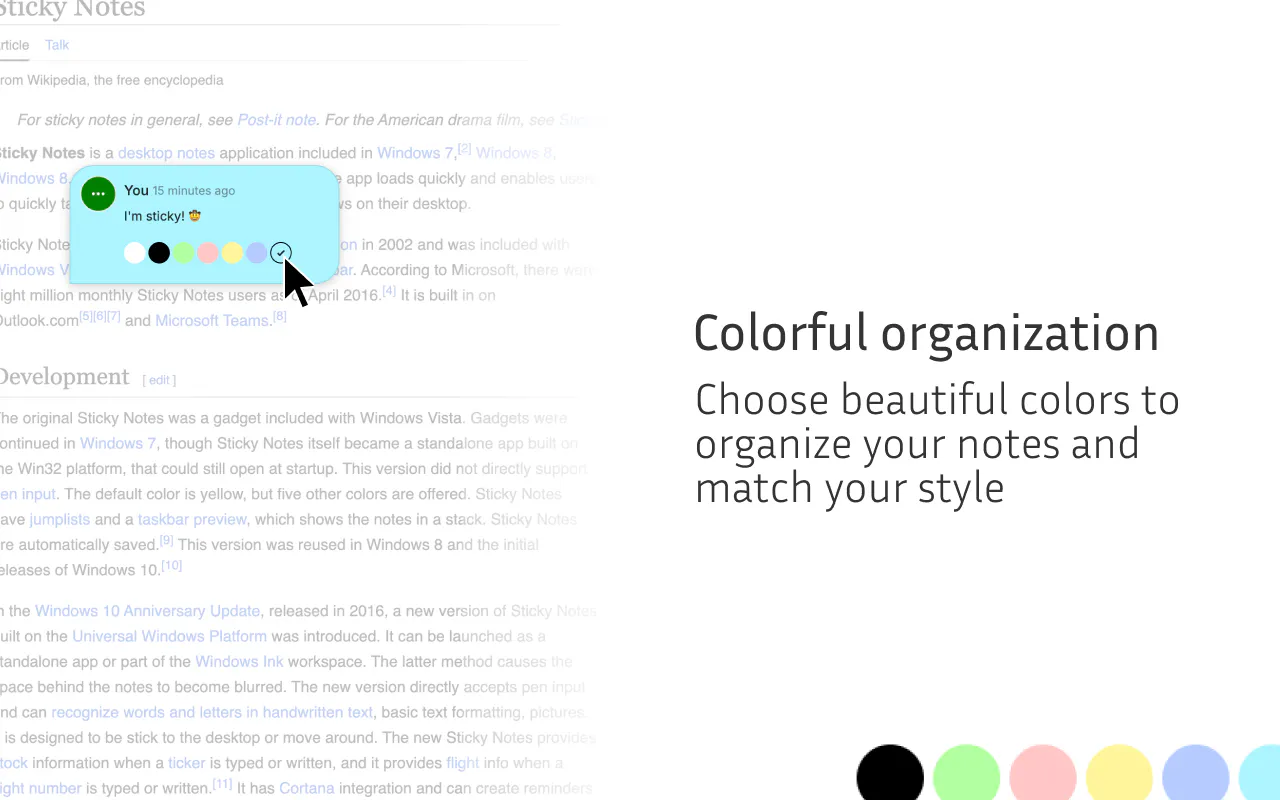
Leafovers is a versatile Chrome extension designed for productivity enthusiasts, students, developers, and researchers who need to organize their web browsing experience. By allowing users to add colorful, customizable sticky notes directly onto any webpage, it transforms passive browsing into an interactive, organized activity. These notes are ideal for capturing quick ideas, reminders, or annotations without disrupting the flow of research or work. What sets Leafovers apart is its simplicity and visual appeal, making note-taking more engaging and less intrusive than traditional methods. It's especially useful for those who juggle multiple projects or need to highlight important information while browsing, making it a valuable addition to any productivity toolkit.
Screenshots
Pros
- ✓Easy to install and use as a Chrome extension
- ✓Visually appealing sticky notes with customizable colors
- ✓Helps keep thoughts organized directly on web pages
- ✓Ideal for research, learning, and project management
- ✓Lightweight and non-intrusive
Cons
- ✗Limited to Chrome browser, not available for other browsers
- ✗Basic feature set without advanced organization tools
- ✗Notes are browser-specific and may not sync across devices
Use Cases
Pricing
Likely offers a freemium model with basic features free of charge; premium plans may include additional customization or storage options, though specific details are not publicly available.
Quick Info
Topics
Makers

Pavel M
Alternatives
Similar Tools in Developer Tools




Embed Badge
Add this badge to your website to show that Leafovers is featured on Visalytica.
<a href="https://www.visalytica.com/tool/leafovers" target="_blank" rel="noopener noreferrer" style="display:inline-flex;align-items:center;gap:6px;padding:6px 14px;background:#7c3aed;color:#fff;border-radius:8px;font-family:-apple-system,system-ui,sans-serif;font-size:13px;font-weight:600;text-decoration:none;transition:background .2s" onmouseover="this.style.background='#6d28d9'" onmouseout="this.style.background='#7c3aed'"><svg width="14" height="14" viewBox="0 0 24 24" fill="none" stroke="currentColor" stroke-width="2.5" stroke-linecap="round" stroke-linejoin="round"><path d="M12 20V10"/><path d="M18 20V4"/><path d="M6 20v-4"/></svg>Featured on Visalytica</a>