
LayerProof Vellum
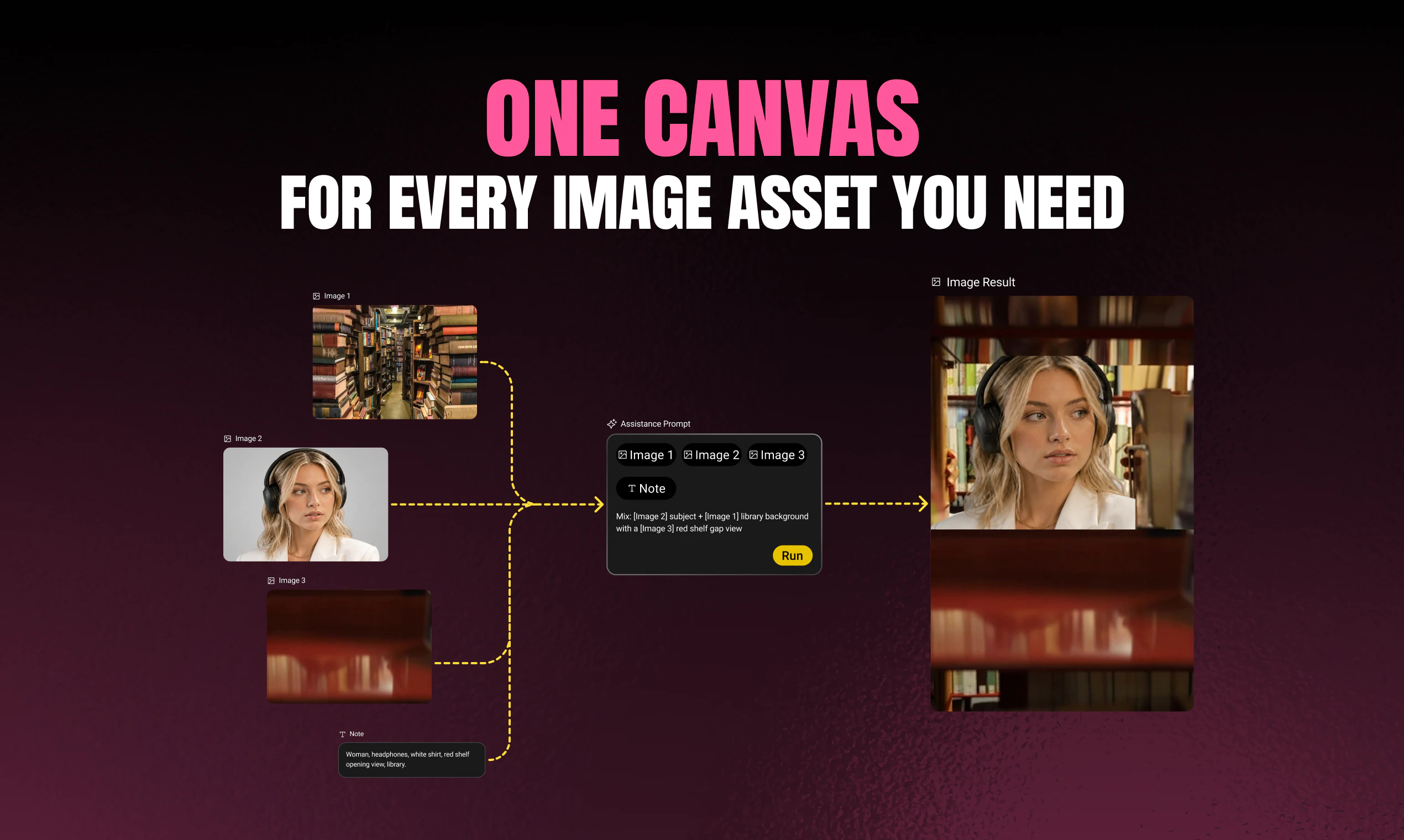
One canvas for every image asset you need
About LayerProof Vellum
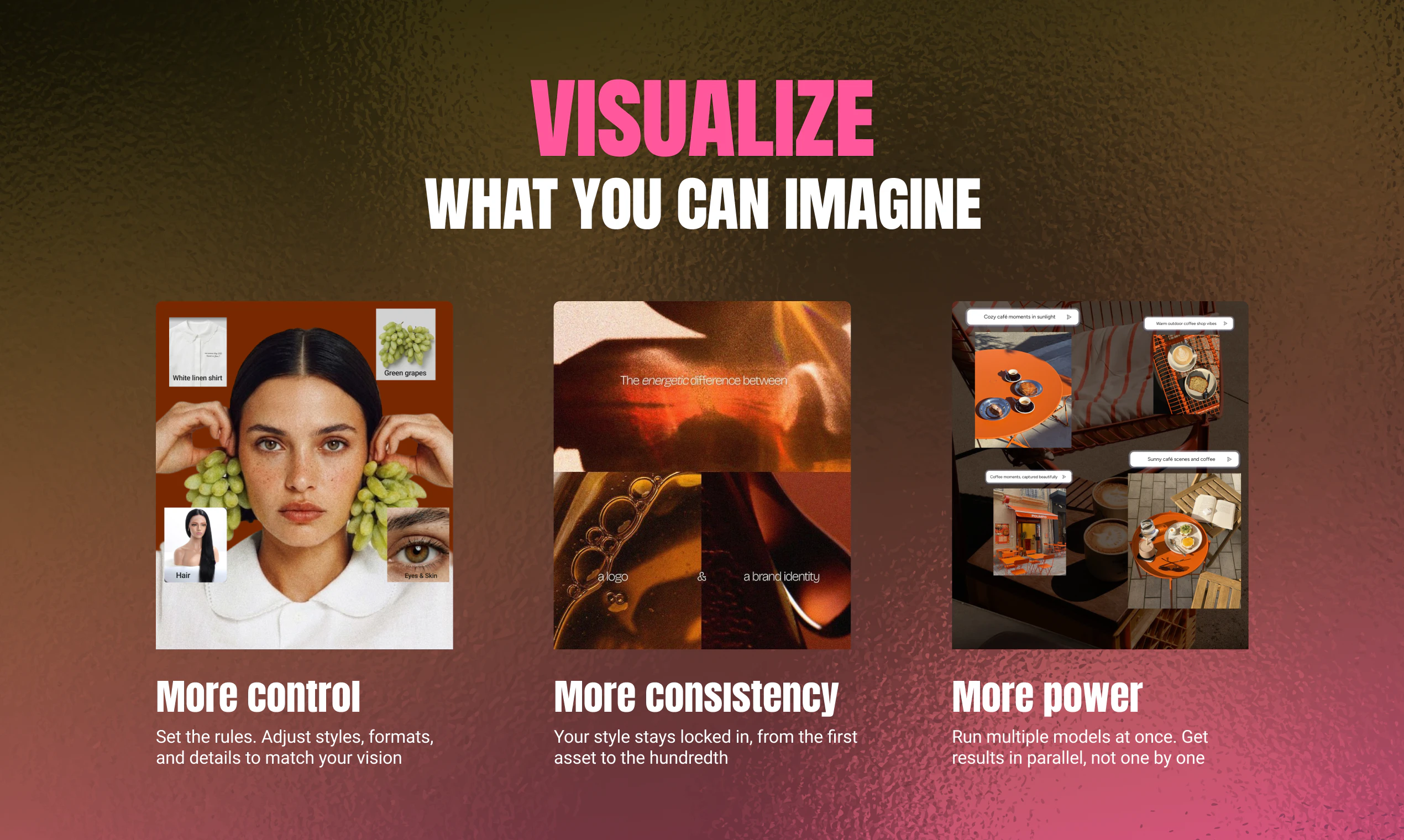
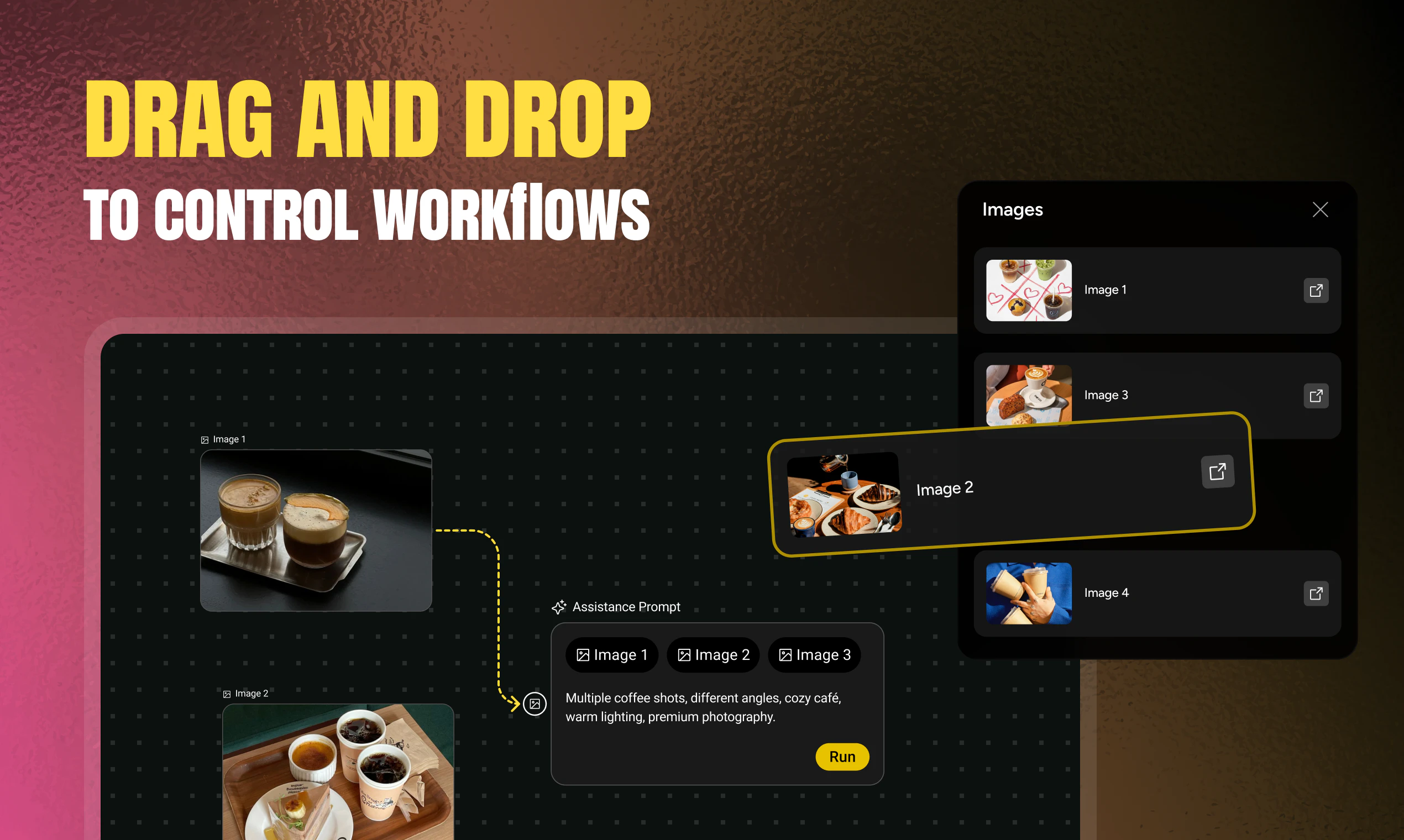
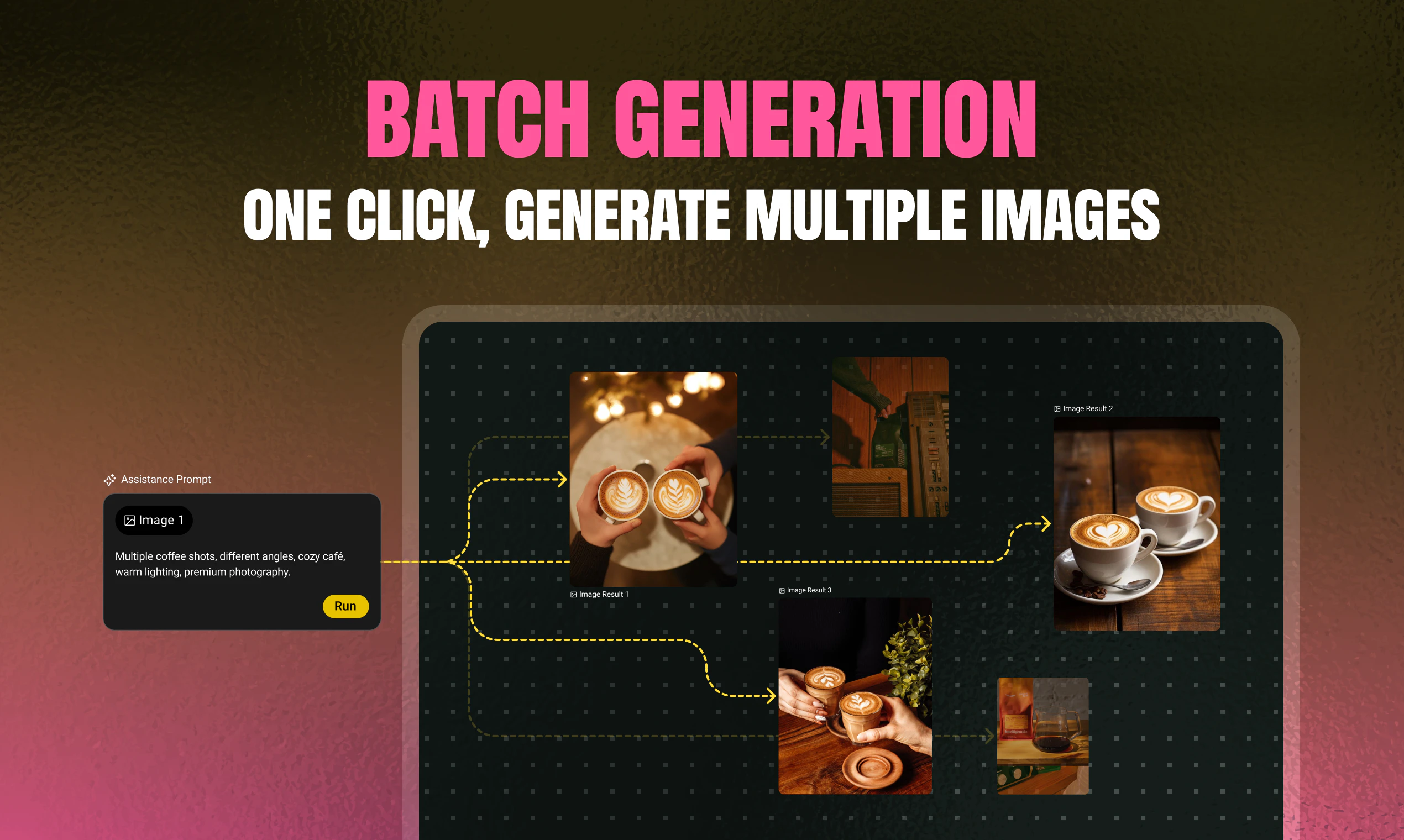
LayerProof Vellum is a cutting-edge visual canvas designed for teams seeking precise control over AI-generated images. Unlike traditional AI image tools that produce unpredictable results, Vellum allows users to assemble and engineer their images by combining subjects, backgrounds, and effects through a simple drag-and-drop interface. This streamlined approach transforms chaotic AI outputs into consistent, pixel-perfect assets, making it ideal for creative teams, marketers, and designers aiming for efficiency and accuracy in their visual content creation. Its unique fusion of AI and manual control bridges the gap between automated generation and professional-quality output, empowering users to craft tailored images with confidence.
Screenshots

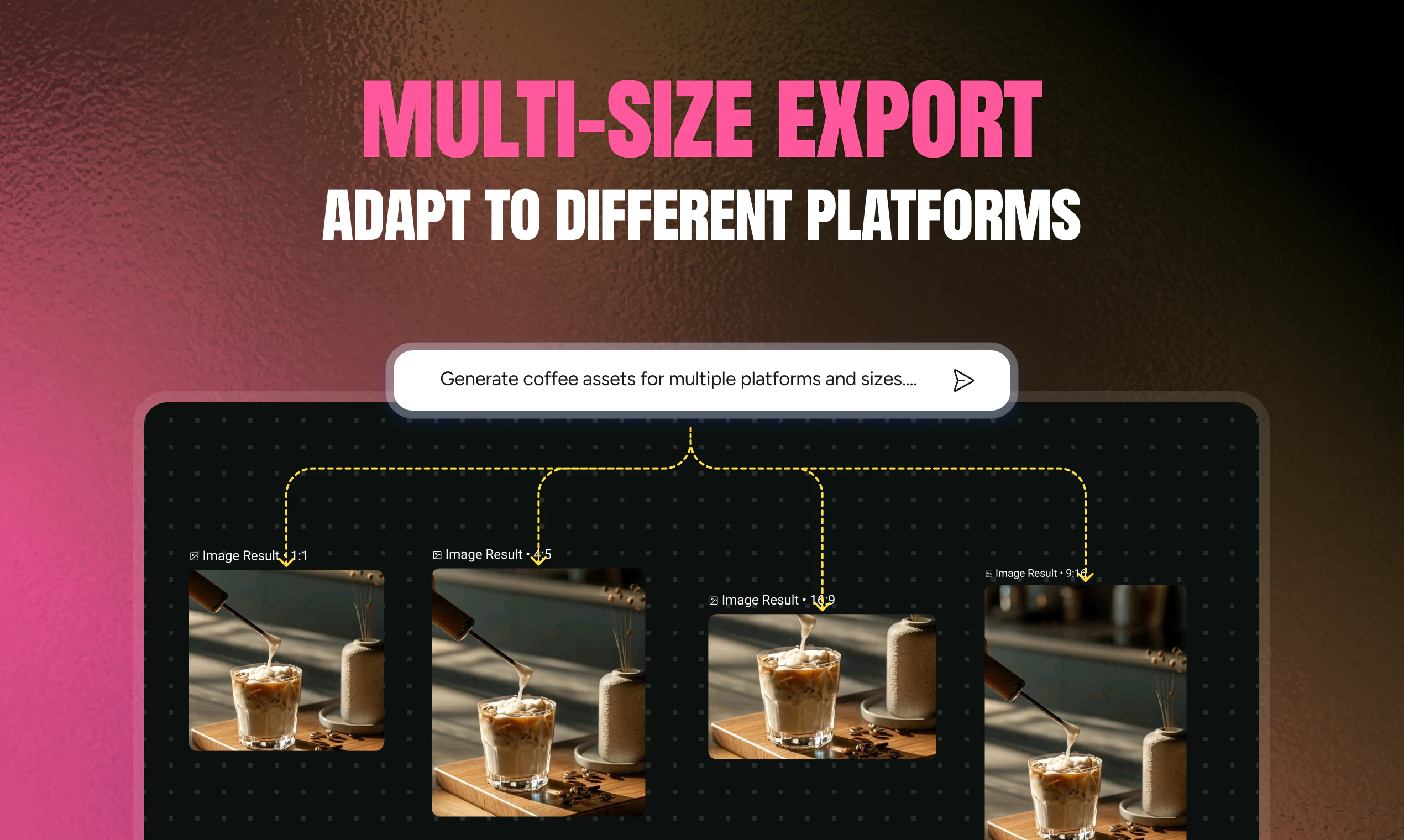
+1 more screenshots
Pros
- ✓Intuitive drag-and-drop visual interface for easy image assembly
- ✓Transforms unpredictable AI outputs into controlled, high-quality assets
- ✓Supports seamless integration of multiple image elements and effects
- ✓Reduces time and effort in image production pipelines
- ✓Ideal for collaborative team workflows
Cons
- ✗Still in early stages with limited user reviews and community feedback
- ✗Potential learning curve for users unfamiliar with visual editing tools
- ✗Pricing details are not explicitly disclosed, which may impact decision-making
Use Cases
Pricing
Likely offered on a subscription basis with tiered plans, possibly including a free trial or freemium options, though specific pricing details are not publicly confirmed.
Quick Info
Topics
Makers

Jordyn Nguyen
@CreativewJordynAlternatives
Similar Tools in AI Image & Design




Embed Badge
Add this badge to your website to show that LayerProof Vellum is featured on Visalytica.
<a href="https://www.visalytica.com/tool/layerproof-vellum" target="_blank" rel="noopener noreferrer" style="display:inline-flex;align-items:center;gap:6px;padding:6px 14px;background:#7c3aed;color:#fff;border-radius:8px;font-family:-apple-system,system-ui,sans-serif;font-size:13px;font-weight:600;text-decoration:none;transition:background .2s" onmouseover="this.style.background='#6d28d9'" onmouseout="this.style.background='#7c3aed'"><svg width="14" height="14" viewBox="0 0 24 24" fill="none" stroke="currentColor" stroke-width="2.5" stroke-linecap="round" stroke-linejoin="round"><path d="M12 20V10"/><path d="M18 20V4"/><path d="M6 20v-4"/></svg>Featured on Visalytica</a>