
Label.Photos
Make screenshots easier for AI to understand
About Label.Photos
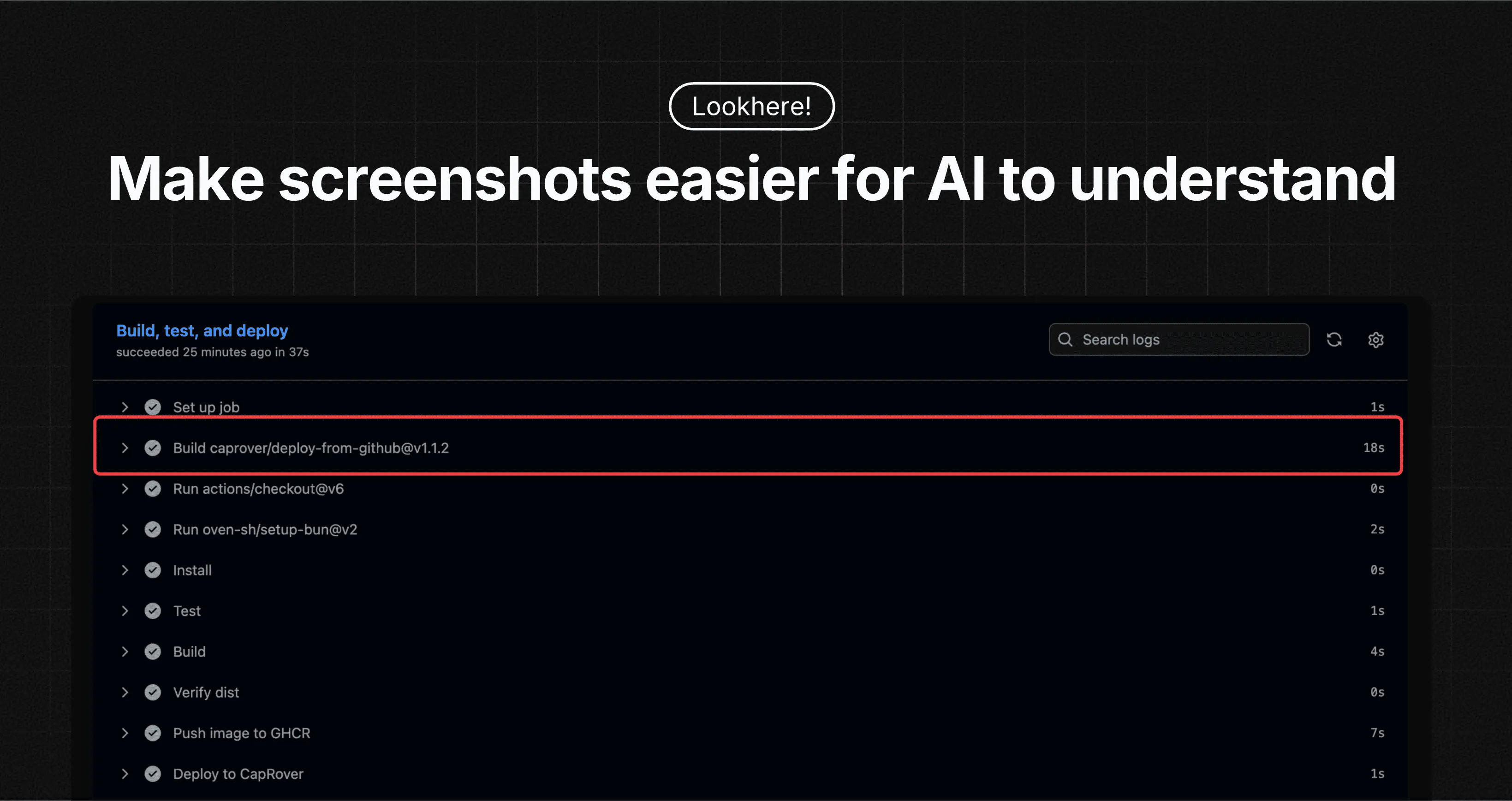
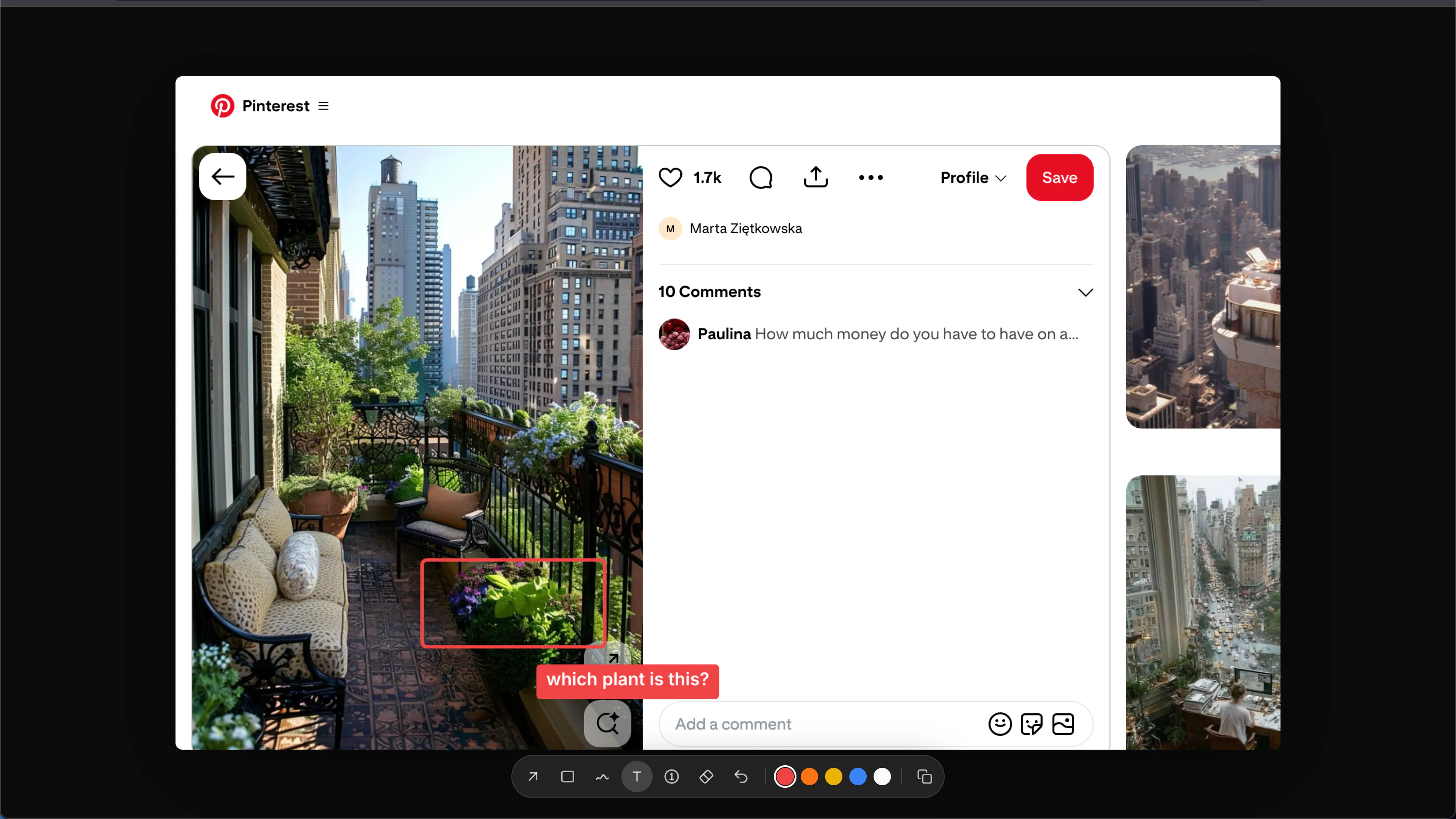
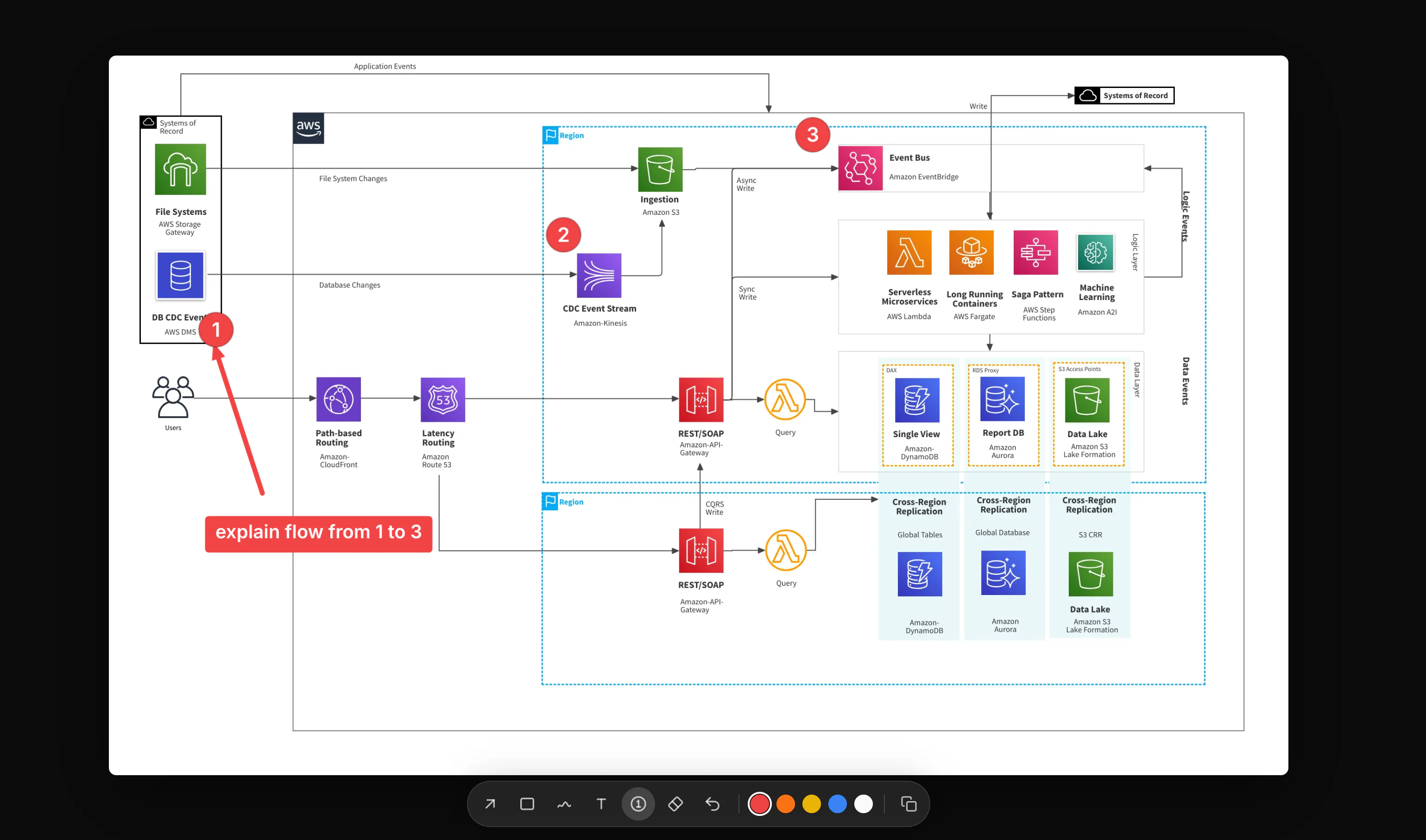
Label.Photos is a specialized tool designed to enhance the way AI models interpret screenshots. By allowing users to precisely mark and highlight the specific areas of an image they want to emphasize, it simplifies the process of extracting relevant information for AI systems like ChatGPT, Claude, or Gemini. This targeted approach helps streamline workflows for designers, developers, and content creators who frequently share visual information with AI, ensuring that the AI focuses on the most important parts of an image. What sets Label.Photos apart is its user-friendly interface that makes annotating and copying specific image sections quick and intuitive, saving time and reducing misunderstandings in AI interactions. Its integration-friendly design makes it a valuable addition for teams looking to improve the accuracy of visual data input in AI-driven tasks.
Screenshots
Pros
- ✓Enables precise annotation of image sections for better AI comprehension
- ✓User-friendly interface that simplifies screenshot marking
- ✓Facilitates quick copying and pasting of relevant image parts into AI tools
- ✓Supports workflows for design, development, and content creation
- ✓Helps improve AI response relevance by focusing on key image details
Cons
- ✗Limited information on pricing and subscription plans
- ✗May require some learning curve for complex annotations
- ✗Currently lacks advanced editing or collaboration features
Use Cases
Pricing
Likely to adopt a freemium model, offering basic annotation features for free with premium plans that unlock additional functionalities or higher usage limits. Exact pricing details are not publicly confirmed.
Quick Info
Topics
Makers

Akshit Dandyan
Similar Tools in AI Image & Design




Embed Badge
Add this badge to your website to show that Label.Photos is featured on Visalytica.
<a href="https://www.visalytica.com/tool/label-photos" target="_blank" rel="noopener noreferrer" style="display:inline-flex;align-items:center;gap:6px;padding:6px 14px;background:#7c3aed;color:#fff;border-radius:8px;font-family:-apple-system,system-ui,sans-serif;font-size:13px;font-weight:600;text-decoration:none;transition:background .2s" onmouseover="this.style.background='#6d28d9'" onmouseout="this.style.background='#7c3aed'"><svg width="14" height="14" viewBox="0 0 24 24" fill="none" stroke="currentColor" stroke-width="2.5" stroke-linecap="round" stroke-linejoin="round"><path d="M12 20V10"/><path d="M18 20V4"/><path d="M6 20v-4"/></svg>Featured on Visalytica</a>