
KyttoMCP
Manage MCP servers across Claude, Cursor, VS Code & Codex
About KyttoMCP
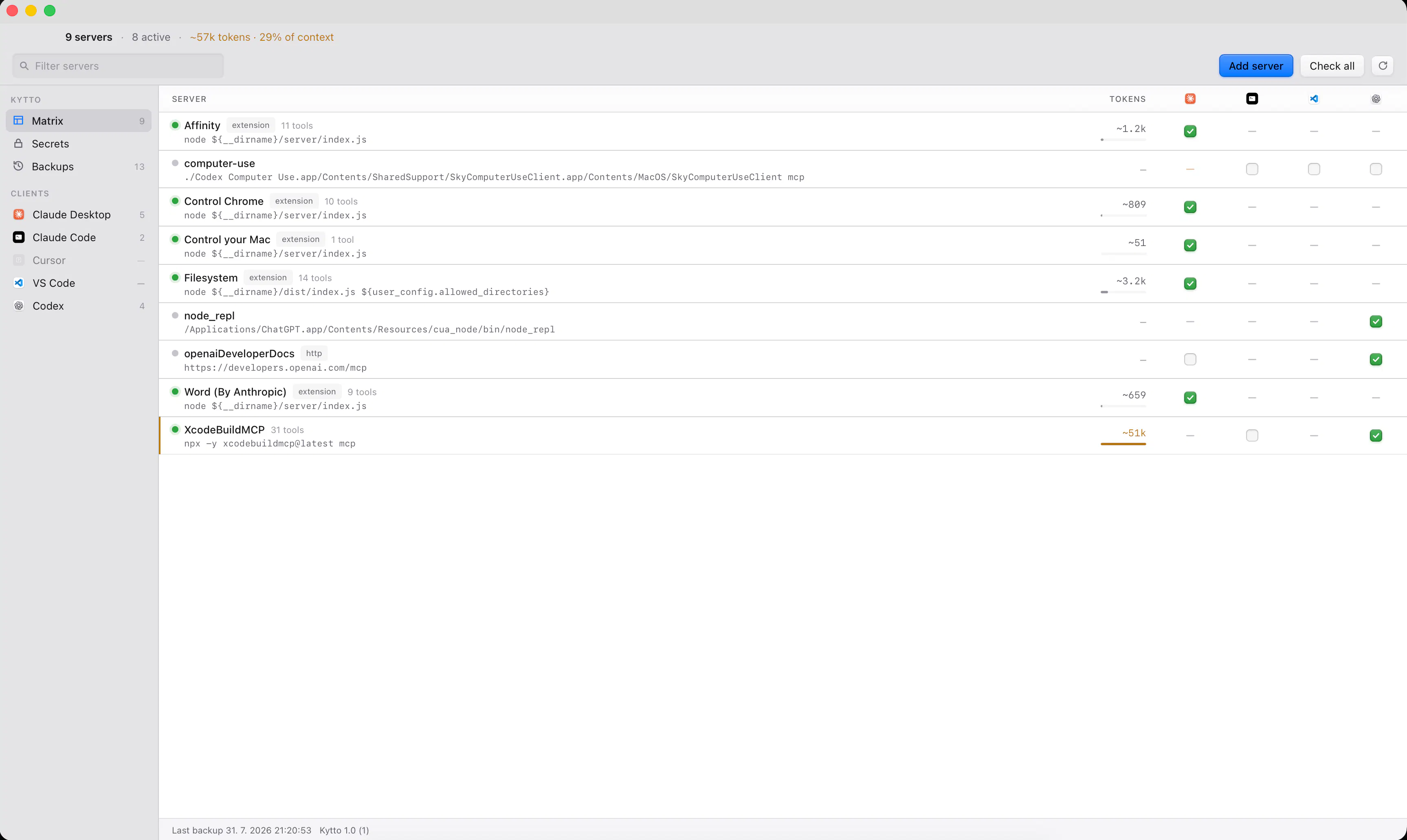
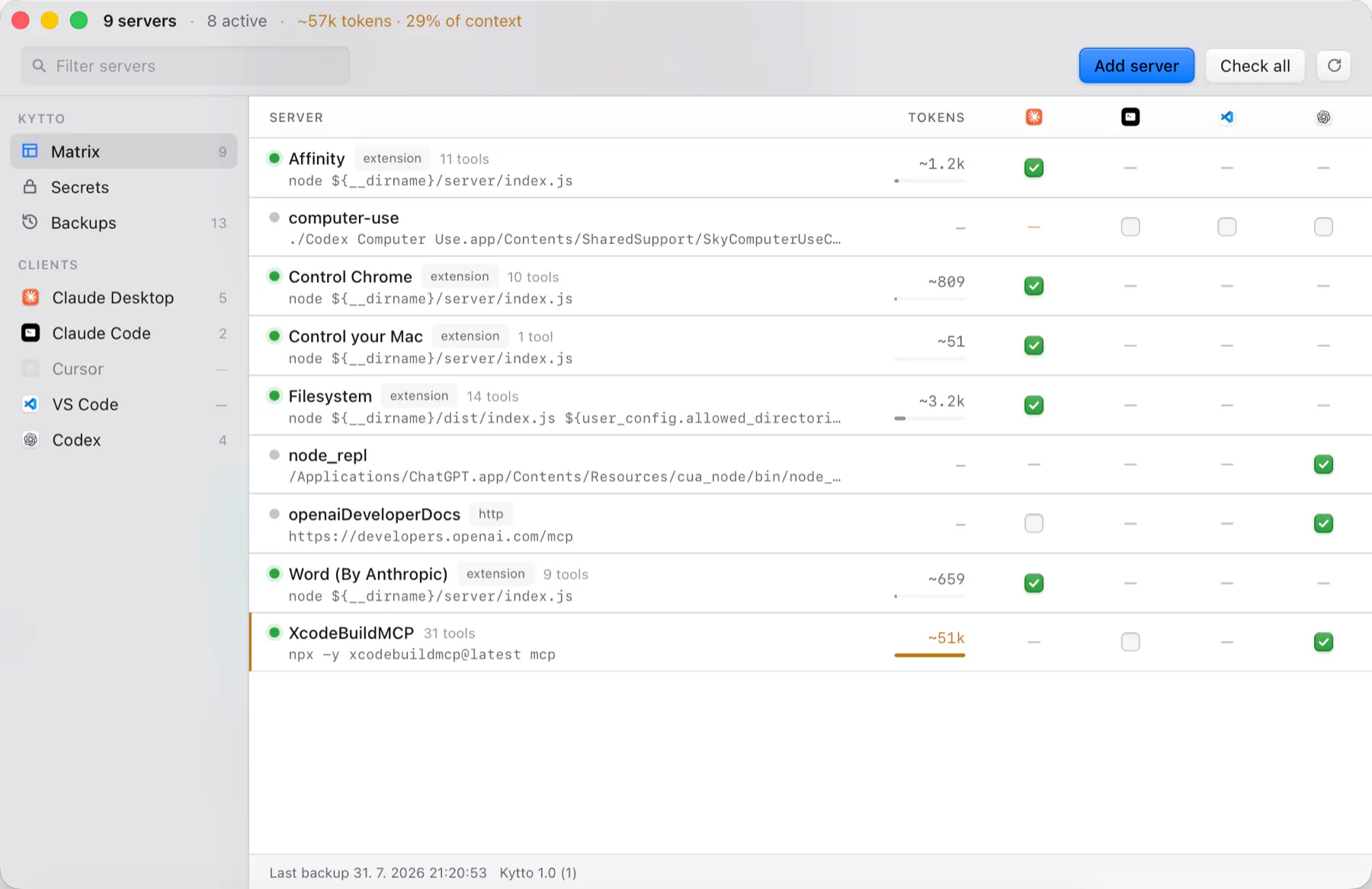
KyttoMCP is a streamlined control panel designed for managing MCP servers across multiple popular clients including Claude, Cursor, VS Code, and Codex. It provides developers and system administrators with a centralized interface to monitor active servers, estimate context costs of tool definitions, and update configuration files seamlessly. Its focus on simplicity and local operation makes it an appealing choice for users who prioritize security and convenience, especially on macOS and Windows platforms. Kytto emphasizes safety by backing up before every write, performing atomic saves, and preserving unrelated settings, ensuring a reliable workflow without risking data loss. Its no-account, free public beta makes it accessible for individual developers and small teams seeking efficient server management without the overhead of cloud dependencies or complex setups.
Screenshots
Pros
- ✓Centralized management of MCP servers across multiple clients
- ✓Local operation with no need for accounts or cloud integration
- ✓Automatic backups and atomic saves enhance reliability and safety
- ✓Intuitive interface for monitoring server activity and updating configs
- ✓Cross-platform support for macOS and Windows
Cons
- ✗Limited to MCP server management, not a broad server toolkit
- ✗Beta version may lack some advanced features or polish
- ✗No integrated collaboration or team management capabilities
Use Cases
Pricing
KyttoMCP is currently in a free public beta, with no account required. It is likely to adopt a freemium model or offer free access during beta testing, with potential paid plans introduced later for additional features or support.
Quick Info
Topics
Makers

Jakub Hecht
Alternatives
Similar Tools in Developer Tools




Embed Badge
Add this badge to your website to show that KyttoMCP is featured on Visalytica.
<a href="https://www.visalytica.com/tool/kyttomcp" target="_blank" rel="noopener noreferrer" style="display:inline-flex;align-items:center;gap:6px;padding:6px 14px;background:#7c3aed;color:#fff;border-radius:8px;font-family:-apple-system,system-ui,sans-serif;font-size:13px;font-weight:600;text-decoration:none;transition:background .2s" onmouseover="this.style.background='#6d28d9'" onmouseout="this.style.background='#7c3aed'"><svg width="14" height="14" viewBox="0 0 24 24" fill="none" stroke="currentColor" stroke-width="2.5" stroke-linecap="round" stroke-linejoin="round"><path d="M12 20V10"/><path d="M18 20V4"/><path d="M6 20v-4"/></svg>Featured on Visalytica</a>