
Krisp Accent Converter for YouTube
YouTube, but you clearly understand everyone
About Krisp Accent Converter for YouTube
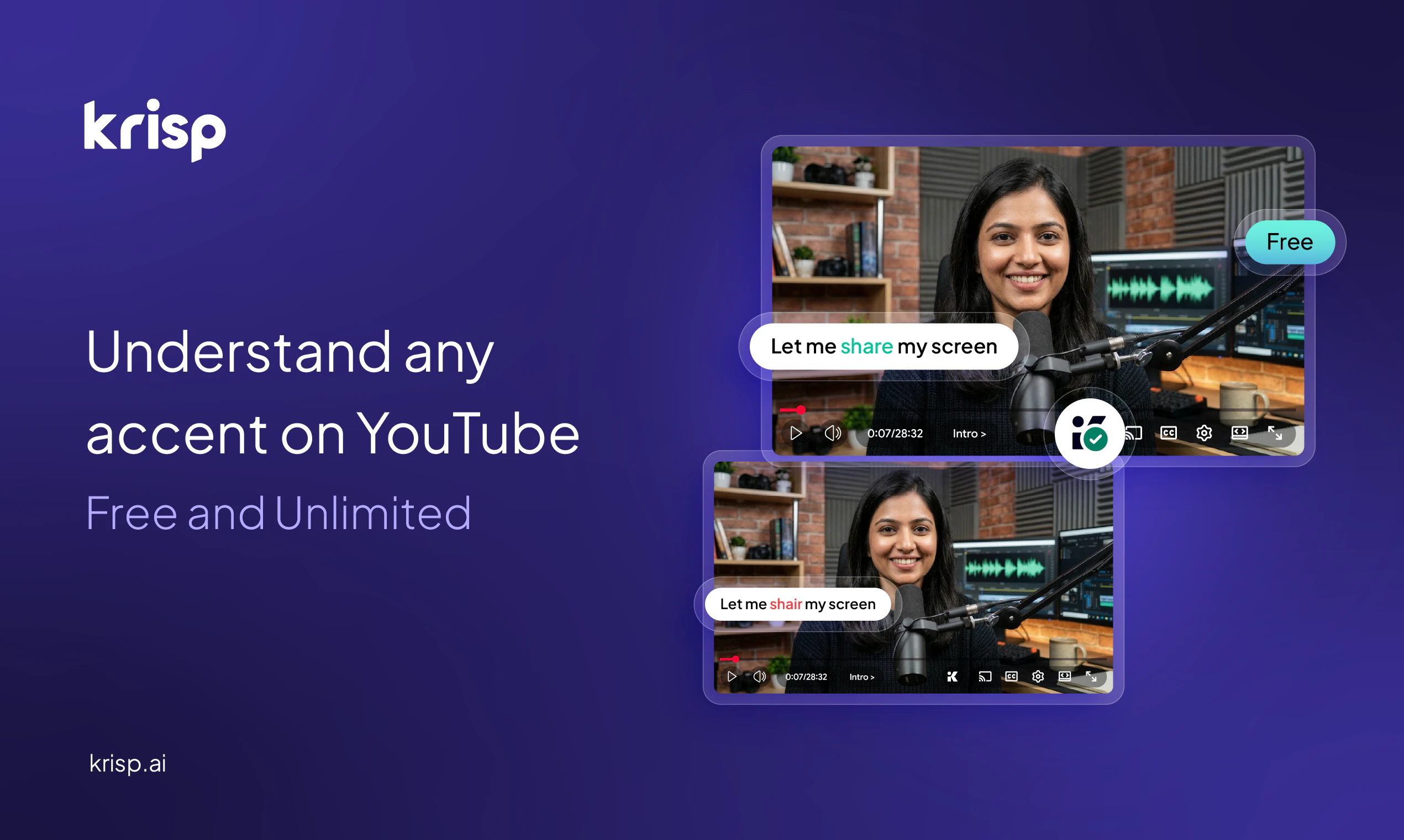
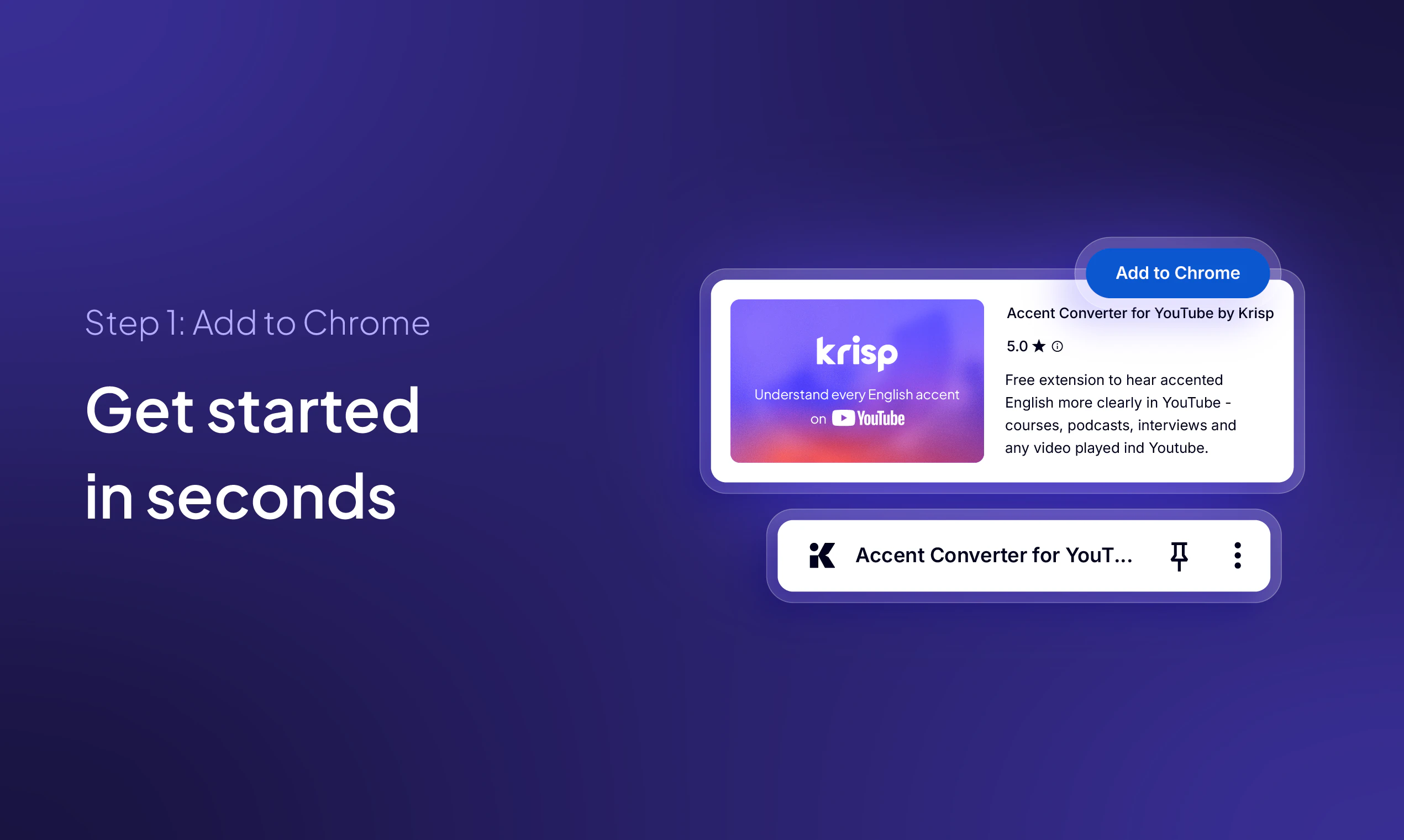
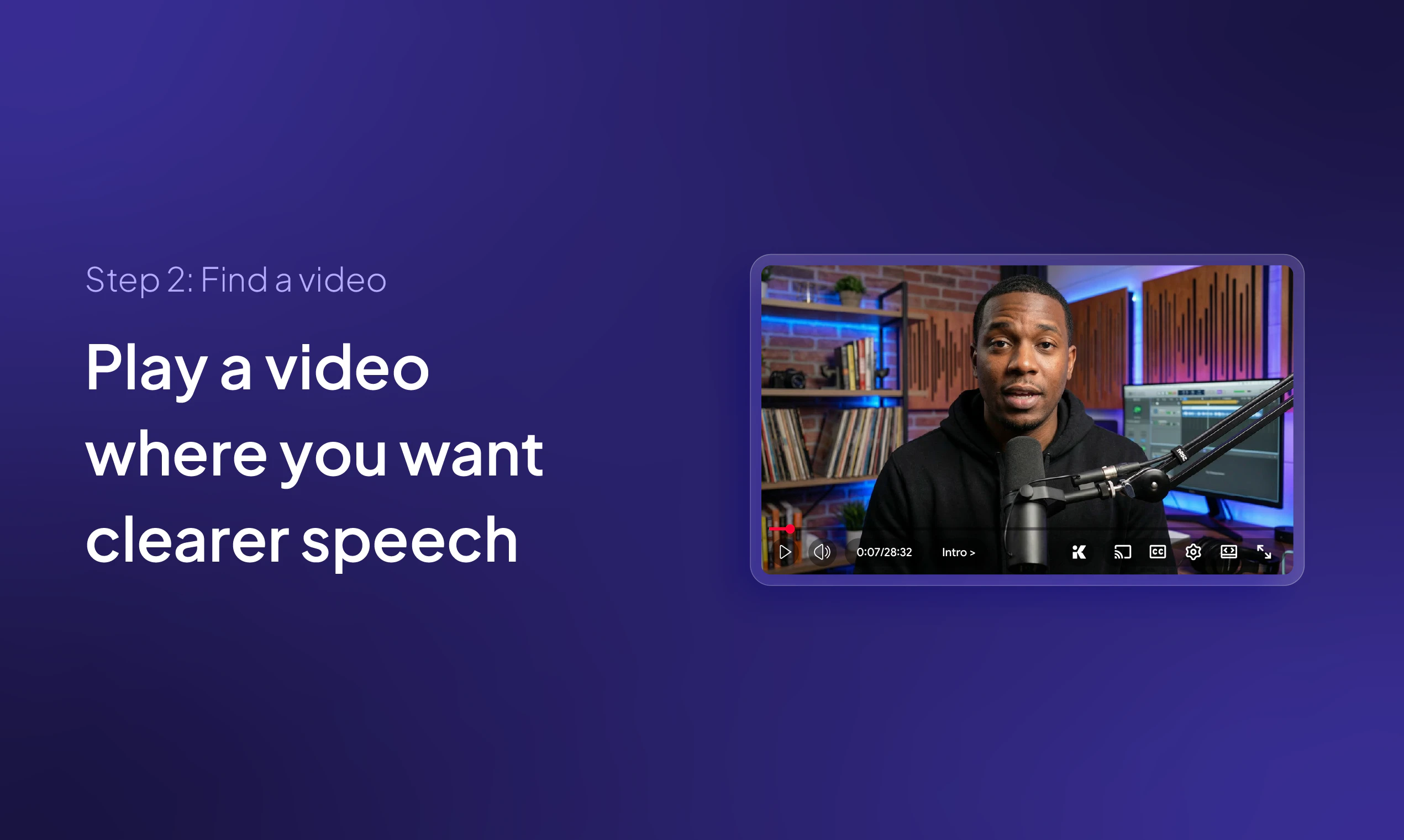
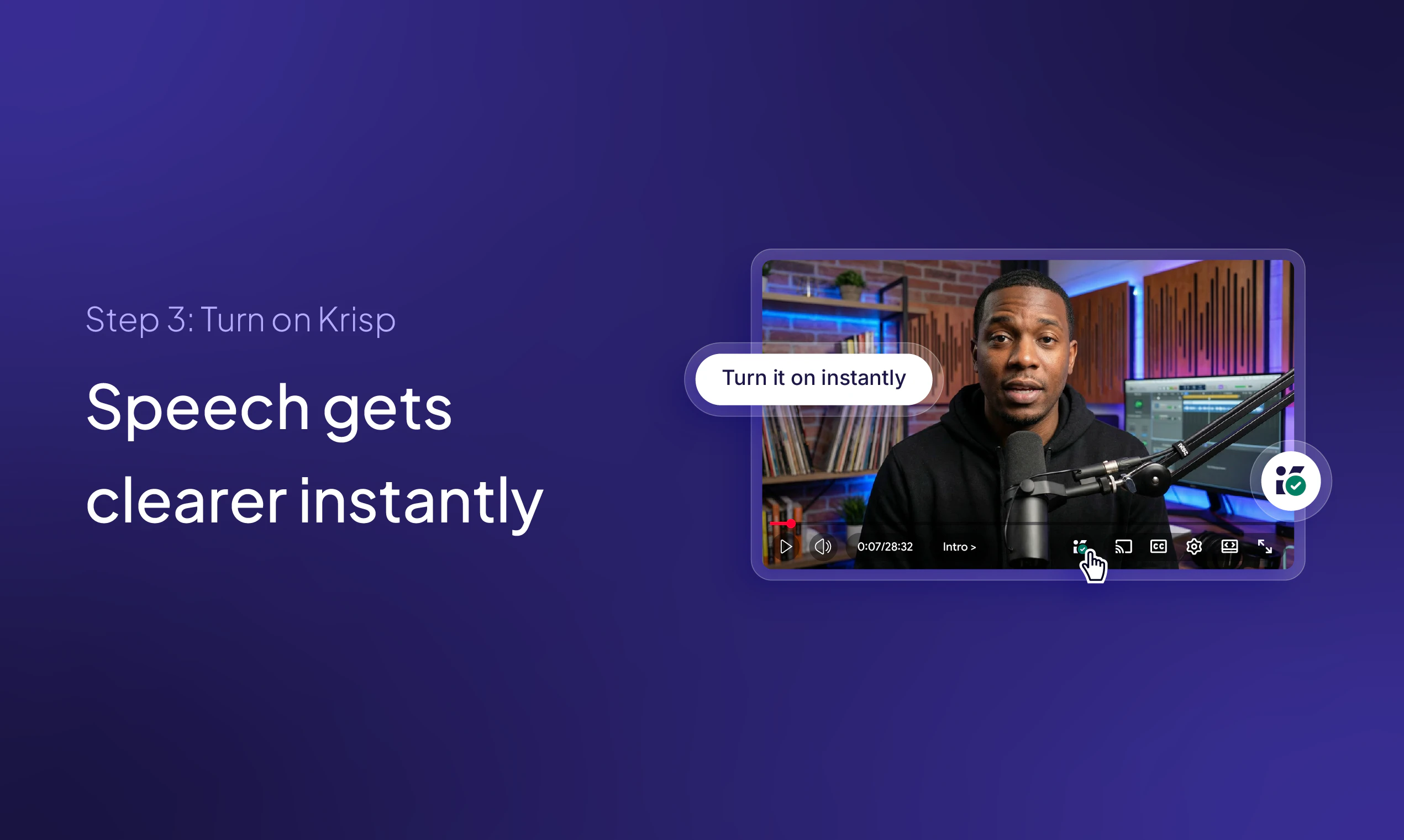
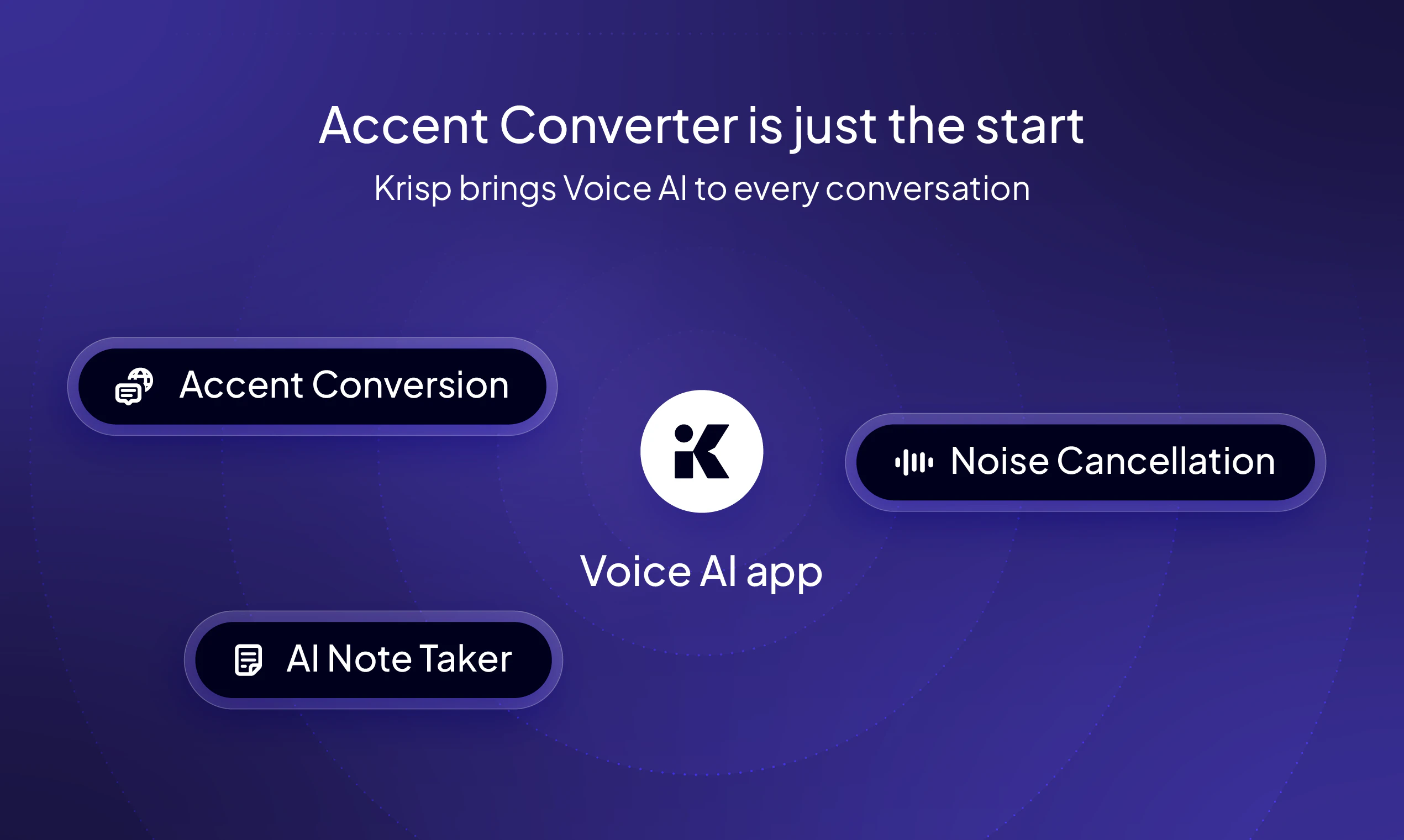
Krisp Accent Converter for YouTube is a innovative Chrome extension designed to enhance the clarity and understanding of spoken content on YouTube videos. Leveraging on-device AI technology, it allows users to toggle accent modification, making diverse accents more comprehensible without the need for subtitles or translations. Ideal for viewers who struggle with unfamiliar accents or want a clearer understanding of international content, this tool offers a simple one-click solution to improve auditory comprehension. Its seamless integration with YouTube and free accessibility make it a valuable addition for students, professionals, and language learners seeking a more inclusive viewing experience. What sets Krisp Accent Converter apart is its focus on on-device processing, ensuring privacy and quick performance without relying on external servers.
Screenshots
Pros
- ✓Easy to install and use with a simple toggle feature
- ✓On-device AI ensures privacy and quick processing
- ✓Enhances comprehension across diverse accents
- ✓Free to use, no subscription required
- ✓Integrates smoothly with YouTube for a seamless experience
Cons
- ✗Limited to YouTube, not applicable to other platforms
- ✗Accent modification may not be perfect for all accents
- ✗Features depend on Chrome browser compatibility
Use Cases
Pricing
Free extension with no apparent paid plans; based on its description as a free, on-device AI tool.
Quick Info
Topics
Alternatives
Similar Tools in AI Assistants




Embed Badge
Add this badge to your website to show that Krisp Accent Converter for YouTube is featured on Visalytica.
<a href="https://www.visalytica.com/tool/krisp-accent-converter-for-youtube" target="_blank" rel="noopener noreferrer" style="display:inline-flex;align-items:center;gap:6px;padding:6px 14px;background:#7c3aed;color:#fff;border-radius:8px;font-family:-apple-system,system-ui,sans-serif;font-size:13px;font-weight:600;text-decoration:none;transition:background .2s" onmouseover="this.style.background='#6d28d9'" onmouseout="this.style.background='#7c3aed'"><svg width="14" height="14" viewBox="0 0 24 24" fill="none" stroke="currentColor" stroke-width="2.5" stroke-linecap="round" stroke-linejoin="round"><path d="M12 20V10"/><path d="M18 20V4"/><path d="M6 20v-4"/></svg>Featured on Visalytica</a>