
Krea 2 Turbo
Generate Krea 2 images in 2 seconds with style references
About Krea 2 Turbo
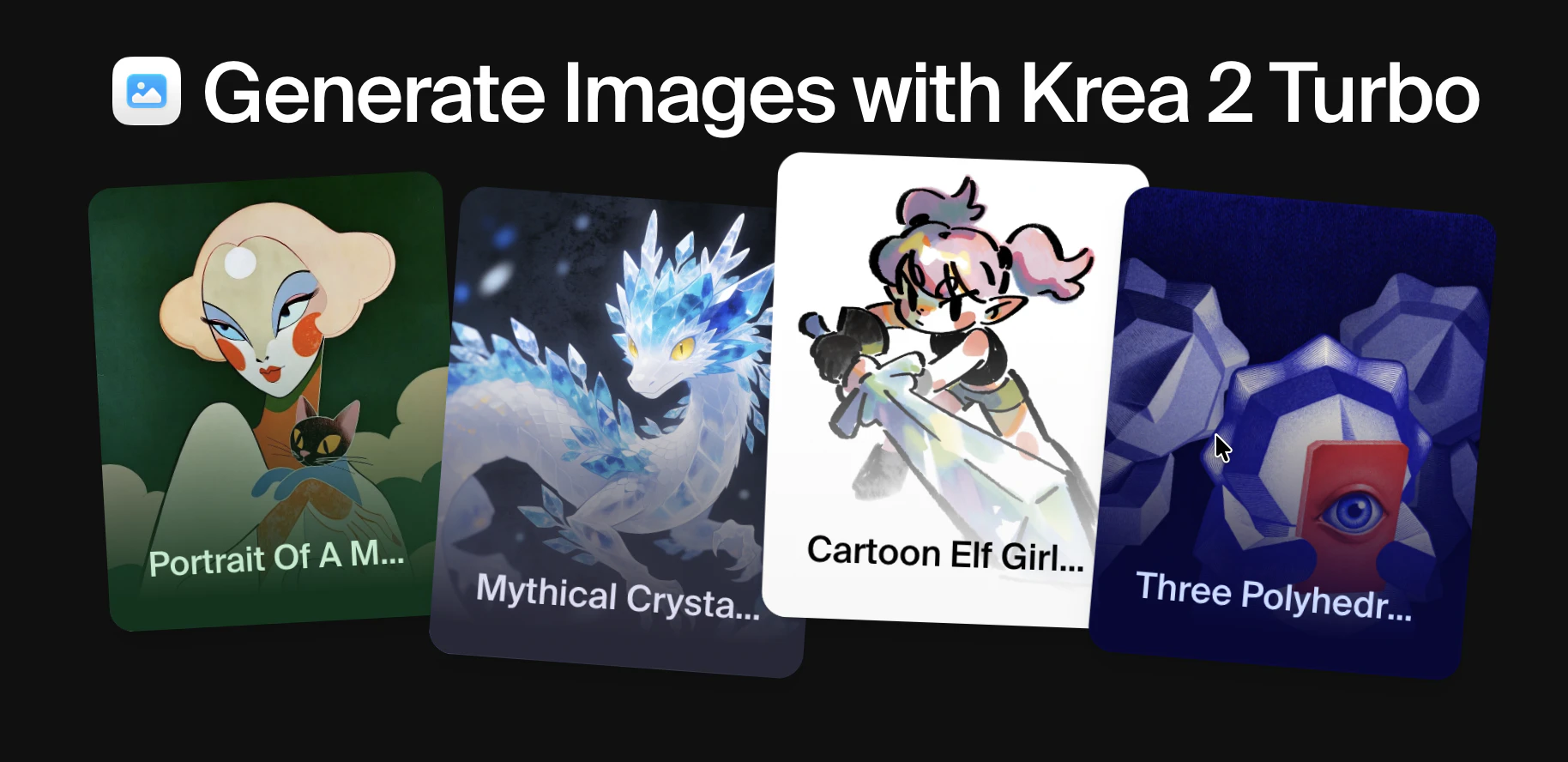
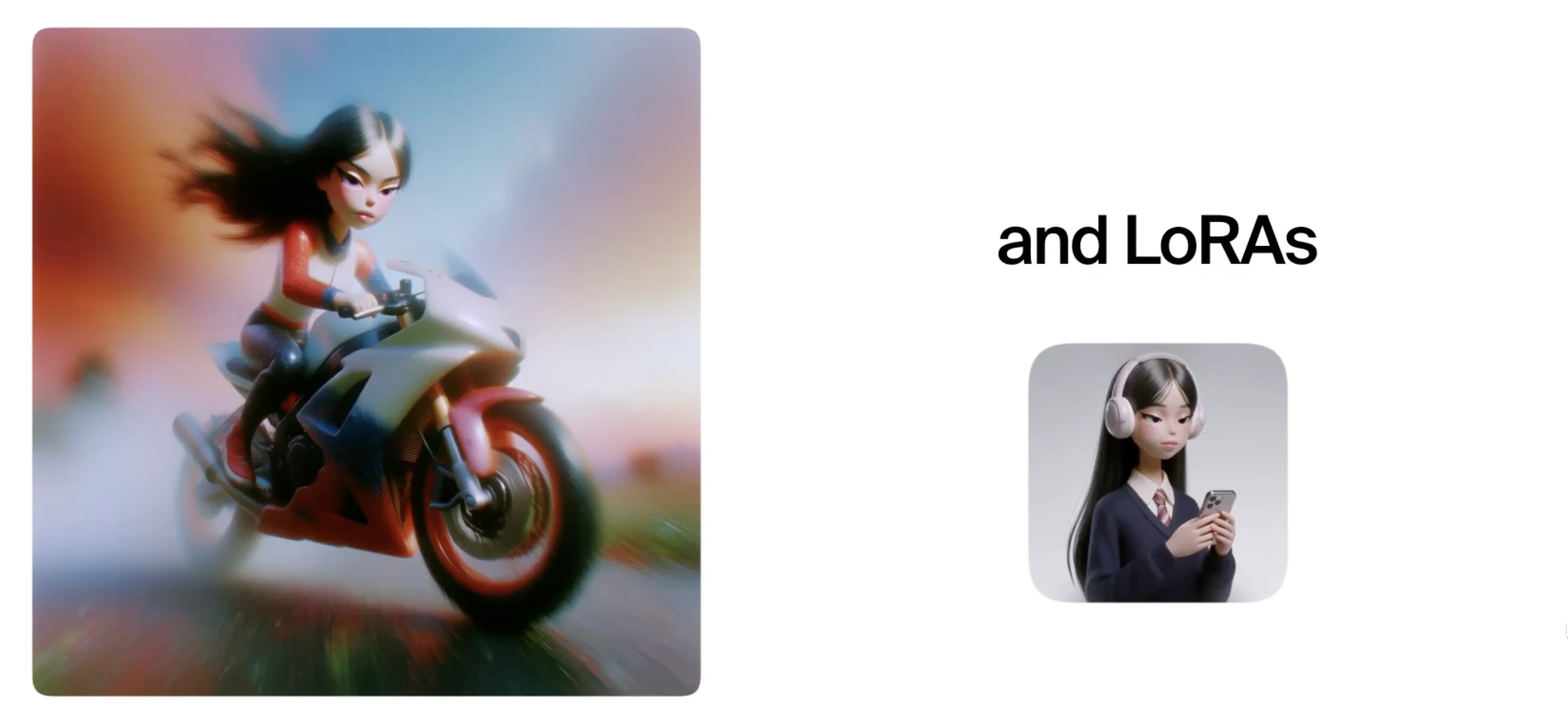
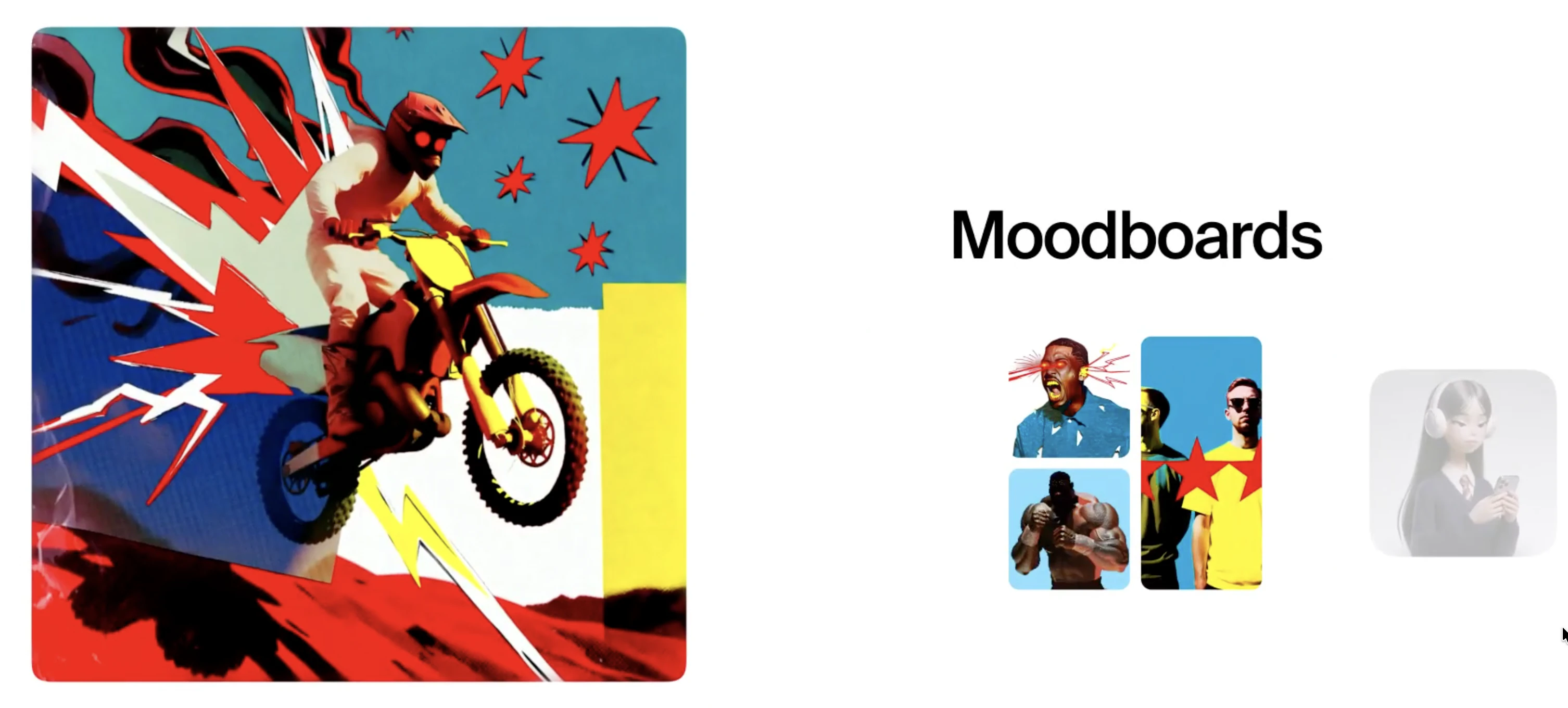
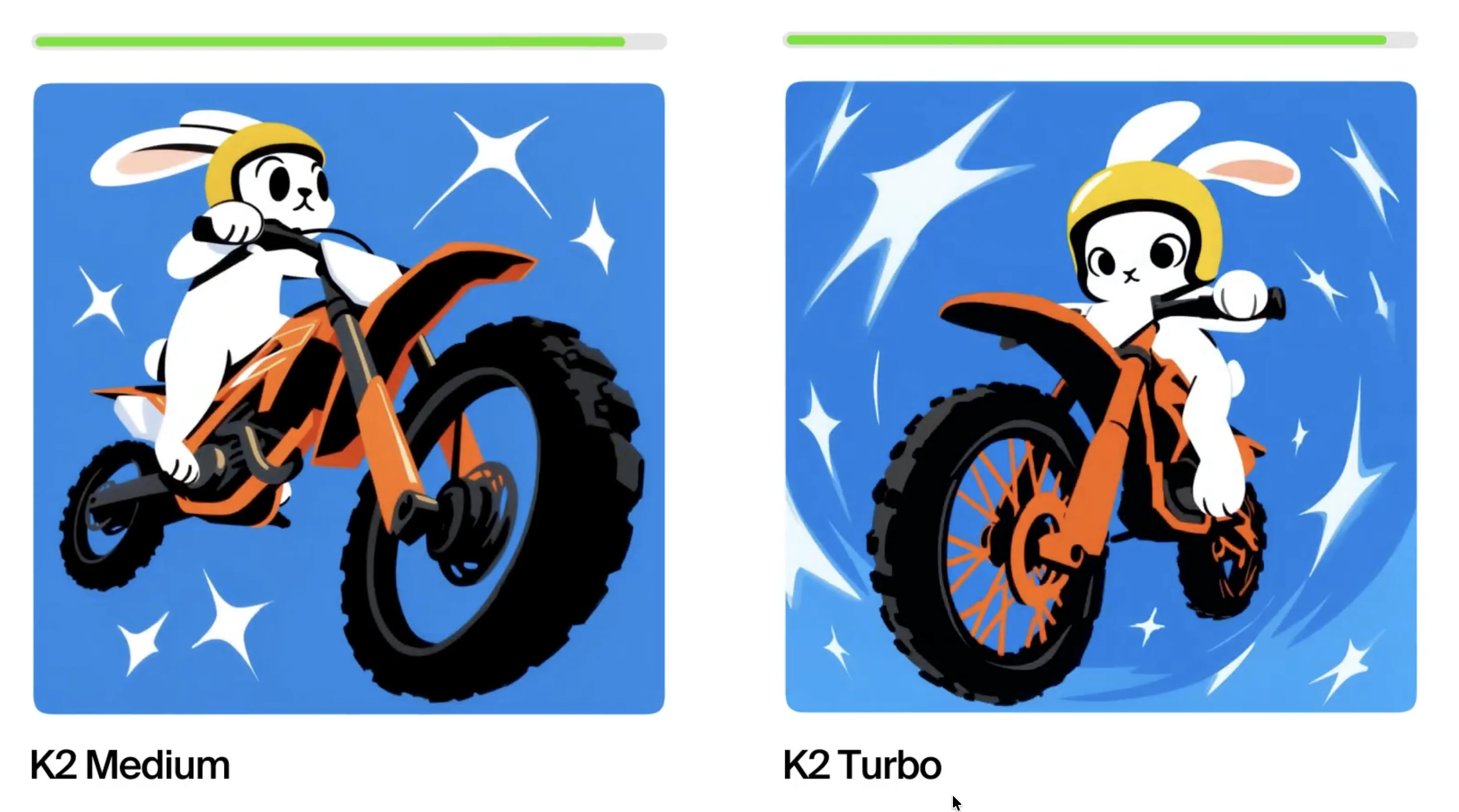
Krea 2 Turbo is a cutting-edge image generation tool designed for rapid ideation and creative exploration. Capable of producing high-quality images in just 2 seconds, it offers users the ability to incorporate style references, moodboards, and LoRAs, making it highly versatile for design workflows. Built for designers and art directors, Krea 2 Turbo streamlines the creative process by enabling fast visual iterations before moving on to more detailed, polished outputs with Krea 2 Medium or Large. Its speed and flexibility make it especially useful for teams needing quick concept development and testing, saving valuable time during early-stage creative brainstorming. The tool’s focus on speed and style adaptability sets it apart, allowing users to experiment with various aesthetics effortlessly and efficiently.
Screenshots


Pros
- ✓Rapid image generation in just 2 seconds, enhancing workflow speed
- ✓Supports style references, moodboards, and LoRAs for customizable outputs
- ✓Ideal for early-stage ideation and concept exploration
- ✓Seamless integration with larger Krea 2 models for final refinement
- ✓User-friendly interface tailored for designers and art directors
Cons
- ✗Primarily focused on quick drafts, may lack detailed control for final images
- ✗Limited information on pricing tiers and subscription plans
- ✗Might require familiarity with style references and LoRAs for optimal use
Use Cases
Pricing
Likely operates on a freemium model, offering basic features for free with paid plans that unlock additional functionalities, higher resolution images, or faster processing times. Specific pricing details are not publicly confirmed but are expected to be subscription-based with tiered options.
Quick Info
Topics
Alternatives
Similar Tools in AI Image & Design




Embed Badge
Add this badge to your website to show that Krea 2 Turbo is featured on Visalytica.
<a href="https://www.visalytica.com/tool/krea-2-turbo" target="_blank" rel="noopener noreferrer" style="display:inline-flex;align-items:center;gap:6px;padding:6px 14px;background:#7c3aed;color:#fff;border-radius:8px;font-family:-apple-system,system-ui,sans-serif;font-size:13px;font-weight:600;text-decoration:none;transition:background .2s" onmouseover="this.style.background='#6d28d9'" onmouseout="this.style.background='#7c3aed'"><svg width="14" height="14" viewBox="0 0 24 24" fill="none" stroke="currentColor" stroke-width="2.5" stroke-linecap="round" stroke-linejoin="round"><path d="M12 20V10"/><path d="M18 20V4"/><path d="M6 20v-4"/></svg>Featured on Visalytica</a>