
Krea 2 API
Generate style-controlled images via the Krea 2 API
About Krea 2 API
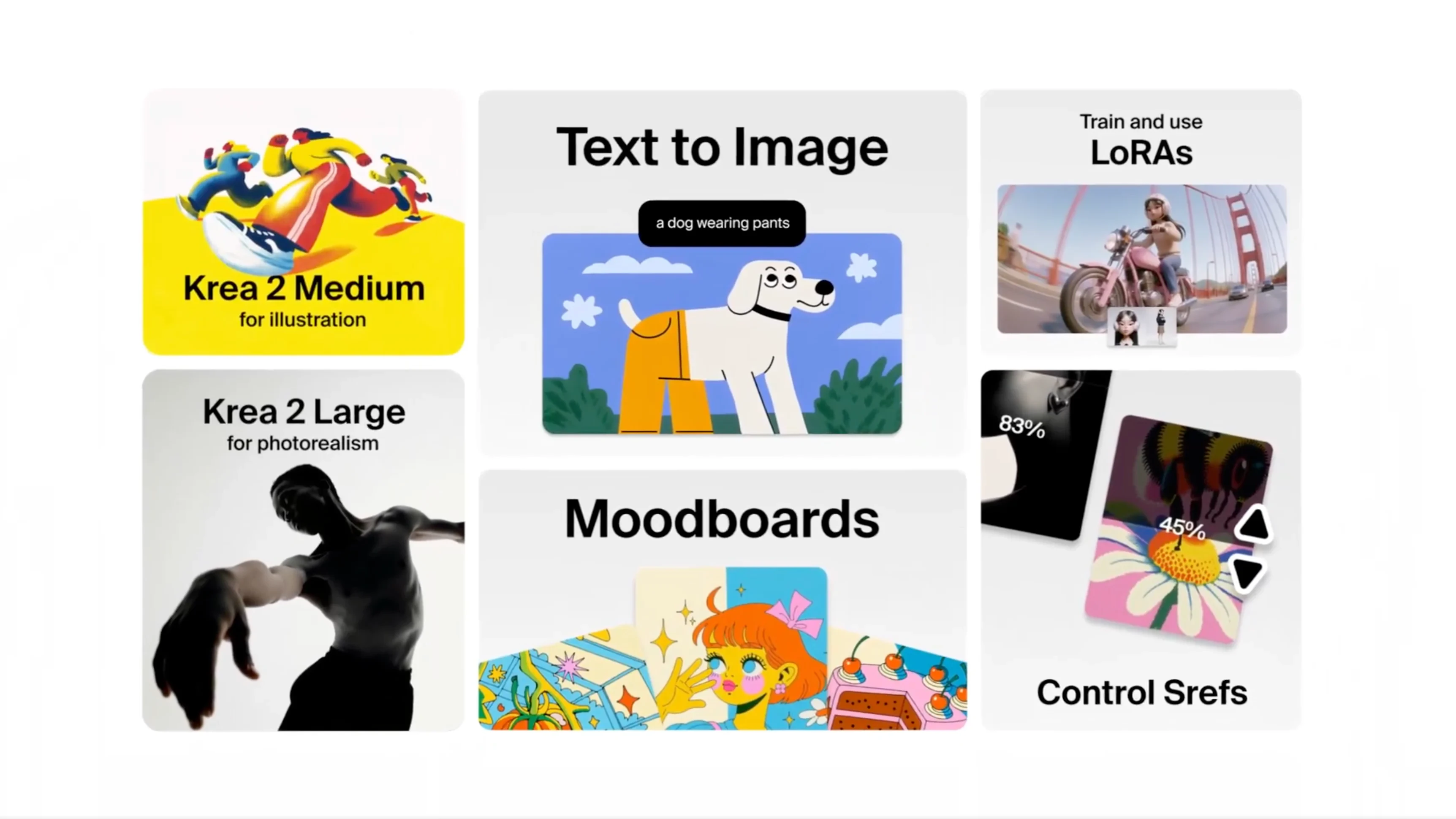
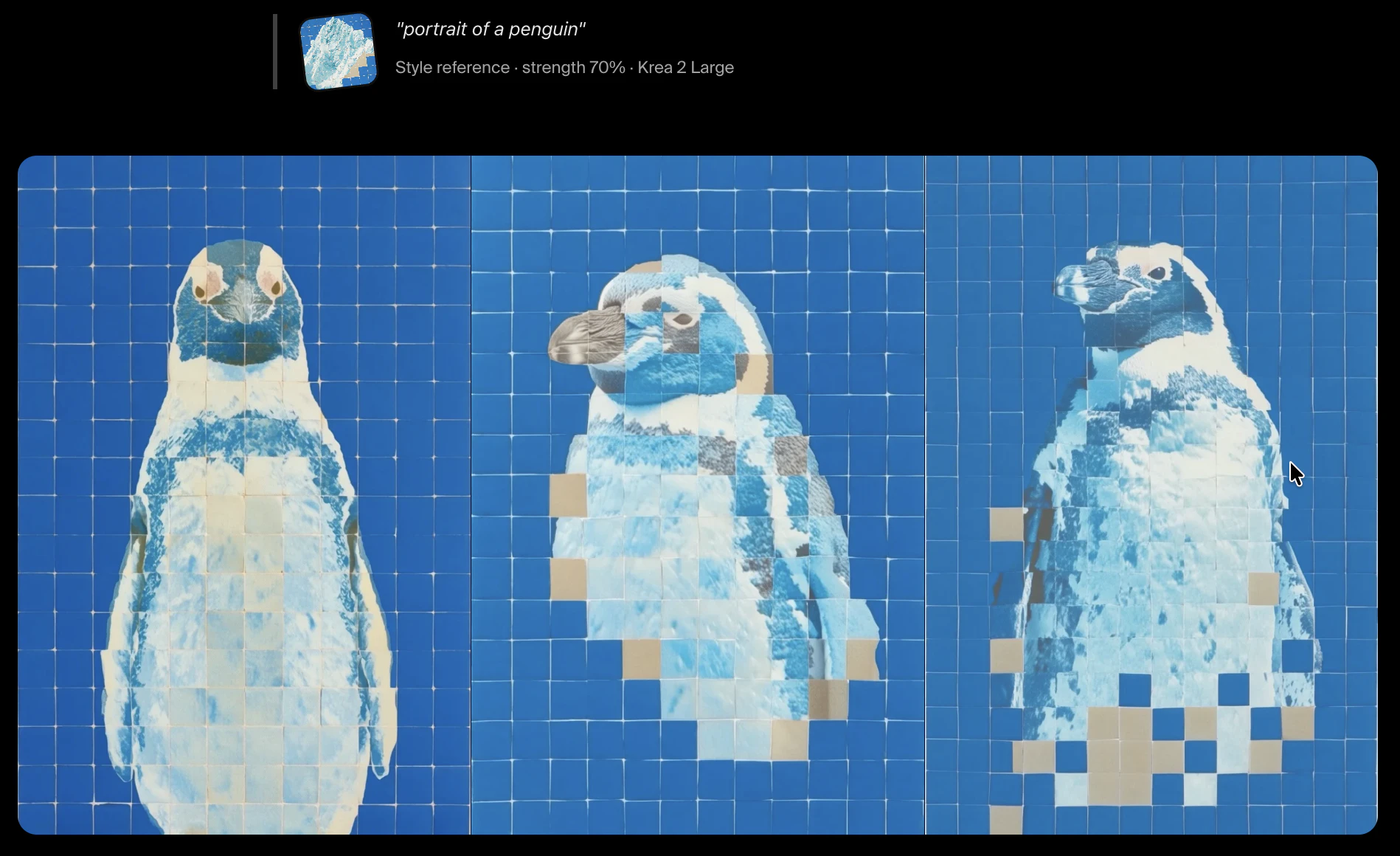
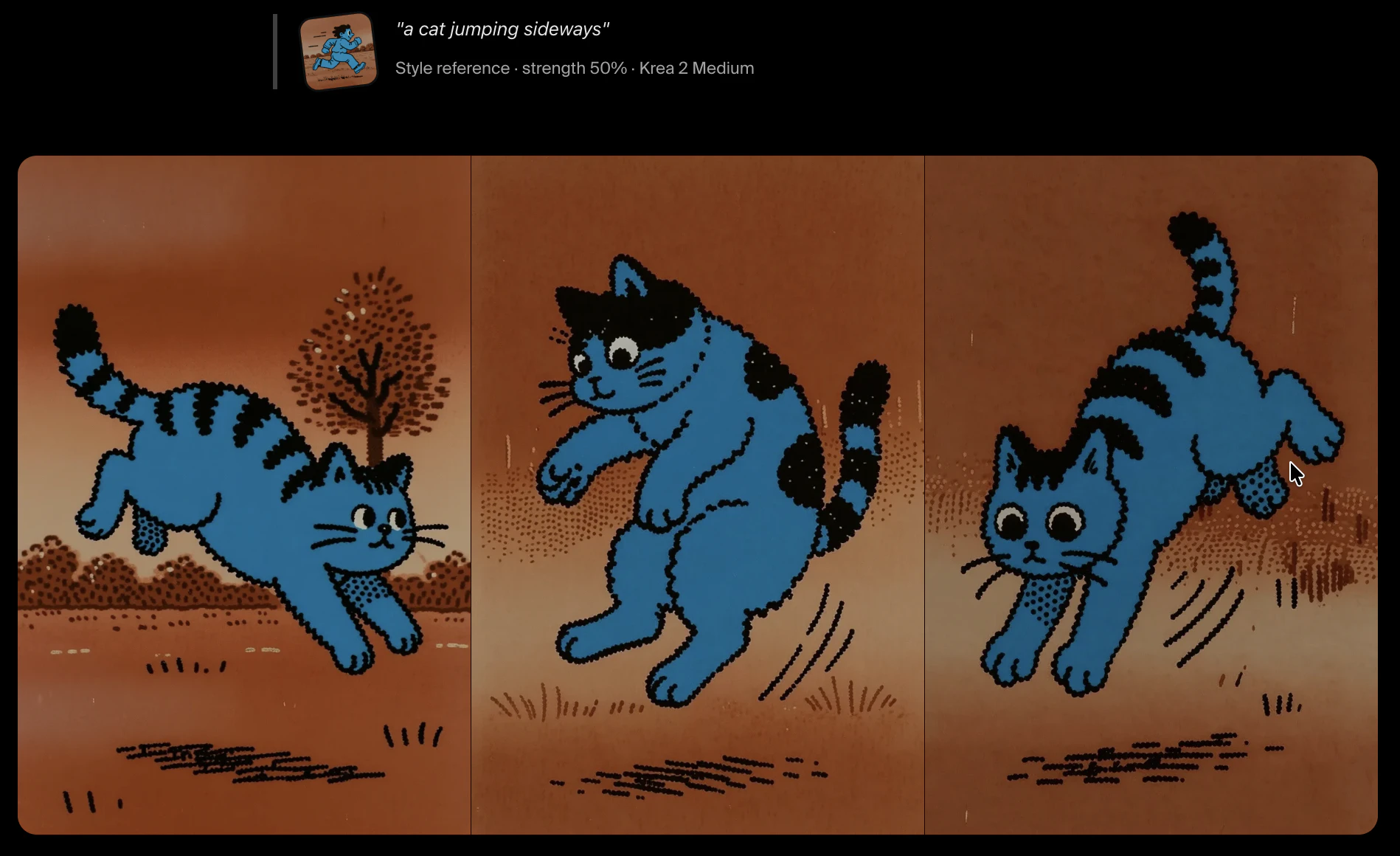
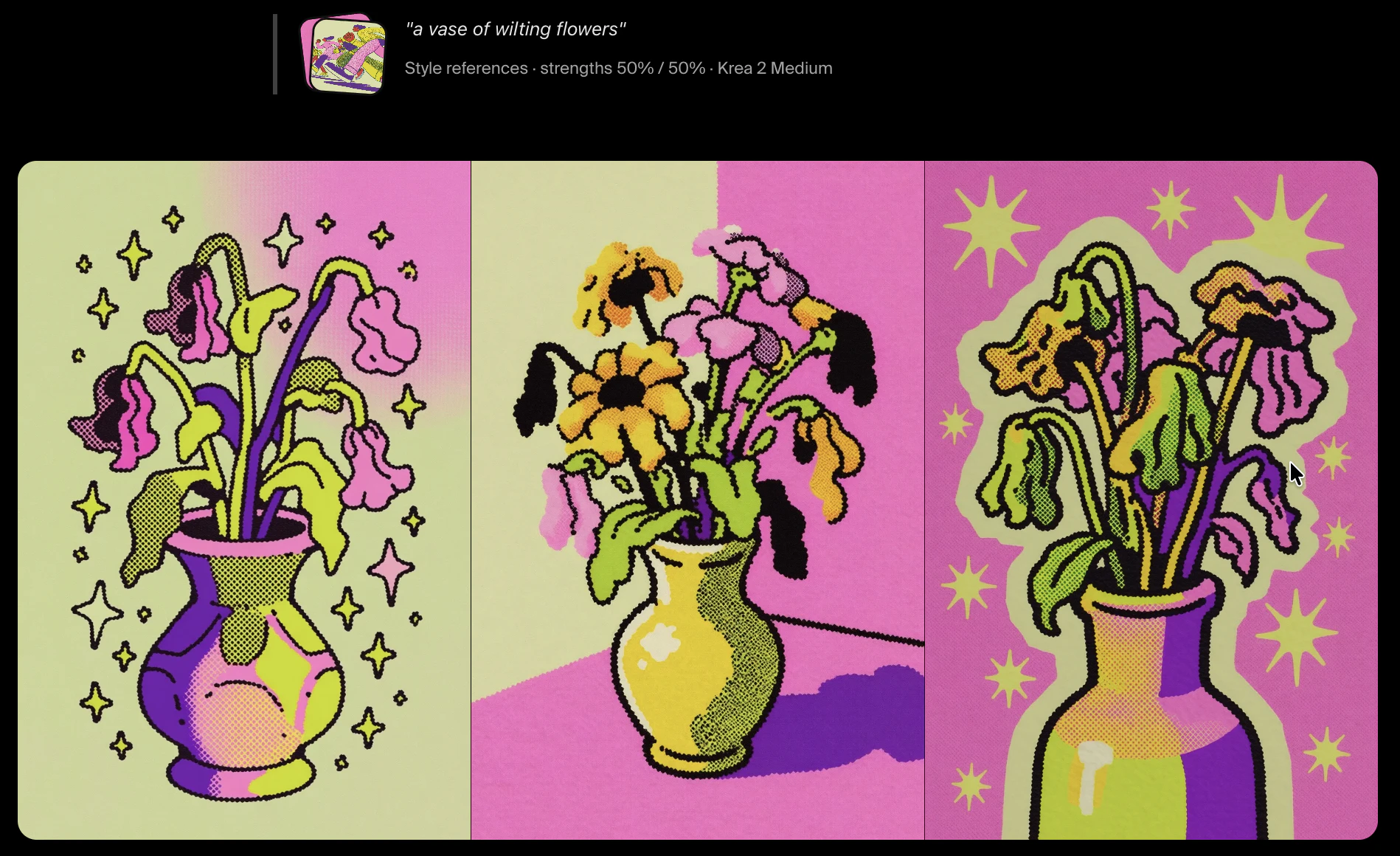
Krea 2 API is a powerful programmatic tool designed for developers and creative teams seeking to generate style-controlled images through an advanced AI foundation image model. Its core features include style transfer, moodboard inputs, and a customizable creativity parameter, allowing users to craft visually consistent and innovative images at scale. Built specifically for creative studios, agencies, and product teams, Krea 2 API enables seamless integration into existing workflows, making it ideal for automating visual content creation and enhancing design processes. What sets it apart is its focus on style control and moodboard inputs, giving users granular command over the aesthetic and emotional tone of generated images, thus fostering more aligned and compelling visual outputs.
Screenshots
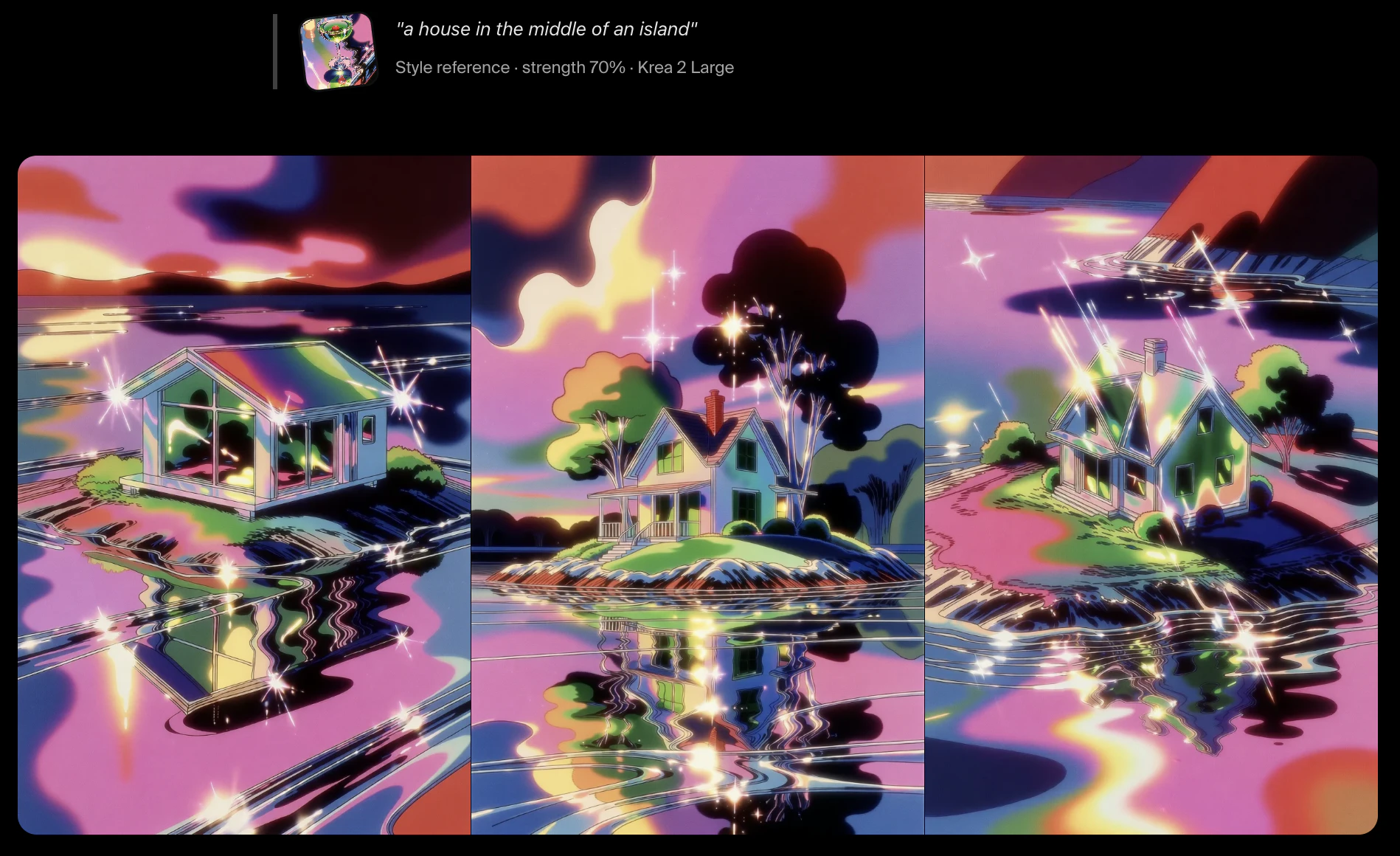
Pros
- ✓Programmatic access allows for automation and integration into existing workflows
- ✓Advanced style transfer and moodboard input features for precise control
- ✓Customizable creativity parameter to balance originality and coherence
- ✓Designed for professional creative teams and agencies
- ✓Supports scalable image generation for large projects
Cons
- ✗Limited information on pricing structure and plans
- ✗Potential learning curve for new users unfamiliar with API integrations
- ✗No free tier or trial details publicly available
Use Cases
Pricing
Likely employs a pay-as-you-go or subscription-based API model, common for developer-focused AI tools. Specific pricing details are not publicly disclosed, so users may need to contact sales for custom plans or quotes.
Quick Info
Topics
Alternatives
Similar Tools in AI Image & Design




Embed Badge
Add this badge to your website to show that Krea 2 API is featured on Visalytica.
<a href="https://www.visalytica.com/tool/krea-2-api" target="_blank" rel="noopener noreferrer" style="display:inline-flex;align-items:center;gap:6px;padding:6px 14px;background:#7c3aed;color:#fff;border-radius:8px;font-family:-apple-system,system-ui,sans-serif;font-size:13px;font-weight:600;text-decoration:none;transition:background .2s" onmouseover="this.style.background='#6d28d9'" onmouseout="this.style.background='#7c3aed'"><svg width="14" height="14" viewBox="0 0 24 24" fill="none" stroke="currentColor" stroke-width="2.5" stroke-linecap="round" stroke-linejoin="round"><path d="M12 20V10"/><path d="M18 20V4"/><path d="M6 20v-4"/></svg>Featured on Visalytica</a>