
Korinotch
Your MacBook notch, turned into a command center
About Korinotch
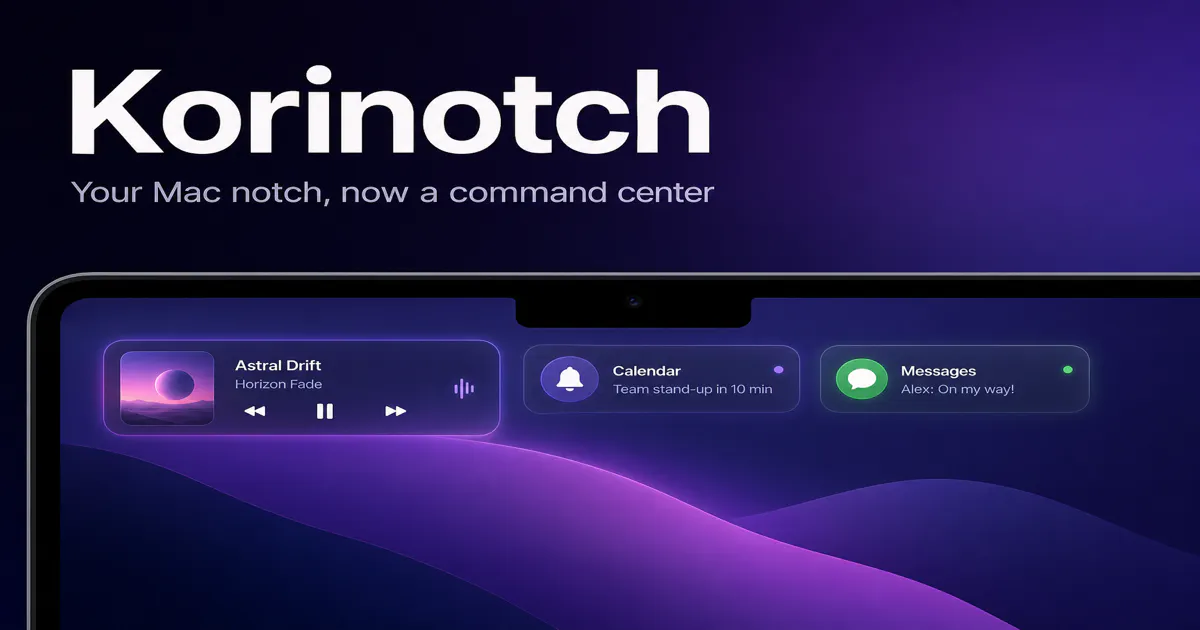
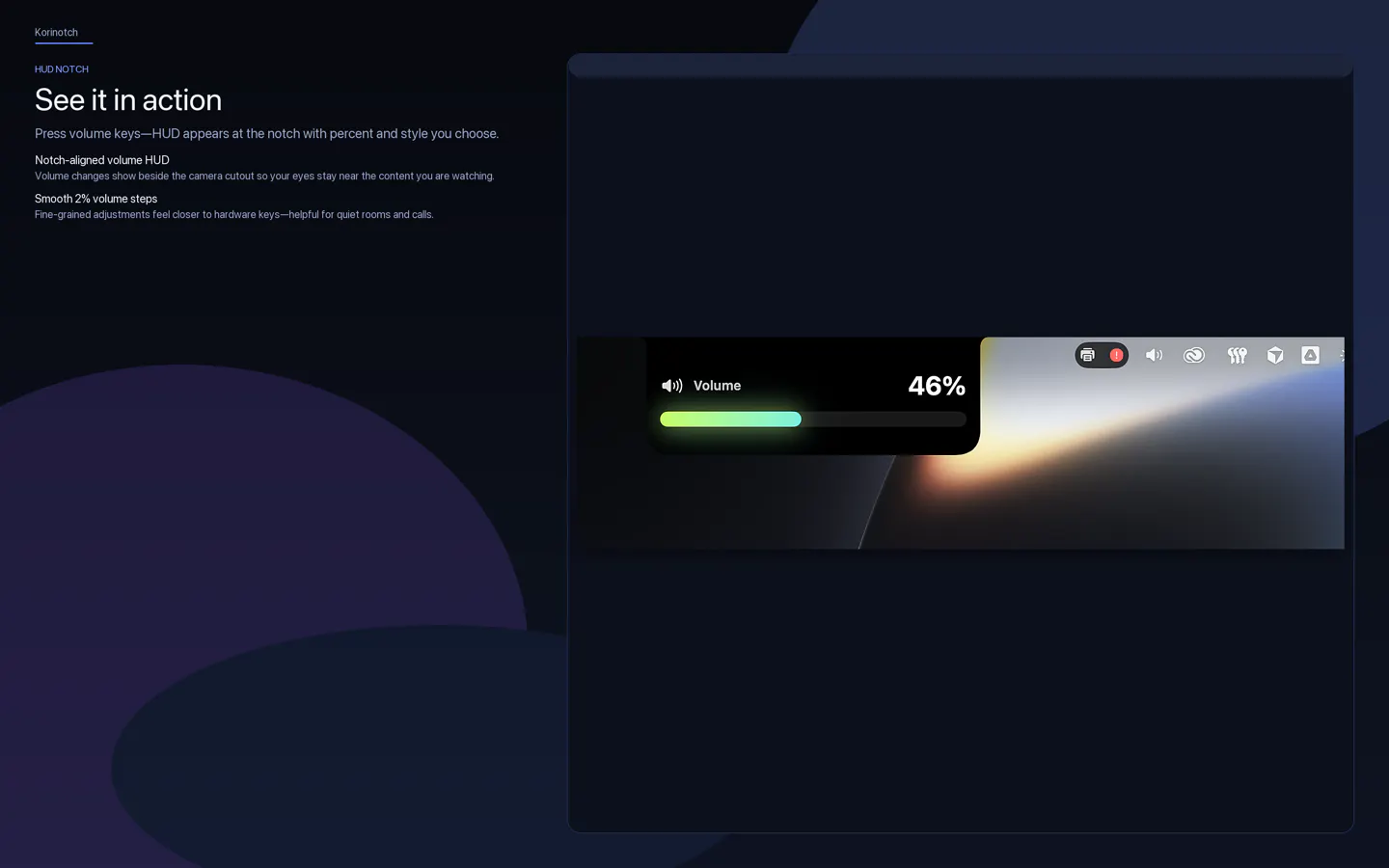
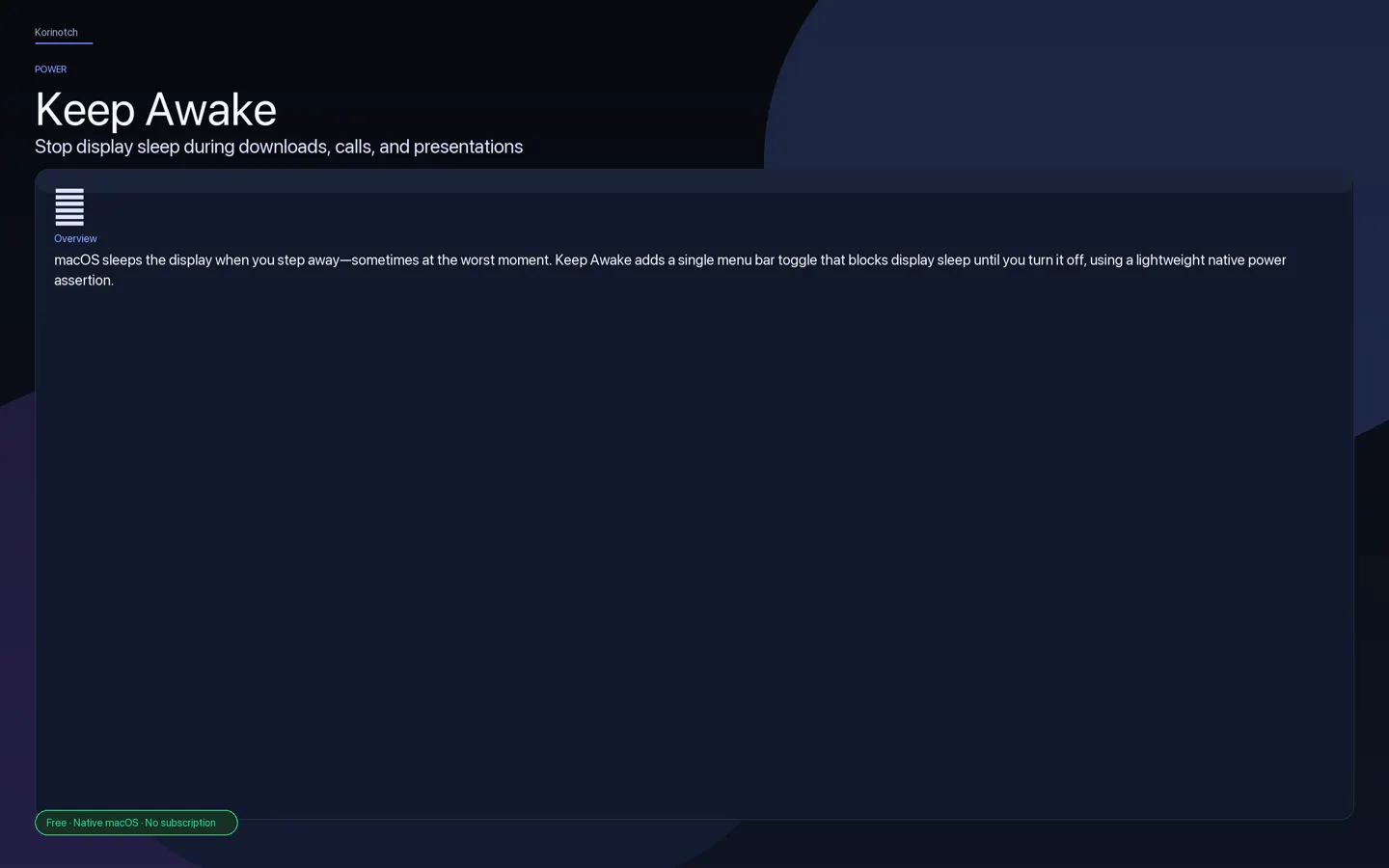
Korinotch transforms the familiar MacBook notch into a versatile command center, offering a suite of utilities that enhance productivity and convenience. Designed for Mac users seeking to maximize their device's capabilities, it integrates features like a Media HUD, notifications, file tray, clipboard management, keep awake mode, keyboard lock, and customizable widgets—all within the notch area. Built with native SwiftUI for macOS 14+, Korinotch provides a seamless, modern user experience. Its unique approach of turning a hardware design element into a functional hub sets it apart from traditional menu bar tools. Additionally, eleven of its utilities are available as standalone free menu-bar apps, making it accessible for various workflows. Whether for developers, professionals, or casual users, Korinotch aims to streamline interactions and keep essential functions within easy reach, all while leveraging the aesthetic appeal of the MacBook notch.
Screenshots
Pros
- ✓Innovative use of the MacBook notch as a command center
- ✓Native SwiftUI implementation ensures smooth performance
- ✓Includes multiple utilities in one integrated interface
- ✓Offers standalone free menu-bar apps for flexibility
- ✓User-friendly interface tailored for macOS 14+
Cons
- ✗Limited information on the depth of customization options
- ✗Potentially adds clutter if overused
- ✗Pricing model may be a consideration after the free trial
Use Cases
Pricing
Summarize pricing only when it is explicitly supported by the supplied product data. Never guess a price, plan, or business model. Return 'Pricing not verified'
Quick Info
Topics
Alternatives
Similar Tools in Developer Tools




Embed Badge
Add this badge to your website to show that Korinotch is featured on Visalytica.
<a href="https://www.visalytica.com/tool/korinotch" target="_blank" rel="noopener noreferrer" style="display:inline-flex;align-items:center;gap:6px;padding:6px 14px;background:#7c3aed;color:#fff;border-radius:8px;font-family:-apple-system,system-ui,sans-serif;font-size:13px;font-weight:600;text-decoration:none;transition:background .2s" onmouseover="this.style.background='#6d28d9'" onmouseout="this.style.background='#7c3aed'"><svg width="14" height="14" viewBox="0 0 24 24" fill="none" stroke="currentColor" stroke-width="2.5" stroke-linecap="round" stroke-linejoin="round"><path d="M12 20V10"/><path d="M18 20V4"/><path d="M6 20v-4"/></svg>Featured on Visalytica</a>