
koi.photo
A free layered photo editor in your browser, no sign-up
About koi.photo
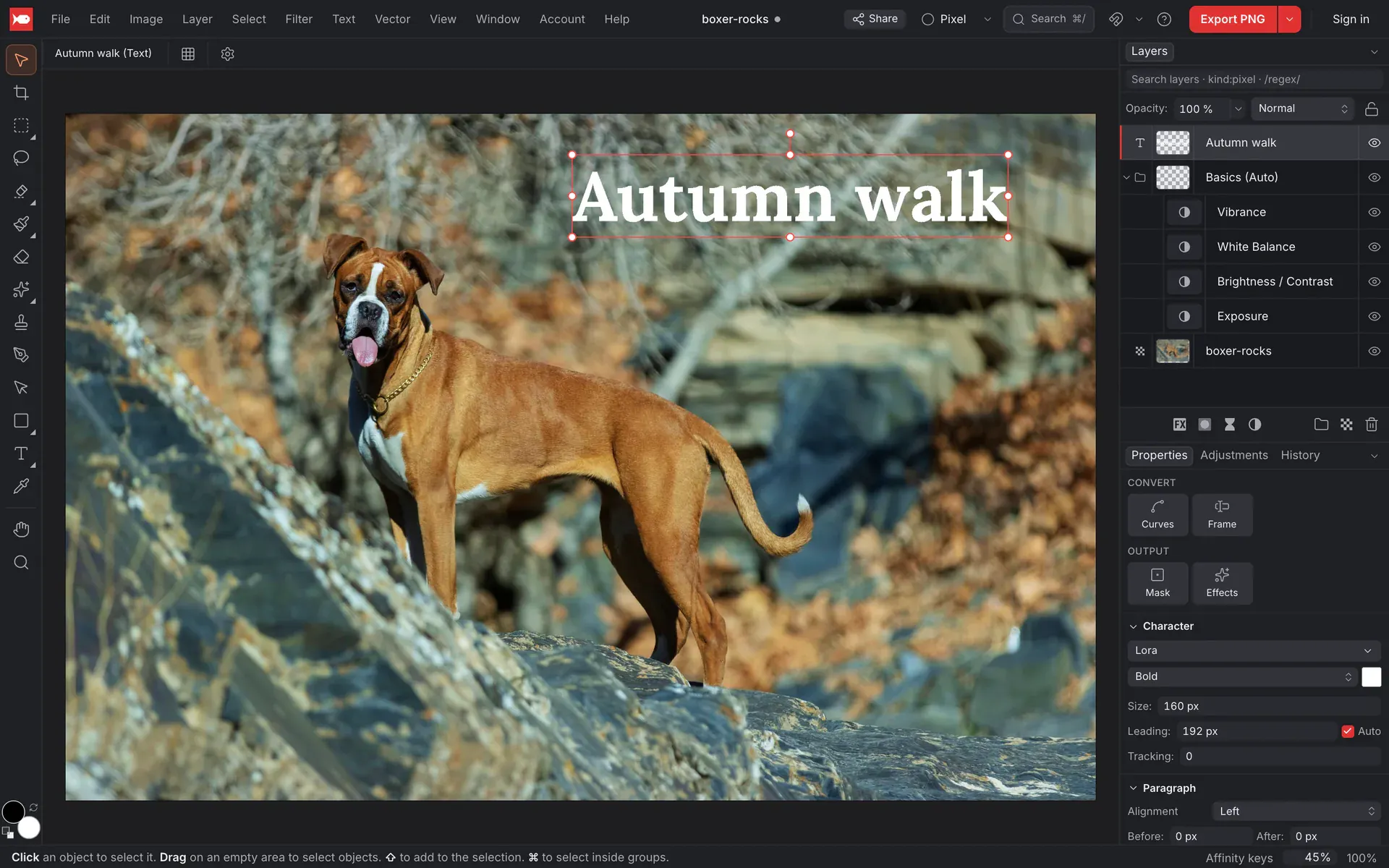
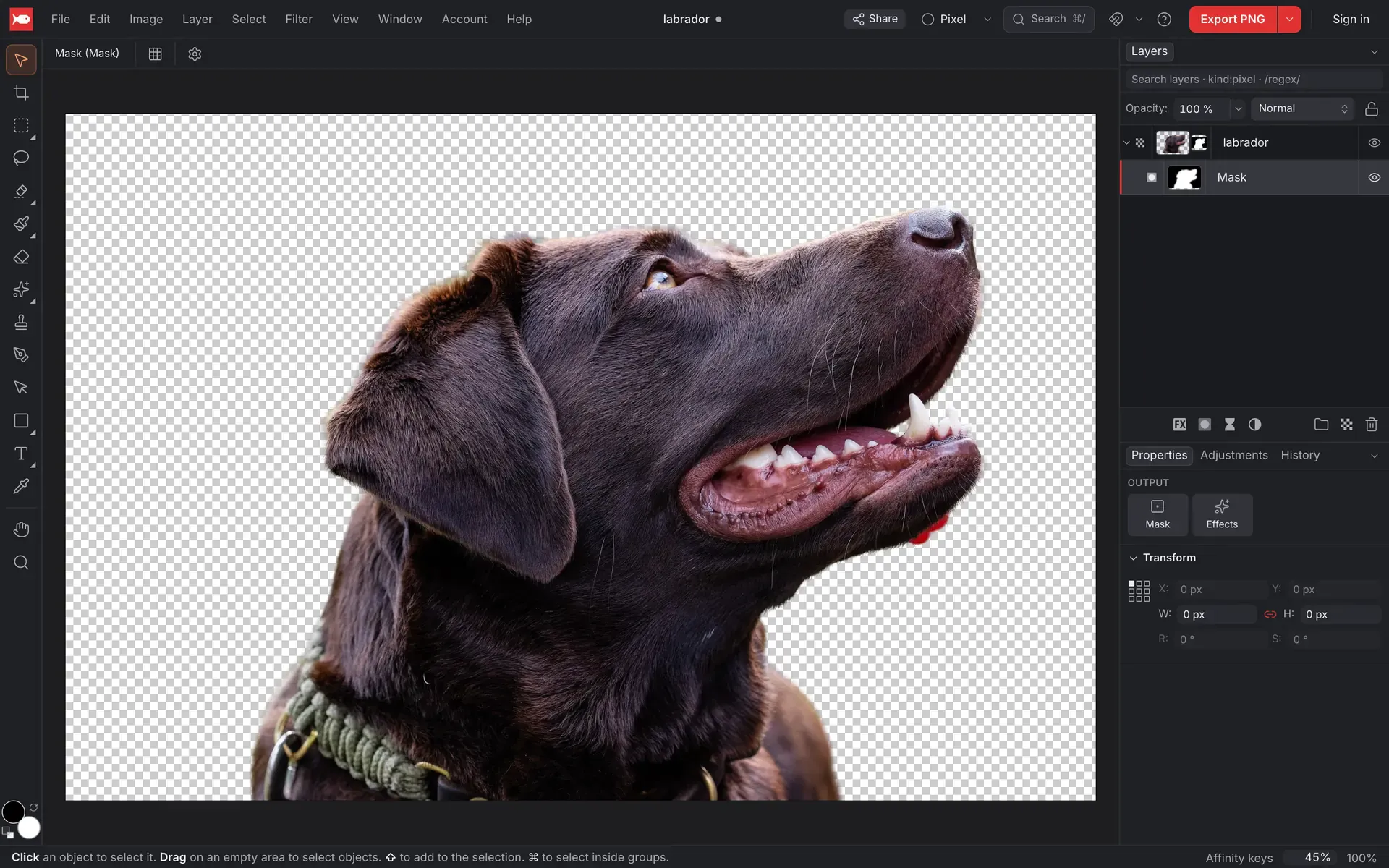
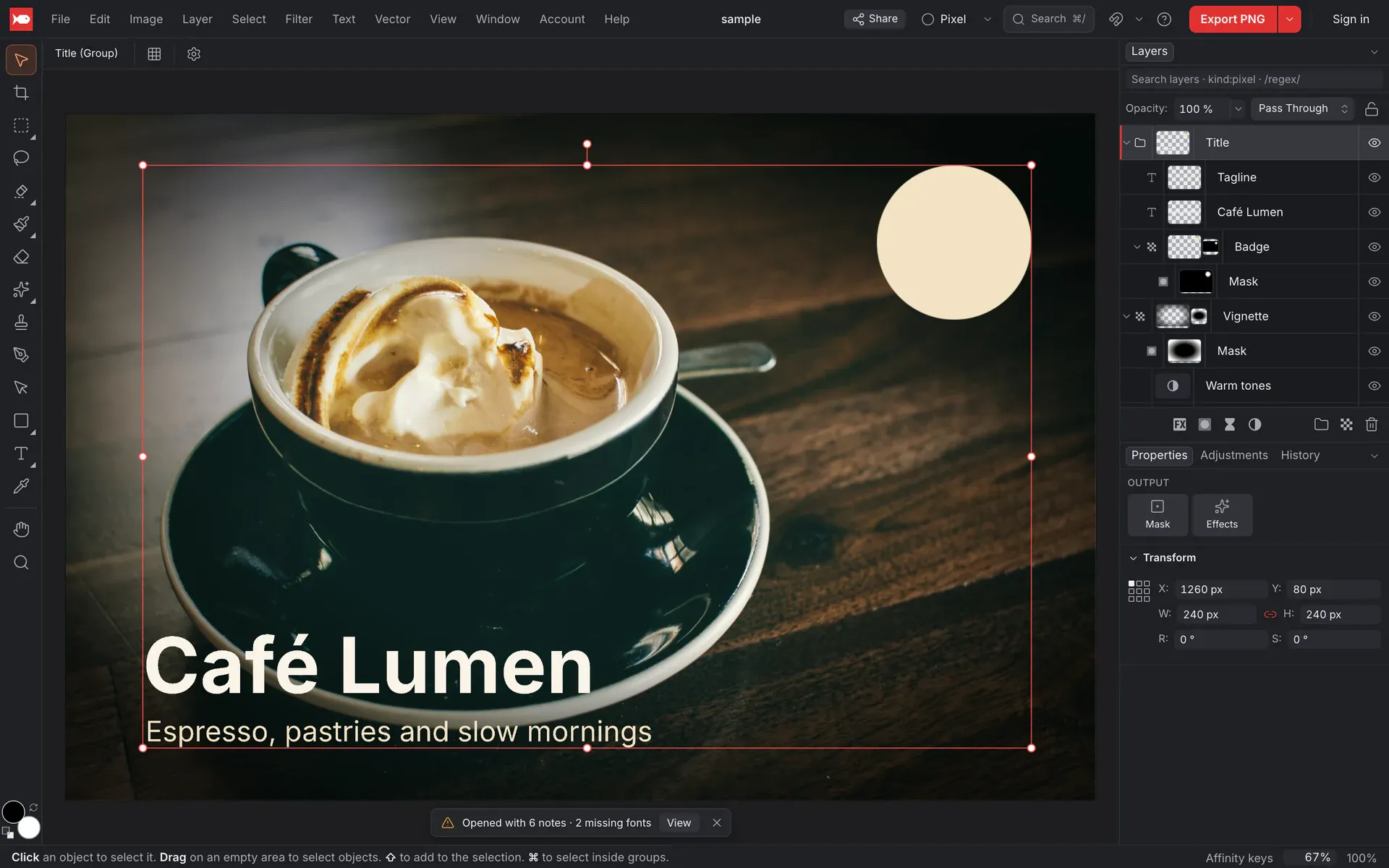
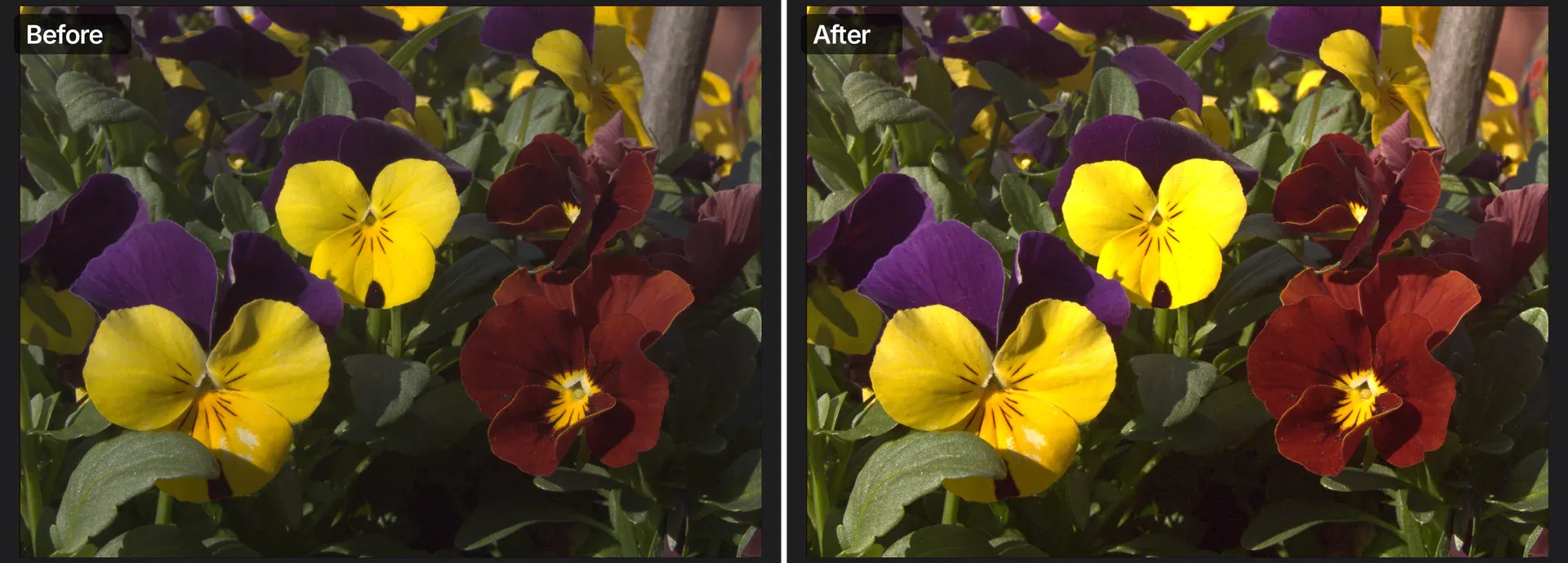
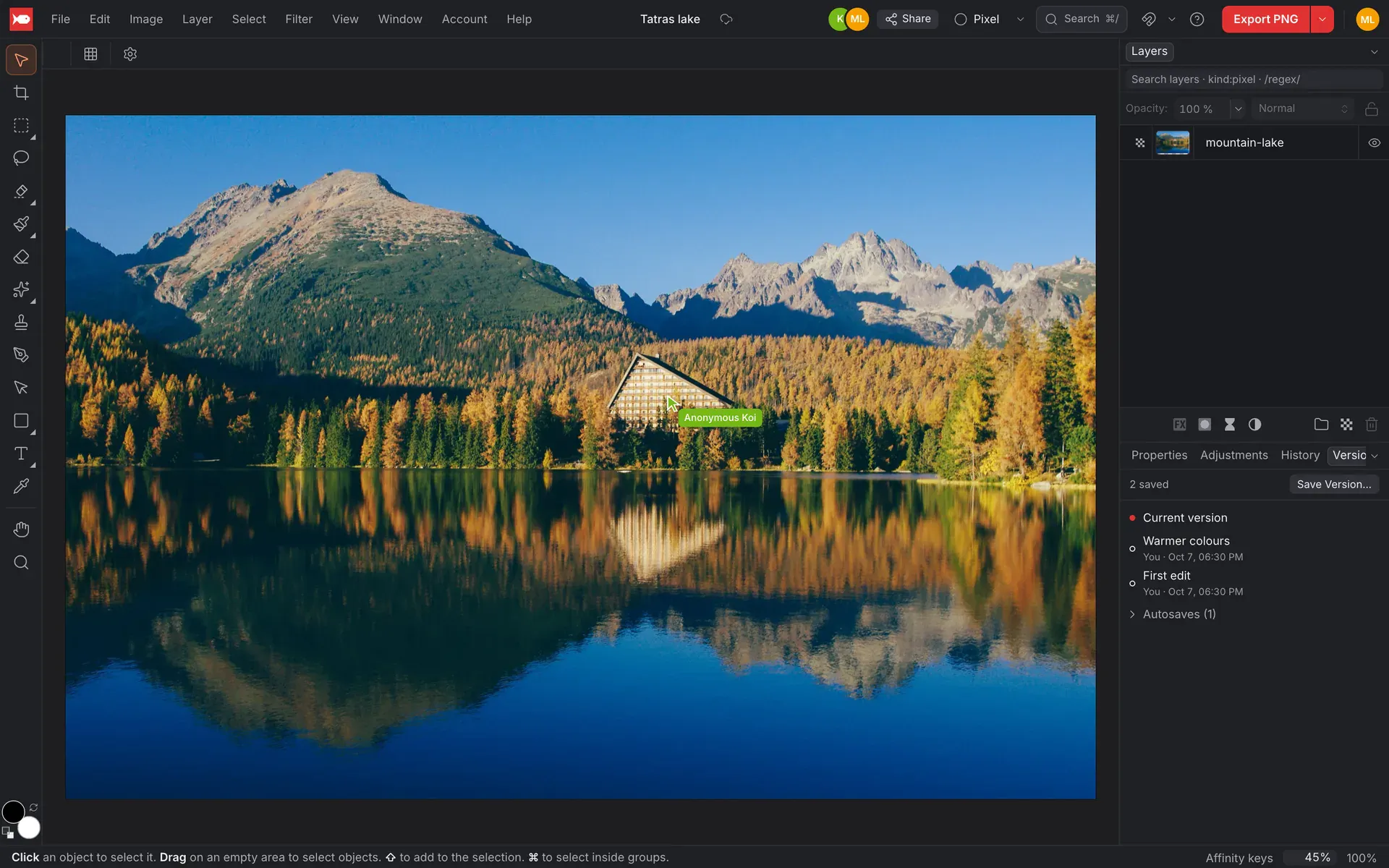
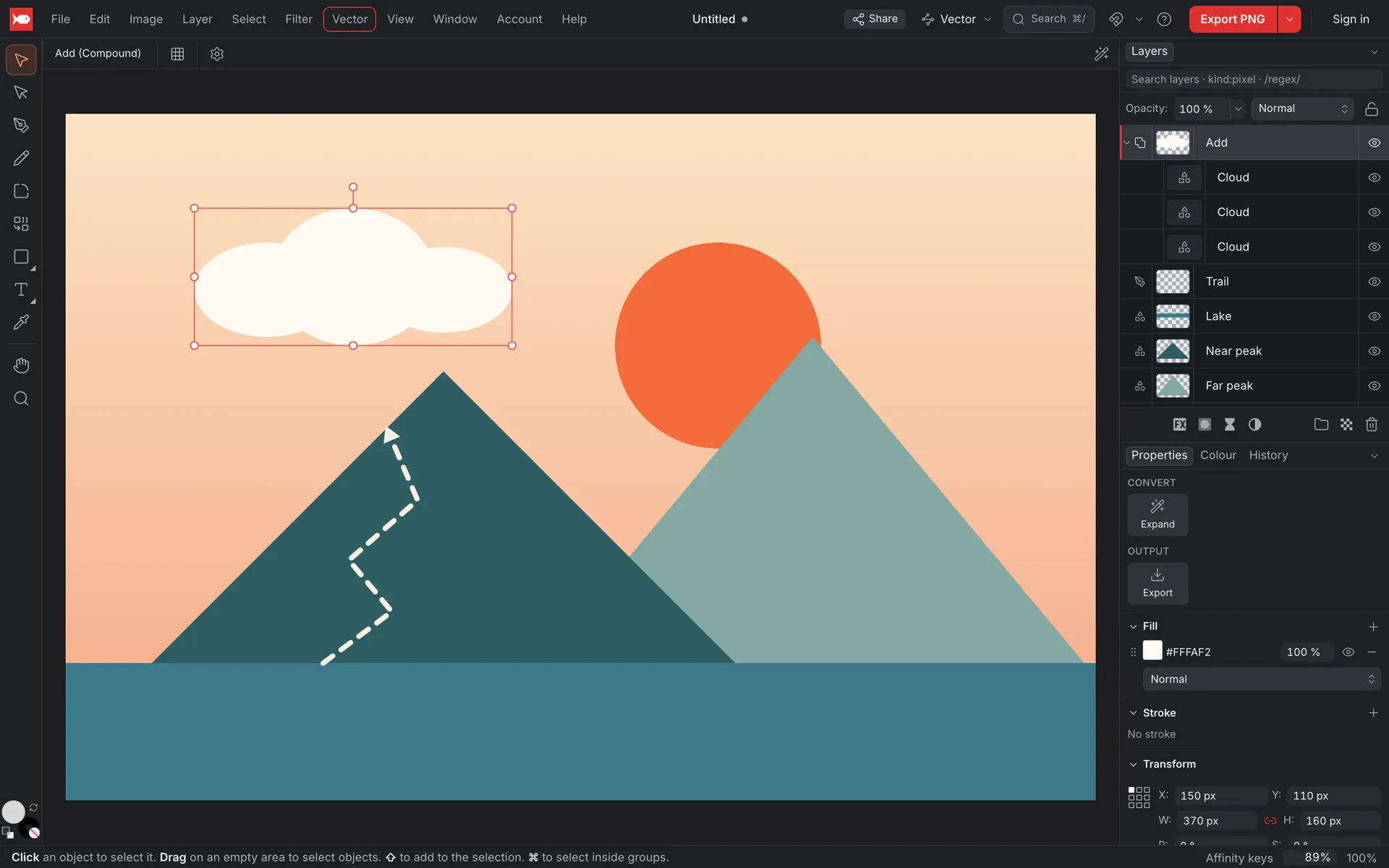
koi.photo is a versatile, browser-based photo and vector editor that offers a comprehensive set of editing tools without requiring user registration. Designed for designers, photographers, and hobbyists alike, it provides advanced features such as layers, masks, adjustment layers, retouching, and support for PSD and RAW files. Its unique selling point is that it runs entirely on your device, ensuring privacy and fast performance, with no mandatory sign-up or intrusive ads. Additionally, koi.photo offers an optional cloud feature for real-time collaboration, making it suitable for team projects and creative workflows. Its intuitive interface combined with powerful editing capabilities makes it an appealing choice for those seeking a free, accessible, and privacy-conscious editing solution directly in the browser.
Screenshots
Pros
- ✓No sign-up required, ensuring easy and quick access
- ✓Runs entirely on your device for privacy and speed
- ✓Supports complex editing features like layers, masks, and adjustment layers
- ✓Handles PSD and RAW files for professional editing needs
- ✓Optional cloud collaboration for team projects
Cons
- ✗May lack some advanced features found in dedicated desktop editors
- ✗Performance could vary depending on device hardware
- ✗Limited integrations compared to other cloud-based tools
Use Cases
Pricing
Pricing not verified

Similar Tools in AI Image & Design




Embed Badge
Add this badge to your website to show that koi.photo is featured on Visalytica.
<a href="https://www.visalytica.com/tool/koi-photo" target="_blank" rel="noopener noreferrer" style="display:inline-flex;align-items:center;gap:6px;padding:6px 14px;background:#7c3aed;color:#fff;border-radius:8px;font-family:-apple-system,system-ui,sans-serif;font-size:13px;font-weight:600;text-decoration:none;transition:background .2s" onmouseover="this.style.background='#6d28d9'" onmouseout="this.style.background='#7c3aed'"><svg width="14" height="14" viewBox="0 0 24 24" fill="none" stroke="currentColor" stroke-width="2.5" stroke-linecap="round" stroke-linejoin="round"><path d="M12 20V10"/><path d="M18 20V4"/><path d="M6 20v-4"/></svg>Featured on Visalytica</a>