
Kogvio
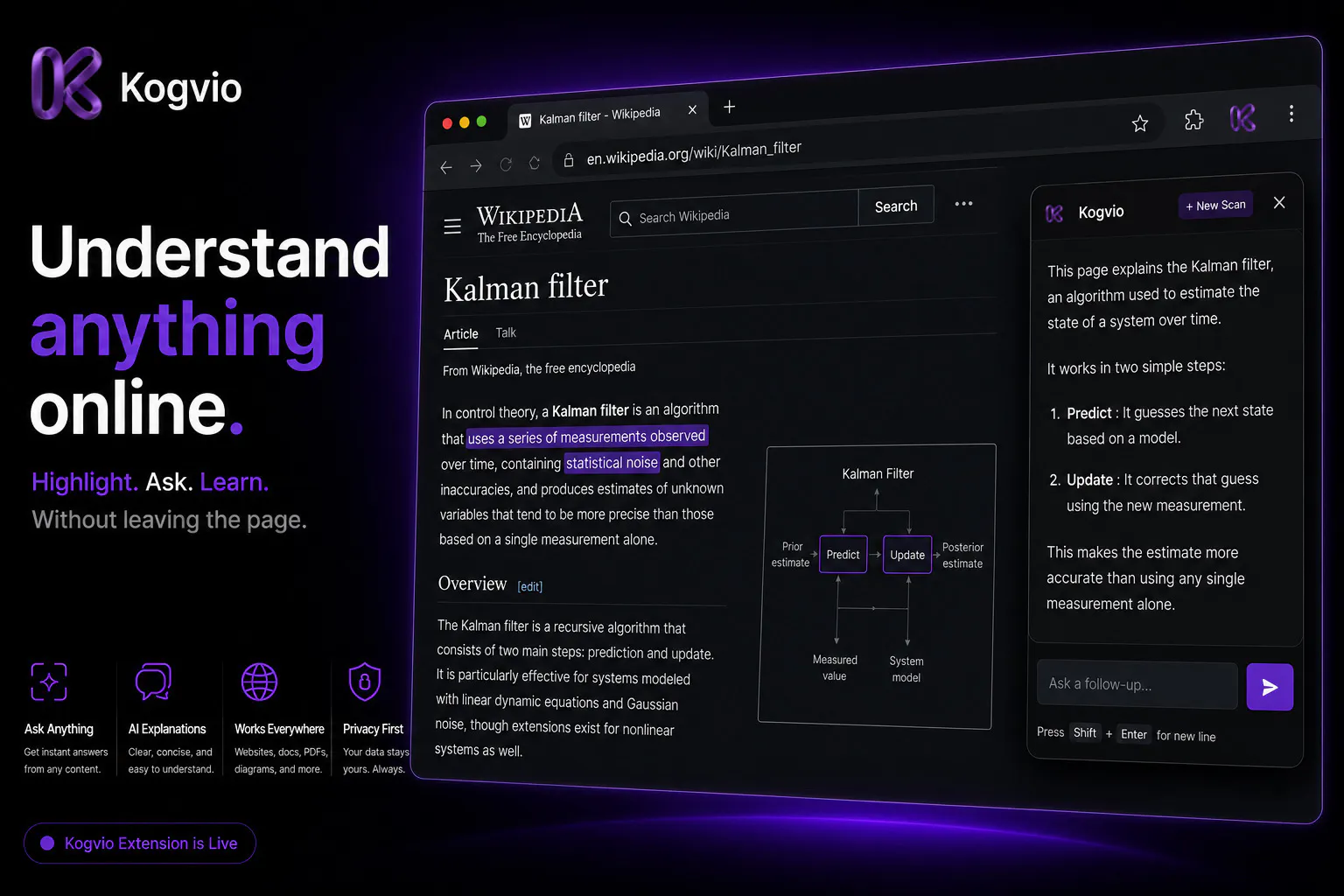
Understand anything online without leaving the page.
About Kogvio
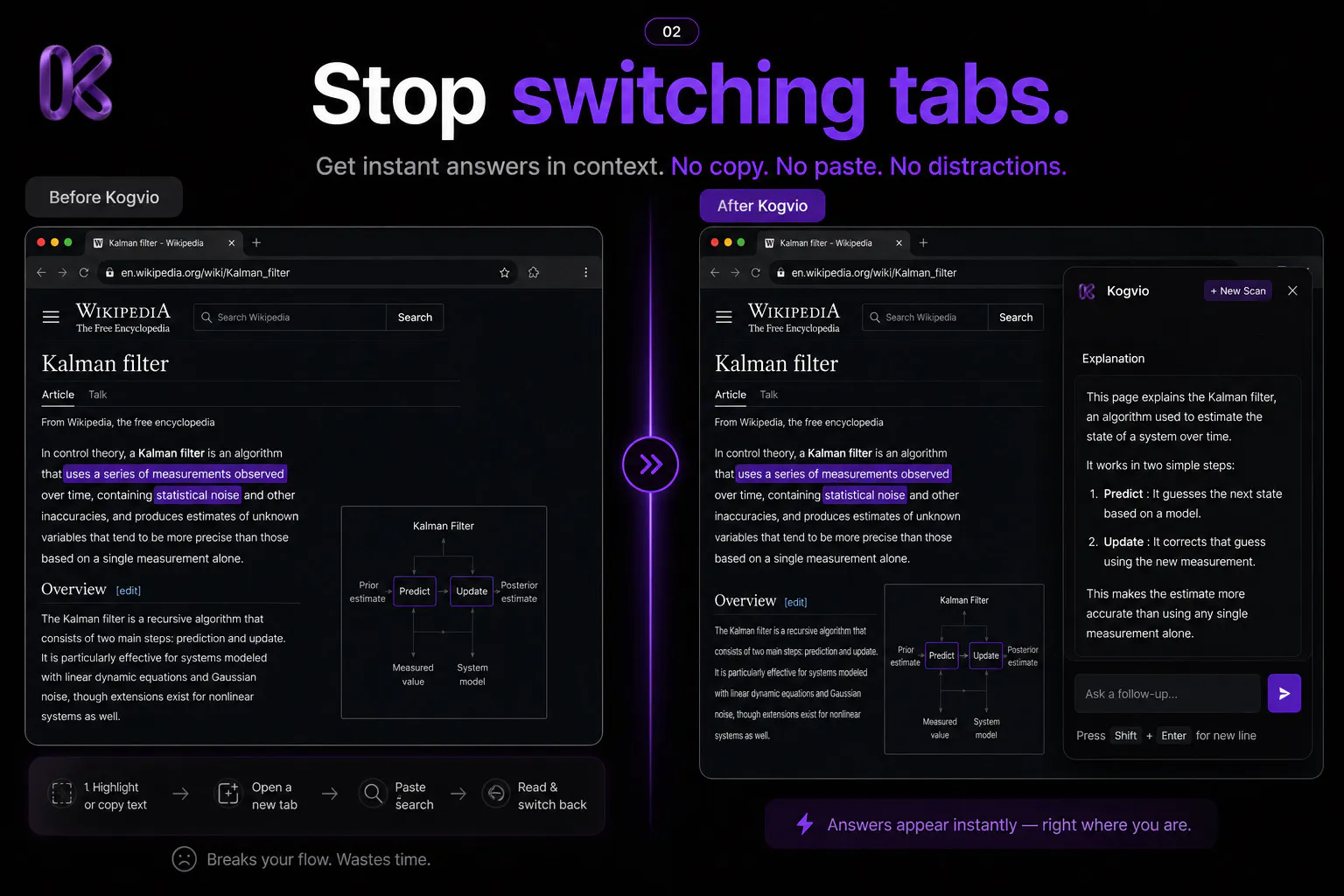
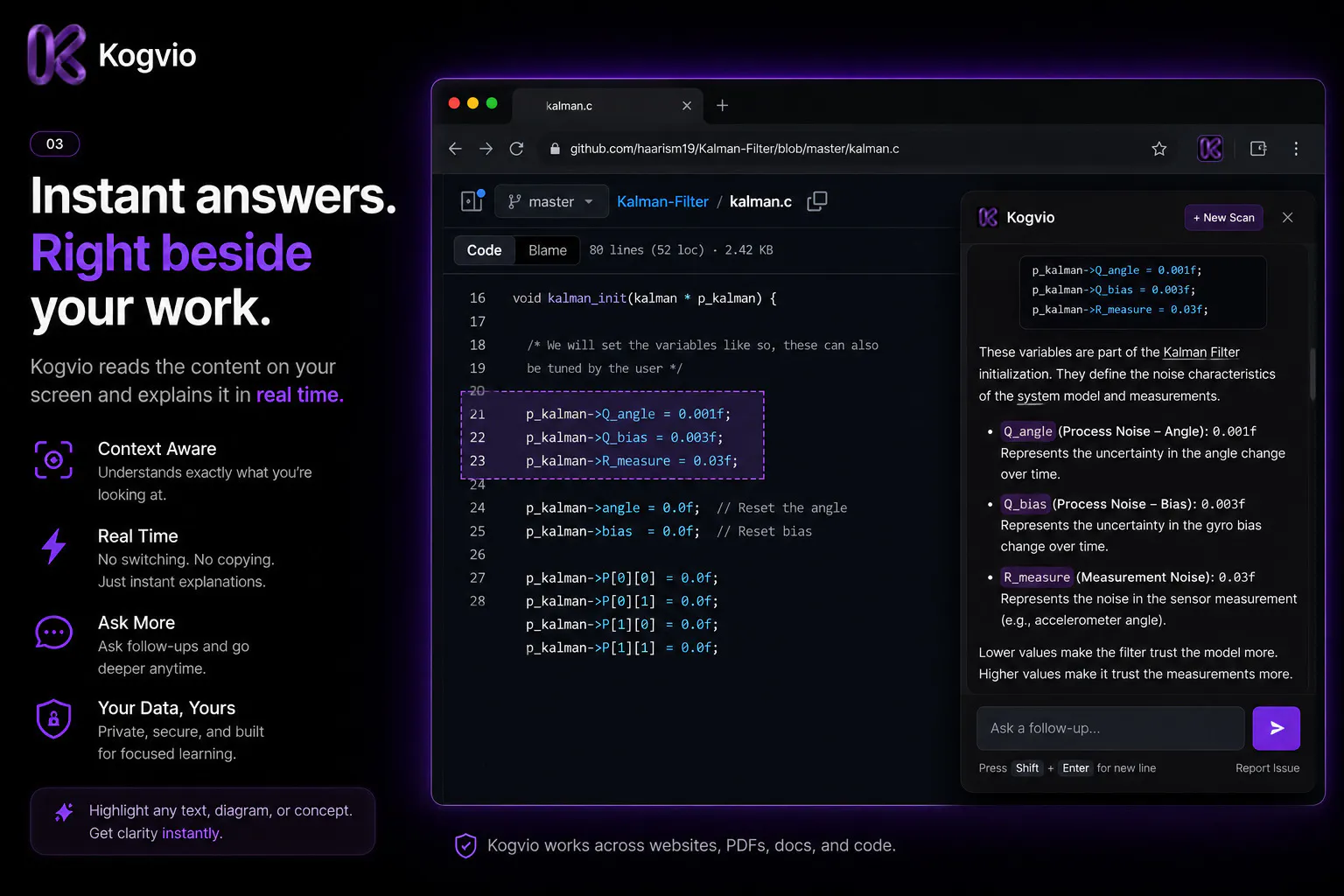
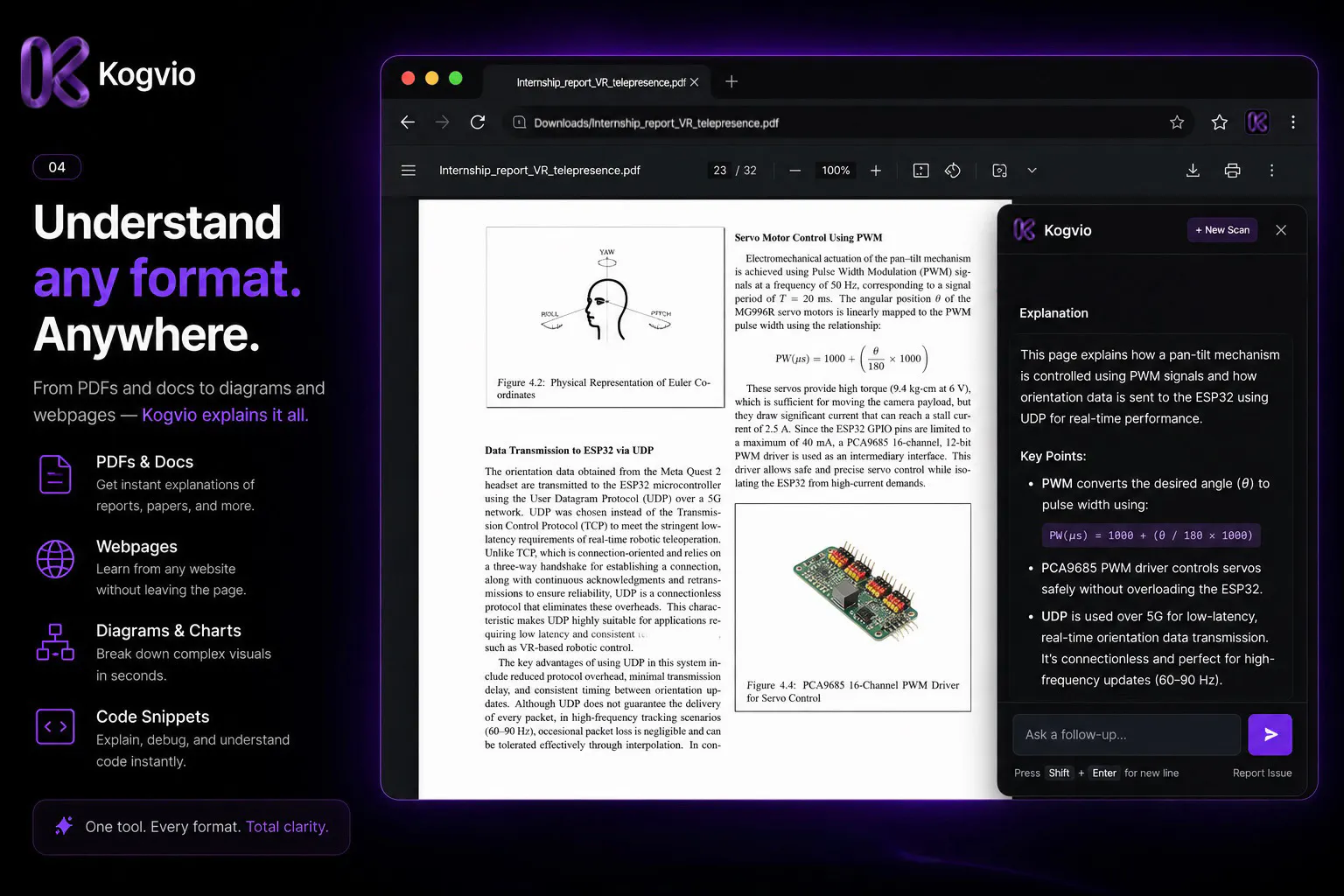
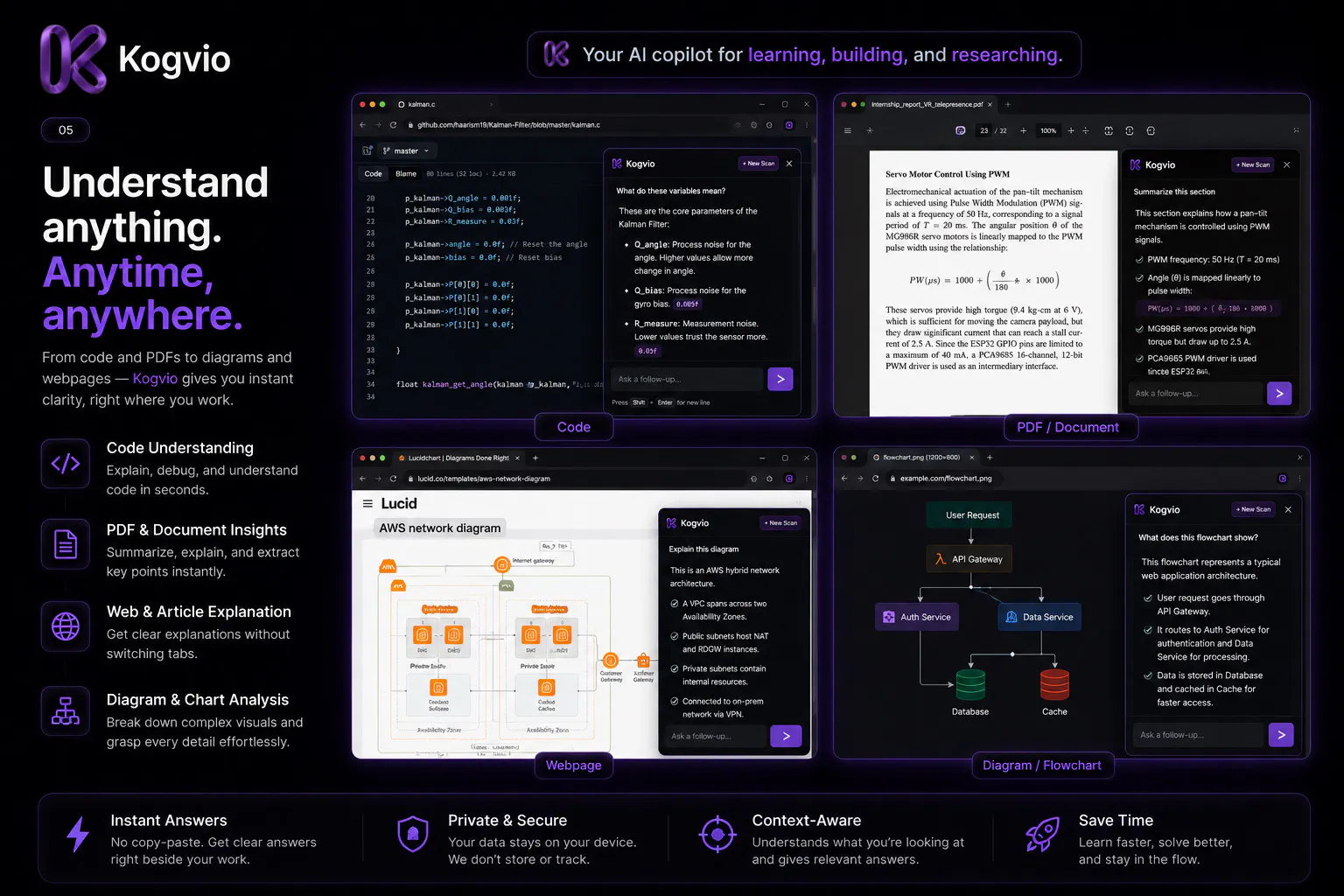
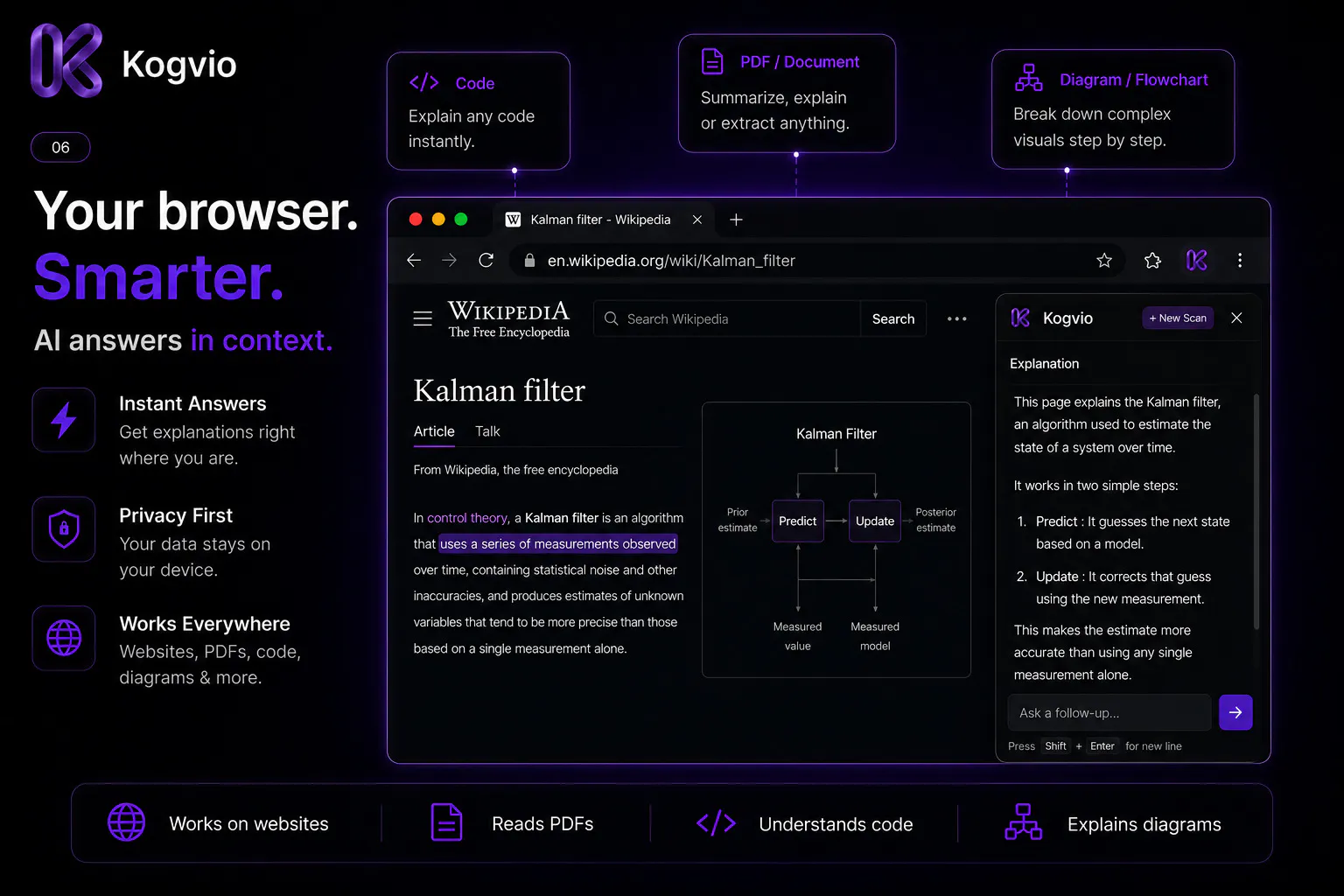
Kogvio is an innovative browser extension designed to enhance online learning and comprehension by allowing users to interact with web pages and PDFs seamlessly. Instead of disrupting their workflow by copying content and switching to external AI tools like ChatGPT, users can highlight any text, diagram, or section, and ask questions directly within the context. This real-time, in-page interaction makes understanding complex documentation, research papers, technical manuals, or medical textbooks faster and more efficient. Ideal for students, researchers, developers, and professionals who frequently digest dense online content, Kogvio stands out by maintaining user focus and providing instant, contextual explanations without leaving the current page. Its intuitive interface and AI-powered insights help users learn more effectively and save valuable time during their research or study sessions.
Screenshots
Pros
- ✓In-context highlighting and questioning for seamless learning
- ✓Keeps users focused without switching between apps or tabs
- ✓Supports various content types including PDFs, diagrams, and technical documents
- ✓User-friendly interface designed for quick interactions
- ✓Enhances comprehension for complex technical or academic material
Cons
- ✗Still in early stages with limited public adoption and reviews
- ✗Potential limitations in handling very large documents or highly technical content
- ✗Uncertain pricing structure and availability of free features
Use Cases
Pricing
Likely follows a freemium model, offering basic features for free with premium plans providing advanced capabilities. Specific pricing details are not publicly available at this time.
Quick Info
Topics
Makers

Harshit Kataria
Alternatives
Similar Tools in AI Writing




Embed Badge
Add this badge to your website to show that Kogvio is featured on Visalytica.
<a href="https://www.visalytica.com/tool/kogvio" target="_blank" rel="noopener noreferrer" style="display:inline-flex;align-items:center;gap:6px;padding:6px 14px;background:#7c3aed;color:#fff;border-radius:8px;font-family:-apple-system,system-ui,sans-serif;font-size:13px;font-weight:600;text-decoration:none;transition:background .2s" onmouseover="this.style.background='#6d28d9'" onmouseout="this.style.background='#7c3aed'"><svg width="14" height="14" viewBox="0 0 24 24" fill="none" stroke="currentColor" stroke-width="2.5" stroke-linecap="round" stroke-linejoin="round"><path d="M12 20V10"/><path d="M18 20V4"/><path d="M6 20v-4"/></svg>Featured on Visalytica</a>