
Kodo
Create fully editable designs by chatting with AI
About Kodo
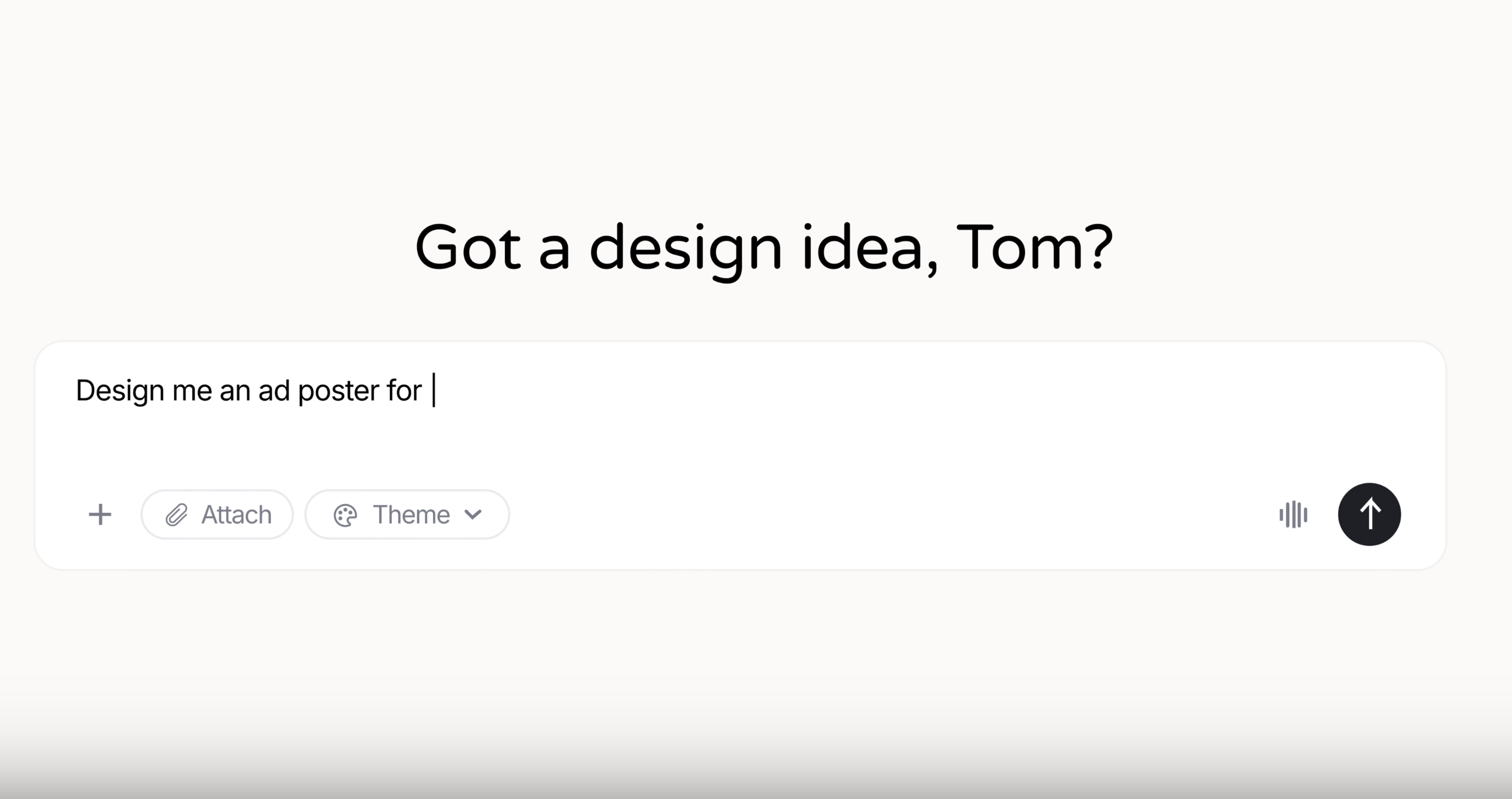
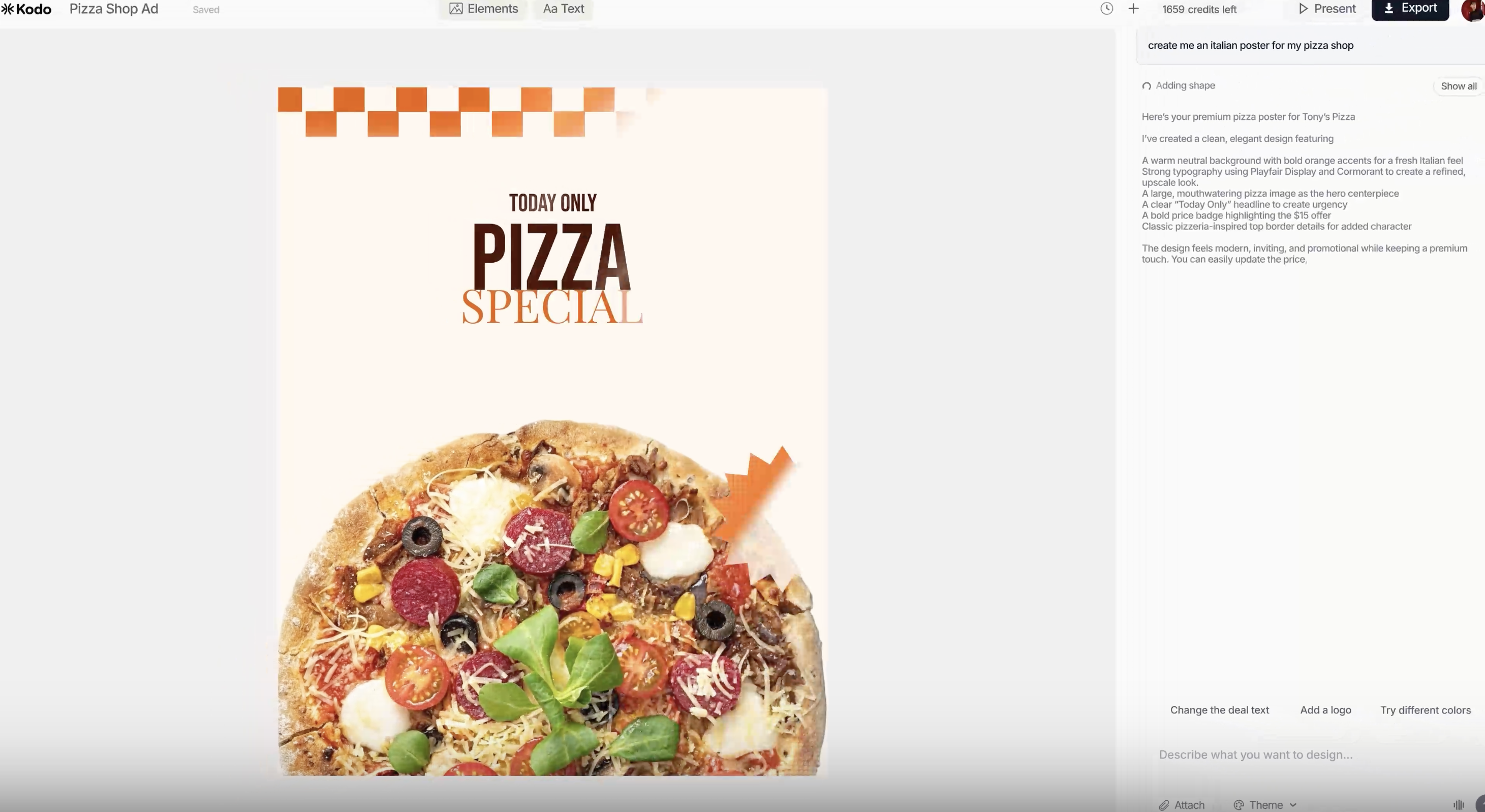
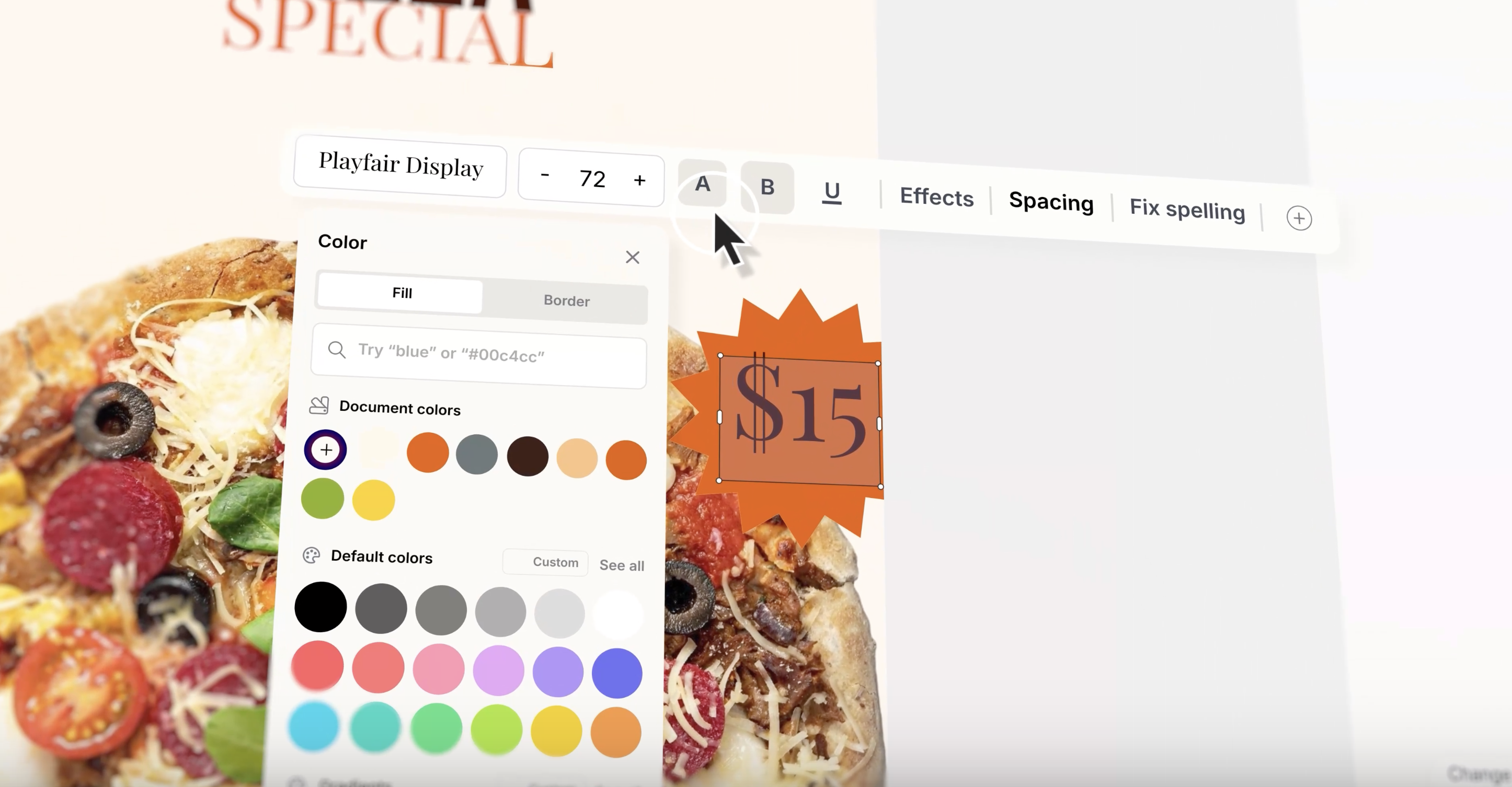
Kodo is an innovative AI-powered design platform that transforms simple prompts into fully editable visual content such as posters, slides, menus, and social media graphics. Unlike traditional AI design tools that produce static images, Kodo creates layered, structured designs that users can instantly customize—editing text, colors, layouts, and spacing without restrictions. This makes it ideal for marketers, content creators, and small business owners seeking quick, professional-quality visuals without the need for complex design software. Its chat-based interface simplifies the design process, enabling users to generate and refine their visuals in minutes, fostering creativity and efficiency. With no templates or locked layouts, Kodo offers complete flexibility and control over the final design, setting it apart from many other AI design tools.
Screenshots
Pros
- ✓Creates fully layered, editable designs from simple prompts
- ✓User-friendly chat interface for quick iteration
- ✓No templates or locked layouts, offering maximum flexibility
- ✓Saves time by enabling rapid design generation and refinement
- ✓Suitable for various visual content types (posters, social graphics, menus, slides)
Cons
- ✗May have limitations on complex or highly detailed designs
- ✗Pricing details are not explicitly provided, which could impact small users
- ✗Dependent on AI quality, occasionally requiring manual adjustments
Use Cases
Pricing
Likely operates on a freemium model, offering basic features for free with premium plans that unlock additional capabilities and higher usage limits. Exact pricing details are not specified but typically start around a modest monthly fee for professional features.
Quick Info
Topics
Alternatives
Similar Tools in AI Image & Design




Embed Badge
Add this badge to your website to show that Kodo is featured on Visalytica.
<a href="https://www.visalytica.com/tool/kodo" target="_blank" rel="noopener noreferrer" style="display:inline-flex;align-items:center;gap:6px;padding:6px 14px;background:#7c3aed;color:#fff;border-radius:8px;font-family:-apple-system,system-ui,sans-serif;font-size:13px;font-weight:600;text-decoration:none;transition:background .2s" onmouseover="this.style.background='#6d28d9'" onmouseout="this.style.background='#7c3aed'"><svg width="14" height="14" viewBox="0 0 24 24" fill="none" stroke="currentColor" stroke-width="2.5" stroke-linecap="round" stroke-linejoin="round"><path d="M12 20V10"/><path d="M18 20V4"/><path d="M6 20v-4"/></svg>Featured on Visalytica</a>