
Klyra Autofill
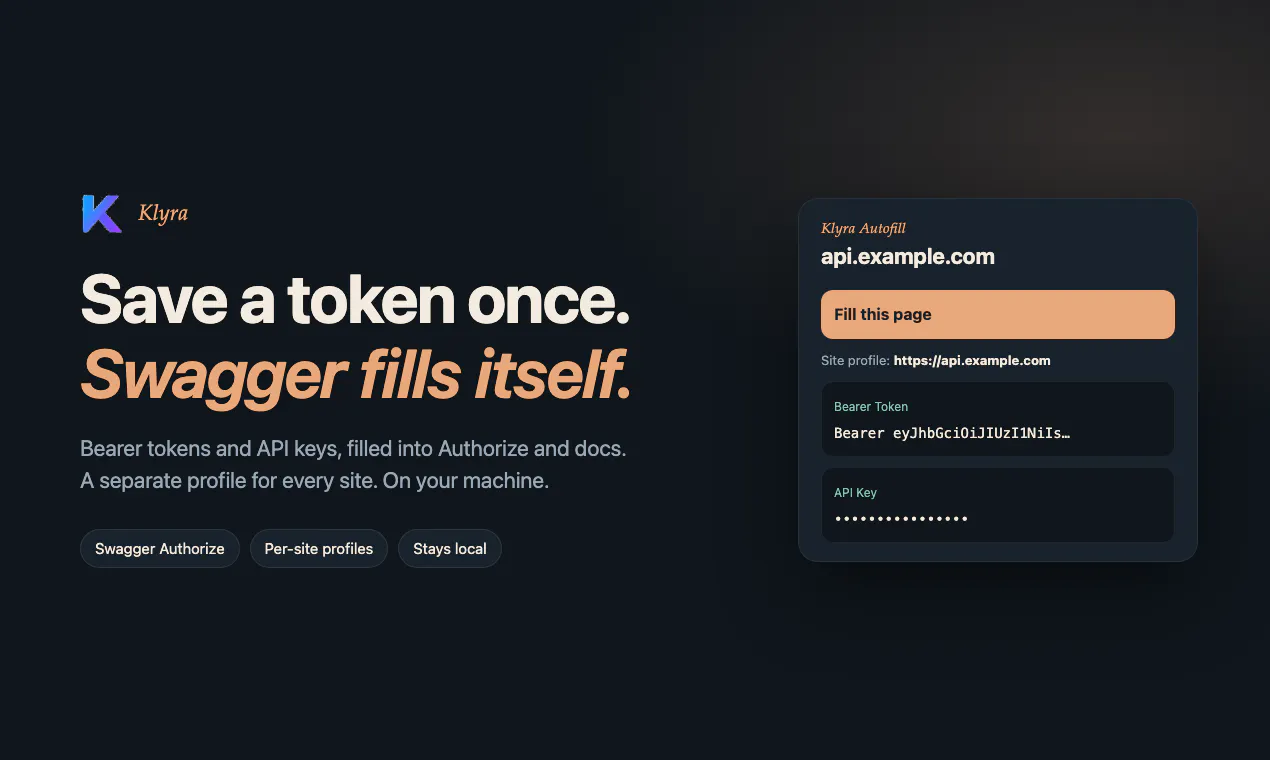
Save a token once. Swagger Authorize fills itself.
About Klyra Autofill
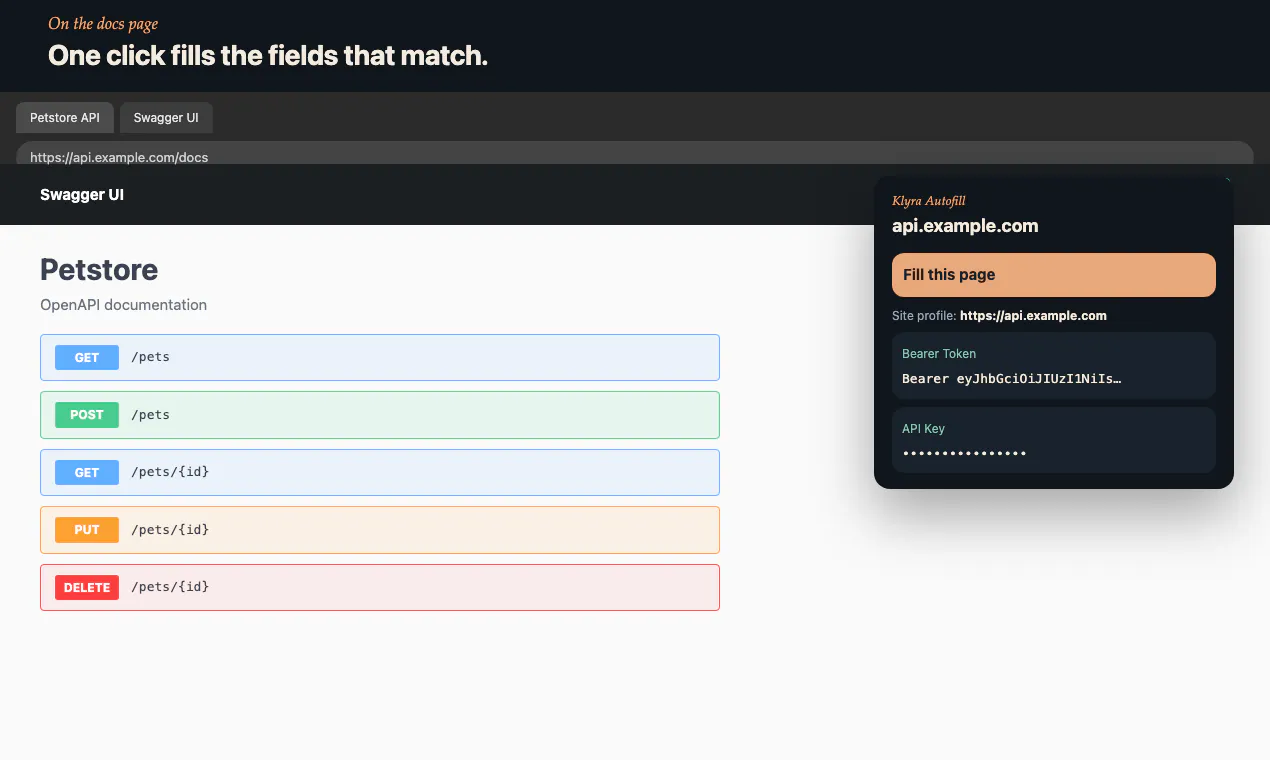
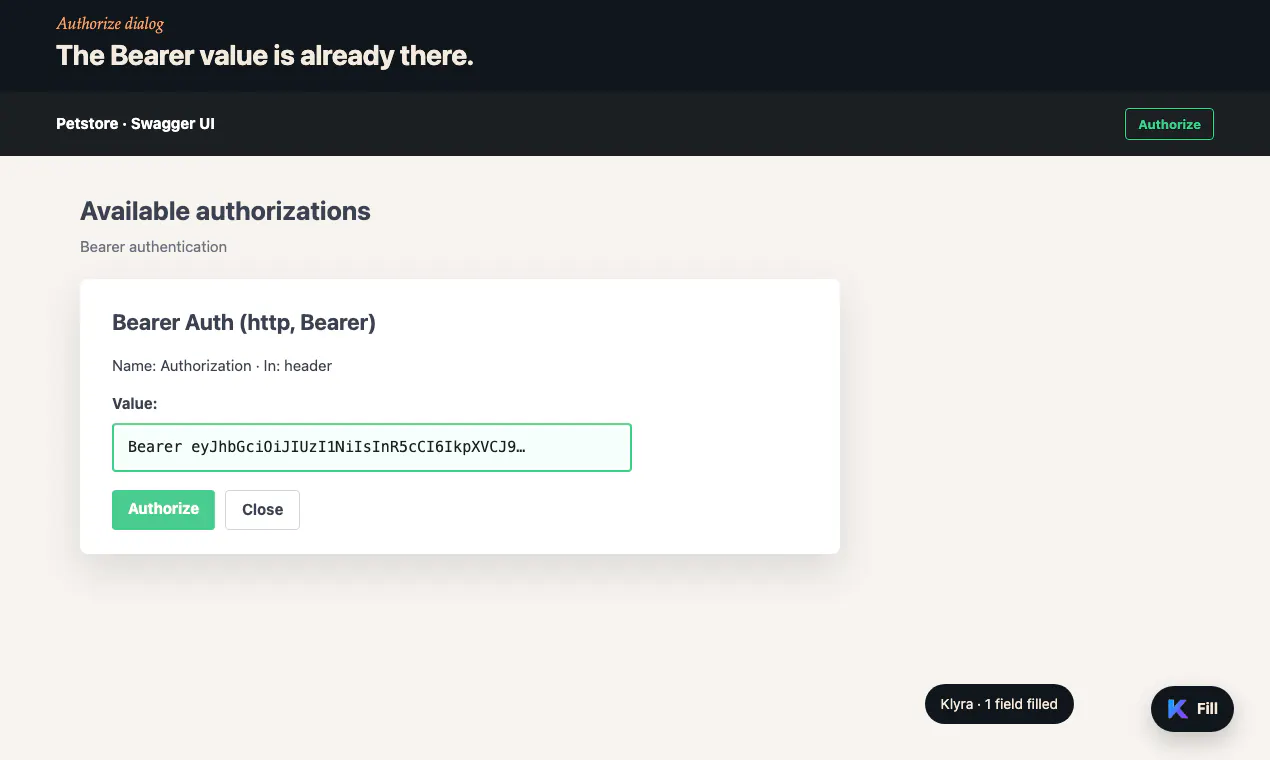
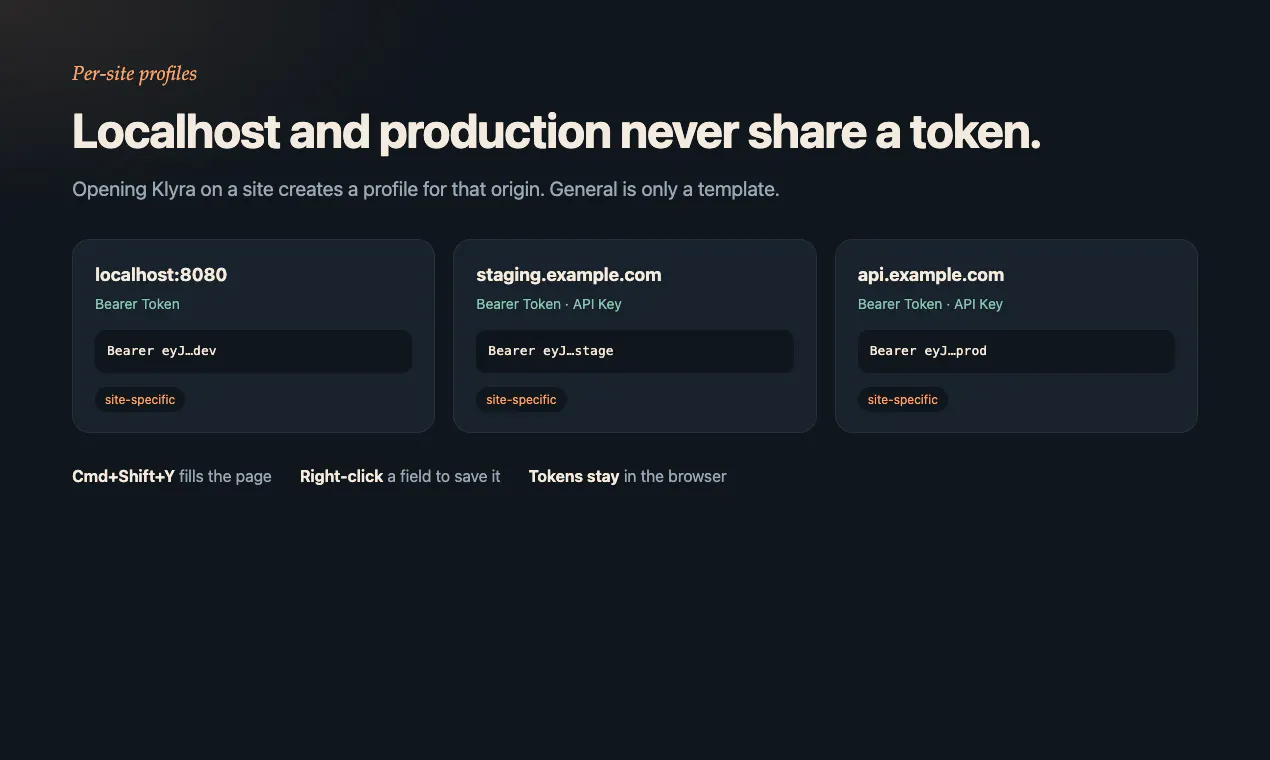
Klyra Autofill is a streamlined browser extension designed to simplify the process of filling out Swagger Authorize prompts, API documentation, and matching fields using saved tokens. Tailored for developers and API testers, it offers a secure and efficient way to manage multiple site profiles without mixing local and production environments. Values remain stored within the browser, ensuring privacy and quick access across different pages via an intuitive popup, keyboard shortcut (Cmd+Shift+Y), or right-click menu. Its core strength lies in saving a token once, then automating the authorization process, significantly reducing repetitive manual input and speeding up development workflows. The tool's focus on privacy, with local storage of values and distinct profiles for each site, makes it a reliable companion for API development and testing tasks.
Screenshots
Pros
- ✓Automates Swagger Authorize and API form filling, saving time
- ✓Supports multiple site profiles for better organization
- ✓Values are stored locally in browser for privacy and security
- ✓Easy to access via popup, keyboard shortcut, or right-click
- ✓Designed specifically for developers and API testers
Cons
- ✗Limited information available about advanced customization options
- ✗User interface details and ease of use are not extensively documented
- ✗No clear information on free vs. paid tiers or subscription plans
Use Cases
Pricing
Pricing not verified
Quick Info
Topics
Makers

Ahmet Anıl Gürbüz
Alternatives
Similar Tools in Developer Tools




Embed Badge
Add this badge to your website to show that Klyra Autofill is featured on Visalytica.
<a href="https://www.visalytica.com/tool/klyra-autofill" target="_blank" rel="noopener noreferrer" style="display:inline-flex;align-items:center;gap:6px;padding:6px 14px;background:#7c3aed;color:#fff;border-radius:8px;font-family:-apple-system,system-ui,sans-serif;font-size:13px;font-weight:600;text-decoration:none;transition:background .2s" onmouseover="this.style.background='#6d28d9'" onmouseout="this.style.background='#7c3aed'"><svg width="14" height="14" viewBox="0 0 24 24" fill="none" stroke="currentColor" stroke-width="2.5" stroke-linecap="round" stroke-linejoin="round"><path d="M12 20V10"/><path d="M18 20V4"/><path d="M6 20v-4"/></svg>Featured on Visalytica</a>