
Klutter AI
AI powered expense tracker
About Klutter AI
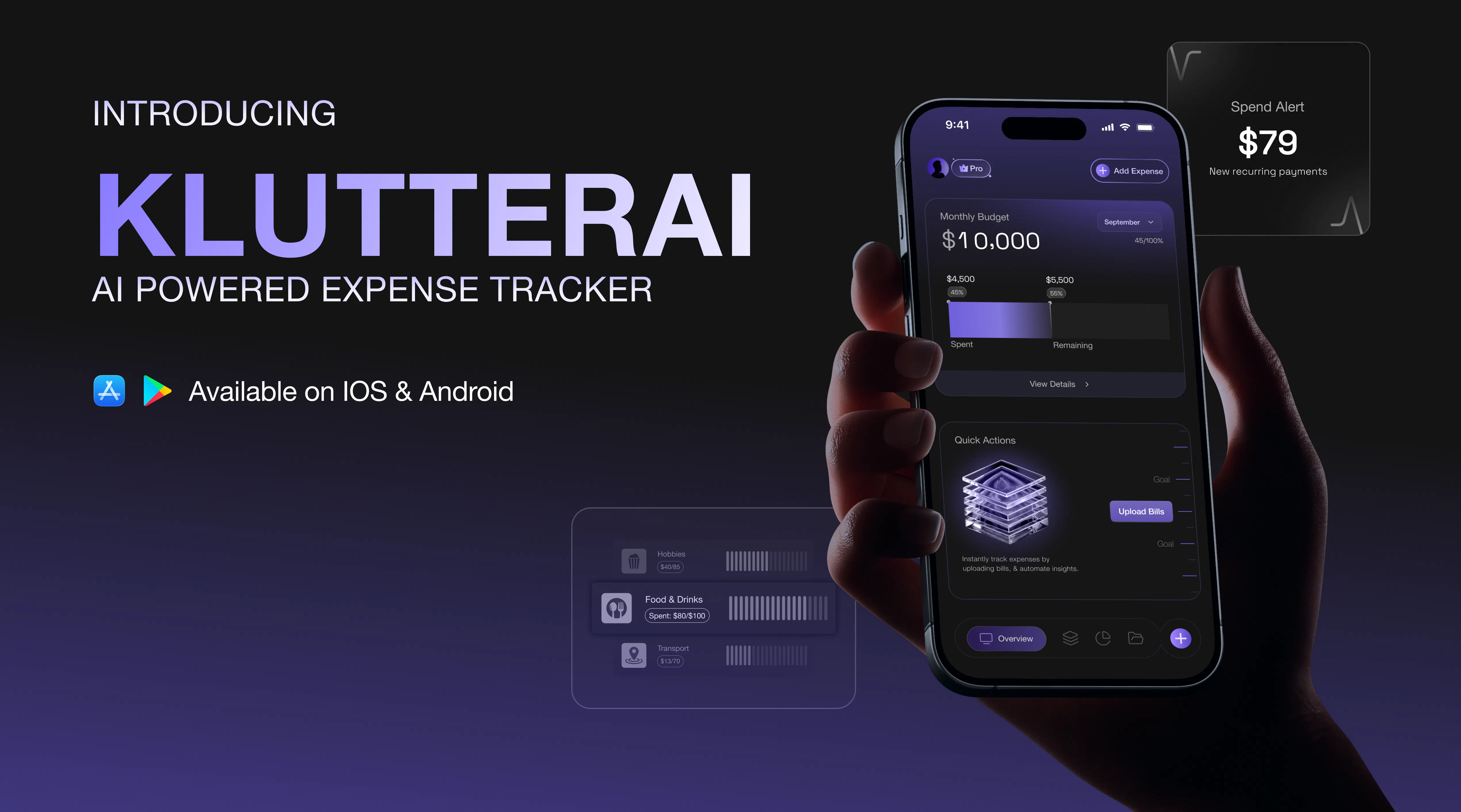
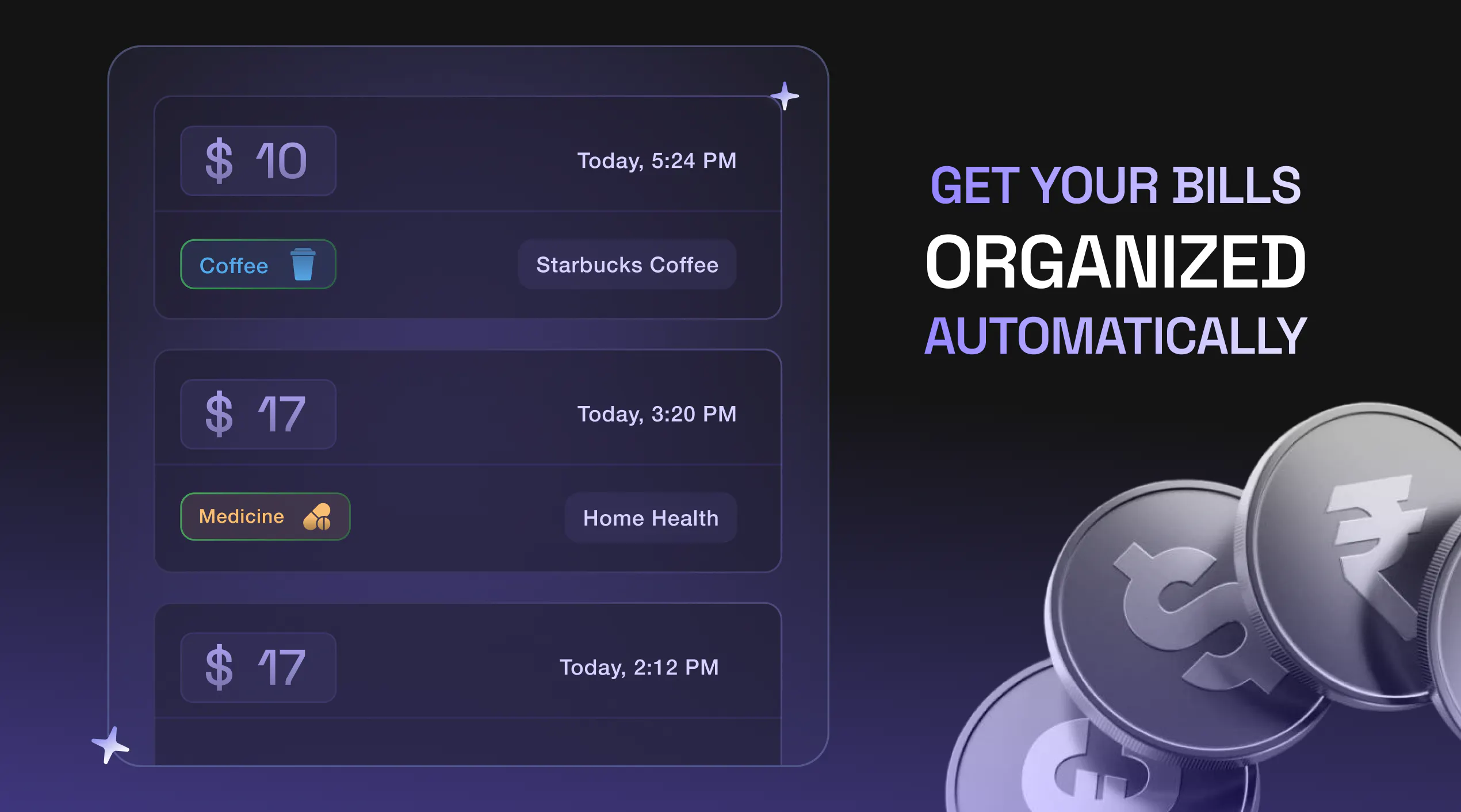
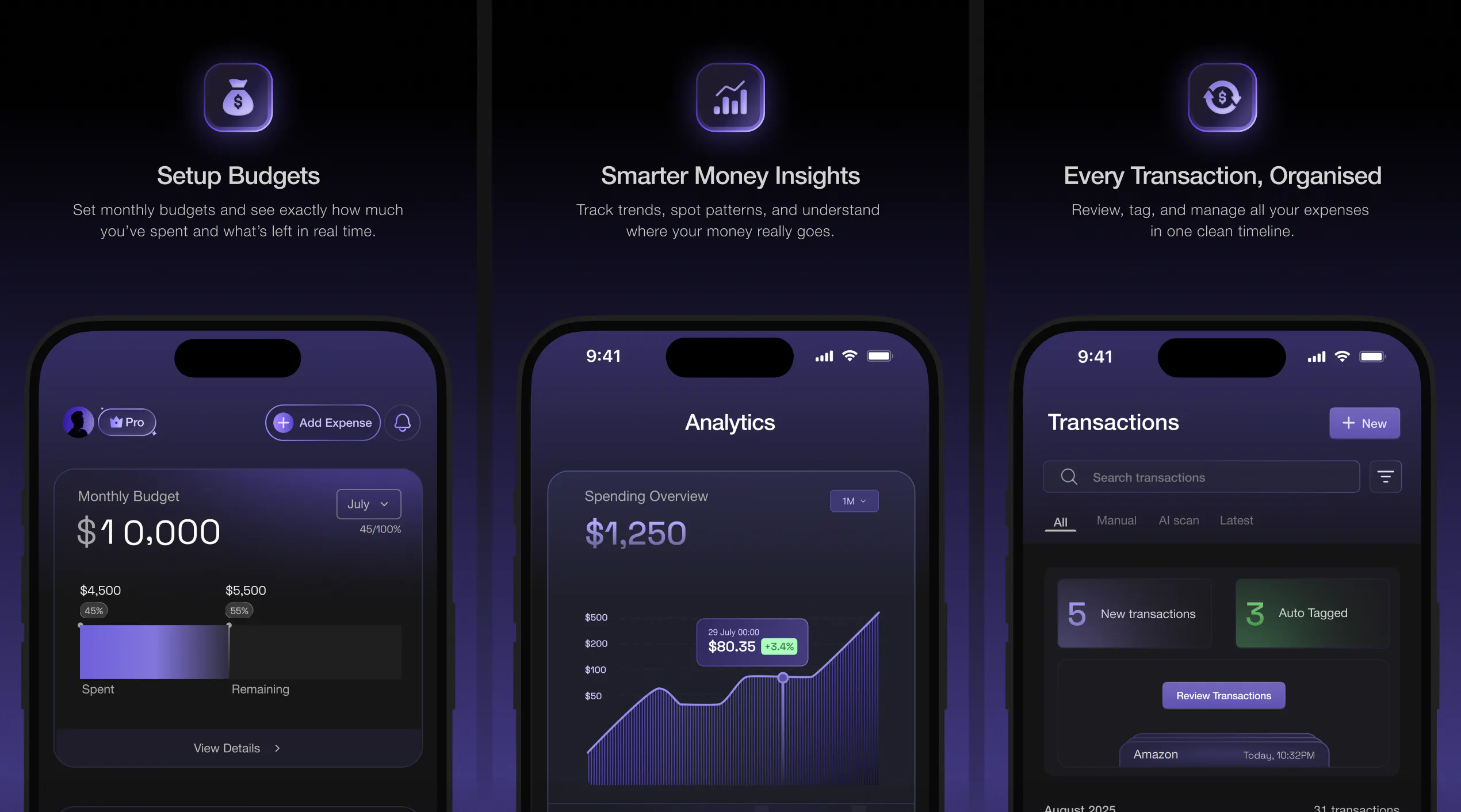
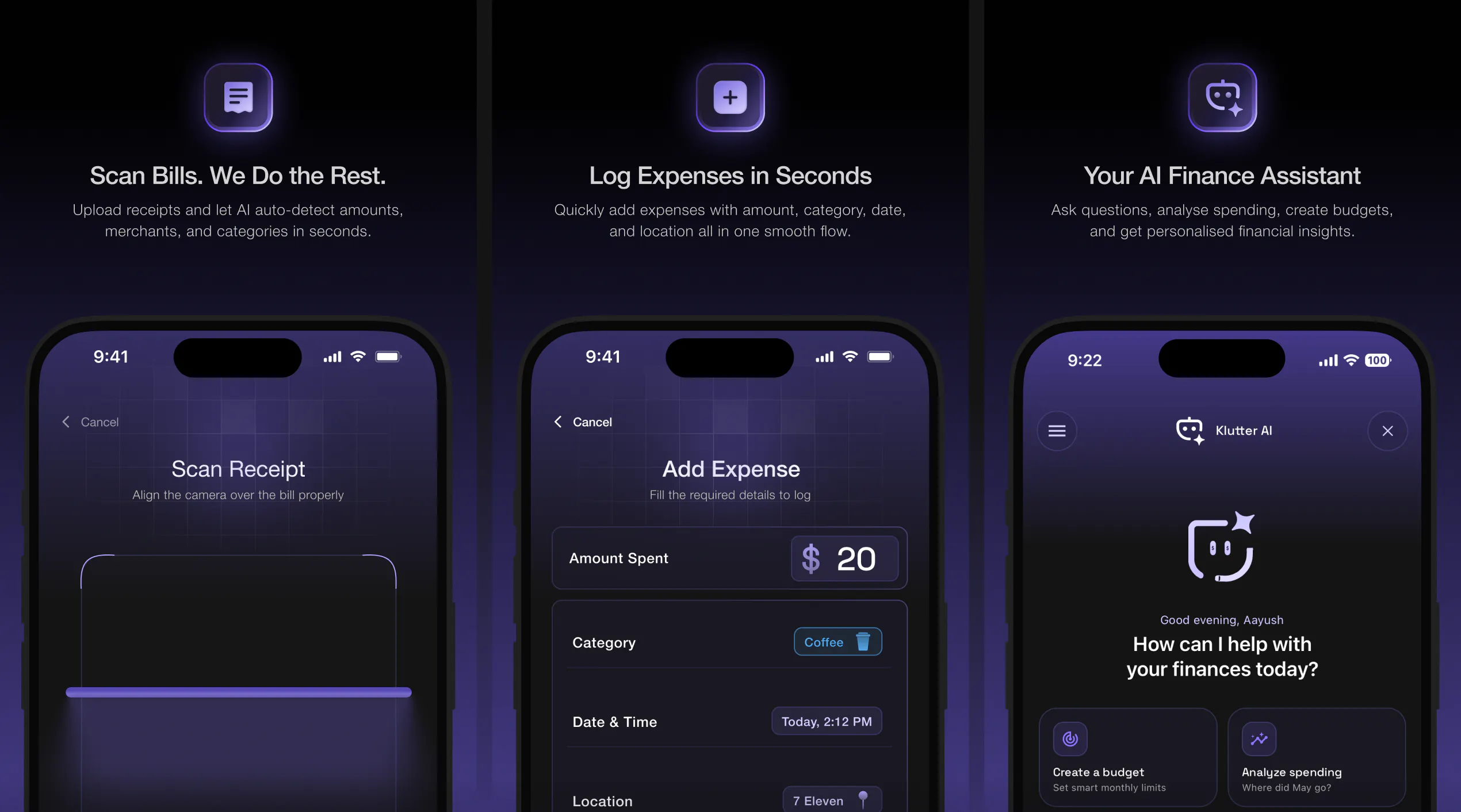
Klutter AI is an innovative expense tracking app designed to go beyond basic record-keeping by providing users with deeper financial insights. Utilizing AI technology, it automatically captures transactions from receipts, SMS notifications, and manual entries, simplifying the process of expense management. The app helps users build budgets, analyze spending patterns, and receive personalized insights, making it ideal for individuals seeking to understand their money better and make smarter financial decisions. Its ability to organize all financial data in one centralized platform sets it apart from traditional finance apps, offering a comprehensive view of personal finances with minimal effort. Whether you're monitoring daily expenses, planning monthly budgets, or aiming for long-term financial clarity, Klutter AI aims to remove the clutter and provide clarity through intelligent automation.
Screenshots
Pros
- ✓Automatic transaction capture from receipts, SMS, and manual entries
- ✓AI-powered insights for smarter financial decision-making
- ✓All-in-one platform for budgeting, expense tracking, and financial analysis
- ✓User-friendly interface that simplifies complex financial data
- ✓Helps identify spending patterns and optimize budgets
Cons
- ✗Limited information on advanced features or customization options
- ✗Potential reliance on AI accuracy which may vary
- ✗No details on free vs. paid plans or pricing transparency
Use Cases
Pricing
Likely operates on a freemium model with basic features available for free and premium features or integrations offered through paid plans. Specific pricing details are not provided, but such tools typically start around $5-$15 per month.
Quick Info
Topics
Makers

Gitika
Alternatives
Similar Tools in AI Assistants




Embed Badge
Add this badge to your website to show that Klutter AI is featured on Visalytica.
<a href="https://www.visalytica.com/tool/klutter-ai" target="_blank" rel="noopener noreferrer" style="display:inline-flex;align-items:center;gap:6px;padding:6px 14px;background:#7c3aed;color:#fff;border-radius:8px;font-family:-apple-system,system-ui,sans-serif;font-size:13px;font-weight:600;text-decoration:none;transition:background .2s" onmouseover="this.style.background='#6d28d9'" onmouseout="this.style.background='#7c3aed'"><svg width="14" height="14" viewBox="0 0 24 24" fill="none" stroke="currentColor" stroke-width="2.5" stroke-linecap="round" stroke-linejoin="round"><path d="M12 20V10"/><path d="M18 20V4"/><path d="M6 20v-4"/></svg>Featured on Visalytica</a>