
Klick AI Camera Assistant
Real-time AI camera that teaches you composition live
About Klick AI Camera Assistant
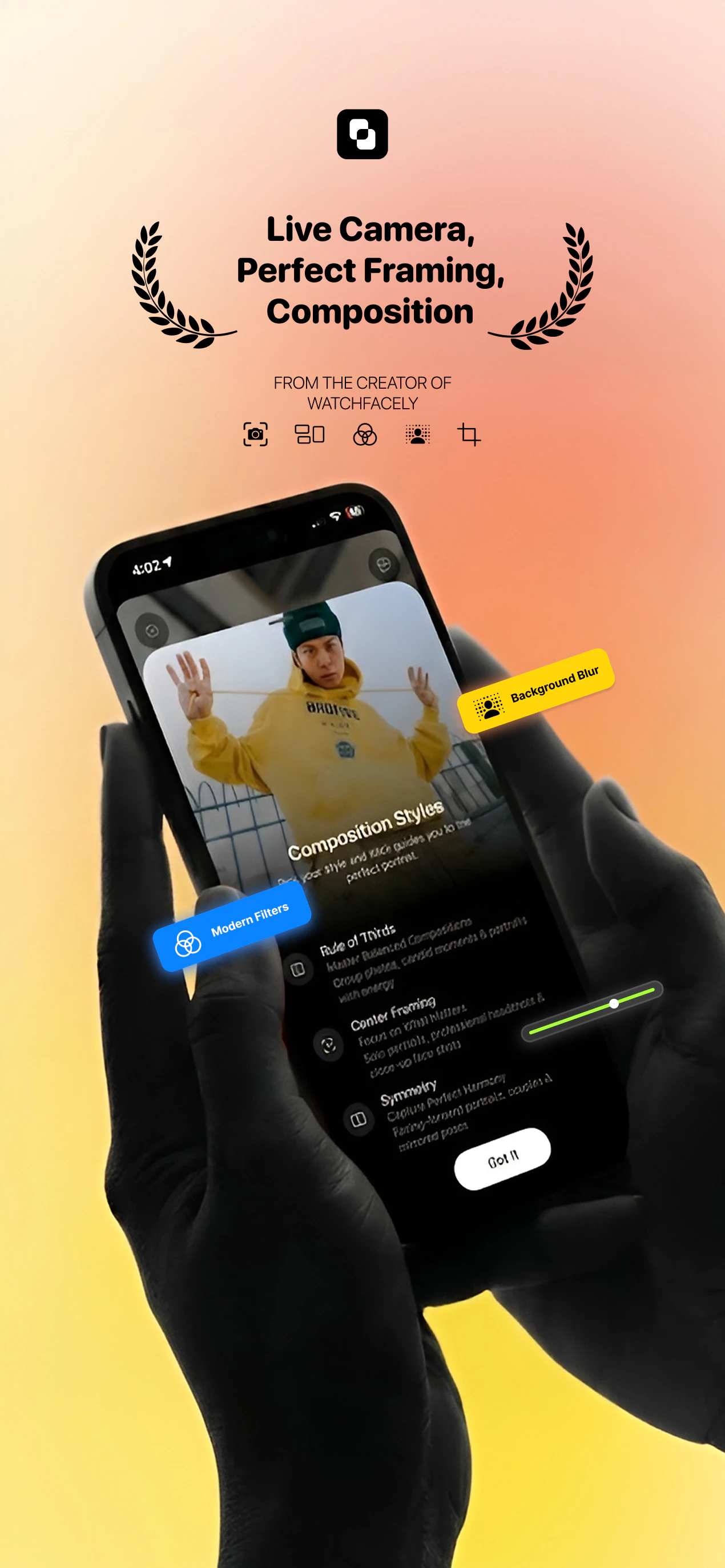
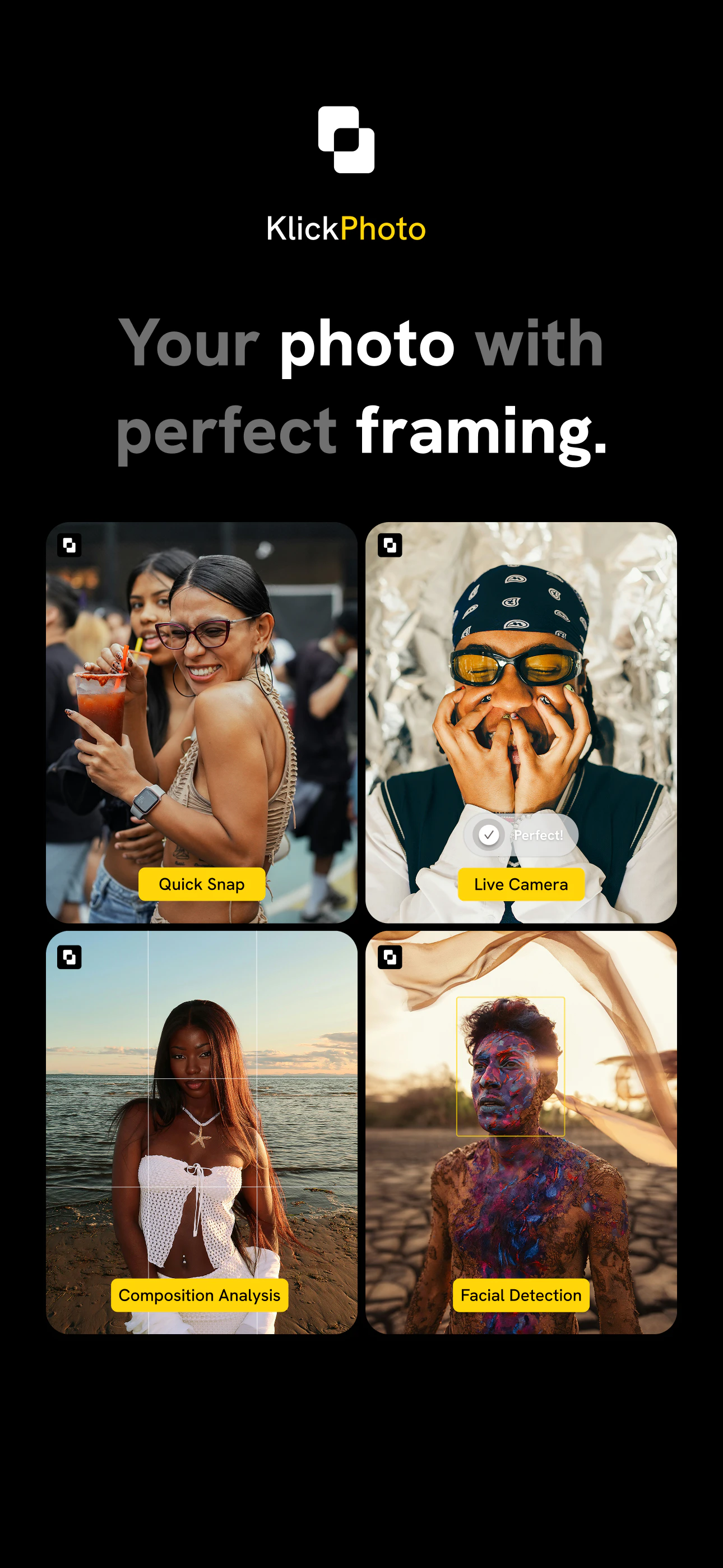
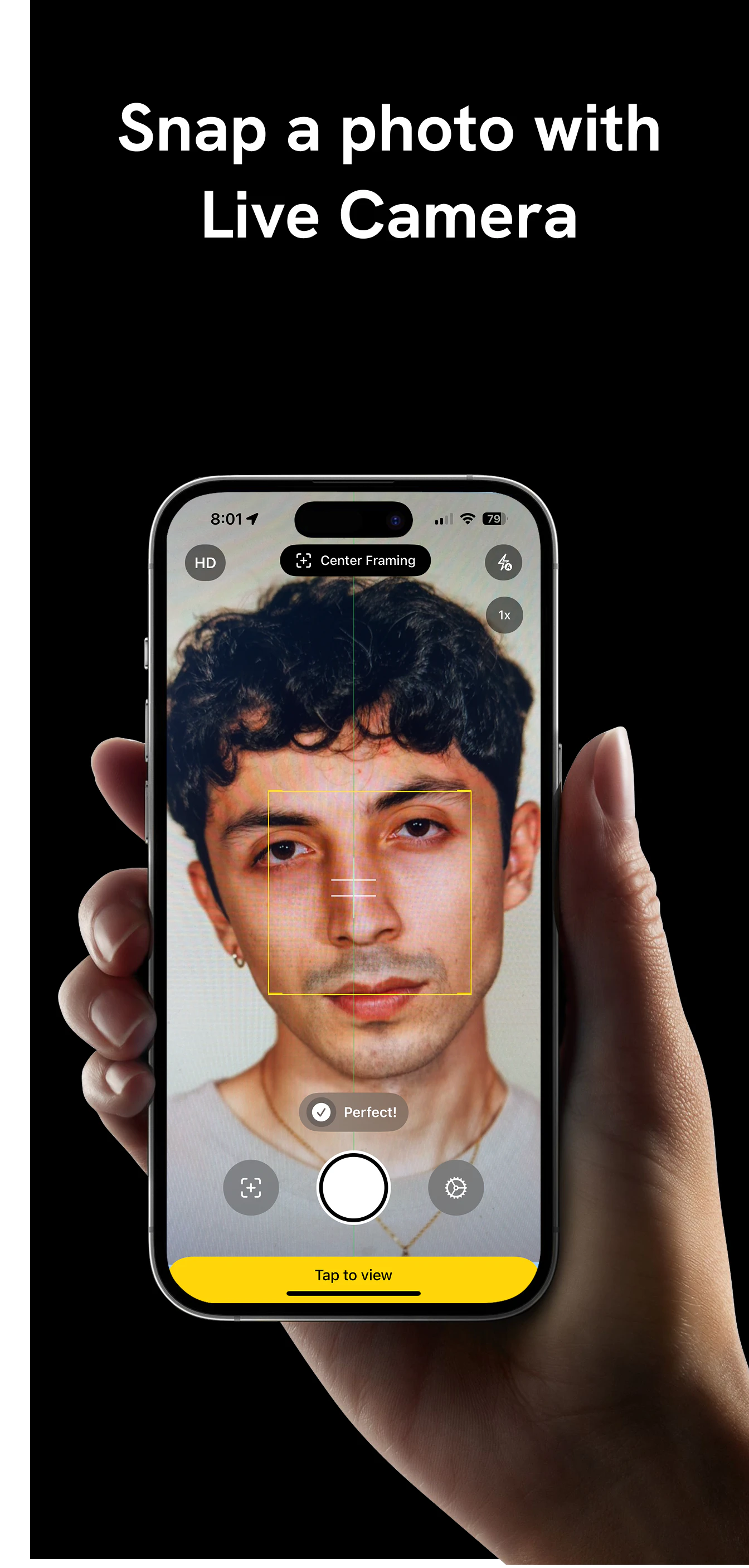
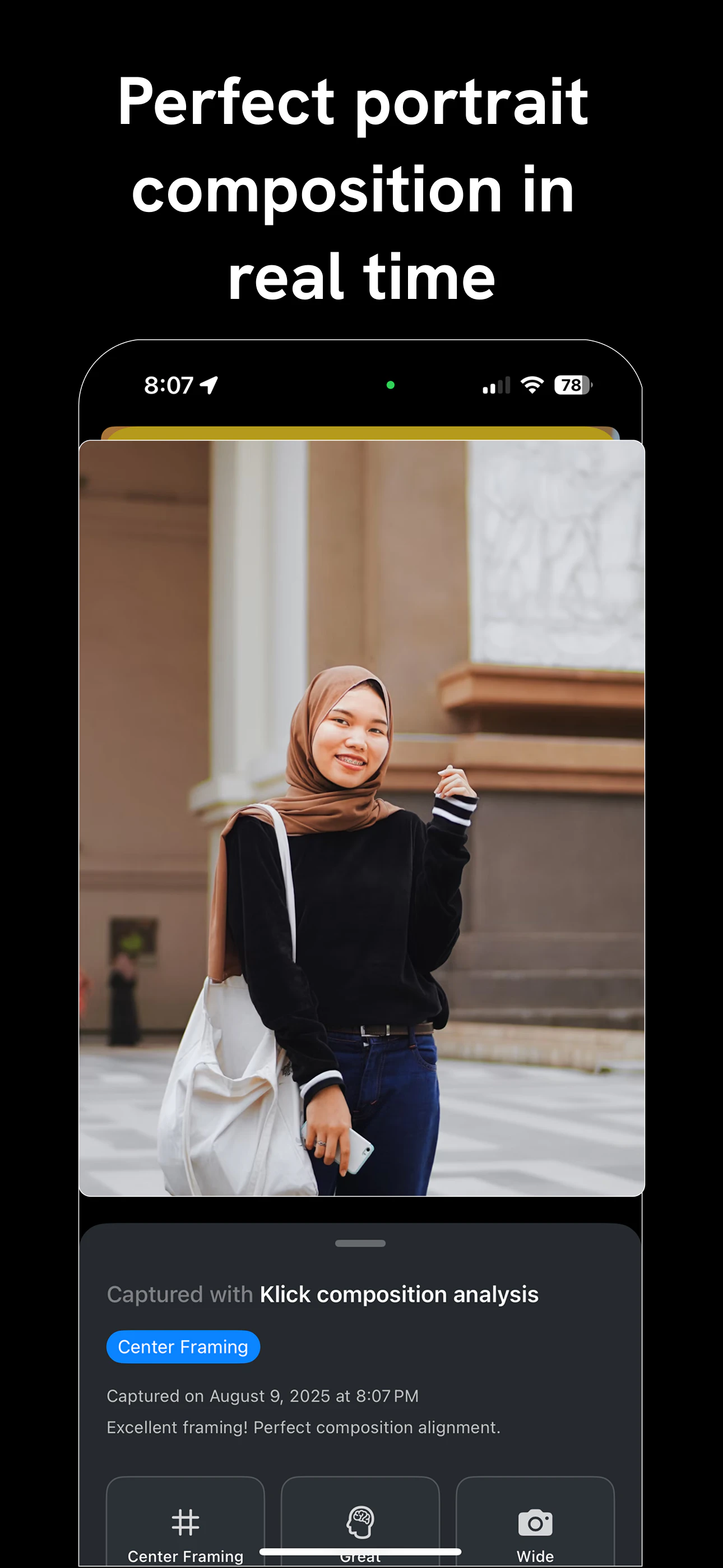
Klick AI Camera Assistant is an innovative iOS app designed to elevate photography skills through real-time AI guidance. It acts as a smart camera that offers instant framing suggestions, composition advice, and visual feedback to help users capture stunning photos from their very first shot. Its user-friendly interface makes it especially ideal for beginners eager to improve their photography without extensive technical knowledge. What sets Klick apart is its ability to teach composition techniques live, turning each photo session into a learning experience while still producing high-quality images. Creators and hobbyists alike will appreciate how it simplifies the photography process while delivering professional-like insights, making photography more accessible and enjoyable.
Screenshots
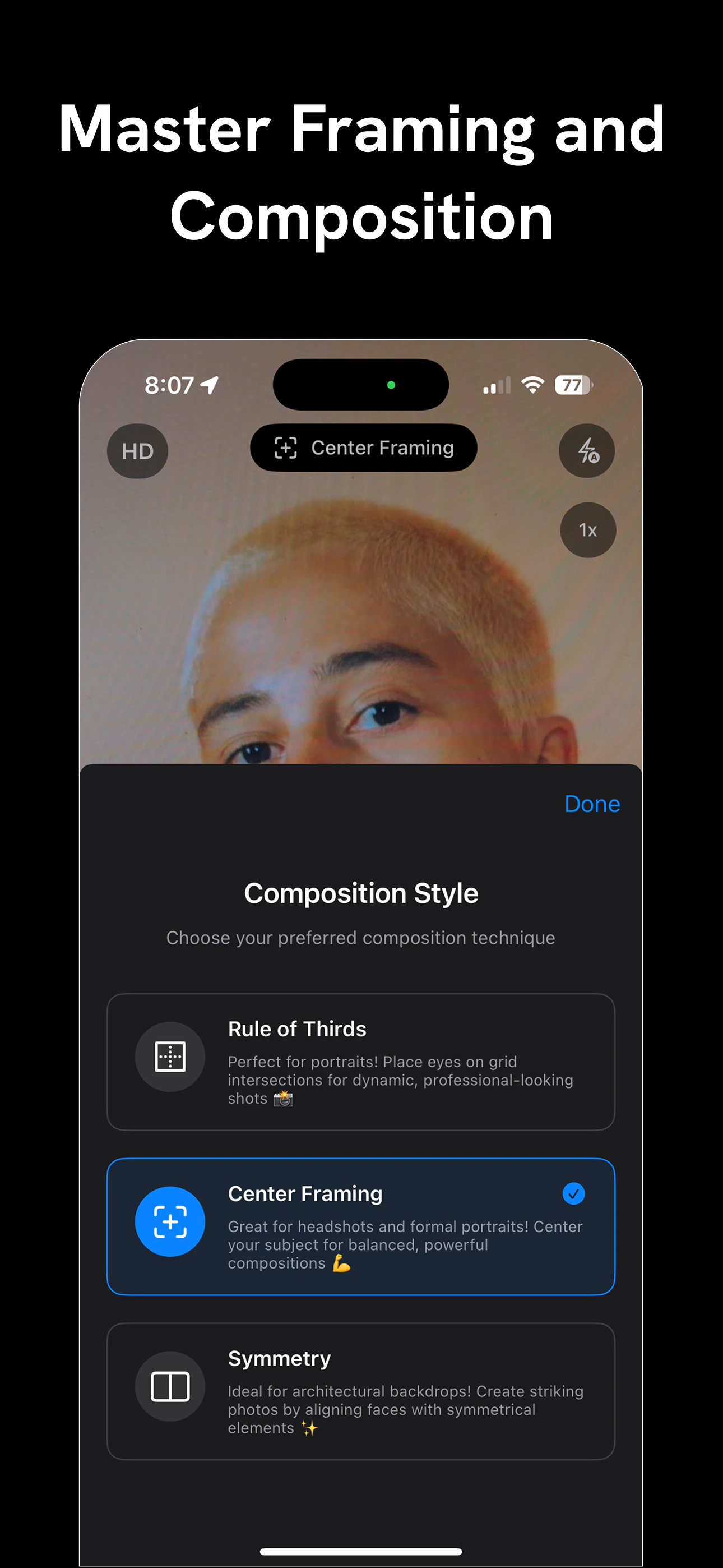
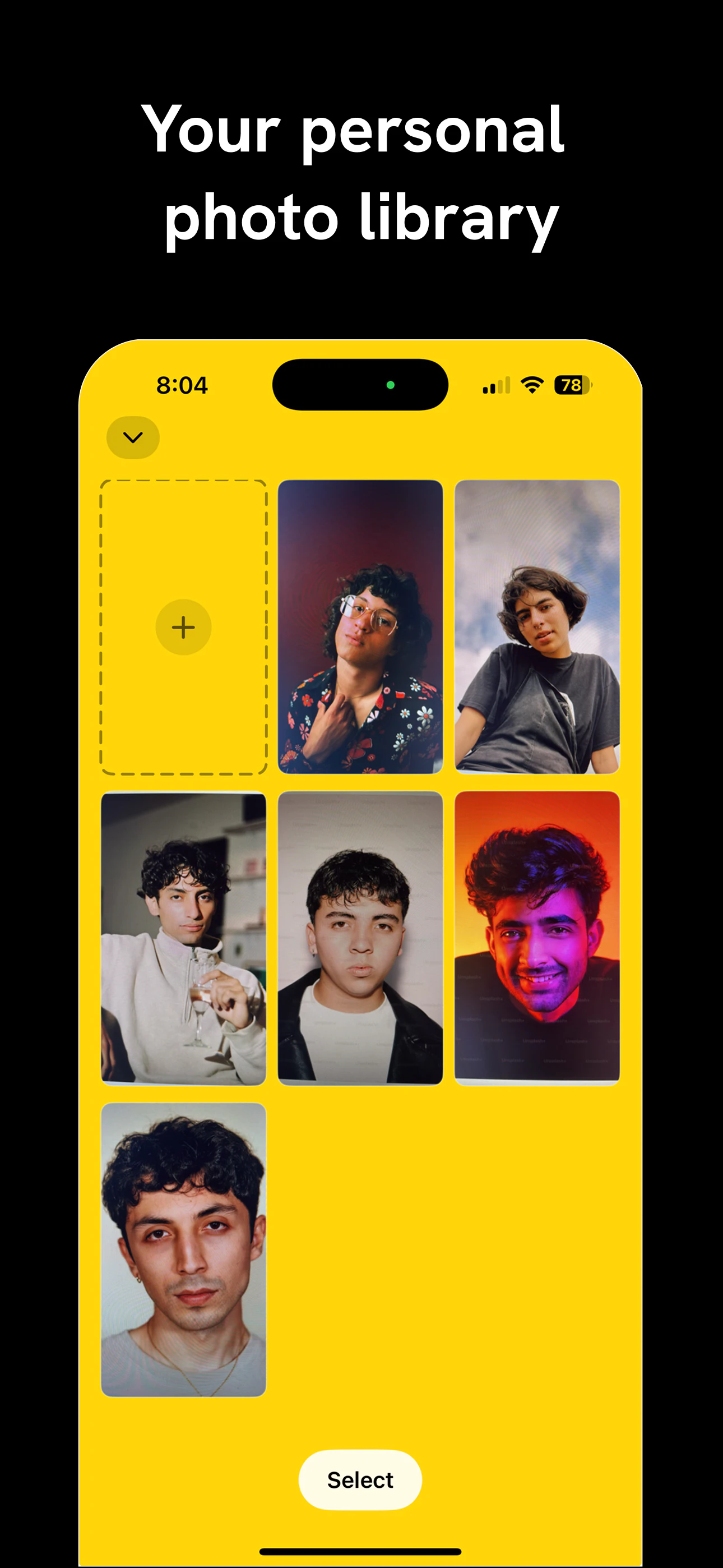
+2 more screenshots
Pros
- ✓Real-time AI guidance improves composition instantly
- ✓User-friendly interface tailored for beginners
- ✓Enhances photography skills through live feedback
- ✓Supports quick learning and immediate photo improvement
- ✓Ideal for casual users and content creators
Cons
- ✗Limited to iOS devices, restricting Android users
- ✗Dependent on device camera quality and performance
- ✗May lack advanced manual controls for professional photographers
Use Cases
Pricing
Likely operates on a freemium model, offering basic features for free with optional paid plans that unlock advanced guidance or additional features. Exact pricing details are not publicly specified but are typical for similar AI-enabled mobile apps.
Quick Info
Topics
Alternatives
Similar Tools in AI Assistants




Embed Badge
Add this badge to your website to show that Klick AI Camera Assistant is featured on Visalytica.
<a href="https://www.visalytica.com/tool/klick-ai-camera-assistant" target="_blank" rel="noopener noreferrer" style="display:inline-flex;align-items:center;gap:6px;padding:6px 14px;background:#7c3aed;color:#fff;border-radius:8px;font-family:-apple-system,system-ui,sans-serif;font-size:13px;font-weight:600;text-decoration:none;transition:background .2s" onmouseover="this.style.background='#6d28d9'" onmouseout="this.style.background='#7c3aed'"><svg width="14" height="14" viewBox="0 0 24 24" fill="none" stroke="currentColor" stroke-width="2.5" stroke-linecap="round" stroke-linejoin="round"><path d="M12 20V10"/><path d="M18 20V4"/><path d="M6 20v-4"/></svg>Featured on Visalytica</a>