
Kitbar
Your dev tools, in one bar.
About Kitbar
Kitbar is a versatile development tool designed to streamline the workflow for developers working on Mac and Windows. It provides a unified status bar that displays real-time updates on deployment statuses from Vercel and Cloudflare, checks from GitHub and GitLab, payment statuses from Stripe and Polar, and usage limits for Claude Code and Codex. By consolidating these vital metrics into a single, accessible interface, Kitbar helps developers stay informed and react quickly to any issues or updates during their development cycle. Its seamless integration with popular platforms makes it an essential tool for modern dev teams looking to boost productivity and reduce context switching. Whether managing deployments, monitoring code checks, or tracking API limits, Kitbar offers a centralized hub that enhances situational awareness without cluttering workflows.
Screenshots
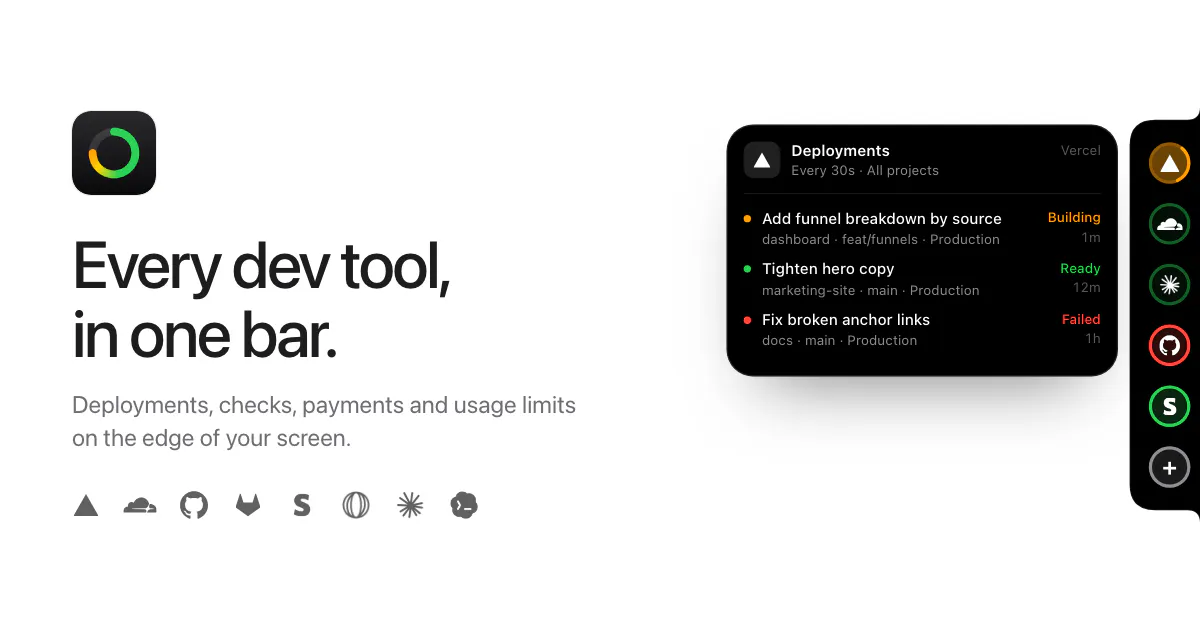
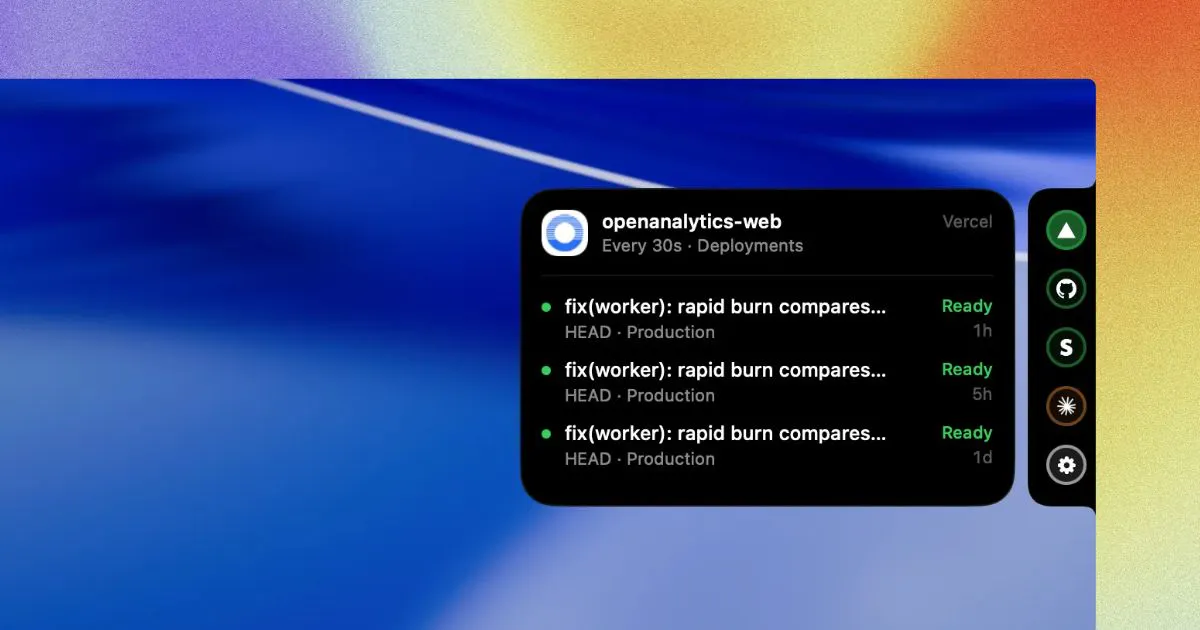
Pros
- ✓Consolidates multiple developer tools into a single, easy-to-access status bar
- ✓Supports popular platforms like Vercel, Cloudflare, GitHub, GitLab, Stripe, and Polar
- ✓Helps developers monitor deployment, check statuses, and API limits at a glance
- ✓Enhances productivity by reducing the need to switch between multiple dashboards
- ✓Compatible with both Mac and Windows environments
Cons
- ✗Limited information on customization options and integrations beyond listed services
- ✗No details on pricing or free trial availability
- ✗User interface and ease of setup may vary depending on platform
Use Cases
Pricing
Pricing not verified
Quick Info
Topics
Makers

Rahul Bridge
Similar Tools in Developer Tools




Embed Badge
Add this badge to your website to show that Kitbar is featured on Visalytica.
<a href="https://www.visalytica.com/tool/kitbar" target="_blank" rel="noopener noreferrer" style="display:inline-flex;align-items:center;gap:6px;padding:6px 14px;background:#7c3aed;color:#fff;border-radius:8px;font-family:-apple-system,system-ui,sans-serif;font-size:13px;font-weight:600;text-decoration:none;transition:background .2s" onmouseover="this.style.background='#6d28d9'" onmouseout="this.style.background='#7c3aed'"><svg width="14" height="14" viewBox="0 0 24 24" fill="none" stroke="currentColor" stroke-width="2.5" stroke-linecap="round" stroke-linejoin="round"><path d="M12 20V10"/><path d="M18 20V4"/><path d="M6 20v-4"/></svg>Featured on Visalytica</a>