
KeyOpera 2.0
Make every Mac keystroke sound uniquely yours
About KeyOpera 2.0
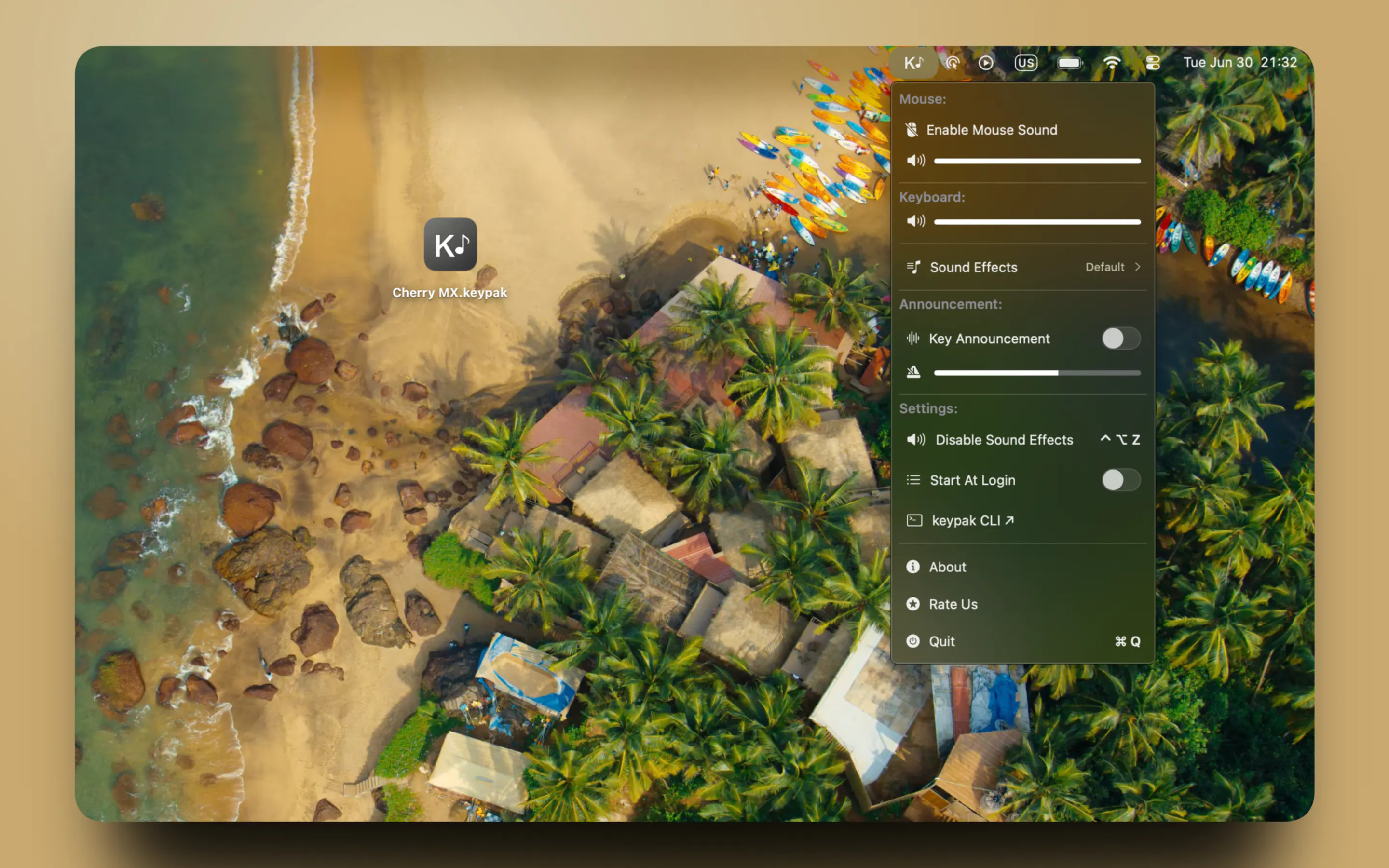
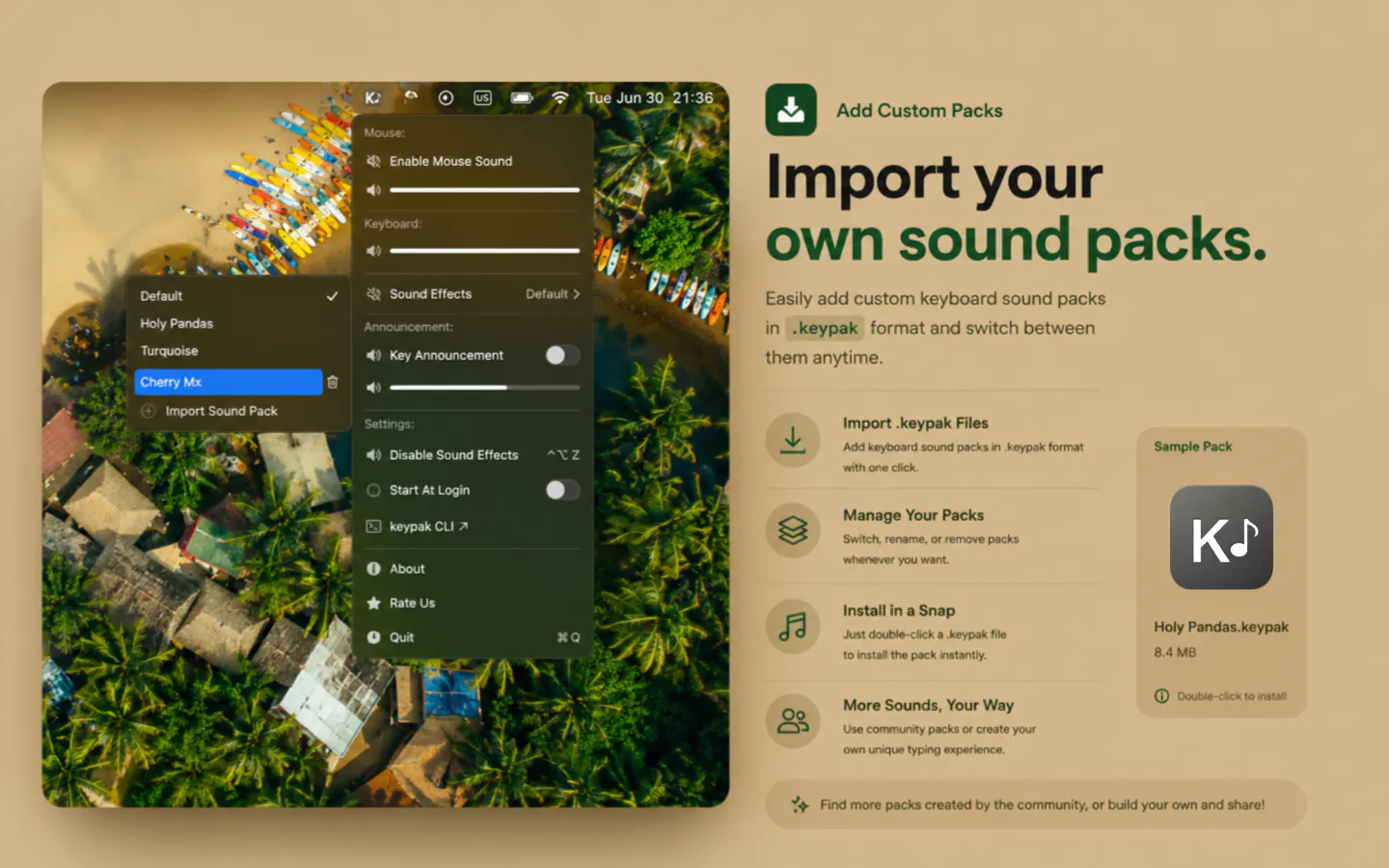
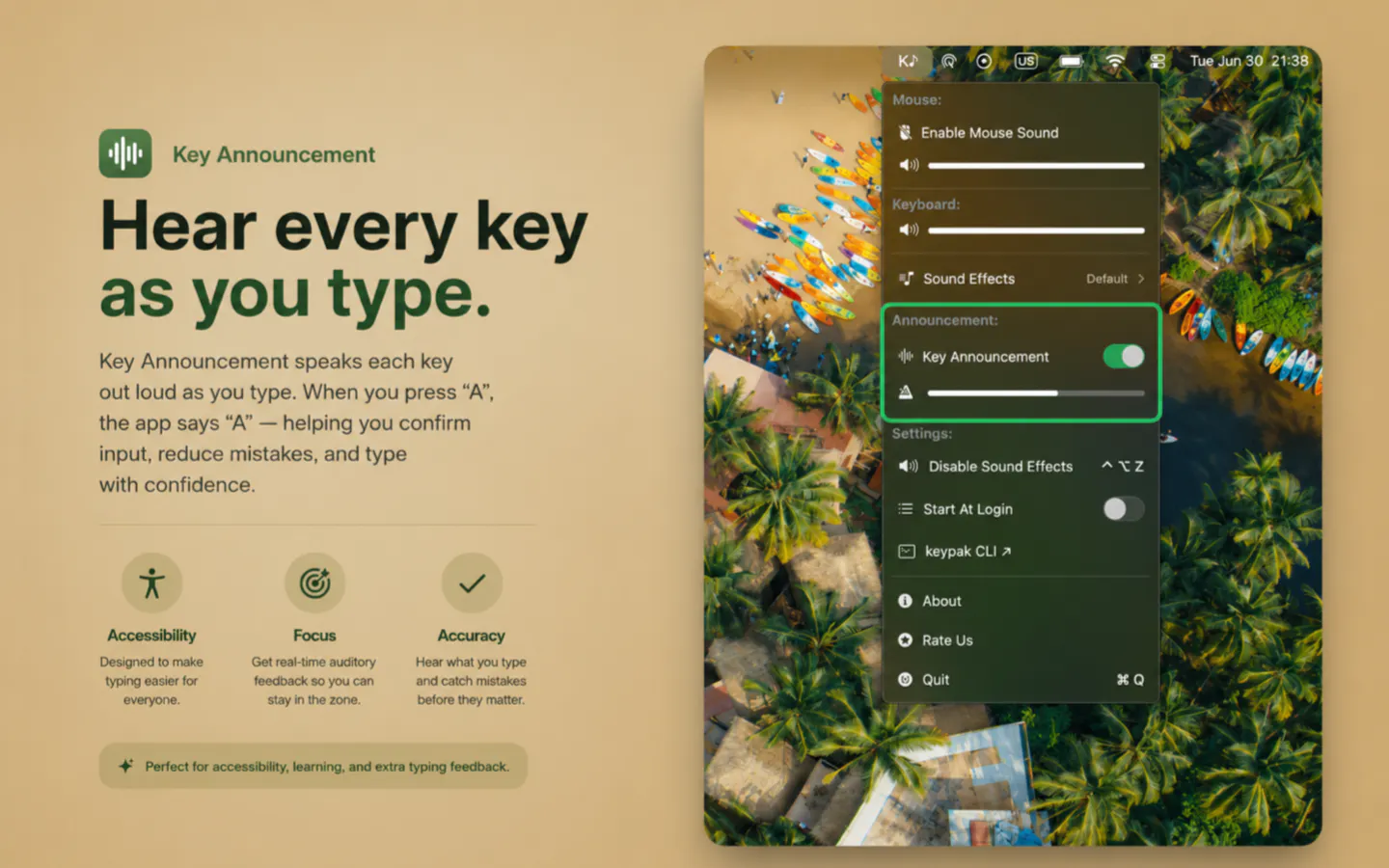
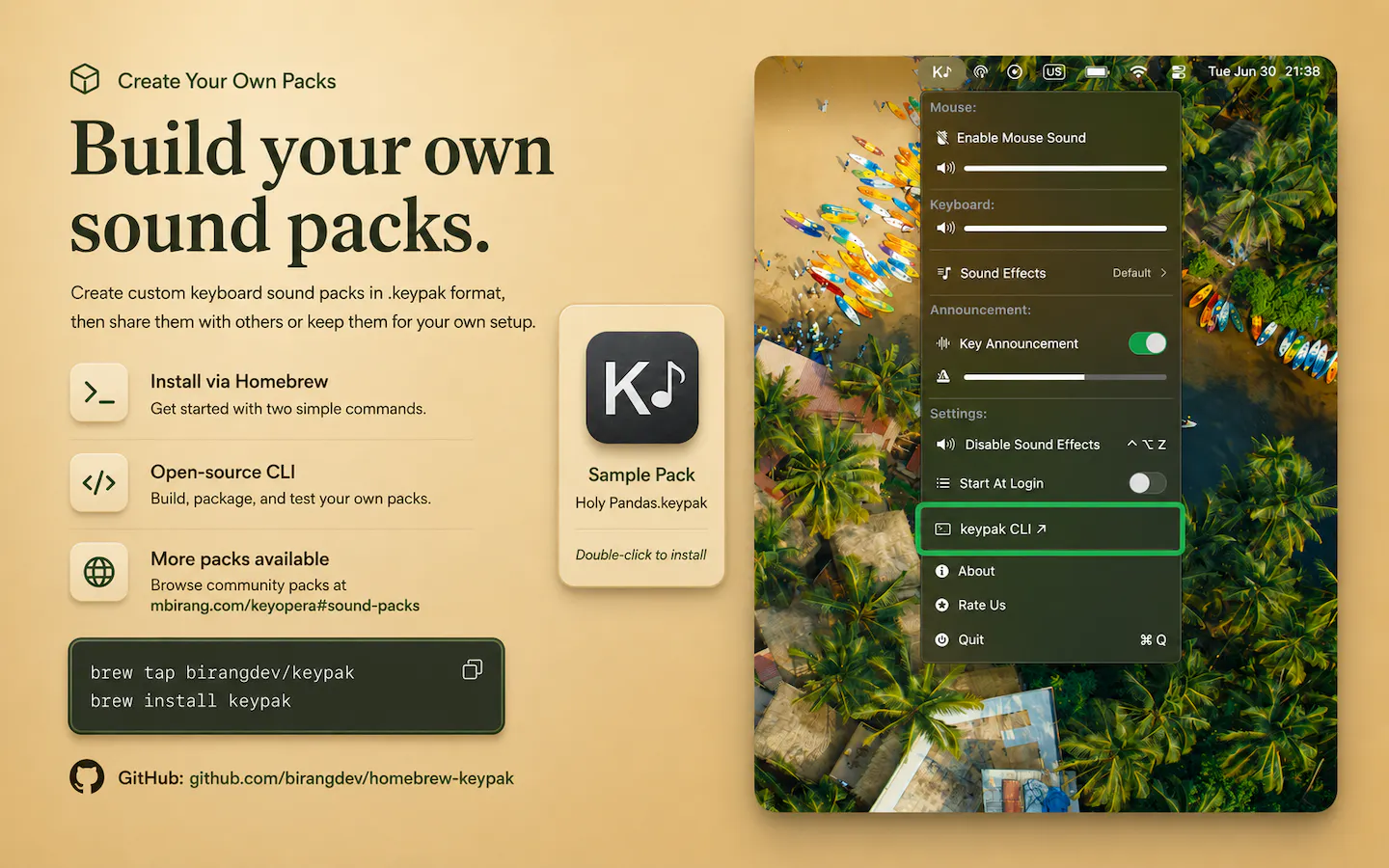
KeyOpera 2.0 is a customizable sound enhancement tool for Mac users, designed to enrich the typing and clicking experience with satisfying, distinctive sounds. Its latest version introduces a range of new features, including customkeypak sound packs, one-click Finder installation, a Homebrew CLI for creating and managing sound packs, spoken key names, improved VoiceOver support, and a redesigned menu for easier navigation. This tool is perfect for developers, productivity enthusiasts, and anyone looking to add a personal touch to their Mac workspace. What sets KeyOpera apart is its focus on customization and accessibility, allowing users to craft a unique auditory environment that enhances focus and makes interactions more engaging. Whether for fun or accessibility, it transforms everyday Mac interactions into a more immersive experience.
Screenshots
Pros
- ✓Highly customizable sound packs for a personalized experience
- ✓Easy installation with one-click Finder support and Homebrew CLI
- ✓Improved accessibility features like spoken key names and VoiceOver support
- ✓Redesigned, user-friendly menu interface
- ✓Enhances focus and engagement through satisfying sounds
Cons
- ✗Limited user base at launch, with few reviews or community feedback
- ✗Potential for distraction if overused or improperly configured
- ✗Sound preferences are subjective and may not suit all users
Use Cases
Pricing
Likely follows a freemium model with core features available for free and optional paid sound packs or premium features, though exact pricing details are not specified.
Quick Info
Topics
Makers

Birang
Alternatives
Similar Tools in AI Audio & Voice




Embed Badge
Add this badge to your website to show that KeyOpera 2.0 is featured on Visalytica.
<a href="https://www.visalytica.com/tool/keyopera-2-0" target="_blank" rel="noopener noreferrer" style="display:inline-flex;align-items:center;gap:6px;padding:6px 14px;background:#7c3aed;color:#fff;border-radius:8px;font-family:-apple-system,system-ui,sans-serif;font-size:13px;font-weight:600;text-decoration:none;transition:background .2s" onmouseover="this.style.background='#6d28d9'" onmouseout="this.style.background='#7c3aed'"><svg width="14" height="14" viewBox="0 0 24 24" fill="none" stroke="currentColor" stroke-width="2.5" stroke-linecap="round" stroke-linejoin="round"><path d="M12 20V10"/><path d="M18 20V4"/><path d="M6 20v-4"/></svg>Featured on Visalytica</a>