
Kelam
Let your agent make the calls you don't want to
About Kelam
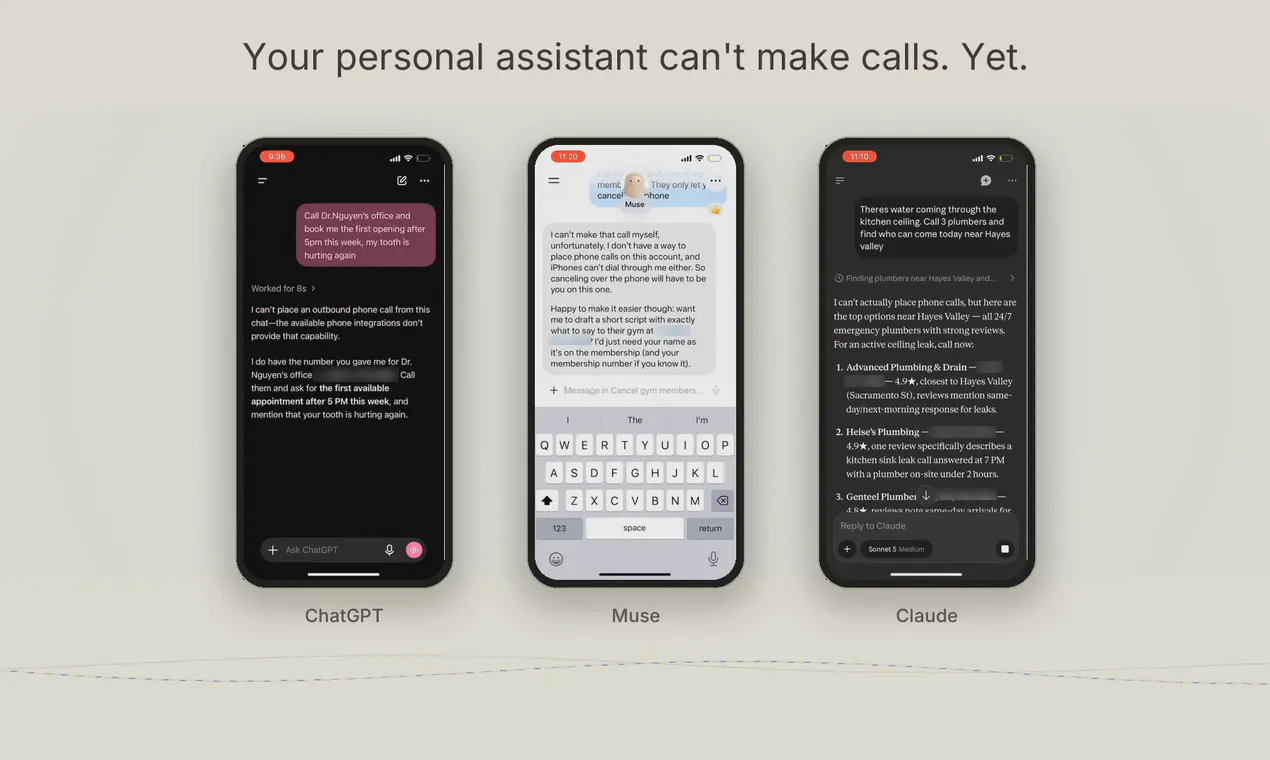
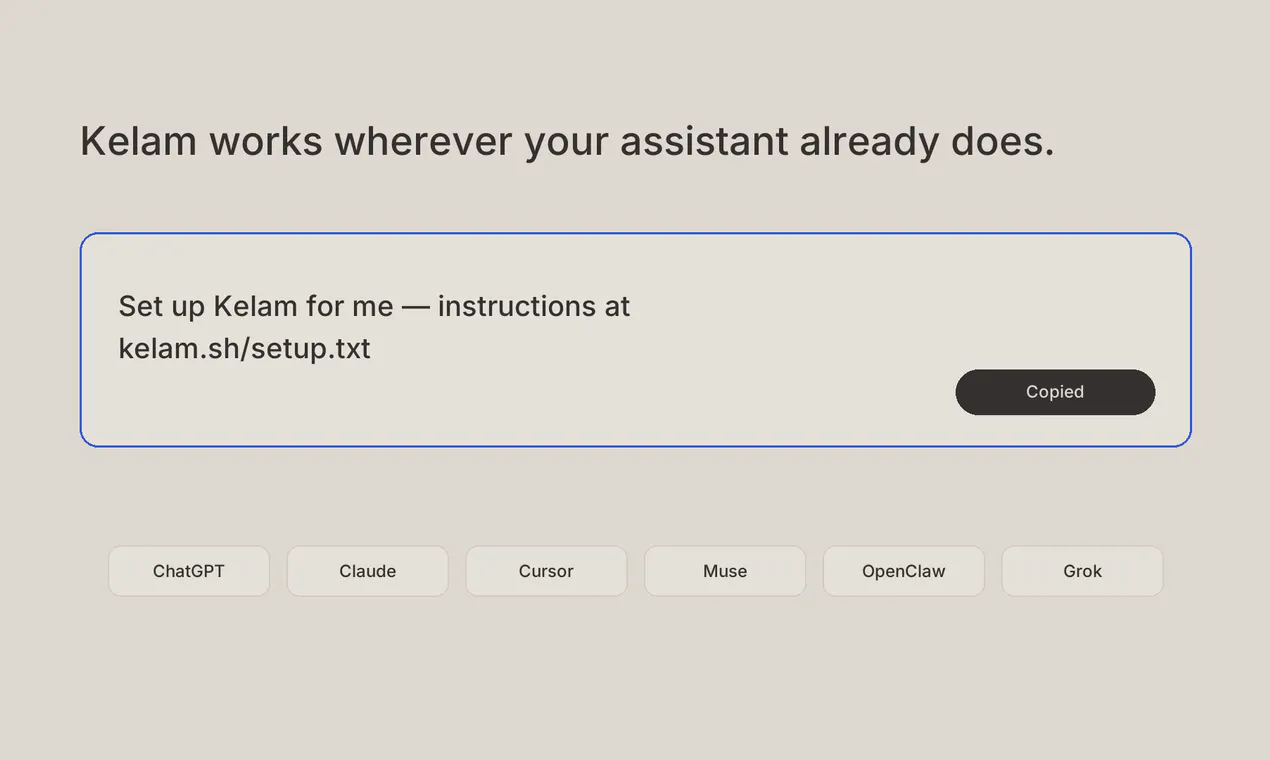
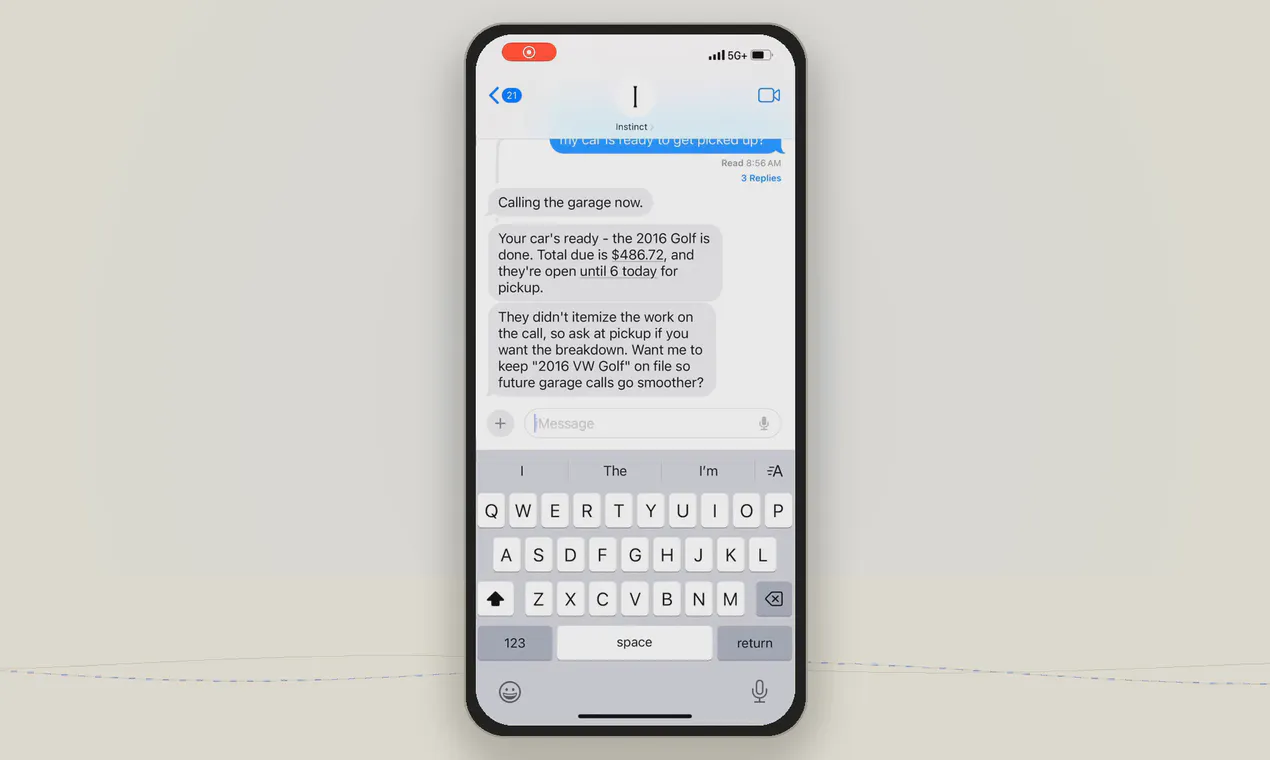
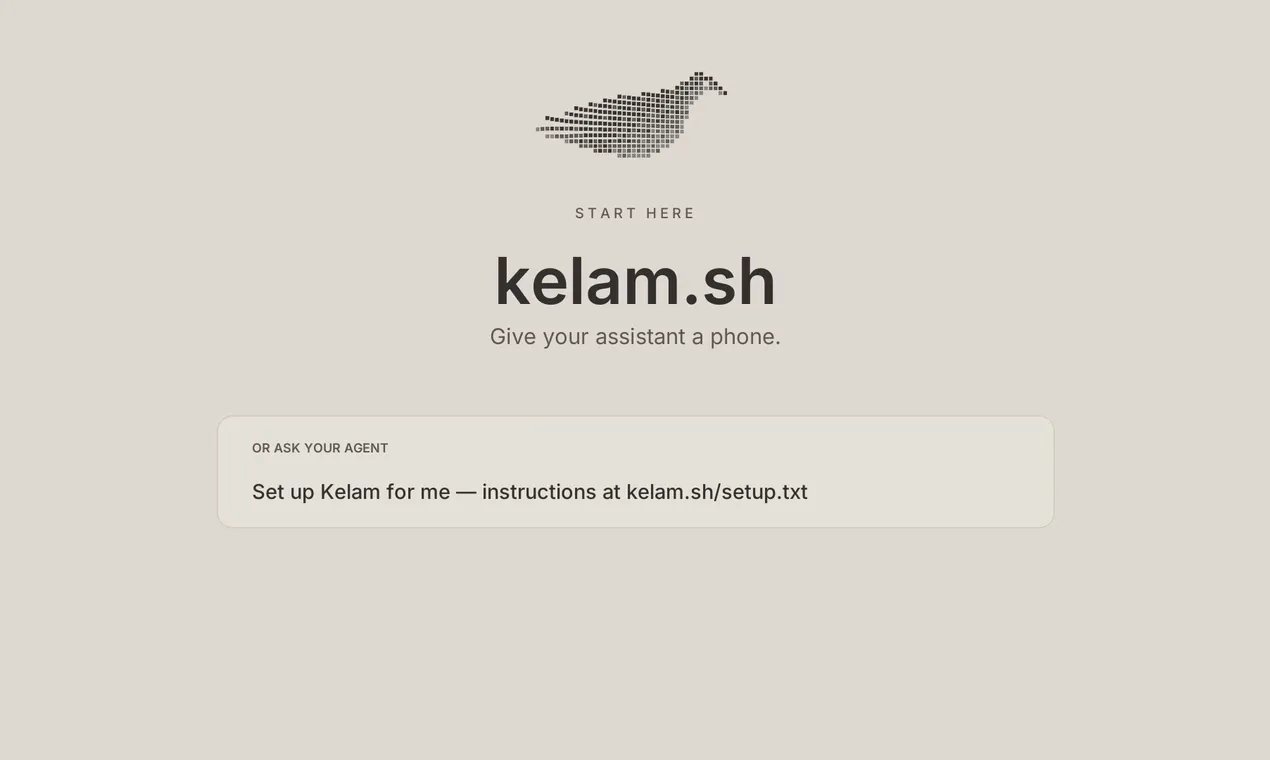
Kelam is an innovative AI-powered assistant designed to handle outbound calls on behalf of users, making it ideal for tasks that are time-consuming or undesirable to perform manually. It provides an AI agent with a dedicated phone number, enabling it to initiate calls to various services such as locksmiths, clinics, and garages—places that often lack digital contact options. The setup is remarkably simple, requiring just a single sentence to integrate Kelam into platforms like Claude, Muse, or even your terminal, making it highly accessible for developers and businesses alike. Its core strength lies in automating routine phone interactions, freeing users to focus on higher-value activities while ensuring calls are handled reliably and efficiently. Kelam’s ability to seamlessly connect AI with real-world communication channels distinguishes it from traditional automation tools, providing a bridge between digital workflows and real-world outreach.
Screenshots

Pros
- ✓Automates outbound calls, saving time and effort
- ✓Simple, one-sentence integration with popular platforms
- ✓Creates a dedicated phone number for reliable communication
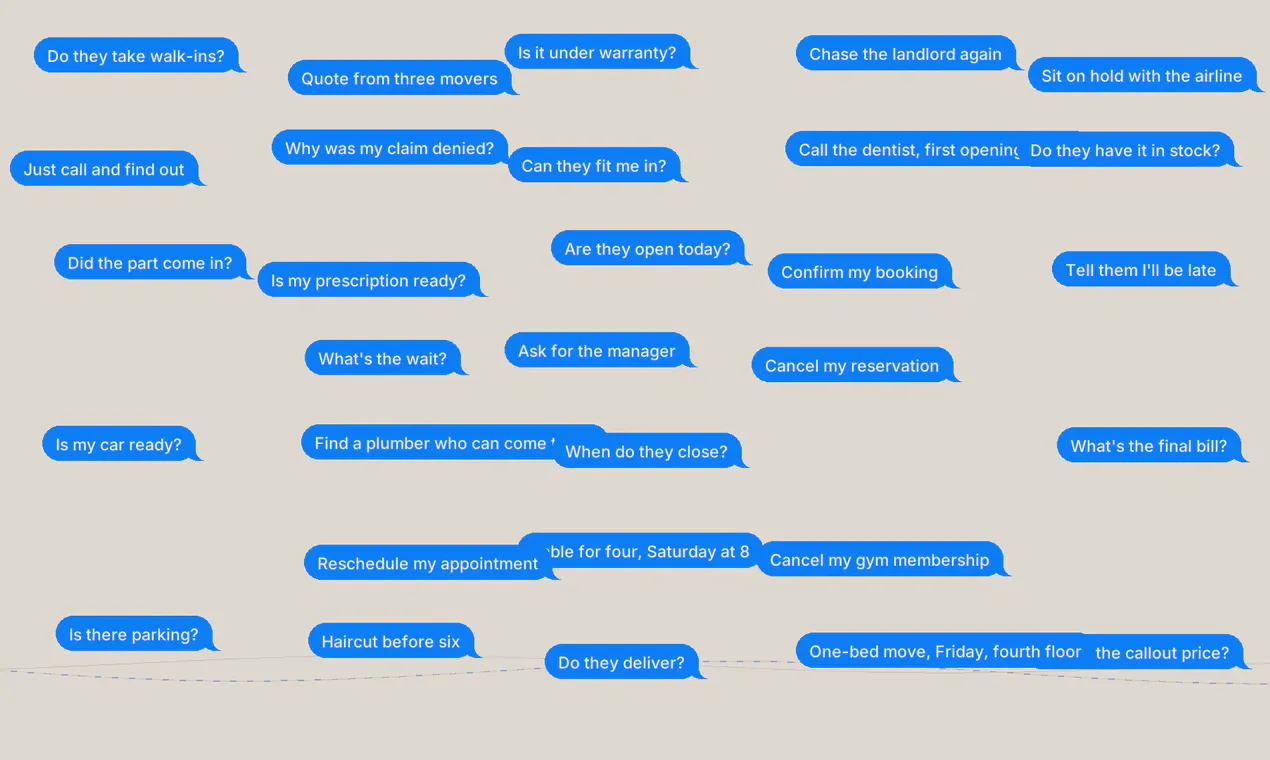
- ✓Versatile for various service calls (locksmiths, clinics, garages)
- ✓Enhances productivity by handling routine calls automatically
Cons
- ✗Limited information on advanced customization options
- ✗No details on pricing or subscription plans
- ✗Potential limitations in handling complex or multi-step conversations
Use Cases
Pricing
Pricing not verified
Quick Info
Topics
Makers

Kaushik Kanna
Similar Tools in AI Assistants




Embed Badge
Add this badge to your website to show that Kelam is featured on Visalytica.
<a href="https://www.visalytica.com/tool/kelam" target="_blank" rel="noopener noreferrer" style="display:inline-flex;align-items:center;gap:6px;padding:6px 14px;background:#7c3aed;color:#fff;border-radius:8px;font-family:-apple-system,system-ui,sans-serif;font-size:13px;font-weight:600;text-decoration:none;transition:background .2s" onmouseover="this.style.background='#6d28d9'" onmouseout="this.style.background='#7c3aed'"><svg width="14" height="14" viewBox="0 0 24 24" fill="none" stroke="currentColor" stroke-width="2.5" stroke-linecap="round" stroke-linejoin="round"><path d="M12 20V10"/><path d="M18 20V4"/><path d="M6 20v-4"/></svg>Featured on Visalytica</a>