
Karve
The API client for developers on Windows
About Karve
Karve is a lightweight, native Windows API client designed for developers who frequently work with HTTP requests and APIs. Its focus on simplicity and speed makes it an attractive tool for managing and organizing API requests directly from the desktop. Built around plain http files, Karve offers a seamless experience, with a cold start time under 2 seconds, enabling developers to quickly set up and execute requests without delays. Its workspace feature allows users to organize requests from multiple repositories, switch environments effortlessly, and maintain a searchable history for easy retrieval. The fact that files stay on disk and it’s Git-friendly appeals to developers prioritizing version control and local storage, all without requiring an account—just a one-time purchase. Overall, Karve is tailored for developers seeking a straightforward, efficient, and privacy-conscious API client that integrates smoothly into their workflow.
Screenshots
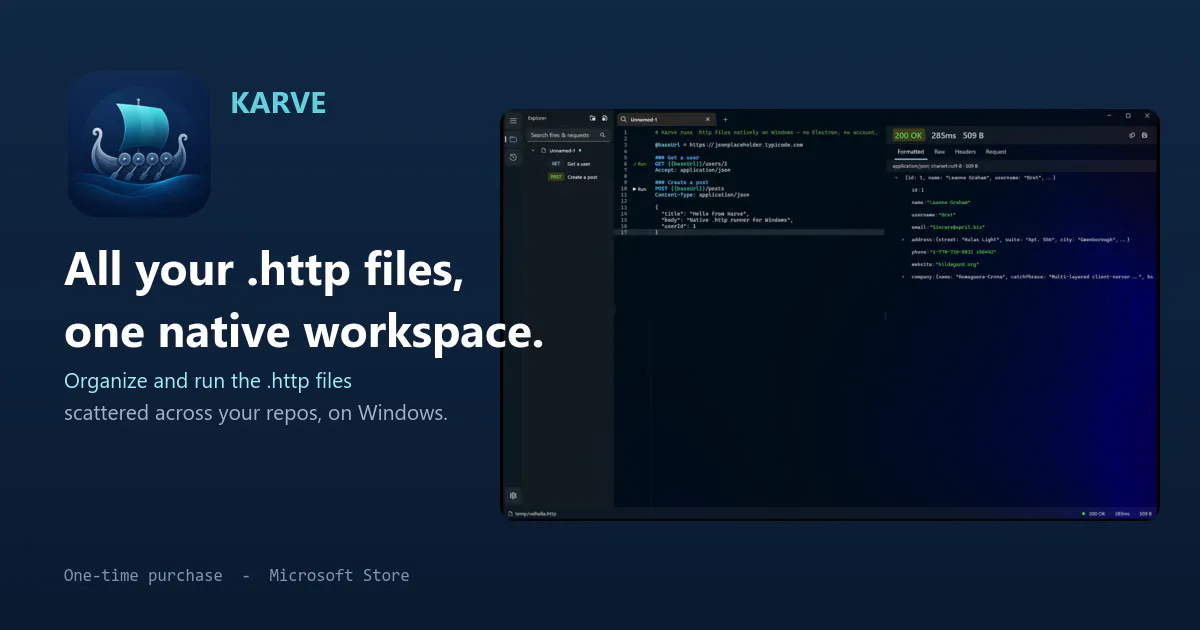
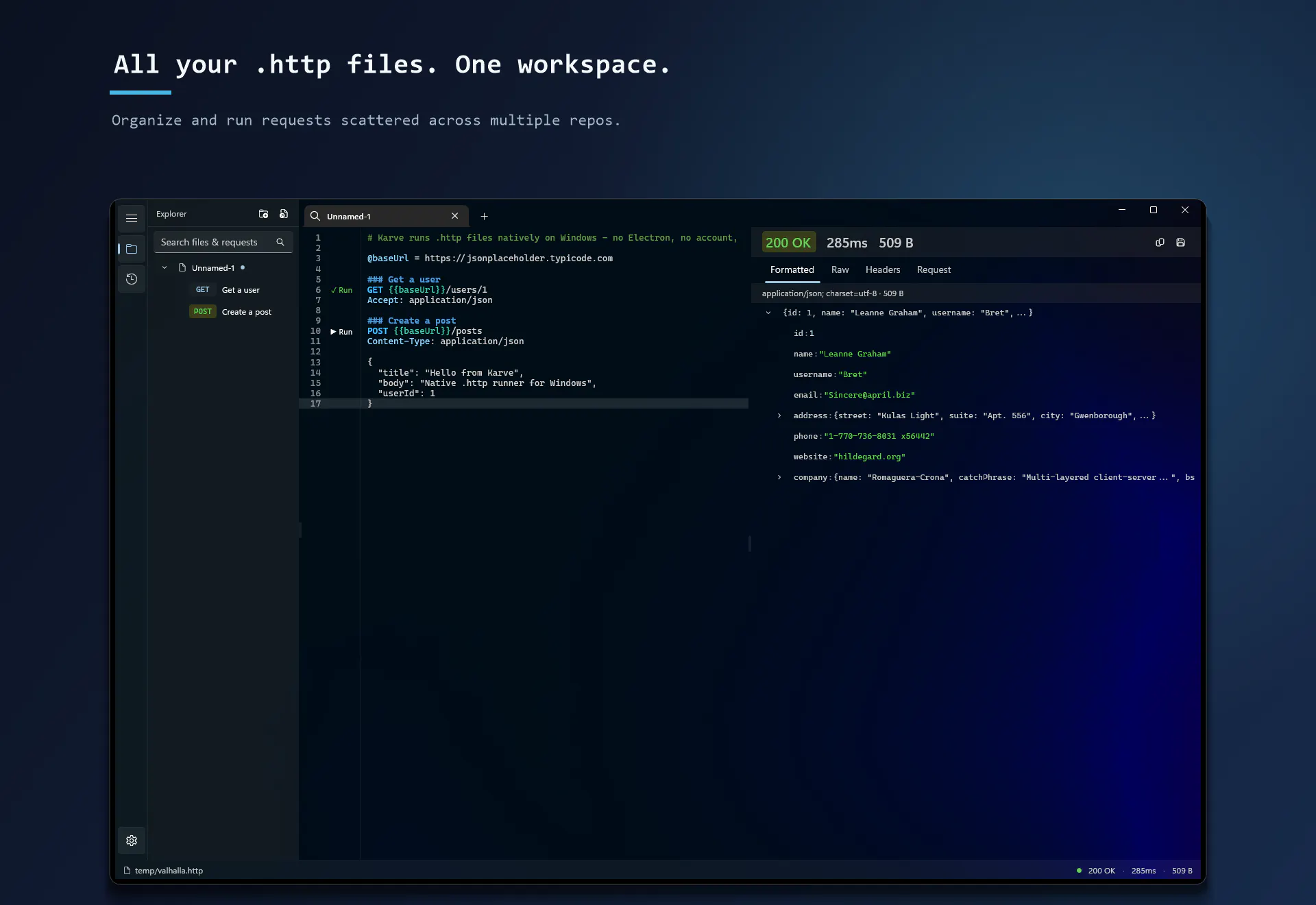
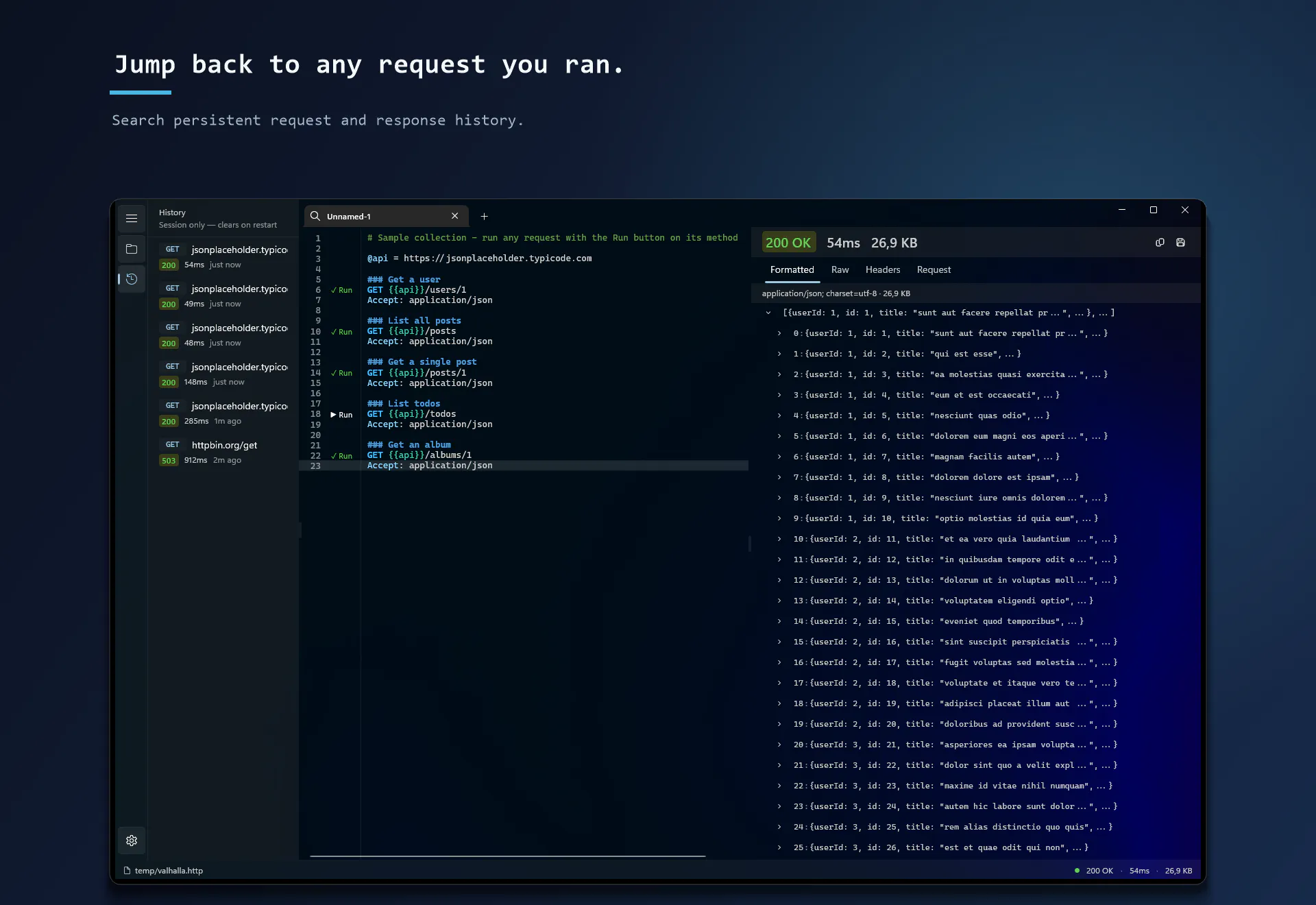
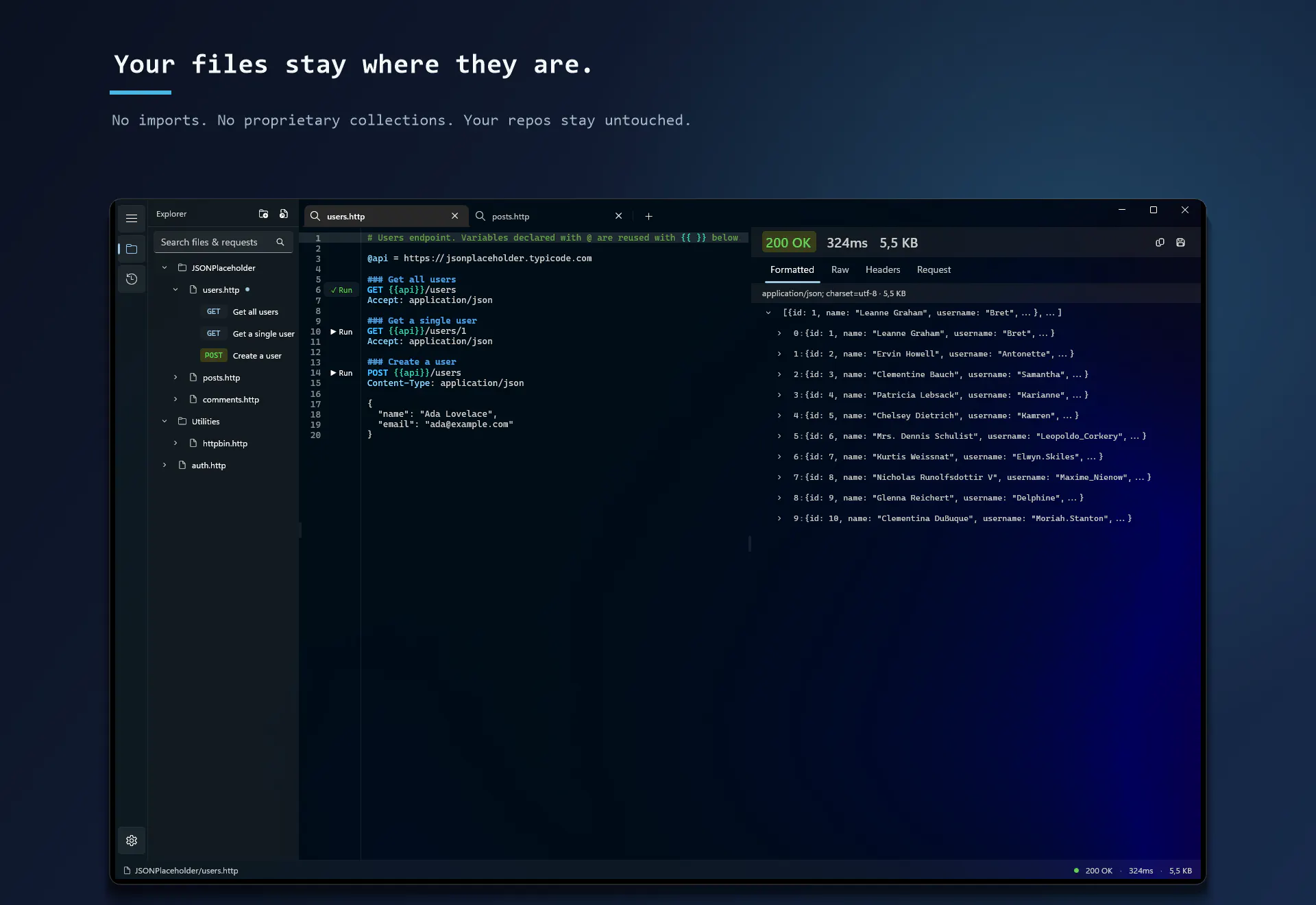
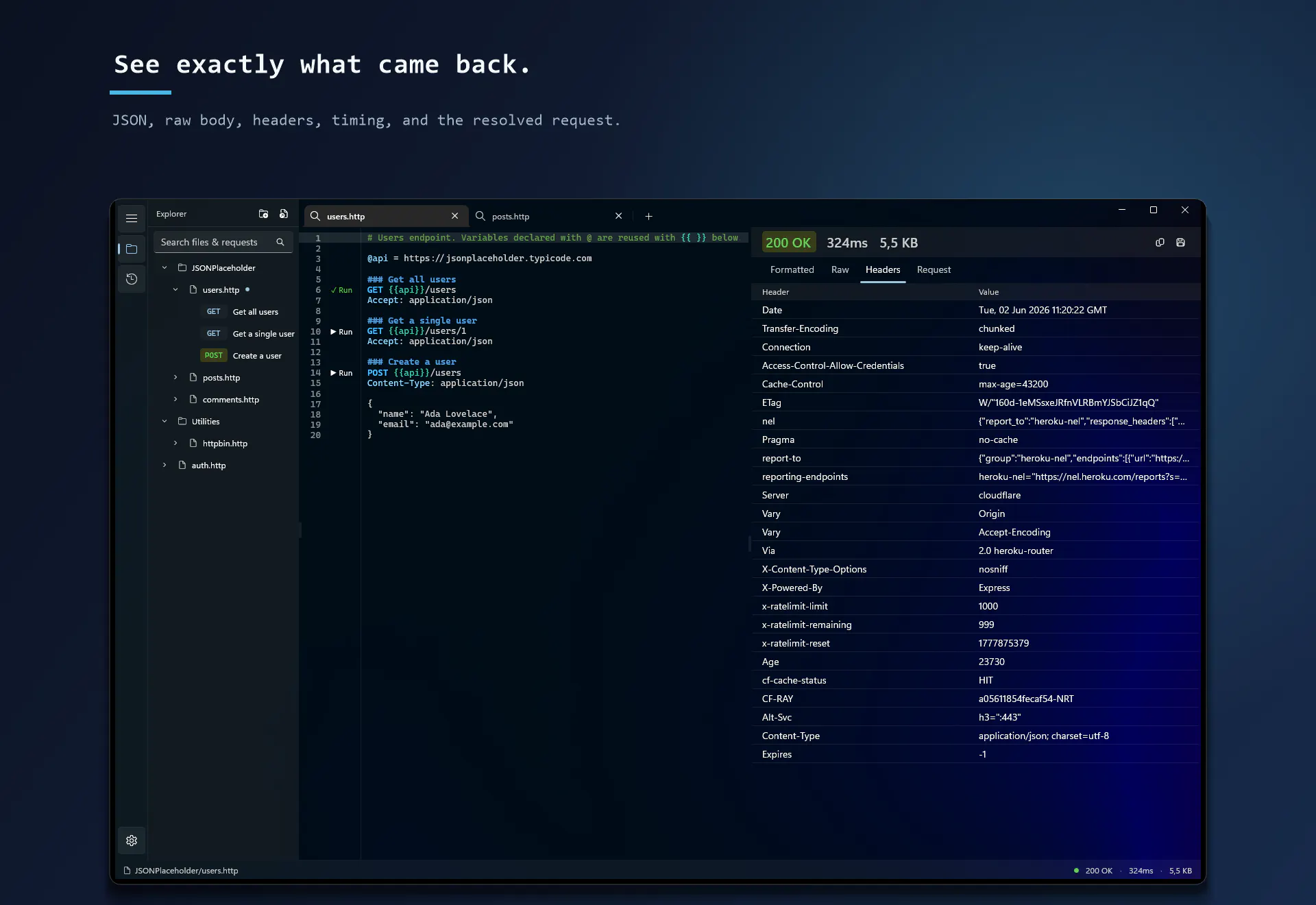
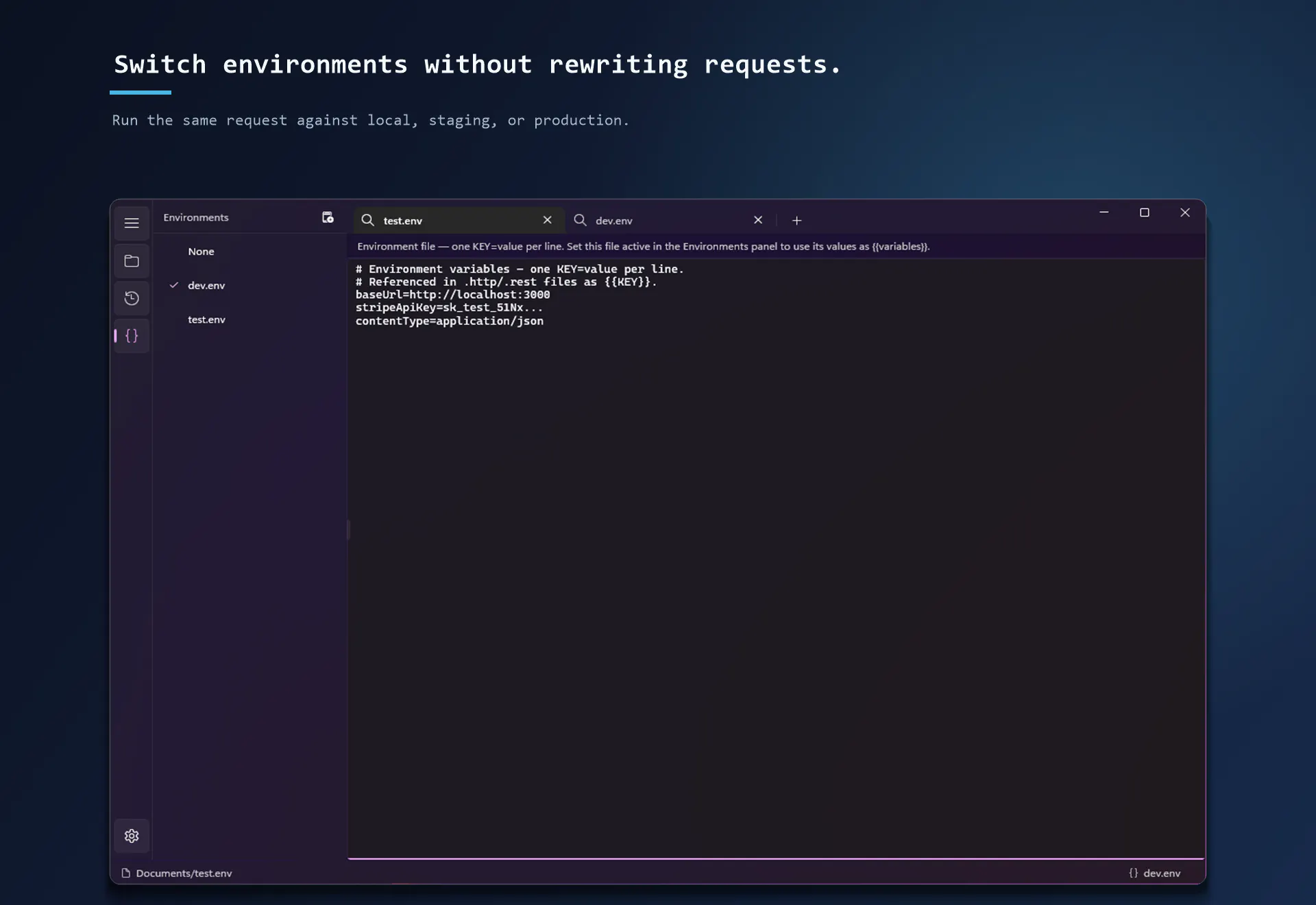
+1 more screenshots
Pros
- ✓Fast startup time under 2 seconds for quick access
- ✓Local file storage with Git-friendly workflow
- ✓No account required, one-time purchase
- ✓Organizes requests across multiple repositories in a single workspace
- ✓Searchable request history for easy retrieval
Cons
- ✗Lacks advanced collaboration or cloud features
- ✗Limited integrations compared to web-based API clients
- ✗Potential learning curve for users unfamiliar with plain http files
Use Cases
Pricing
Likely a one-time purchase model with no ongoing subscription fees, emphasizing simplicity and local control. Exact details are uncertain, but the absence of accounts suggests a straightforward pricing approach.
Quick Info
Topics
Makers

Pavel
@xakpcAlternatives
Similar Tools in Developer Tools




Embed Badge
Add this badge to your website to show that Karve is featured on Visalytica.
<a href="https://www.visalytica.com/tool/karve" target="_blank" rel="noopener noreferrer" style="display:inline-flex;align-items:center;gap:6px;padding:6px 14px;background:#7c3aed;color:#fff;border-radius:8px;font-family:-apple-system,system-ui,sans-serif;font-size:13px;font-weight:600;text-decoration:none;transition:background .2s" onmouseover="this.style.background='#6d28d9'" onmouseout="this.style.background='#7c3aed'"><svg width="14" height="14" viewBox="0 0 24 24" fill="none" stroke="currentColor" stroke-width="2.5" stroke-linecap="round" stroke-linejoin="round"><path d="M12 20V10"/><path d="M18 20V4"/><path d="M6 20v-4"/></svg>Featured on Visalytica</a>