
Kalendar
Now smarter and AI enabled
About Kalendar
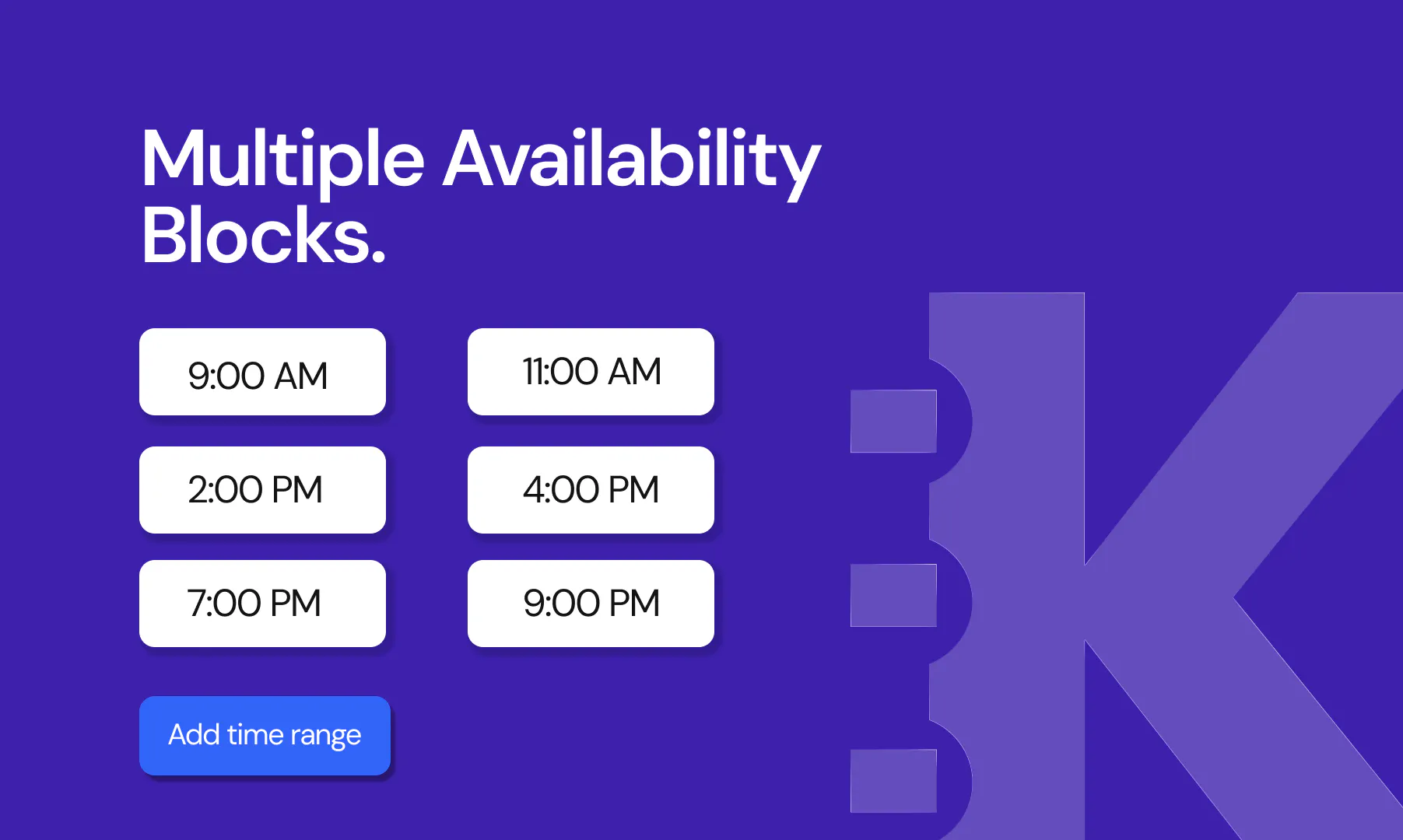
Kalendar is a smart, AI-enabled scheduling tool designed to streamline meeting management for individuals and teams. Acting as a Calendly alternative, it offers users the ability to set flexible availability, create multiple time blocks per day, and share booking links effortlessly. What sets Kalendar apart is its seamless integration with AI agents like Founding.dev, Claude, or Cursor, allowing users to book, reschedule, or cancel meetings through chat commands—making scheduling truly hands-free. It’s particularly appealing to startups, remote teams, and busy professionals seeking a free, scalable, and owner-controlled scheduling platform without per-seat fees or caps. The tool’s user-friendly interface and quick sharing features make it ideal for those looking to take control of their calendar without sacrificing automation or flexibility.
Screenshots


Pros
- ✓Free with unlimited users and no per-seat fees
- ✓AI integration for hands-free scheduling via chat commands
- ✓Flexible scheduling options including multiple time blocks
- ✓Quick sharing of booking pages
- ✓Owns scheduling data and preferences
Cons
- ✗Relatively new with limited user reviews and adoption
- ✗Lack of advanced features found in premium scheduling tools
- ✗Potential learning curve for AI integrations for some users
Use Cases
Pricing
Kalendar is free to use with unlimited users, and there are no apparent paid plans or caps, making it an accessible option for small teams and individual users.
Quick Info
Topics
Makers

Samuel Taiwo
Alternatives
Similar Tools in AI Assistants




Embed Badge
Add this badge to your website to show that Kalendar is featured on Visalytica.
<a href="https://www.visalytica.com/tool/kalendar" target="_blank" rel="noopener noreferrer" style="display:inline-flex;align-items:center;gap:6px;padding:6px 14px;background:#7c3aed;color:#fff;border-radius:8px;font-family:-apple-system,system-ui,sans-serif;font-size:13px;font-weight:600;text-decoration:none;transition:background .2s" onmouseover="this.style.background='#6d28d9'" onmouseout="this.style.background='#7c3aed'"><svg width="14" height="14" viewBox="0 0 24 24" fill="none" stroke="currentColor" stroke-width="2.5" stroke-linecap="round" stroke-linejoin="round"><path d="M12 20V10"/><path d="M18 20V4"/><path d="M6 20v-4"/></svg>Featured on Visalytica</a>