
Kai for Chrome
Local meeting transcription with no account needed
About Kai for Chrome
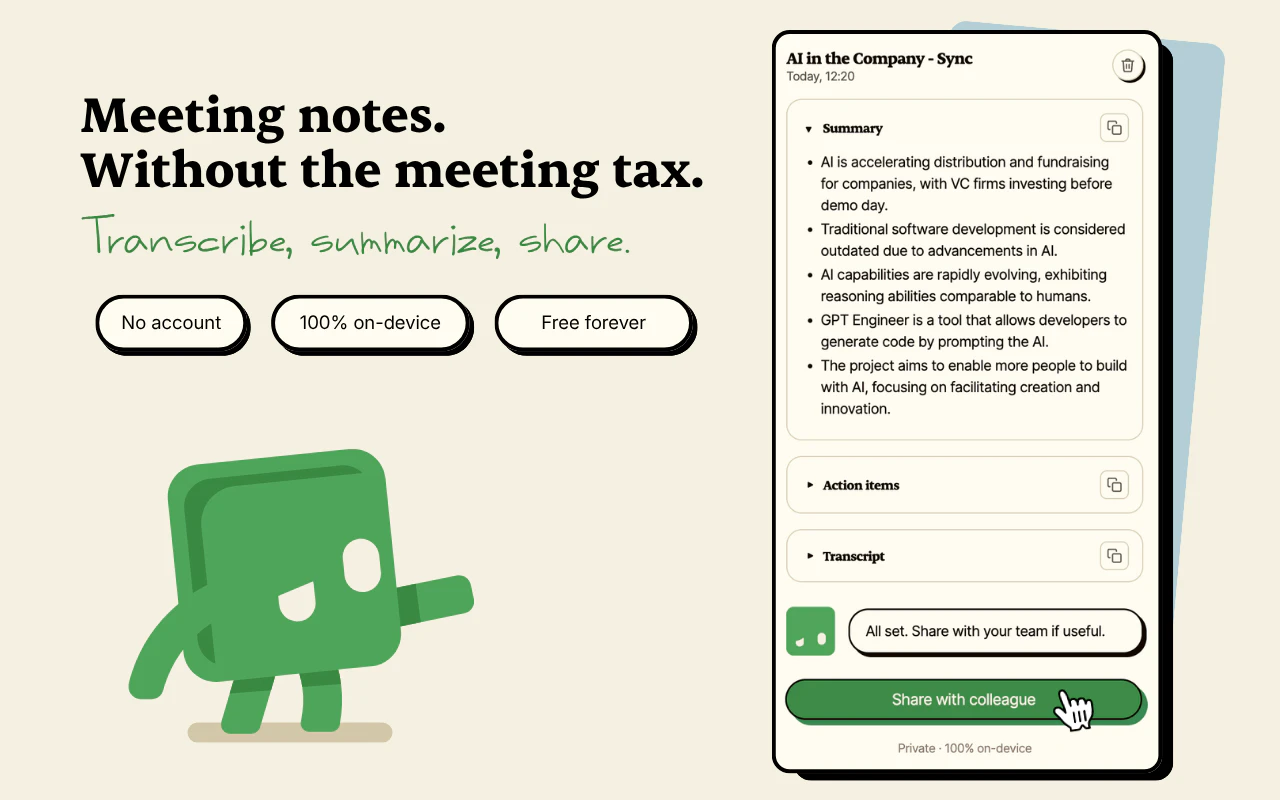
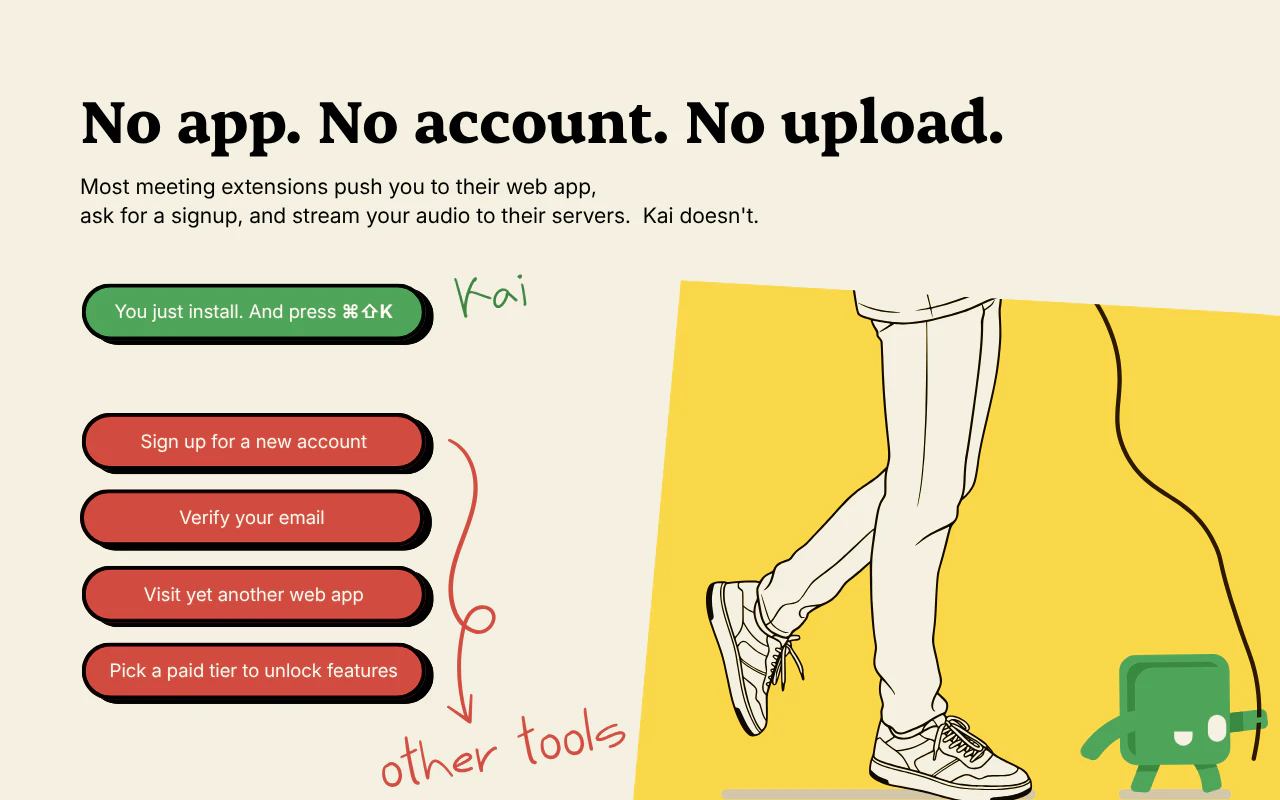
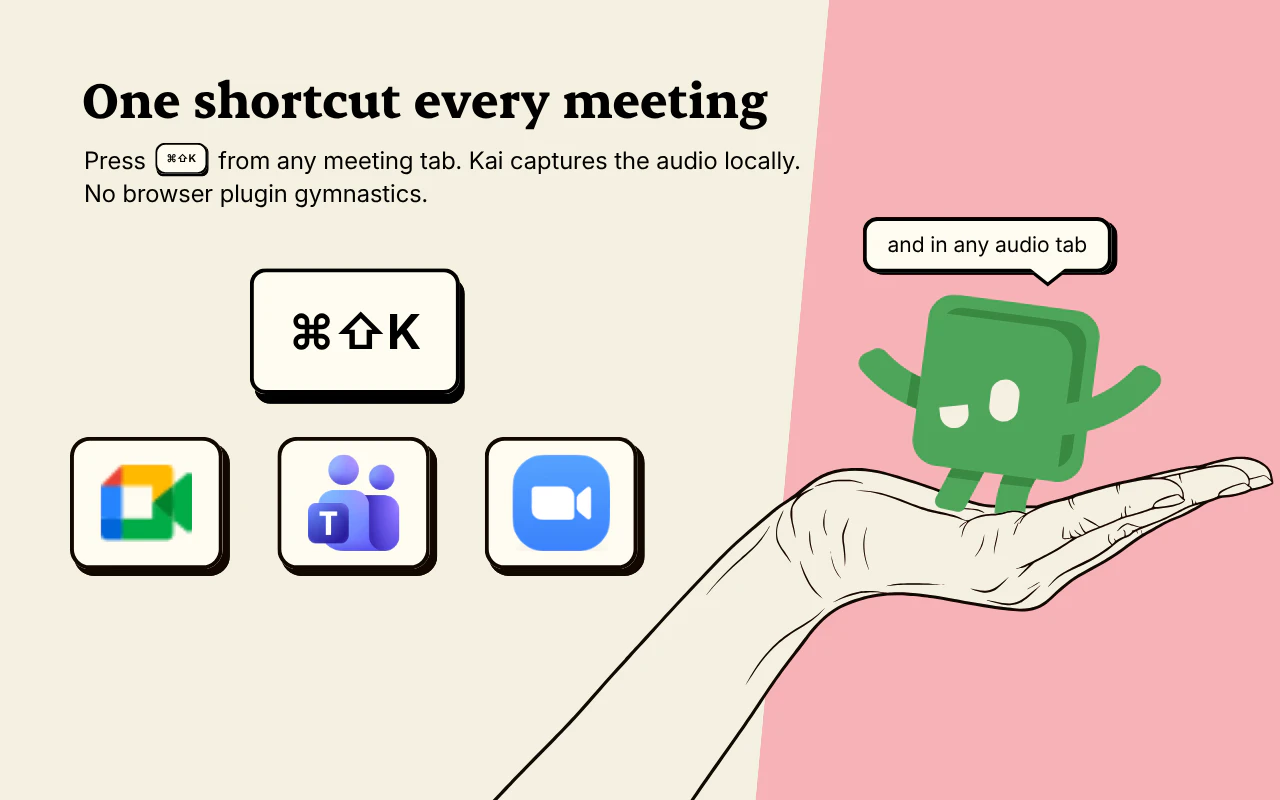
Kai for Chrome is an innovative, privacy-focused meeting transcription tool designed for professionals who value on-device processing. It seamlessly records and transcribes meetings from popular platforms like Google Meet, Zoom, and Microsoft Teams, all without requiring an account or cloud upload. With a simple hotkey (⌘⇧K), users receive instant, clean summaries and actionable items immediately after their calls, making it ideal for busy executives, remote teams, and anyone looking to capture meeting insights effortlessly. Built using cutting-edge WebGPU and WASM technology, Kai runs entirely locally with Whisper Base, ensuring data privacy and security. Its zero-setup approach and free availability make it an attractive choice for those seeking a straightforward, secure, and efficient meeting assistant.
Screenshots
Pros
- ✓Runs fully locally without cloud or API dependencies, ensuring privacy and data security
- ✓No account, signup, or meeting bots required for quick, hassle-free use
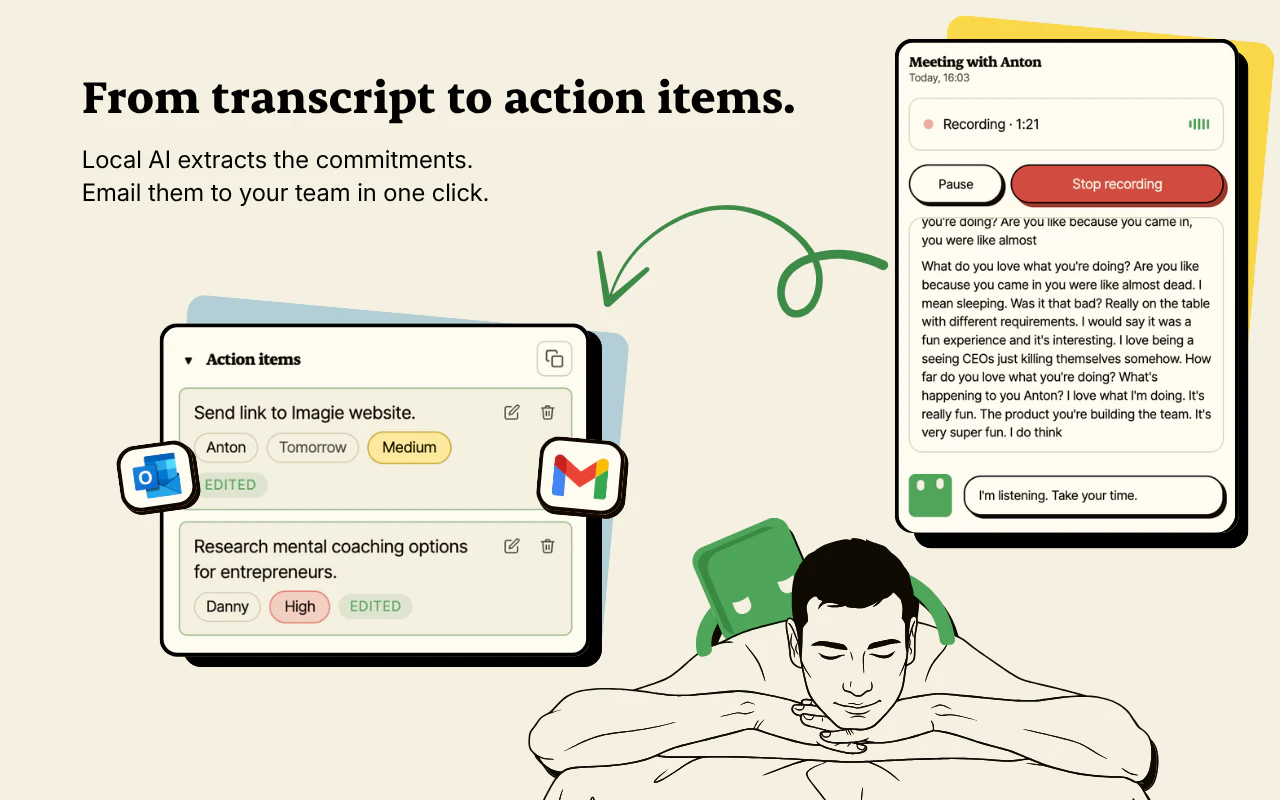
- ✓Instant summaries and action items delivered immediately after calls
- ✓Open and free to use, with no ongoing costs
- ✓Built on advanced WebGPU and WASM technology for efficient on-device processing
Cons
- ✗Limited to transcription and summarization; lacks advanced meeting management features
- ✗Dependent on the user’s hardware capabilities for optimal performance
- ✗Currently supports only specific meeting platforms, which may limit compatibility
Use Cases
Pricing
Likely free and open source, as stated by the developer, with no subscription or payment required.
Quick Info
Topics
Makers

David Tedaldi
Similar Tools in AI Assistants




Embed Badge
Add this badge to your website to show that Kai for Chrome is featured on Visalytica.
<a href="https://www.visalytica.com/tool/kai-for-chrome" target="_blank" rel="noopener noreferrer" style="display:inline-flex;align-items:center;gap:6px;padding:6px 14px;background:#7c3aed;color:#fff;border-radius:8px;font-family:-apple-system,system-ui,sans-serif;font-size:13px;font-weight:600;text-decoration:none;transition:background .2s" onmouseover="this.style.background='#6d28d9'" onmouseout="this.style.background='#7c3aed'"><svg width="14" height="14" viewBox="0 0 24 24" fill="none" stroke="currentColor" stroke-width="2.5" stroke-linecap="round" stroke-linejoin="round"><path d="M12 20V10"/><path d="M18 20V4"/><path d="M6 20v-4"/></svg>Featured on Visalytica</a>