
JustView - Image & Photo Preview
A fast, distraction-free image viewer for macOS
About JustView - Image & Photo Preview
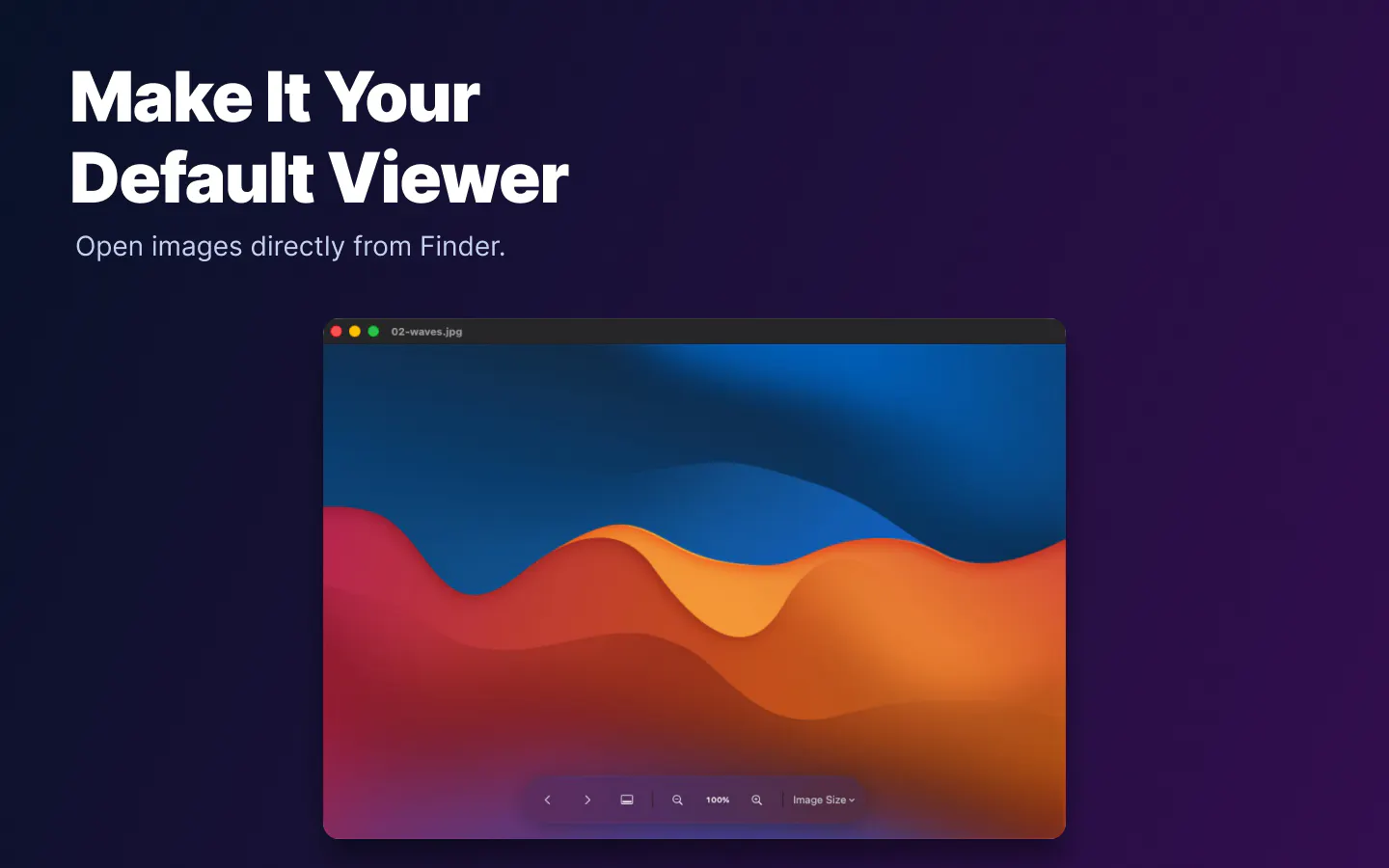
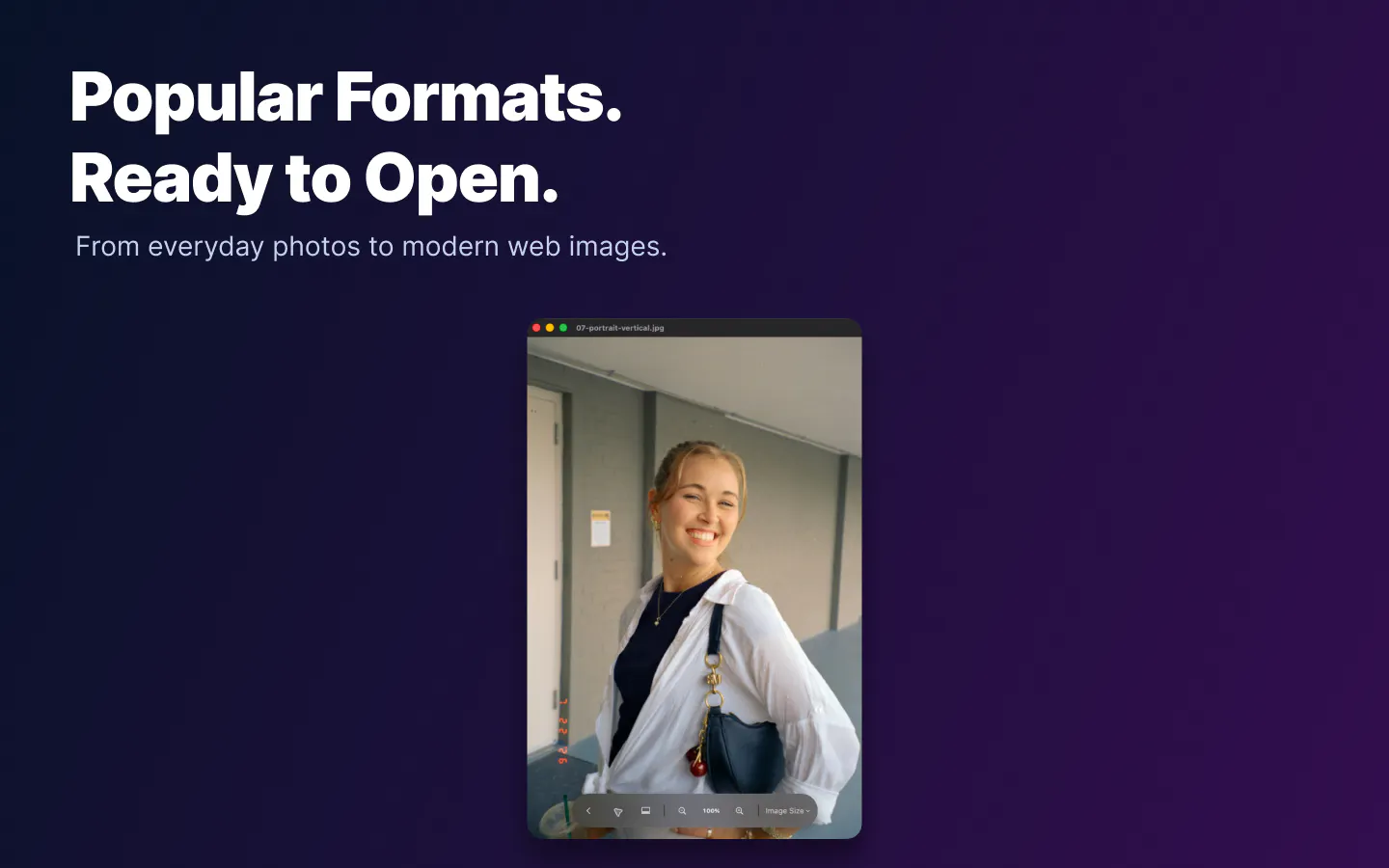
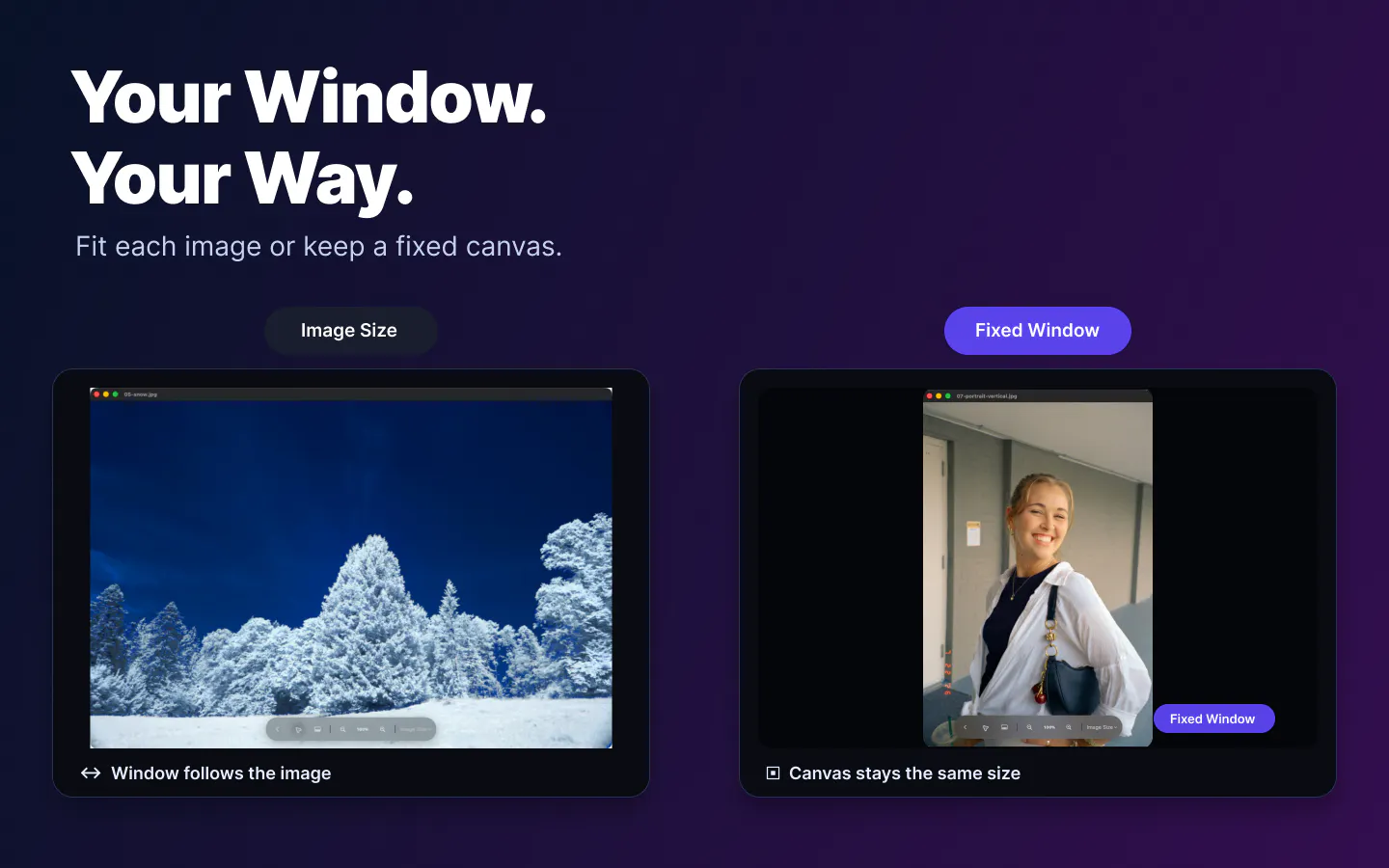
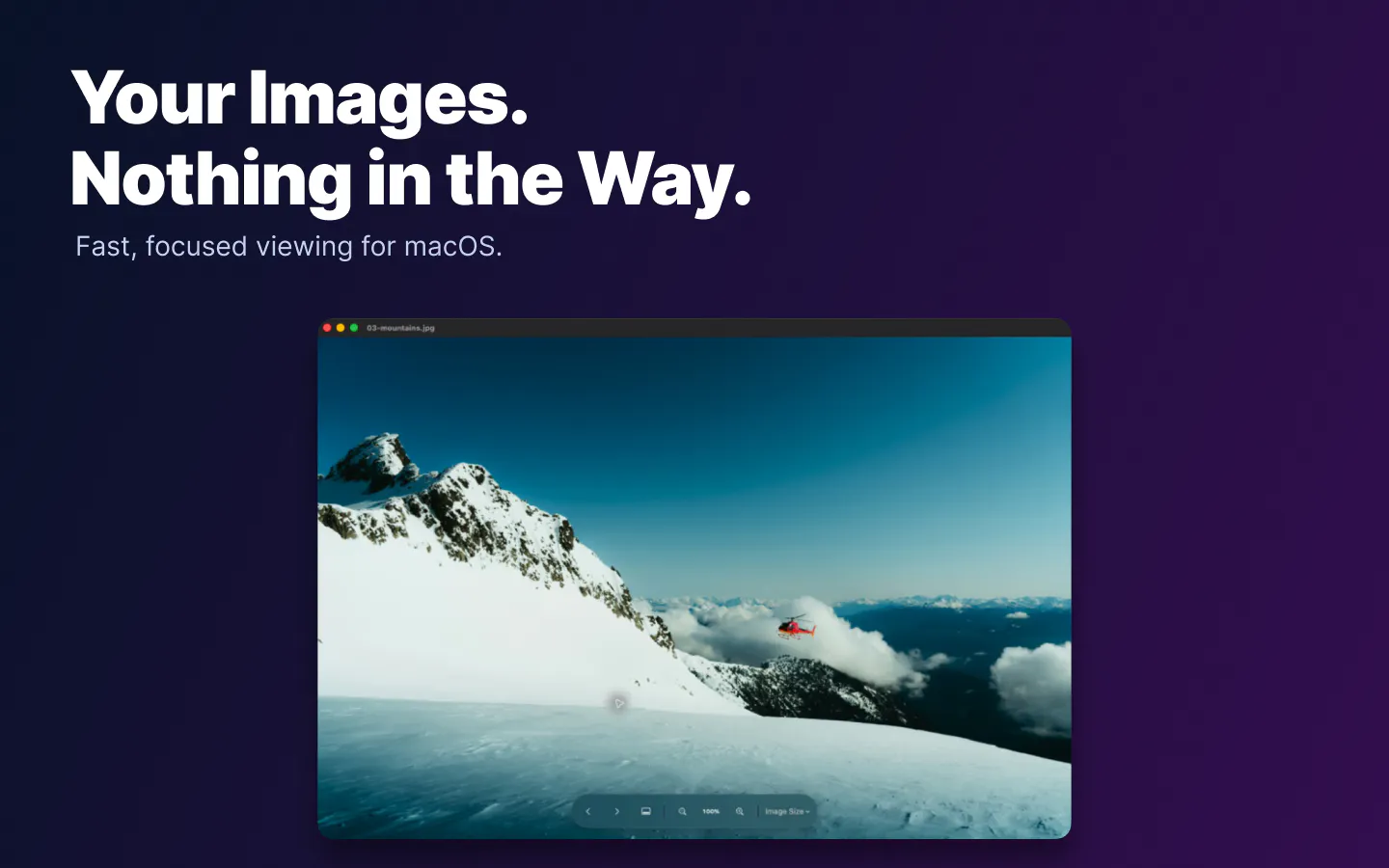
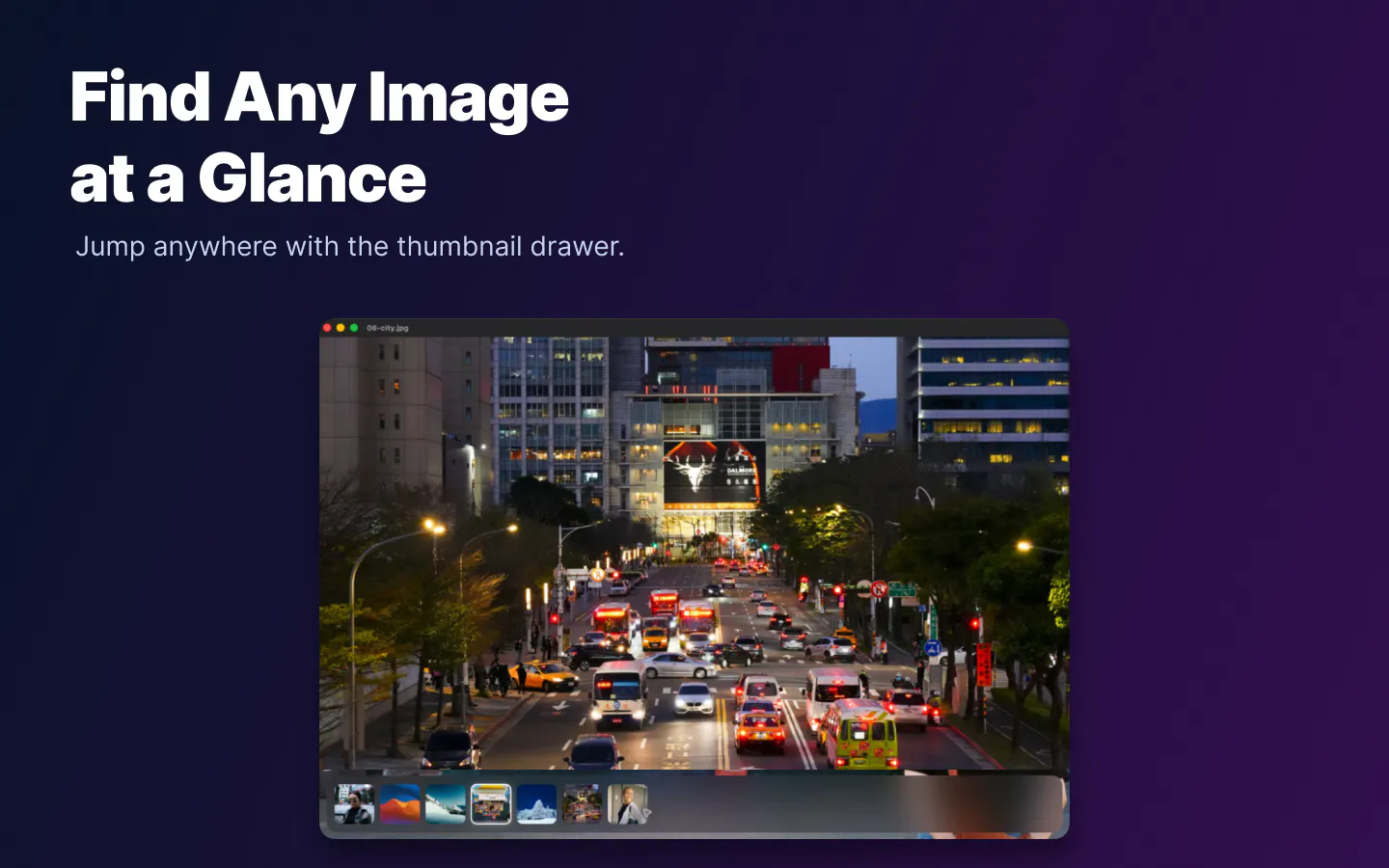
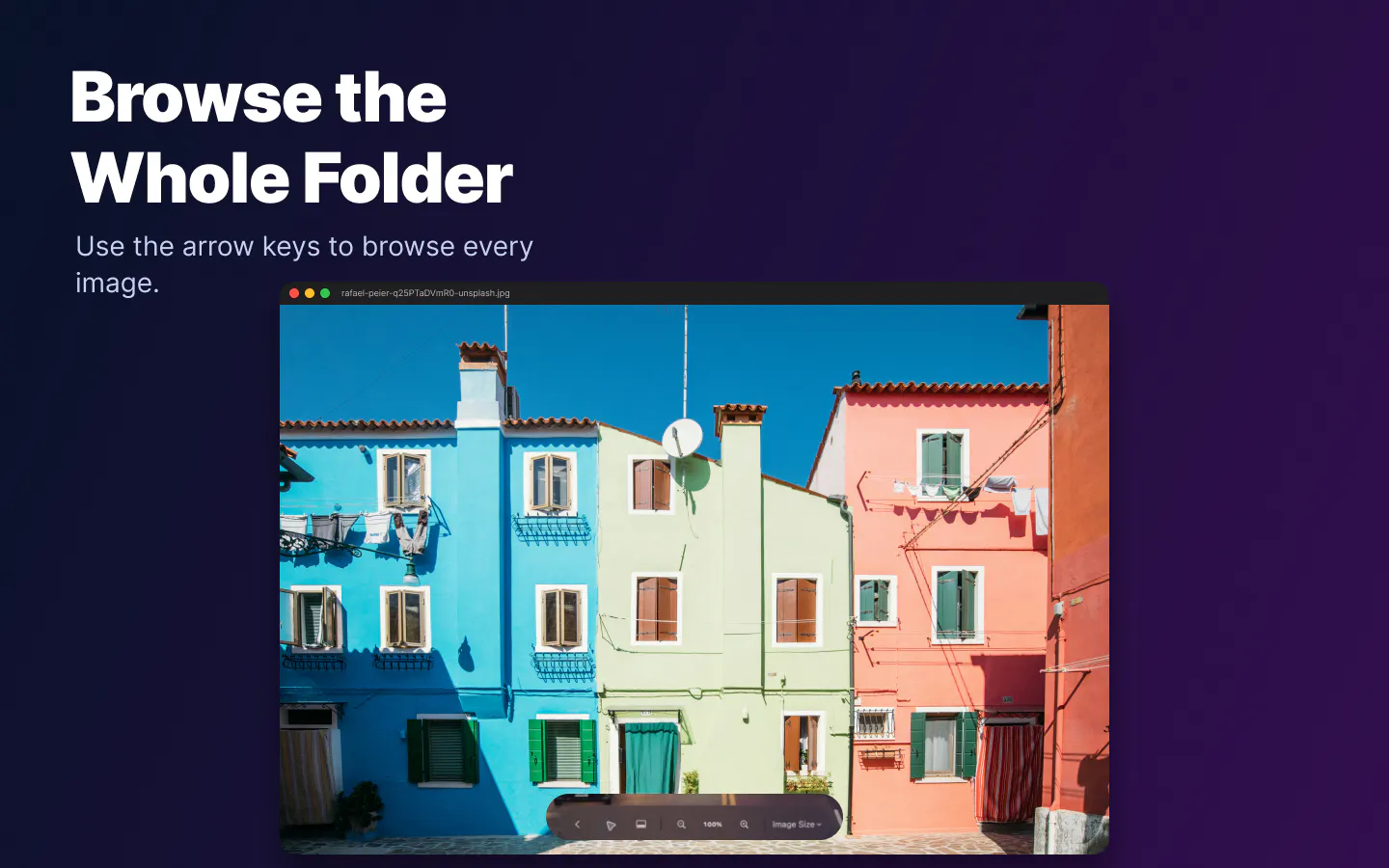
JustView is a sleek, distraction-free image viewer designed specifically for macOS users who need quick and seamless access to their photo libraries. Unlike Finder and Preview, which often require multiple steps to browse through images in a folder, JustView allows users to open any image and effortlessly cycle through the entire folder using keyboard shortcuts, trackpad gestures, or thumbnail navigation. Supporting a wide array of formats including JPEG, PNG, GIF, HEIC, WebP, AVIF, TIFF, and BMP, it offers a versatile solution for photographers, designers, and casual users alike who demand fast, smooth image browsing without clutter. Its flexible window modes and zoom features further enhance the viewing experience, making it ideal for quick reviews or detailed inspections. The tool’s launch offer, providing lifetime free access to the first 1,000 users, makes it an attractive choice for those seeking an efficient image previewer tailored for macOS productivity.
Screenshots
+1 more screenshots
Pros
- ✓Fast and smooth image browsing within folders
- ✓Supports multiple popular image formats
- ✓Distraction-free, clean interface
- ✓Flexible window modes and zoom capabilities
- ✓Easy navigation via keyboard, trackpad, or thumbnails
Cons
- ✗Limited information on advanced editing features
- ✗No mention of batch processing or editing tools
- ✗Current product votes on ProductHunt are zero (indicating limited user feedback)
Use Cases
Pricing
Pricing not verified
Quick Info
Topics
Makers

Michael Frid
Alternatives
Similar Tools in AI Image & Design




Embed Badge
Add this badge to your website to show that JustView - Image & Photo Preview is featured on Visalytica.
<a href="https://www.visalytica.com/tool/justview-image-photo-preview" target="_blank" rel="noopener noreferrer" style="display:inline-flex;align-items:center;gap:6px;padding:6px 14px;background:#7c3aed;color:#fff;border-radius:8px;font-family:-apple-system,system-ui,sans-serif;font-size:13px;font-weight:600;text-decoration:none;transition:background .2s" onmouseover="this.style.background='#6d28d9'" onmouseout="this.style.background='#7c3aed'"><svg width="14" height="14" viewBox="0 0 24 24" fill="none" stroke="currentColor" stroke-width="2.5" stroke-linecap="round" stroke-linejoin="round"><path d="M12 20V10"/><path d="M18 20V4"/><path d="M6 20v-4"/></svg>Featured on Visalytica</a>