
Jupitrr Cut
Open source app for recording vids with a teleprompter
About Jupitrr Cut
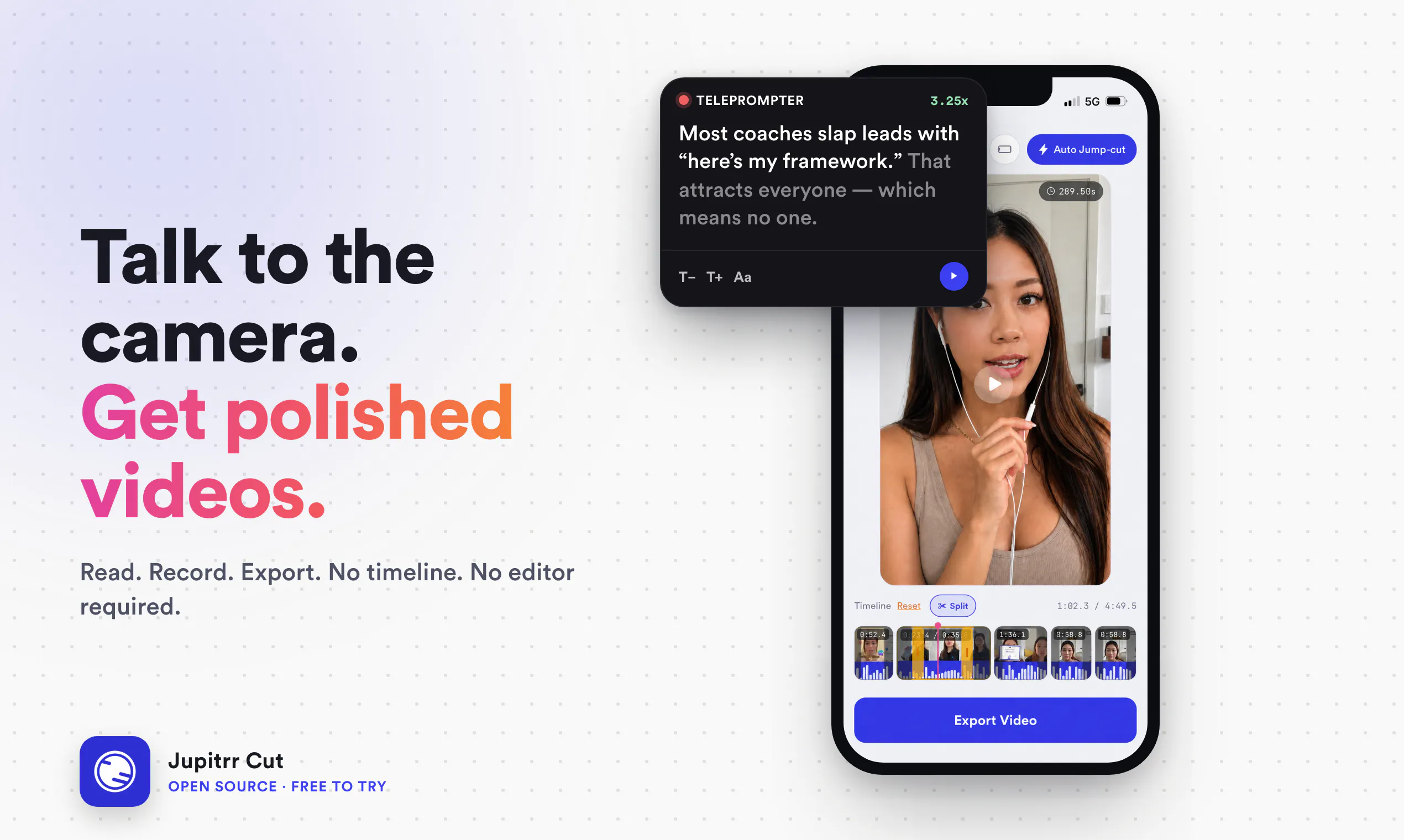
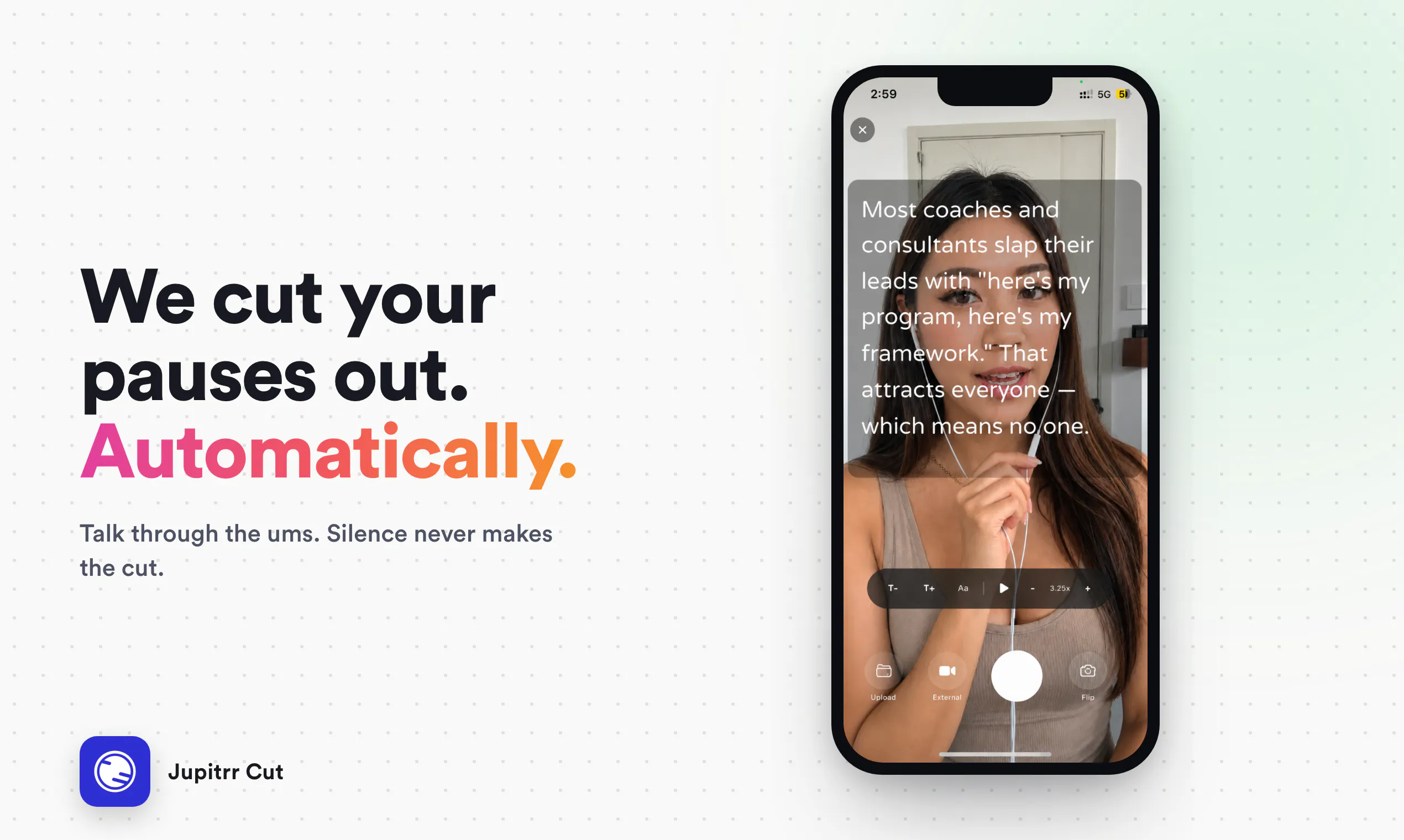
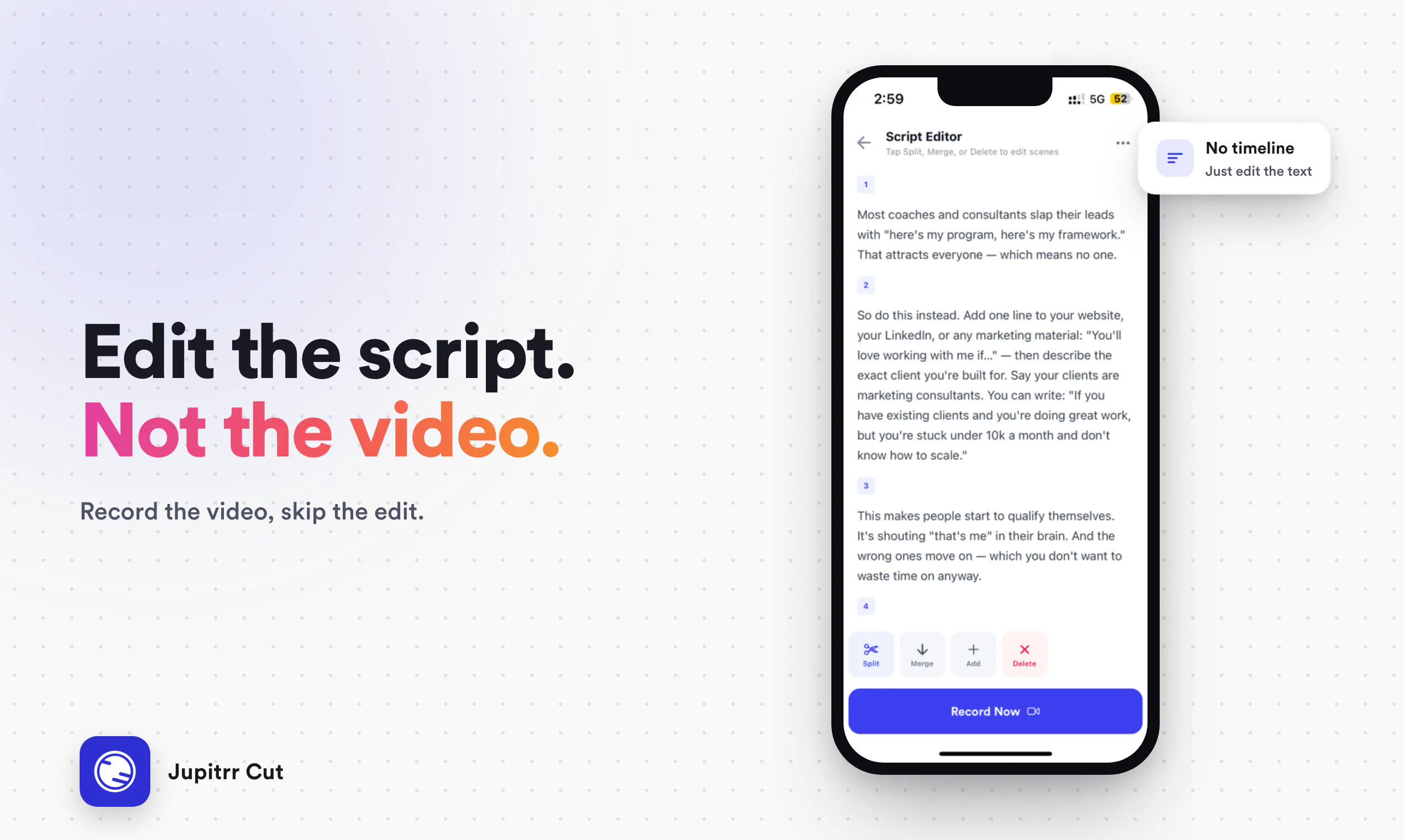
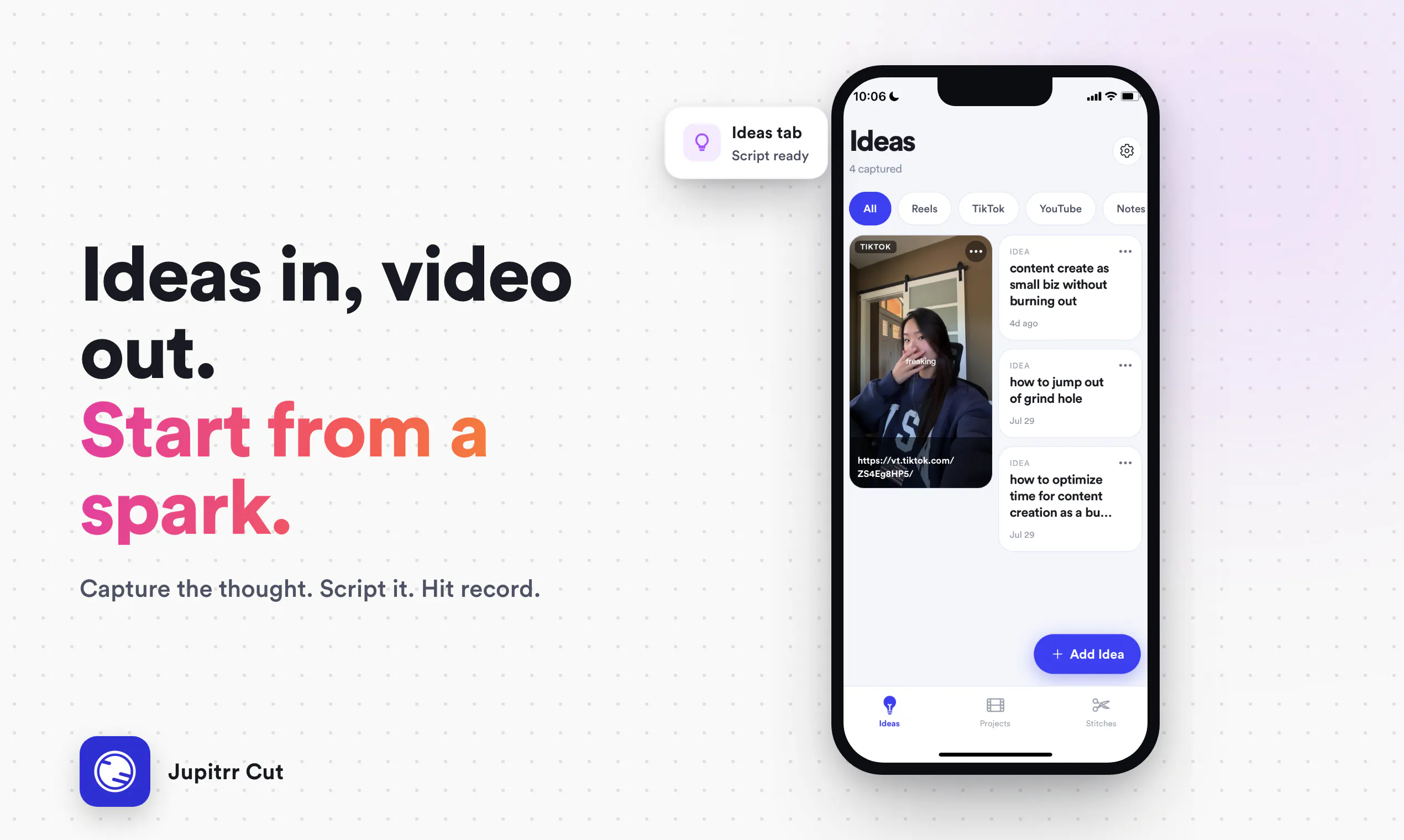
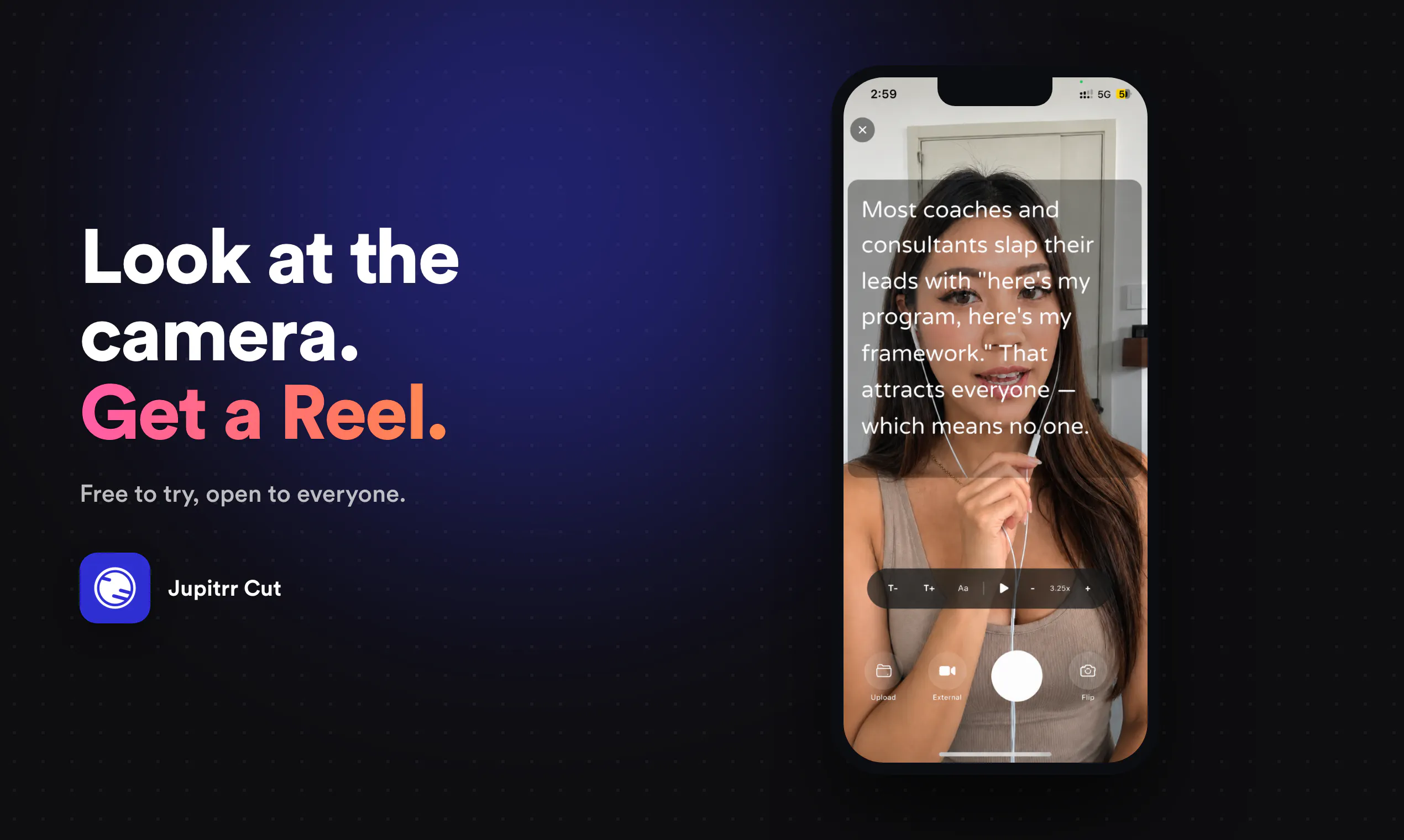
Jupitrr Cut is an open-source mobile application designed for creators who want to produce professional-looking talking-head videos with minimal effort. It features an integrated teleprompter that allows users to read scripts seamlessly while recording, making it ideal for content creators, educators, and marketers. The app simplifies the video production process by automatically removing silences, enabling users to retake clips easily, and exporting polished videos without the need for complex editing timelines. Optional post-production enhancements, such as adding captions and B-roll, can be handled later with Jupitrr AI, offering flexibility for more advanced editing when desired. Its open-source nature and GPL-3.0 licensing promote transparency and community-driven improvements, while the absence of an account wall ensures quick and easy access for users on Android and iOS devices.
Screenshots
Pros
- ✓Open-source with GPL-3.0 license for transparency
- ✓Built-in teleprompter for smooth script reading
- ✓Automatic silence removal for efficient editing
- ✓No account requirement simplifies onboarding
- ✓Optional post-production tools for added flexibility
Cons
- ✗Limited editing features within the app itself
- ✗Focus primarily on recording, not comprehensive editing
- ✗Dependence on optional external tools for advanced edits
Use Cases
Pricing
Pricing not verified
Quick Info
Topics
Makers

Ronak Agarwal
Alternatives
Similar Tools in Developer Tools




Embed Badge
Add this badge to your website to show that Jupitrr Cut is featured on Visalytica.
<a href="https://www.visalytica.com/tool/jupitrr-cut" target="_blank" rel="noopener noreferrer" style="display:inline-flex;align-items:center;gap:6px;padding:6px 14px;background:#7c3aed;color:#fff;border-radius:8px;font-family:-apple-system,system-ui,sans-serif;font-size:13px;font-weight:600;text-decoration:none;transition:background .2s" onmouseover="this.style.background='#6d28d9'" onmouseout="this.style.background='#7c3aed'"><svg width="14" height="14" viewBox="0 0 24 24" fill="none" stroke="currentColor" stroke-width="2.5" stroke-linecap="round" stroke-linejoin="round"><path d="M12 20V10"/><path d="M18 20V4"/><path d="M6 20v-4"/></svg>Featured on Visalytica</a>