
JumprAI
Find any moment inside YouTube videos with AI search
About JumprAI
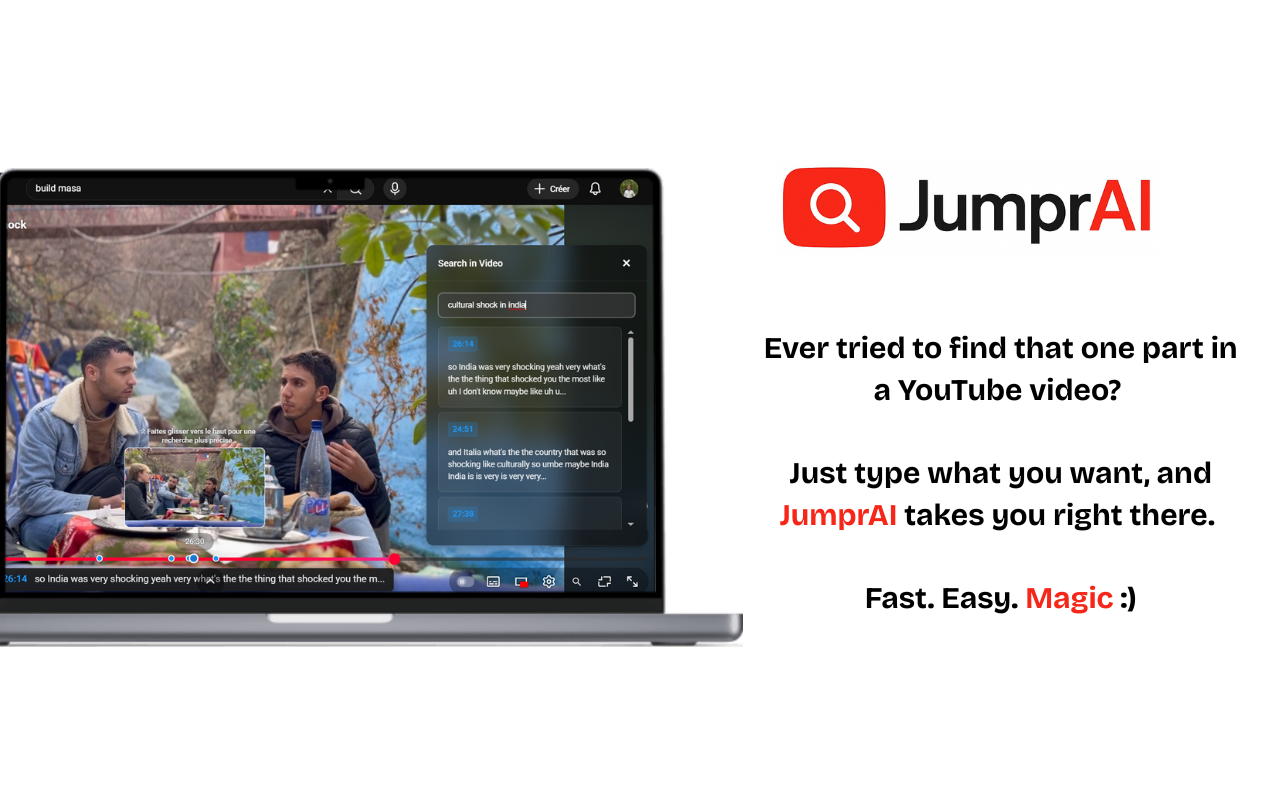
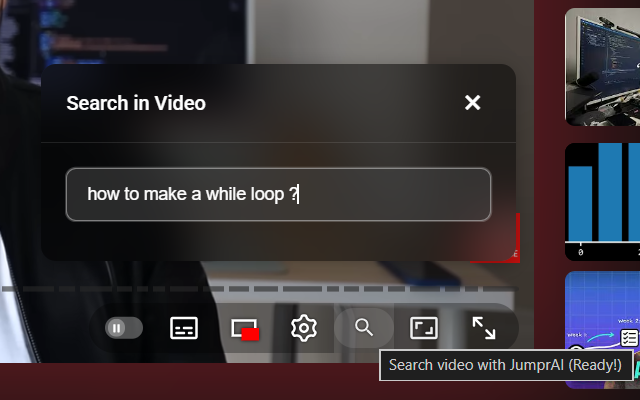
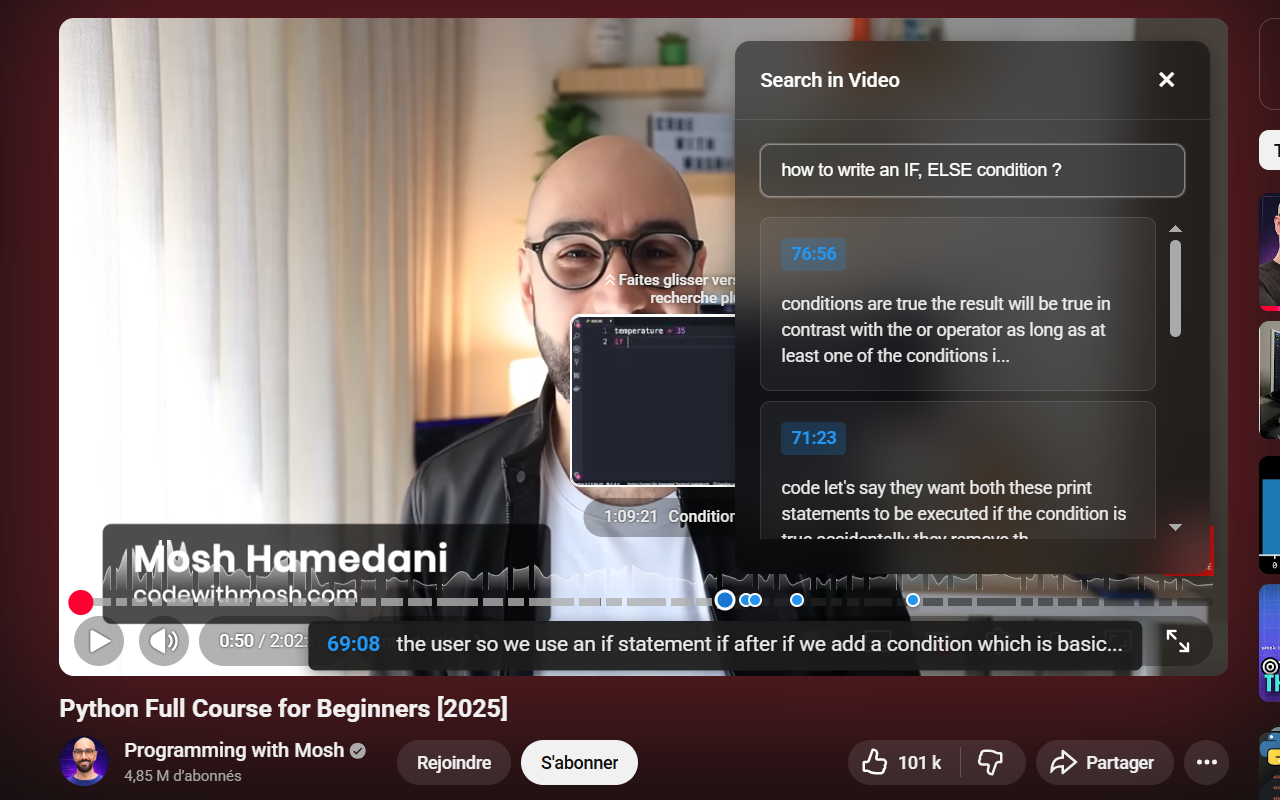
JumprAI is an innovative AI-powered tool designed to enhance the way viewers interact with YouTube videos. By leveraging advanced semantic search, it allows users to find specific moments within videos simply by describing what they’re looking for, such as 'funniest moment' or 'setup tutorial.' Unlike traditional timestamp searches, JumprAI understands the meaning behind your queries, making navigation faster and more intuitive. It seamlessly integrates into YouTube, automatically works with videos that have captions, and prioritizes user privacy, all while being completely free. This makes it an invaluable tool for content creators, researchers, students, and avid viewers who want to save time and find relevant segments effortlessly.
Screenshots
Pros
- ✓Semantic search offers more accurate results by understanding context and meaning
- ✓Easy integration with YouTube for a seamless user experience
- ✓Works automatically on videos with captions, requiring no manual setup
- ✓Free to use, making it accessible to everyone
- ✓Saves time by allowing direct jump to specific moments based on descriptions
Cons
- ✗Limited to videos with captions, which may exclude some content
- ✗Dependent on caption quality for optimal performance
- ✗Currently focused on YouTube, less useful for other platforms
Use Cases
Pricing
Likely free, as indicated by the description, with potential future premium features; currently positioned as a free tool for users.
Quick Info
Topics
Similar Tools in AI Image & Design




Embed Badge
Add this badge to your website to show that JumprAI is featured on Visalytica.
<a href="https://www.visalytica.com/tool/jumprai" target="_blank" rel="noopener noreferrer" style="display:inline-flex;align-items:center;gap:6px;padding:6px 14px;background:#7c3aed;color:#fff;border-radius:8px;font-family:-apple-system,system-ui,sans-serif;font-size:13px;font-weight:600;text-decoration:none;transition:background .2s" onmouseover="this.style.background='#6d28d9'" onmouseout="this.style.background='#7c3aed'"><svg width="14" height="14" viewBox="0 0 24 24" fill="none" stroke="currentColor" stroke-width="2.5" stroke-linecap="round" stroke-linejoin="round"><path d="M12 20V10"/><path d="M18 20V4"/><path d="M6 20v-4"/></svg>Featured on Visalytica</a>