
JoyLink: Phone as Gamepad
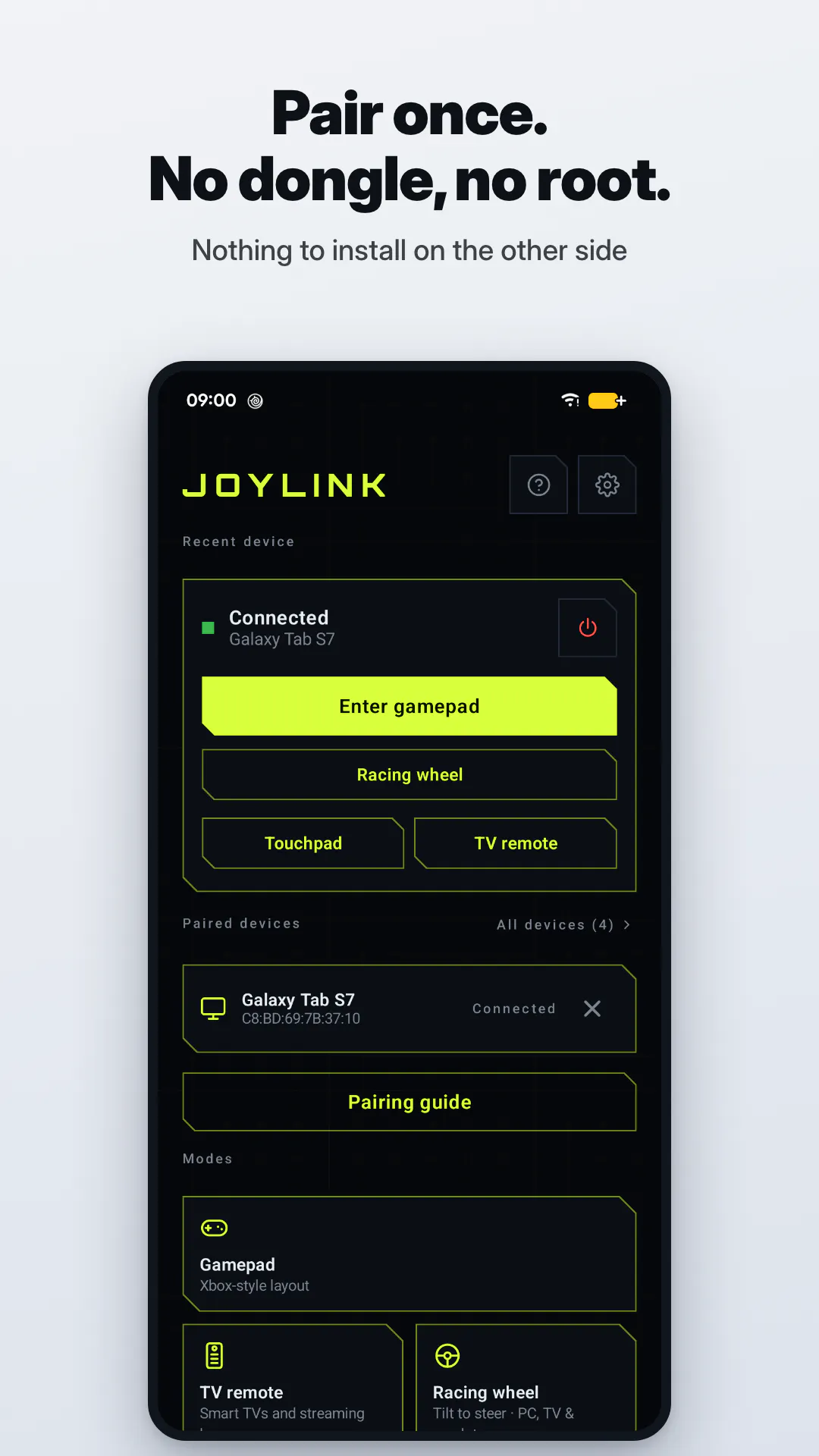
Your phone becomes a real Bluetooth gamepad (no dongle)
About JoyLink: Phone as Gamepad
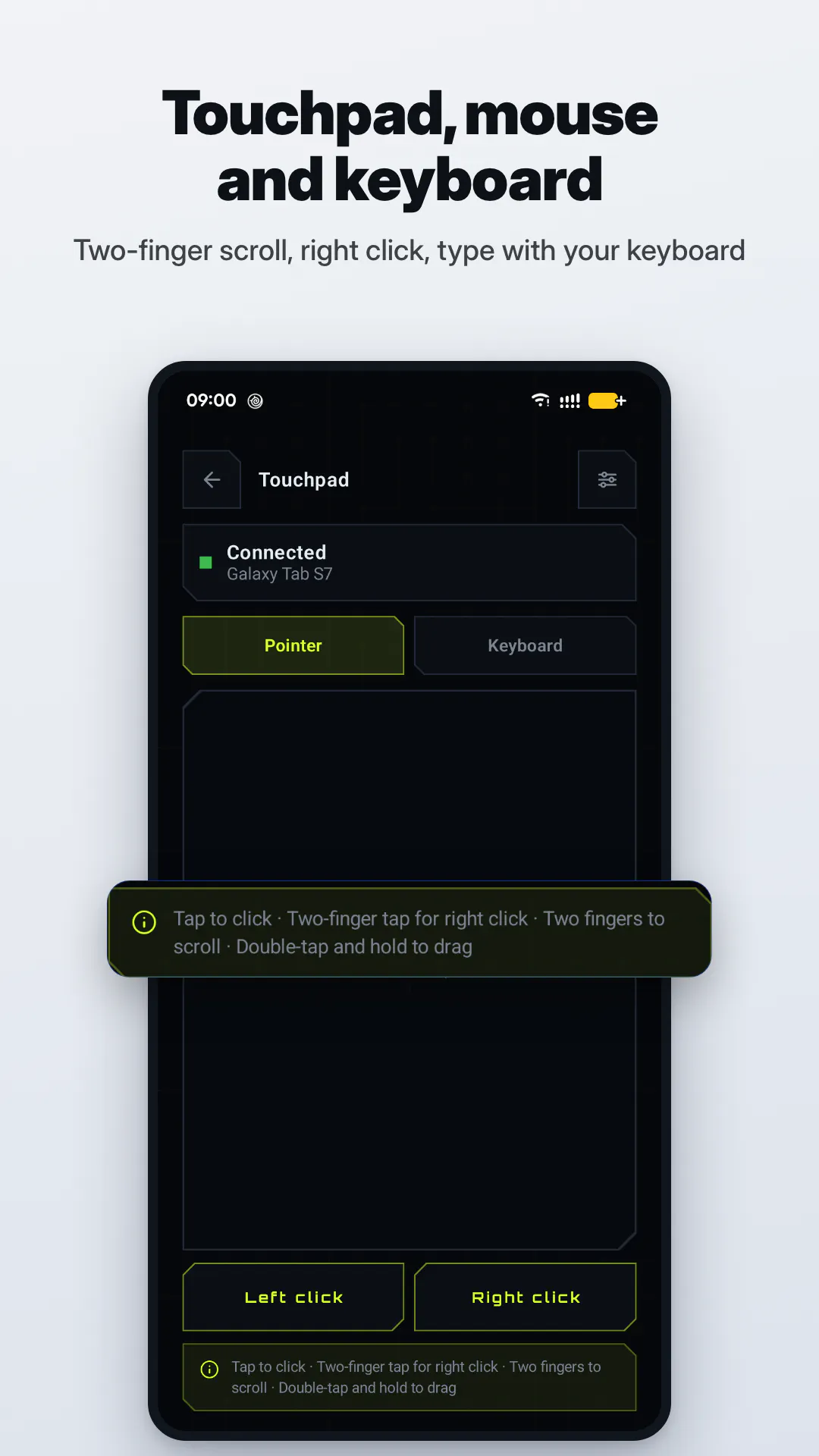
JoyLink: Phone as Gamepad is a revolutionary tool that transforms any Android phone into a fully functional Bluetooth gamepad without the need for additional hardware or complicated setup. Unlike traditional game controllers that often require dongles or specific receiver apps, JoyLink enables your phone itself to act as a standard Bluetooth gamepad, compatible across Windows, Mac, Linux, Android TV, and even other phones. Its Xbox-style layout, combined with features like a touchpad, mouse, keyboard, TV remote, tilt-to-steer wheel, and customizable layouts, makes it a versatile choice for gamers and tech enthusiasts alike. The app is free with no ads, offering a seamless experience, while a one-time Pro purchase unlocks advanced features after a trial. This ease of use, combined with broad compatibility and no rooting required, makes JoyLink a standout tool for turning smartphones into powerful gaming controllers.
Screenshots
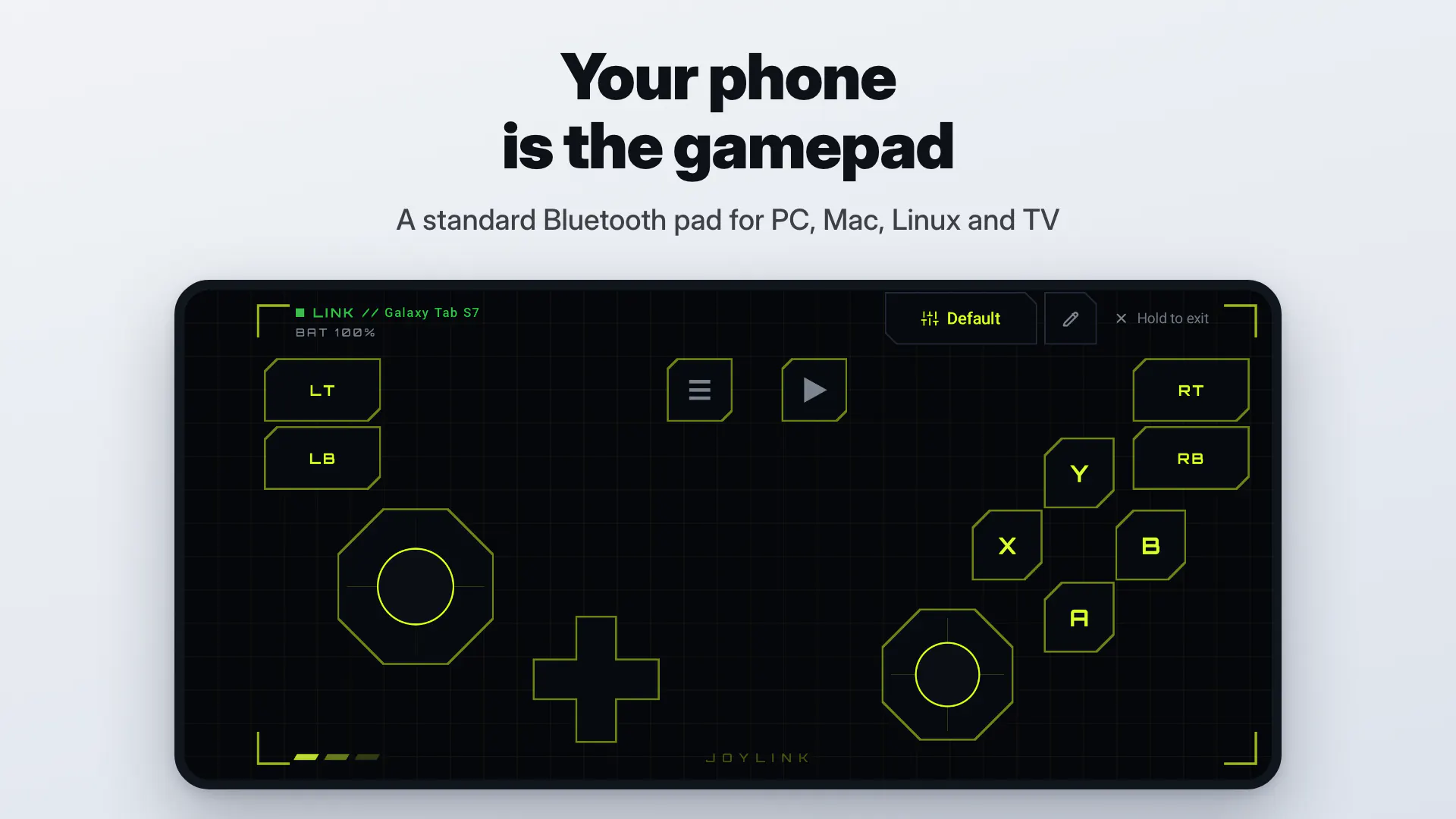
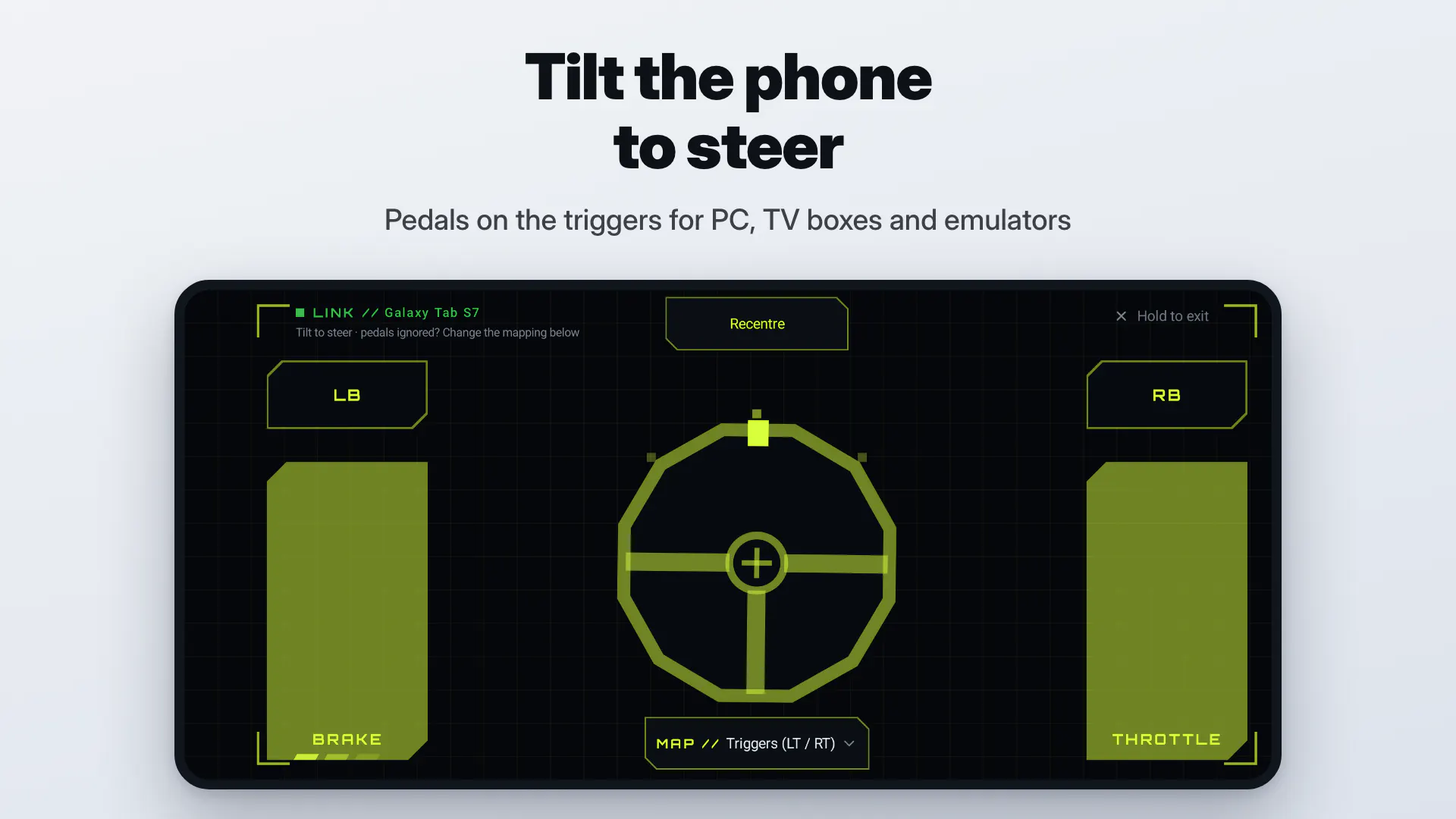
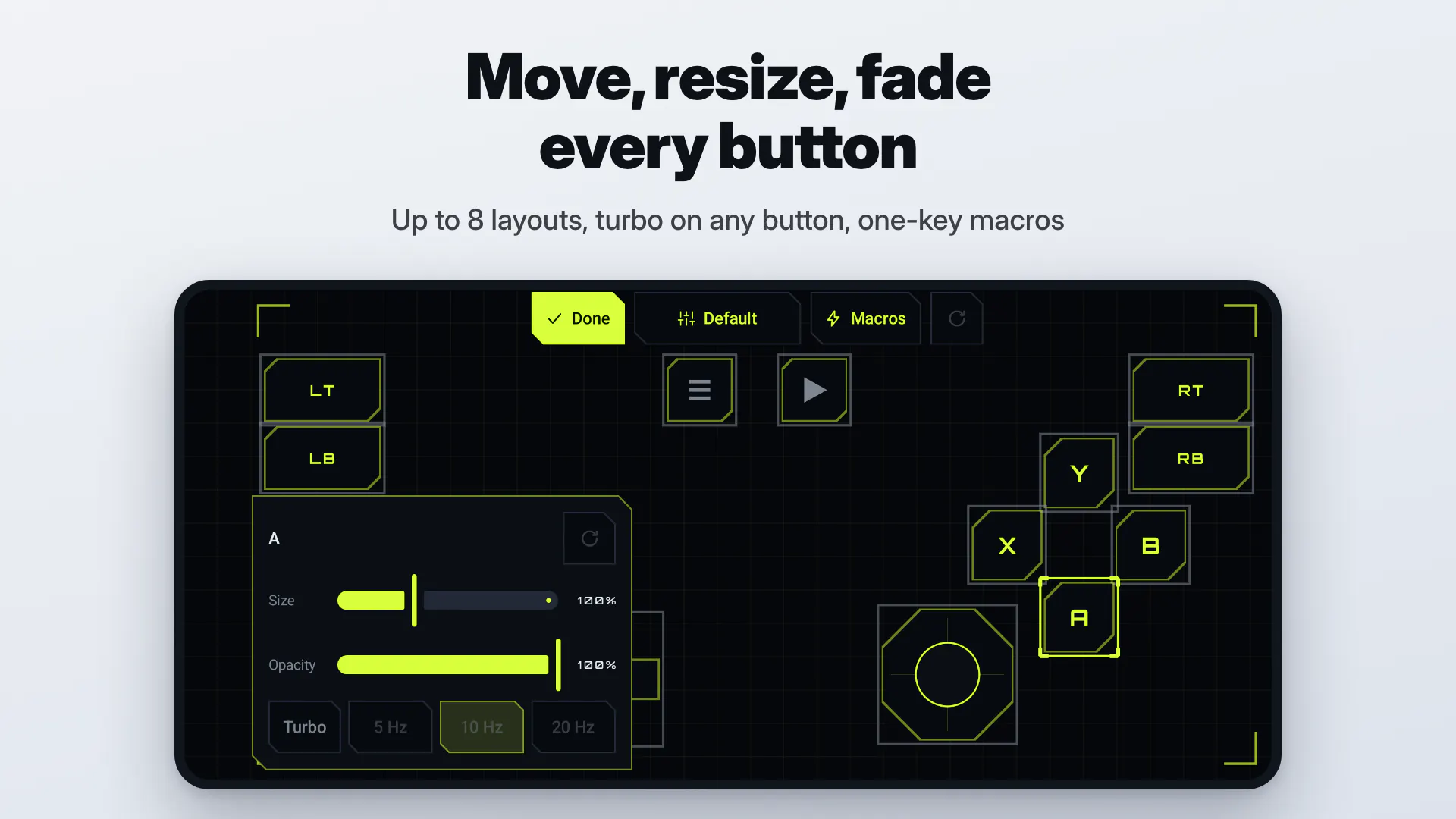
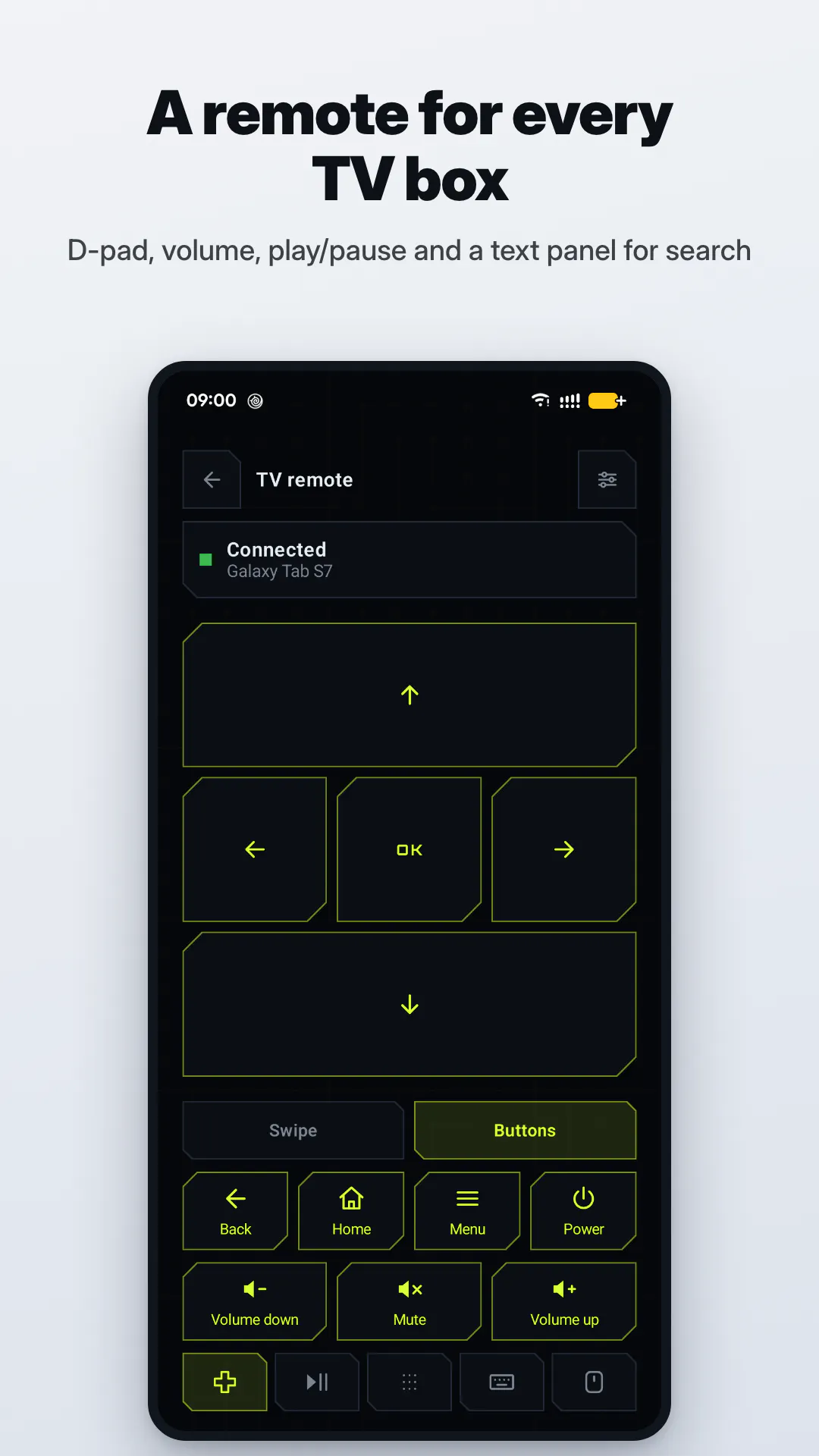
Pros
- ✓No need for dongles, receiver apps, or rooting, simplifying setup
- ✓Universal Bluetooth compatibility across multiple operating systems
- ✓Feature-rich with customizable layouts, turbo, macros, and multiple input options
- ✓Free to use with optional one-time Pro purchase for advanced features
- ✓Supports various devices including Windows, Mac, Linux, Android TV, and other phones
Cons
- ✗Some advanced features may require the Pro upgrade
- ✗Relies on Bluetooth stability, which can vary with device and environment
- ✗Limited information on long-term support or updates
Use Cases
Pricing
Pricing not verified
Quick Info
Topics
Makers

dylan xu
Alternatives
Similar Tools in Marketing & SEO




Embed Badge
Add this badge to your website to show that JoyLink: Phone as Gamepad is featured on Visalytica.
<a href="https://www.visalytica.com/tool/joylink-phone-as-gamepad" target="_blank" rel="noopener noreferrer" style="display:inline-flex;align-items:center;gap:6px;padding:6px 14px;background:#7c3aed;color:#fff;border-radius:8px;font-family:-apple-system,system-ui,sans-serif;font-size:13px;font-weight:600;text-decoration:none;transition:background .2s" onmouseover="this.style.background='#6d28d9'" onmouseout="this.style.background='#7c3aed'"><svg width="14" height="14" viewBox="0 0 24 24" fill="none" stroke="currentColor" stroke-width="2.5" stroke-linecap="round" stroke-linejoin="round"><path d="M12 20V10"/><path d="M18 20V4"/><path d="M6 20v-4"/></svg>Featured on Visalytica</a>