
Jotform Sign for ChatGPT and Claude
Create, send, and sign documents in ChatGPT and Claude
About Jotform Sign for ChatGPT and Claude
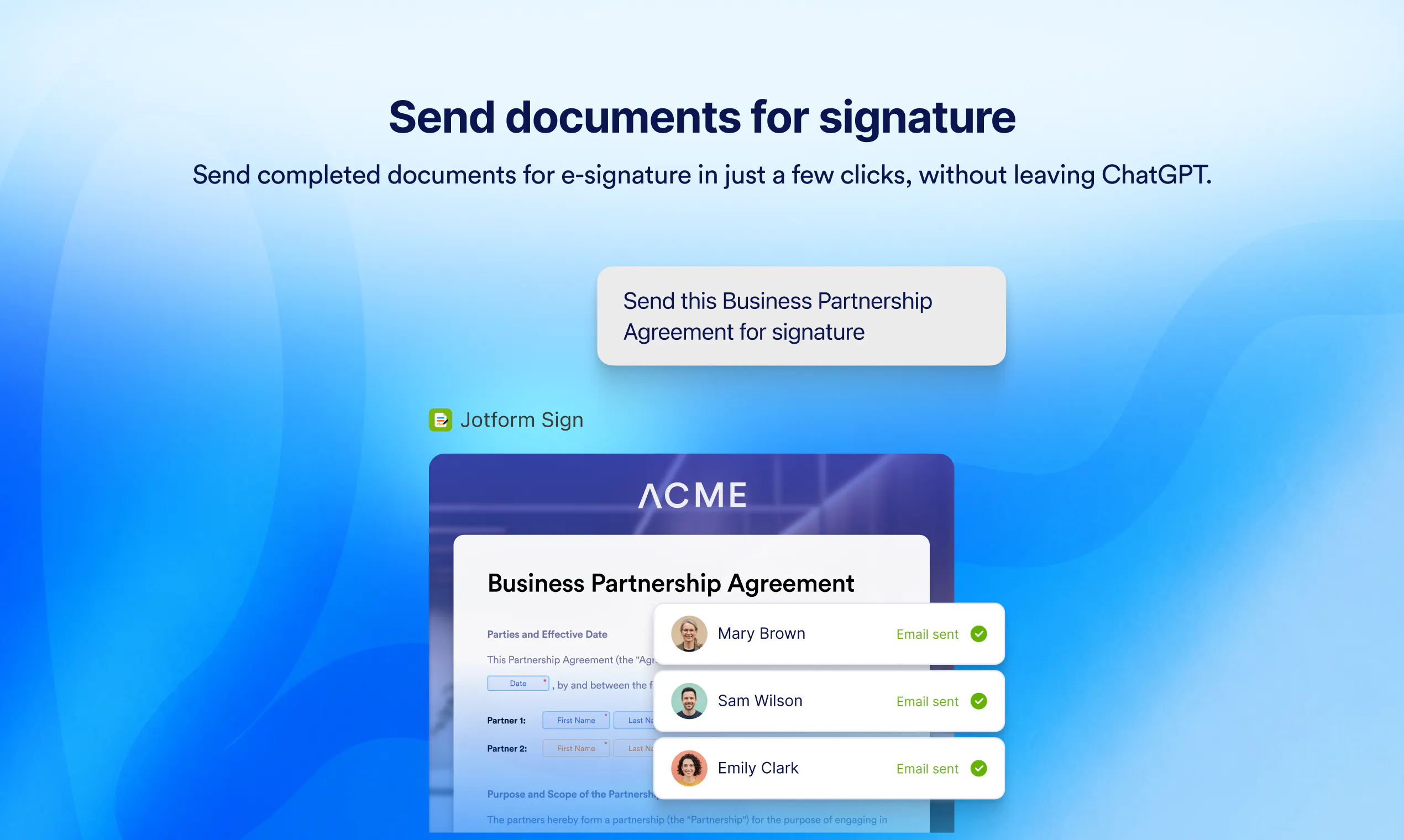
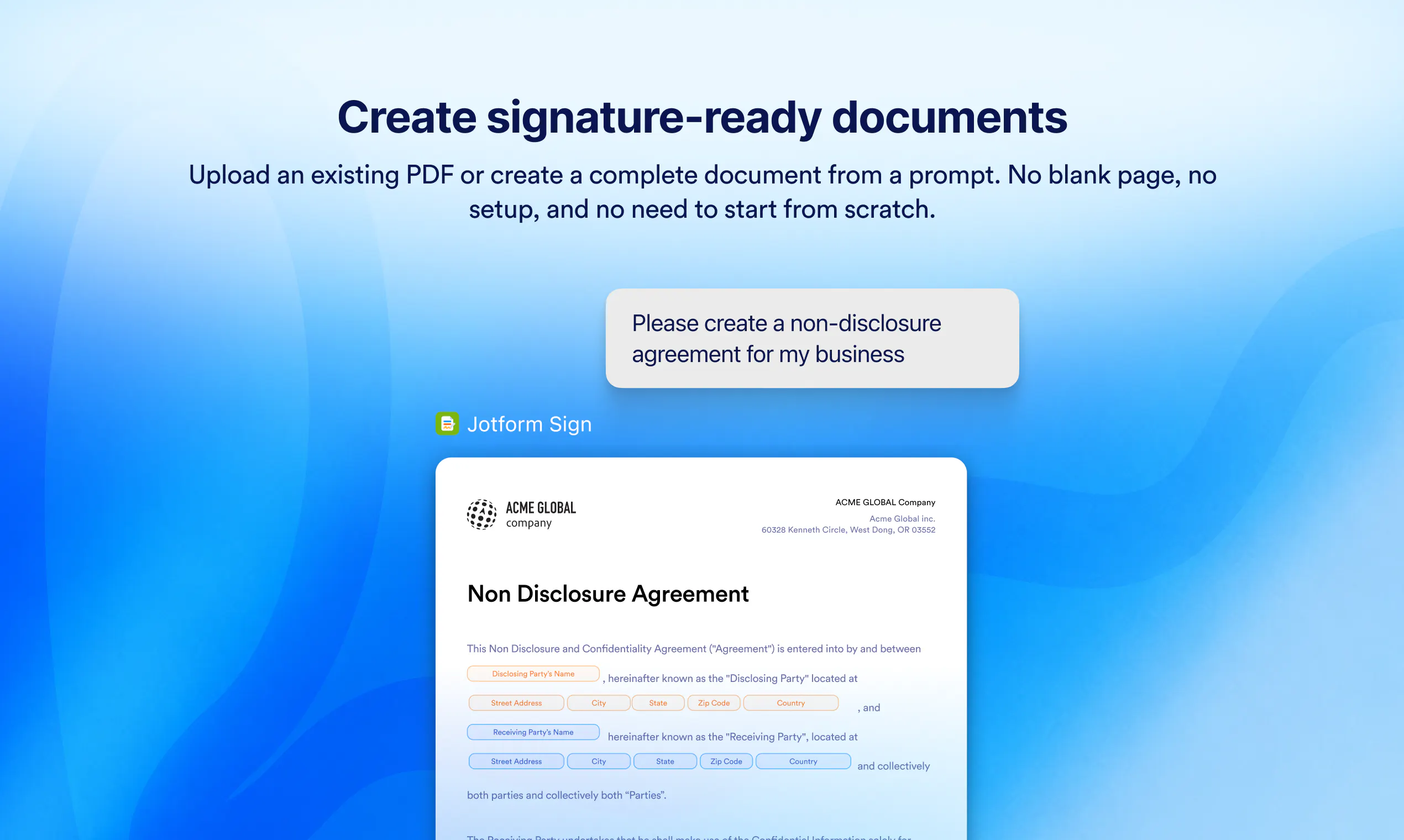
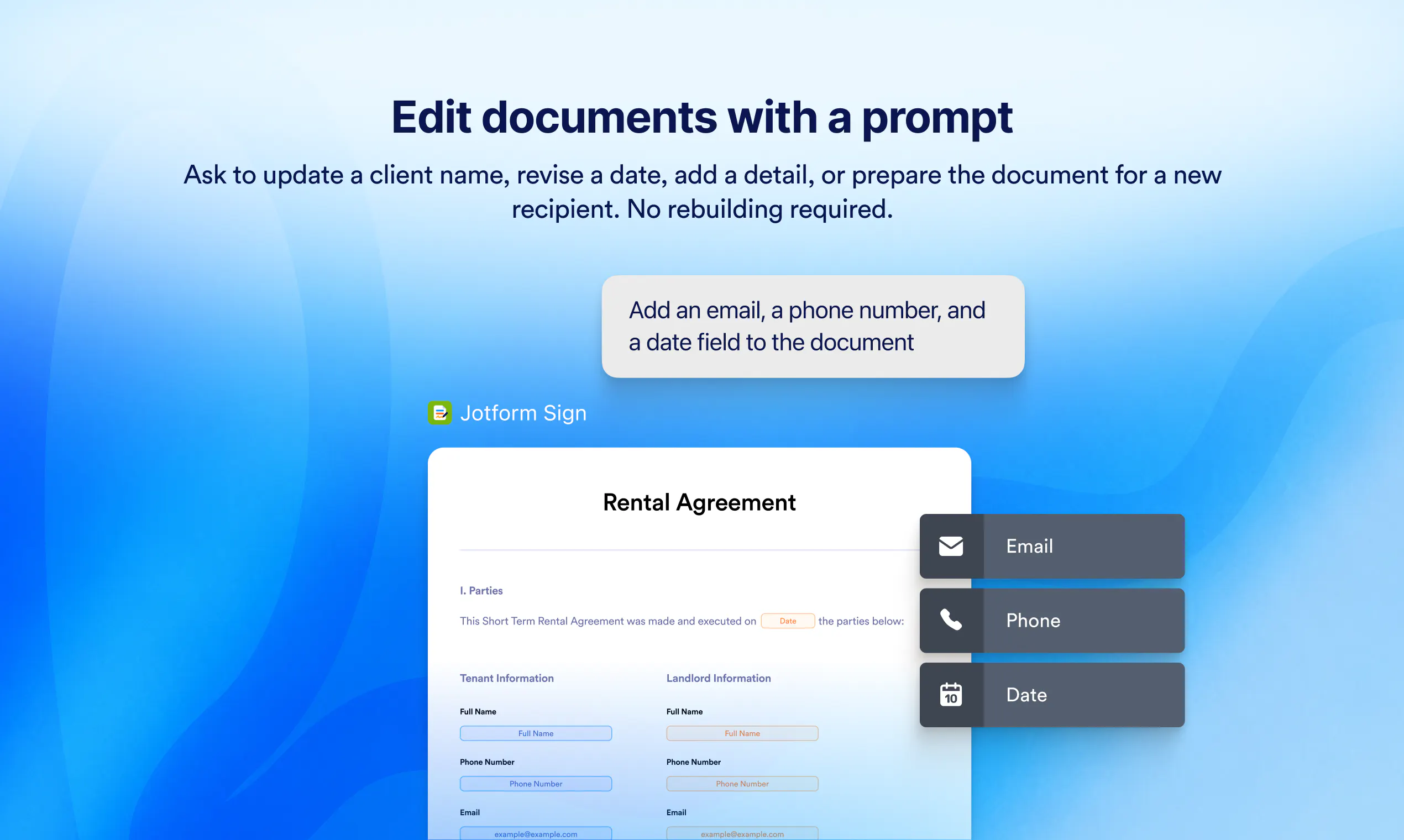
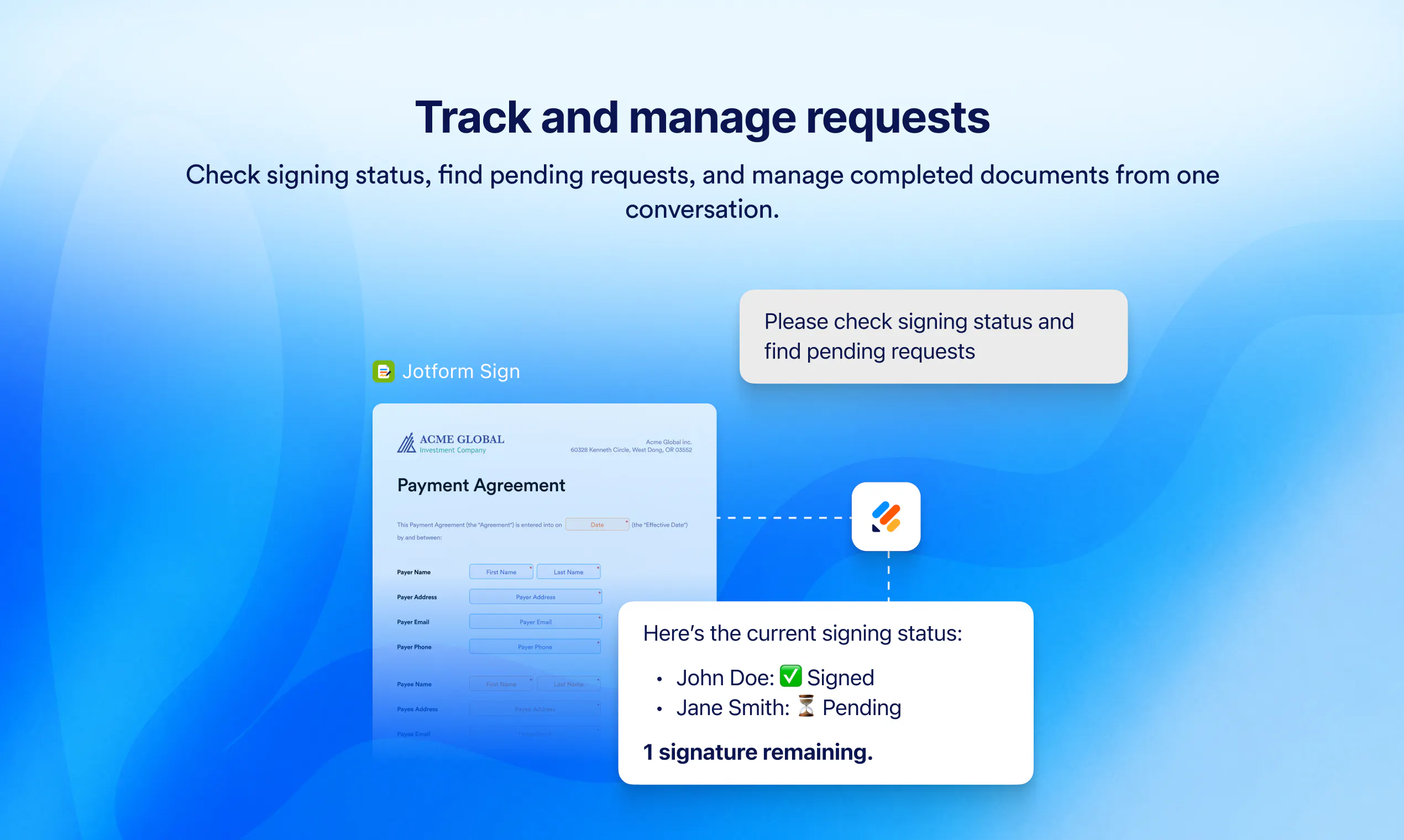
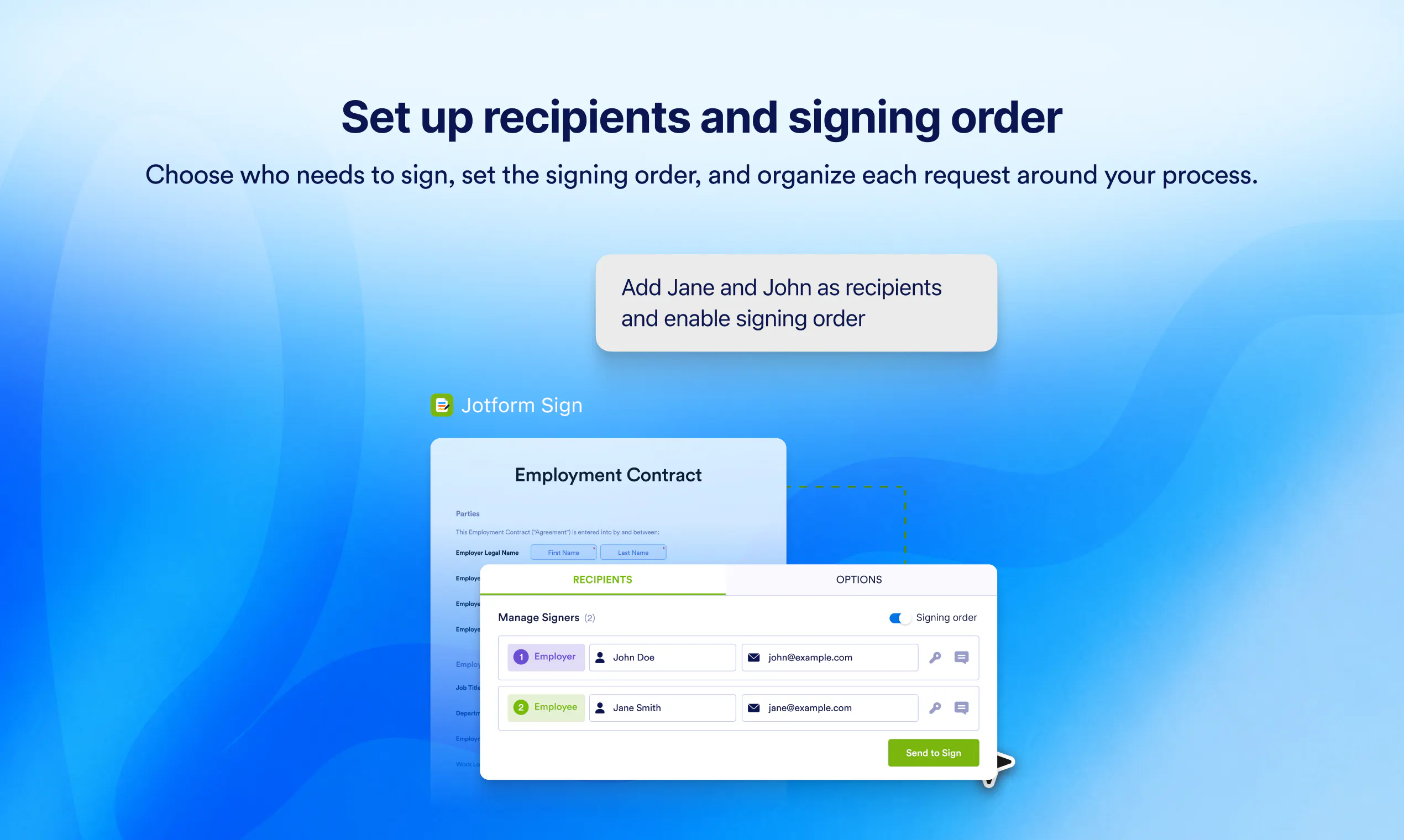
Jotform Sign for ChatGPT and Claude seamlessly integrates the document creation and electronic signature process into popular AI workspaces. Designed for professionals and teams who frequently handle contracts, agreements, or approvals, this tool allows users to generate signature-ready documents directly from prompts or uploaded files without leaving their AI environment. Its key strength lies in combining the power of AI with streamlined document workflows, enabling users to edit content, manage signing fields, and coordinate multiple recipients effortlessly. By embedding e-signature capabilities within ChatGPT and Claude, Jotform Sign reduces the need to switch between multiple apps, saving time and increasing efficiency. This integration is particularly valuable for remote teams, legal professionals, sales teams, and freelancers looking to accelerate their document approval processes while maintaining control and oversight within familiar AI tools.
Screenshots
Pros
- ✓Seamless integration with ChatGPT and Claude for streamlined workflows
- ✓Easy creation and editing of signature documents from prompts or files
- ✓Centralized management of recipients, signing order, and document tracking
- ✓Eliminates the need to switch between separate document and signature tools
- ✓Supports existing Jotform Sign workflows within AI environments
Cons
- ✗Limited information on pricing and subscription options
- ✗Potential learning curve for new users unfamiliar with Jotform Sign
- ✗Dependence on AI platform stability and API integrations
Use Cases
Pricing
Pricing not verified
Quick Info
Topics
Alternatives
Similar Tools in AI Assistants




Embed Badge
Add this badge to your website to show that Jotform Sign for ChatGPT and Claude is featured on Visalytica.
<a href="https://www.visalytica.com/tool/jotform-sign-for-chatgpt-and-claude" target="_blank" rel="noopener noreferrer" style="display:inline-flex;align-items:center;gap:6px;padding:6px 14px;background:#7c3aed;color:#fff;border-radius:8px;font-family:-apple-system,system-ui,sans-serif;font-size:13px;font-weight:600;text-decoration:none;transition:background .2s" onmouseover="this.style.background='#6d28d9'" onmouseout="this.style.background='#7c3aed'"><svg width="14" height="14" viewBox="0 0 24 24" fill="none" stroke="currentColor" stroke-width="2.5" stroke-linecap="round" stroke-linejoin="round"><path d="M12 20V10"/><path d="M18 20V4"/><path d="M6 20v-4"/></svg>Featured on Visalytica</a>