
Jotform Claude App
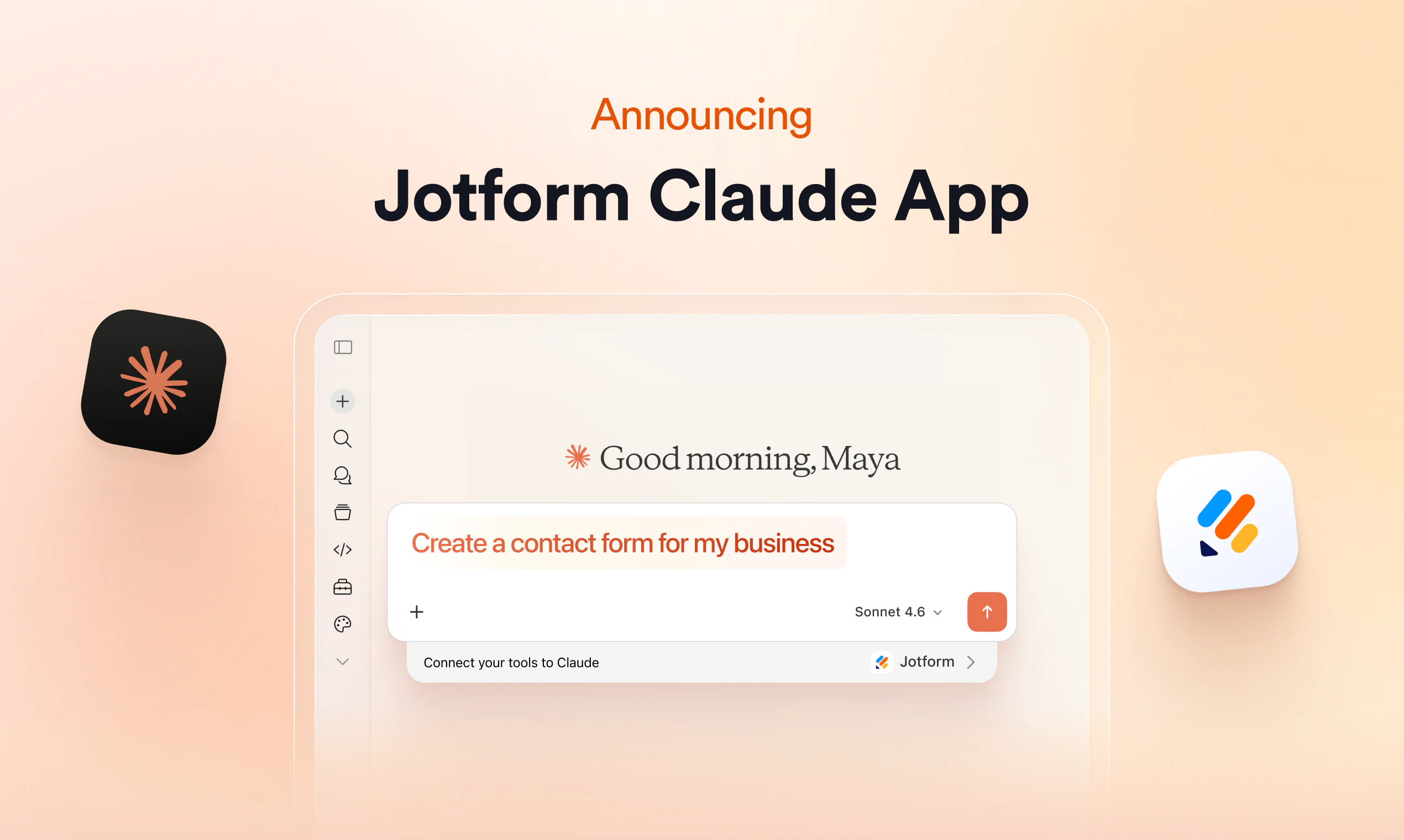
Build, edit, and analyze forms directly in Claude
About Jotform Claude App
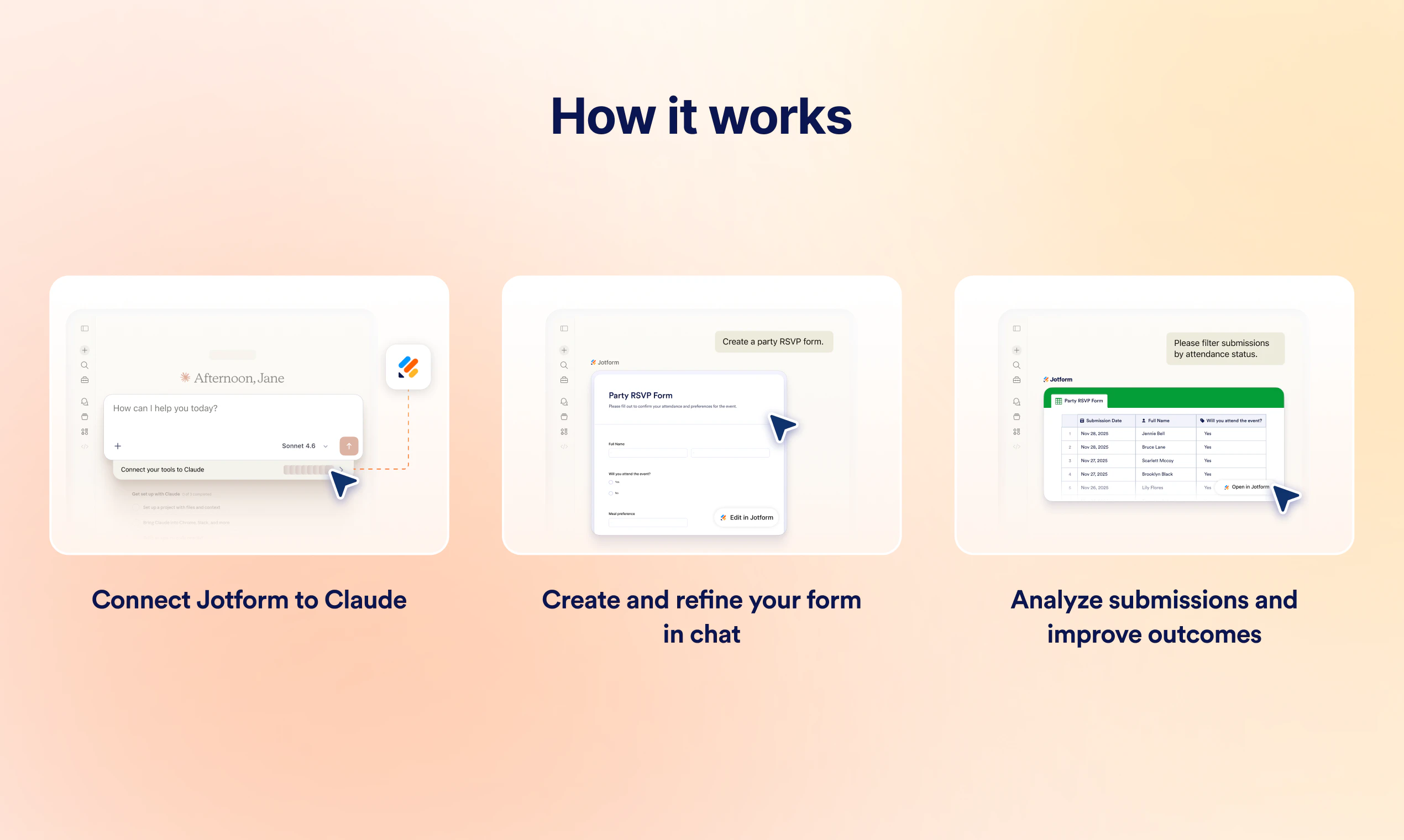
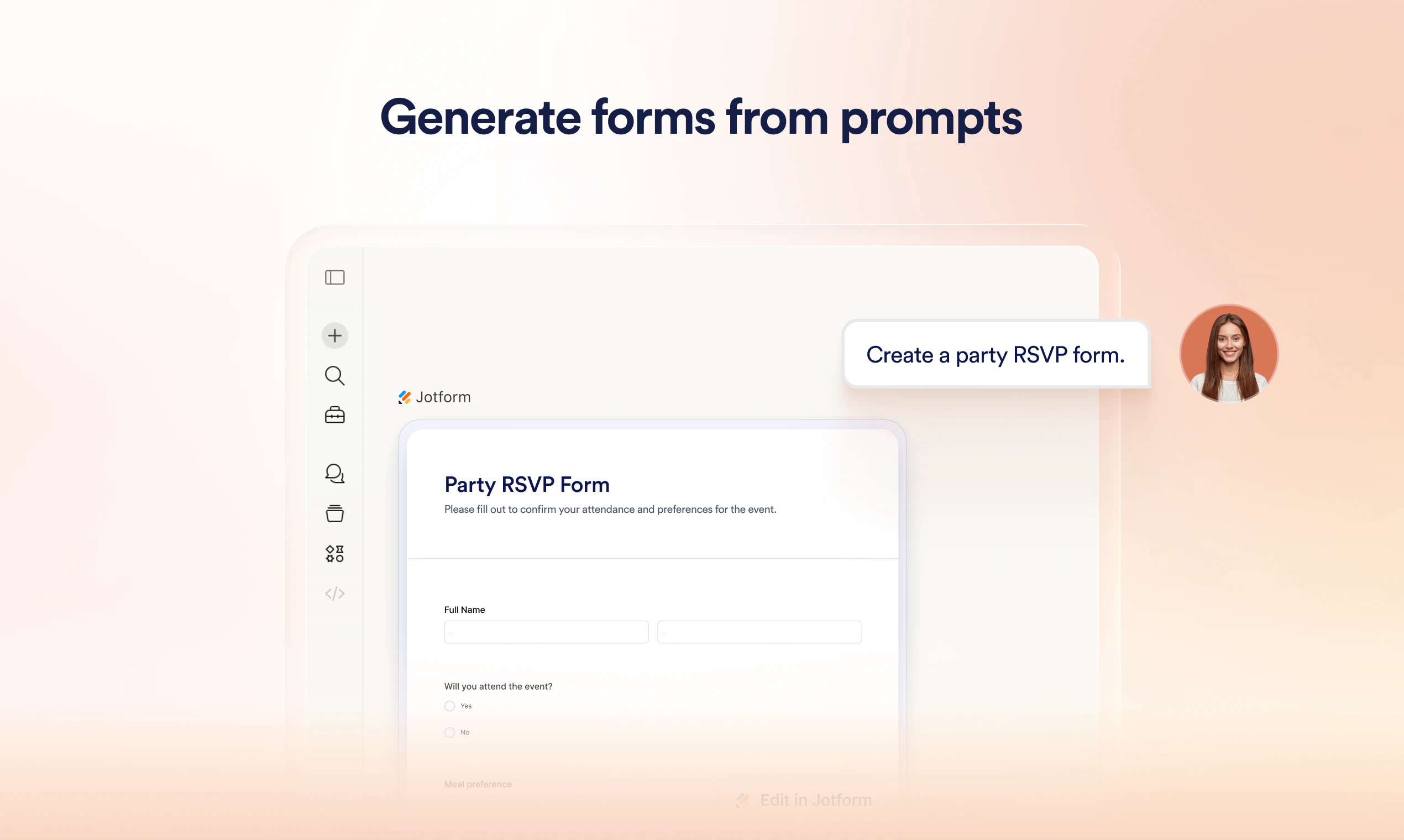
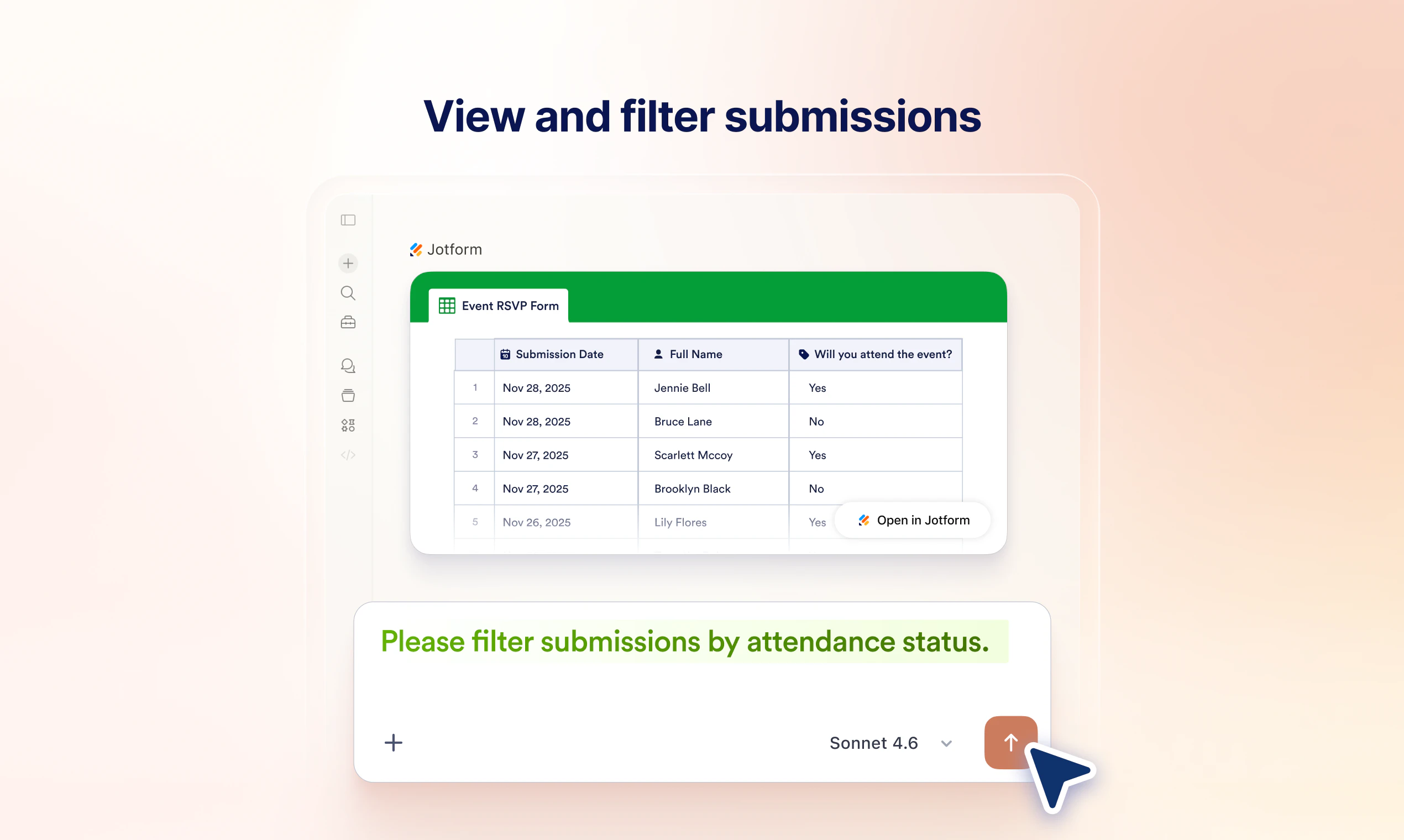
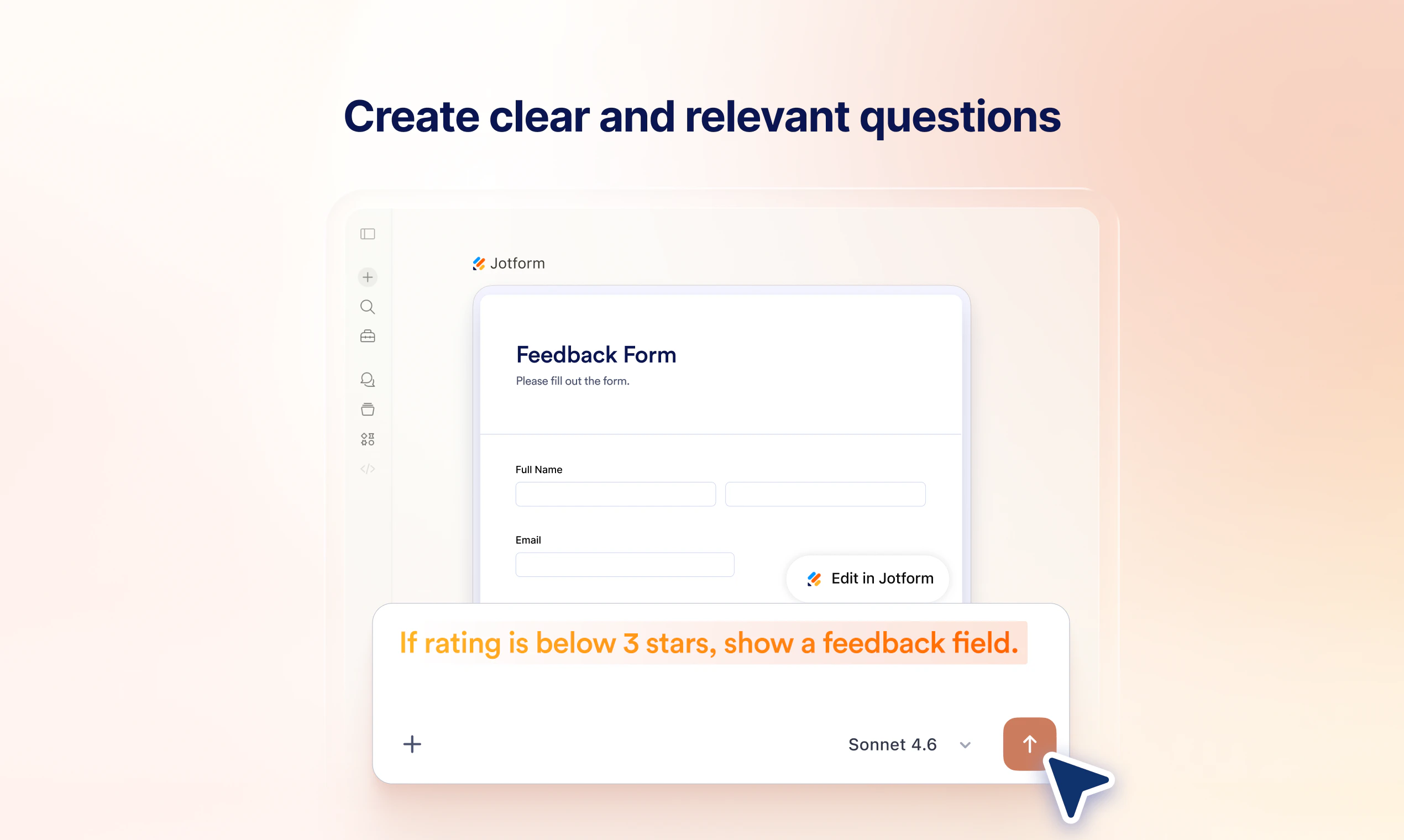
Jotform Claude App is an innovative integration that allows users to create, edit, and analyze forms directly within the Claude AI environment through simple conversational commands. Designed for both non-technical users and professionals, it eliminates the traditional manual setup process by enabling form management via natural language instructions. Whether you're building new forms, modifying existing ones, adding conditional logic, or reviewing submissions, this tool streamlines the entire process into a seamless conversational experience. Its unique approach simplifies form management, making it accessible to users who prefer a no-code, AI-powered interface for quick, efficient workflow automation. This integration is ideal for teams seeking to enhance productivity and reduce time spent on repetitive form tasks while leveraging the power of AI to make data collection and analysis more intuitive.
Screenshots

+1 more screenshots
Pros
- ✓Intuitive conversational interface for building and editing forms
- ✓Eliminates manual setup, saving time and reducing errors
- ✓Allows for easy addition of logic and conditional workflows
- ✓Enables quick search and analysis of submissions
- ✓Integrates smoothly within the Claude AI environment for enhanced productivity
Cons
- ✗Limited details available on advanced customization options
- ✗Potential learning curve for users unfamiliar with Claude AI
- ✗No information on specific pricing tiers or free access
Use Cases
Pricing
Likely follows a freemium model, offering basic features for free with premium plans that unlock advanced functionalities, though specific details are not publicly confirmed.
Quick Info
Topics
Alternatives
Similar Tools in Developer Tools




Embed Badge
Add this badge to your website to show that Jotform Claude App is featured on Visalytica.
<a href="https://www.visalytica.com/tool/jotform-claude-app" target="_blank" rel="noopener noreferrer" style="display:inline-flex;align-items:center;gap:6px;padding:6px 14px;background:#7c3aed;color:#fff;border-radius:8px;font-family:-apple-system,system-ui,sans-serif;font-size:13px;font-weight:600;text-decoration:none;transition:background .2s" onmouseover="this.style.background='#6d28d9'" onmouseout="this.style.background='#7c3aed'"><svg width="14" height="14" viewBox="0 0 24 24" fill="none" stroke="currentColor" stroke-width="2.5" stroke-linecap="round" stroke-linejoin="round"><path d="M12 20V10"/><path d="M18 20V4"/><path d="M6 20v-4"/></svg>Featured on Visalytica</a>