
Jarq
Translate, shorten, fix or rewrite any text near your cursor
About Jarq
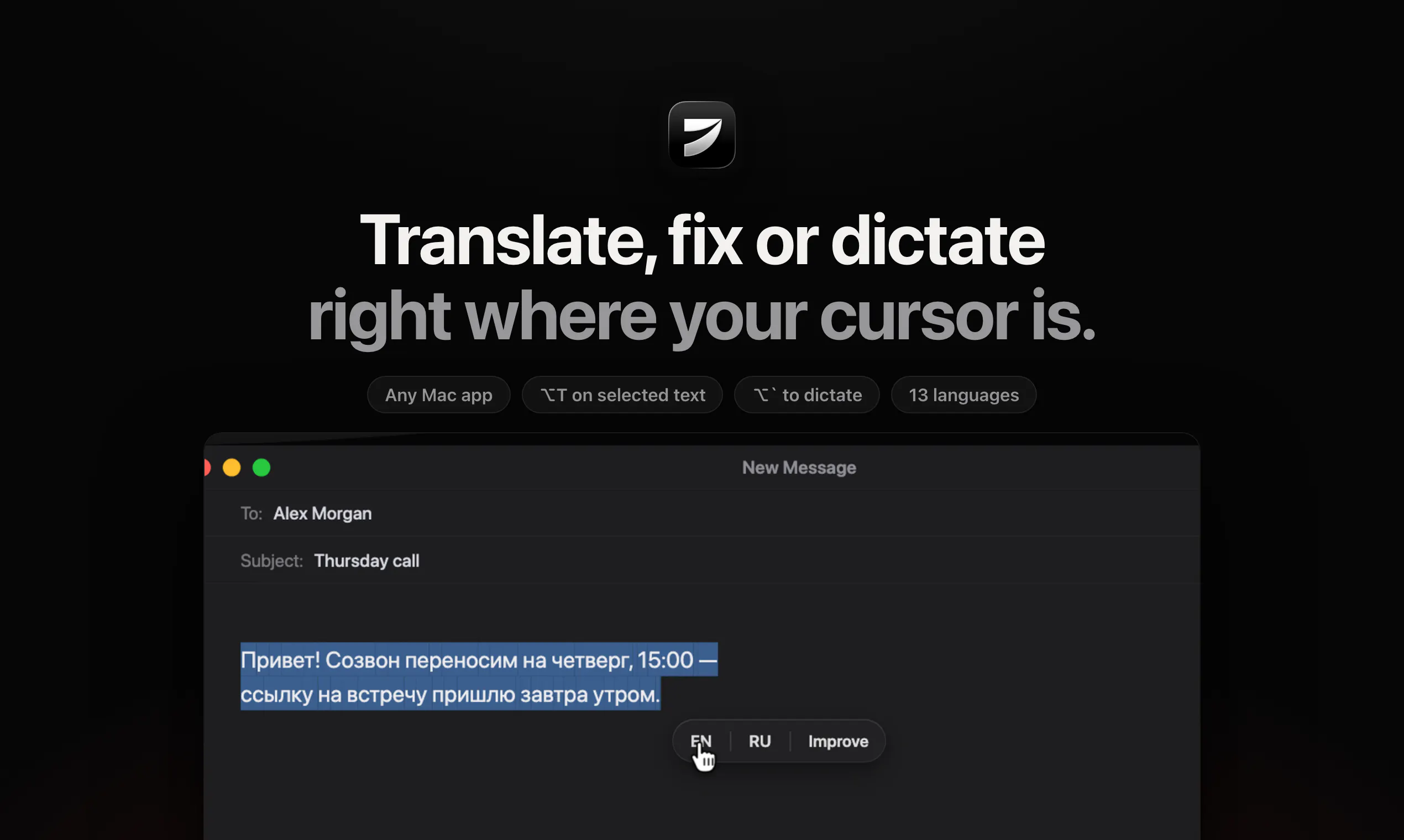
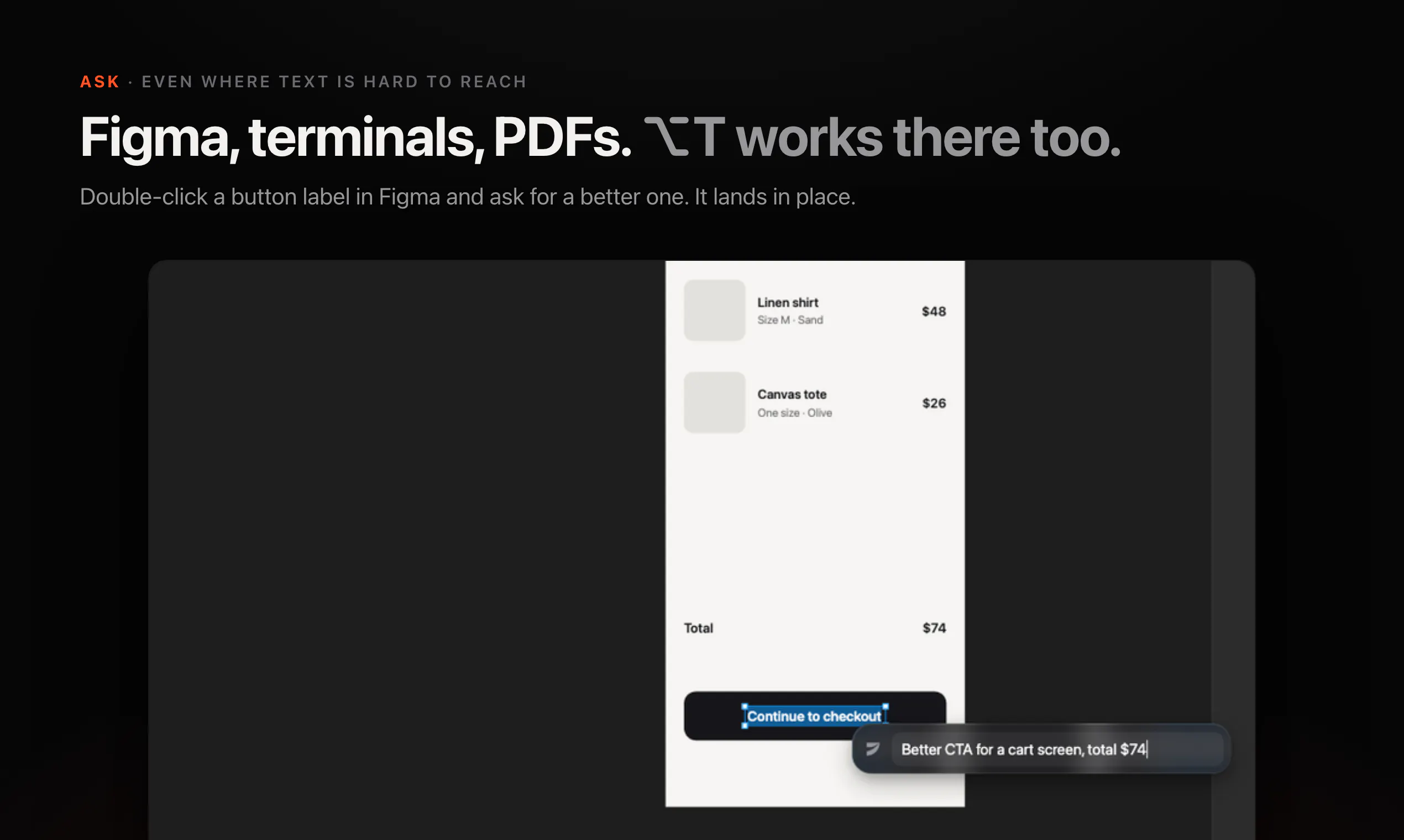
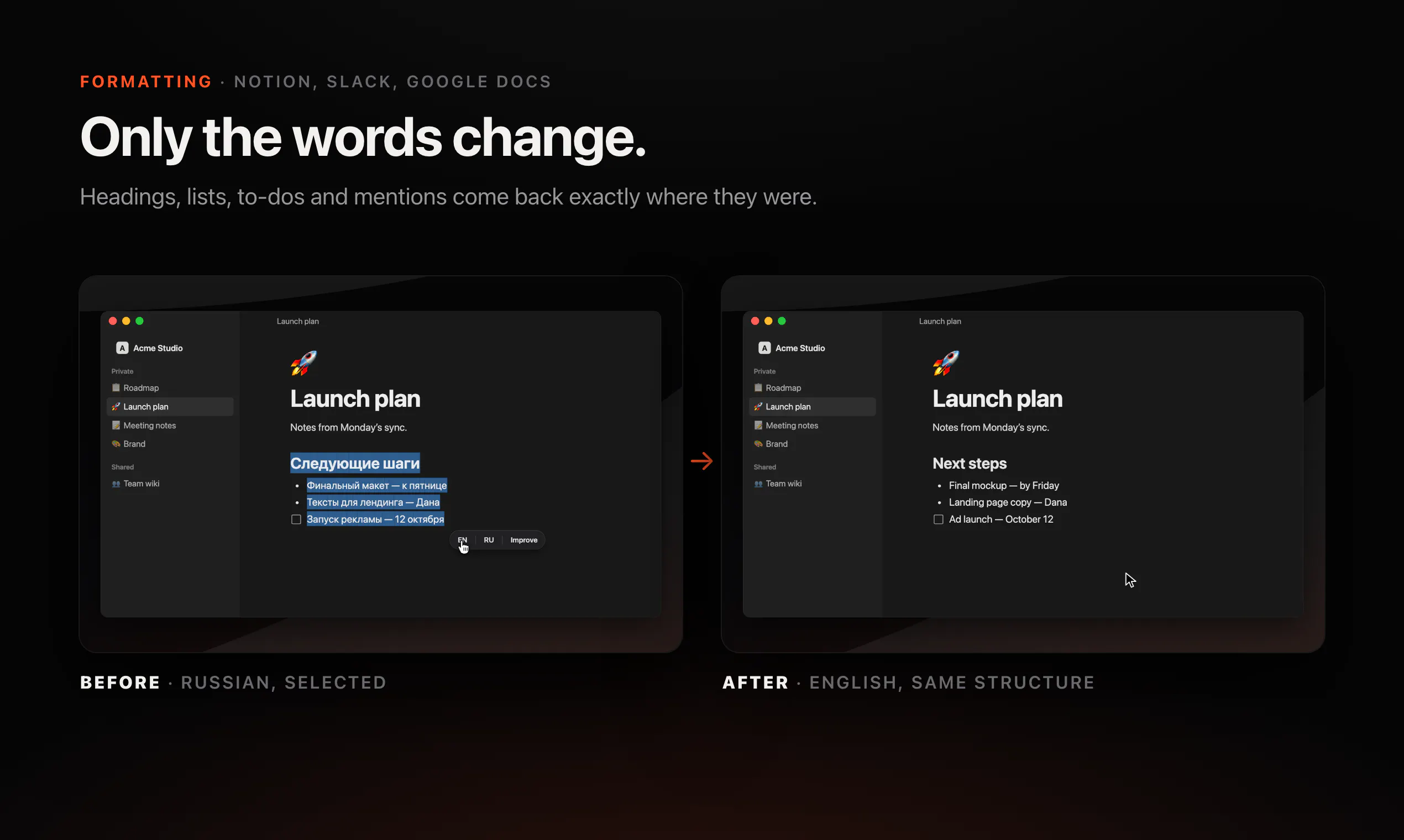
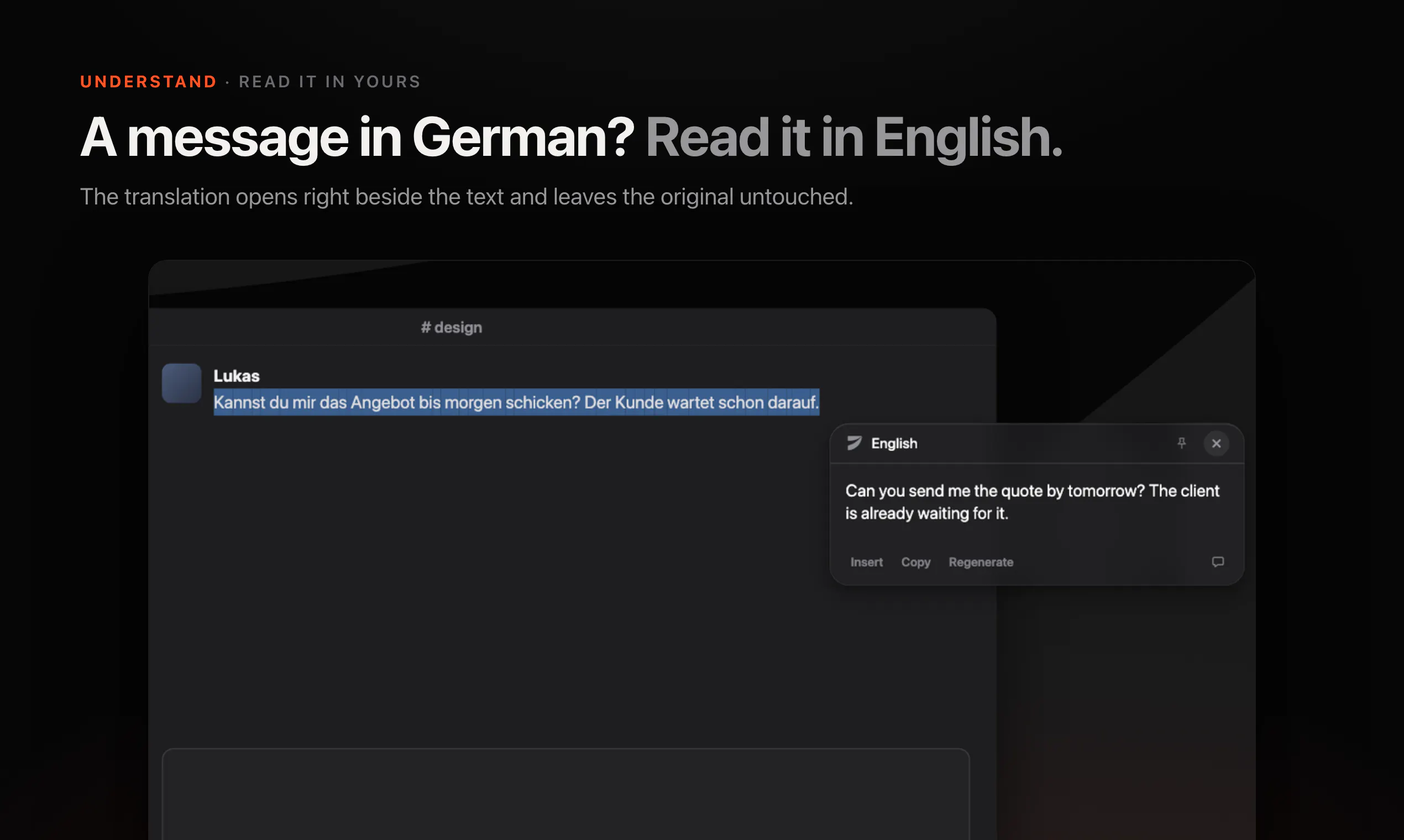
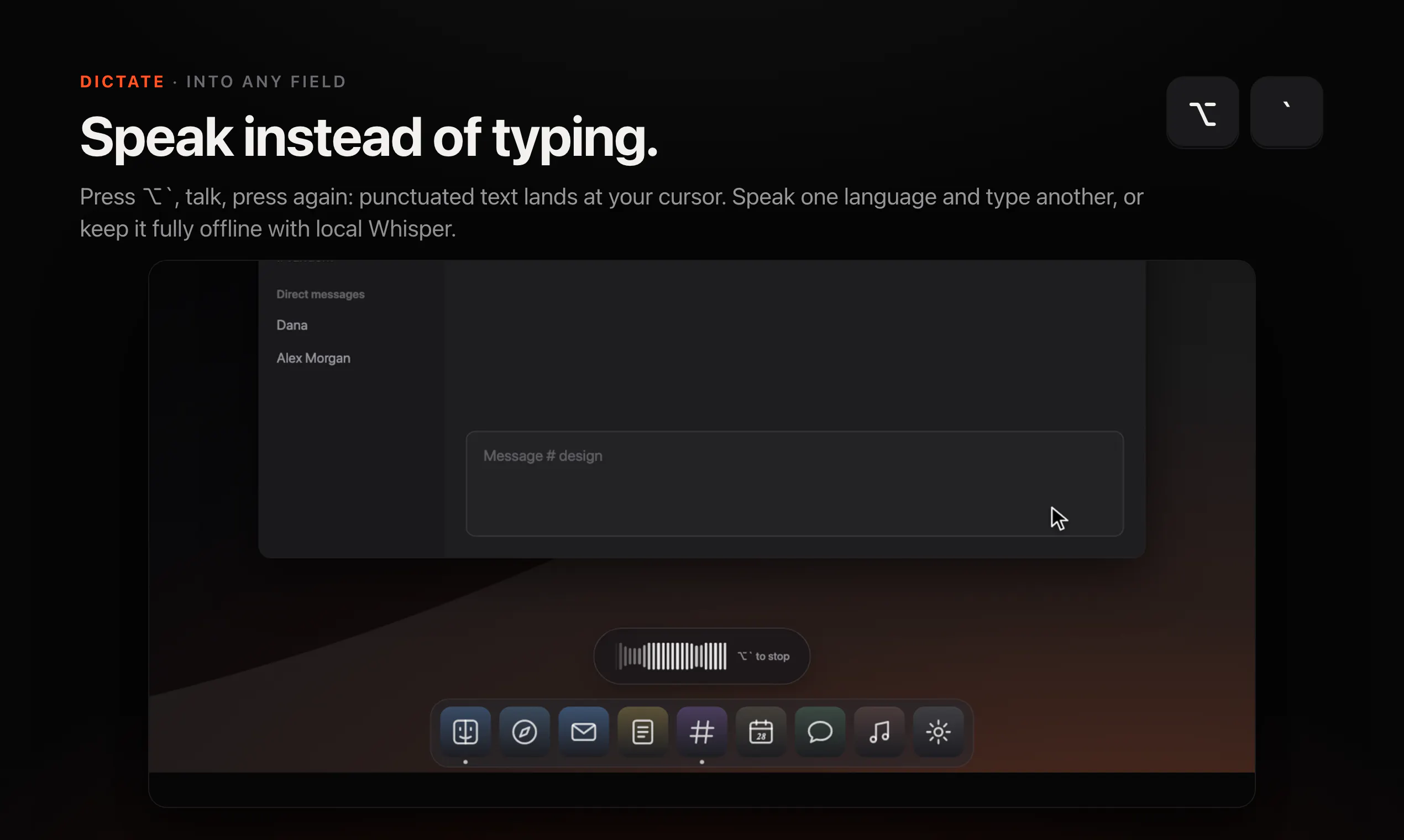
Jarq is a versatile productivity tool designed for Mac users who frequently work with text in various applications. It allows users to translate, shorten, fix, or rewrite any text directly at their cursor, eliminating the need for tedious copy-pasting or switching between apps. With a simple hotkey, users can select text and have it instantly replaced in place, streamlining workflows and saving time. Additionally, Jarq offers voice dictation capabilities, enabling users to speak in one language and receive a clean, translated output in another—supporting 13 languages. Its privacy-focused design ensures that all processing occurs via cloud AI models without storing user text on servers, while local history remains on the user's Mac. The tool offers a free tier with five actions daily and a paid Pro plan for $4.99/month or $39/year, including a 14-day free trial.
Screenshots

+2 more screenshots
Pros
- ✓In-place text editing and translation streamline workflows
- ✓Supports multiple languages for translation and dictation
- ✓No need to switch apps or copy-paste, saving time
- ✓Privacy-conscious design with local history storage
- ✓Affordable Pro subscription with a free trial
Cons
- ✗Limited free actions per day (5) may be restrictive for heavy users
- ✗Reliance on cloud AI models could raise privacy concerns for some users
- ✗Features are primarily focused on Mac, limiting cross-platform use
Use Cases
Pricing
Pricing not verified
Quick Info
Topics
Makers

Birzhan Abishev
Alternatives
Similar Tools in AI Writing




Embed Badge
Add this badge to your website to show that Jarq is featured on Visalytica.
<a href="https://www.visalytica.com/tool/jarq" target="_blank" rel="noopener noreferrer" style="display:inline-flex;align-items:center;gap:6px;padding:6px 14px;background:#7c3aed;color:#fff;border-radius:8px;font-family:-apple-system,system-ui,sans-serif;font-size:13px;font-weight:600;text-decoration:none;transition:background .2s" onmouseover="this.style.background='#6d28d9'" onmouseout="this.style.background='#7c3aed'"><svg width="14" height="14" viewBox="0 0 24 24" fill="none" stroke="currentColor" stroke-width="2.5" stroke-linecap="round" stroke-linejoin="round"><path d="M12 20V10"/><path d="M18 20V4"/><path d="M6 20v-4"/></svg>Featured on Visalytica</a>