
Intelligent Terminal
Windows Terminal with native agent integration
About Intelligent Terminal
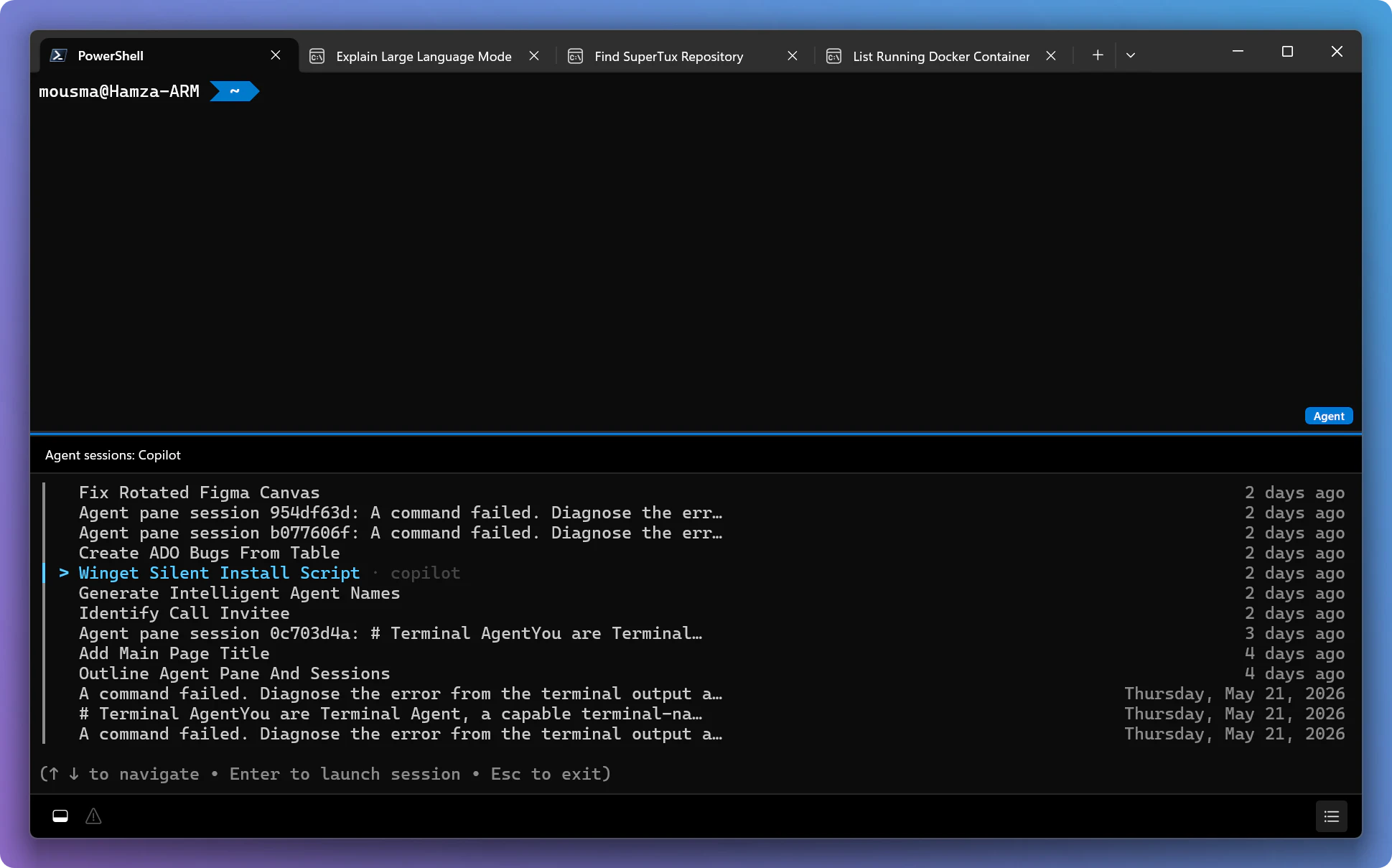
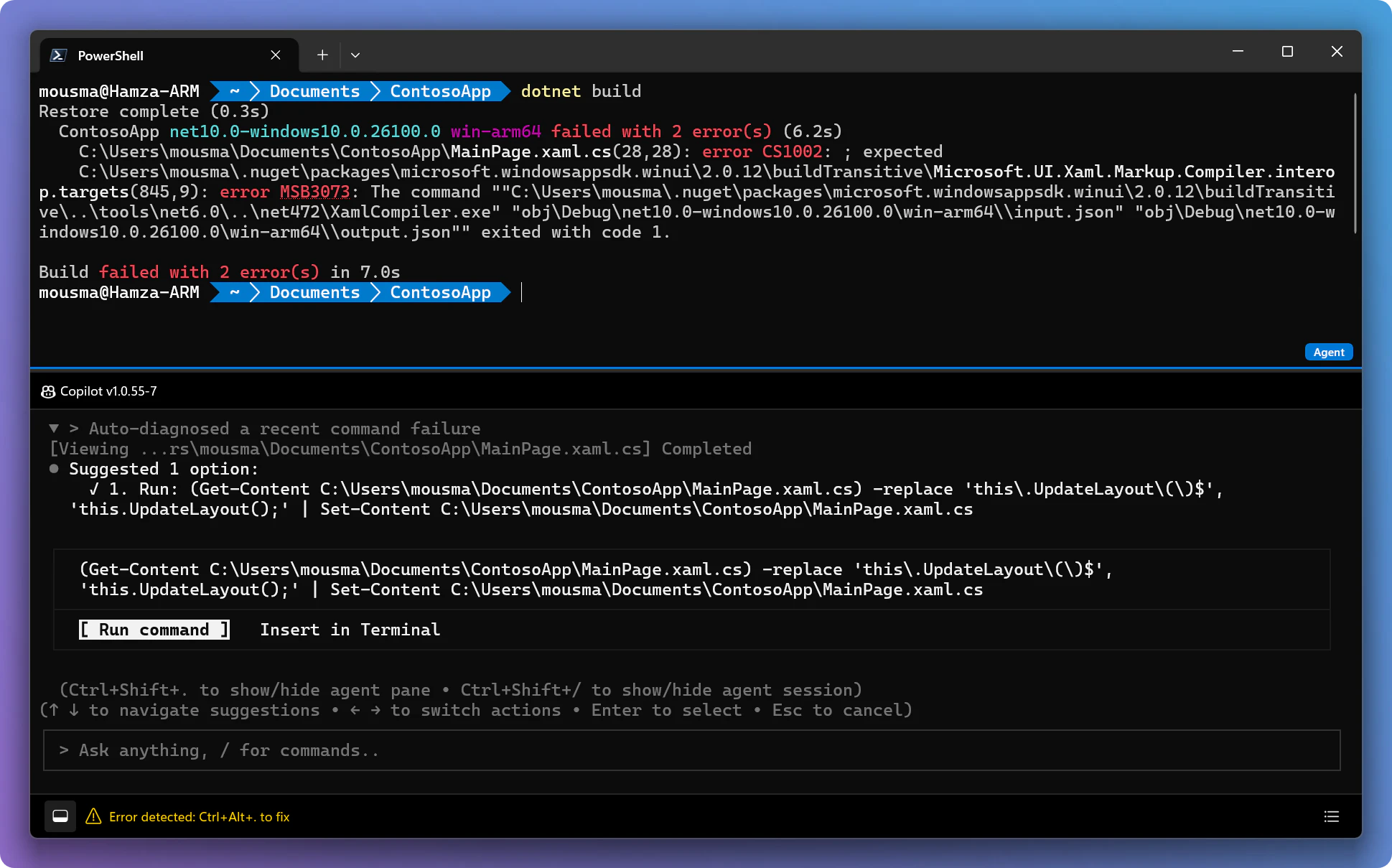
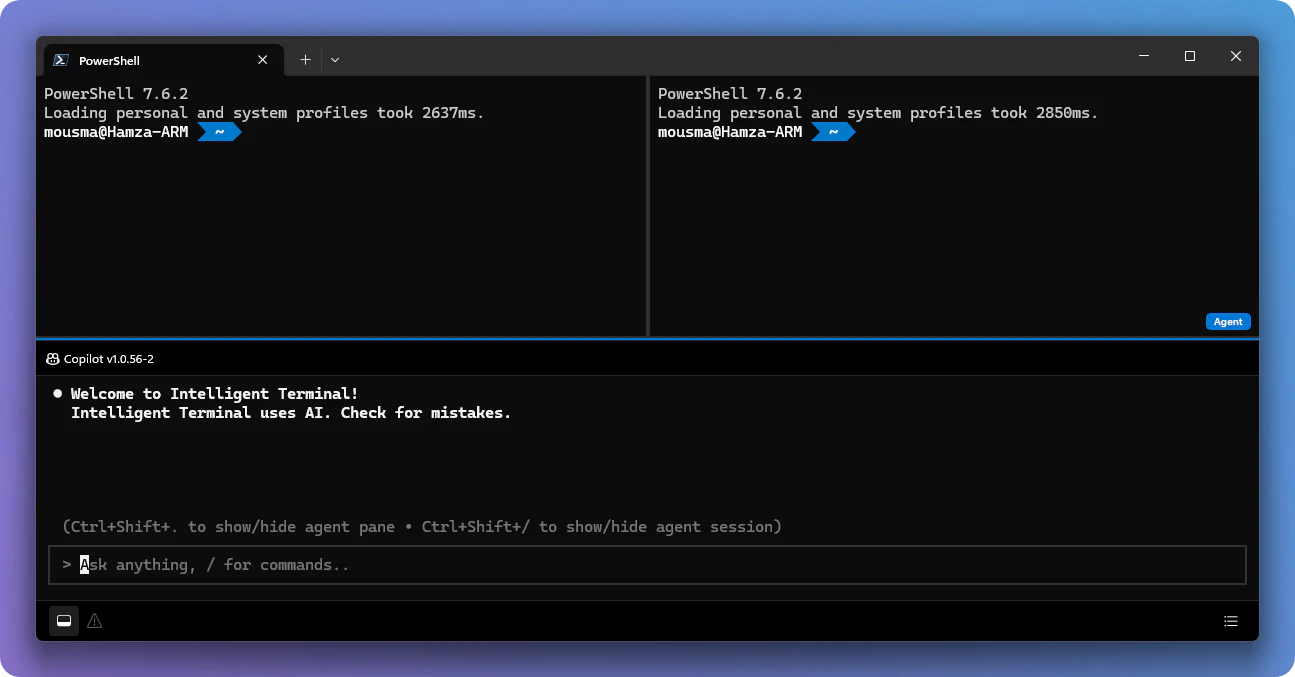
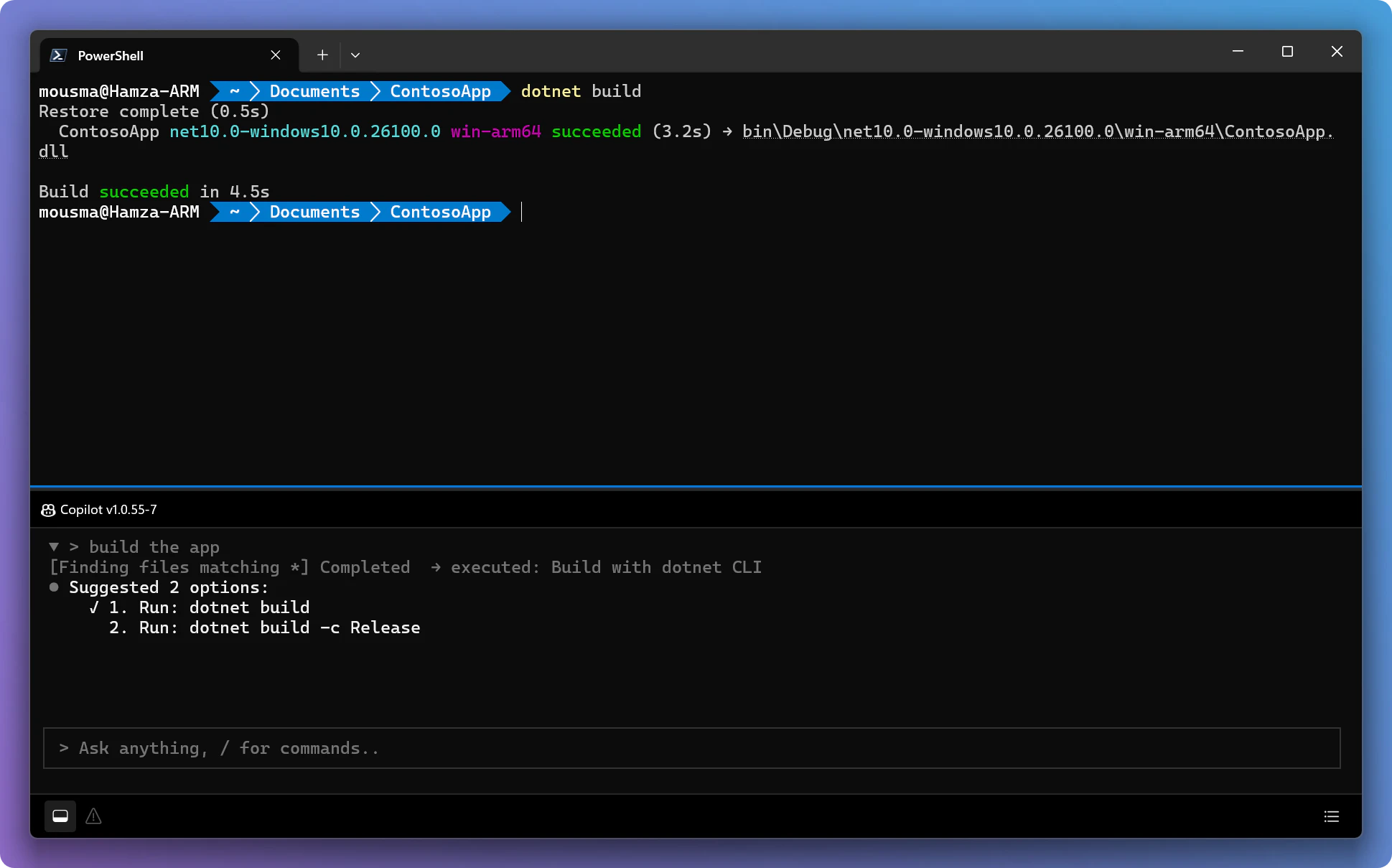
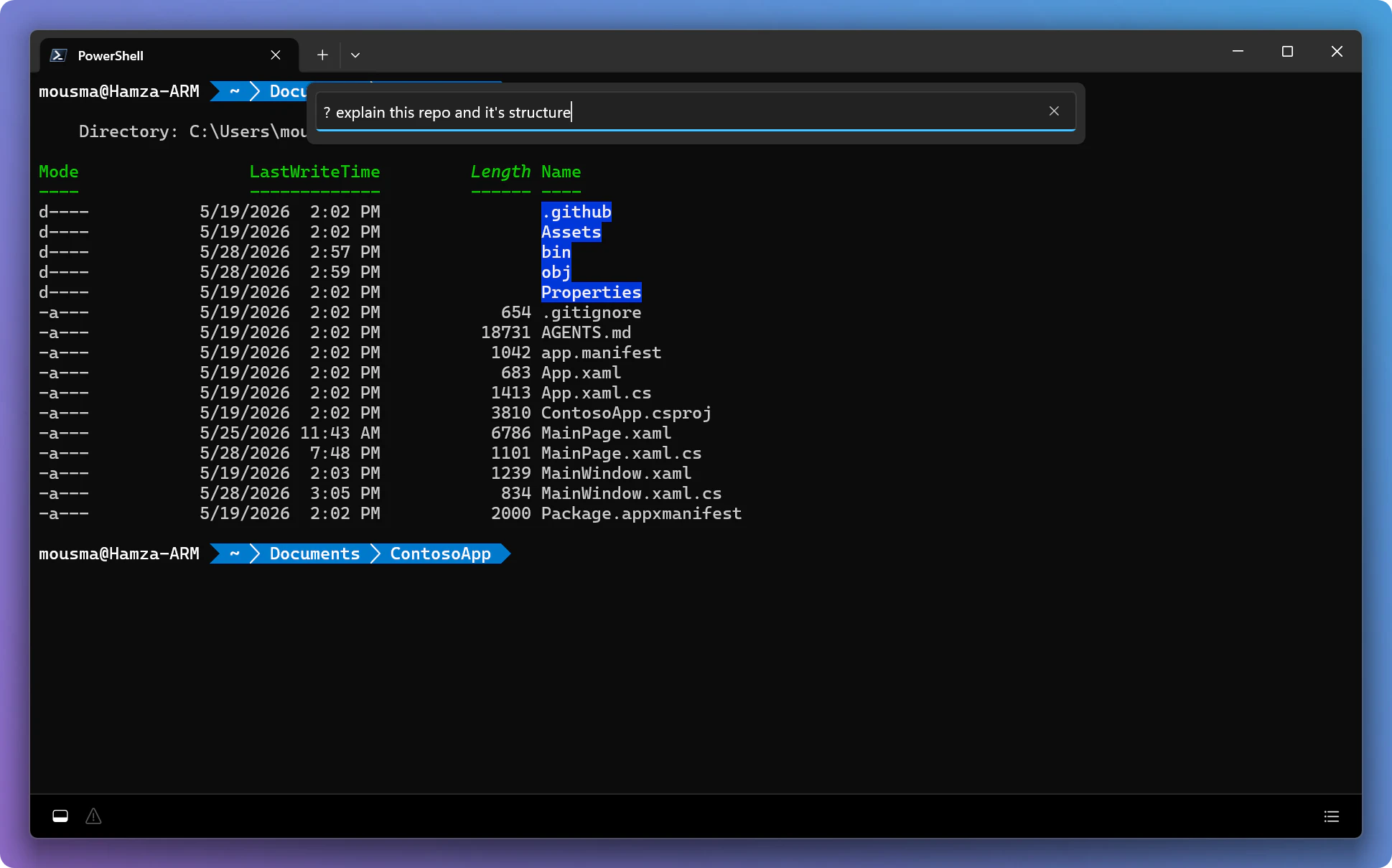
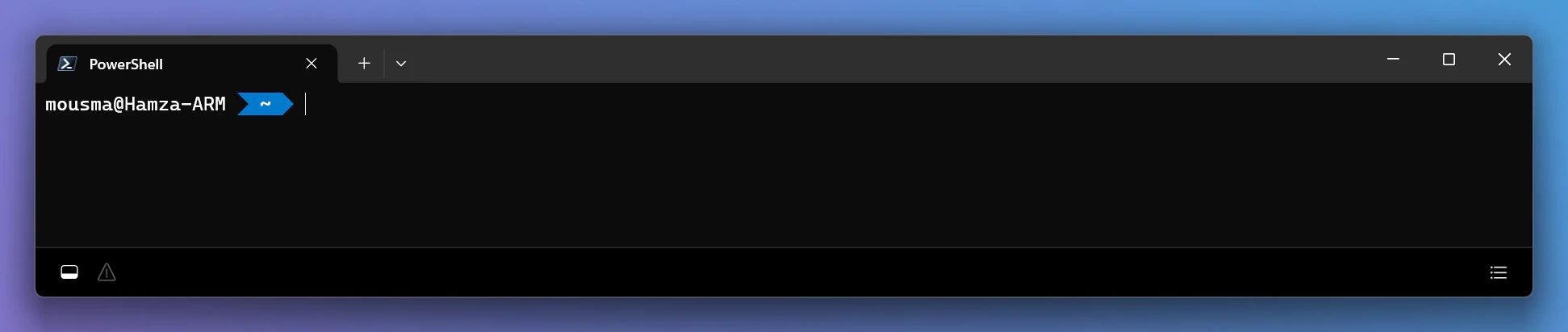
Intelligent Terminal is an innovative, open-source fork of Windows Terminal designed for developers seeking enhanced productivity and seamless integration with AI and CLI tools. It introduces native agent integration, allowing users to monitor and manage background agents directly within the terminal interface. The tool features an agent status bar, context-aware agent pane, and automatic error detection, making it easier to troubleshoot and optimize workflows. Additionally, its session management capabilities and command palette prompts for ACP-compatible agent CLIs streamline complex tasks, especially for developers working with AI models, automation scripts, or multi-session environments. Its experimental nature means it pushes the boundaries of traditional terminal functionality, catering to tech-savvy users eager to customize and enhance their command-line experience. As an open-source project, it invites community contributions and continuous improvement, making it a promising tool for those looking to modernize their terminal environment with AI and agent integrations.
Screenshots
Pros
- ✓Native agent integration for real-time status monitoring
- ✓Enhanced session management and error detection
- ✓Open-source with community-driven development
- ✓Customizable with features like command palette prompts
- ✓Ideal for AI developers and automation workflows
Cons
- ✗Experimental status may lead to stability issues
- ✗Limited documentation and user base at present
- ✗Requires familiarity with advanced terminal customization
Use Cases
Pricing
Intelligent Terminal is open-source and free to use, with ongoing community contributions and potential for future paid features or support options.
Quick Info
Topics
Alternatives
Similar Tools in Developer Tools




Embed Badge
Add this badge to your website to show that Intelligent Terminal is featured on Visalytica.
<a href="https://www.visalytica.com/tool/intelligent-terminal" target="_blank" rel="noopener noreferrer" style="display:inline-flex;align-items:center;gap:6px;padding:6px 14px;background:#7c3aed;color:#fff;border-radius:8px;font-family:-apple-system,system-ui,sans-serif;font-size:13px;font-weight:600;text-decoration:none;transition:background .2s" onmouseover="this.style.background='#6d28d9'" onmouseout="this.style.background='#7c3aed'"><svg width="14" height="14" viewBox="0 0 24 24" fill="none" stroke="currentColor" stroke-width="2.5" stroke-linecap="round" stroke-linejoin="round"><path d="M12 20V10"/><path d="M18 20V4"/><path d="M6 20v-4"/></svg>Featured on Visalytica</a>