
Inkive
Read. Snap. Sync. Local AI for physical book highlights.
About Inkive
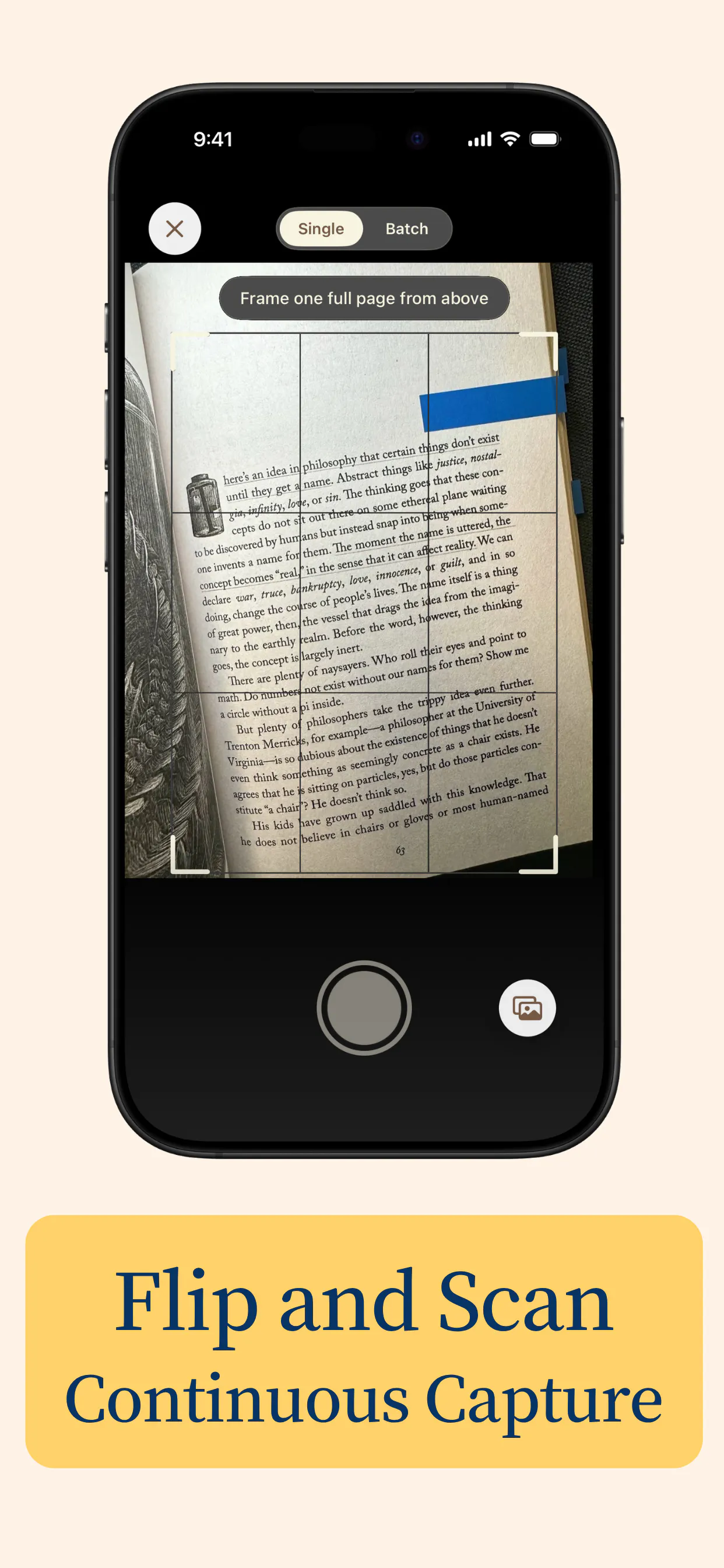
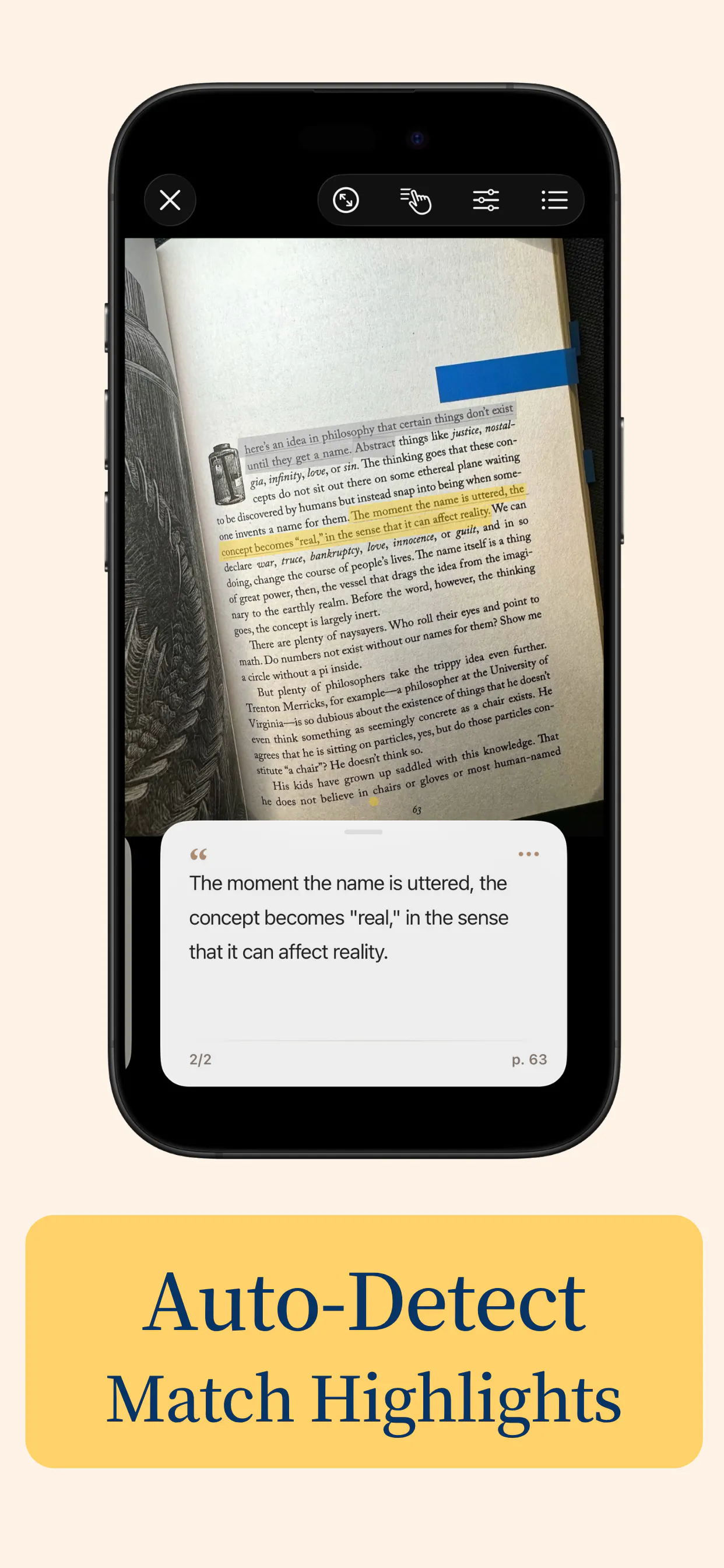
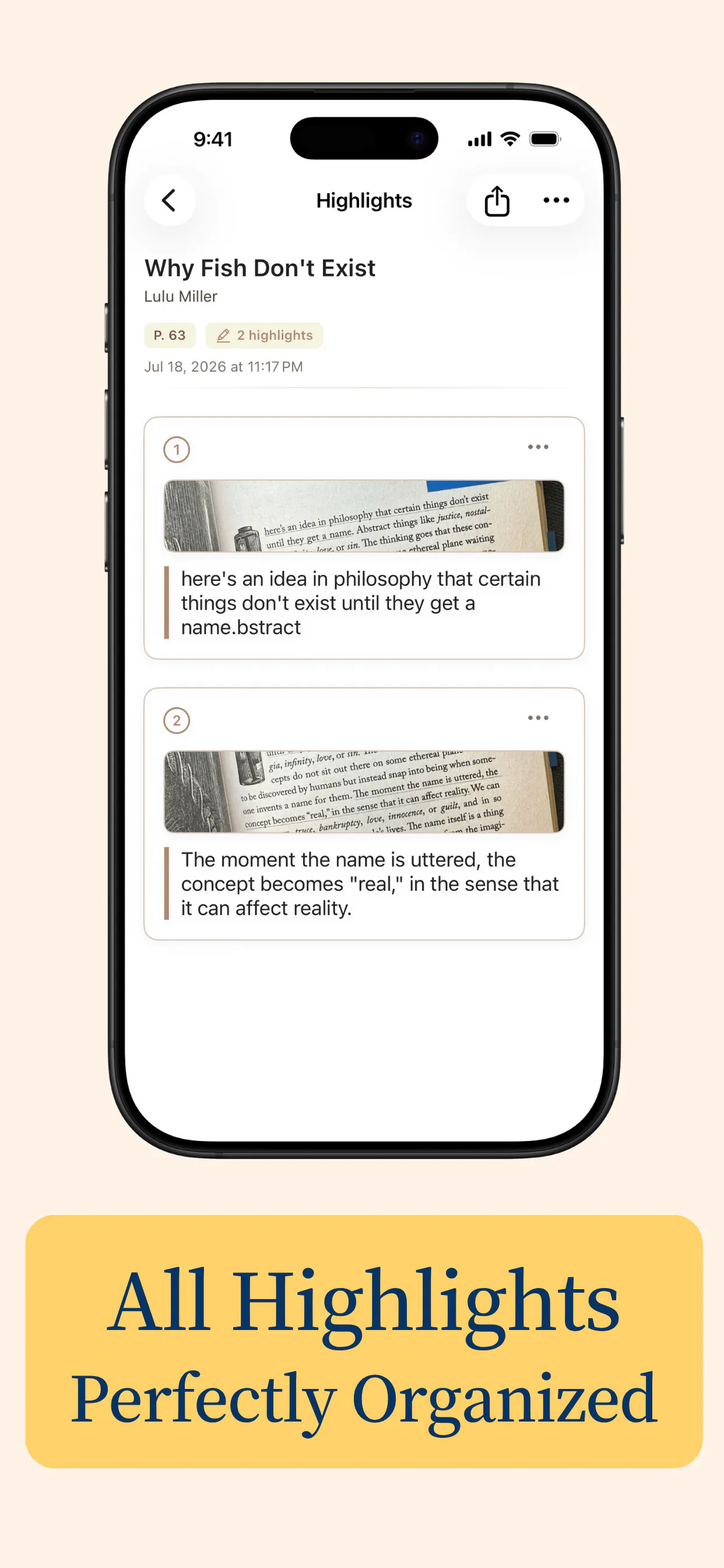
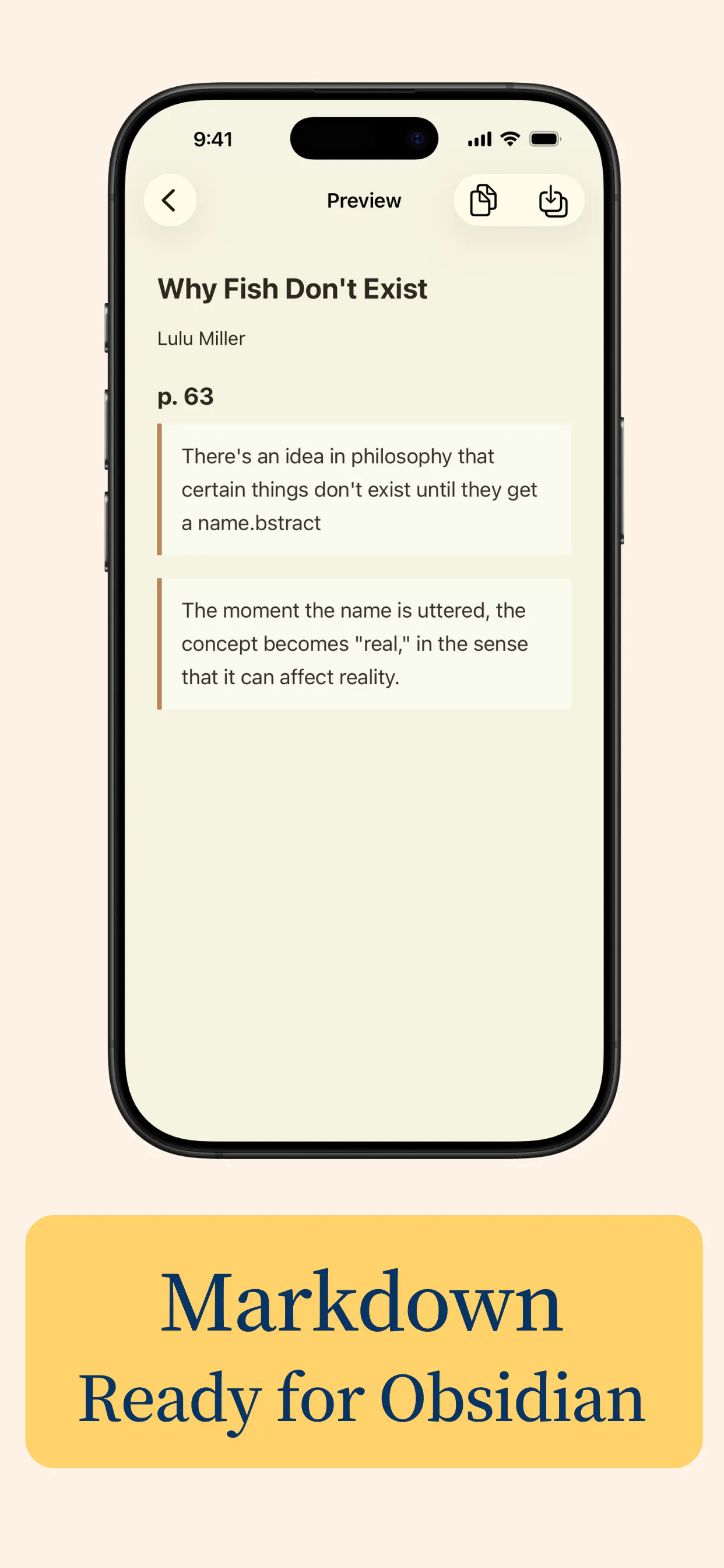
Inkive is a innovative productivity tool designed for readers who want to seamlessly convert their physical book highlights into organized digital notes. By leveraging local AI and Apple Vision, it automatically detects and extracts highlighted text from physical books using your iPhone, without the need for internet or cloud storage. This makes it ideal for students, researchers, and avid readers who prefer traditional reading methods but want to build a digital second brain effortlessly. The app’s ability to organize highlights by book, add personal reflections, and export as Markdown ensures a smooth workflow for studying, research, or personal knowledge management. Its offline functionality and privacy-focused design make it stand out as a secure, efficient, and user-friendly solution for turning physical annotations into valuable digital assets.
Screenshots

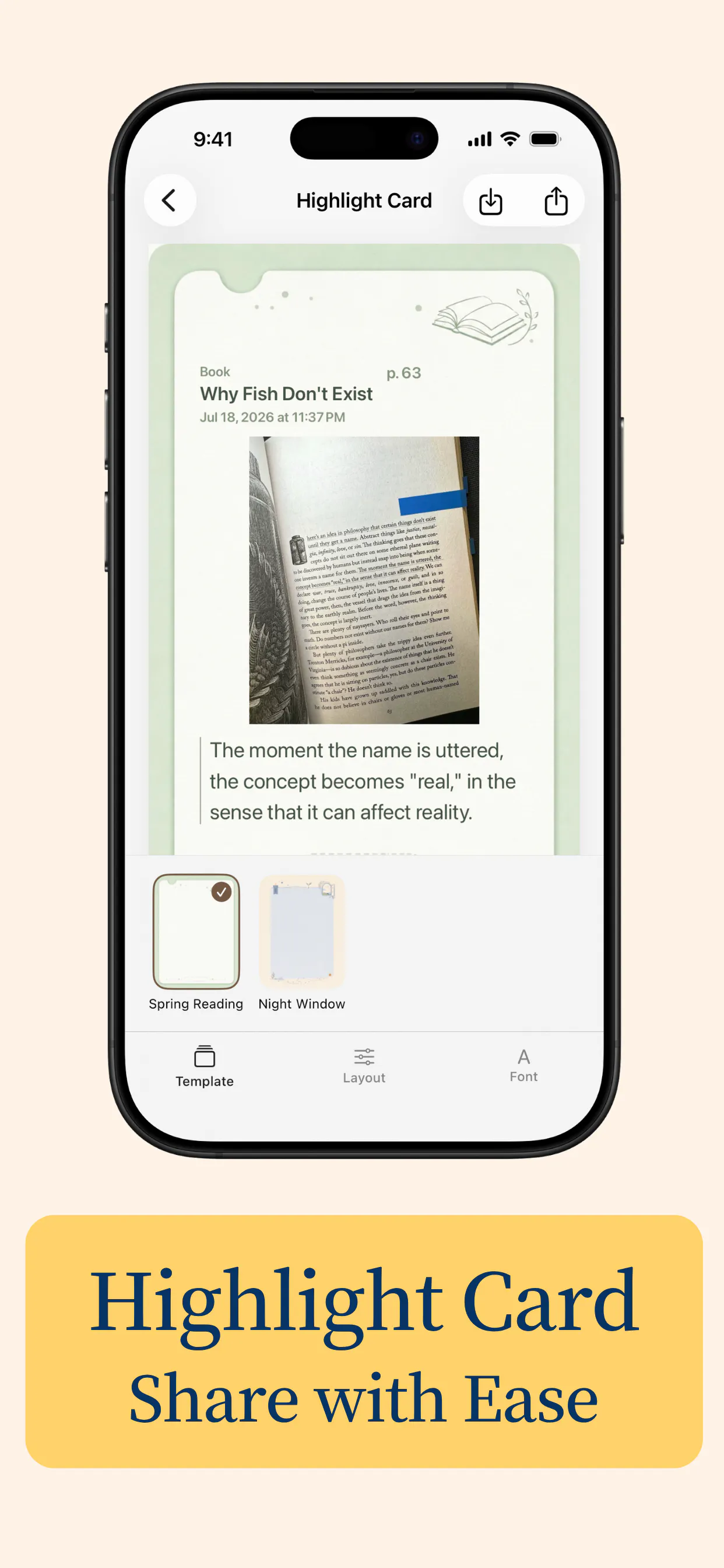
Pros
- ✓Offline operation ensures privacy and no dependency on internet connectivity
- ✓High precision text extraction using Apple Vision technology
- ✓Automatic detection and organization of highlights by book
- ✓Easy export options, including Markdown for seamless integration with other tools
- ✓No accounts or data sharing required, prioritizing user privacy
Cons
- ✗Limited to iPhone devices, excluding Android users
- ✗Relies on physical highlighting, which may vary in quality
- ✗Potential learning curve for new users unfamiliar with scanning and organization features
Use Cases
Pricing
Likely follows a freemium model, offering basic features for free with optional paid plans for additional capabilities or storage, though exact details are not specified.

Similar Tools in AI Assistants




Embed Badge
Add this badge to your website to show that Inkive is featured on Visalytica.
<a href="https://www.visalytica.com/tool/inkive" target="_blank" rel="noopener noreferrer" style="display:inline-flex;align-items:center;gap:6px;padding:6px 14px;background:#7c3aed;color:#fff;border-radius:8px;font-family:-apple-system,system-ui,sans-serif;font-size:13px;font-weight:600;text-decoration:none;transition:background .2s" onmouseover="this.style.background='#6d28d9'" onmouseout="this.style.background='#7c3aed'"><svg width="14" height="14" viewBox="0 0 24 24" fill="none" stroke="currentColor" stroke-width="2.5" stroke-linecap="round" stroke-linejoin="round"><path d="M12 20V10"/><path d="M18 20V4"/><path d="M6 20v-4"/></svg>Featured on Visalytica</a>