
In-Tab Tools
Text, image and PDF tools. Nothing ever leaves your tab.
About In-Tab Tools
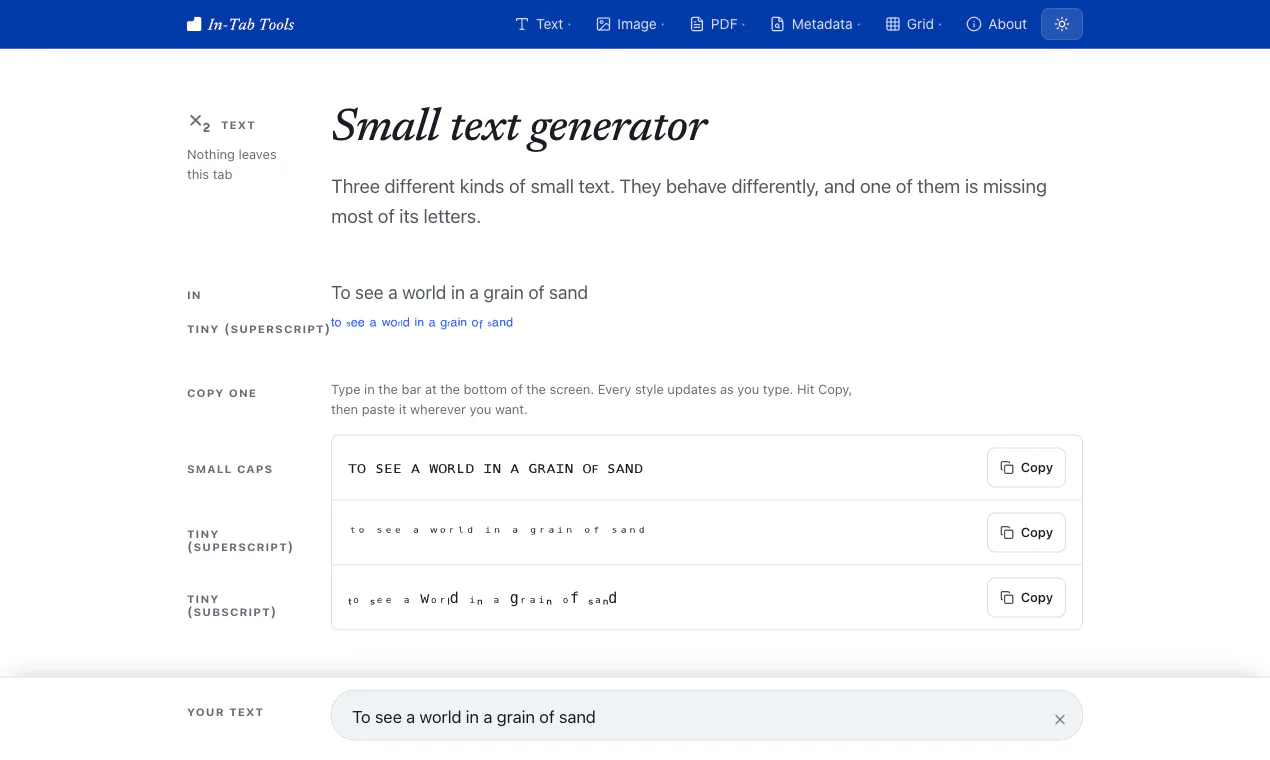
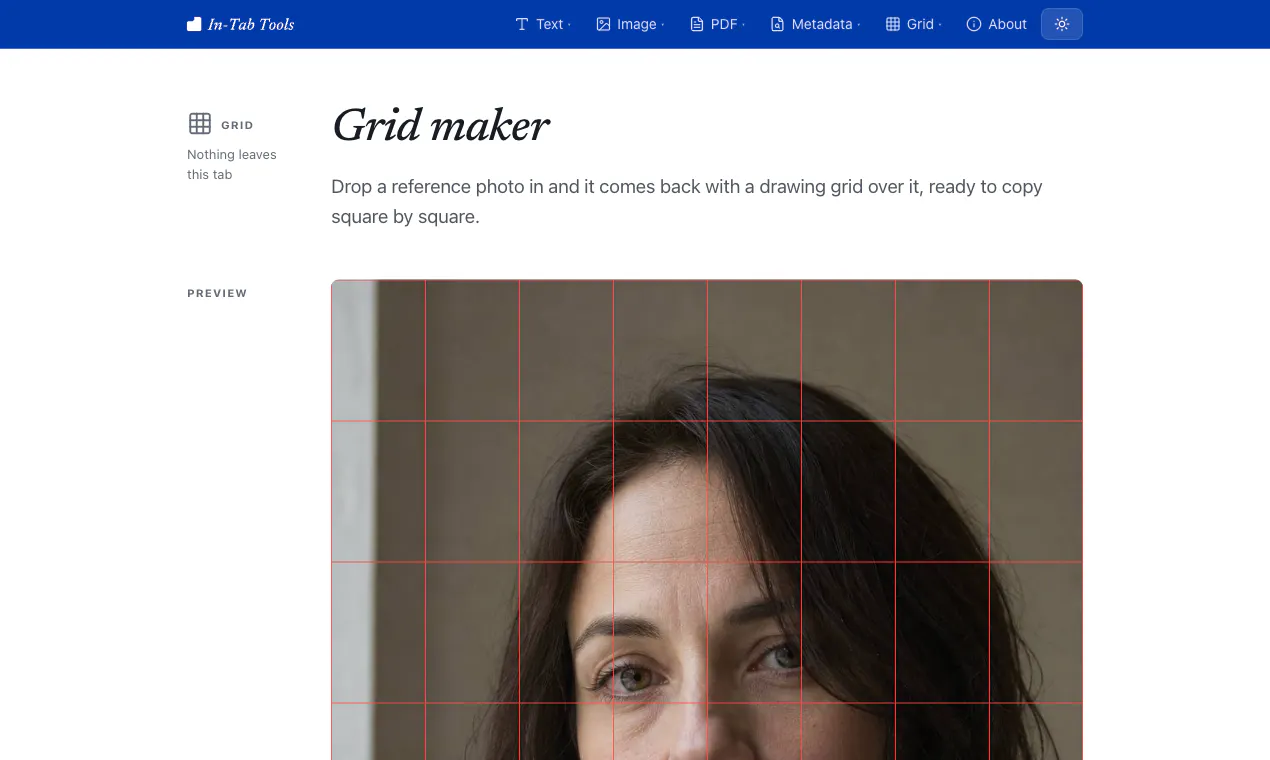
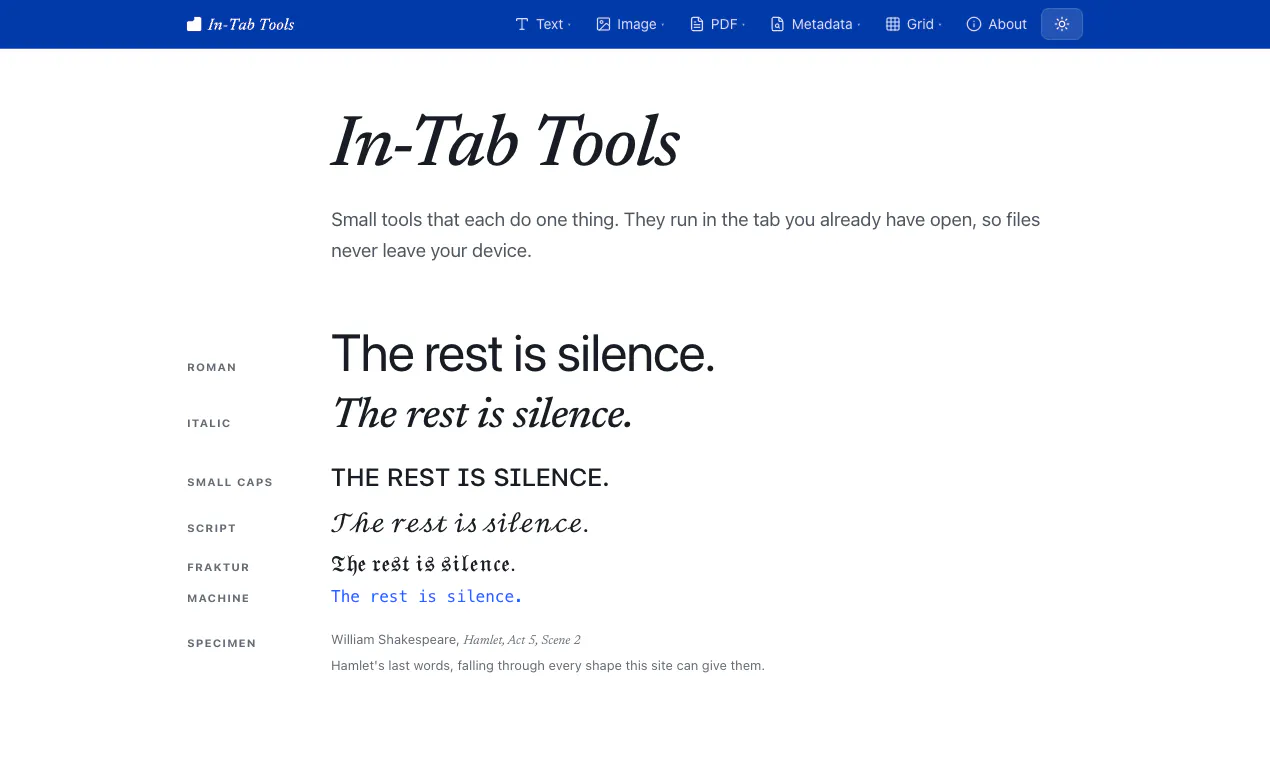
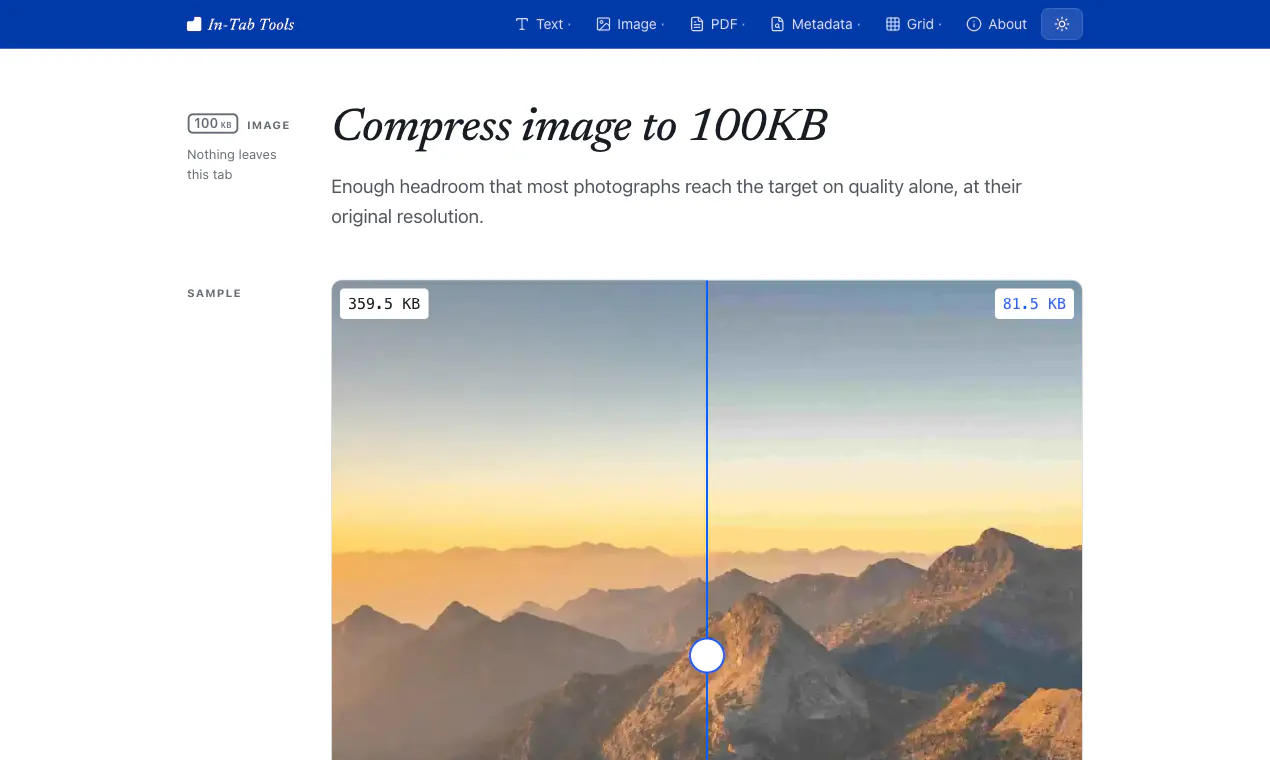
In-Tab Tools offers a suite of browser-based utilities designed for quick, private, and local text, image, and PDF editing. Without needing an account or uploading data to external servers, users can perform tasks such as styling text, compressing images, converting PDFs to Markdown, stripping metadata, and drawing grids. Its emphasis on privacy and security makes it ideal for users handling sensitive information or those who prefer local processing. The tools are deterministic, run directly in the browser, and are fully static, ensuring no data leaves the device. While it doesn't incorporate AI and has honest limitations—such as inability to extract text from scanned PDFs or support layered exports—it provides reliable, straightforward features for everyday productivity and design workflows.
Screenshots
Pros
- ✓Privacy-focused with no data uploads or external server dependencies
- ✓No account or sign-in required, easy instant access
- ✓Deterministic, browser-side processing ensures data security
- ✓No ads or paid tiers, offering consistent functionality
- ✓Fast and lightweight with static pre-rendered pages
Cons
- ✗Limited capabilities for scanned PDFs without text layers
- ✗Large images are downscaled, which may affect detailed editing
- ✗Exports like grids are flattened PNGs, not layered files
Use Cases
Pricing
Pricing not verified
Quick Info
Topics
Alternatives
Similar Tools in AI Image & Design




Embed Badge
Add this badge to your website to show that In-Tab Tools is featured on Visalytica.
<a href="https://www.visalytica.com/tool/in-tab-tools" target="_blank" rel="noopener noreferrer" style="display:inline-flex;align-items:center;gap:6px;padding:6px 14px;background:#7c3aed;color:#fff;border-radius:8px;font-family:-apple-system,system-ui,sans-serif;font-size:13px;font-weight:600;text-decoration:none;transition:background .2s" onmouseover="this.style.background='#6d28d9'" onmouseout="this.style.background='#7c3aed'"><svg width="14" height="14" viewBox="0 0 24 24" fill="none" stroke="currentColor" stroke-width="2.5" stroke-linecap="round" stroke-linejoin="round"><path d="M12 20V10"/><path d="M18 20V4"/><path d="M6 20v-4"/></svg>Featured on Visalytica</a>