
iMessage Hermes on a Raspberry Pi
An always-on AI agent that lives in your home
About iMessage Hermes on a Raspberry Pi
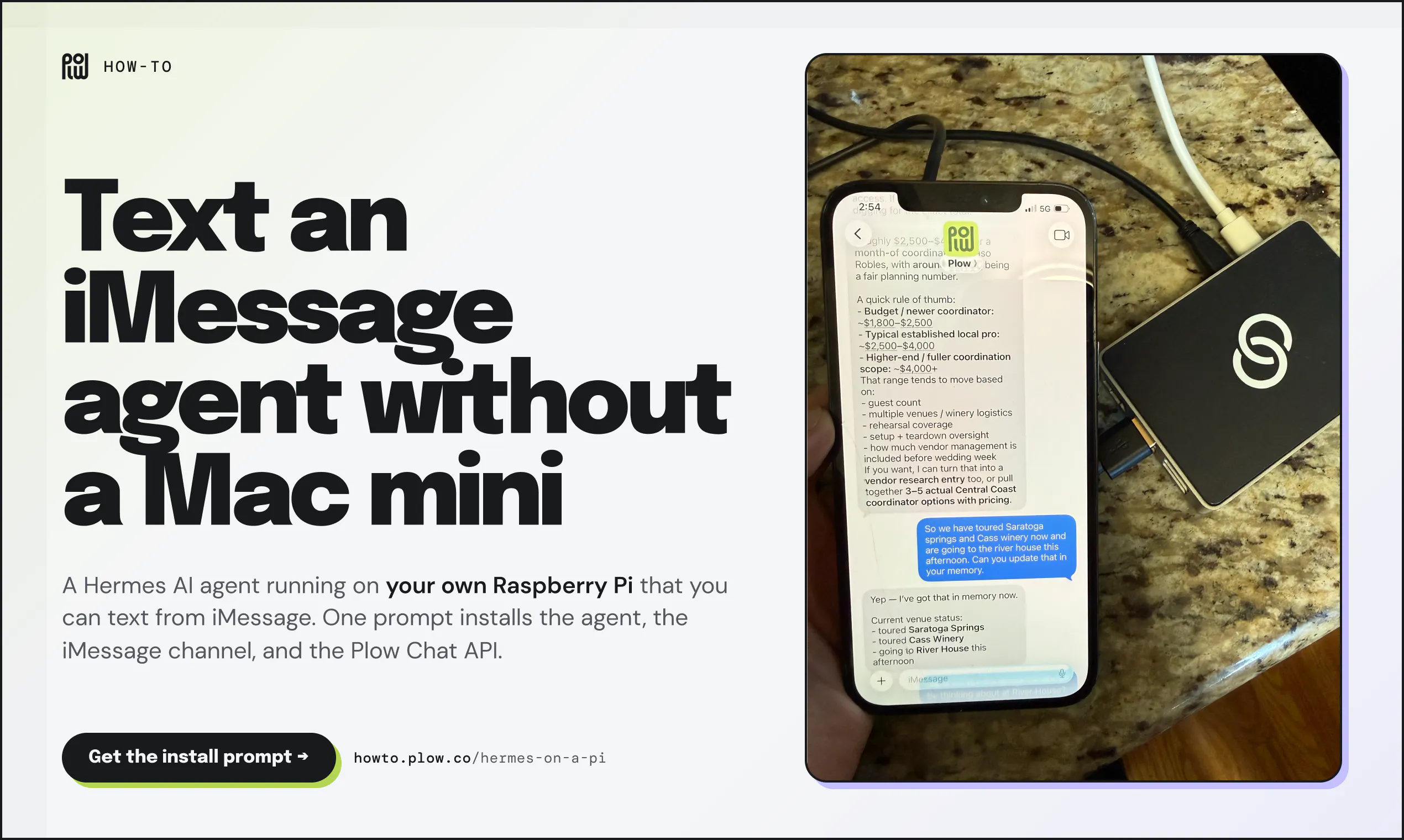
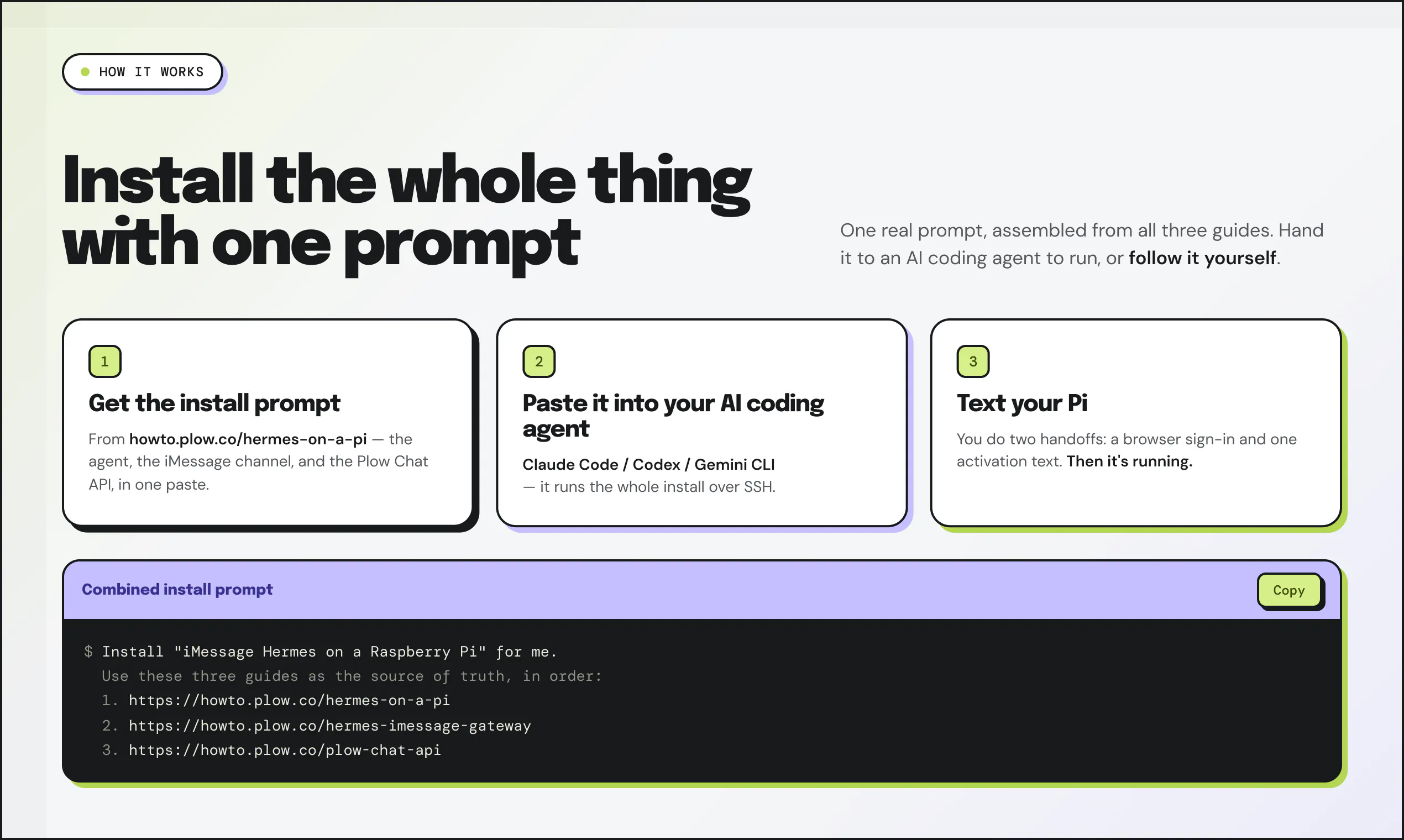
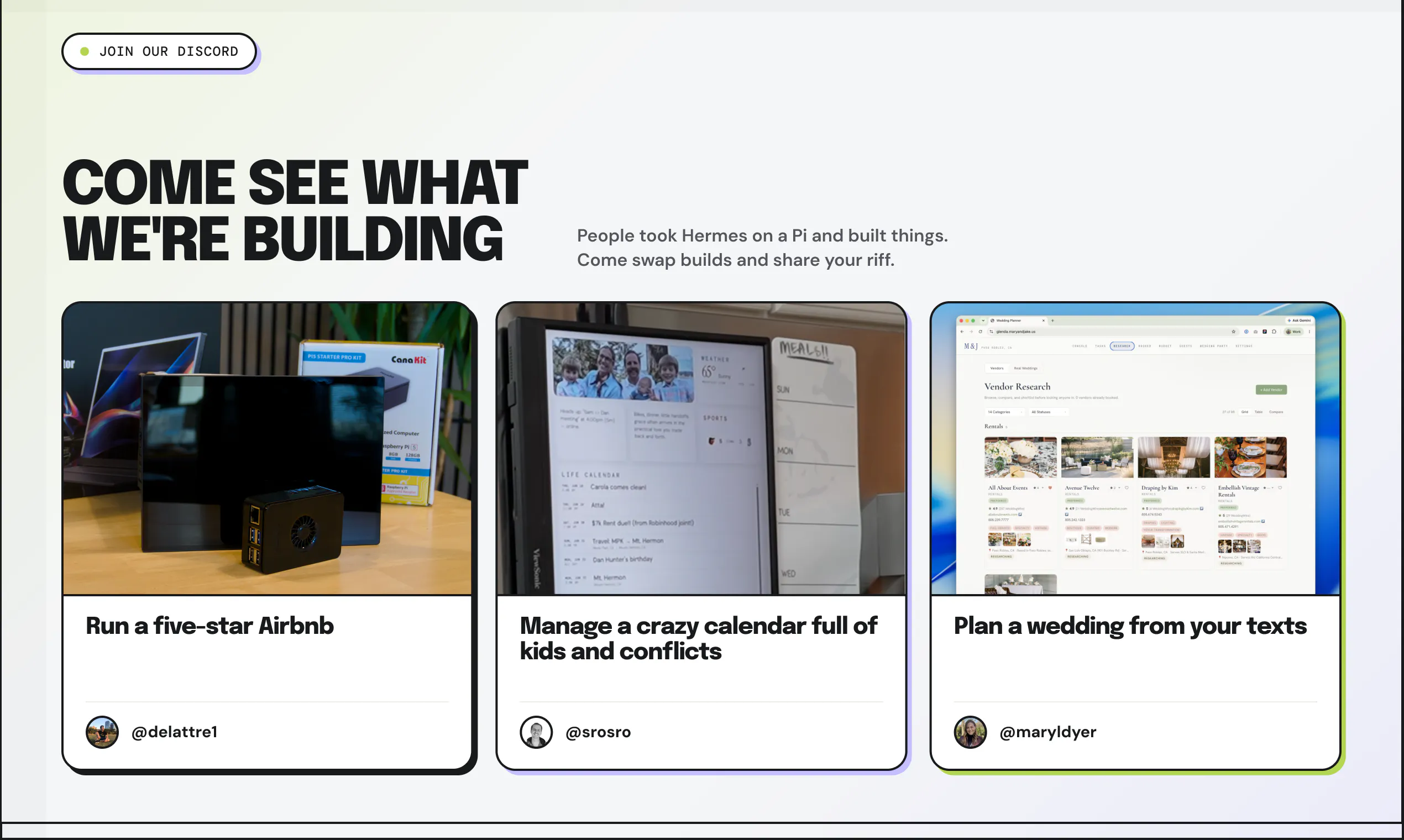
iMessage Hermes on a Raspberry Pi offers a compelling solution for those looking to create an always-on AI assistant embedded directly in their home environment. By leveraging a low-cost Raspberry Pi, this open-source project transforms the device into a personal AI agent accessible via iMessage or SMS, enabling seamless communication from anywhere. The setup involves a straightforward SSH-based installation guided by a dedicated tutorial, making it accessible for those with basic coding skills. Its core is Hermes, an open-source agent that can be customized for various smart home and productivity tasks. This foundation invites users to develop personalized applications, such as family calendars, recipe helpers, or home automation interfaces, all accessible through familiar messaging channels. Its open-source nature and active community engagement via Discord make it a flexible and evolving platform for DIY smart home projects and AI experimentation.
Screenshots
Pros
- ✓Affordable and low-power hardware setup with Raspberry Pi
- ✓Open-source, highly customizable for personal needs
- ✓Accessible via familiar messaging platforms (iMessage/SMS)
- ✓Enables building diverse home automation and productivity tools
- ✓Active community support through Discord
Cons
- ✗Requires some technical knowledge for installation and customization
- ✗Limited out-of-the-box features—primarily a foundation for development
- ✗Potential privacy concerns depending on setup and data handling
Use Cases
Pricing
Open source and free to use, with costs primarily associated with hardware (Raspberry Pi) and optional community support or custom development.
Quick Info
Topics
Makers

Sam Odio
Alternatives
Similar Tools in AI Assistants




Embed Badge
Add this badge to your website to show that iMessage Hermes on a Raspberry Pi is featured on Visalytica.
<a href="https://www.visalytica.com/tool/imessage-hermes-on-a-raspberry-pi" target="_blank" rel="noopener noreferrer" style="display:inline-flex;align-items:center;gap:6px;padding:6px 14px;background:#7c3aed;color:#fff;border-radius:8px;font-family:-apple-system,system-ui,sans-serif;font-size:13px;font-weight:600;text-decoration:none;transition:background .2s" onmouseover="this.style.background='#6d28d9'" onmouseout="this.style.background='#7c3aed'"><svg width="14" height="14" viewBox="0 0 24 24" fill="none" stroke="currentColor" stroke-width="2.5" stroke-linecap="round" stroke-linejoin="round"><path d="M12 20V10"/><path d="M18 20V4"/><path d="M6 20v-4"/></svg>Featured on Visalytica</a>