
ImageFlow
Free Photoshop-grade image editor with AI features
About ImageFlow
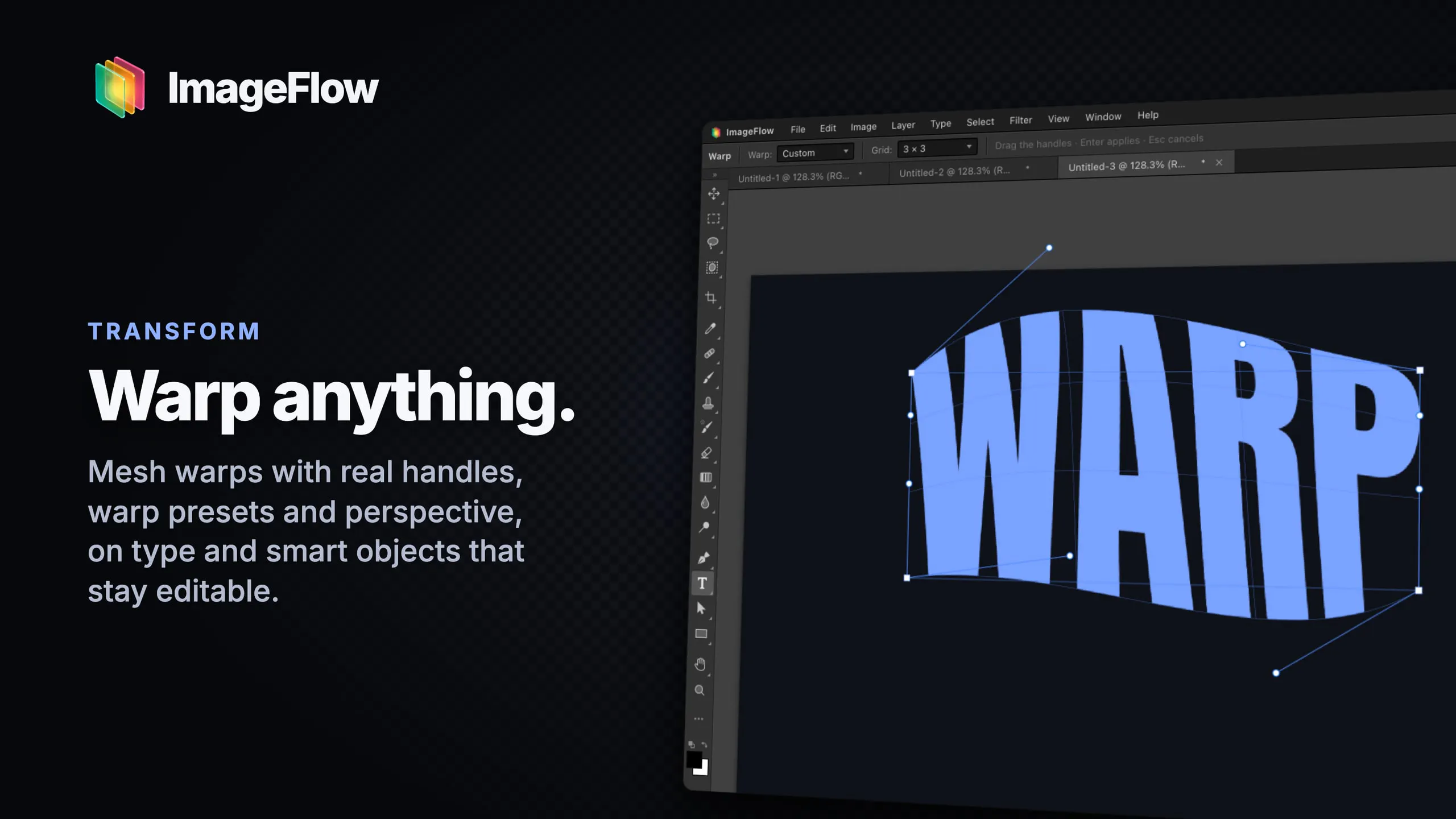
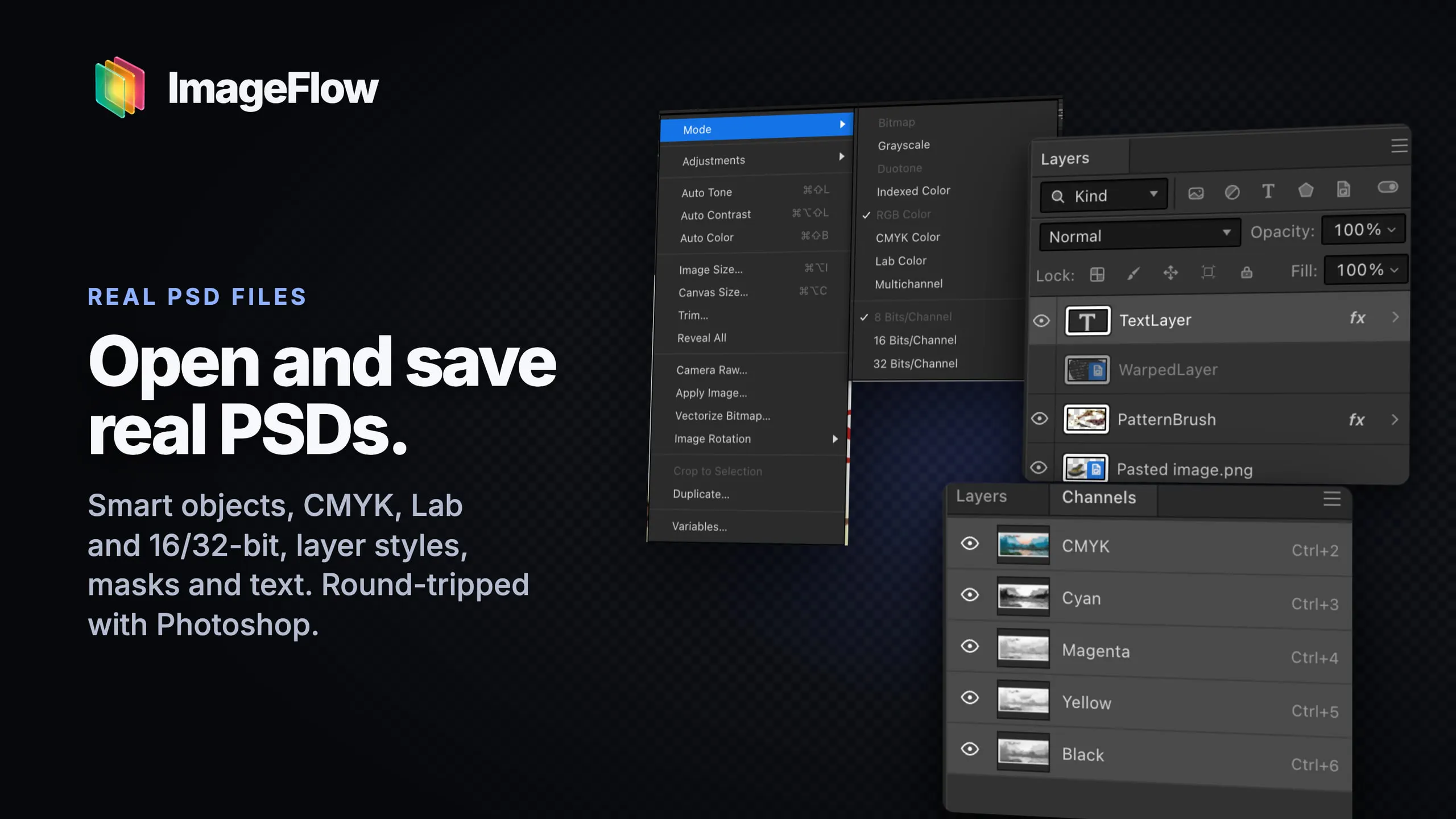
ImageFlow is a revolutionary browser-based image editing tool that brings Photoshop-grade features directly to your fingertips without any installation. Designed for designers, photographers, and creative professionals, it combines powerful editing capabilities with the convenience of on-device AI features, ensuring privacy and security by never uploading files. Users can work with layers, masks, blend modes, and adjustment layers, all within a sleek, intuitive interface. The inclusion of PSD import and export makes it compatible with industry-standard workflows, while AI-driven selection tools streamline complex editing tasks. The fact that everything runs locally on your device makes it a compelling choice for those concerned about privacy or working in environments with limited internet connectivity. Whether you're doing quick edits or detailed compositions, ImageFlow aims to deliver a full Photoshop-like experience for free, accessible right in your browser.
Screenshots
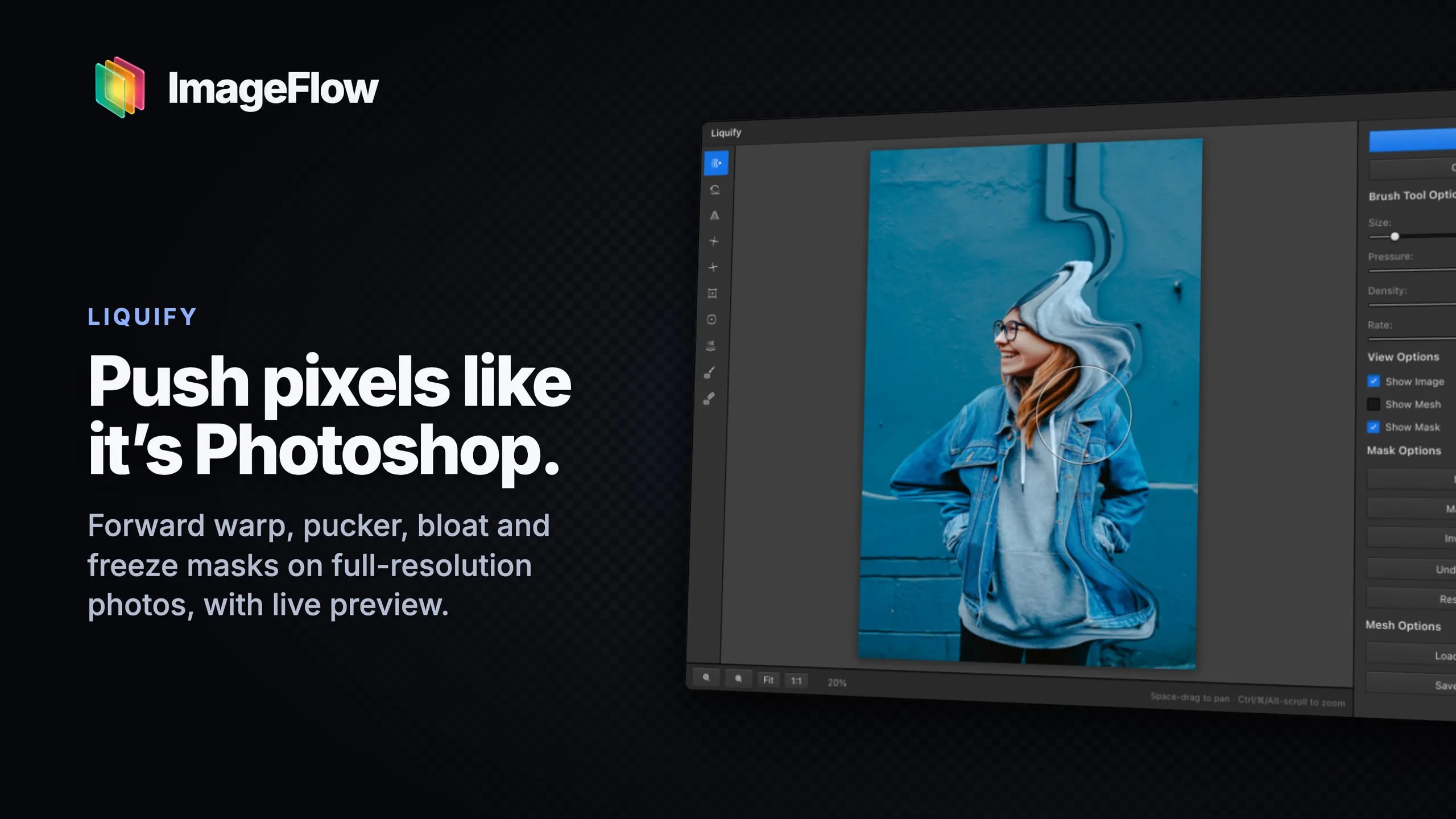
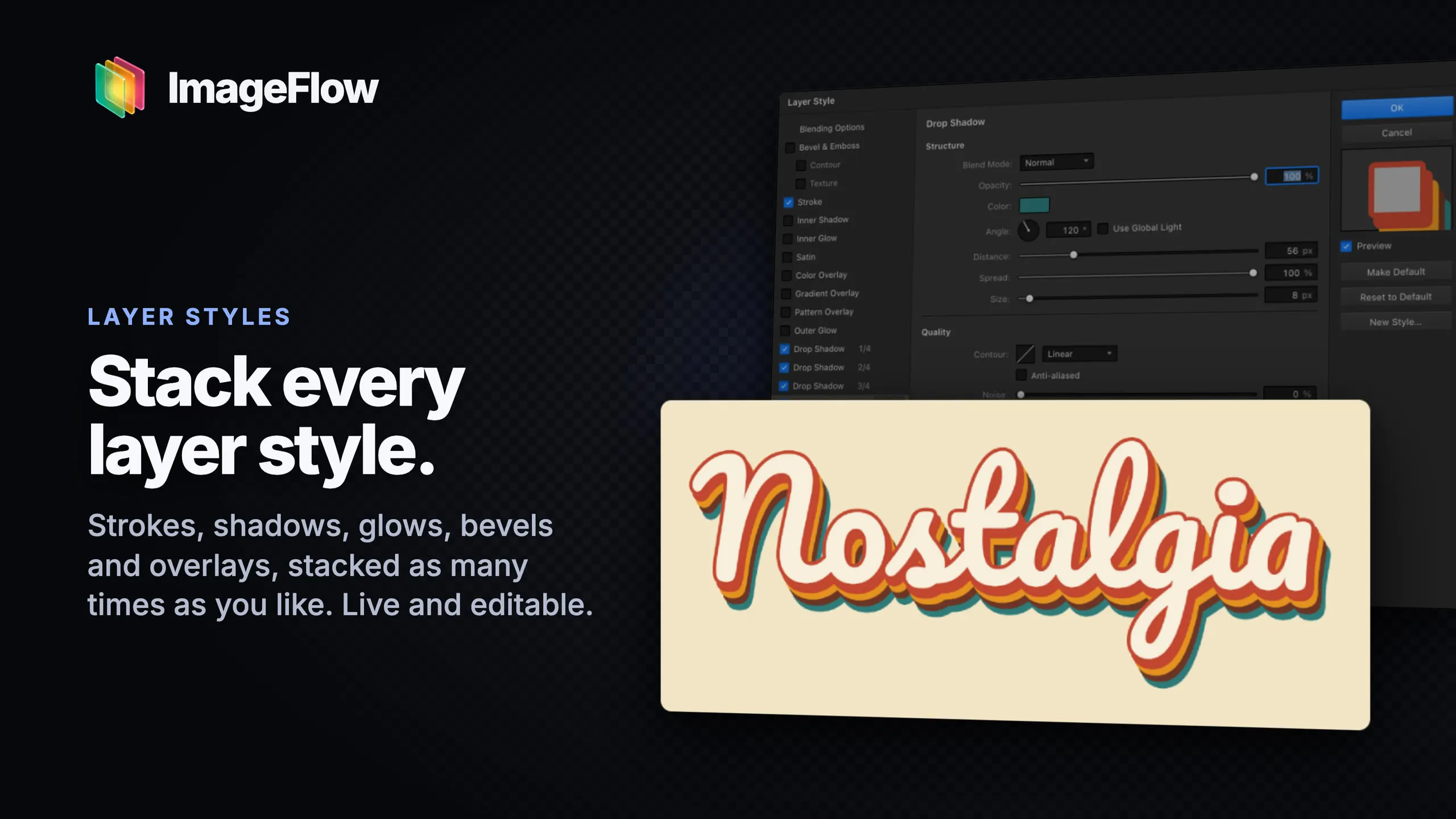
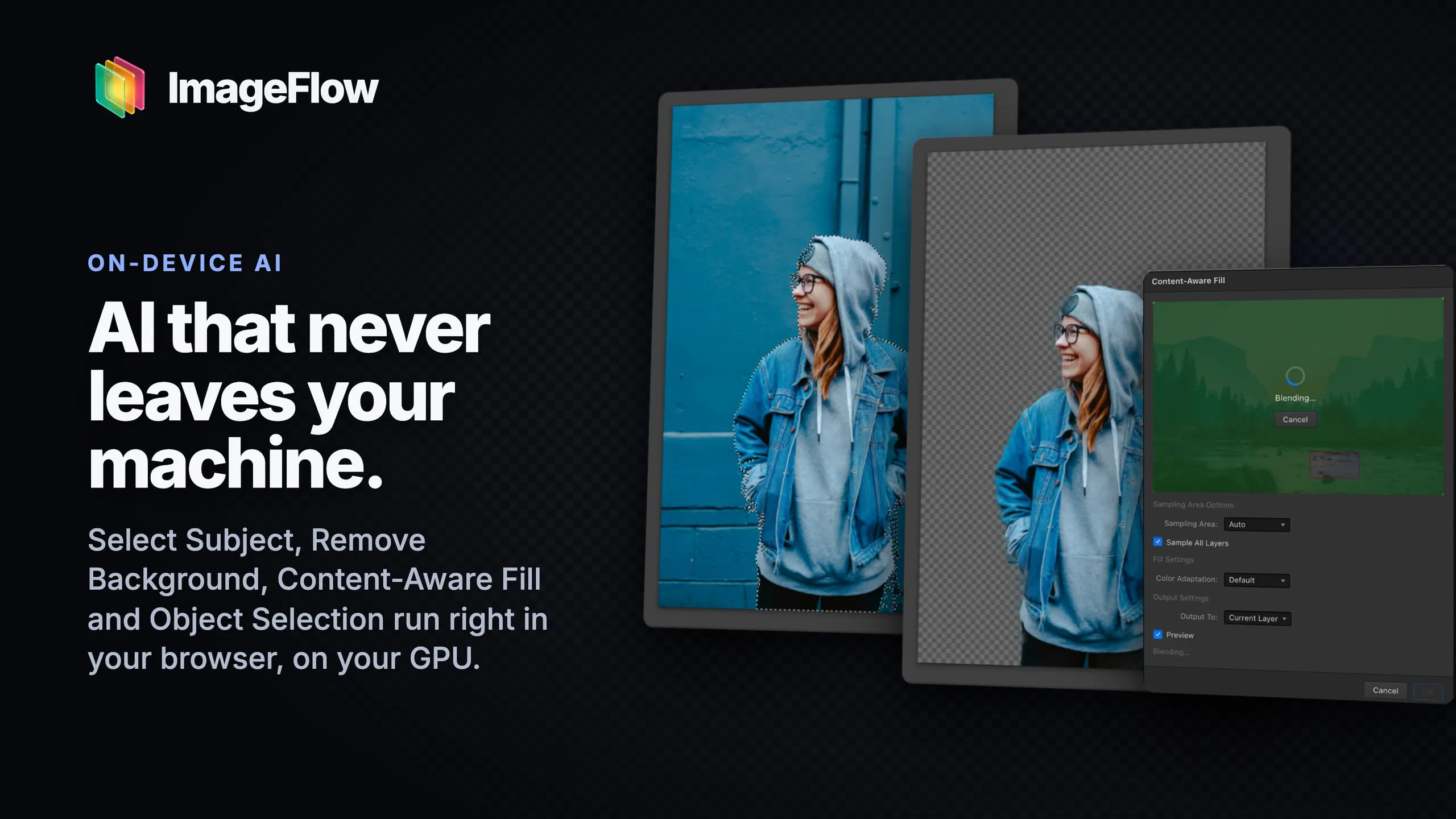
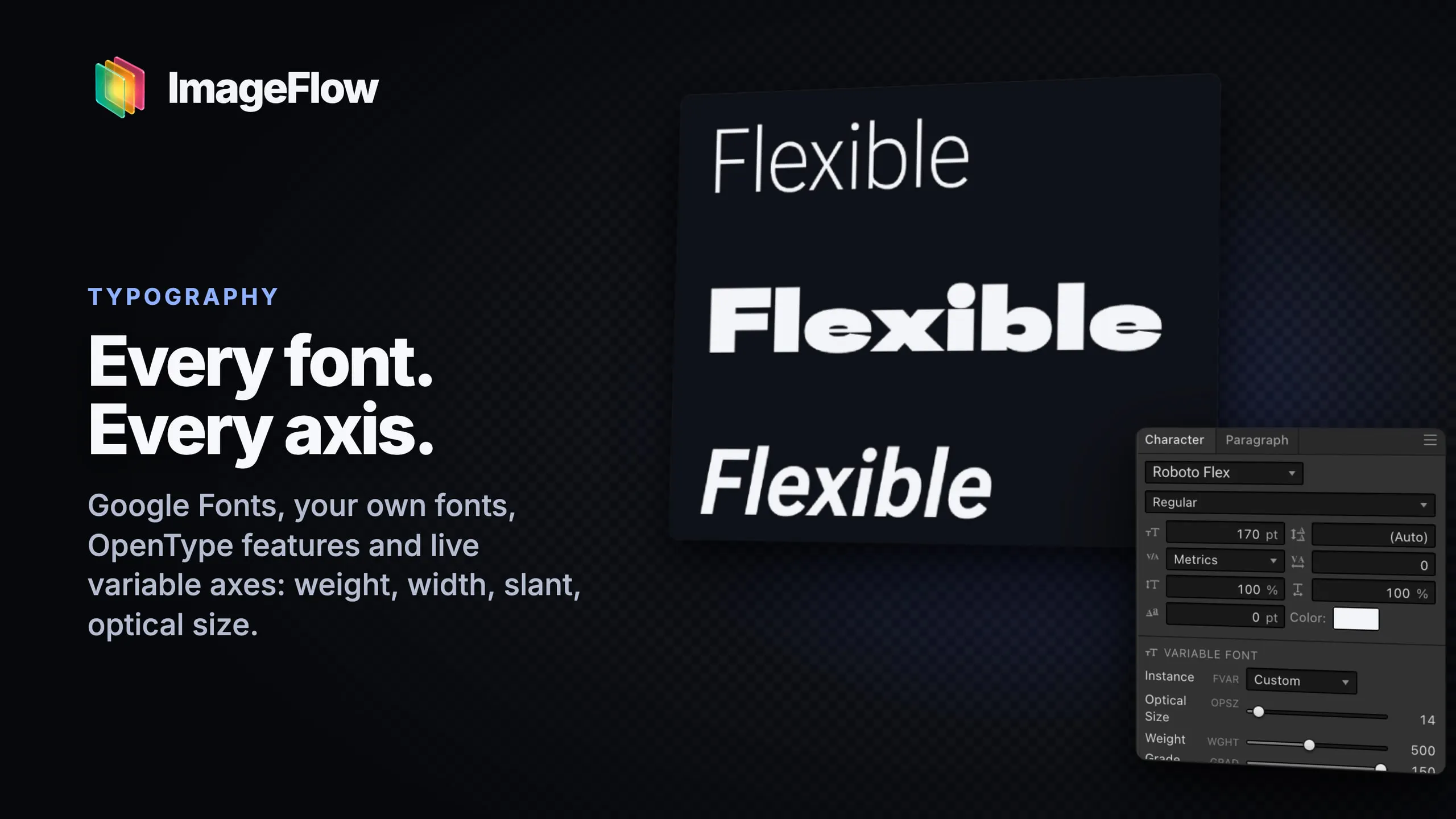
+1 more screenshots
Pros
- ✓Full-featured, Photoshop-like editing capabilities in-browser
- ✓Privacy-focused: files never leave your device during editing
- ✓Includes AI-powered selection tools for faster workflow
- ✓Supports PSD import and export for compatibility
- ✓No installation or subscriptions required
Cons
- ✗Being browser-based might limit performance on very complex projects
- ✗Features may lack some advanced tools found in desktop Photoshop
- ✗No explicit information on ongoing support or updates
Use Cases
Pricing
Pricing not verified

Similar Tools in AI Image & Design




Embed Badge
Add this badge to your website to show that ImageFlow is featured on Visalytica.
<a href="https://www.visalytica.com/tool/imageflow" target="_blank" rel="noopener noreferrer" style="display:inline-flex;align-items:center;gap:6px;padding:6px 14px;background:#7c3aed;color:#fff;border-radius:8px;font-family:-apple-system,system-ui,sans-serif;font-size:13px;font-weight:600;text-decoration:none;transition:background .2s" onmouseover="this.style.background='#6d28d9'" onmouseout="this.style.background='#7c3aed'"><svg width="14" height="14" viewBox="0 0 24 24" fill="none" stroke="currentColor" stroke-width="2.5" stroke-linecap="round" stroke-linejoin="round"><path d="M12 20V10"/><path d="M18 20V4"/><path d="M6 20v-4"/></svg>Featured on Visalytica</a>