
Image Upscaler
Upscale photos 4x in your browser — nothing is uploaded
About Image Upscaler
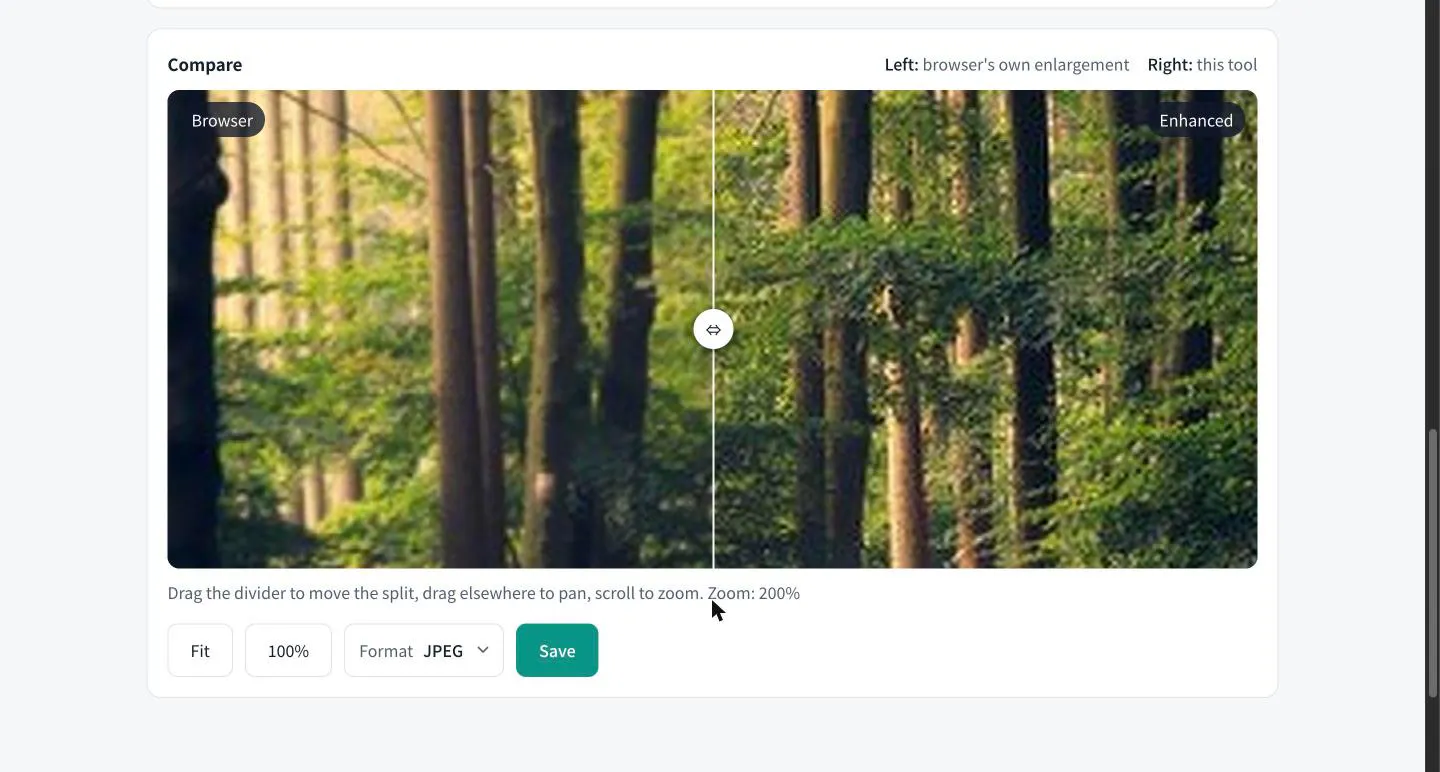
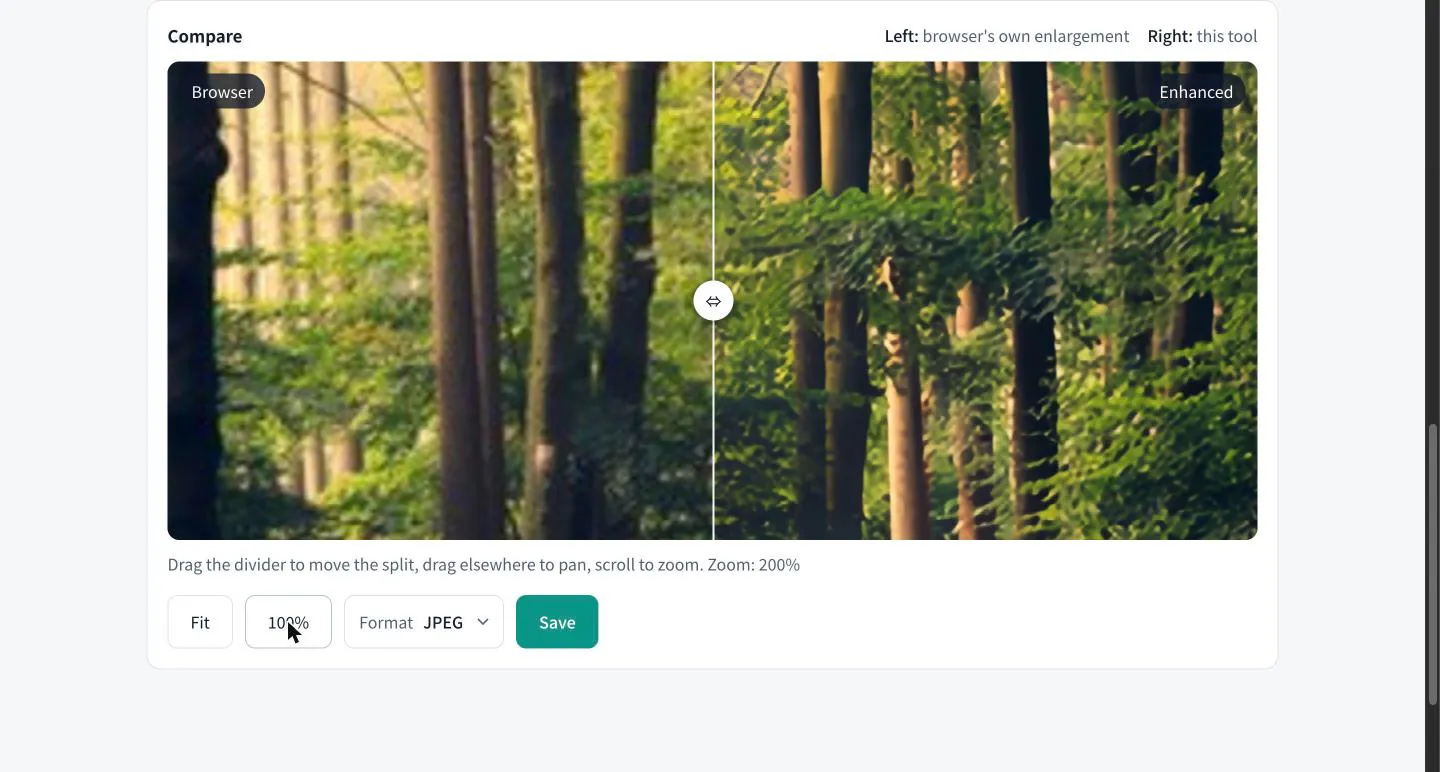
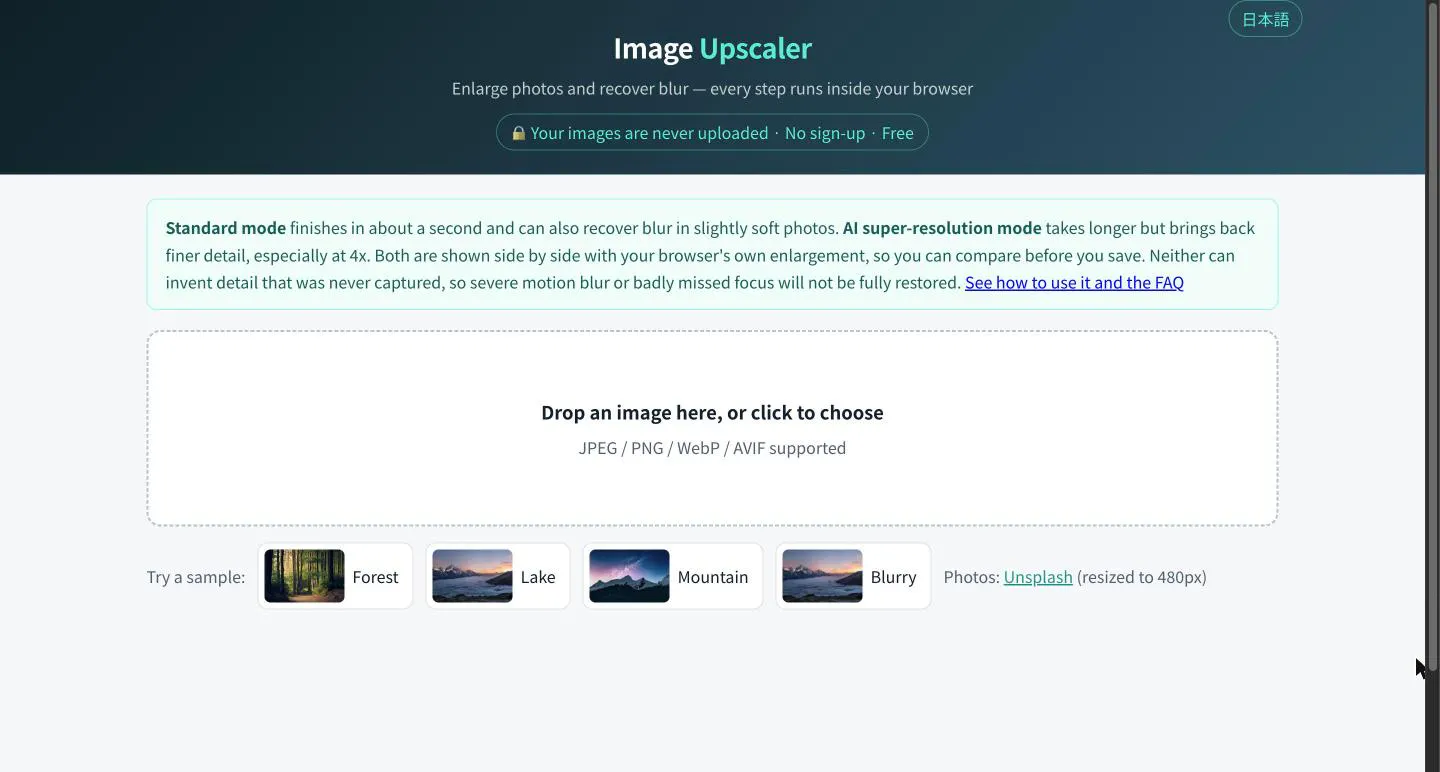
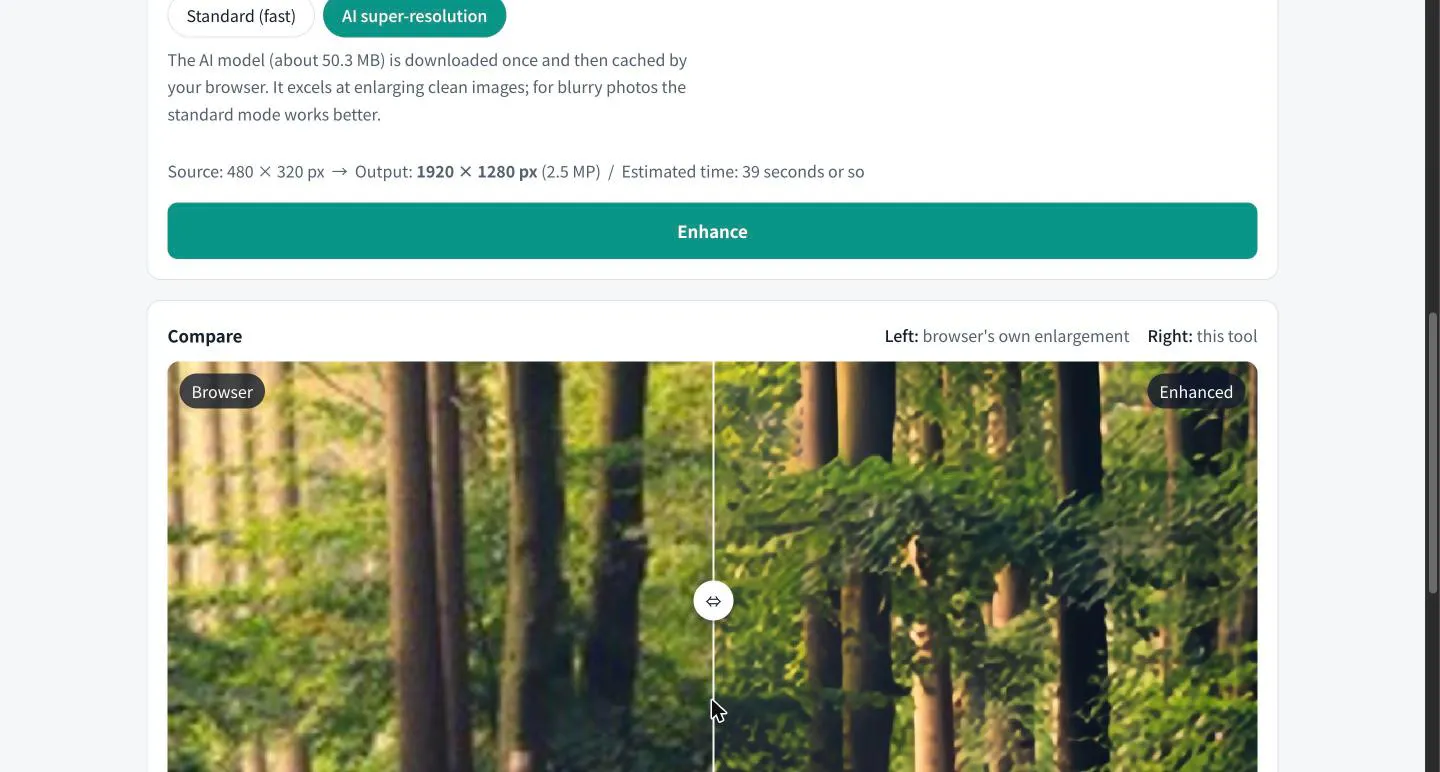
Image Upscaler is an innovative browser-based tool designed for quick and efficient photo enlargement up to 4x without compromising quality. Utilizing advanced AI models, including WebGPU-powered Swin2SR, it effectively recovers details lost in low-resolution images and reduces blur, delivering sharper, more detailed results. Its in-browser operation ensures that users' files remain private, with no uploads to servers—making it a secure choice for privacy-conscious users. Whether for enhancing personal photos, preparing images for professional projects, or quick social media edits, Image Upscaler offers an accessible solution that balances ease of use with powerful AI technology. The side-by-side comparison feature allows users to evaluate standard and AI-enhanced enlargements directly in the browser, empowering informed decisions before saving images. With no sign-up required, free access, and no watermarks, it's an appealing tool for photographers, designers, and casual users alike who need fast, high-quality image upscaling.
Screenshots

Pros
- ✓Runs entirely in-browser, ensuring user privacy
- ✓Offers both standard and AI super-resolution modes
- ✓No sign-up, free to use, with no watermarks
- ✓Quick processing with results shown side-by-side
- ✓Utilizes WebGPU for advanced, real-time AI enhancement
Cons
- ✗Limited to 4x upscaling, not suitable for larger enlargements
- ✗Performance may vary depending on browser and hardware
- ✗Lacks batch processing capabilities for multiple images
Use Cases
Pricing
Likely offers a free, no-cost tier given its accessibility and no sign-up requirement; advanced features or higher resolution options may be available through a paid plan, but details are not specified.
Quick Info
Topics
Makers

masakazu_imai
Alternatives
Similar Tools in AI Image & Design




Embed Badge
Add this badge to your website to show that Image Upscaler is featured on Visalytica.
<a href="https://www.visalytica.com/tool/image-upscaler" target="_blank" rel="noopener noreferrer" style="display:inline-flex;align-items:center;gap:6px;padding:6px 14px;background:#7c3aed;color:#fff;border-radius:8px;font-family:-apple-system,system-ui,sans-serif;font-size:13px;font-weight:600;text-decoration:none;transition:background .2s" onmouseover="this.style.background='#6d28d9'" onmouseout="this.style.background='#7c3aed'"><svg width="14" height="14" viewBox="0 0 24 24" fill="none" stroke="currentColor" stroke-width="2.5" stroke-linecap="round" stroke-linejoin="round"><path d="M12 20V10"/><path d="M18 20V4"/><path d="M6 20v-4"/></svg>Featured on Visalytica</a>