
Image to ASCII
Make ASCII art for READMEs, Discord & creative visuals
About Image to ASCII
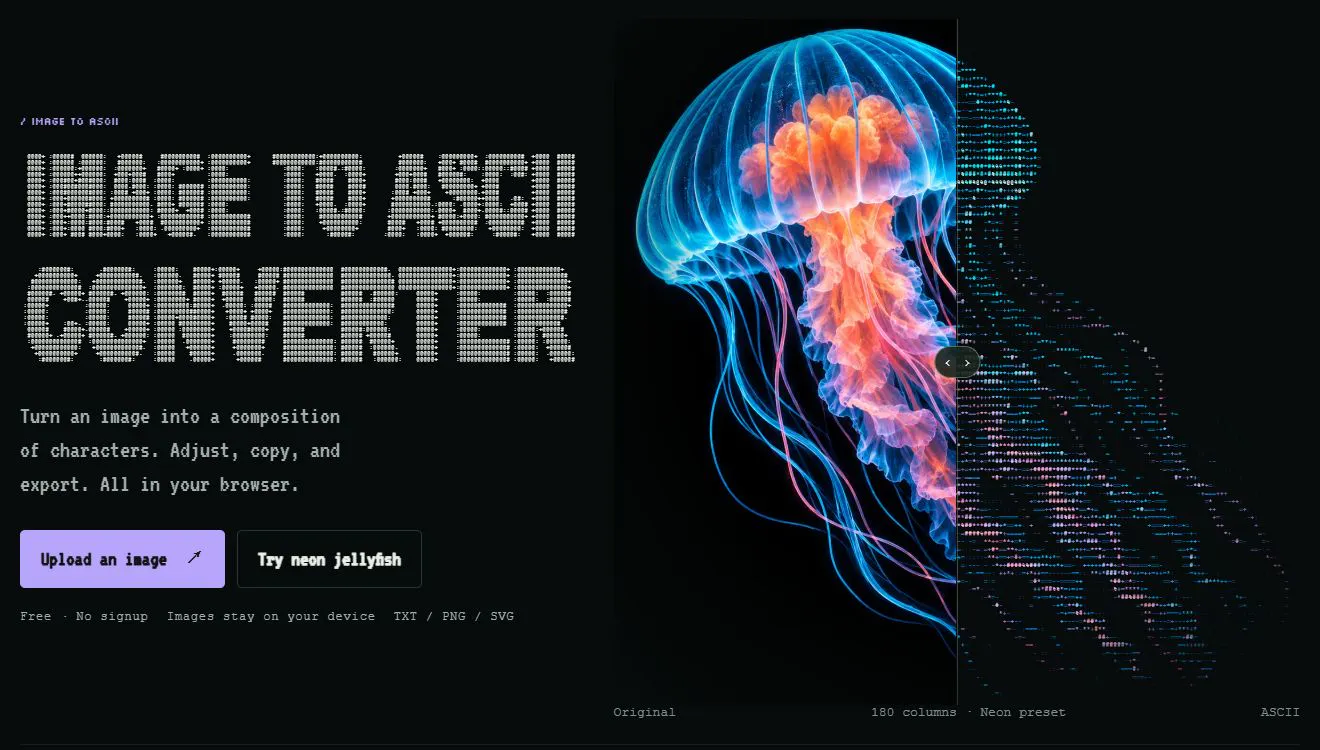
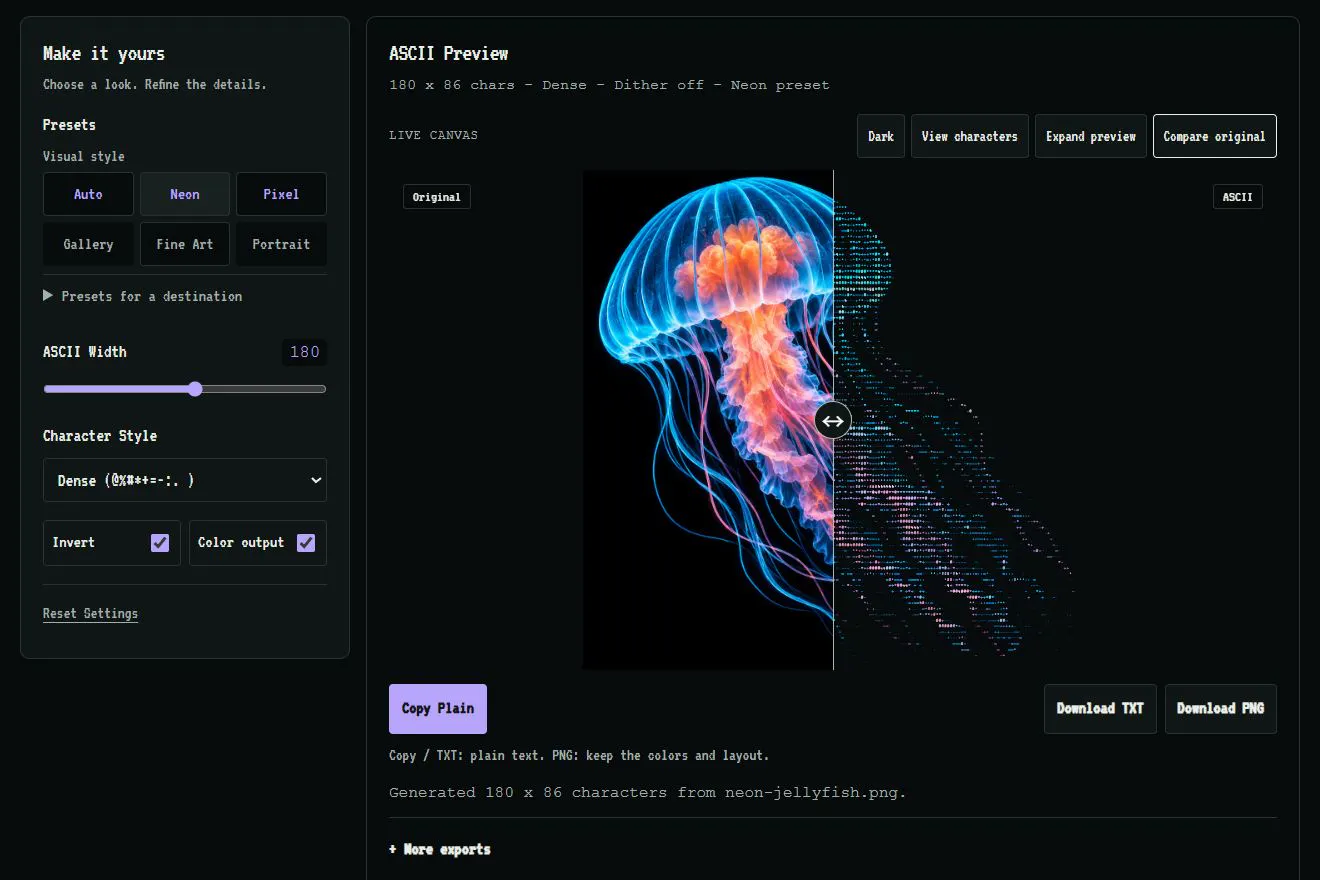
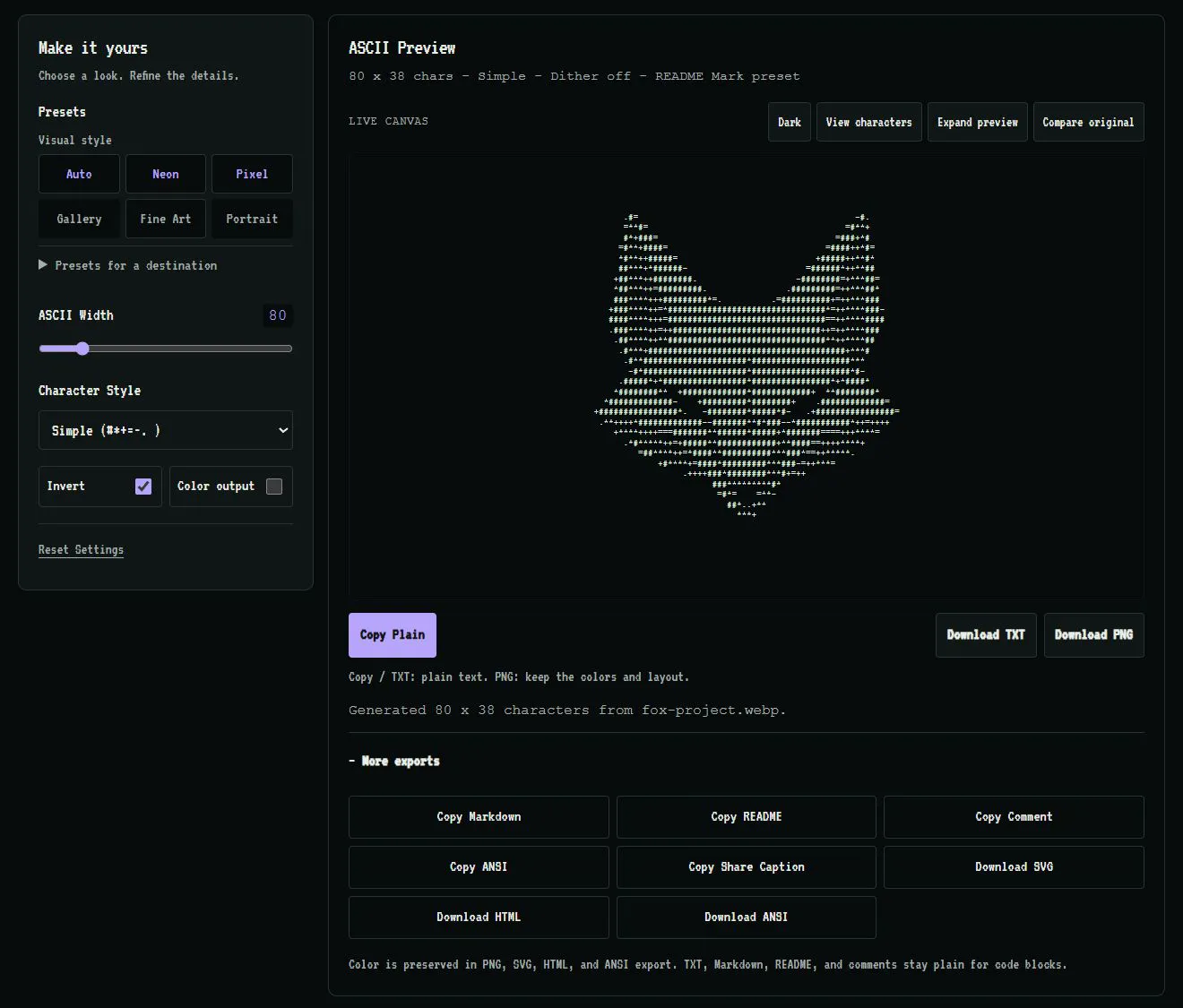
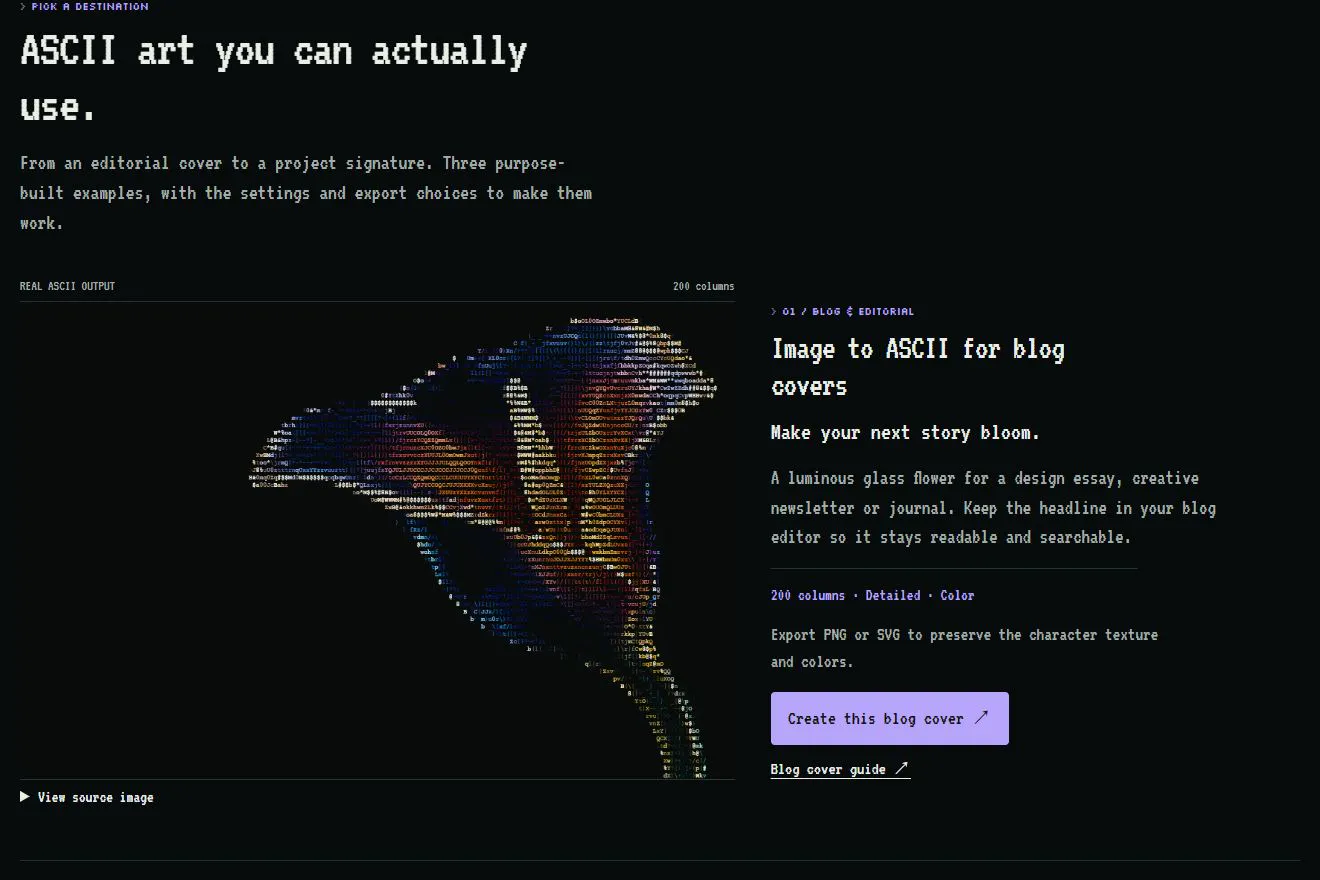
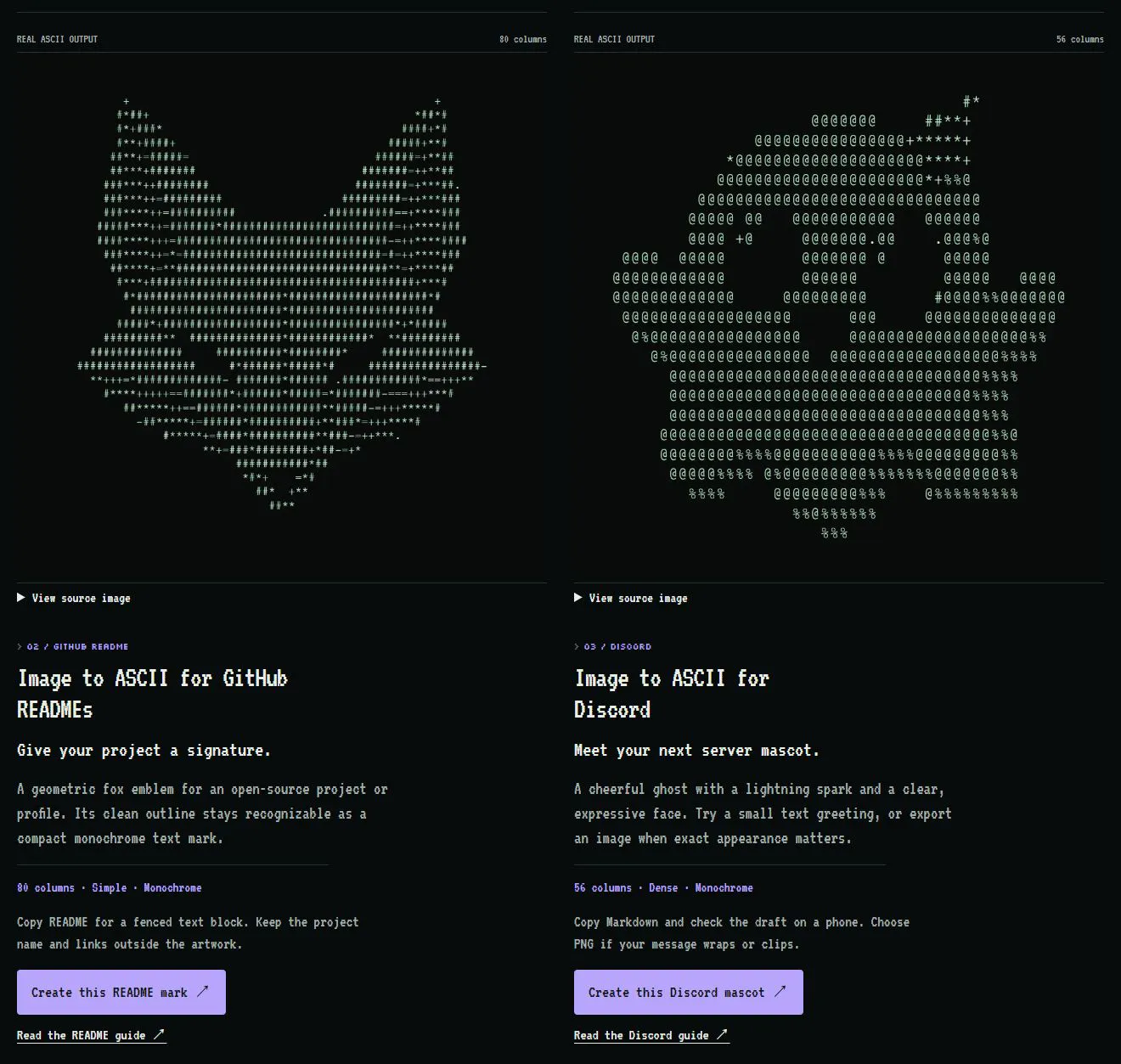
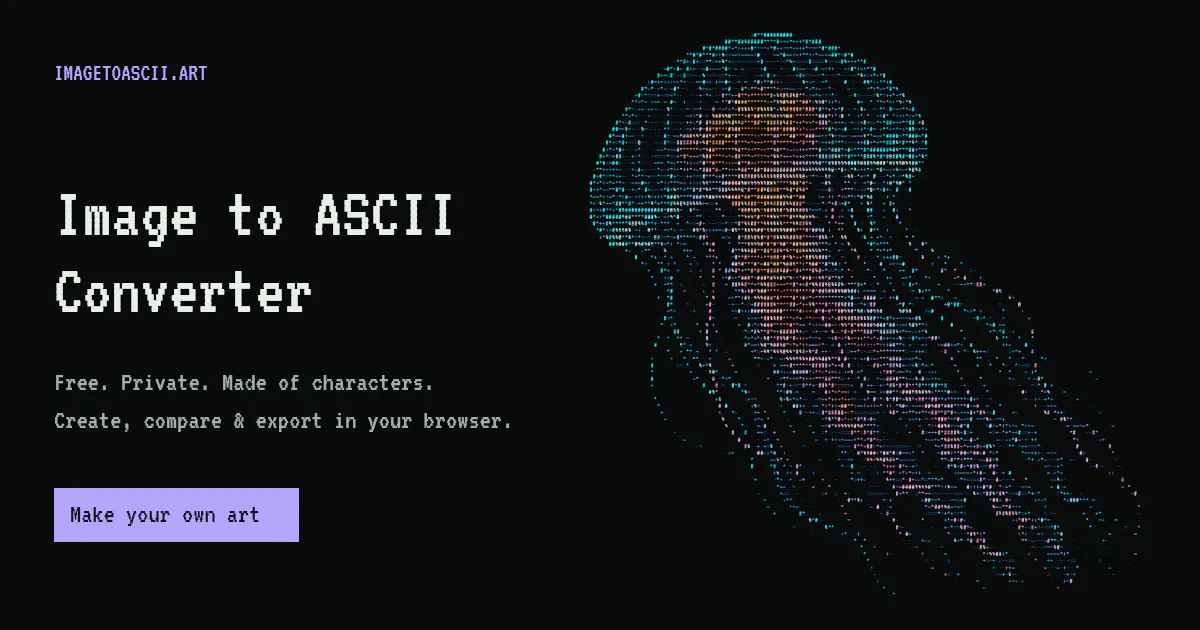
Image to ASCII is a versatile web-based tool that transforms photos, logos, and images into detailed ASCII art directly within your browser. Designed for creators, developers, and hobbyists, it enables users to add a unique flair to READMEs, Discord profiles, blog posts, or digital art projects. Its standout feature is the ability to generate ASCII representations locally without uploading images to a server, ensuring privacy and quick results. Users can start with built-in examples, compare before/after visuals, and fine-tune various presets, including detail, color, and style options. The tool supports multiple output formats such as TXT, PNG, SVG, HTML, and ANSI, making it flexible for different use cases. Whether you're crafting a retro mascot for your community or creating artistic headers, Image to ASCII offers a fun, creative way to enhance visual content with minimal effort.
Screenshots
Pros
- ✓Runs locally in the browser, ensuring privacy and fast processing
- ✓Supports multiple export formats including images and text
- ✓Customizable presets for detail, style, and color
- ✓No sign-up or image upload required, user-friendly interface
- ✓Ideal for creative and developer projects
Cons
- ✗Limited advanced editing features compared to dedicated graphic tools
- ✗May require some trial and error to achieve perfect results
- ✗No built-in community or sharing platform
Use Cases
Pricing
Pricing not verified
Quick Info
Topics
Makers

楠木
Alternatives
Similar Tools in AI Image & Design




Embed Badge
Add this badge to your website to show that Image to ASCII is featured on Visalytica.
<a href="https://www.visalytica.com/tool/image-to-ascii" target="_blank" rel="noopener noreferrer" style="display:inline-flex;align-items:center;gap:6px;padding:6px 14px;background:#7c3aed;color:#fff;border-radius:8px;font-family:-apple-system,system-ui,sans-serif;font-size:13px;font-weight:600;text-decoration:none;transition:background .2s" onmouseover="this.style.background='#6d28d9'" onmouseout="this.style.background='#7c3aed'"><svg width="14" height="14" viewBox="0 0 24 24" fill="none" stroke="currentColor" stroke-width="2.5" stroke-linecap="round" stroke-linejoin="round"><path d="M12 20V10"/><path d="M18 20V4"/><path d="M6 20v-4"/></svg>Featured on Visalytica</a>