
HyperEgg AI Folder
Study your files using AI
About HyperEgg AI Folder
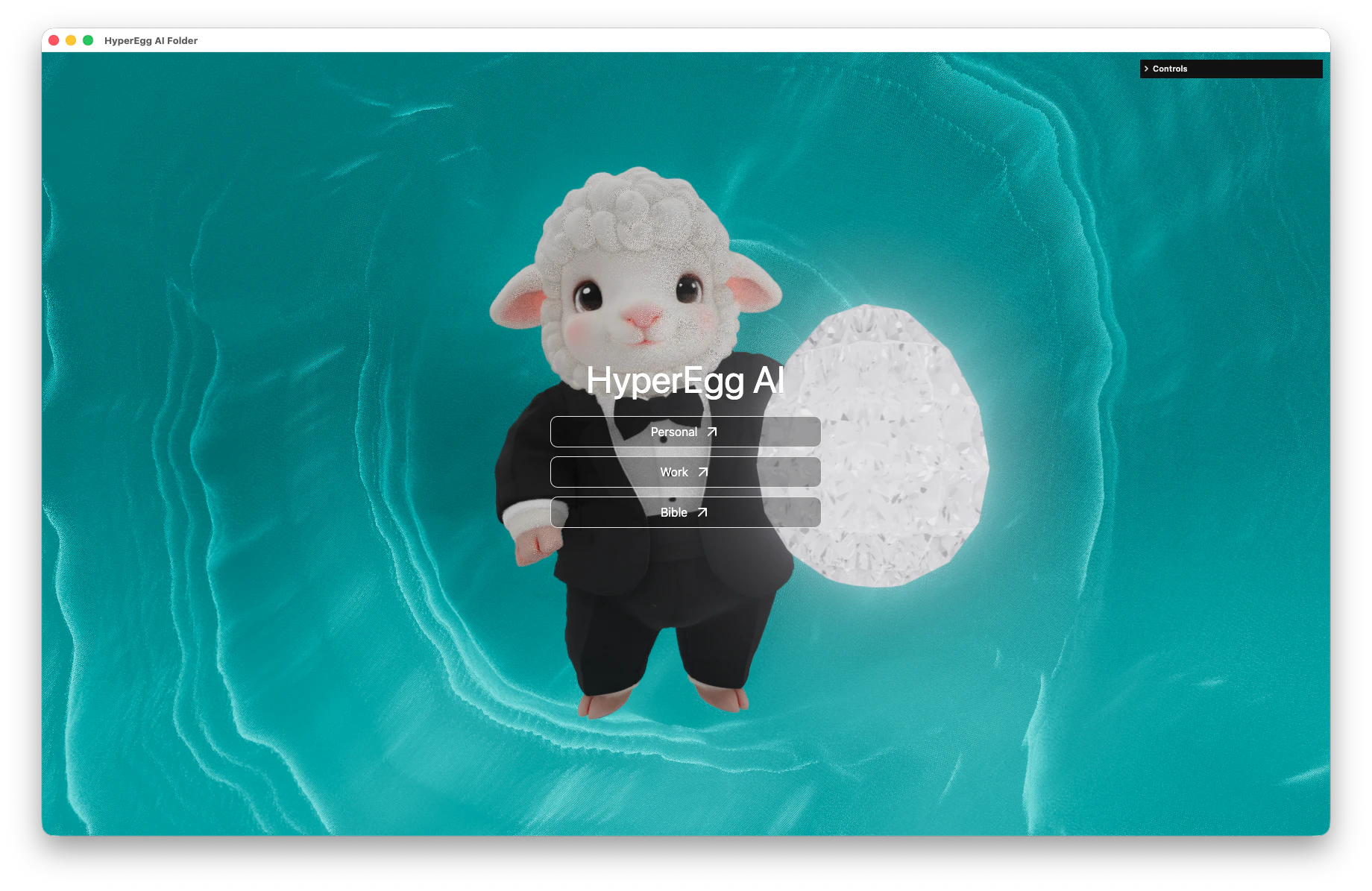
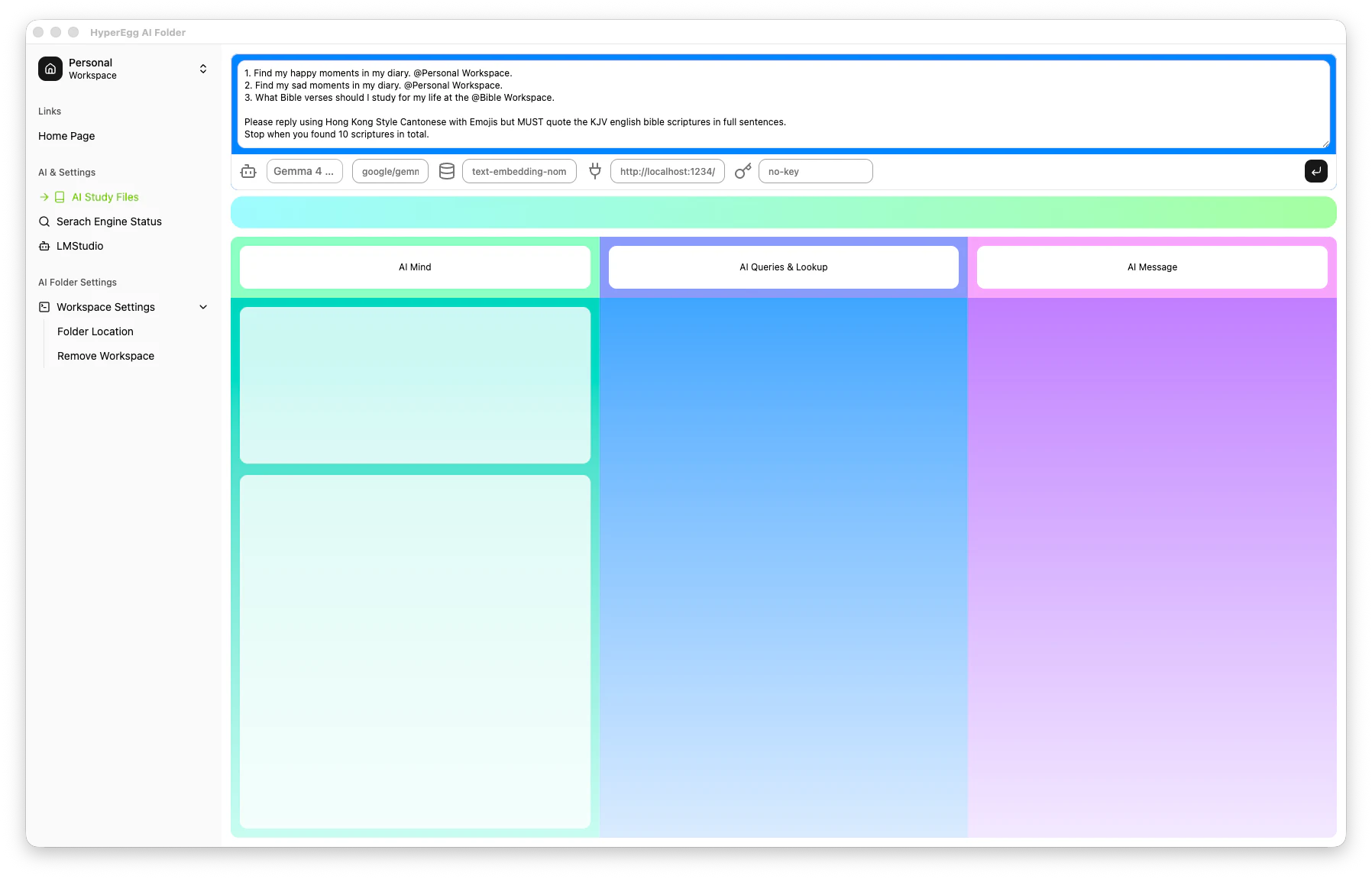
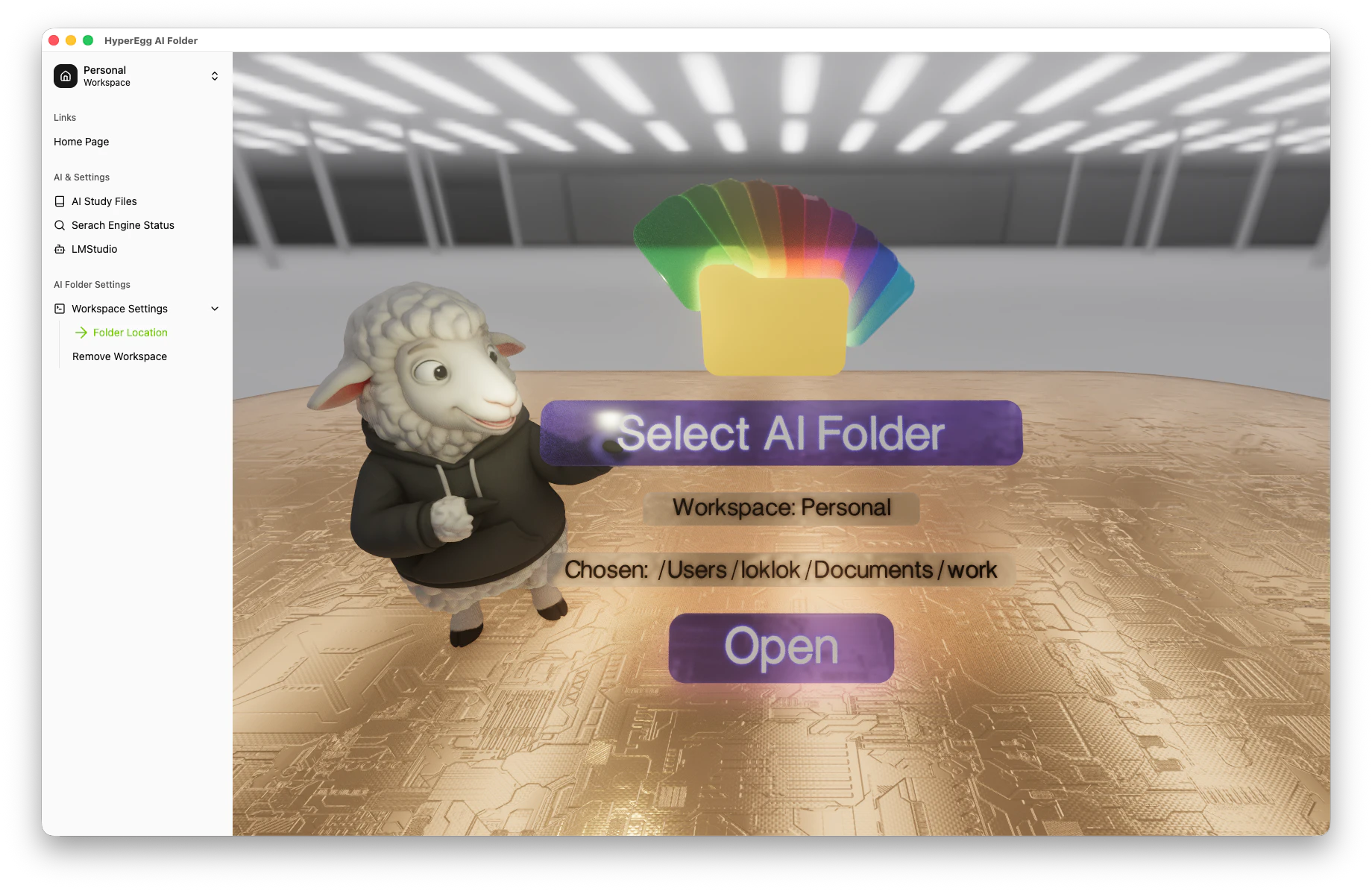
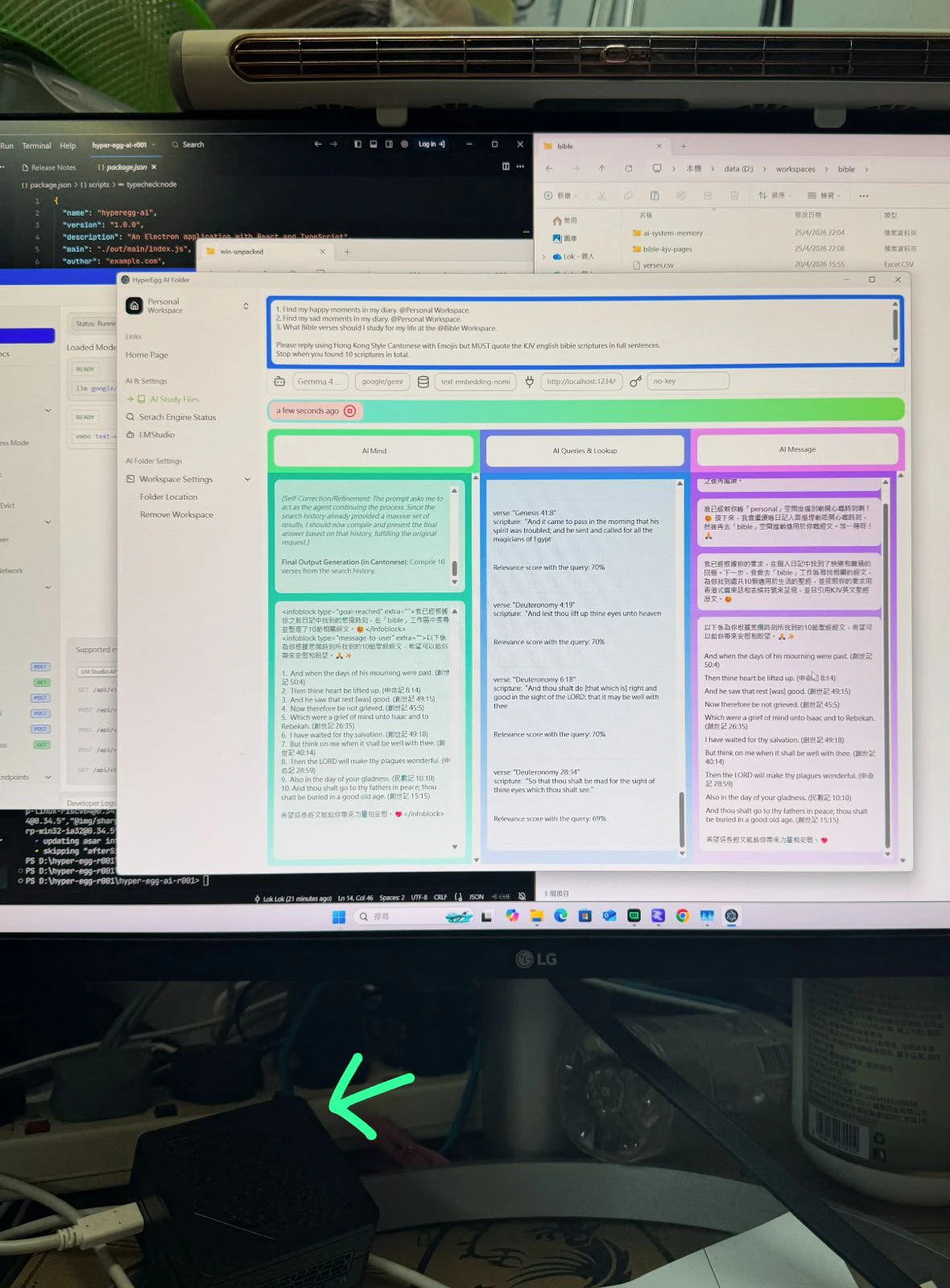
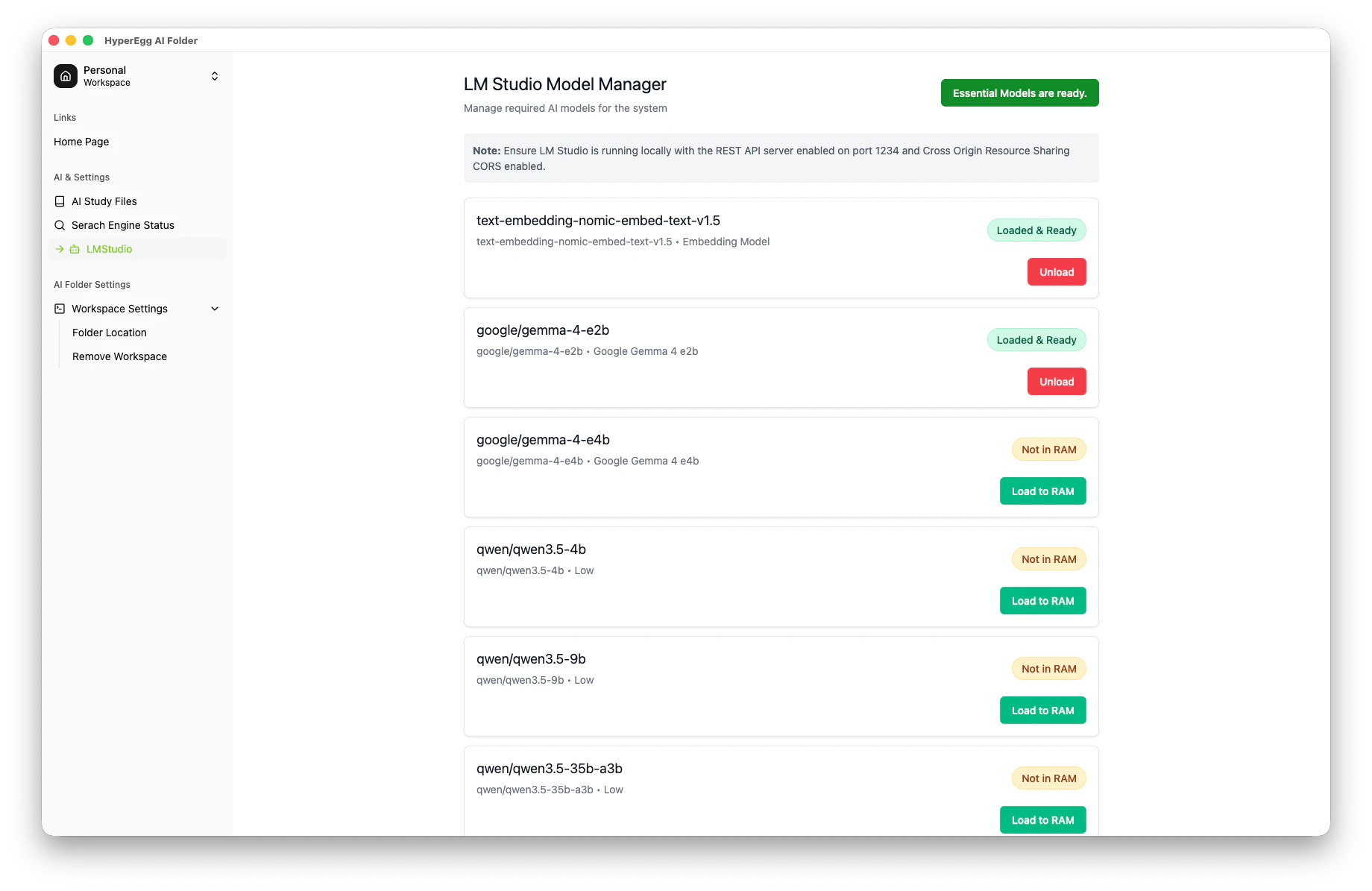
HyperEgg AI Folder is a privacy-focused AI analytics tool designed for personal content analysis. It allows users to upload and organize their files, such as diaries and religious texts, and then interact with the content using natural language questions. Built to run locally on modest hardware like a Mini PC or Apple Silicon devices, it emphasizes data security and offline functionality. Its integration with LMStudio enables powerful AI processing without relying on cloud services, making it ideal for users who prioritize privacy and control. Whether reflecting on personal experiences or seeking spiritual guidance, HyperEgg AI Folder offers a unique blend of AI-driven insights tailored to individual content. Its versatility makes it suitable for personal development, spiritual practice, and data analysis in a secure environment.
Screenshots
Pros
- ✓Local and private AI processing, ensuring full data control
- ✓Supports multiple content types like diaries and religious texts
- ✓Compatible with affordable hardware such as Mini PCs and Apple Silicon devices
- ✓Flexible question-based interaction for personalized insights
- ✓Works with LMStudio for AI model deployment
Cons
- ✗Limited user interface and possibly steep learning curve for beginners
- ✗No mention of cloud backup or sync options
- ✗Potentially requires technical expertise to set up and operate
Use Cases
Pricing
Likely operates on a one-time purchase or self-hosted model, given its emphasis on local processing and compatibility with inexpensive hardware. Specific pricing details are not specified, but it may be free or require a one-time fee, with optional upgrades for advanced features.
Quick Info
Topics
Alternatives
Similar Tools in AI Assistants




Embed Badge
Add this badge to your website to show that HyperEgg AI Folder is featured on Visalytica.
<a href="https://www.visalytica.com/tool/hyperegg-ai-folder" target="_blank" rel="noopener noreferrer" style="display:inline-flex;align-items:center;gap:6px;padding:6px 14px;background:#7c3aed;color:#fff;border-radius:8px;font-family:-apple-system,system-ui,sans-serif;font-size:13px;font-weight:600;text-decoration:none;transition:background .2s" onmouseover="this.style.background='#6d28d9'" onmouseout="this.style.background='#7c3aed'"><svg width="14" height="14" viewBox="0 0 24 24" fill="none" stroke="currentColor" stroke-width="2.5" stroke-linecap="round" stroke-linejoin="round"><path d="M12 20V10"/><path d="M18 20V4"/><path d="M6 20v-4"/></svg>Featured on Visalytica</a>